
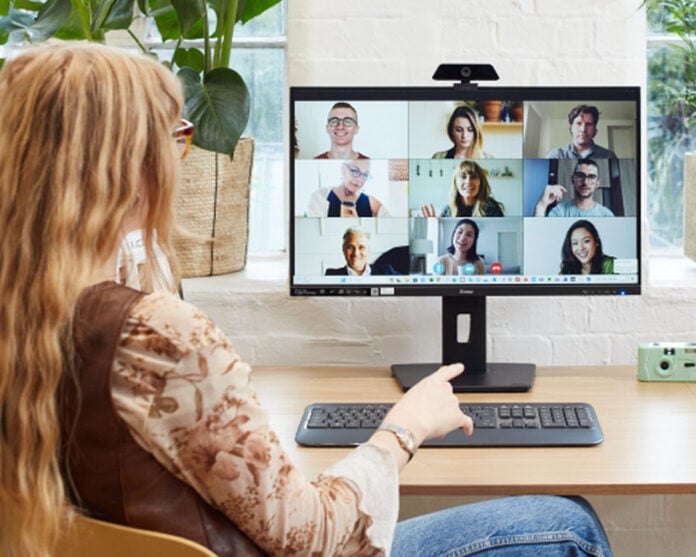
The following text is provided by iiyama and published verbatim.
In today’s modern workspaces, our monitors can now offer us much more than just a good-quality screen in various sizes and resolutions. Especially with the current hybrid working conditions that many find ourselves in, whether we work from home, on the move visiting several workplaces, or using the same equipment both for work and recreationally, the monitor can enhance our productivity.
In this article we will look at the top 5 productivity features you can find on the latest iiyama monitors which can help streamline your workflows.
1. USB-C with Power Delivery
What it does: A single USB-C cable that delivers both video signal and charging to your compatible device such as a laptop or tablet.
Benefits: USB-C reduces desk clutter, simplifies your setup, and makes it easier to hot-desk without the need for multiple cables (HDMI, power leads).
Perfect for: Laptop users, and minimalist desk setups.
Featured Models with USB-C ports (65W Power Delivery):
ProLite XB2496HSC-B1
ProLite XB2796QSC-B1
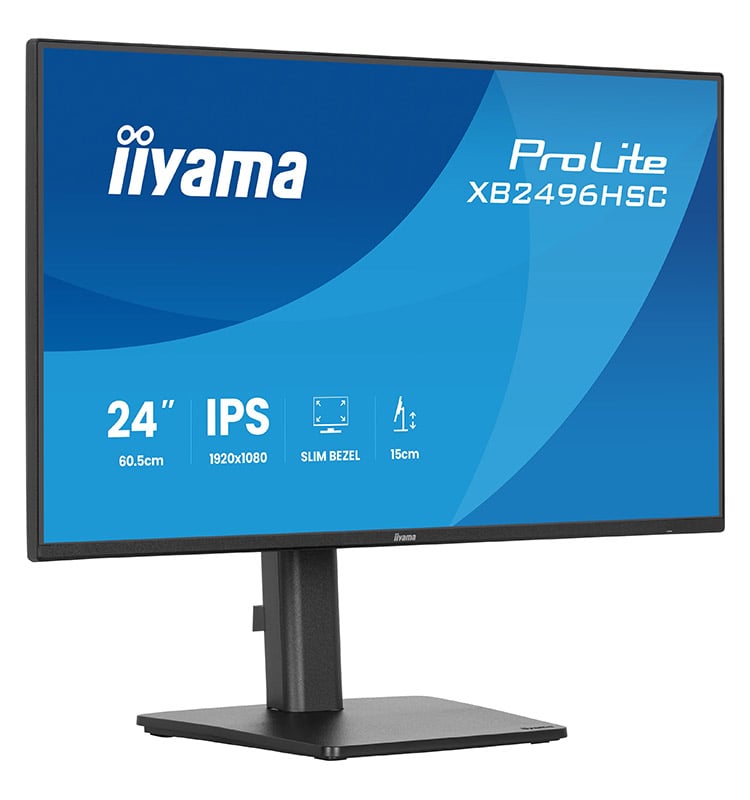
ProLite XB2496HSC-B1
“Compact, high-performance and built for modern professionals, the ProLite XB2496HSC-B1 is a 24” Full HD monitor ideal for home offices, hybrid work and content consumption.”
2. USB-C Dock
What it does: Combines USB-C charging and display output with additional Ethernet, audio, and USB hub support.
Benefits: Acts as a full docking station for your laptop, turning your monitor into a true command centre with fewer cables and maximum convenience. Plug in peripherals and wired internet directly to the monitor to reduce table clutter and streamline the workspace by connecting your laptop with a single USB-C cable.
Perfect for: Hot-desking, power users, business professionals, ideal all-in-one minimalist setup
Featured Models with a USB-C Dock:
ProLite XUB2497HSN-B2
ProLite XUB2797QSN-B2
ProLite XB3294UHSCP-B1
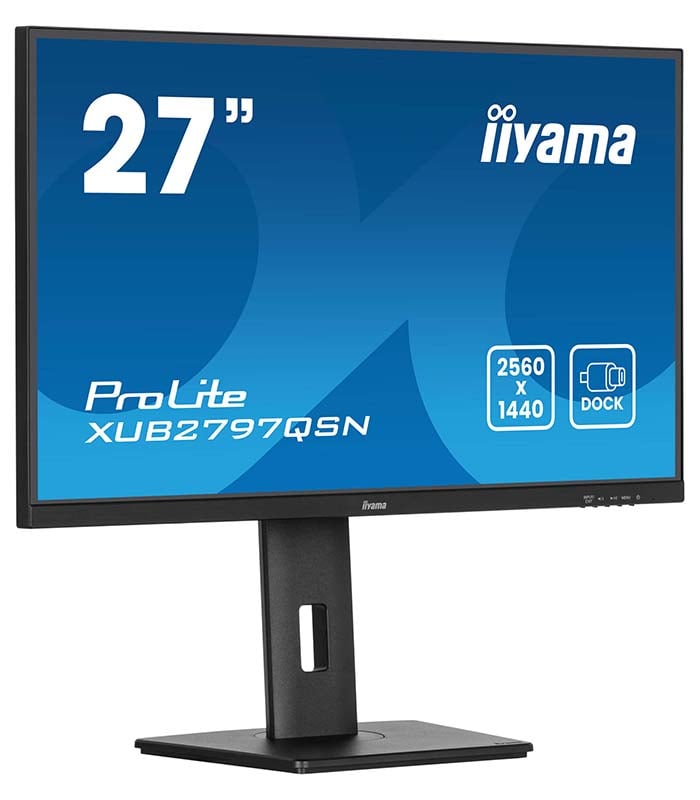
ProLite XUB2797QSN-B2
“Equipped with a USB-C dock connector, the XUB2797QSN allows you to simplify your workspace by using a single cable to both send signal (audio, video and touch) from your notebook to your monitor whilst providing power and charge to the notebook.”
3. KVM Switch
What it does: Allows you to connect and control multiple devices, such as Laptop and Desktop PC, with one monitor, keyboard, and mouse.
Benefits: Ideal for hybrid workers switching between gaming and productivity setups without unplugging cables. For example, you can connect all the peripherals and wired internet to the monitor, with a Desktop PC connected via a HDMI cable and laptop connected via a USB-C cable, then switch between both devices using the monitor’s KVM switch.
Perfect for: Remote and hybrid workers, gamers, and content creators.
Featured Models with a KVM switch:
ProLite XUB2797QSNP-B1 (also available in 4K)
ProLite XB3294UHSCP-B1
ProLite XCB3497WQSNPH-B1
ProLite XCB4594DQSN-B1
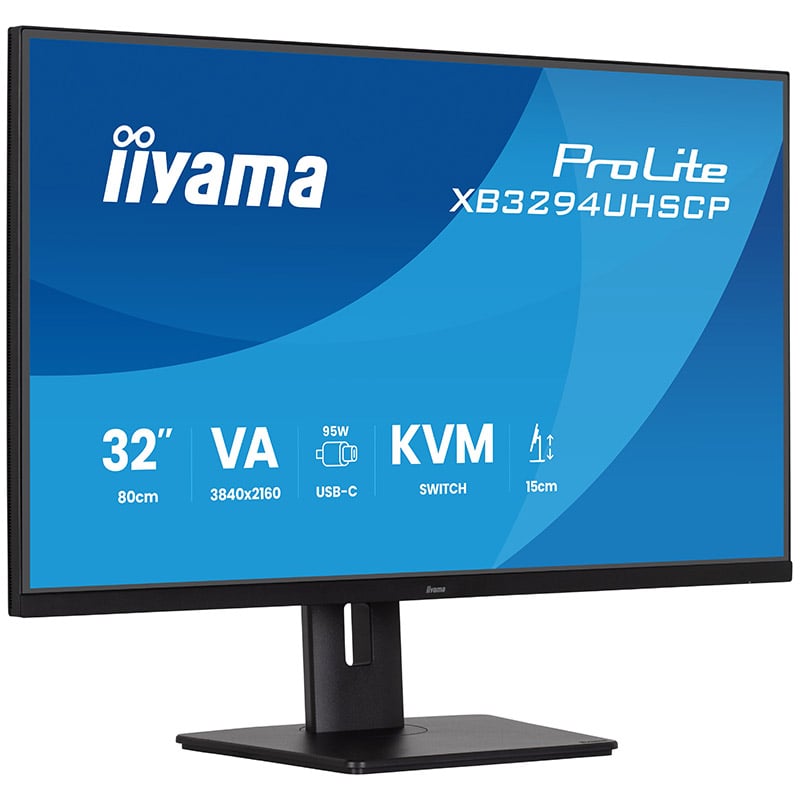
ProLite XB3294UHSCP-B1
“The ProLite XB3294UHSCP-B1 is a 32 inch 4K monitor designed to give you more space, sharper detail, and smoother workflows. USB-C (95W Power Delivery), HDMI, DisplayPort, and a built-in KVM switch make it easy to manage multiple devices while powering your laptop.”
PiP/PbP
What it does: Allows you to display content from two sources at once, either in a window (Picture-in-Picture) or side-by-side (Picture-by-Picture).
Benefits: Boost multitasking without a second monitor. Great for monitoring data, comparing files, or video editing. View a video stream from a laptop whilst working on a project with a desktop PC, all on one screen.
Perfect for: Streamers, developers, and creative professionals.
Featured Models with PiP/PbP:
ProLite XB3294UHSCP-B1
ProLite XUB3493WQSU-B6
ProLite X4373UHSU-B1
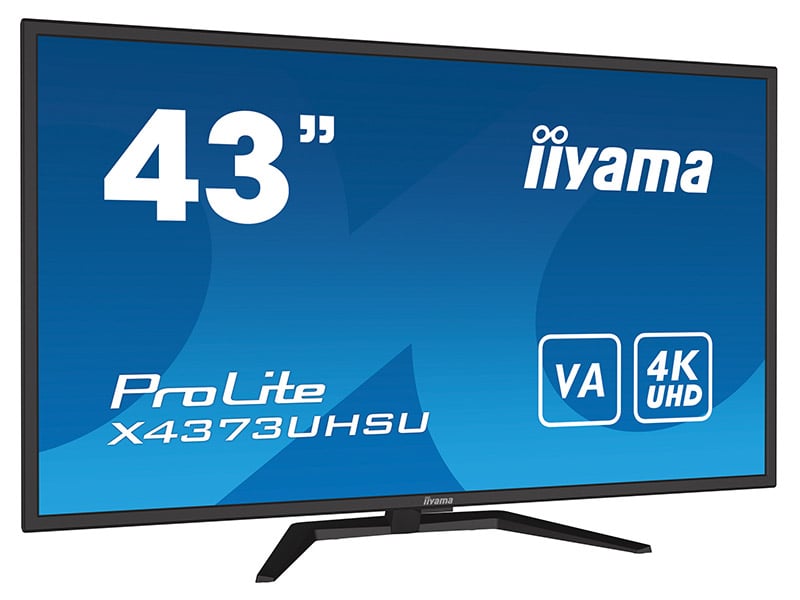
ProLite X4373UHSU-B1
“The ProLite X4373UHSU-B1 is a 43’’ Ultra HD 4K monitor with PbP (picture-by-picture) function allowing for simultaneous display of content from up to four different signal inputs.”
5. Built-in Webcam & Windows Hello
What it does: Built-in web camera and microphone allow for convenient Windows login and effortless video conferencing.
Benefits: Reduces the need for extra webcams, improves desk cleanliness, and enhances security with Windows Hello login functionality.
Perfect for: Hybrid workers, tutors or educators, and anyone on frequent video calls.
Featured Models with Webcam:
ProLite XUB2490HSUH-B2
ProLite XUB2790QSUH-B2
ProLite XCB3497WQSNPH-B1
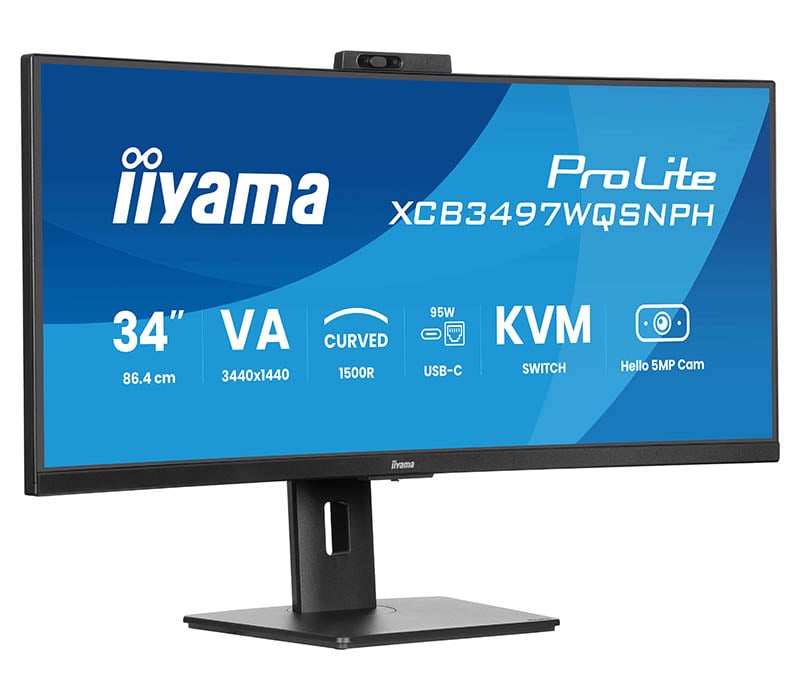
ProLite XCB3497WQSNPH-B1
“Meet the XCB3497WQSNPH — a 34″ curved all-in-one monitor designed for effortless efficiency. With a built-in KVM switch and USB-C dock, you can seamlessly control multiple devices and connect your laptop with a single cable.”
In Summary
As we continue to adapt to an evolving working environment, choosing the right monitor with the right productivity features can make all the difference. The latest iiyama monitors with these added benefits offer the tools to simplify your setup, support seamless transition between environments and help you stay focused and productive.
