
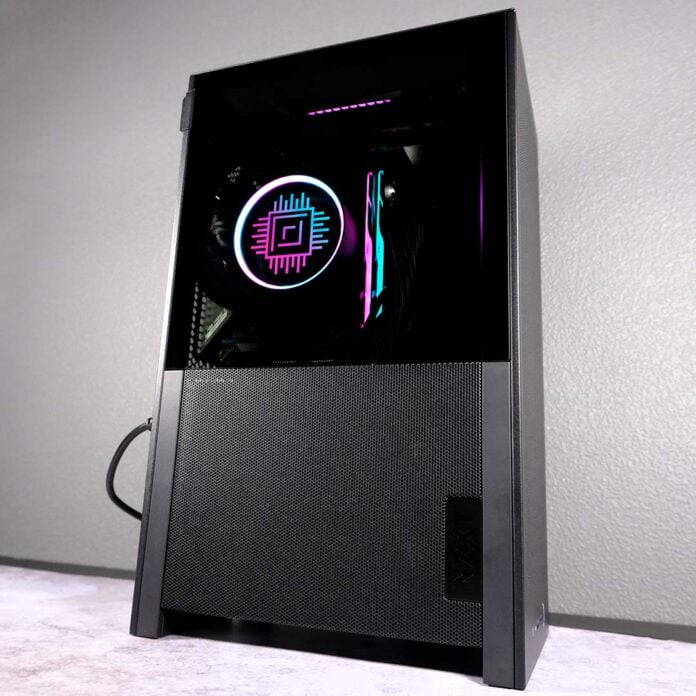
I love PC cases of all shapes and sizes, but the NZXT H2 Flow reminds me that there’s nothing quite like putting together a small form factor (SFF) build. Moreover, this mini-ITX chassis makes the process of shrinking down your system surprisingly easy, without having to compromise on performance.

NZXT H2 Flow
£130 / $150
Pros
- High-quality steel shroud
- Plenty of airflow
- Smooth building experience
- Supports large graphics cards
- Included PCIe Gen 5 riser
Cons
- Zero discrete dust filters
- Some fiddly cable management
- No alternate colours
Club386 may earn an affiliate commission when you purchase products through links on our site.
How we test and review products.
Debuting at £130 / $150, the H2 Flow sits in the higher-end of the market but is more affordable than some alternatives, such as the Fractal Design Terra, without sacrificing quality. However, you’ll only be able to pick it up in an all-black colourway for the foreseeable future.
Specifications
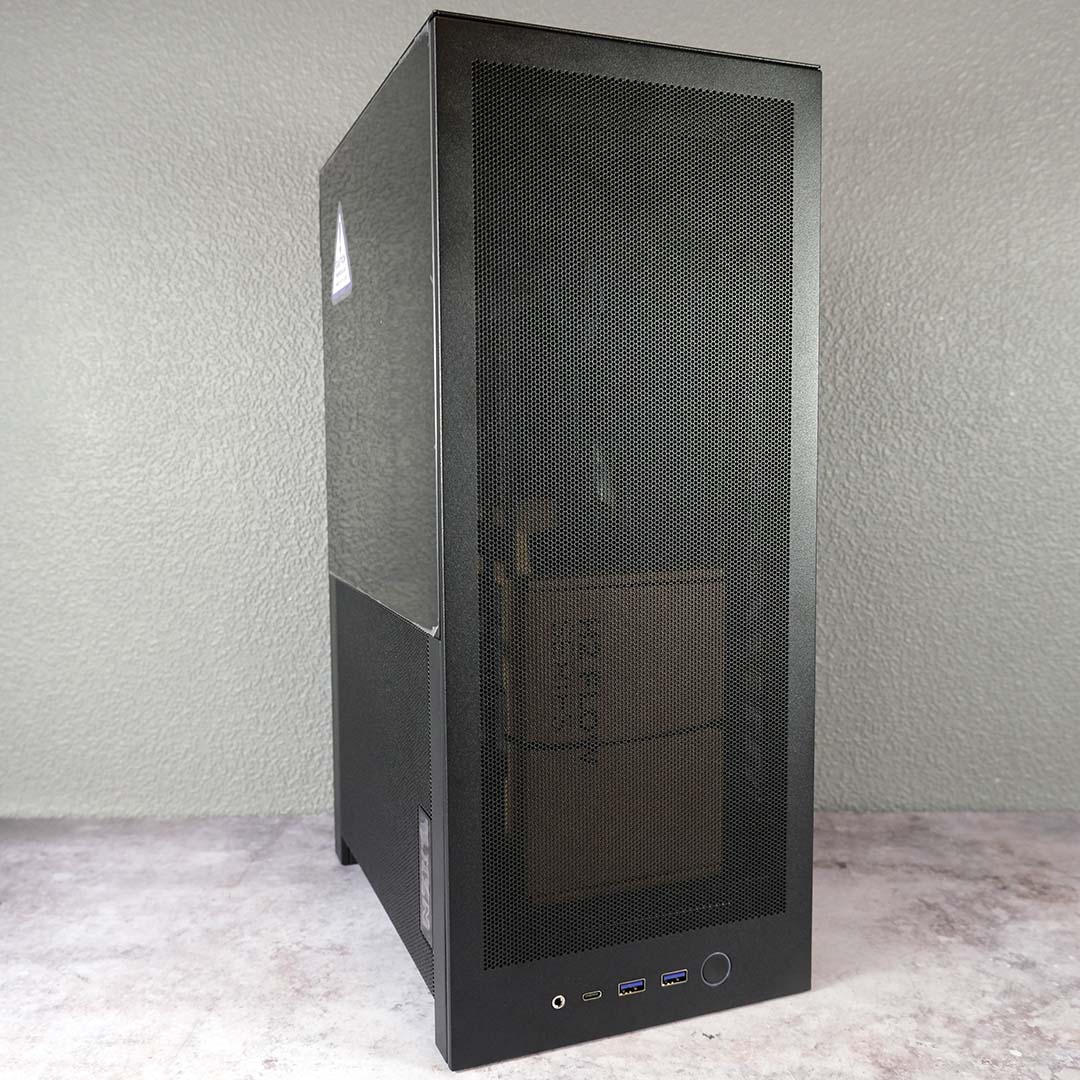
The H2 Flow stands 435mm tall, 181mm wide, and 263mm deep, providing 20.7L of internal volume. These measurements put the chassis in line with other relatively large mini-ITX cases, including the Hyte Revolt 3 and Fractal Design Mood.
NZXT puts this space to good use, accommodating chonky triple-slot graphics cards up to 331mm long, 150mm tall, and 65mm deep. That’s enough space for an SFF-Ready member of the GeForce RTX 50 series, and plenty of Radeon RX 9000 graphics cards.
| Specifications | NZXT H2 Flow |
|---|---|
| Dimensions (H x W x D) | 435 x 181 x 263mm |
| Motherboard support | Mini-ITX |
| Fan support | Top: 120mm (x2) Front: 120mm (x2) / 140mm (x2) |
| Radiator support | Front: ≤280mm |
| CPU cooler height | ≤75mm |
| PSU length | ≤130mm |
| GPU support (L x H x D) | ≤331mm x ≤150mm x ≤65mm |
| Connectivity | 3.5mm line-in/out (x1) USB-A 5Gb/s (x2) USB-C 20Gb/s (x1) |
| Drive bays | 2.5in (x2) |
| Warranty | Two years |
In terms of cooling, NZXT pre-installs a pair of 120mm F120Q fans inside the top compartment of the chassis, in an exhaust configuration. They prioritise acoustic performance – hence the ‘Q’ – but still boast a healthy maximum airflow of 74.26cm each. Apologies to all you RGB enthusiasts, though, as neither of them sport LEDs.
The H2 Flow can support up to a single 280mm radiator, or two 140mm fans, up front, which comes at no expense to available space for your graphics card. The case isn’t tall enough to support a 360mm rad, but trading that extra 80mm for a smaller footprint is fine with me.
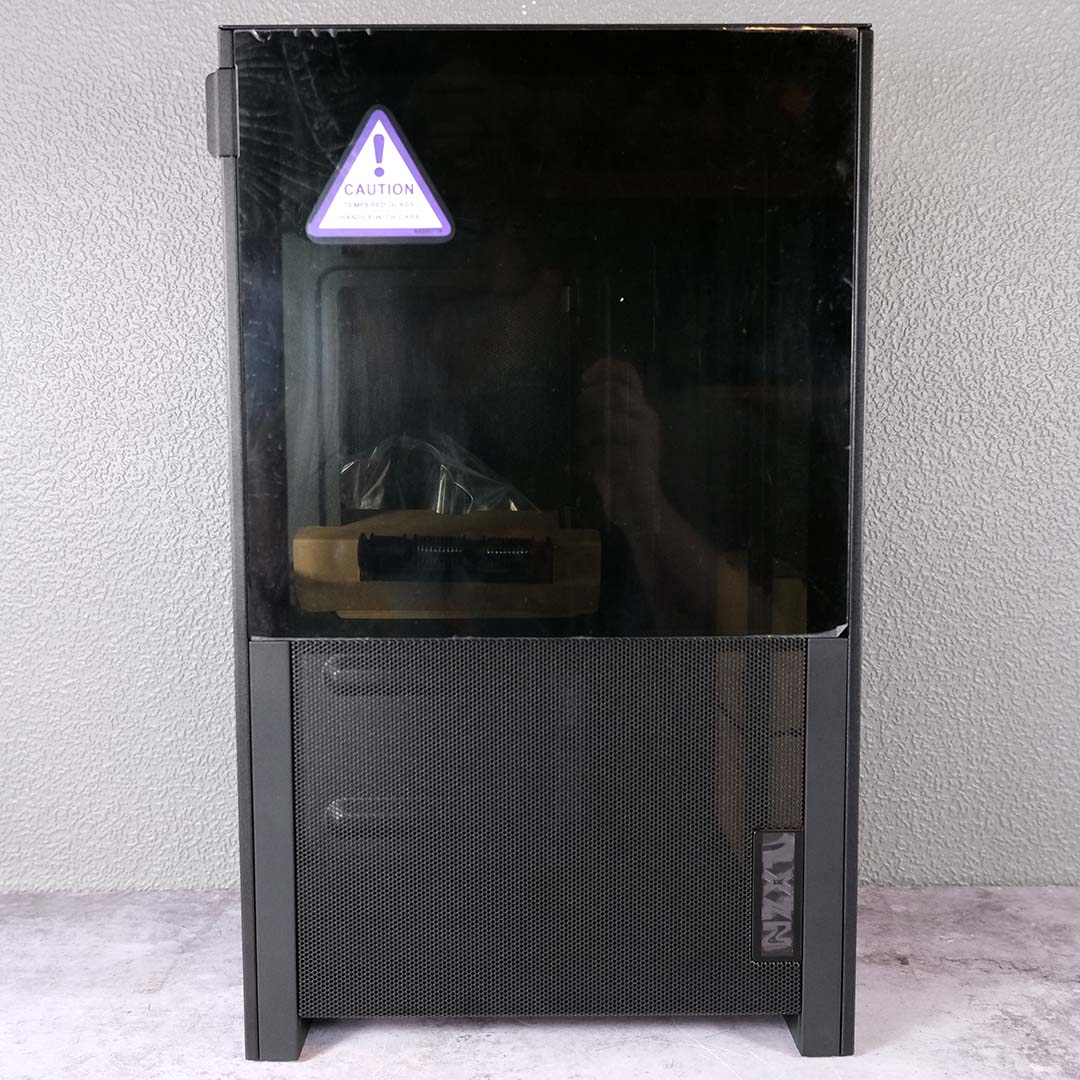
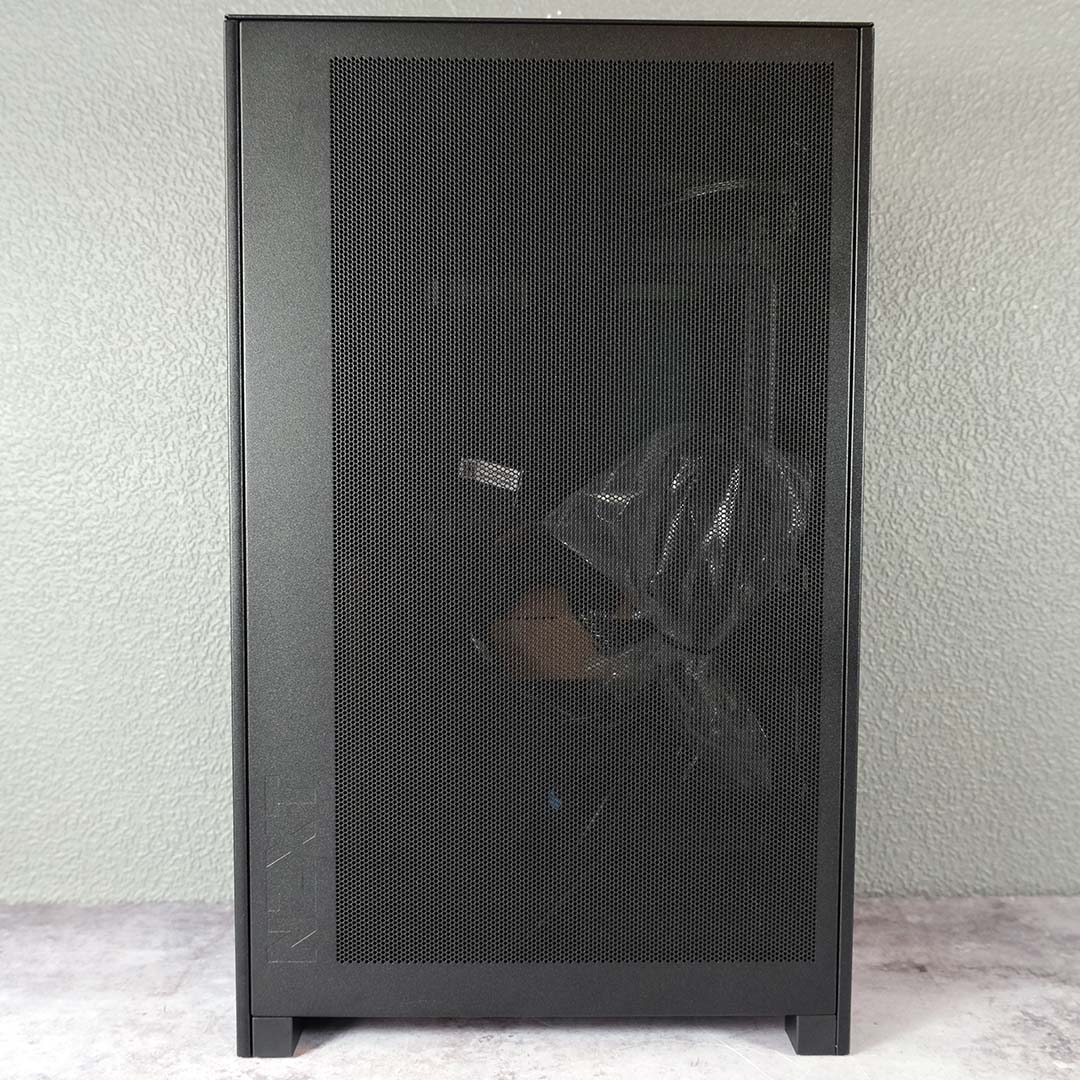
NZXT has designed this case with CPU water cooling in mind, hence the tight maximum cooler height of 75mm. That’s plenty of space for a waterblock, but only a few low-profile air coolers will fit into the H2 Flow.
Managing cooler cabling and tubing in a confined chassis like this is a challenge, but it’s one worth accepting to achieve superior thermoacoustic performance. A showy block with an LCD panel feels necessary in this case anyway, from a purely aesthetic standpoint, as this case’s tempered glass side panel provides a peek into system internals.
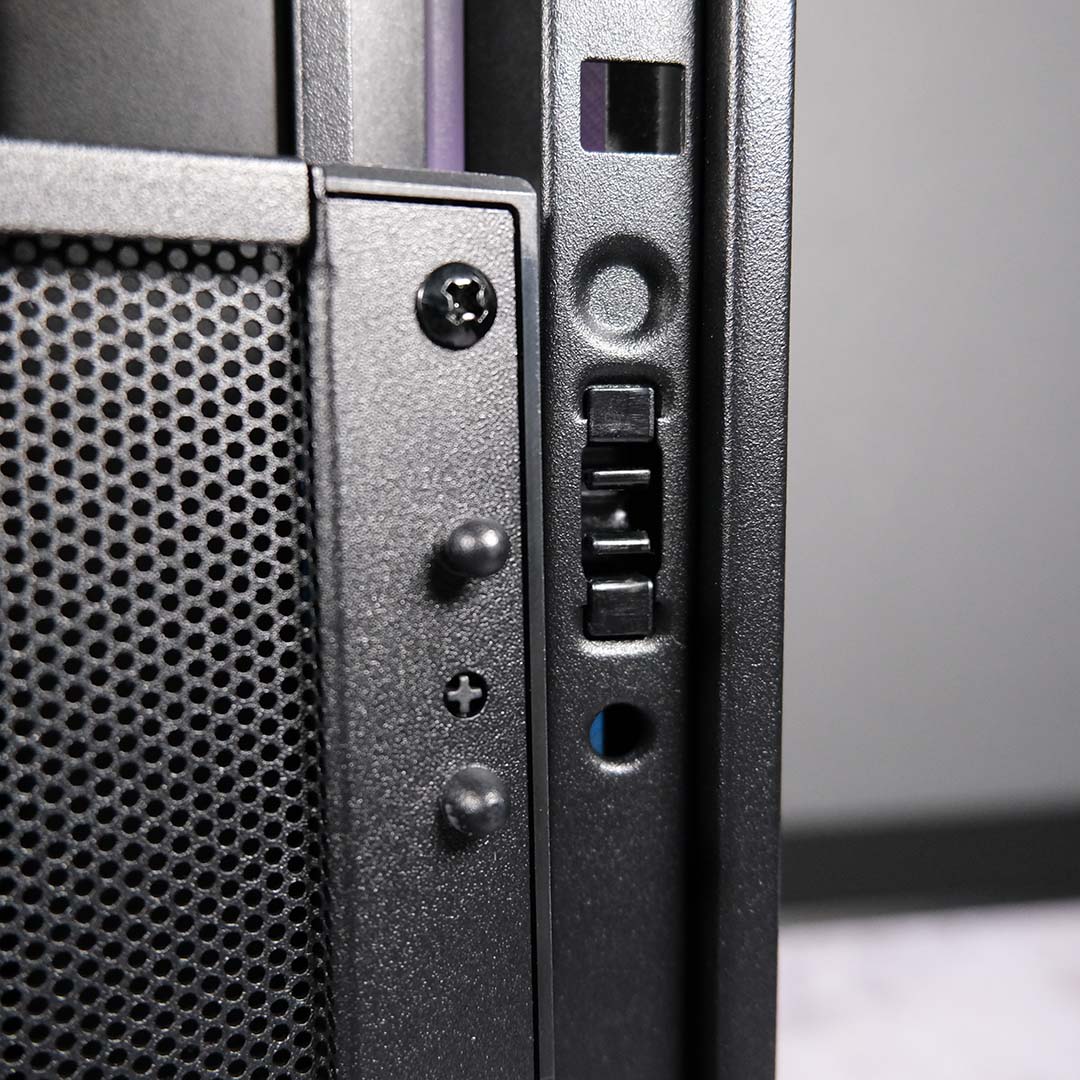
Instead of using a single removable frame on rails, á la the NZXT H1, the H2 Flow’s sturdy-feeling steel panels pull away from the case individually. They all marry to the chassis via snap clips, meaning you won’t have to reach for a screwdriver or twiddle any thumbscrews to gain access to the case’s internals. All in all, the construction feels well thought out, and there’s no questioning the material quality of the chassis.
However, removing the front, top, and side panels reveals that none of them feature any sort of dust filter. NZXT claims the ultra-fine mesh pattern across the case keeps dust at bay and maximises airflow. I haven’t noticed any dust build up during my time with the H2 Flow, but I’m not so sure I won’t have to reach for my compressed air can a few months down the line.
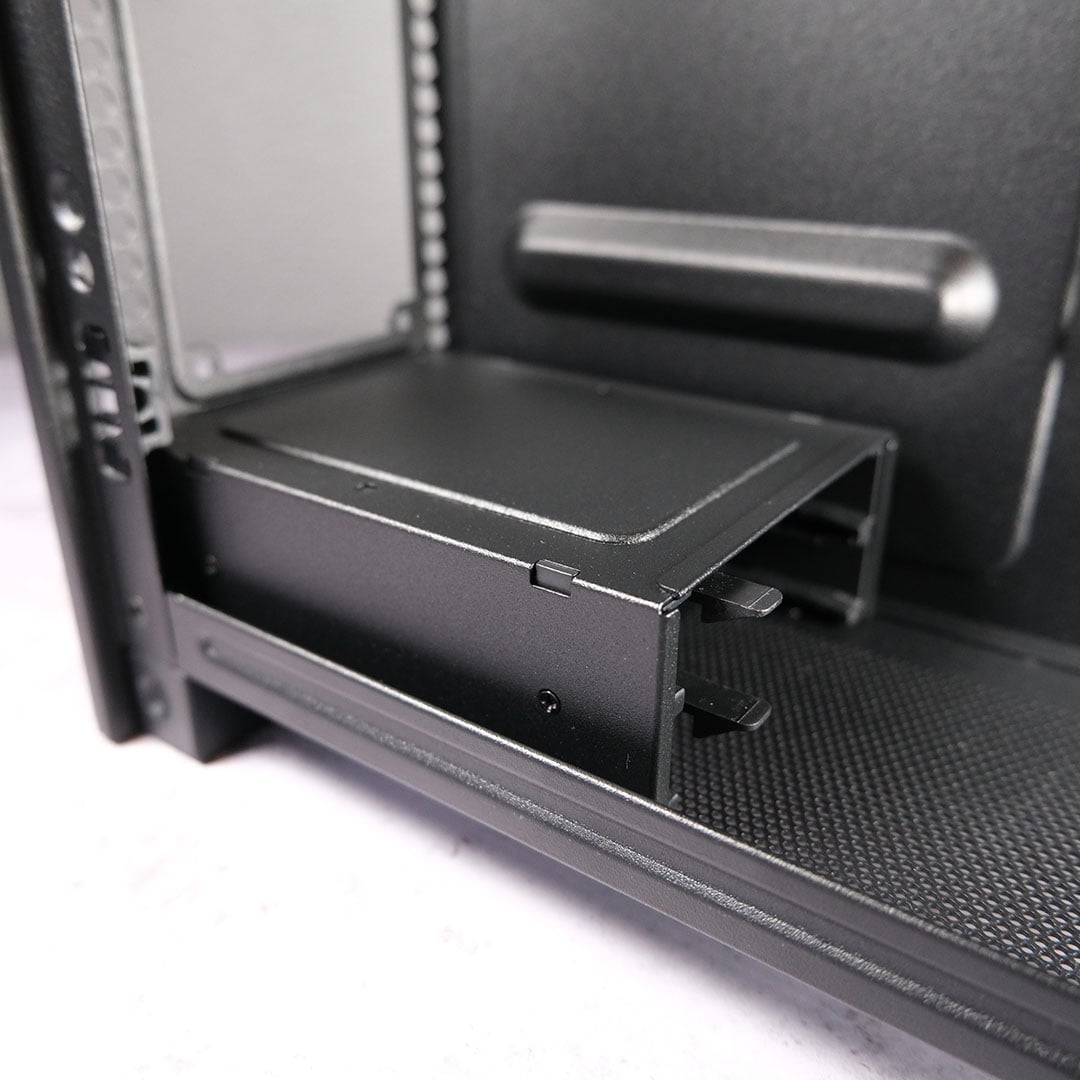
On the bottom of the H2 Flow, you’ll find an enclosure capable of housing two 2.5in drives. As someone who made the switch to M.2 many years ago and hasn’t looked back, this inclusion isn’t particularly useful for my purposes, but wider format support is always welcome. You can remove the enclosure entirely, but I wouldn’t recommend doing so as it doubles as a support for your power supply.
Speaking of which, the chassis can house SFX and SFX-L PSUs up to 130mm in length. That’s par for the course as mini-ITX cases go, so you should have no trouble fitting your unit of choice into this case. However, I’d recommend sticking to SFX where possible, as every millimetre of space can matter.
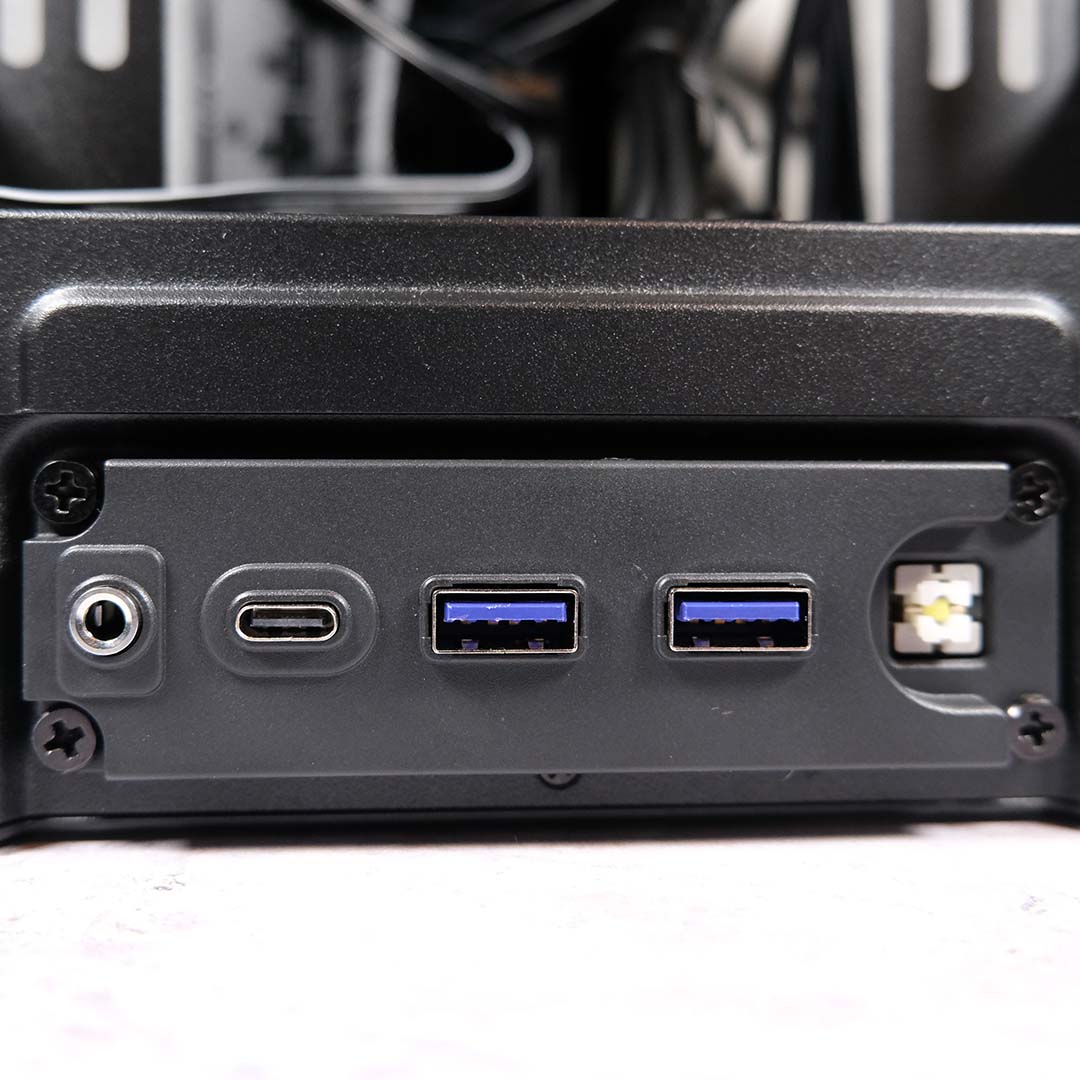
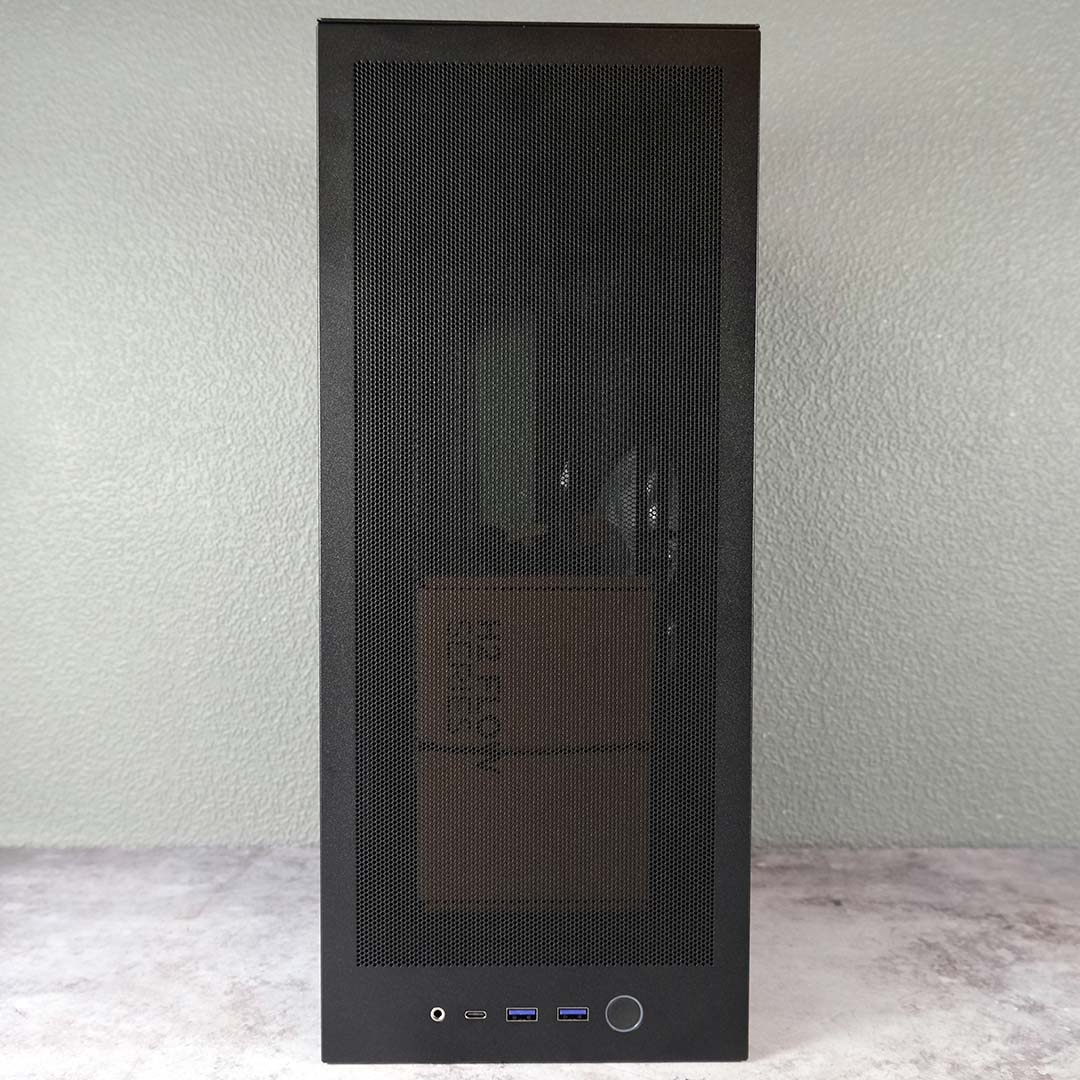
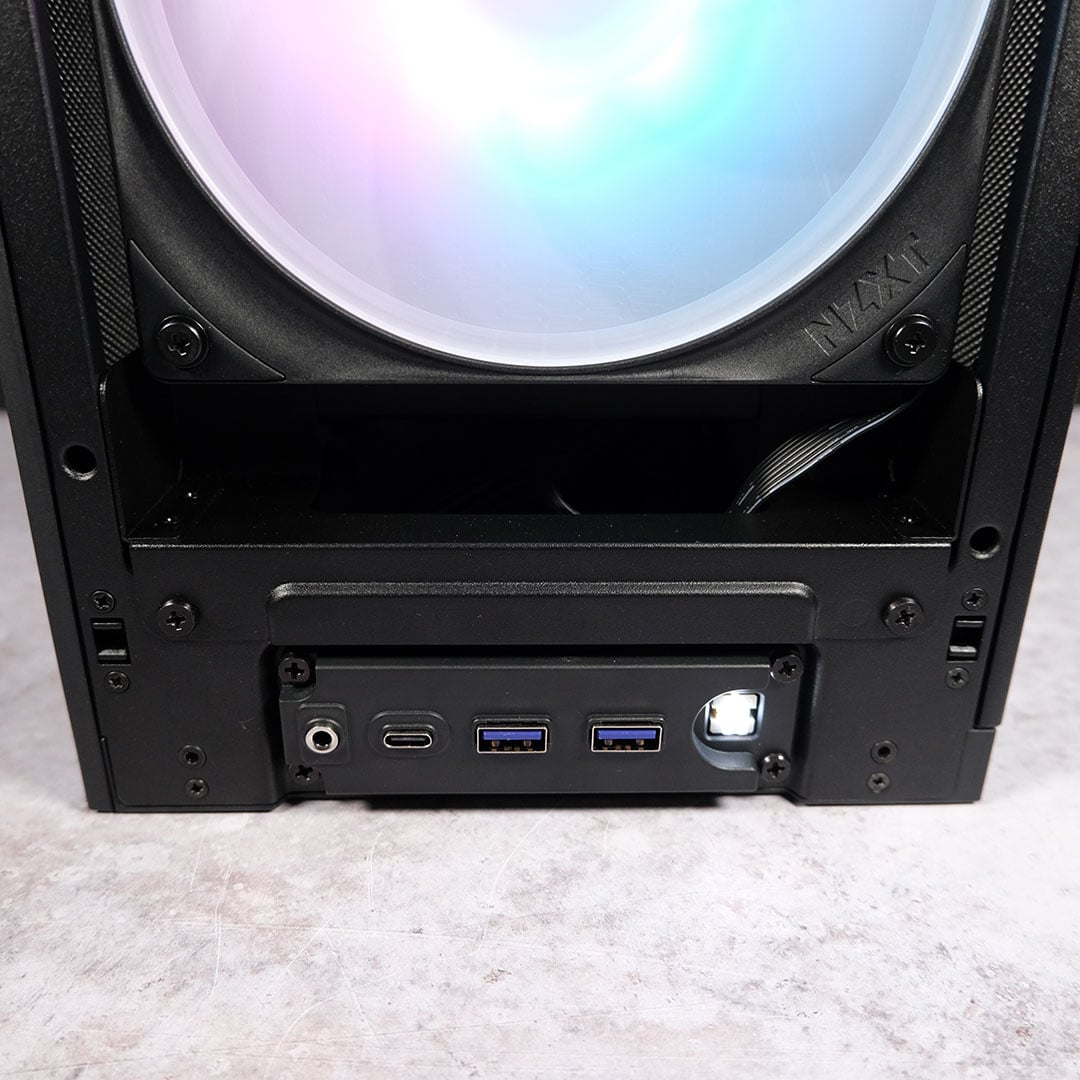
Finally, rounding off the core specifications of the H2 Flow, we have a healthy selection of USB inputs. NZXT is offering up two 5Gb USB-A ports and a lone 20Gb USB-C port, which come together to provide ample bandwidth and connections for external devices.
You’ll also find a 3.5mm jack here too, which should prove useful to those rocking a pair of wired cans. I would prefer to see the power button centred amongst this ensemble, both for aesthetics and ease of reach, but this is more of a nitpick than anything else.
Test components
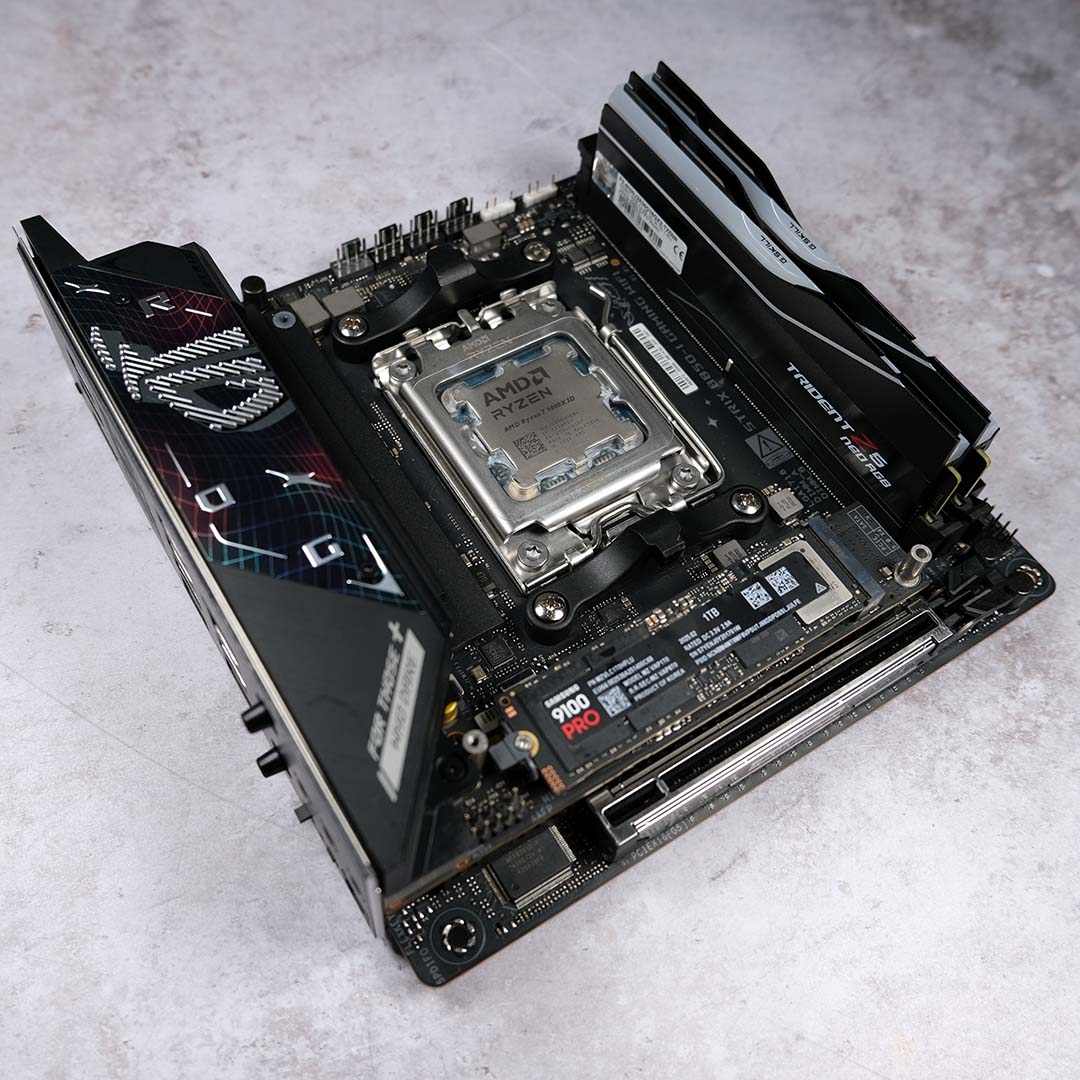
To christen this H2 Flow, I’m cannibalising my absolutely rippin’ mini-ITX rig that I put together in 2025. As a reminder, this includes an Nvidia GeForce RTX 5090 Founders Edition and AMD Ryzen 7 9800X3D, because even small chassis can handle flagship components if you’re brave and patient enough.
The ever-reliable Asus ROG Strix B850-I Gaming WiFi also joins this ensemble, serving as an appropriately petite bedrock for my system. Joining the motherboard is my kit of G.Skill Trident Z5 Neo RGB DDR5-6000 CL28 32GB memory, running in a dual-channel configuration. Finally, storage duties fall to the Samsung 9100 Pro 1TB, bringing flagship Gen 5 SSD speeds that this rig deserves.
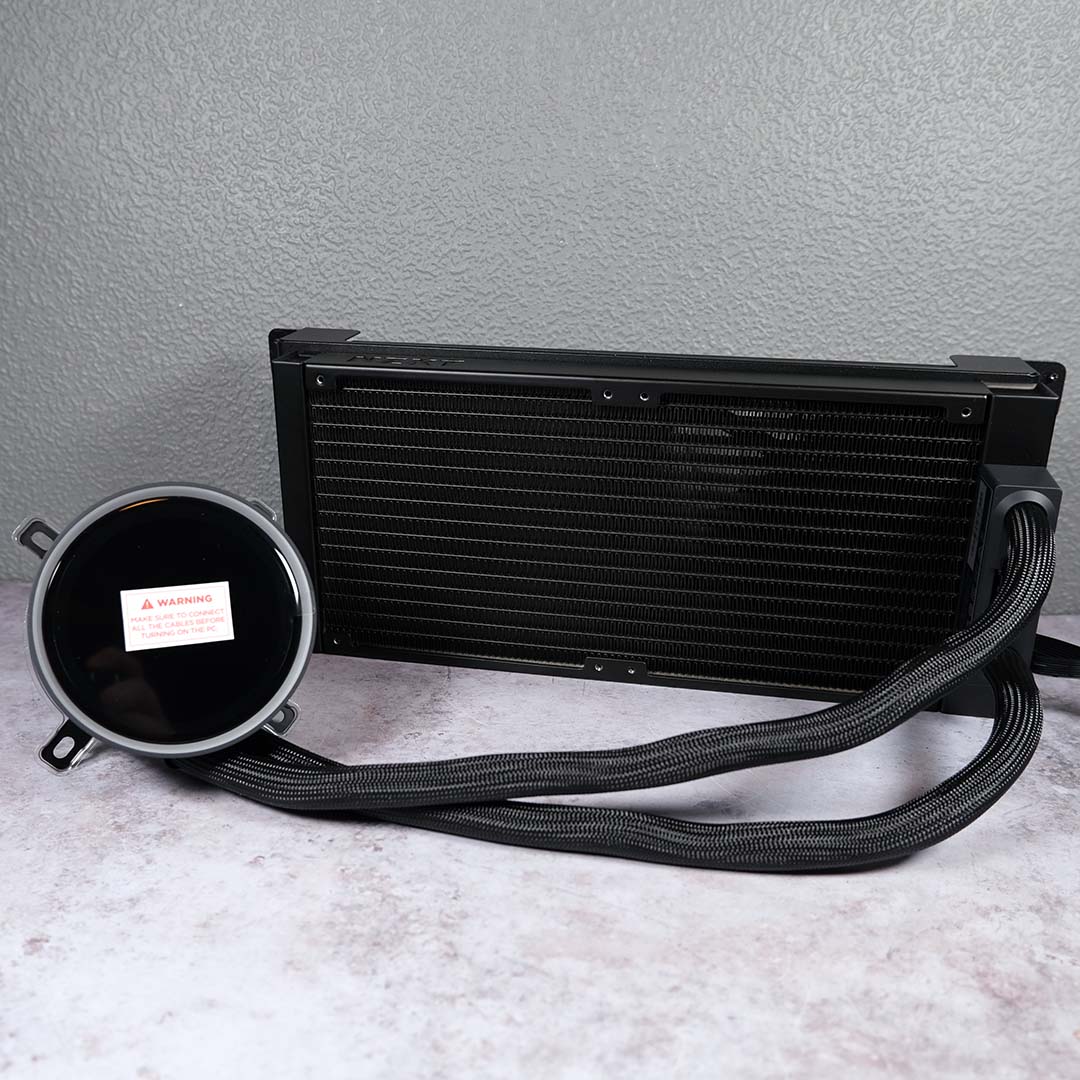
For CPU cooling, I’m calling upon an NZXT Kraken Elite 280 RGB. The brand tells me that this liquid cooler pairs “perfectly” with the H2 Flow, so I’m expecting ideal thermoacoustic results. This AIO will serve as my intake, sending cool air through the radiator.
In terms of exhaust, I’m replacing the two F120Q fans that come with the case and installing an NZXT F240X. This is the 240mm variant of the F360X with which I have previous experience. While I’m confident the stock fans provided with the case would serve admirably, this swap will satiate my desire for some additional RGB without compromising on airflow.
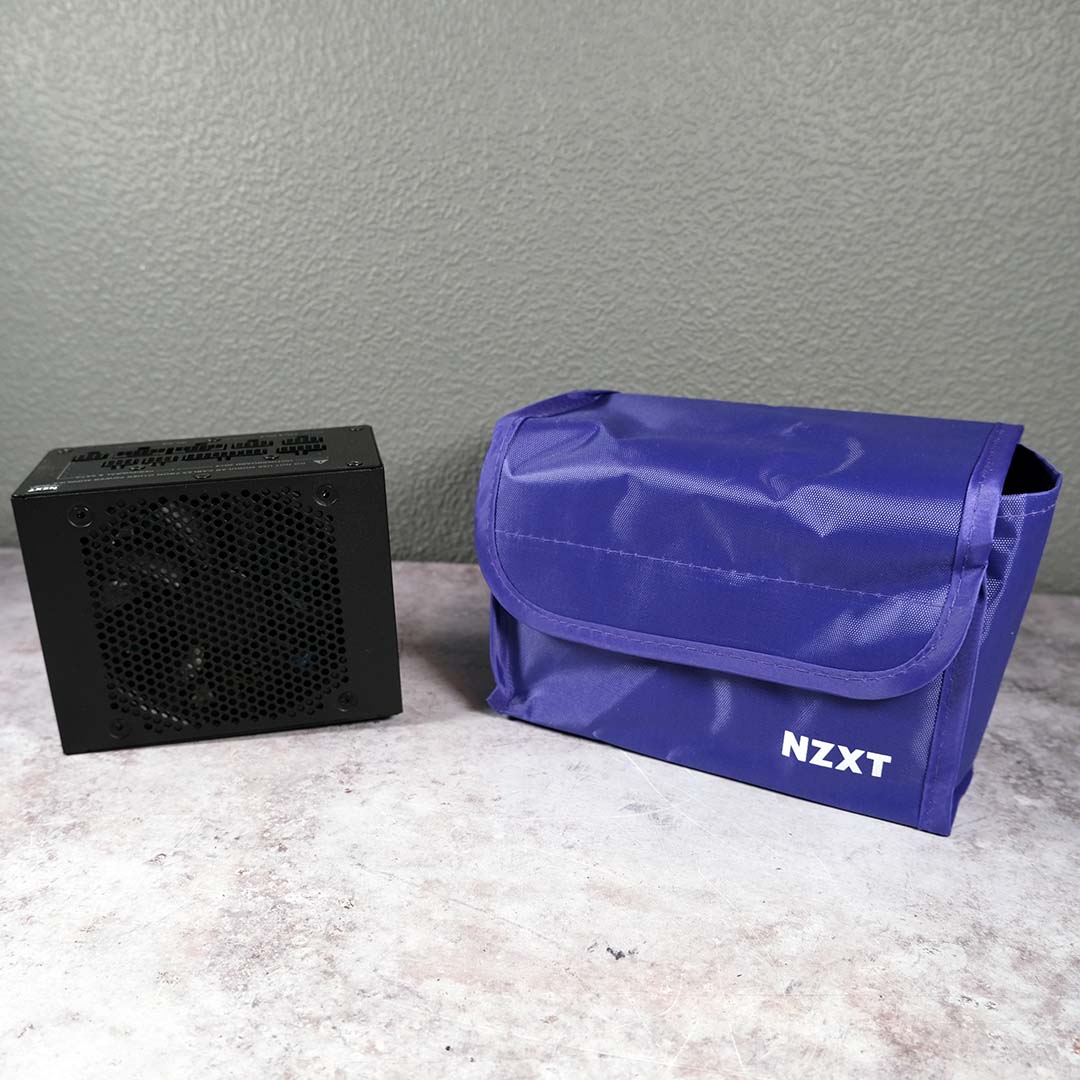
Completing my H2 Flow build is the newly-launched NZXT C850 SFX Gold. This small but potent power supply has plenty of capacity to satiate my build’s hunger for watts in a welcomingly efficient form. I recommend reading Krzysztof’s in-depth review for all the details you could want about the PSU.
Build experience
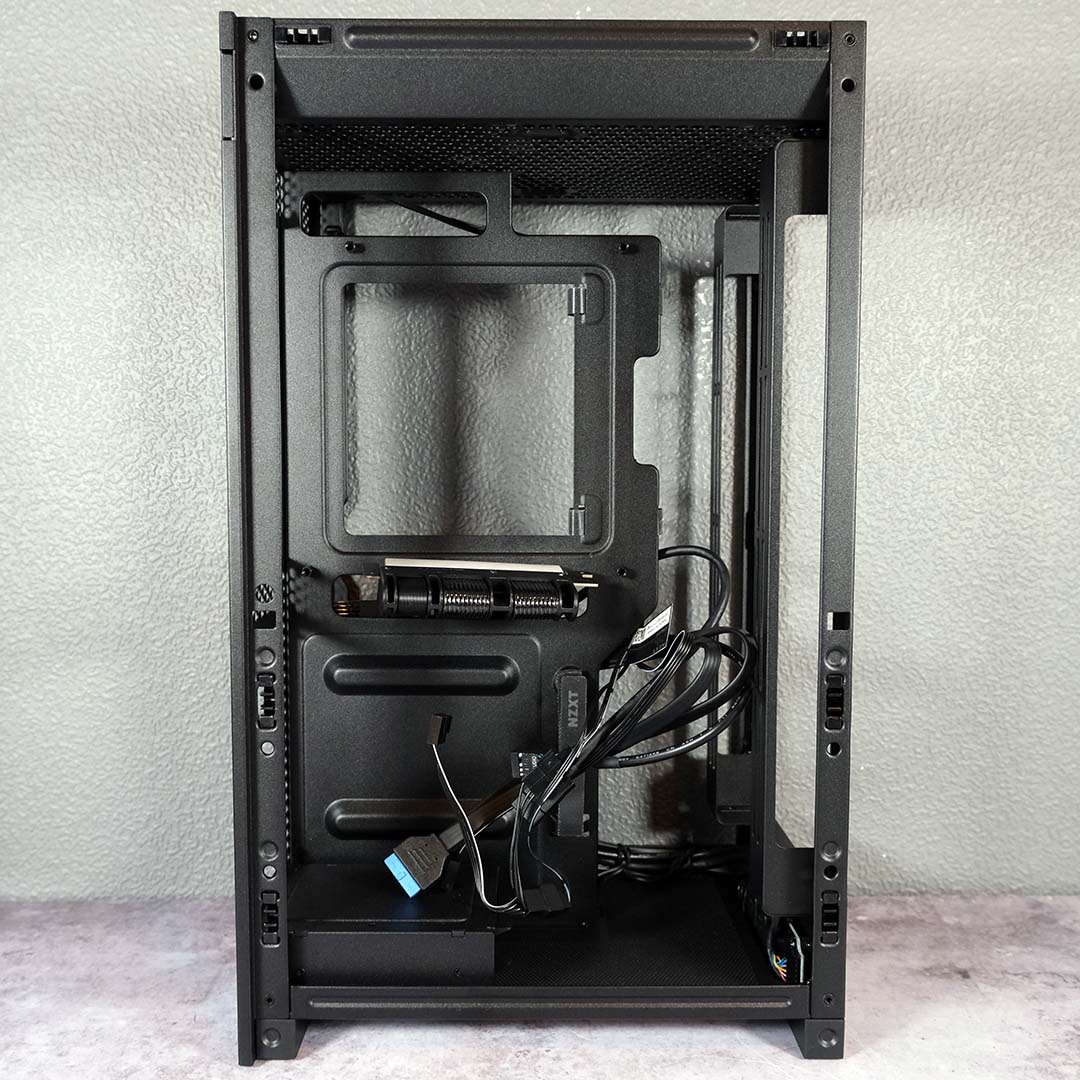
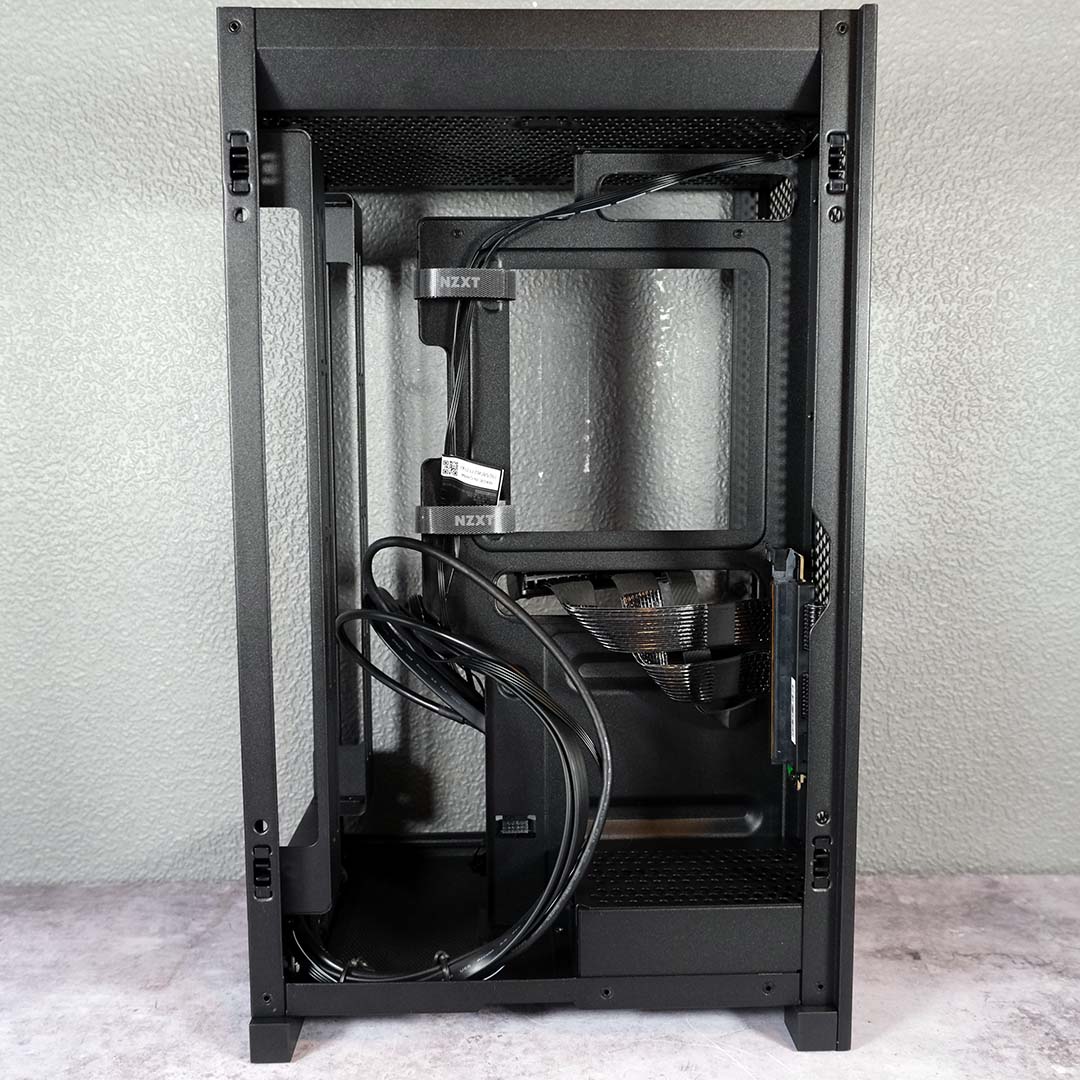
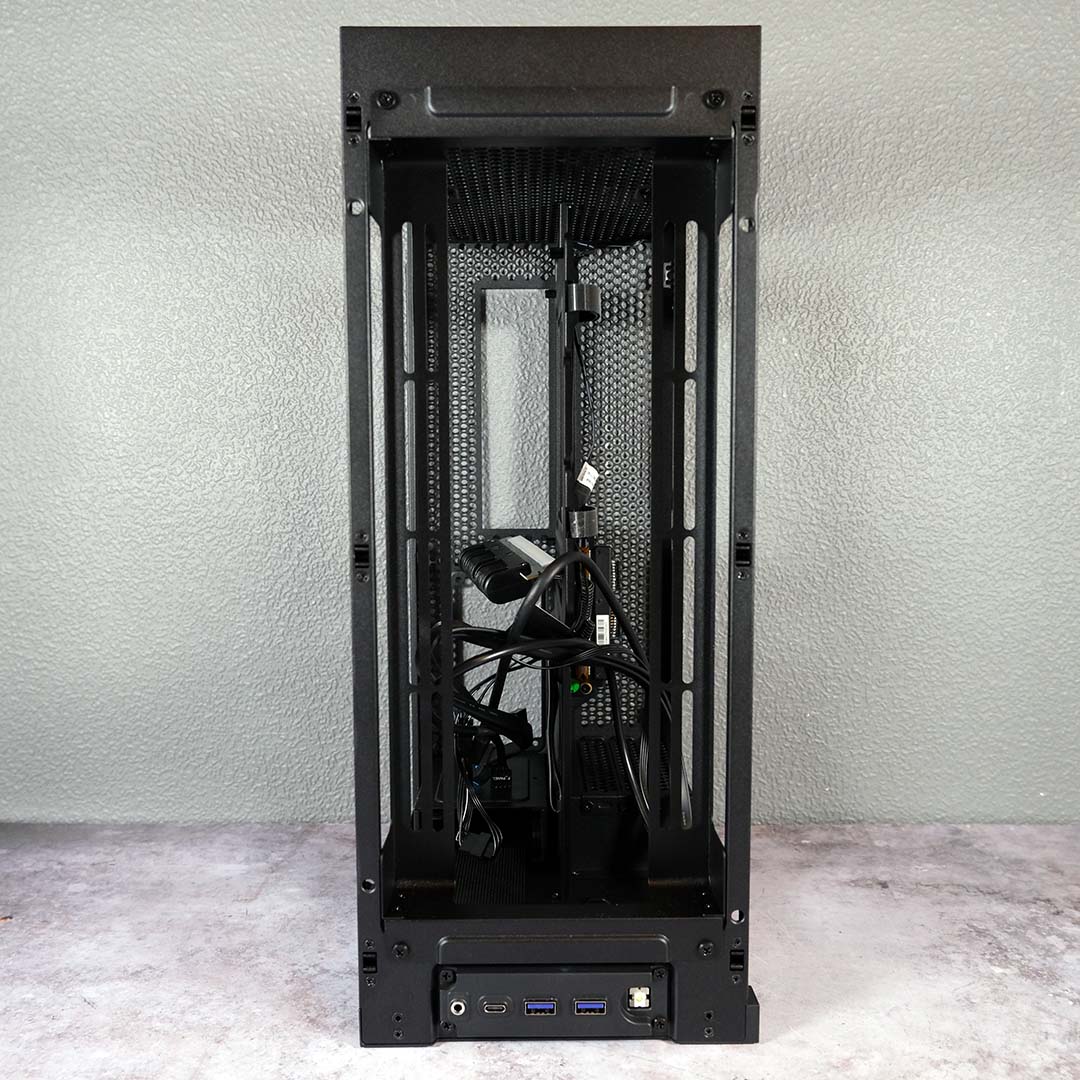
Popping off all the panels, there are a few small tasks I need to take care of before I can begin building in the H2 Flow proper. First, I untie the accessories box from the radiator mount, setting aside the bundled motherboard screws. Next, I free the PCIe riser cable from its protective carboard sheath, keeping on the plastic teeth cover for the moment.
Next, I free the case cabling from a twisty cable tie, and I’m glad to see a non-modular connection for the power button. Fiddling with tiny individual cables in cases like this is difficult at the best of times, so I’m thankful to NZXT for this small but welcome convenience. The company has also pre-routed the exhaust fan cable through two Velcro straps on the chassis’ spine.
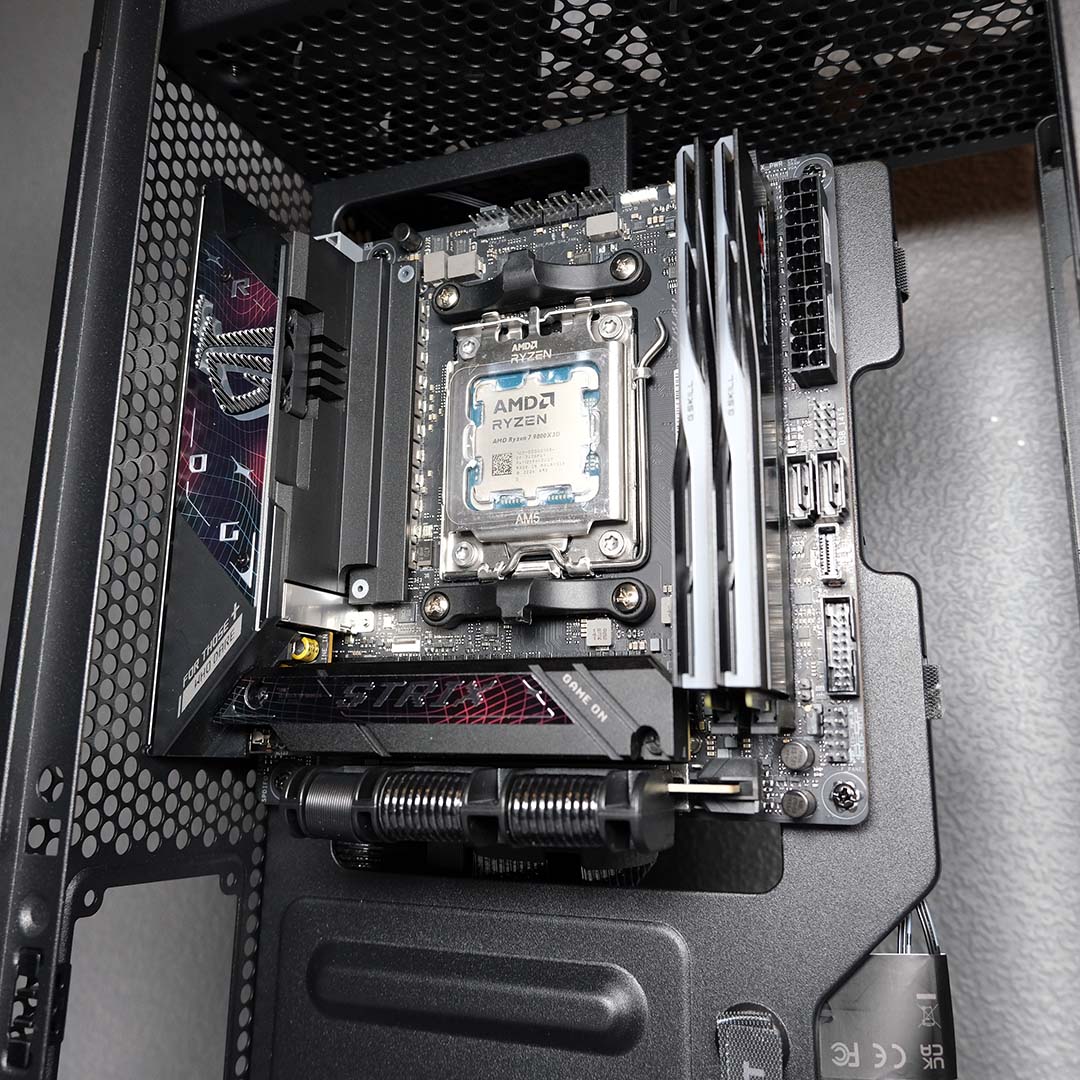
Getting my motherboard and accompanying components inside the H2 Flow is expectedly easy. I lay the case on its side for ease of installation, before plugging the male end of the PCIe riser into the primary expansion slot with a satisfying click.
I also seize this opportunity to wire up front I/O cabling, as accessing the cutout used by the PCIe riser will become far more difficult with a graphics card in the system. Credit to NZXT for including a protective cover for the USB Gen 3.2 cable, eliminating a small source of potential anxiety.
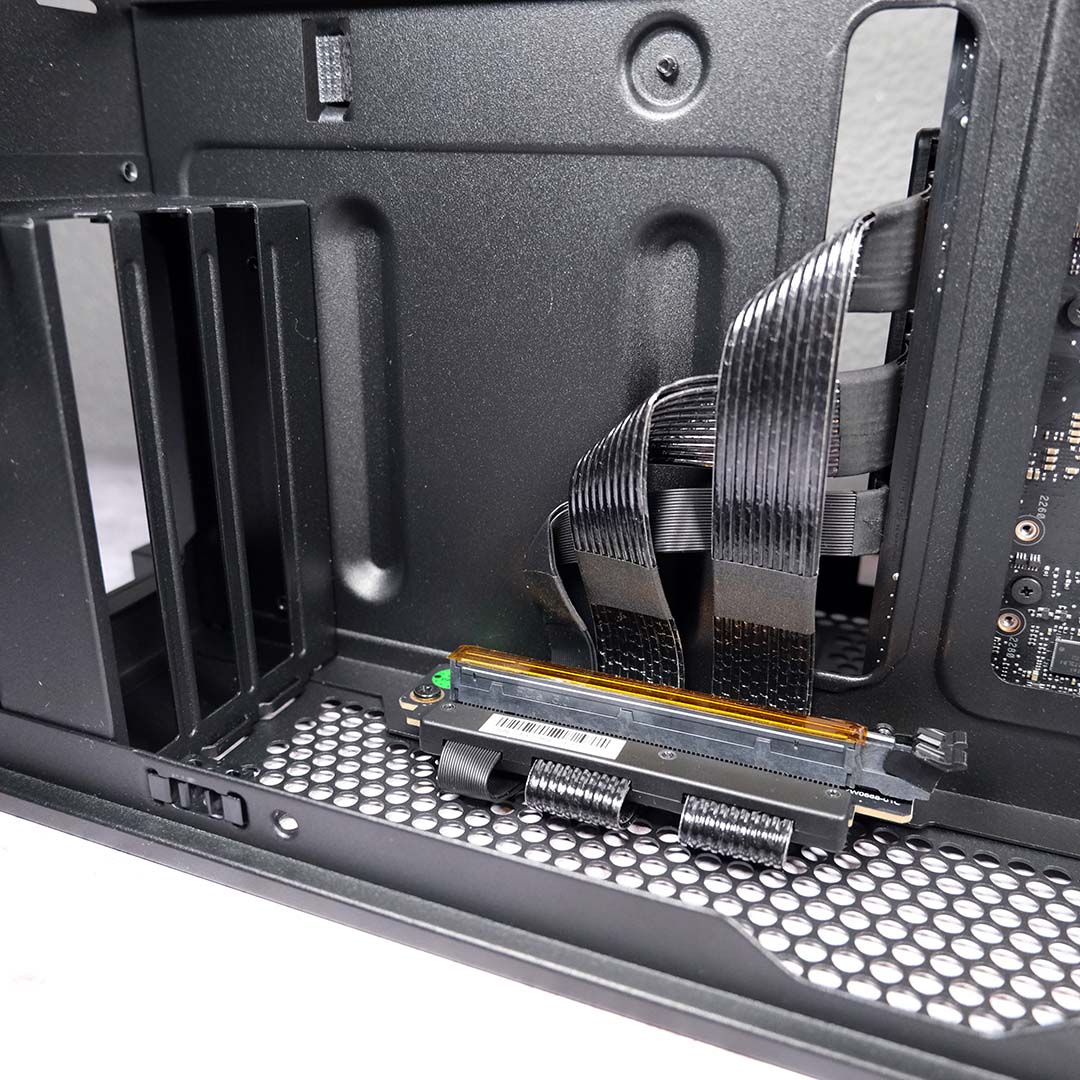
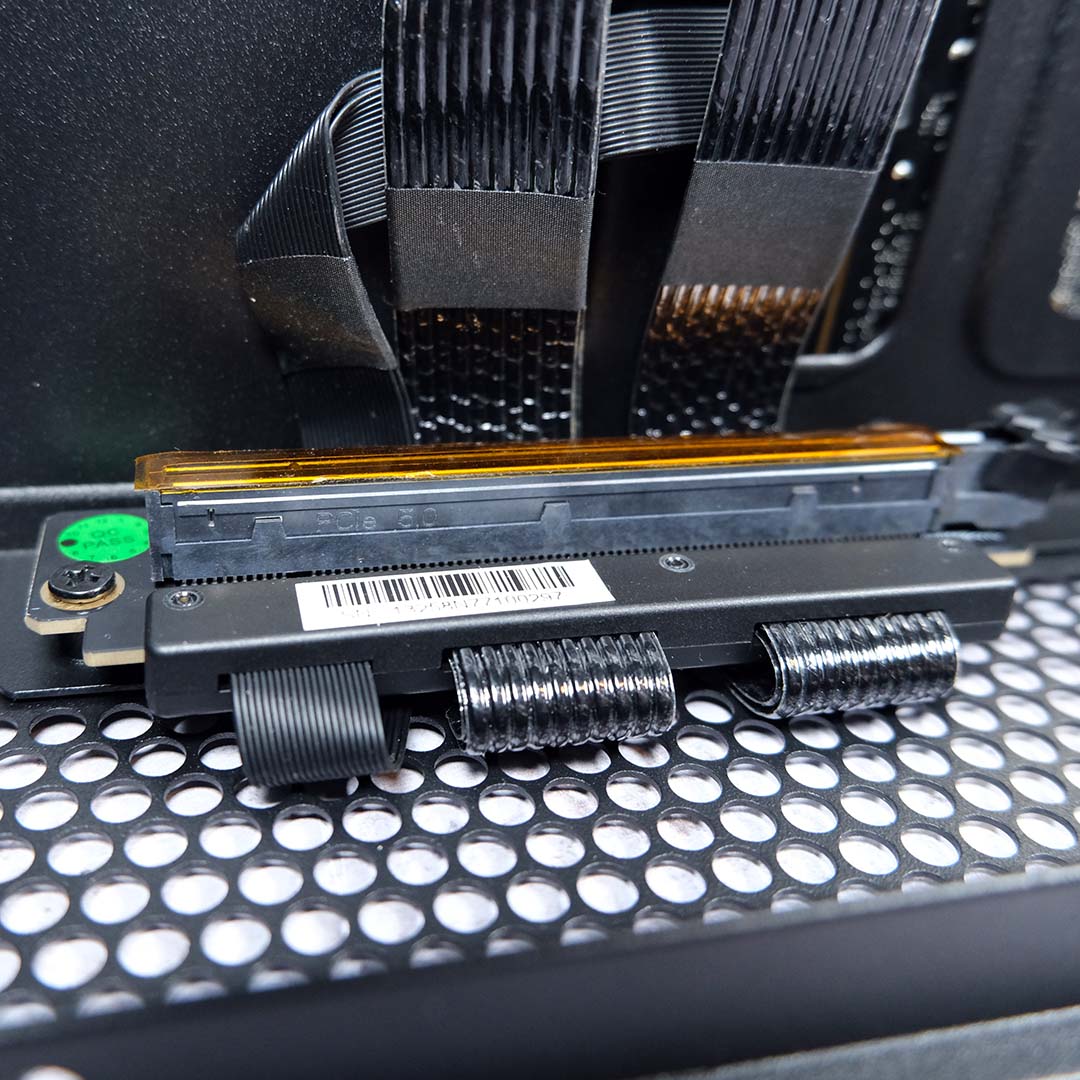
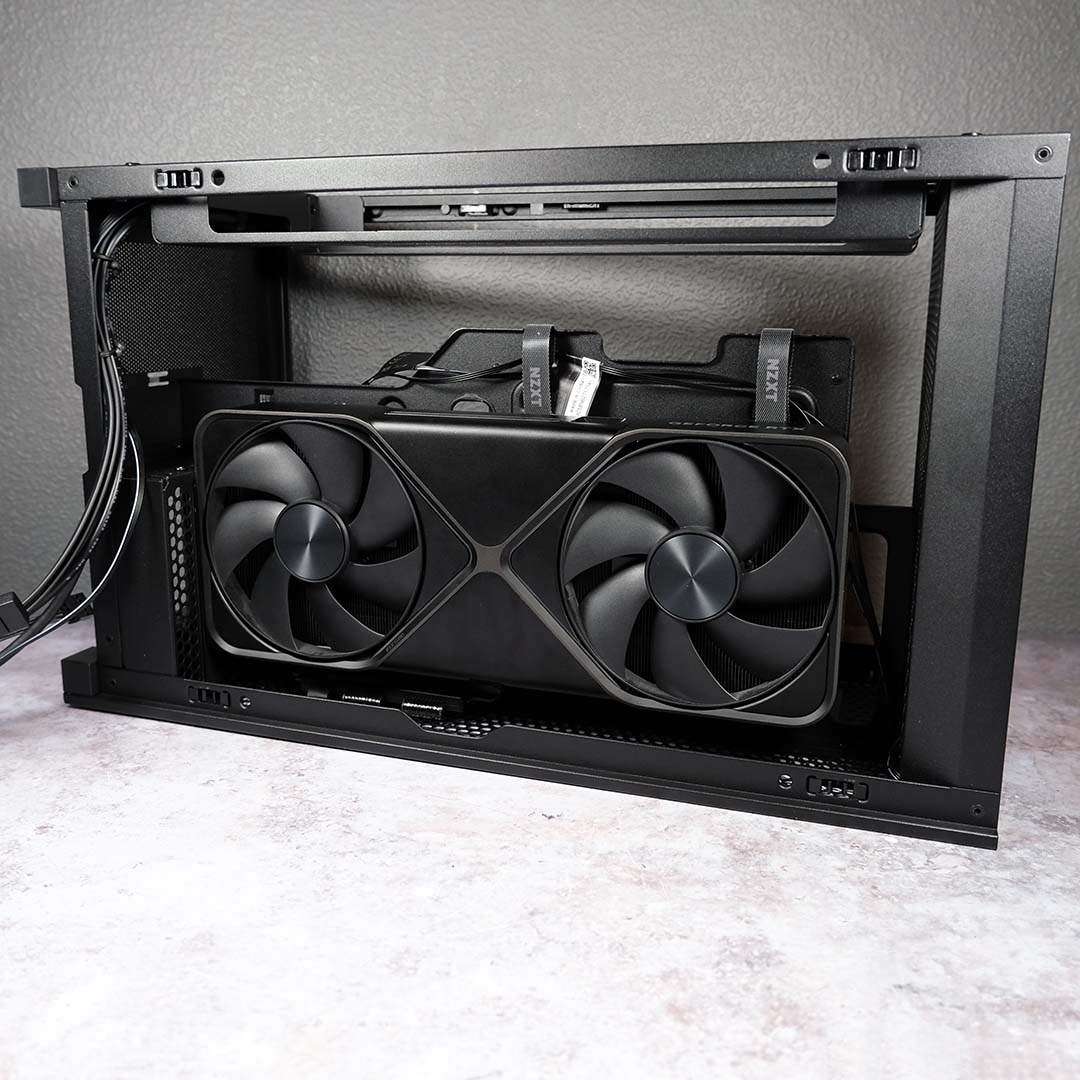
Included instructions recommend installing the graphics card next, so I pop the H2 Flow on its back and crack out my screwdriver to remove a couple of bracket covers. I’m just about to insert the graphics card into the PCIe slot before I embarrassingly notice the transparent orange tape at the last second, which I promptly remove. To save even-less observant individuals from falling afoul of this protective cover, I’d like to see NZXT adopt an opaque alternative, perhaps in a more distinct, brighter colour.
This small snafu doesn’t diminish the splendour of this riser. As far as I’m aware, the H2 Flow is one of the only cases on the market to feature a PCIe Gen 5 riser, with competitors aplenty opting for Gen 4 alternatives. This will ensure the graphics card is able to feed the system with every drop of performance possible, particularly if you’re using a GPU with limited PCIe lanes, while also circumventing potential compatibility issues.
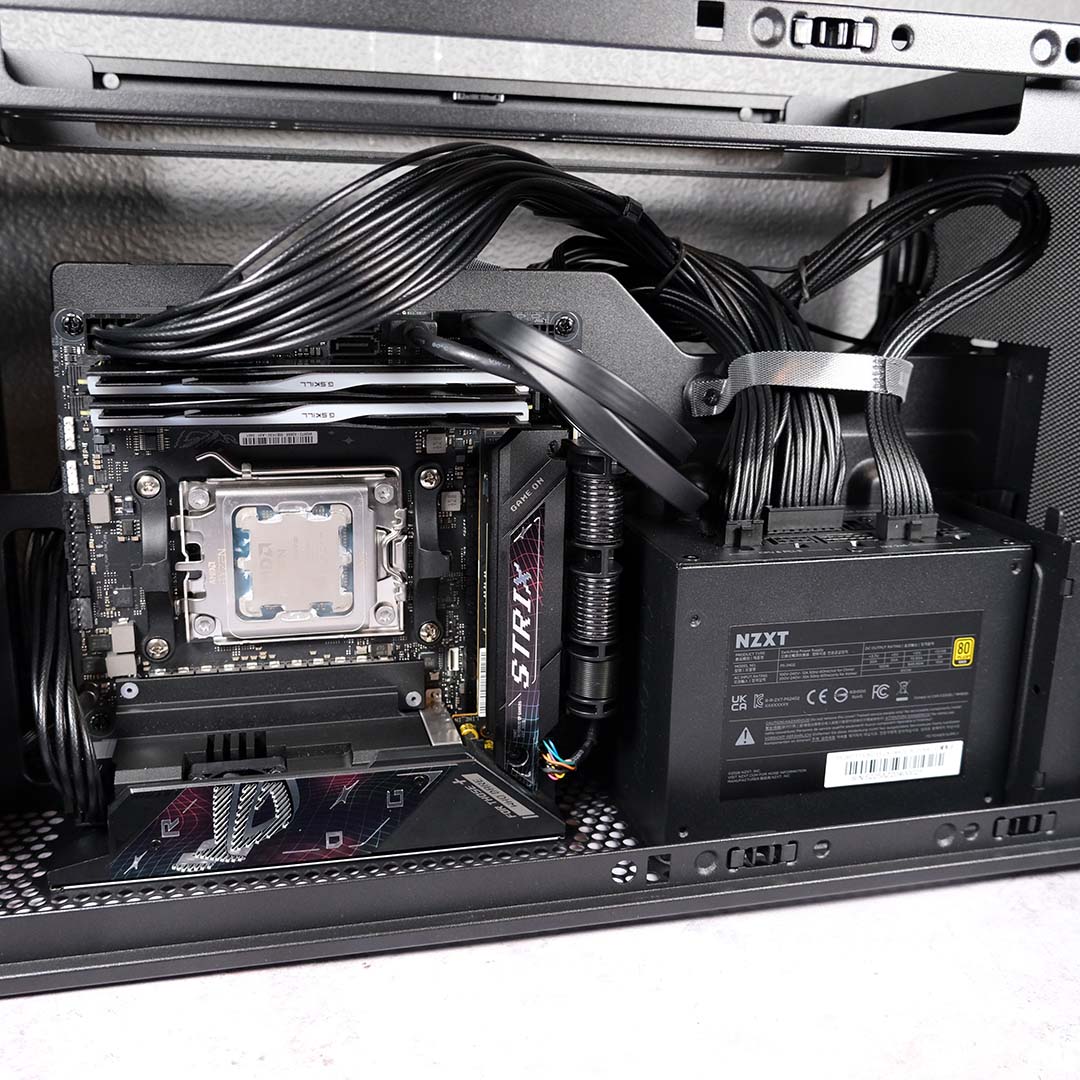
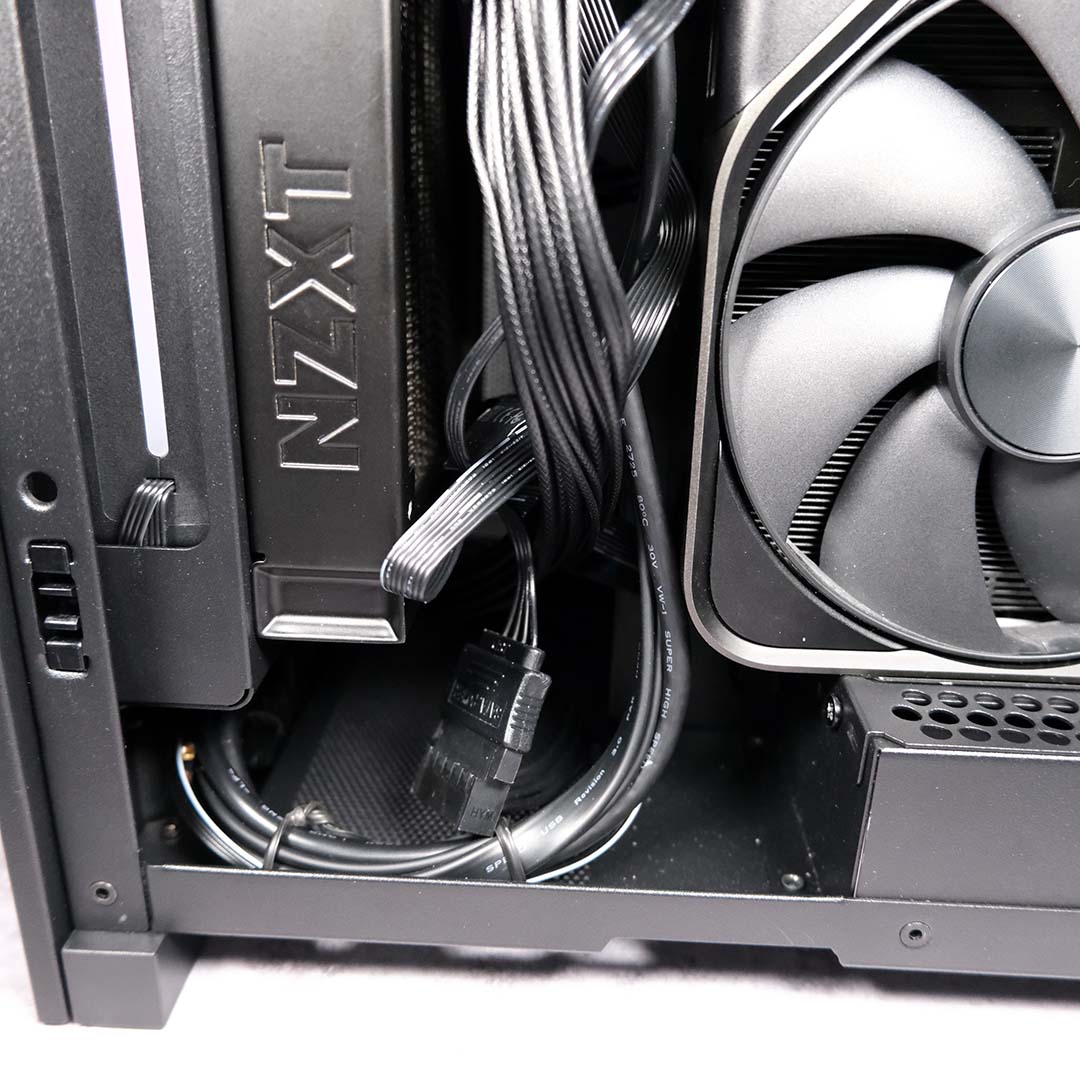
Now’s the time for my power supply to join the party and for preliminary cable management to begin. My C850 SFX Gold screws into place without any fuss, and I set about routing the 24-pin ATX, 8-pin CPU, SATA, and 16-pin 12V-2×6 cable throughout the case. While NZXT does supply zip ties in the accessories box, I’m making use of the twisty cables to keep my build moderately tidy during installation.
As you can see in the picture above, the PSU cables are testing for the Velcro NZXT straps. I wish they were longer, running down more of the spine, as they’d more easily and elegantly accommodate the larger, stronger wires. Thankfully, the darkness of the mesh panel and cabling blend together to obfuscate this ‘leccy spaghetti.
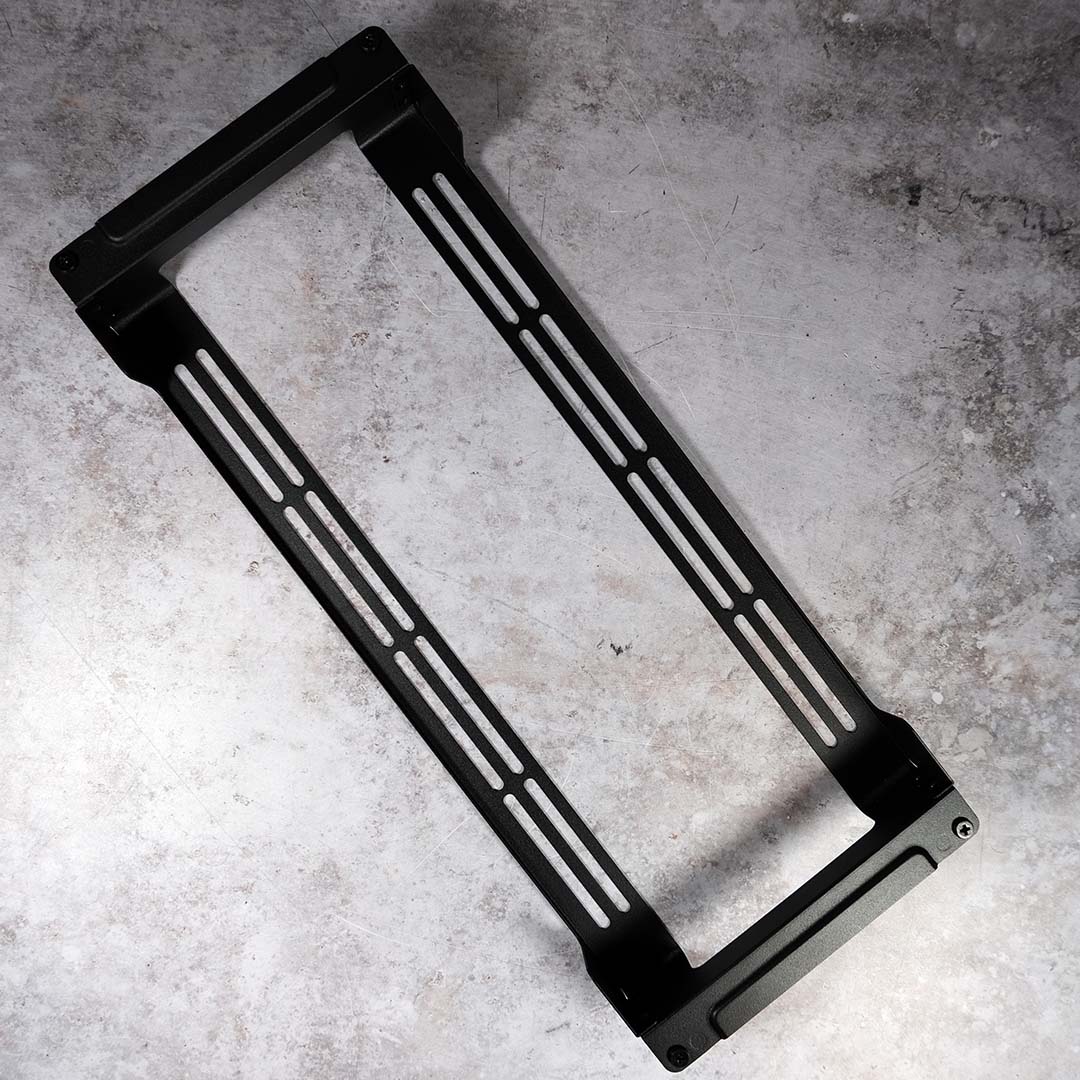
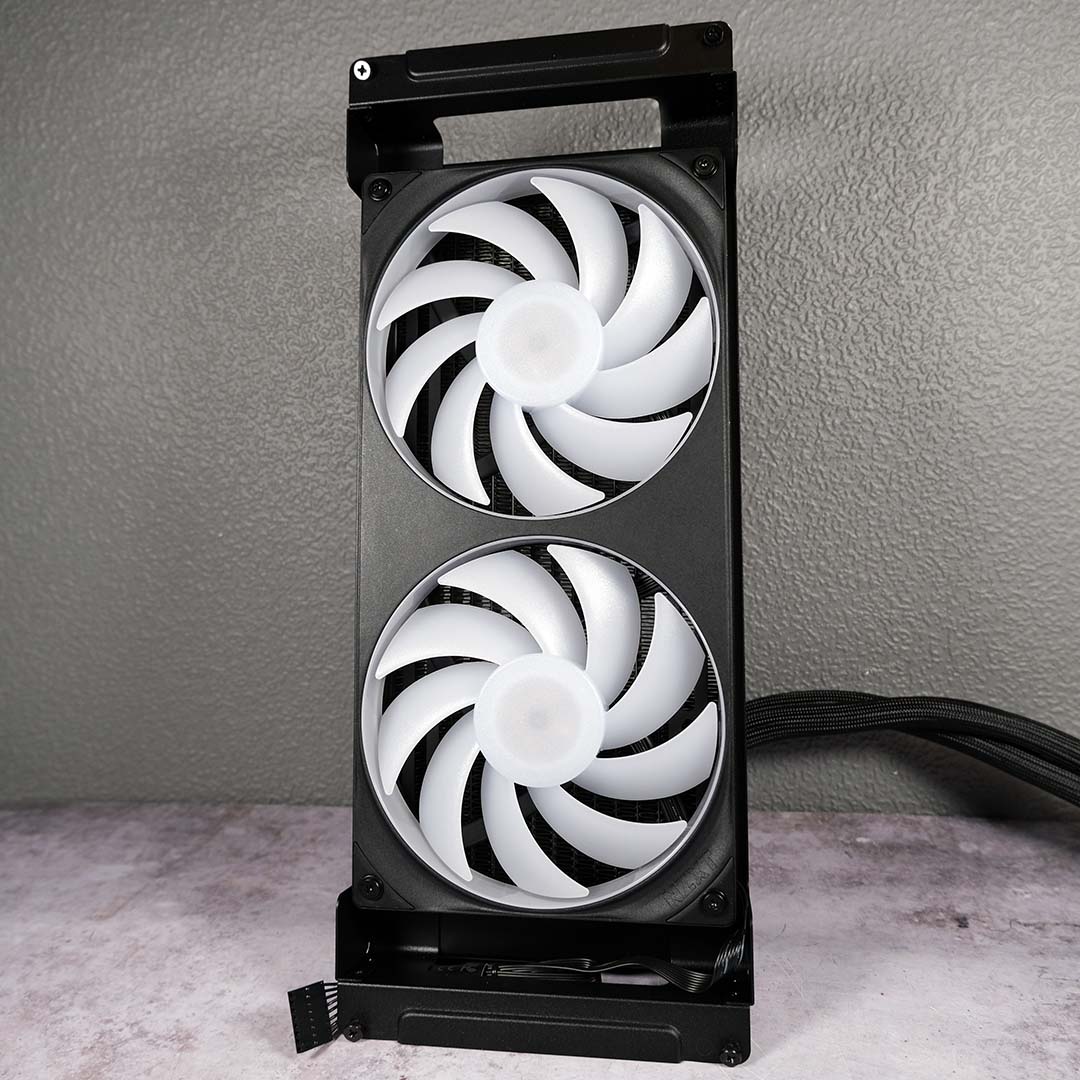
The radiator mount pulls away from the H2 Flow via four screws, meaning I can mount the Kraken Elite 280 RGB with all the space I could want. Lining up the rad and fans is a touch fiddly, but the setup quickly falls into place once you get a single corner in place.
NZXT has left small cutouts at both the top and bottom of the radiator mount, making it easy to feed through and hide away fan cables as they enter the case. In my case, I only have a single wire to manage, but I’m glad to see the NZXT has made considerations for those contending with more cabling.
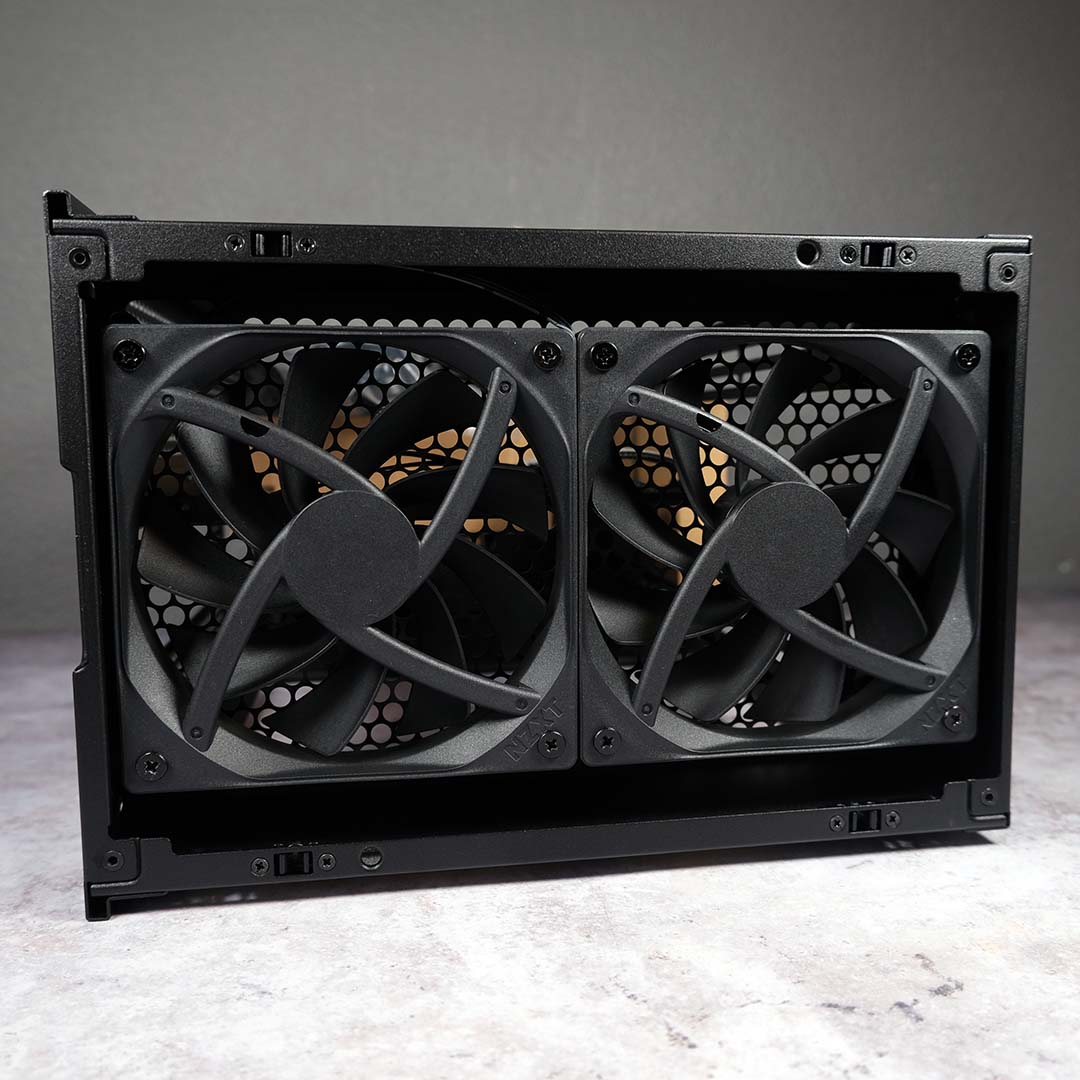
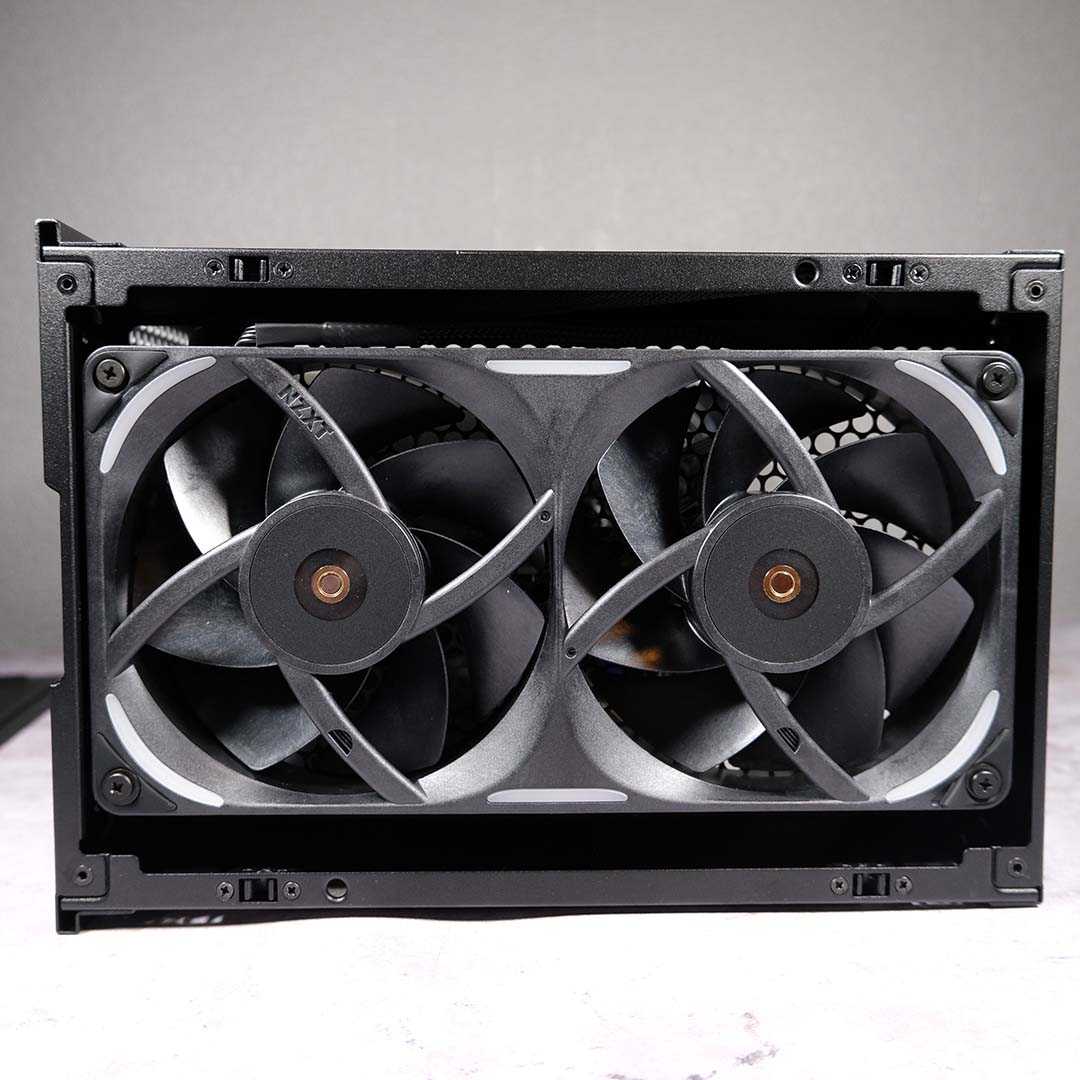
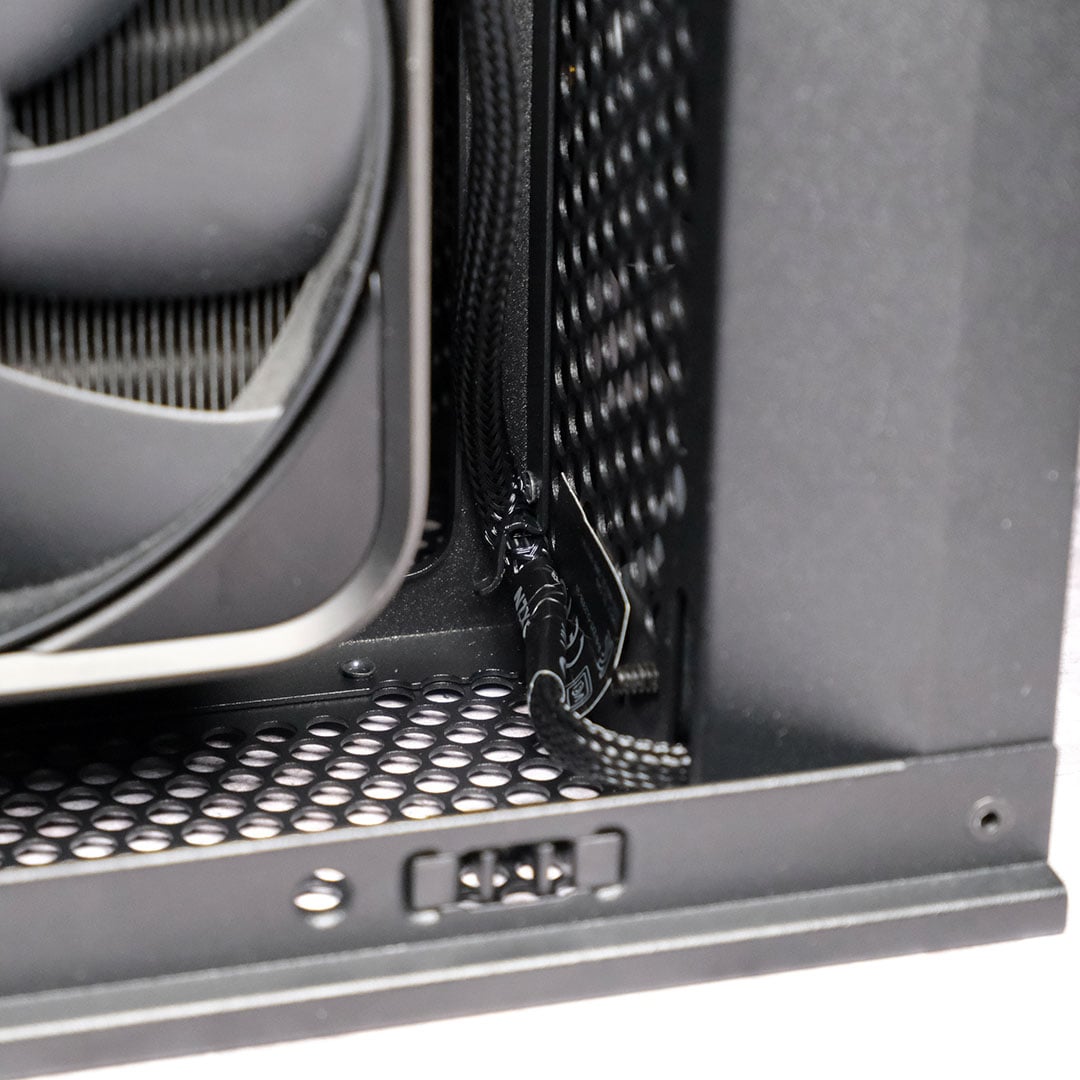
Before we get to the final cable management, there’s the matter of my exhaust fans to wrap up. The screws holding in each F120Q fan are easy to remove, but the cabling is a little trickier. NZXT has tucked them under a small metal peg, which is very difficult to reach once you’ve got the graphics card in the case.
Rather than remove my RTX 5090, I opt to use a small screwdriver head to loosen its grip, careful not to cut any wires. With the F120Qs out, the F240X take their place, part of their cabling hidden away in the upper compartment. That bothersome peg then turns useful in mitigating any slack as its cable enters the case.
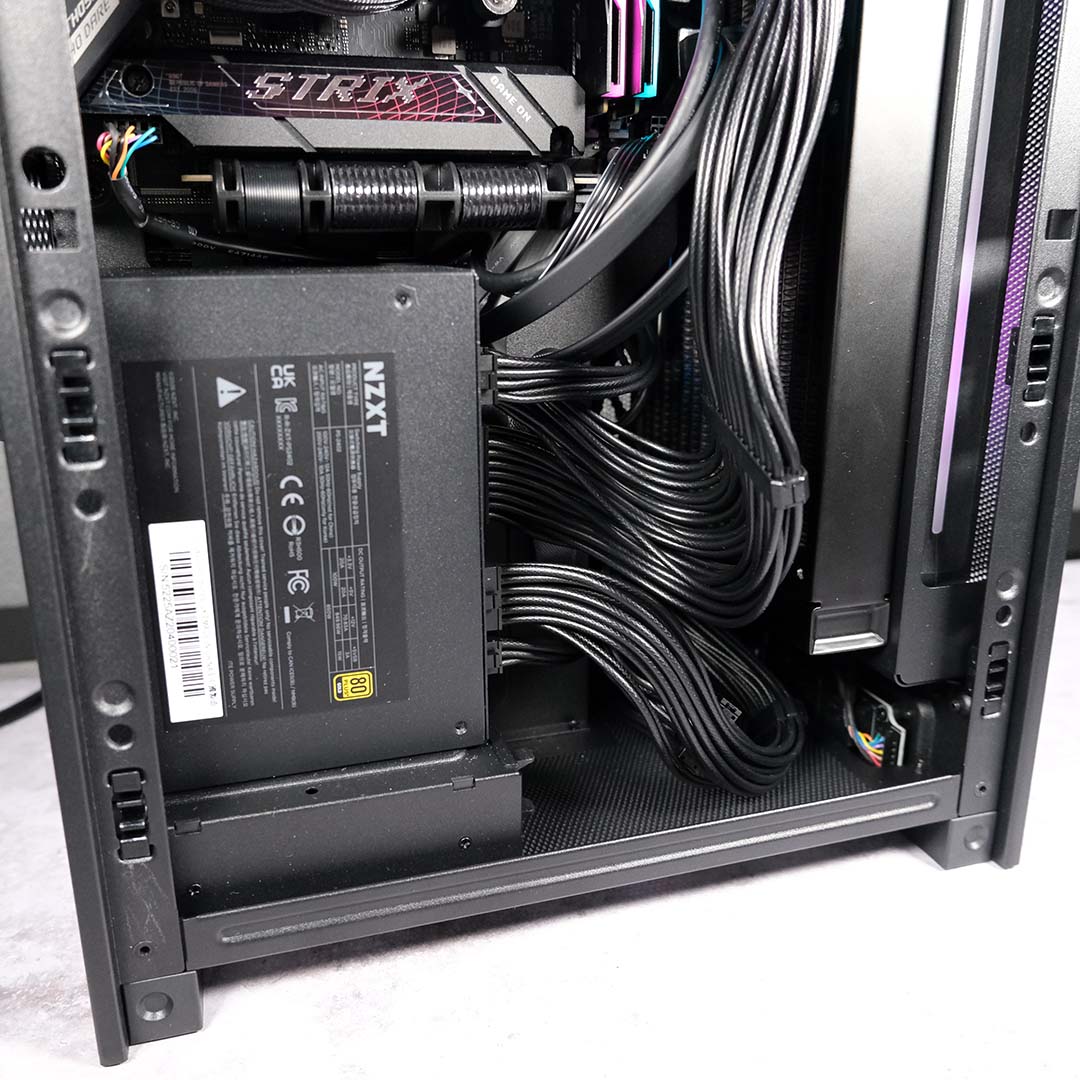
With everything wired up and the radiator in place, there’s still a fair amount of room at the bottom of the case for cables to mingle. All that free space will benefit airflow too.
Again, I do wish the supplied NZXT Velcro strap was longer, as the final power supply wiring proves too much for it if I want to make use of the holster. In this part of the case, though, this isn’t a particularly prominent problem.
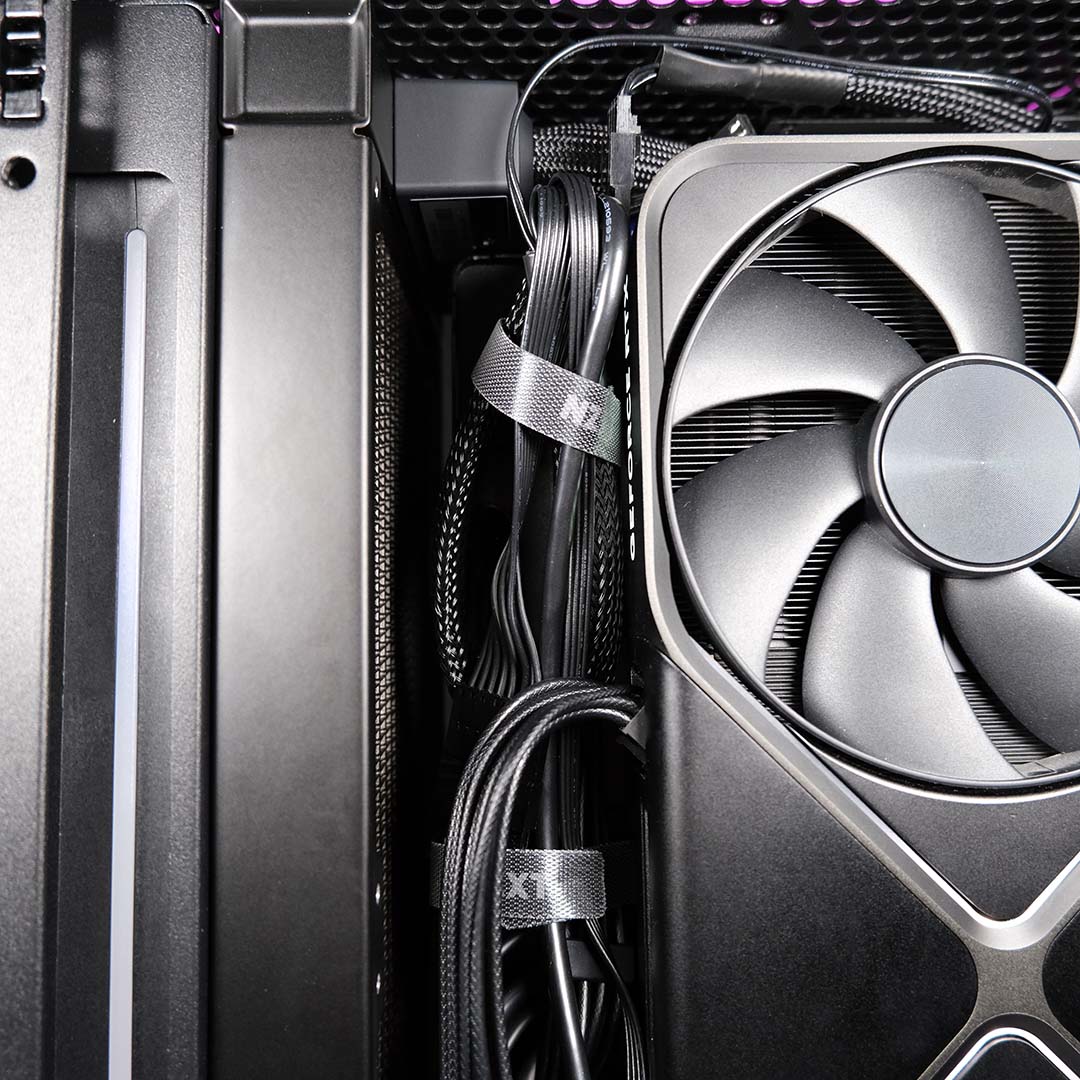
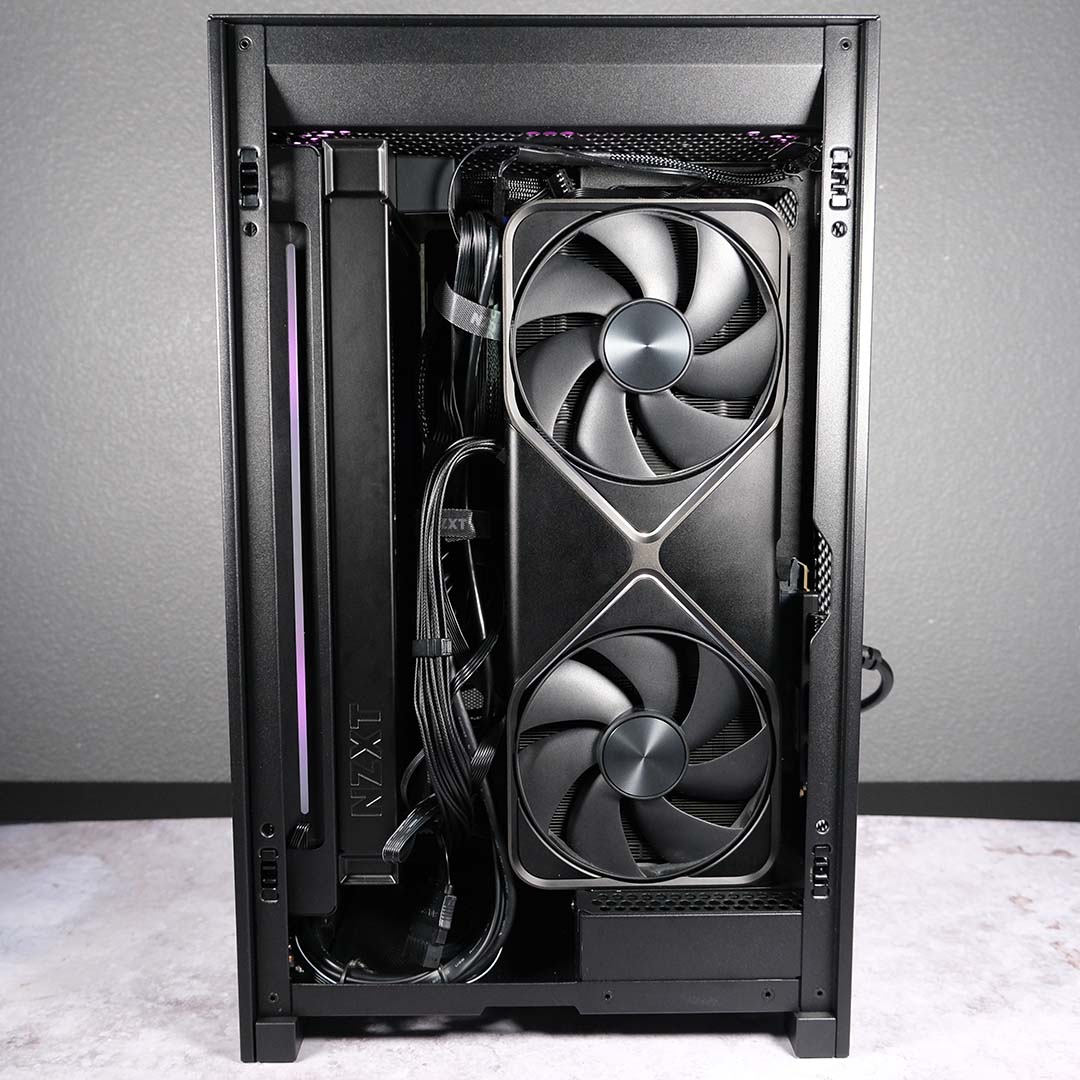
Switching over to the other side of the H2 Flow, cables are fairly neat towards the top and middle of the case. Again, though, I truly wish the NZXT Velcro straps were longer here and greater in number, even if the overall finish is generally fine.
The top-most Velcro came free from its holster, and refitting the strap is particularly fiddly with the graphics card in the way. As such, I’ve settled on wrapping cables in a bunch, rather than pulling them down to the spine. Meanwhile, the one in the middle was difficult to marry together, as it’s certainly at capacity. Some extra length wouldn’t go amiss here.
The case is much messier towards the bottom, hence my wish for another strap. I could admittedly employ a twist or zip tie, but I’m content with leaving this side of the H2 Flow looking a little wilder.
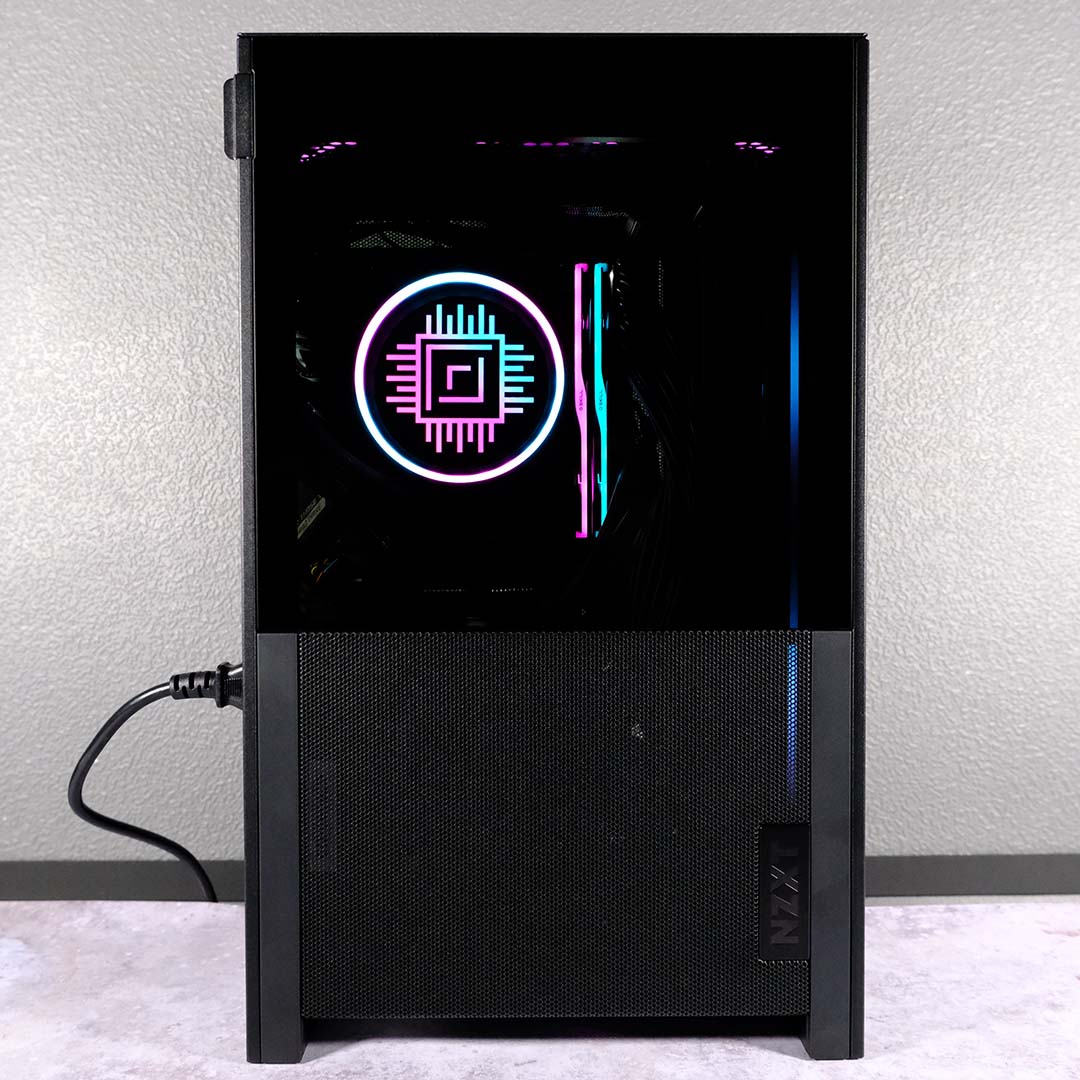
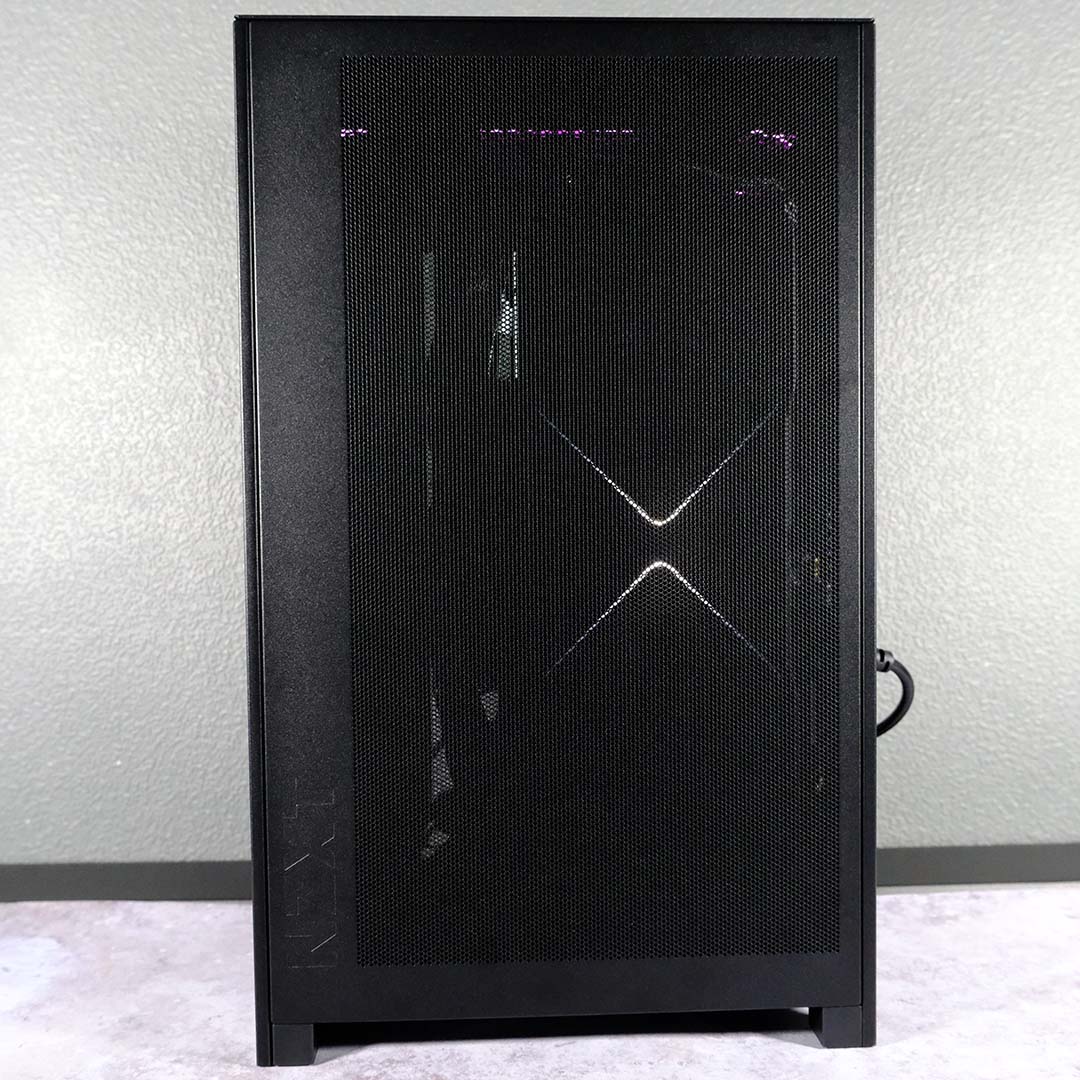
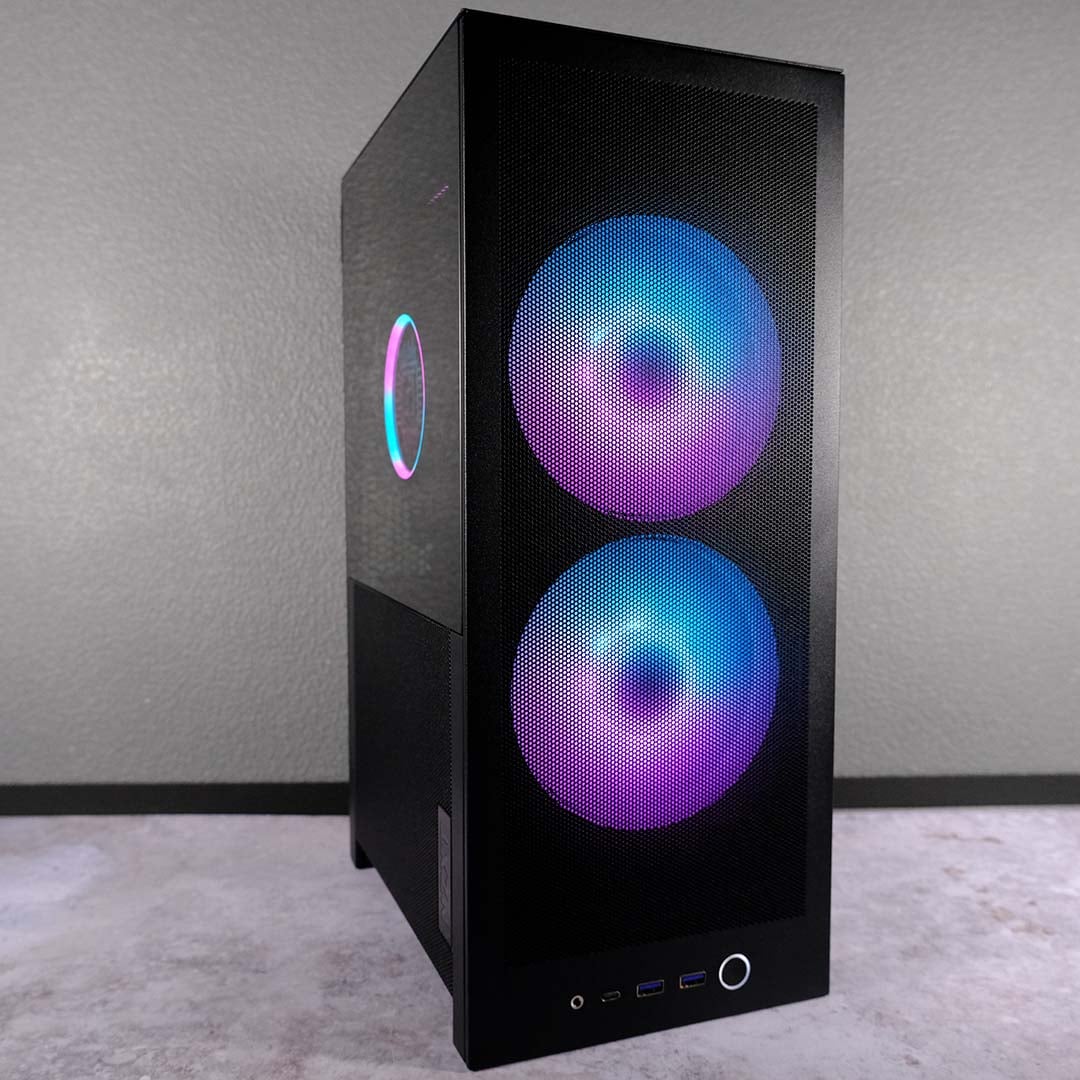
Popping the panels back on, I power up the system and the H2 Flow springs to life. I absolutely love the almost pitch-black void that the case creates through its tempered glass window, allowing the LEDs of my cooler and RAM to pop all the more. As expected, cabling has almost disappeared too, save for a few trace elements.
My GeForce RTX 5090 Founders Edition isn’t really visible through mesh panelling, but it was never a particularly “loud” graphics card to show off anyway. While a board partner design with ARGB fans would shine through more, I’m happy to keep this build looking stealthy, as it’s not a side of the case that I’ll frequently view anyway.
Performance
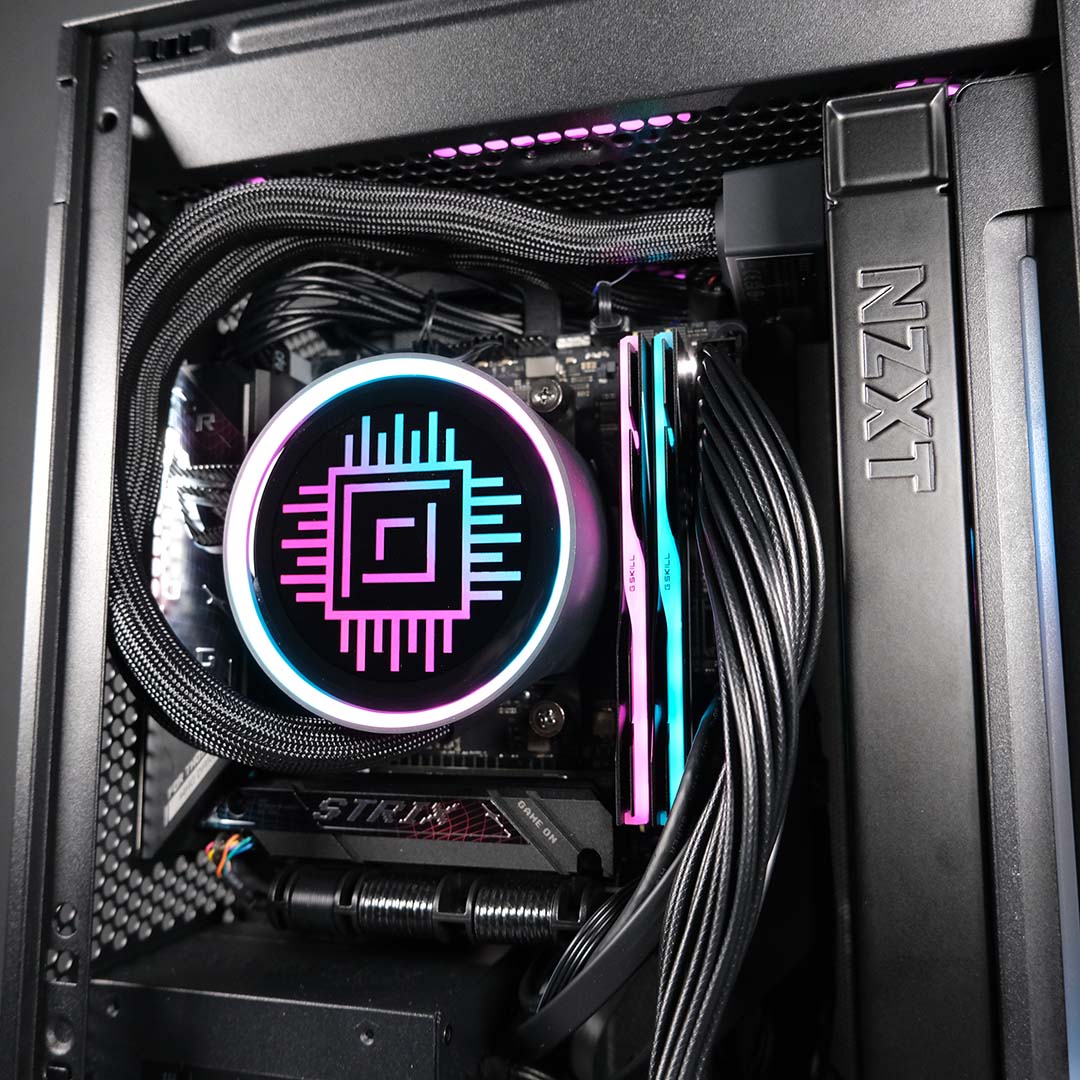
Despite biblical rainfall keeping outside cold and wet, my office provides a cosy environment for the H2 Flow. I’ve set my central heating to 20°C, making my office a relatively forgiving environment for the case and system as a whole.
I’ve allowed the GeForce RTX 5090 Founders Edition to run with its default fan curve, while capping the intake and exhaust fans to a static 30% and the AIO pump to 50%. At idle, this provides a near-silent ≤30dBA noise floor, with temperatures respectively falling to 34°C and 35°C on the GPU and CPU.
Stressing the graphics card with a FurMark 2 4K benchmark, my once-silent Flow 2 becomes far more audible. Measuring audio levels from the front, at a distance of 10in (25cm), sees my sound meter report a palatable reading of 37dBA. However, switching to the side panel sees this measurement rise to a much louder 45dBA.
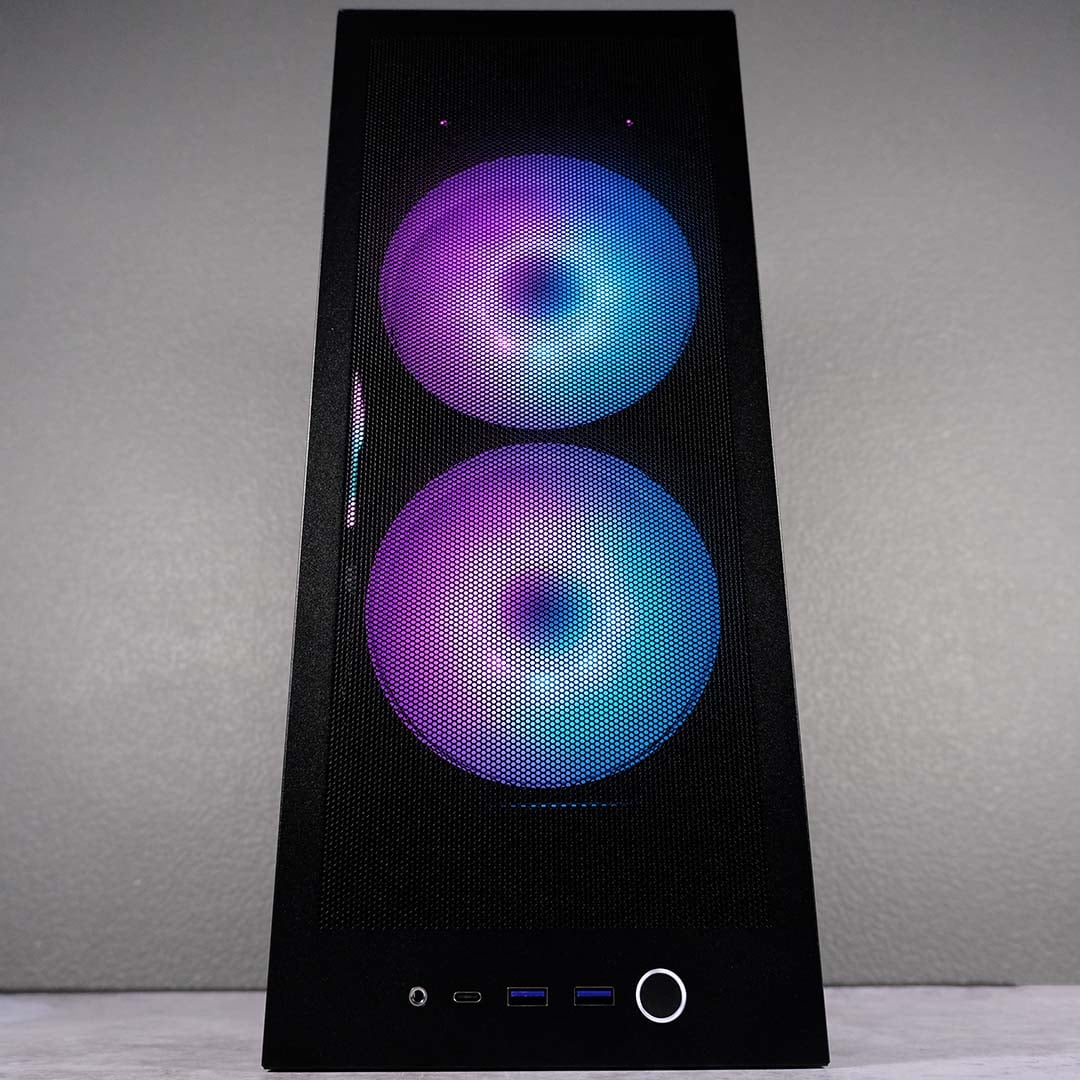
Higher noise levels are an unavoidable drawback of mesh panels with a focus on airflow, rather than acoustics. That said, I’m perfectly content with the H2 Flow’s performance in this regard, particularly as temperatures remain in check at 80°C. I can easily wash away that 37dBA peak with a gaming headset, and the same is largely true at 45dBA. However, I’d certainly recommend taking chassis placement into consideration if you’re in a shared space.
The pressures of Cinebench 2026 give my Ryzen 7 9800X3D and H2 Flow a proper workout. I begin with a single-core run, as that’s my primary performance concern, and the CPU happily hums along at a chill 48°C. Engaging multiple-threads for 10 minutes naturally pushes temperatures much higher, peaking at 83°C. This is well short of the processor’s 95°C thermal limit, meaning I can happily keep my near-silent fan settings in place without a second thought.
For the sake of science, and to see the airflow of the case in action, I also ran the same multi-thread benchmark with intake, exhaust, and pump running at 100%. Ear-ringing sound measurements of 61dBA make such settings unrealistic for day-to-day use, but peak CPU temperatures do tumble to 66°C.
To further verify all is well with performance, I’ve also put the system inside the H2 Flow through a collection of other applications. I’ve collated all of my findings in the table below.
| NZXT H2 Flow | |
|---|---|
| 3DMark Steel Nomad | 14,101 |
| 3DMark Speed Way | 13,682 |
| AIDA64 Read | 59,058MB/s |
| AIDA64 Write | 80,903MB/s |
| Cinebench 2026 Single-core | 735 |
| Cinebench 2026 Multiple Threads | 5,522 |
| CrystalDiskMark Read | 14,527MB/s |
| CrystalDiskMark Write | 13,426MB/s |
| Cyberpunk 2077 (4K, RT Overdrive, no DLSS) | 28 / 31fps |
| Rainbow Six Siege X (4K, Ultra+) | 168 / 214fps |
| Total War: Warhammer III (4K, Ultra) | 76 / 106fps |
All of these frame rates and scores are well within expectations for this hardware, even proving comparable to full-size enclosures. As such, I’m confident in describing NZXT’s case as an ideal home for powerful mini-ITX builds.
Conclusion
There’s a lot to love about the H2 Flow, whether you have plenty of experience in putting together small but mighty rigs, or are new to building mini-ITX PCs altogether. While NZXT’s design isn’t quite foolproof, it’s provided one of the most convenient and beginner-friendly building experiences I’ve ever seen in this form factor.
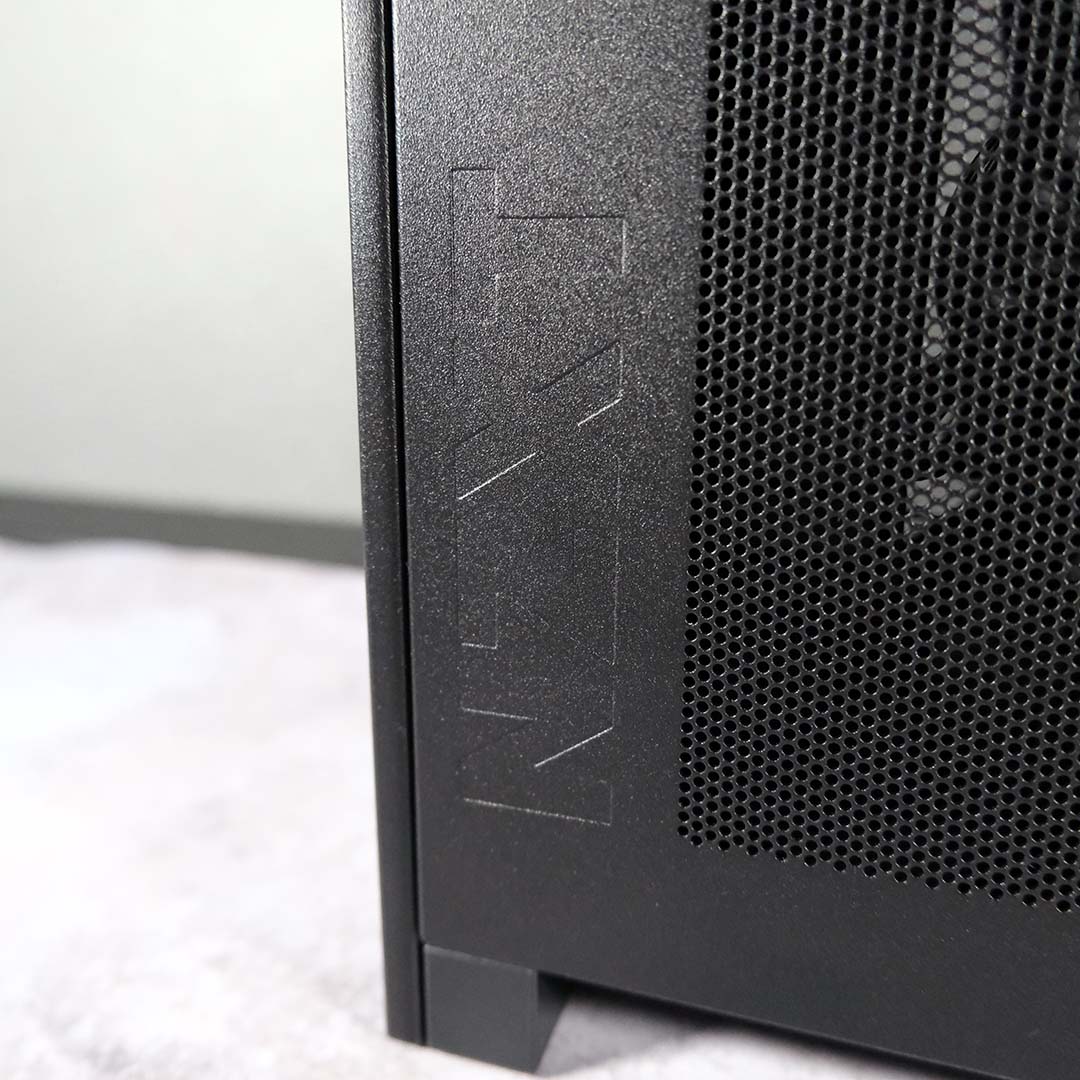
Pair that convenience with high-quality steel construction, a PCIe Gen 5 riser, and room to accommodate the best components money can buy, and the case easily justifies its £130 / $150 price point. That said, I’d welcome a few additional, and longer, Velcro straps for a few quid more.
The lack of discrete dust filters remains my biggest bugbear with the H2 Flow, but only time will tell whether this will become an actual issue. In the here and now, I’m more than happy with the build I’ve assembled inside this tall, dark monolith.
