
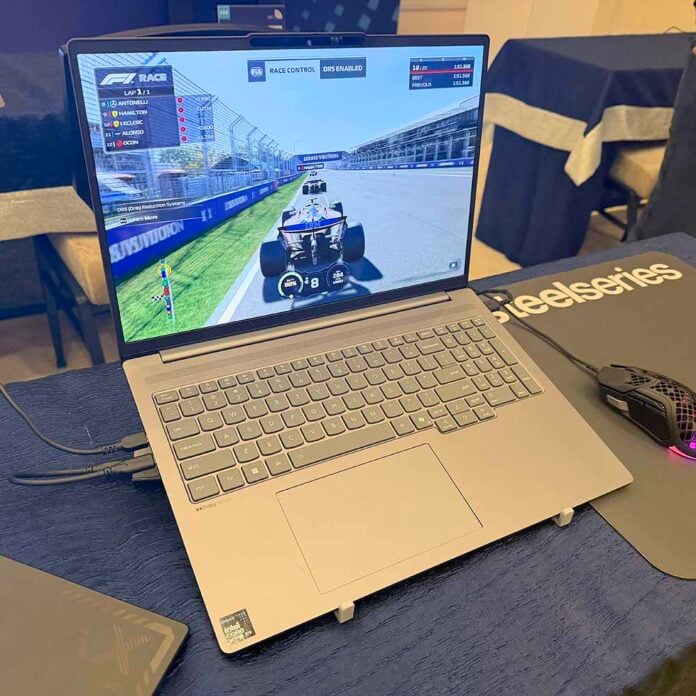
Intel has made some extraordinarily bold claims about the new Arc B390 GPU inside its Panther Lake chips. It’s 73% faster in games than the rival AMD Ryzen AI 9 HX 370, said Intel’s Dan Rogers at its CES 2026 keynote on Monday. What’s more, this new GPU also supports 4x multi frame gen, all based on machine learning, with promises of 100fps+ frame rates in some of the latest games. Do these claims bear scrutiny? Based on a quick round of testing, the answer appears to be yes.
Before we get to the numbers, it’s worth stepping back just to see what Intel has pulled out of its hat here. A few years ago, Intel had barely any sort of proper GPU tech at all, while AMD had all the tech expertise it acquired with ATi. If Intel’s performance claims add up, then AMD needs to take a look at itself.
Intel’s latest Panther Lake chips not only have a new CPU architecture, but they also feature the company’s new Xe3 GPU core, complete with a full suite of upscaling and frame gen tech based on machine learning. It’s a stark contrast against AMD’s current integrated GPUs, which still use the ageing RDNA 3.5 architecture, even in AMD’s latest Ryzen AI 400 chips, and only support basic FSR 3 frame gen. Anyway, let’s get benching.
Benchmarks
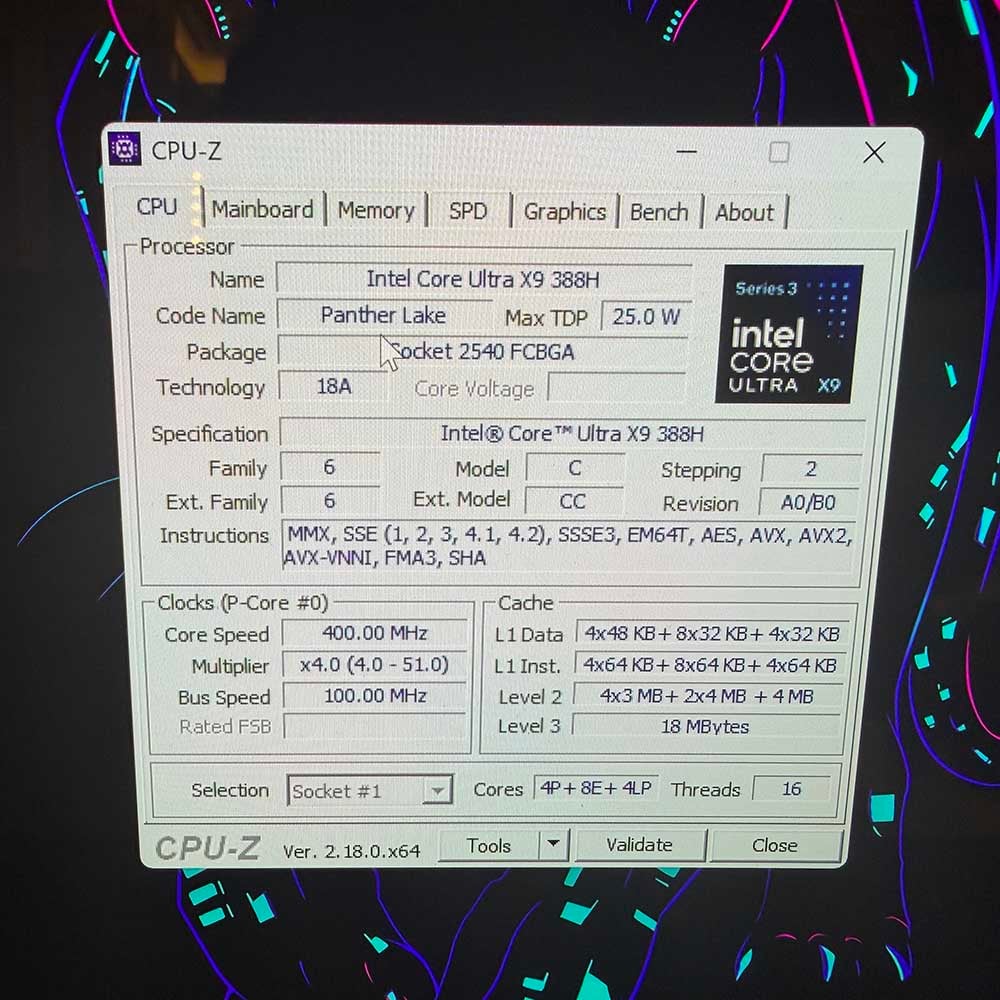
Intel gave me access to a Panther Lake laptop based on a Lenovo reference design for this test. It’s based on Intel’s flagship Core Ultra X9 388H CPU, with four P-Cores that can boost to 5.1GHz, along with eight E-Cores and four low-power (LP) E-Cores. In this machine, it’s partnered with 32GB of LPDDR5X memory running at 9,600MT/s, with 40-24-24-52 timings. I also had access to an Asus Vivobook S based on an AMD Ryzen AI 9 HX 370 for comparison in Cyberpunk 2077, though I didn’t have enough time to get a full set of results on both machines.
Cyberpunk 2077
Let’s kick off with Cyberpunk 2077, as this really shows where Intel has made great strides. Normally, when I test a machine with integrated graphics, I run this game with the Steam Deck preset and brace myself for inevitable disappointment. Intel Arc B390 has completely moved the goalposts, though. It’s not only playable at the game’s High graphics preset, but you can even enable ray tracing, albeit at low settings.
| Settings | Intel Core Ultra X9 388H Arc B390 (Min / Avg) | AMD Ryzen AI 9 HX 370 Radeon 890M (Min / Avg) |
|---|---|---|
| 1920×1080 High | 43fps / 50fps | 22fps / 28fps |
| 1920×1080 High, Quality FSR 3 / XeSS | 61fps / 73fps | 30fps / 38fps |
| 1920×1080 High, Quality XeSS, 4x MFG | 173fps / 198fps | N/A |
| 1920×1080 Low RT | 34fps / 40fps | 13fps / 18fps |
| 1920×1080 Low RT, Quality FSR 3 / XeSS | 44fps / 52fps | 20fps / 26fps |
| 1920×1080 Low RT, Quality XeSS, 4x MFG | 144fps / 167fps | N/A |
| 1920×1080 Medium RT | 22fps / 25fps | Not tested |
These results are extraordinary for an integrated GPU with just 12 of Intel’s new Xe3 cores. You could play this game at 50fps with High settings without any help from XeSS at all. The results are well ahead of AMD’s HX 370, which struggles along at just 28fps here. Add XeSS upscaling on the Quality setting, and you’re looking at 73fps, with a rock-solid 61fps minimum – that’s a 78% performance increase over the AMD machine with FSR enabled, and we haven’t even got to frame gen yet.
Finally, switch on 4x multi frame gen, which I had to enable via Intel’s software, and it accelerates to a super-smooth average of 198fps, all from a solidly playable baseline. I sadly didn’t have time to run the game with single FSR frame gen on the AMD machine, but it’s fair to say it won’t be anywhere near as smooth.
Next up, I wondered if you might even be able to switch on ray tracing on this super-fast new integrated GPU. It turns out you can. With the Medium ray tracing preset, Panther Lake slows down to 25fps, but it hits a remarkably solid 40fps with the Low RT setting – 122% faster than the AMD chip’s 18fps. Switch on XeSS upscaling with the Quality setting, and it goes up to 52fps, while enabling 4x MFG gets you 167fps.
There’s one obvious caveat with these results, which is that we’ve compared Intel’s new GPU to a Ryzen AI 9 HX 370, rather than an AMD Strix Halo chip. The latter can have up to 40 compute units in its GPU, and it would undoubtedly beat the Core Ultra X9 388H into submission through brute force. Intel has told us it has no plans to release a competitor to Strix Halo, so if Panther Lake products are genuinely price-competitive with AMD HX 370 (or 470) chips, then Intel has played a blinder here. We’ll have to wait and see how this all plays out.
Doom The Dark Ages
Next up, I ran id’s demanding new hellish shooter, Doom The Dark Ages. I didn’t expect miracles from this integrated GPU here, but it still performed admirably.
| Settings | Intel Core Ultra X9 388H (Min / Avg) |
|---|---|
| 1920×1080 Medium | 21fps / 31fps |
| 1920×1080 Low | 26fps / 39fps |
| 1920×1080 Low, XeSS Quality | 42fps / 62fps |
This game is a struggle for the Arc B390 at Medium graphics settings, but it’s just about playable at the Low preset, which still looks good. Add some upscaling magic from XeSS at the Quality setting and you’re gaming at 62fps.
There’s no built-in benchmark in this game, so I ran a repeatable area of the game several times to get these results. The game is genuinely playable at the latter settings.
F1 25
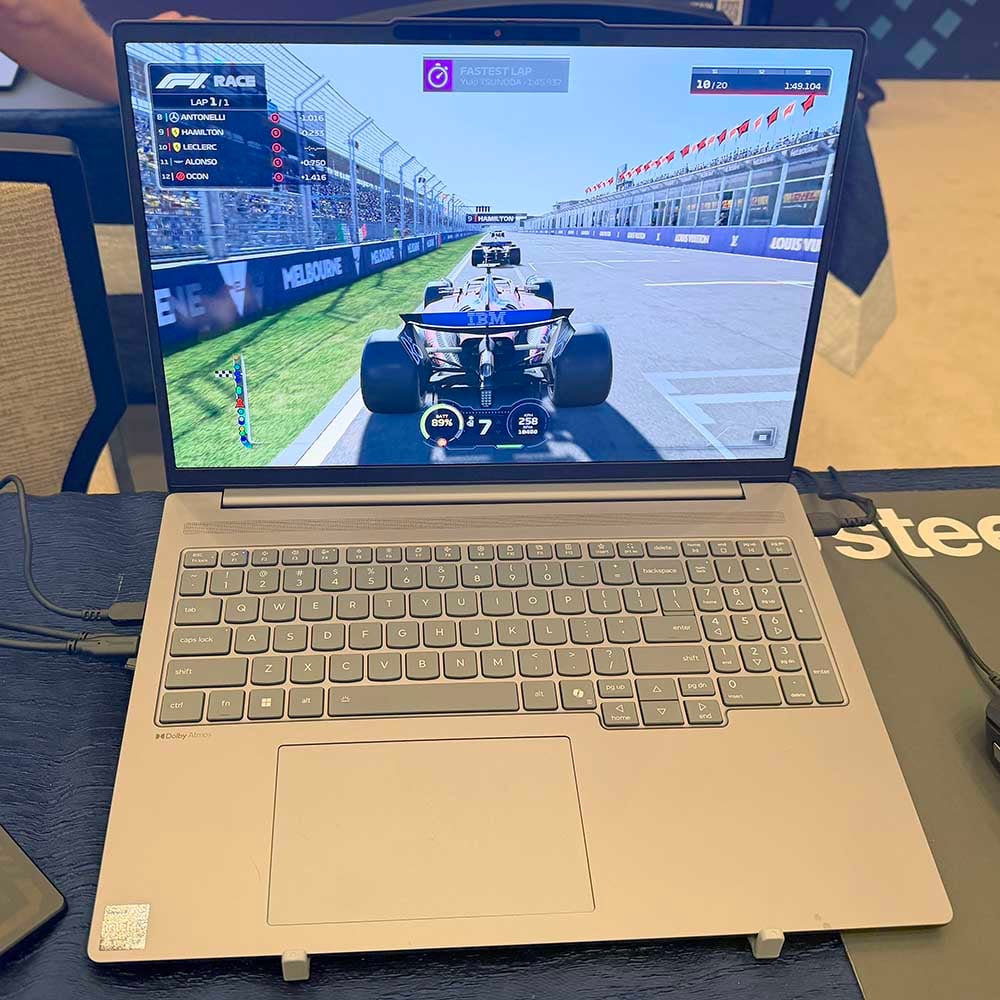
I also had a chance to run F1 25 on Panther Lake, and this game runs amazingly well on Intel’s new GPU. The minimums reported by the game here are surprisingly low, but the game looked smooth throughout testing.
| Settings | Intel Core Ultra X9 388H (Min / Avg) |
|---|---|
| 1920×1080 Low | 27fps / 136fps |
| 1920×1080 High | 11fps / 93fps |
| 1920×1080 High, XeSS Quality | 36fps / 109fps |
I started with low expectations, but seeing that 136fps was possible with the Low preset, I then pushed this game up to High settings. The resulting 93fps average is outstanding, and you can push it beyond 100fps with some help from XeSS.
Final Fantasy XIV: Dawntrail
Finally, I quickly ran Final Fantasy XIV: Dawntrail, as it’s a regular part of our benchmark suite. With the High (Laptop) settings engaged at 1920×1080, this benchmark came back with a fantastic average of 97fps, with a 51fps minimum.
Thoughts
Based on these initial results, we’re blown away by what Intel has managed to achieve with Panther Lake’s integrated GPU performance. You could buy a thin and light, low-power machine without a discrete graphics chip, and genuinely play the latest games on it. I was initially sceptical about adding multi frame gen to an integrated GPU, as I didn’t think the base frame rates would be high enough, but I’ve been proved wrong. You can play games without MFG on this chip, and just turn it on if you want smoother motion, perhaps if your laptop’s screen has a high refresh rate.
We’ll reserve final judgment until we’ve tested a Panther Lake machine in the Club386 lab, and taken a proper look at a full set of benchmark results, including power draw and CPU performance. A lot of Intel’s success here will also depend on real-world pricing with the current consumer RAM shortage, but Panther Lake has made a very strong first impression. It looks as though Intel has caught AMD napping and ambushed it with the best integrated GPU in this category. AMD should be worried.
