

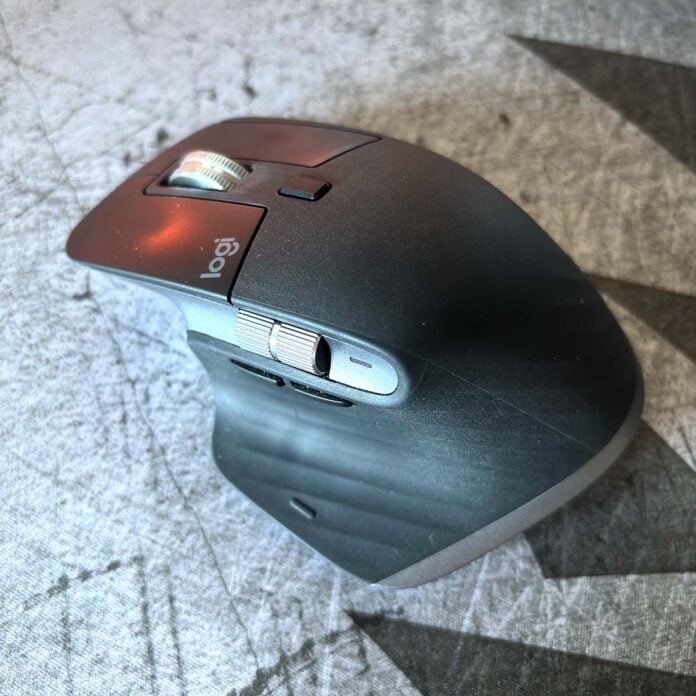
Widespread reports of borked Logitech mice are flooding in from macOS users. The fault, acknowledged by Logitech, stems from an expired certificate preventing the requisite Options Plus app from launching.
Hundreds of users took to Reddit in search of answers, with many exasperated by the fact that their devices were no longer functioning as expected. Whereas one might expect a mouse to continue to serve its purpose without an accompanying app, users reported the loss of function on various buttons, and irregular scroll functionality.
I personally ran into issues with my MX Master 3S, whose back and forward buttons were no longer providing basic navigation duties in my web browser.
The same issue affects Logitech’s G Hub software for supported gaming peripherals. The manufacturer states “the problem was caused by an expired certificate required for the apps to run.”
Regrettably, the expired certificate also prevents Logitech’s in-app updater from functioning, meaning users will need to manually download and install an updated version of the app to restore functionality.
Commenting on Reddit, Logitech marketing representative ATXsantucci admitted “this was a massive error on our part and there is no excuse for it,” before clarifying “the certificate that expired is used to secure inter-process communications and the expiration results in the software not being able to start successfully.”
“It is not related to internet connection and affects the offline installer as well,” added ATXsantucci.
I can confirm the fix is easily implemented, with Logitech’s step-by-step process detailed below:
Steps to fix the issue:
Options+
Step 1: Download the updated ‘patch’ installer for Options+ here.
Step 2: Double‑click the downloaded file.
Step 3: The installer will automatically close and Options+ will launch.
Step 4: Your devices, settings, and customizations should be fully restored.
G HUB
Step 1: Download the updated installer for G HUB here.
Step 2: Double‑click the downloaded ‘patch’ installer.
Step 3: Once the “software already exists” message appears, exit the installer.