
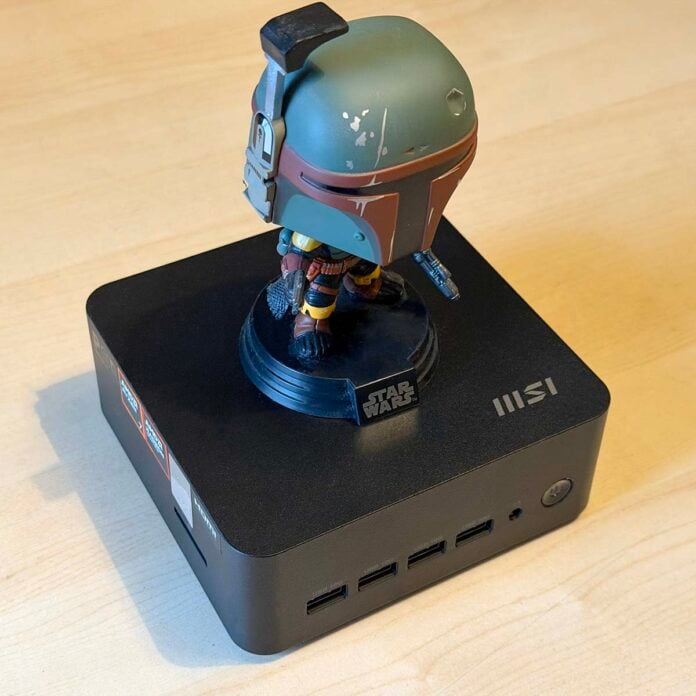
MSI is showing AMD some serious love right now. Not only is MSI’s Claw handheld now using both AMD and Intel silicon, but the tech firm has now also drawn AMD into its mini PC club. Its tiny new MSI Cubi Z AI 8M can be equipped with a range of AMD 8000-series CPUs, complete with integrated Radeon GPUs. Yes, you could even play games on this tiny box of tricks, which can be discreetly mounted out of sight on the back of your monitor.
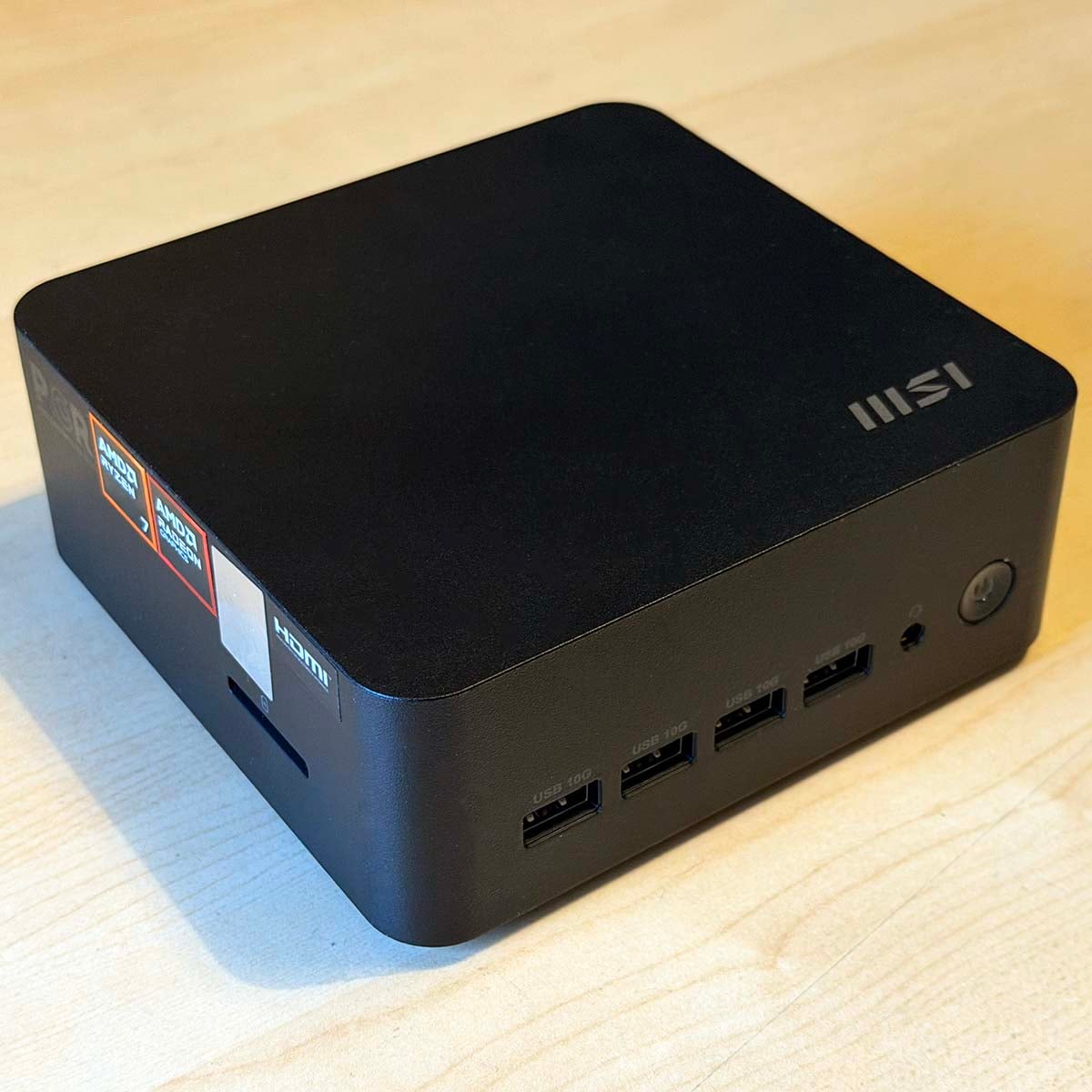

MSI Cubi Z AI 8M
From £476
Pros
- Solid CPU performance
- Quiet operation
- Low power draw
- Capable of basic gaming
- Loads of ports
- Reasonable price
Cons
- Comparatively tall
- Basic BIOS
- Only one M.2 2280 SSD slot
- Dull appearance
- NPU doesn’t meet Copilot+ spec
Club386 may earn an affiliate commission when you purchase products through links on our site.
How we test and review products.
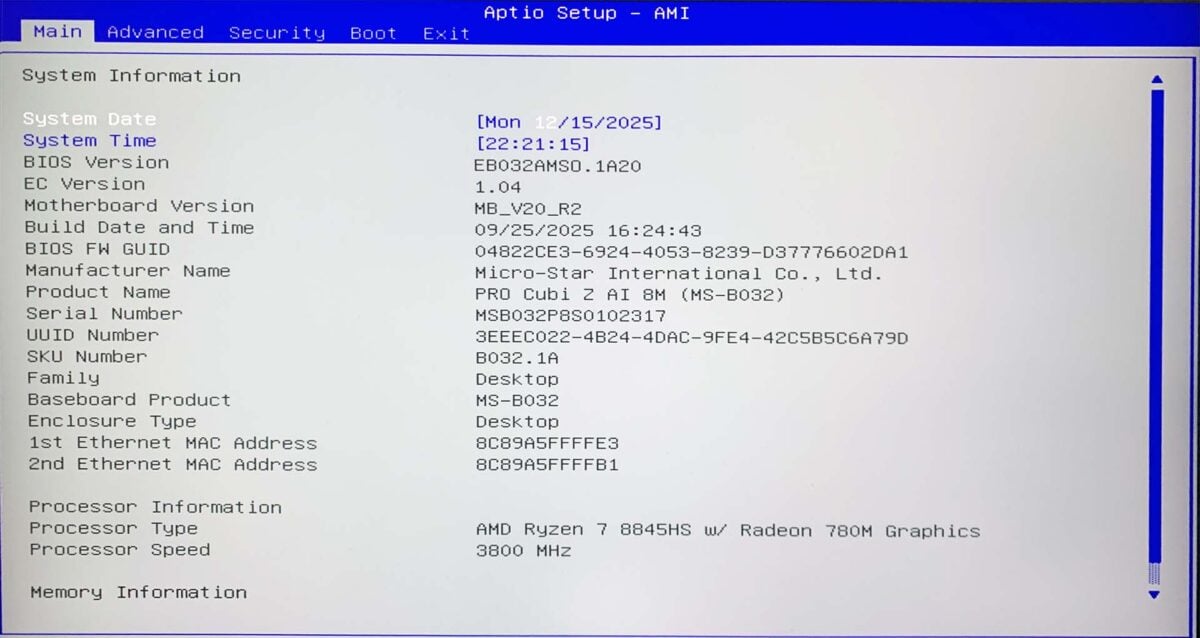
For this review, I’m testing a mid-range model based on an AMD Ryzen 7 8845HS Hawk Point chip. MSI has equipped our test sample with 16GB of RAM and a 1TB SSD, but you can buy it as a barebone model that you furnish as you see fit. There are other options available on either side of this spec, topping out with an AMD Ryzen 9 8945HS chip, but this only really buys you increased clock speed. You still get eight Zen 4 cores and an AMD Radeon 780M in this Ryzen 7 model, which covers all the essentials.
Specifications
Just like every other tech firm under the sun, MSI has also shoehorned ‘AI’ into the name of this PC, but it does at least legitimately have an NPU under its belt. It doesn’t have one of AMD’s latest AI-branded CPUs, unlike the Sapphire Edge AI 340, so it doesn’t have that 50TOPS figure in its NPU specs.
It doesn’t meet the 40TOPS figure for Microsoft Copilot+
However, the CPU’s built-in NPU can churn out 16TOPS, while its integrated GPU bolsters this further to give you a final figure of 38TOPS. You wouldn’t want to run an independent LLM on it, but there’s enough power here for basic PC AI functions. Sadly, unlike Sapphire’s Edge AI machines, it doesn’t meet the 40TOPS figure for Microsoft’s Copilot+ certification, either, which dents its appeal for AI.
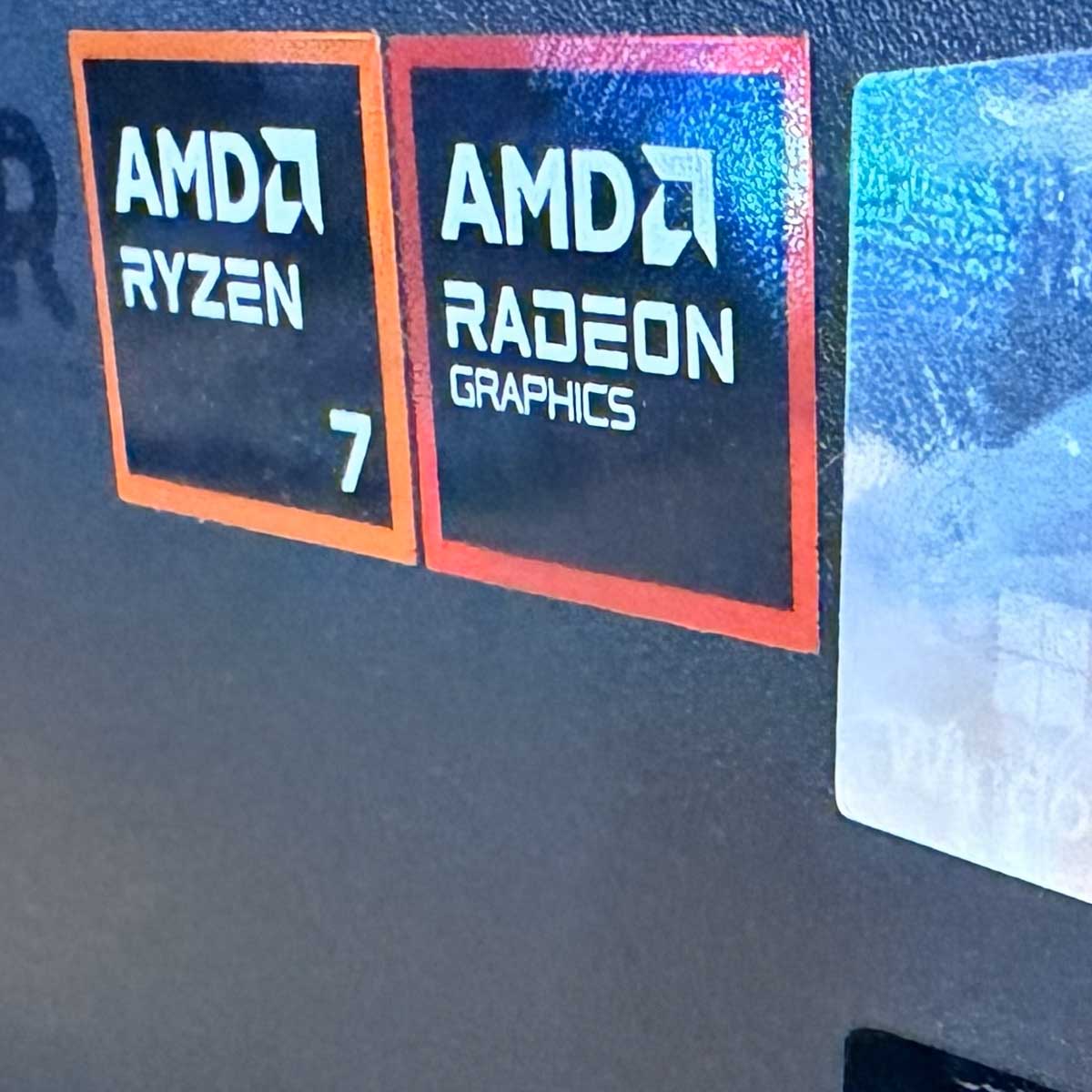
Leaving AI aside, the main benefit of this PC is that it offers plenty of raw x86 processing power in a tiny package. Equipped with eight Zen 4 cores, it can handle both single-threaded and multi-threaded software surprisingly well for its size. All its cores support AMD’s SMT technology as well, so this chip can execute 16 concurrent threads.
Importantly, the APU also contains an AMD Radeon 780M GPU. Based on AMD’s RDNA 3.5 graphics architecture, this GPU has 12 compute units, giving it 768 stream processors. That makes it more powerful than the GPU inside the Steam Deck’s SoC, and despite its 700-series model name, it’s a good step up from the Radeon 840M we tested in Sapphire’s Edge AI 340 as well. Naming, huh?
| Cubi Z AI 8M | |
|---|---|
| CPU | AMD Ryzen 7 8845HS |
| GPU | AMD Radeon 780M |
| NPU | 16TOPS |
| RAM | Up to 64GB (2x32GB) DDR5 5,600MT/s SO-DIMM |
| Storage | M.2 2280 NVMe PCIe Gen 4 x4 (x1) |
| Front Ports | 3.5mm mic-in/headphone-out (x1) USB-A 10Gb (x4) |
| Rear Ports | HDMI 2.1 (x2) RJ45 2.5Gb (x2) USB-C 40Gb, w/ DP 1.4 Alt Mode and PD 3.0 100W (x1) USB-C 40Gb, w/ DP 1.4 Alt Mode and PD 15W (x1) USB-A 10Gb (x1) USB-A 480Mb (x1) |
| Features | Bluetooth 5.3 SD card reader External power switch header Kensington lock slot Integrated speaker VESA mount AMD RZ616 Wi-Fi 6E |
| Dimensions | 136 x 132 x 50mm |
| Weight | 790g |
| Price | From £476 |
As with many dinky mini PCs, MSI makes this unit available as a barebone system, which will set you back £476 on Amazon right now. Given the current chaos surrounding RAM prices, that was a good call from MSI, as it means the prices of these systems aren’t going to massively rise. It’s then basically up to you to fit it with your chosen memory and storage configuration.
That makes it more powerful than Steam Deck GPU.
To that end, you can fit two DDR5 SO-DIMMs for a dual-channel setup with a capacity up to 64GB. Sadly, though, there’s only a single M.2 slot for storage. That’s a bit of a disappointment when some of the latest mini PCs we’ve seen have two or three M.2 2280 SSD slots. This limits your options when SSDs are going up in price, as you may just want to add an extra small drive, rather than replacing your whole SSD with a new model.
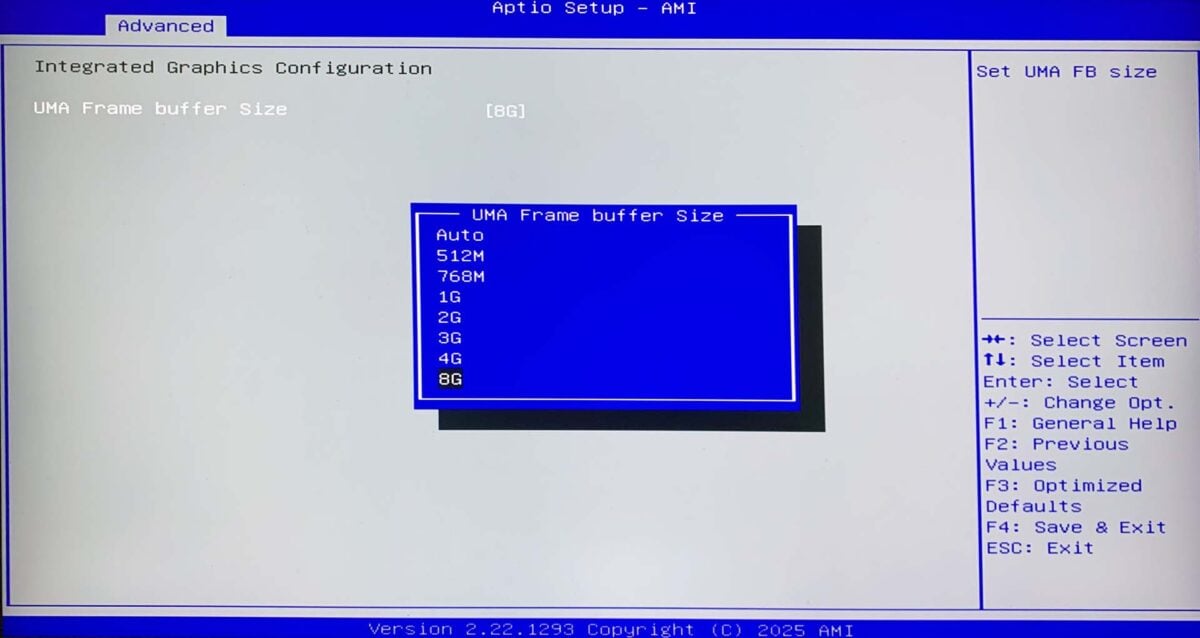
On the plus side, the single M.2 2280 slot supports PCIe Gen 4 x4 SSDs, so you can get decent speeds. You won’t get the huge pace of a new PCIe Gen 5 drive here, but PCIe Gen 4 SSDs are plenty quick enough for most people’s needs. MSI fitted a 1TB Phison OEM drive in our test unit, along with 16GB (2x8GB) of Samsung 5600MT/s DDR5 memory. That covers all the basics, with 512MB of that memory allocated to the GPU by default, although you can set aside up to 8GB of your system memory for the GPU if you want.
Design
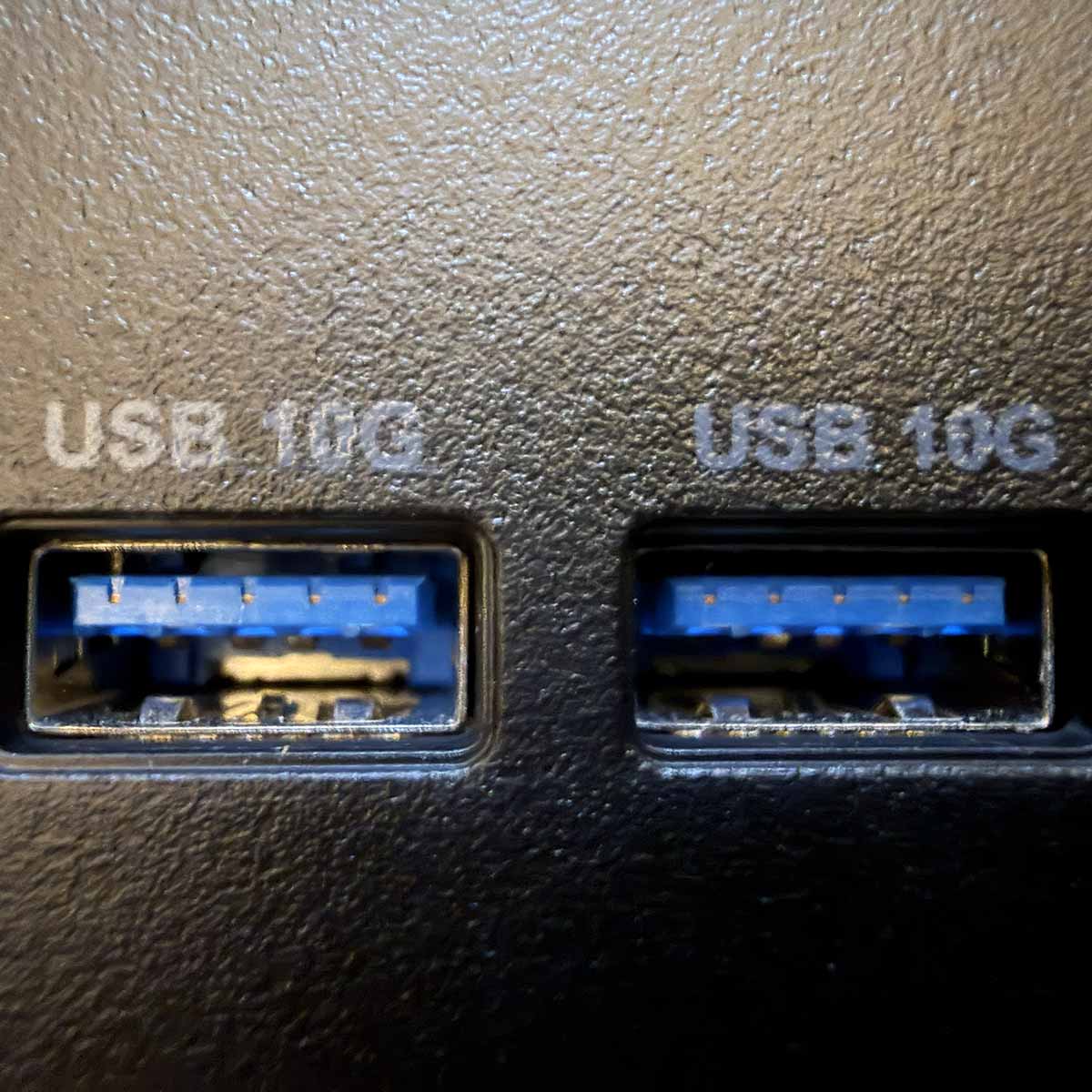
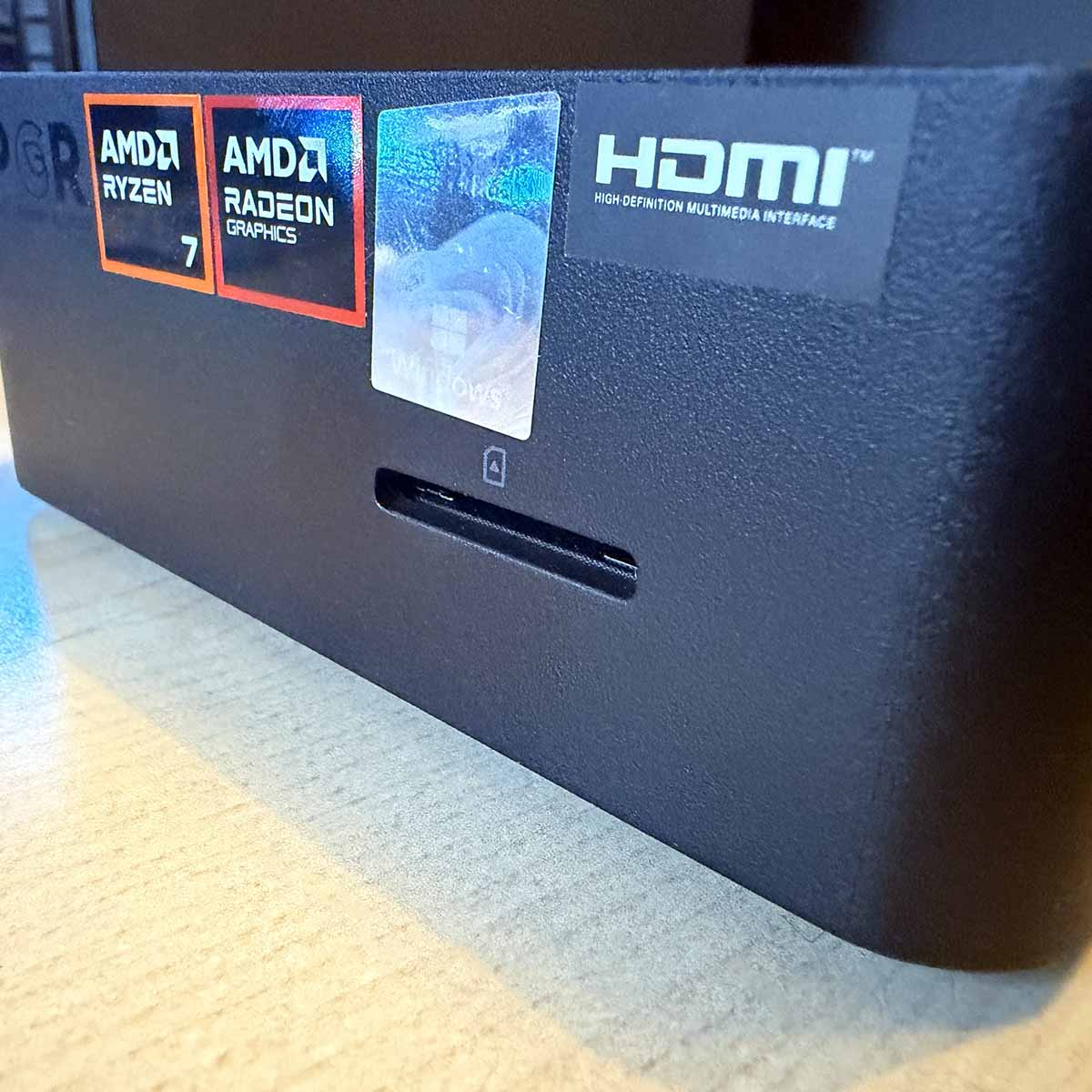
Despite its small dimensions, MSI has crammed loads of ports into the sides of this tiny PC. Along the front, you’ll find a tidy row of four USB-A ports, all of which support USB 3.2 Gen 2 up to 10Gbps. Unlike the aforementioned Sapphire box, there’s also an SD card reader on the left-hand side. Often overlooked, this is a really handy addition if you regularly move files off a digital SLR, for example.
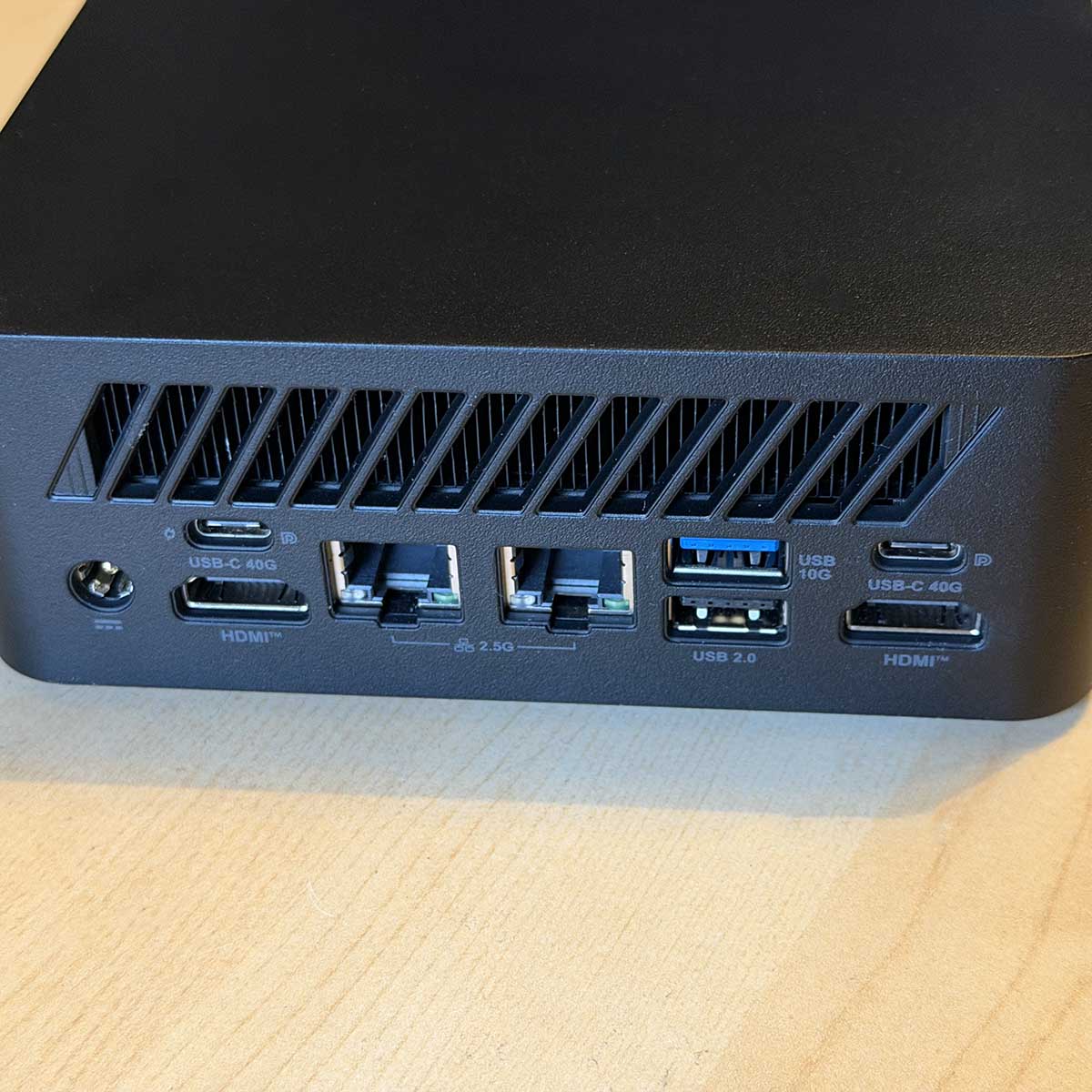
MSI has crammed loads of ports into the sides.
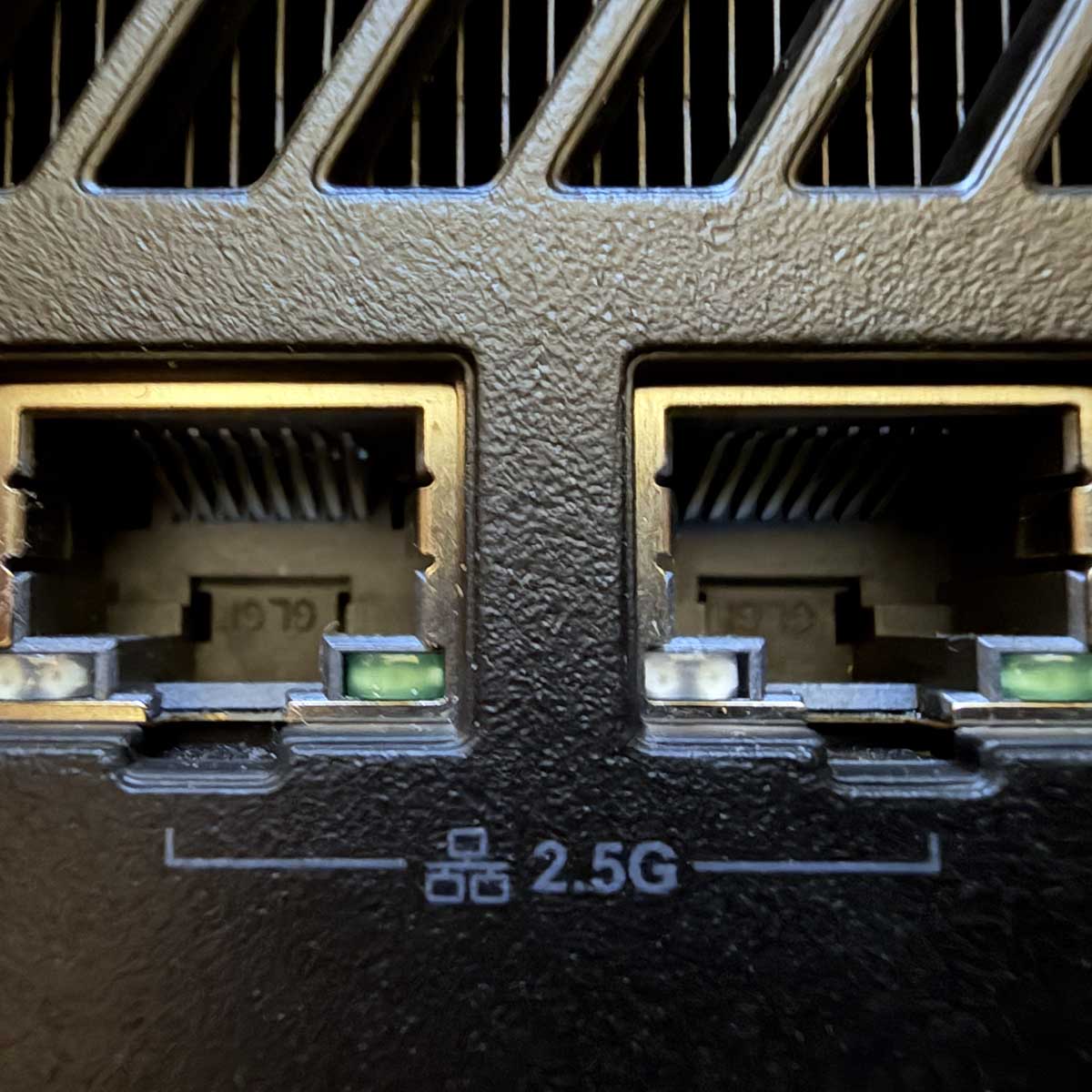
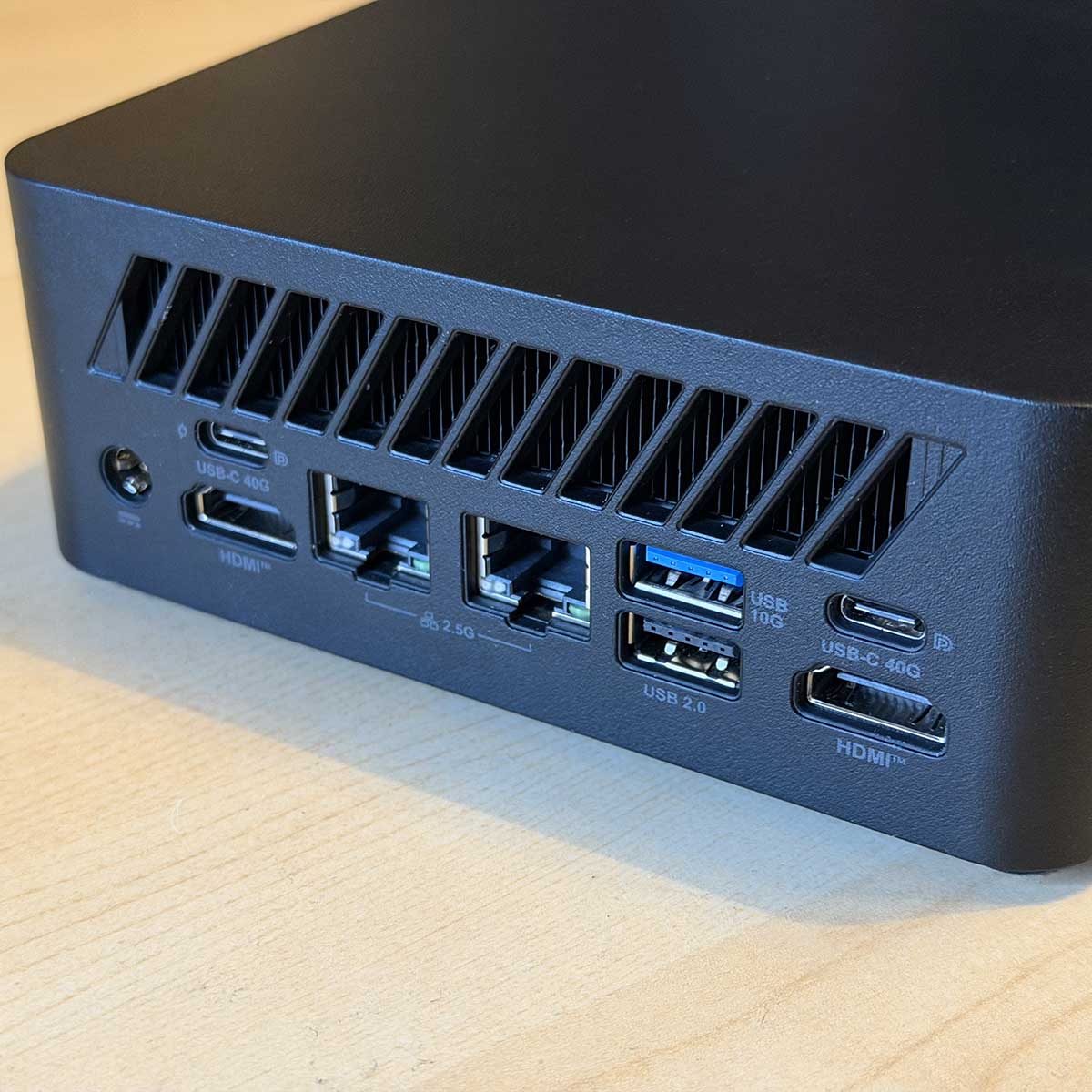
The back is where it’s all at, though. Here you’ll find two full-size HDMI 2.1 outputs, as well as a pair of 2.5Gb RJ45 Ethernet sockets. Two USB-C connectors are also mounted here, both supporting USB4 speeds of 40Gbps, as well as DisplayPort 1.4. One of them also has full PDP 3.0 support, so you can quickly charge up a hefty USB-C device, such as a laptop, tablet, or gaming handheld, all straight from your PC.
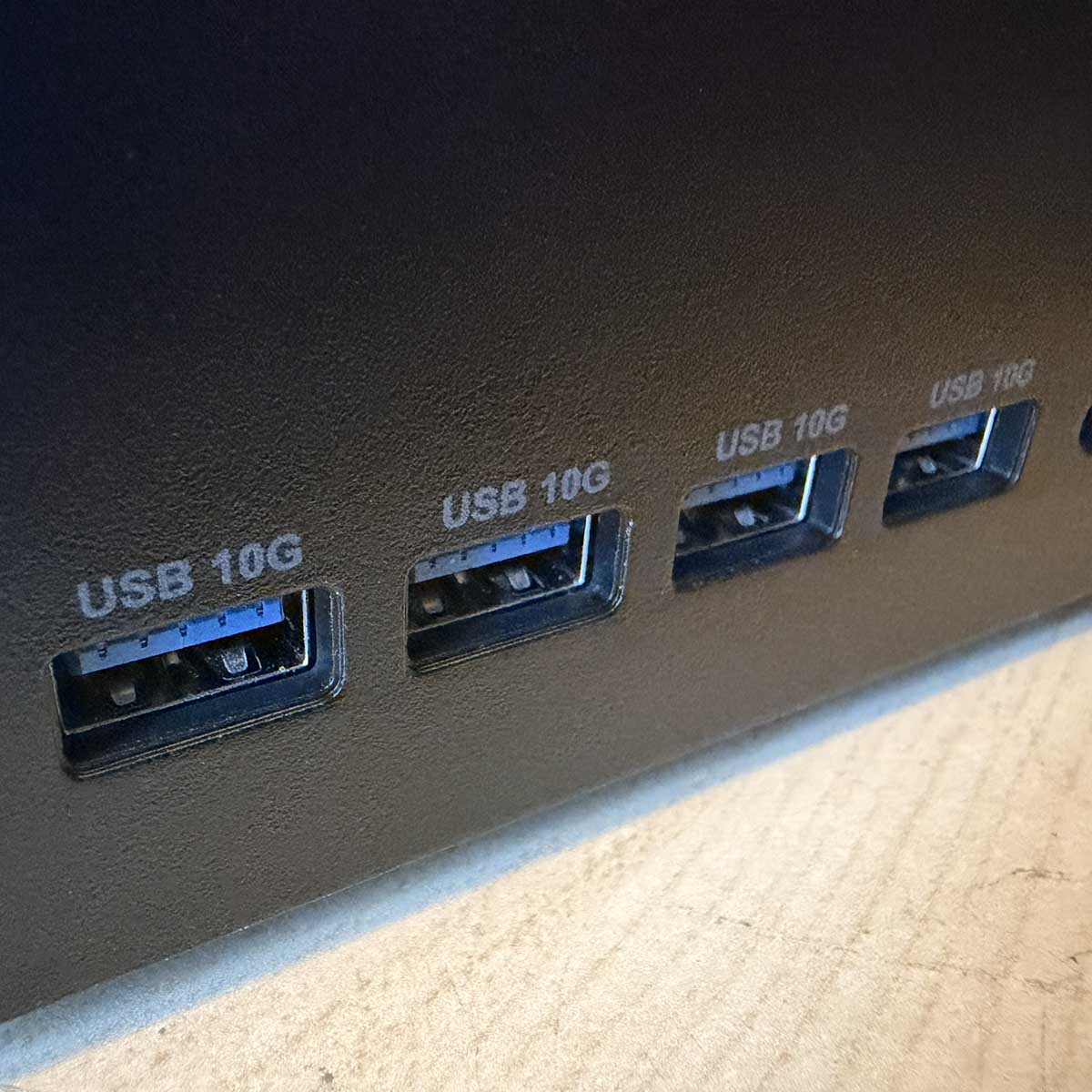
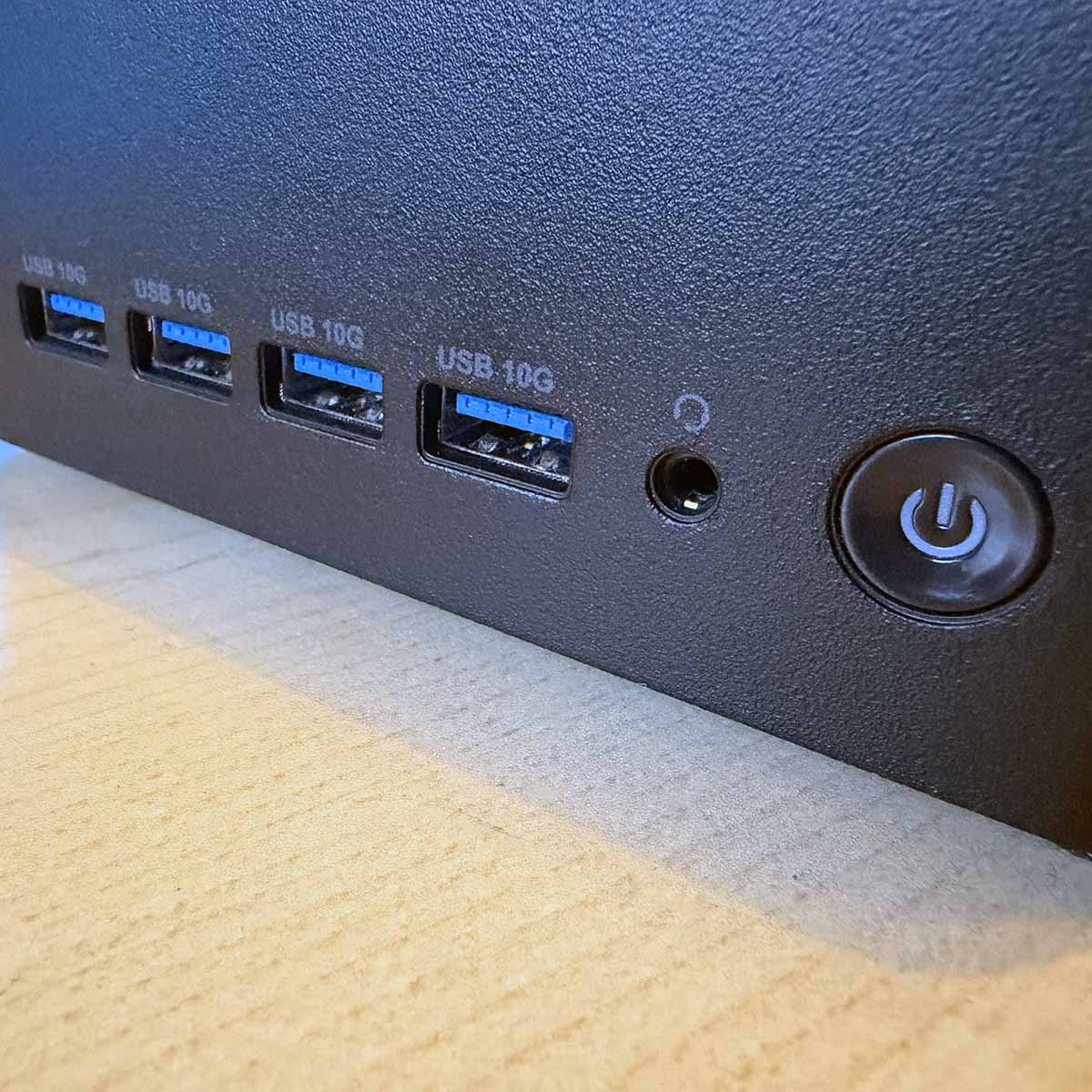
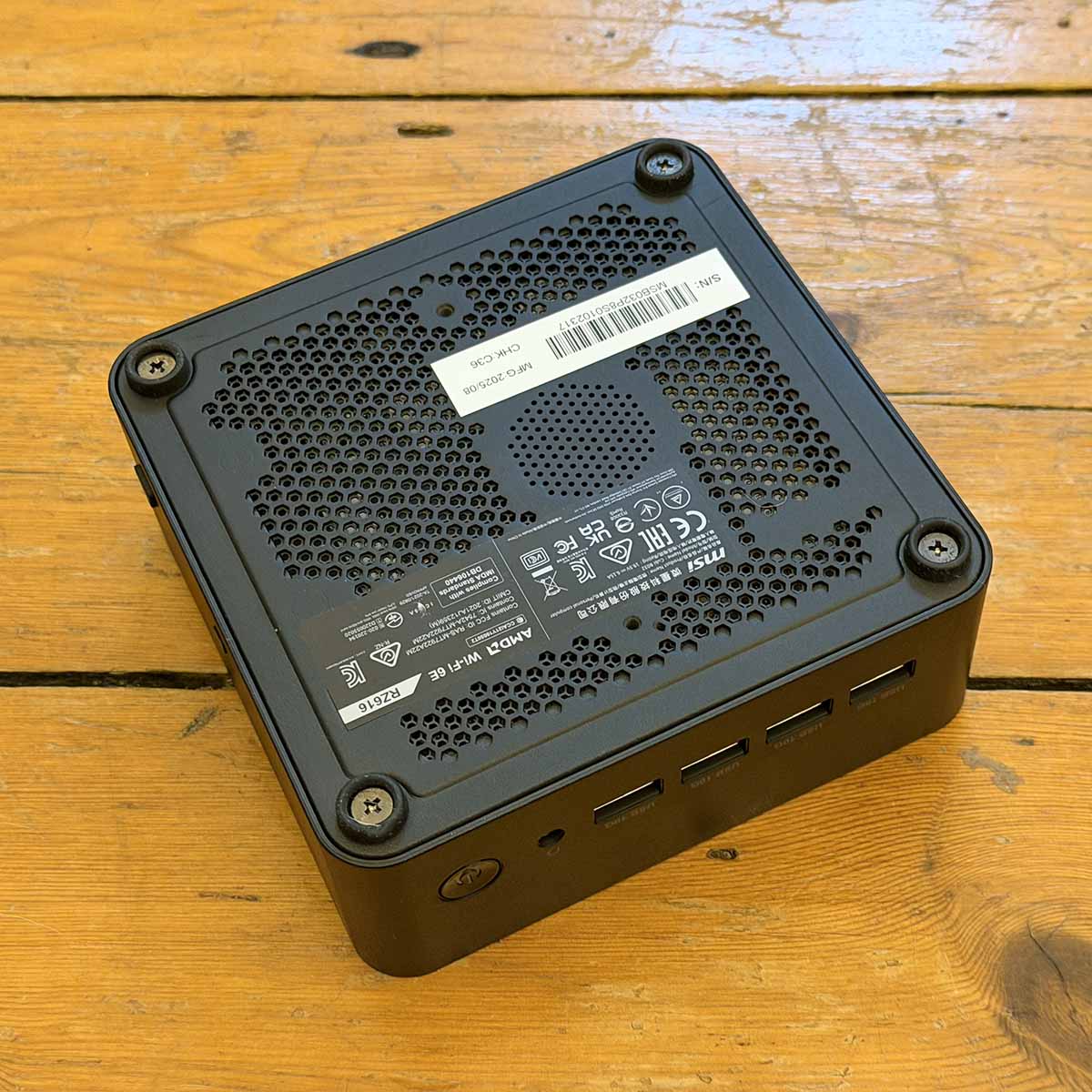
That’s a wide selection of ports, and MSI is to be applauded for packing so many I/O features into such a small space – I wouldn’t add anything else. There’s decent wireless support as well, with an AMD RZ616 M.2 module running in a slot underneath the SSD. This gives you both Wi-Fi 6E and Bluetooth 5.3. There’s no external aerial, or even a pair of sockets to attach one, but I didn’t have any trouble getting decent Wi-Fi speeds from my home network.
Finally, there are a couple of extra handy features on the right-hand side. Here you’ll find a Kensington lock socket to secure your PC, and there’s also a power-button header. The idea here is that you can still easily power on this PC if you use the supplied VESA mount to screw it into the back of your monitor. You just run the cable for your external power button to this socket, and you can switch on your machine without having to reach around your screen.
In terms of aesthetics, this is a pretty dull box, though. There’s none of the coloured anodised metal casing you see on some rival tiny PCs, such as those from Geekom. It’s basically a little matte black plastic square, with rounded corners, diagonal vents on the back and round vents in the bottom. That’s not an issue if you’re just going to screw it into a VESA mount, but this isn’t a cool piece of tech you’ll want to showcase on your desk. On the plus side, the chassis is at least made from recycled plastic.
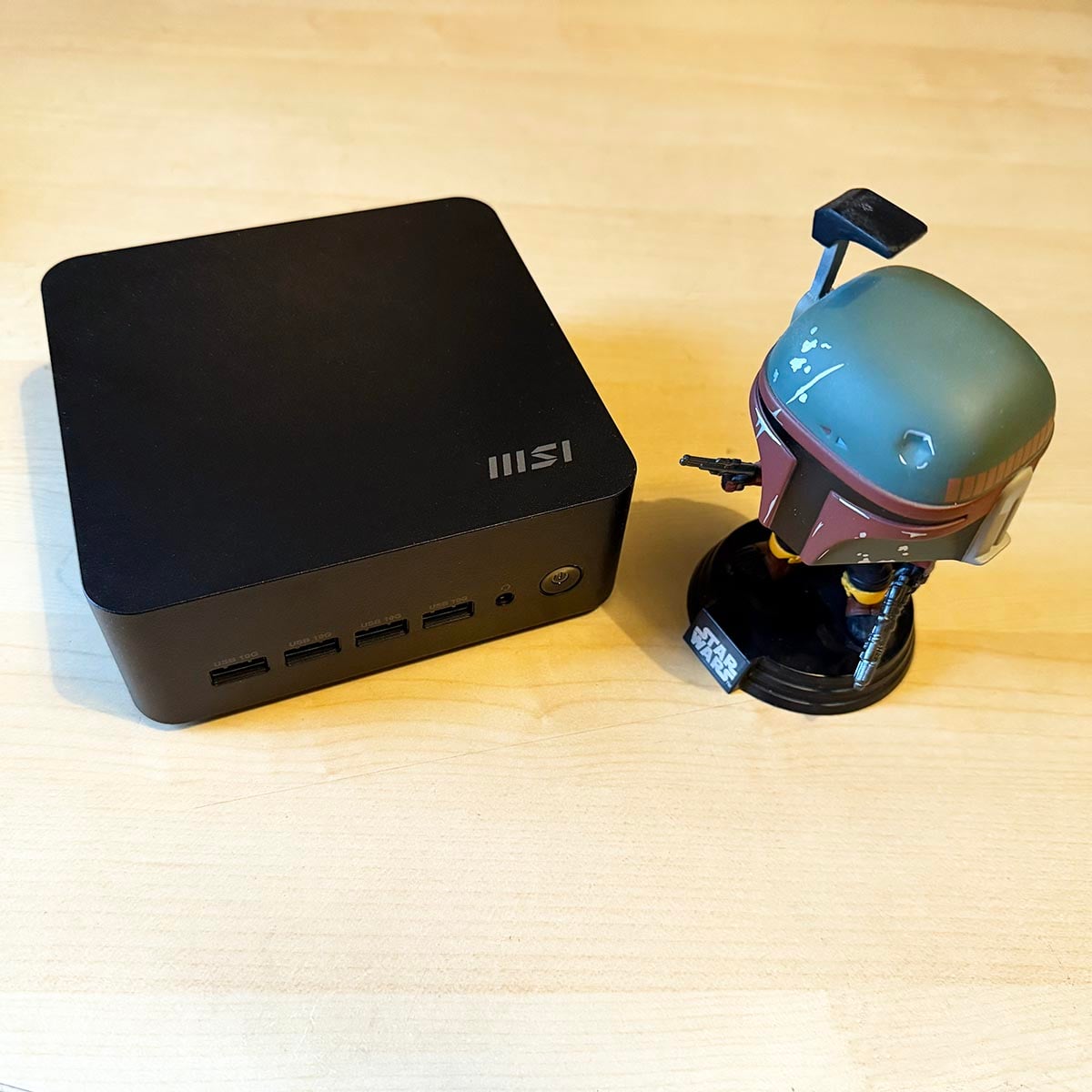
Measuring 50mm tall, it’s also a little bigger than several mini PCs we’ve seen lately. That’s 5.65mm taller than the Geekom GT1 Mega, for example, and it stands a good 20mm higher than the comparably flat Sapphire Edge AI 340. It’s still a tiny box, but it’s behind in the race to make a PC as small as possible.
Upgradability
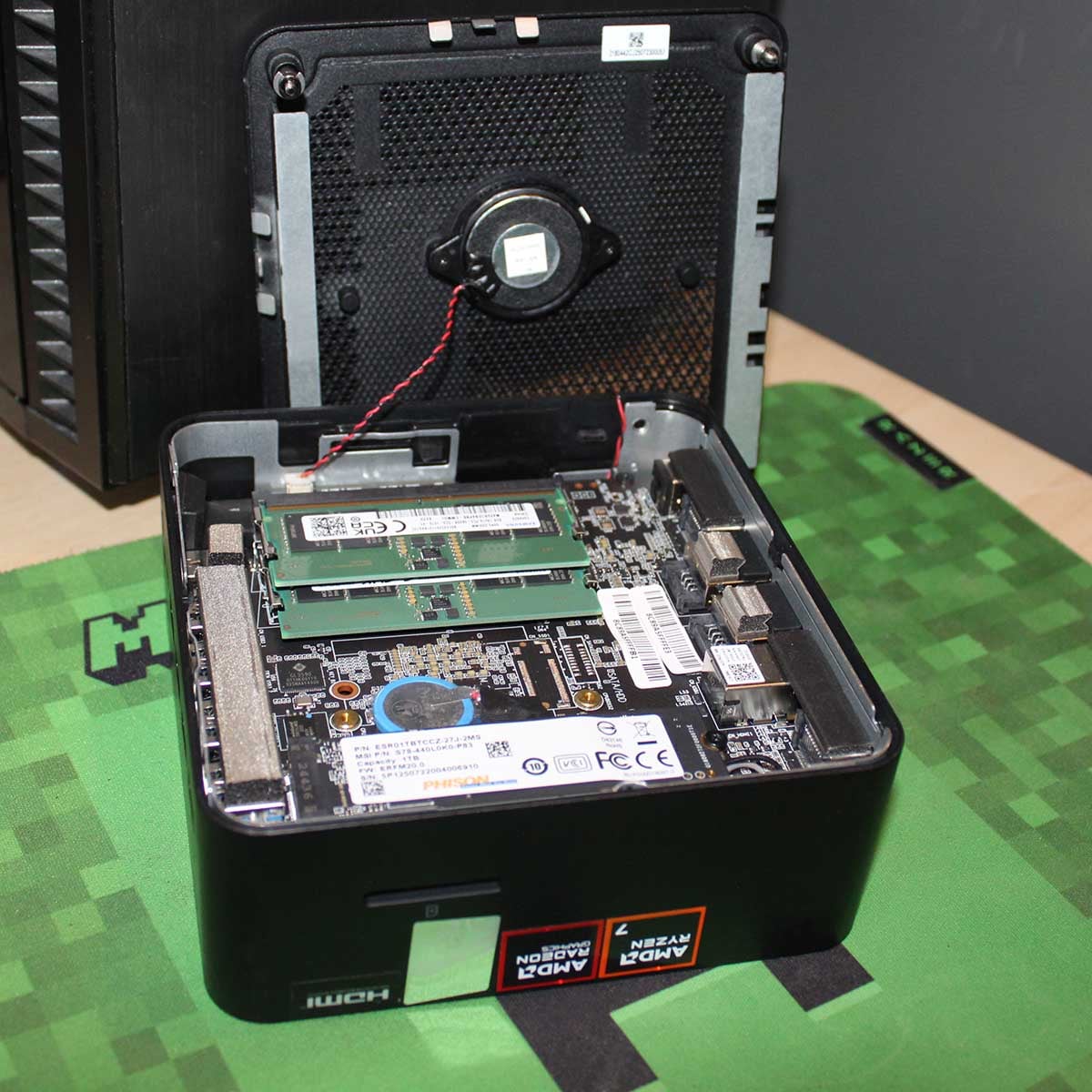
Gaining access to the Cubi Z AI 8M’s innards is simple enough. You just need to dislodge four Philips screws from their mounts on the PC’s underside and pull off the vented plate on the bottom. However, you need to be careful not to accidentally unplug the internal speaker from its socket while you dismantle your machine. The speaker is attached to the bottom vent plate, and it can be quite fiddly to reconnect it.
Gaining access to the Cubi Z AI 8M’s innards is simple enough.
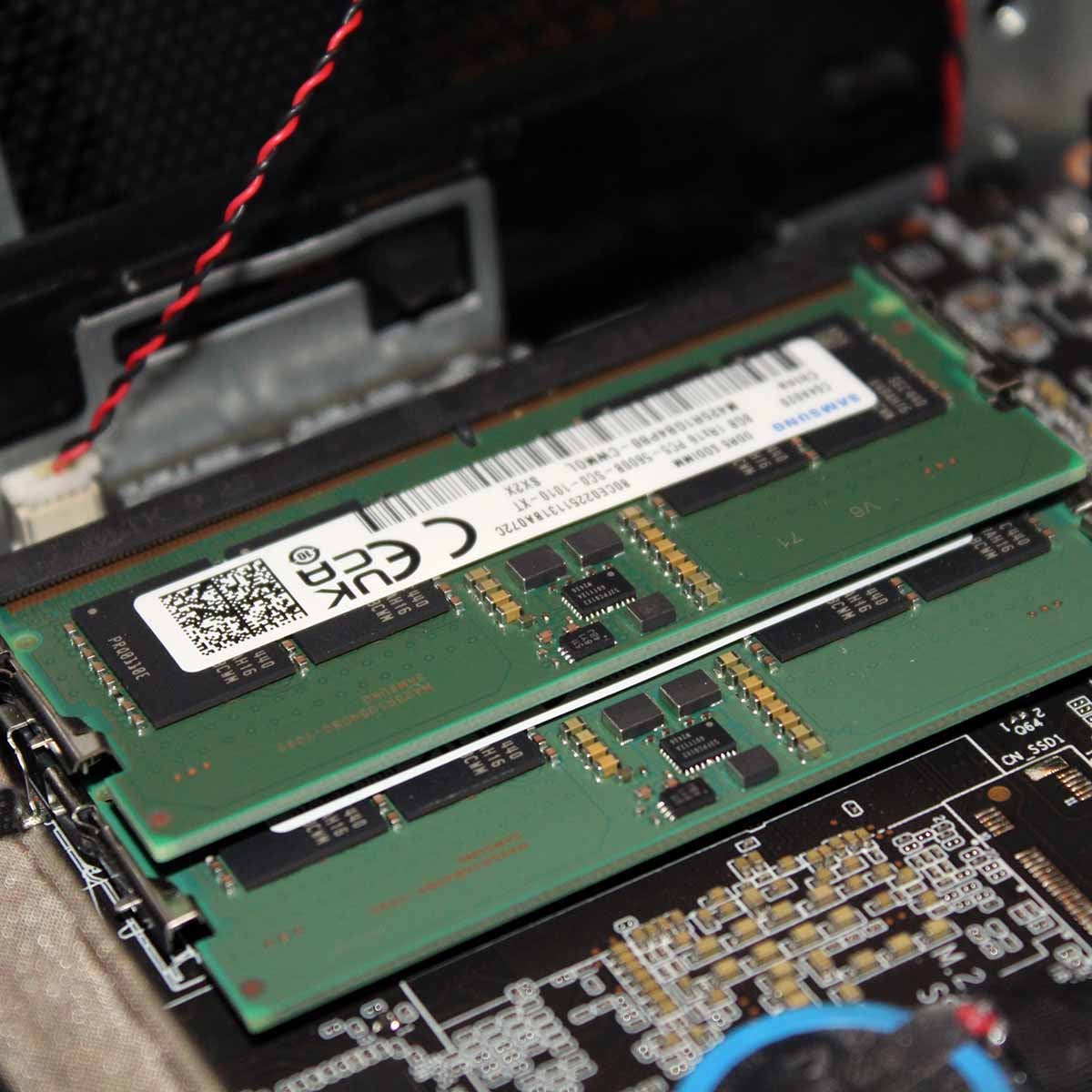
Once that’s out of the way, you gain access to the bottom side of the motherboard (the CPU and cooling system are on the top side). From here, it’s simple enough to install your SO-DIMM memory in the standard clipped sockets. MSI says you can fit up to 64GB (2x32GB) here, which is more than enough for most people’s needs.
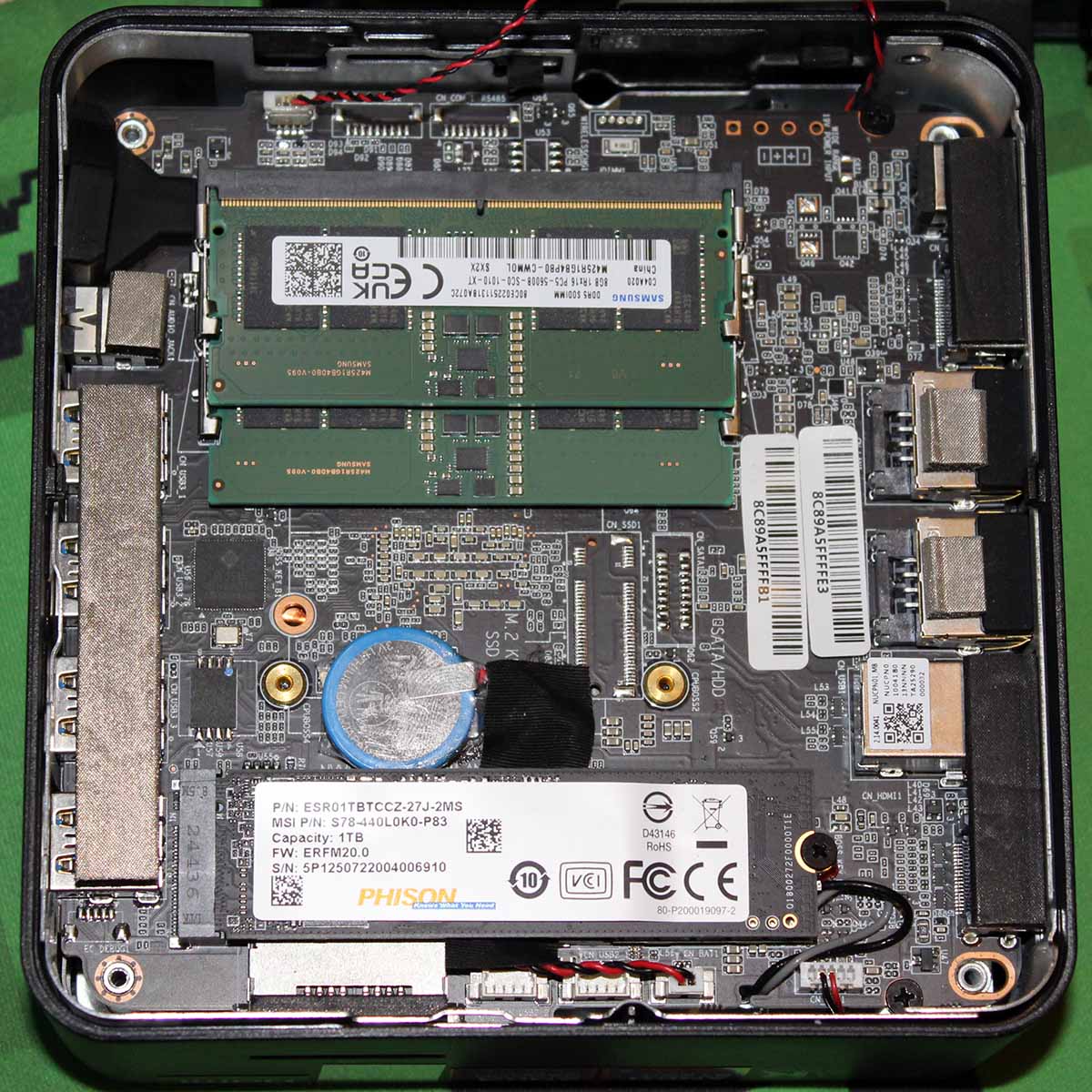
You can also add your own choice of M.2 2280 SSD in this section of the motherboard. There’s no heatsink or even a thermal pad, though, so it’s just as well there isn’t a PCIe Gen 5 slot. I’d err on the side of caution when it comes to your choice of SSD in this system. MSI’s Phison OEM drive in our sample worked fine, but I wouldn’t install a hot-running Samsung 990 Pro in here.
That’s it for upgrades, though. Just two memory slots and a single M.2 2280 storage connector. That’s better than nothing, though, and with the current problems with RAM and SSD pricing, it’s good to have some flexibility here.
Performance
Now let’s get to that all-important question – how much oomph can you get out of this tiny little PC? As you’ll see, it’s pretty beefy by several metrics, particularly when it comes to multi-threaded performance. It can also handle gaming surprisingly well, especially considering its modest GPU specs.
Application
| Benchmark | MSI Cubi Z AI 8M (Ryzen 7 8845HS) | Sapphire Edge AI 340 (Ryzen AI 5 340) | Geekom GT1 Mega (Core Ultra 9 185H) |
|---|---|---|---|
| CPU-Z | 694.5 single-thread 6,629.8 multi-thread | 763.1 single-thread 4,966.3 multi-thread | 702.3 single-thread 7,622.9 multi-thread |
| Cinebench R24 | 102 single-core 846 multi-core | 108 single-core 670 multi-core | 109 single-core 932 multi-core |
| Cinebench R23 | 1,768 single-core 14,950 multi-core | 1,913 single-core 11,449 multi-core | 1,739 single-core 18,524 multi-core |
| AIDA64 | 61,343MB/s read 76,704MB/s write 61,719MB/s copy 90.8ns latency | 43,238MB/s read 41,610MB/s write 36,587MB/s copy 92.5ns latency | 80,782MB/s read 74,139MB/s write 73,306MB/s copy 140.5ns latency |
| AS SSD | 4,753MB/s seq. read 4,360MB/s seq. write | 4,455MB/s seq. read 3,276MB/s seq. write | 5,239MB/s seq. read 5,169MB/s seq. write |
| PCMark 10 | 7,669 | 6,248 | 7,269 |
| 3DMark Fire Strike | 6,456 | 3,713 | 7,097 |
| 3DMark Night Raid | 24,908 | 14,761 | 31,531 |
| 3DMark Time Spy | 2,694 | 1,635 | 3,859 |
With eight Zen 4 cores beavering away under the hood, this mini machine has some decent multi-threaded power at its disposal. Its Cinebench R24 multi-core result of 846 is 26% faster than the Sapphire Edge AI 340 with its 6-core Ryzen AI 5 340 chip, for example. The pricier Geekom GT1 Mega has the edge here, as its Intel Core Ultra 9 185H chip has 16 cores (six P-Cores and 10 E-Cores), but it’s only 10% quicker.
With eight Zen 4 cores, this mini machine has some decent multi-threaded power.
Single-threaded performance is slightly less inspiring, though not disastrously so. The MSI Cubi Z gets the lowest Cinebench R24 and CPU-Z scores for single-core operation of the three machines we’re comparing here. Theoretically, the AMD Ryzen 7 8845HS can boost to 5.1GHz, and it did hit that frequency occasionally during testing, but it generally ran at 4.5GHz during single-threaded tests (and 4.1GHz in multi-threaded benchmarks).
Meanwhile, AIDA64’s RAM tests are significantly quicker in the MSI Cubi Z than Sapphire’s machine, mainly thanks to the former’s use of dual-channel memory in our test sample. The Intel-based Core Ultra 9 185H has superior read results here, but the MSI’s memory performance is still solid, especially for writes.
Where this machine really excels is in PCMark, an all-purpose system benchmark that stresses multiple areas of office productivity performance. The MSI’s score of 7,669 beats both the other comparison machines here, and it’s a great result all round. SSD performance is in line with expectations as well. Your choice of drive is the main limitation here, but there’s clearly no problem running the supplied Phison drive at decent speeds.
There’s clearly a half-decent GPU under the hood.
3DMark results aren’t bad either, showing a big step up in pace from the Radeon 840M in Sapphire’s Edge AI 340. It can’t catch the Geekom GT1 Mega, and it’s also a long way off the pace of a mini machine with a new AMD Strix Halo chip. However, there’s clearly a half-decent GPU under the hood here.
Gaming
MSI doesn’t mention gaming once on its Cubi Z AI 8M website page, which shows it’s not a priority market for this machine. However, there is a decent GPU embedded in its AMD SoC, and we were curious to see how it performed. With 12 RDNA 3.5 compute units, the Radeon 780M has 768 stream processors – it should be able to hold its own when it comes to basic gaming as well.
| Game | MSI Cubi Z AI 8M Radeon 780M (Min / Avg) | Sapphire Edge AI 340 Radeon 840M (Min / Avg) |
|---|---|---|
| Cyberpunk 2077 (Steam Deck) | 30 / 38fps | 18 / 21fps |
| Final Fantasy XIV (Standard, Laptop) | 21 / 36fps | 18 / 28fps |
| Forza Horizon 5 (Low) | 64 / 74fps | 36 / 41fps |
| Rainbow Six Siege X (Low) | 90 / 109fps | 59 / 76fps |
As you can see from the results above, Radeon 780M offers a significant performance boost over the Radeon 840M GPU found in Sapphire’s Edge AI 340. Running Cyberpunk 2077 with the Steam Deck graphics preset at 1920×1080 resulted in a just-about playable average frame rate of 38fps, and it didn’t drop below 30fps. That’s massively better than the Radeon 840M machine’s 21fps, and it’s the difference between this game being playable or not.
Forza Horizon 5 runs constantly stays above 60fps.
Forza Horizon 5 runs well at its Low graphics preset as well, clocking up a 74fps average and constantly staying above 60fps. That’s a much better result than the Radeon 840M’s 41fps, and this PC’s 109fps average in Rainbow Six Siege X is also solid. Games don’t look great at these low graphics presets, of course, but they’re definitely playable on the MSI Cubi Z AI 8M. That’s more than you can say for the Radeon 840M-based Sapphire PC.
If you want even more graphics power from a mini PC your best bet is to look at a system based on AMD’s latest Strix Halo silicon. With up to 40 compute units in their integrated GPUs, you get genuinely potent graphics power from these chips. Sapphire’s Edge AI 370 also offers a bit more GPU power, with a Radeon 890M GPU that contains 16 compute units (1,024 stream processors).
BIOS
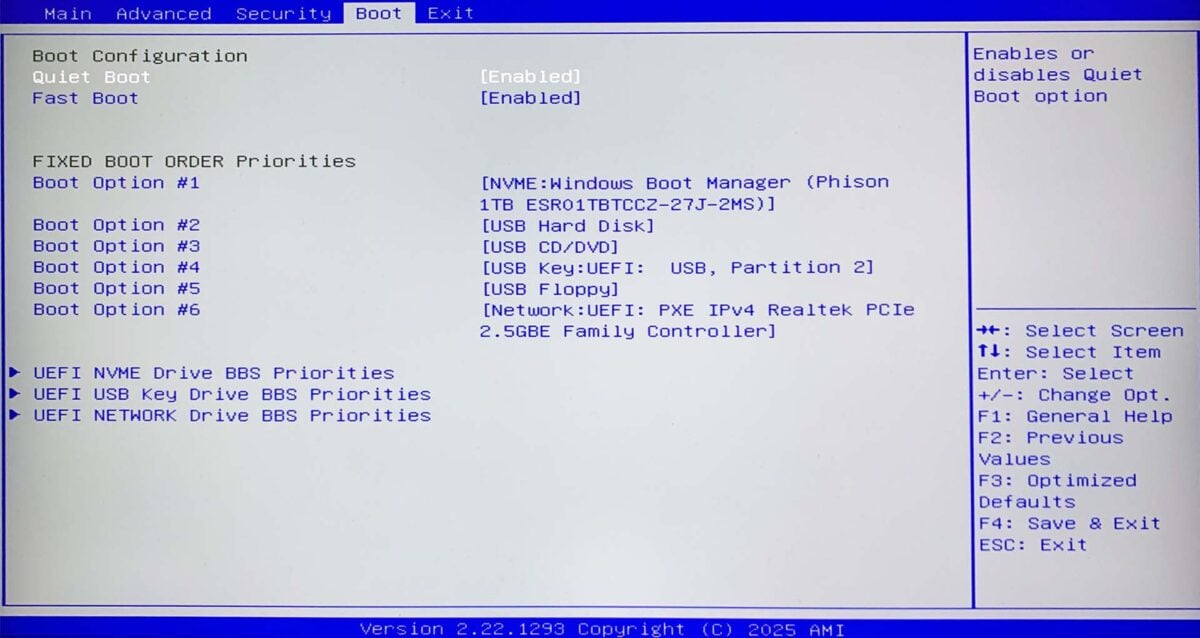
Booting into the MSI Cubi Z AI 8M’s BIOS is a bit like stepping 15 years back in time. There’s none of the point-and-click graphical niceties you find on new motherboards, and your options are really basic. This isn’t out of the ordinary when it comes to mini PCs, as most of them have really basic BIOS setups. However, that’s no excuse – it’s the end of 2025, and we know from MSI’s motherboards that it can actually make a really good EFI system – why not put that expertise to good use here as well?
Booting into THE BIOS is a bit like stepping 15 years back in time.
On the plus side, you do get access to the bare essentials you’ll want from a BIOS on this basic machine, such as changing the boot order. The key one for me was being able to adjust the GPU frame buffer, which is achieved via a straightforward menu in the Advanced tab. Siege X wouldn’t run with the default 512MB setting, for example, but take this up to 2GB, and you can run the game without eating up too much system memory.
I wouldn’t set this to 8GB with such a basic GPU, especially if you only have 16GB of system memory, but it’s good to at least have some flexibility here.
Vitals
If it weren’t for the LED behind its power switch, you wouldn’t even know the MSI Cubi Z AI 8M was switched on when it’s idle. It’s basically inaudible, and my noise meter couldn’t detect any sound coming from it. Drawing only 12.1W from the mains, and with the CPU temperature running at 39°C, this is a quiet, super-cool box when idle. You’ll occasionally hear the fan start to spin up when the CPU starts working hard, but it’s never intrusive.
Load it up with some CPU- and GPU-intensive workloads, and the fan will get going. However, even then, the noise isn’t overly loud or irritating – it’s not like a gaming laptop when the fans spin up.
| Idle | Load (Max.) | |
|---|---|---|
| CPU temperature | 39°C | 81-85°C |
| Noise | N/A | 46-47.4dBA |
| Power consumption | 12.1W | 75-80W |
When all eight of its cores are crunching through Cinebench, power draw increases to 80W. However, that’s still very reasonable for the performance on offer – this little PC is hardly a gas guzzler.
Even when running this gruelling rendering test, the fan noise isn’t awful, topping out at 47.4dBA. That’s noticeably louder than the maximum 39dBA from the Sapphire Edge AI 340, but then this MSI machine also has a beefier CPU with two more cores under its hood.
The MSI’s peak CPU temperature of 85°C in this test is also well within this chip’s thermal limits, and nothing to worry about. There’s enough power and thermal headroom for the MSI’s CPU to consistently run all eight of its cores at 4.1GHz throughout this test.
Firing up Cyberpunk 2077 pushes the MSI Cubi Z AI 8M to a similar level, with the CPU topping out at 81°C, and its GPU hitting a maximum temperature of 79°C. This test is less demanding on the CPU than Cinebench, though, meaning all eight of the MSI’s CPU cores could happily run at 4.5GHz throughout testing.
Conclusion
It may not look like much, but there’s a lot to like about the MSI Cubi Z AI 8M. There’s loads of CPU power inside this tiny little box, meaning you can realistically use it to crunch through heavy workloads, despite its small size. There’s certainly more than enough processing might for everyday office tasks here. Heck, you can even use this tiny machine for basic gaming.
The wide selection of networking options and display outputs is really handy.
MSI hasn’t held back with the port selection either, giving you practically everything you could want. You can hook up loads of USB devices to this machine, including high-speed ones, and even charge up a powerful tablet. The wide selection of networking options and display outputs is also really handy, covering as many use cases as possible. I’m also really pleased to see an SD card reader on the side – that’s an extra you don’t get on some mini machines, including Sapphire’s AI Edge 340.
Pricing is competitive as well. The basic barebones unit will set you back £476, which is reasonable for this core spec in a tidy, dinky chassis. Comparatively, the less powerful Sapphire AI Edge 340 costs £460. However, bear in mind that you’ll need to add on the cost of memory and storage, both of which will bump up the cost considerably at current prices. As there’s only one M.2 2280 slot, I’d also recommend buying the highest capacity you can afford at the outset.
The main downsides are the Cubi’s lack of extra M.2 2280 storage slots, limited NPU performance, and basic appearance. Despite having AI in its name, there are definitely better options if AI is your priority. If you want a decent mini PC to put on a VESA mount, though, this unassuming little box of tricks is quiet, powerful, and packed with connections.
