
German manufacturer be quiet! is venturing deeper into PC peripherals with a new set of gaming mice. For its first entry into this segment, the brand is launching the Dark Perk series, available in symmetrical (Sym) and ergonomic (Ergo) shapes. As you may have guessed, the Dark Perk Sym features an ambidextrous design suitable for everyone, while the Dark Perk Ergo focuses on providing the most comfortable experience to right-handed users. In this review I’ll focus on the latter, but much of what is said here applies to both variants.
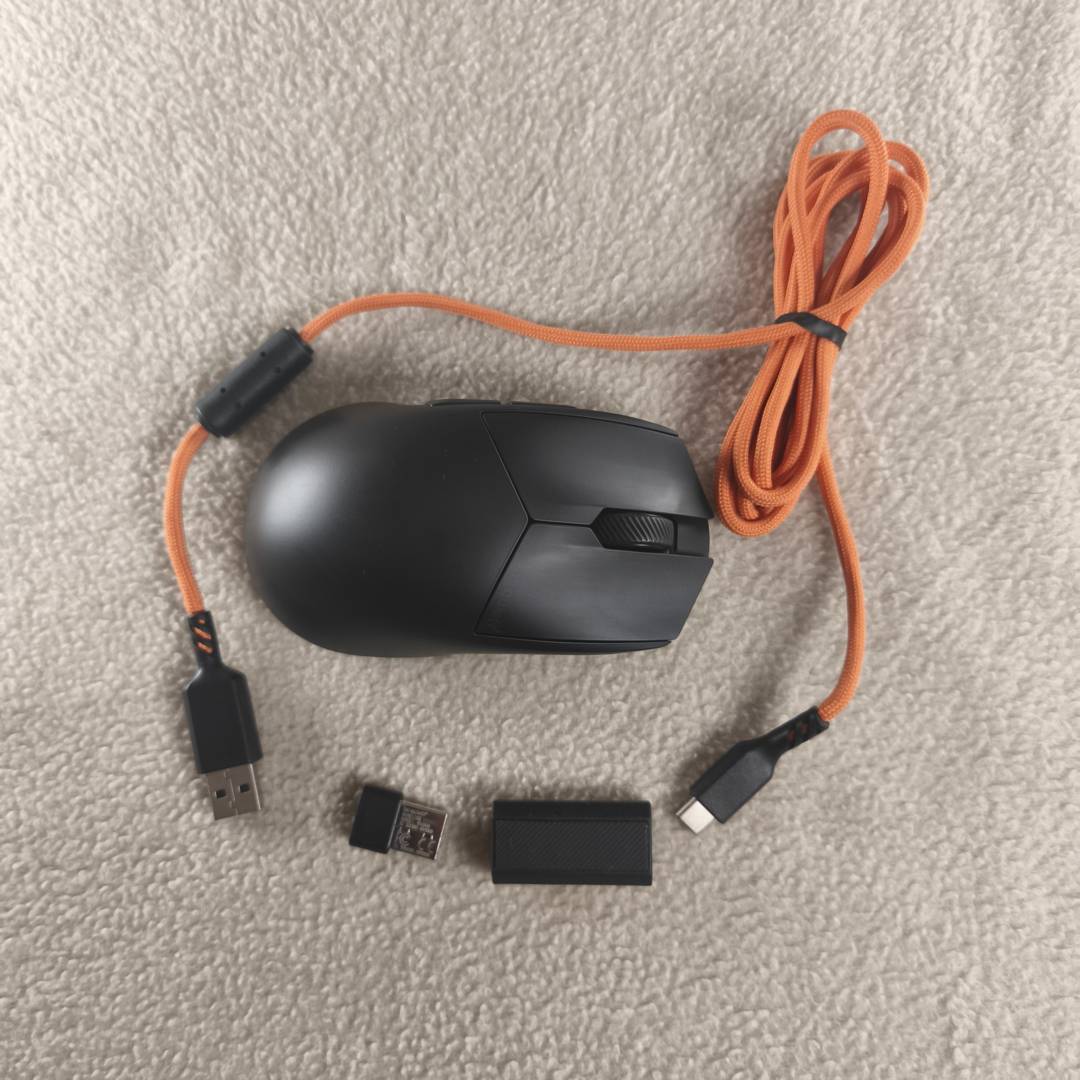

be quiet! Dark Perk Ergo
$109.90
Pros
- Ergonomic shape
- Quality components
- 8,000Hz polling rate
- Long battery life
- Simple, web-based software
Cons
- No Bluetooth connectivity
- Only one onboard profile
- Somewhat pricey alongside competitors
Club386 may earn an affiliate commission when you purchase products through links on our site.
How we test and review products.
Though be quiet! is best known for high-quality PSUs and excellent cooling solutions such as the AIO Silent Loop 3 420mm and dual-tower Pure Rock Pro 3, expectations are high after the well-received Dark Mount keyboard.
While not as light as my daily driver – the Corsair Sabre v2 Pro Ultralight – Dark Perk Ego strikes a good balance at 55g and is light enough to be barely noticeable. Don’t get me wrong, I instantly noticed the difference coming from my current 36g mouse, but after a couple of days, my hand muscles adapted to the extra weight, especially during intense gaming sessions. Moreover, the added weight means more material is used for the shell, which translates into a sturdy frame that’s perfect if you like to claw your mice.
Better yet, the Dark Perk Ergo combines reasonably lightweight design with excellent battery life and high-end hardware to deliver top-notch performance to gamers, be it in fast-paced shooters, RTS, or MOBAs. It is up there with the best mice I’ve tested, whether you use it in wired or wireless mode, marking a strong debut for be quiet! in this category. If you require smooth movement, precise aiming, and good comfort, the Dark Perk Ergo – at €109.90 – is worth considering, so let’s dig in a little deeper.
Design
The Dark Perk Ergo is available in black only and measures 120mm x 66mm x 40mm, which might be a tad on the small side for folk with large hands, but feels just about right for me. As mentioned above, the Ergo version offers an ergonomic shape for right-handed users, allowing it to perfectly embrace the shape of your palm. Even if you prefer to claw your mouse, this design doesn’t impede that type of grip, though palm users will be best served by this design.
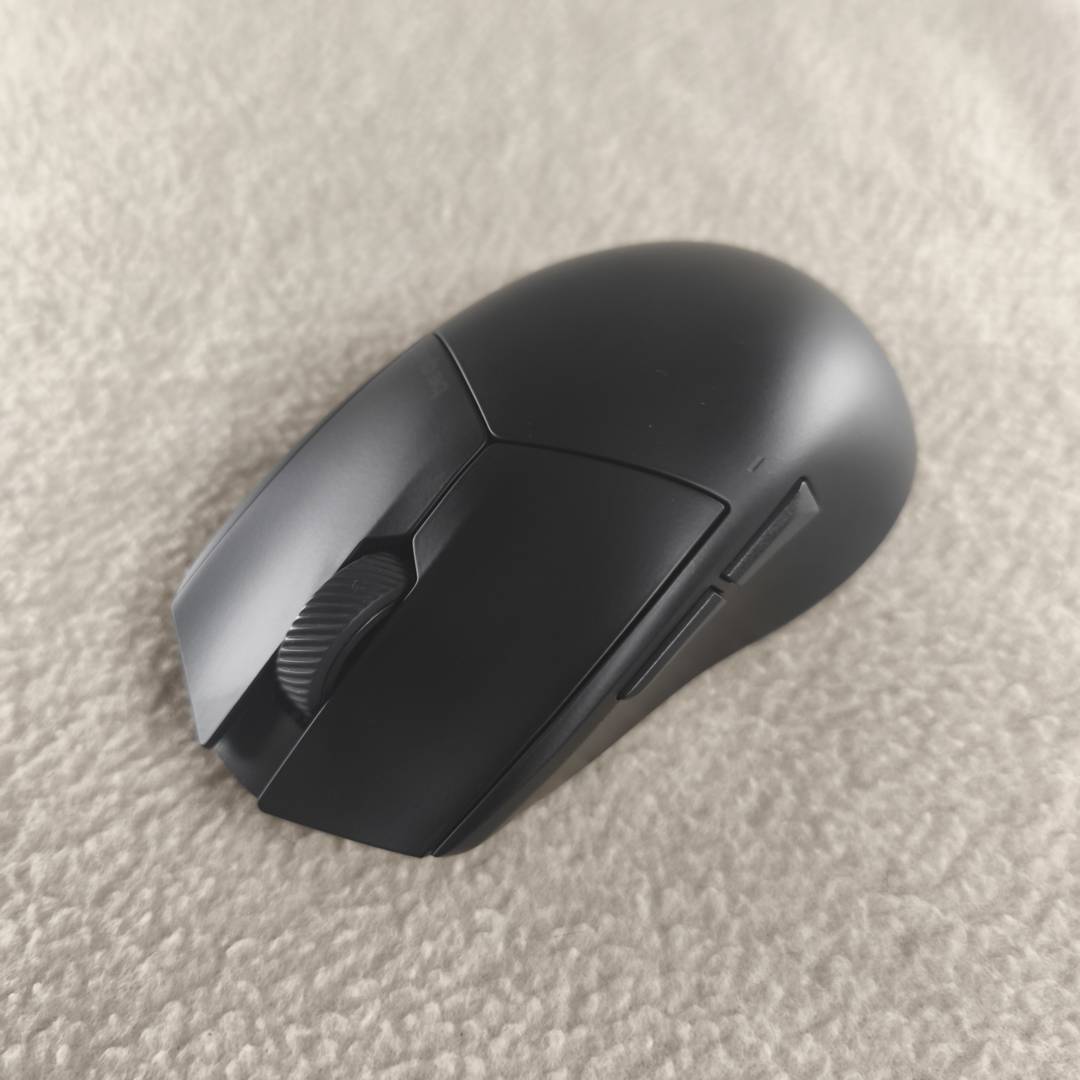
In terms of material choice, be quiet didn’t opt for anything out of the ordinary, like magnesium shells or what have you, instead settling for tried-and-tested ABS plastic, which is a sensible choice for a debut product. That said, the brand took some inspiration from its competition and opted for a perforated bottom to lower the weight as much as possible. The good news is that overall rigidity is maintained where it matters, i.e. top and side.
As for RGB lighting, well, there is none, aside from a small LED light that indicates the mouse status, which is conveniently placed above the side button to be visible at all times. Great attention to detail and the stealthy approach suits me just fine. This is a logical choice to avoid wasting valuable battery life, and most importantly, weight, on superfluous bling. And besides, a simpler design allows be quiet to focus on the bits that matter.
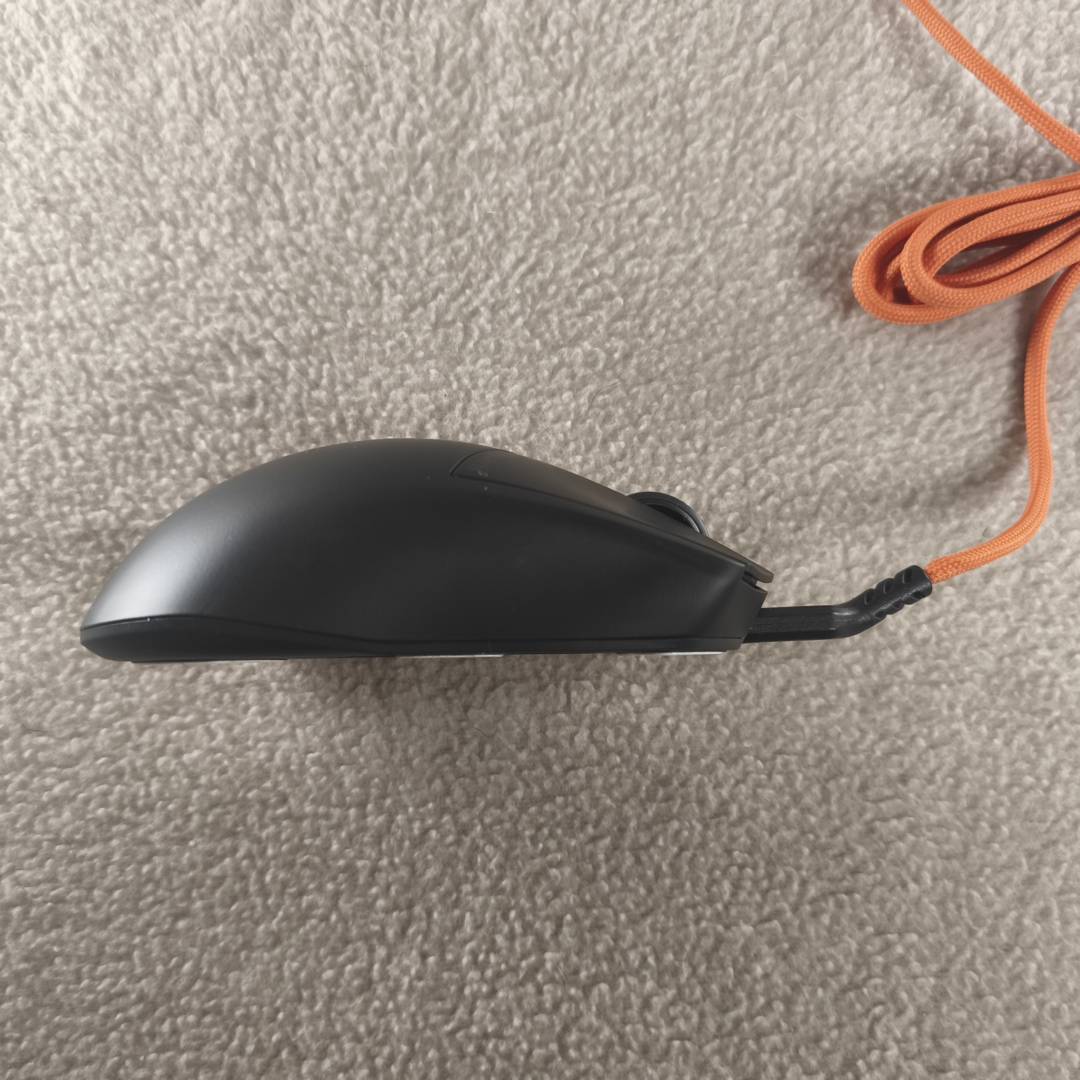
In addition the mouse itself, the small box includes a braided 1.8m USB-A-to-C cable, a Type-A to C adapter, an 8,000Hz wireless receiver, plus some replacement mouse skates. Nothing unusual, apart from the angled Type-C cable connector, which elevates the cable near the mouse to reduce friction. It helps, but you may still want to employ an optional cable holder to completely remove cable drag, ensuring effortless control while the mouse is charging.
Hardware
Looking inside, Dark Perk mice come packed with some of the best components available, including a flagship PixArt PAW3950 sensor, Omron D2FP-FN2 optical switches – on the left and right buttons – and an nRF54H20 MCU. All of this sits on top of 100% PTFE skates, which allow the Dark Perk Ergo to unlock its full potential by gliding smoothly and effortlessly. I would have liked to see Bluetooth connectivity, too, but hey, what we have is pretty nice.
Those chasing the best performance will likely appreciate the impressive 8,000Hz polling rate, which is as fast as it gets and available in both wired and wireless modes. Understandably, choosing 8kHz will eat up your battery life much faster, making it exclusively recommended for skilled competitive players who can take advantage of it. Opting for a more reasonable polling rate like 1,000Hz should deliver no discernible difference for the average player. Not to mention that the mouse won’t transmit at maximum speed unless you play at higher DPI levels. Speaking of which, the PAW3950 boasts up to 32,000 DPI resolution.
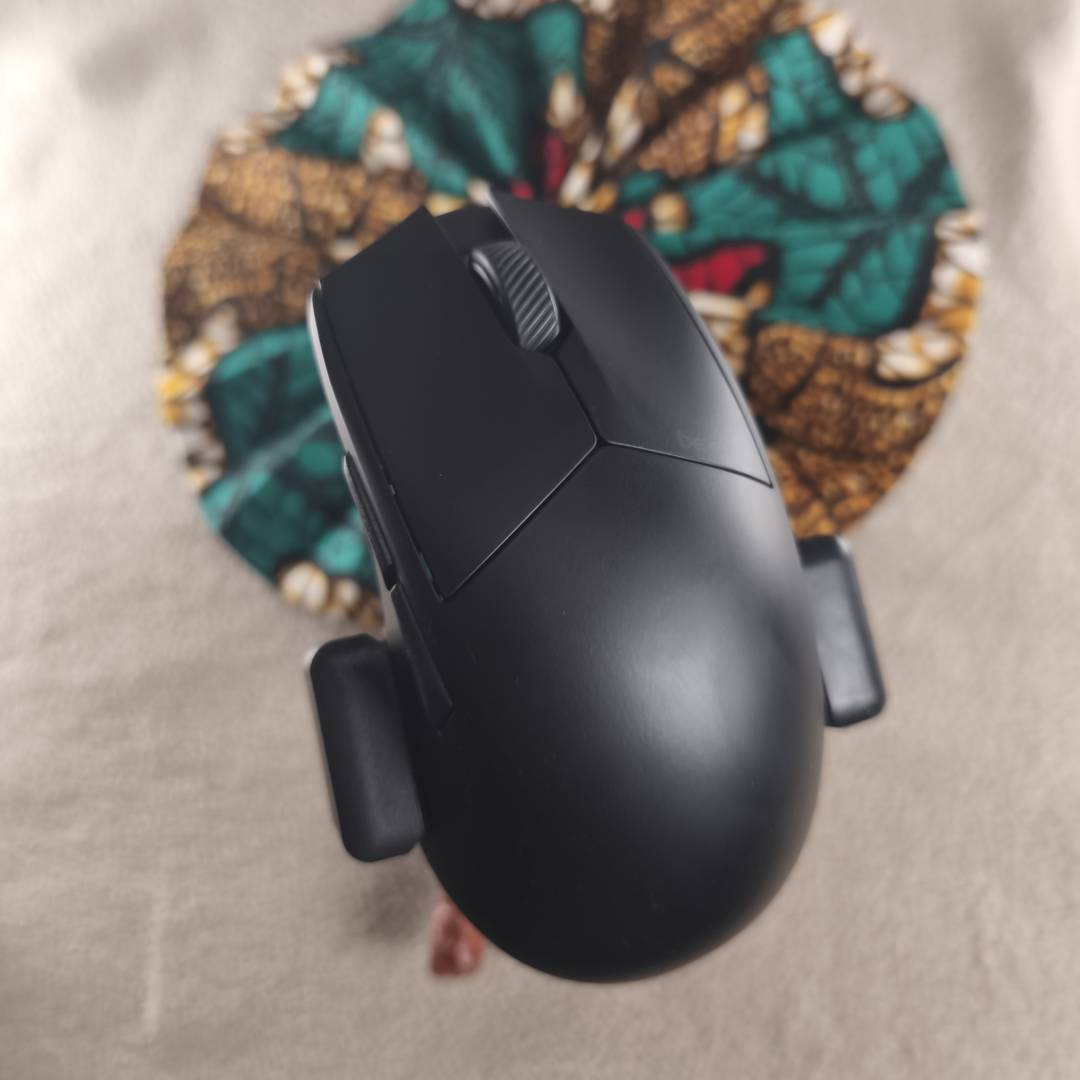
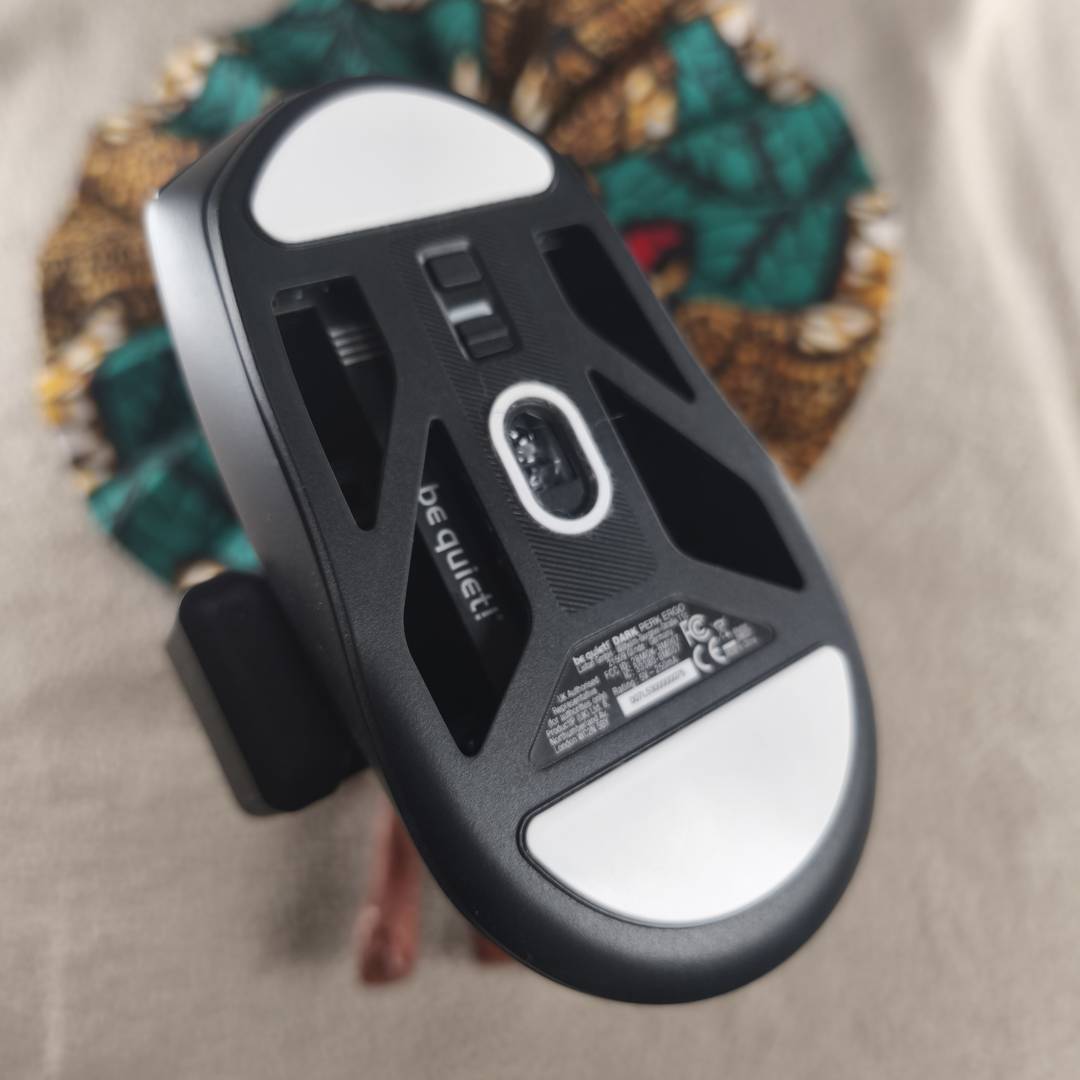

Combining this hardware set with be quiet’s optimised firmware results in a great blend of performance, battery life, and reliability. I have used the Dark Perk Ergo daily for the past two weeks, during which it operated admirably without a hitch. I can also confirm that the claimed 110 hours battery life is accurate, as I didn’t need to charge the mouse for over a week. Though keep in mind that this is only possible using a 1,000Hz polling rate, or lower.
What surprised me most, however, is how nice clicking felt. Aside from the absence of gaps between the buttons and switches, the feedback was fast, smooth, and satisfying. It’s akin to the thock sound/feel you get from premium keyboards, but in mouse form. Whether this feel will remain as the frame ages with use is yet to be determined, but it’s a satisfying start. The side buttons unfortunately are less satisfactory, though I have yet to encounter a mouse that nails them; as is often the case, they’re fine but unexceptional. Lastly, the scroll wheel is precise and tactile with distinguishable rotation steps, but there’s no horizontal scroll or click.
| Specifications | be quiet! Dark Perk Ergo |
| Sensor | PixArt PAW3950 |
| Resolution | Up to 32,000 DPI |
| Connectivity | Wired or 2.4GHz wireless |
| Polling rate | Up to 8,000Hz via 2.4GHz or wired |
| Total buttons | 5 |
| Battery life rating | Up to 110 hours at 1,000Hz |
| Weight | 55g |
| Dimensions | 120mm x 66mm x 40mm |
| MSRP | €109.90 / $109.90 |
Software
As a newcomer to the peripheral space, be quiet!’s IO Center software is well thought out, offering plenty of settings and customisation options, including sensitivity, lift-off distance, angle snapping (straight line movement smoothing), ripple control (enhance cursor visibility), motion sync (enhance tracking), click speed (click registration speed), and button response time (delay for each click to register). Plus all the standard fare such as button remaps, macros, DPI settings, and sleep timers.
The most useful tweaks in my opinion are the click speed and button response time, as they allow you to maximise the input speed of the mouse, followed by the polling rate setting, and lastly the soft and deep sleep options to save battery life. Lift-off distances can also come in handy if you use low DPI settings. In truth, I couldn’t notice any difference using the angle snapping, ripple control, or motion sync settings.
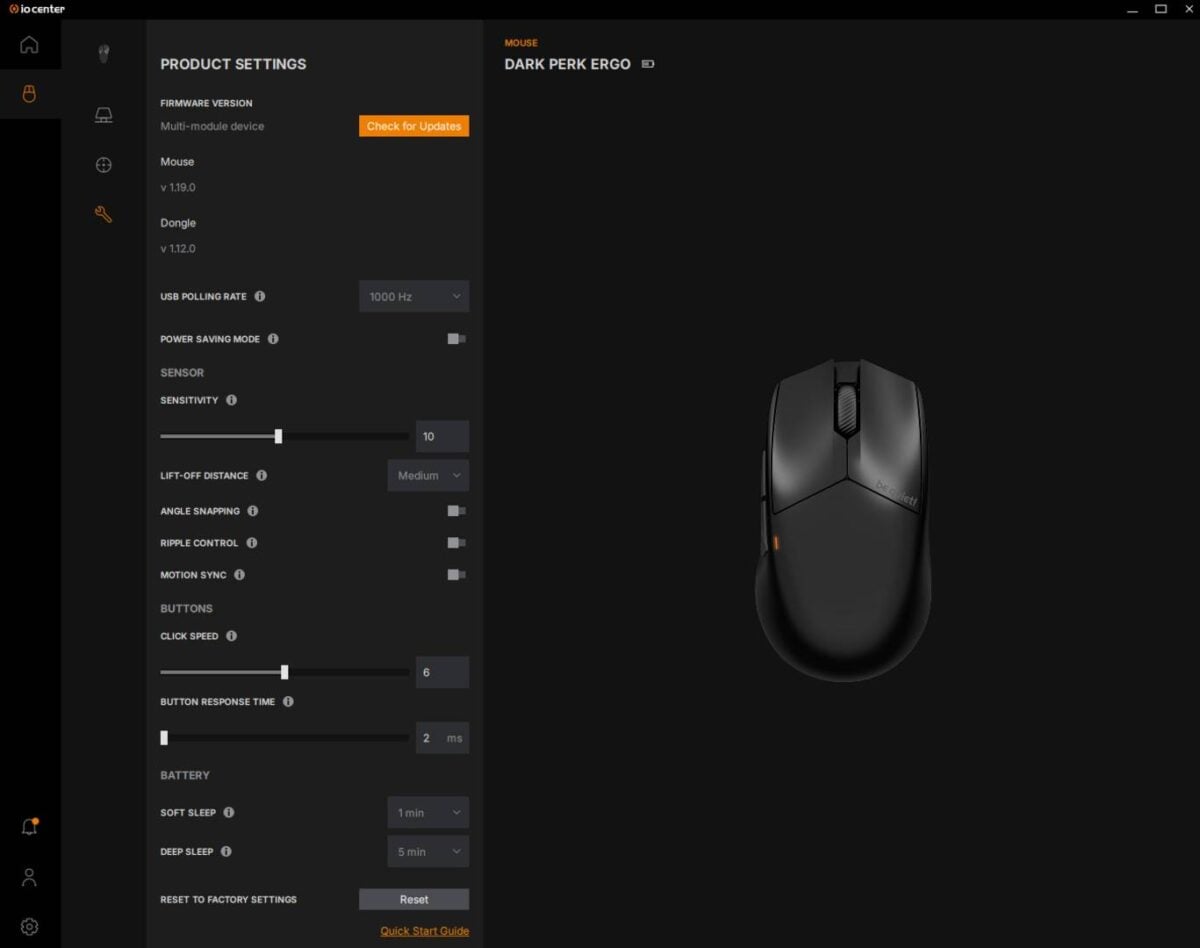
When it comes to DPI settings, you get five customisable levels, by default set to 400, 800, 1,200, 2,000, and 30,000. I especially liked the option that disables the DPI levels I don’t care about, making my life easier as I only use a single speed to maintain muscle memory when switching mice. On competing mice, I’ve often had to manually dial 800 DPI on each setting. Those who like having multiple speeds active at the same time will appreciate the aforementioned LED light, which indicates the selected level at a glance without needing to hop into software. The same goes for changing speed, which can be done via the dedicated button located at the bottom of the mouse near the on off slider.
All of this is packaged in a sleek UI that loads quickly and runs fast. The interface is clean and intuitive, offering information and explanations about the effects of each setting. Better yet, if like me, you would rather avoid installing yet another piece of software, be quiet offers an alternative web-based version of IO Center that provides nearly identical settings whether you’re on PC, Mac, or Linux. Only advanced features like MSDL are unavailable due to system security requirements. Regardless of the one you choose, note that while you can set up multiple profiles, there’s only room to store one on Dark Perk Ergo’s onboard memory.
Conclusion
The Dark Perk Ergo is a mouse for those who appreciate good comfort and performance without the frills. It offers an ergonomic shape built for right-hand users, while packing flagship specs inside a lightweight frame. There aren’t any unnecessary extras here, with be quiet! focussing on the essentials; a mandatory five-button layout, more tracking and polling rate speeds than you need, plus a sturdy build that should survive the test of time.

Though not the absolute lightest, its 55g weight remains on the lower end of the scale, providing snappy, comfortable control, even during long gaming sessions. Considering the 110 hours of battery life and overall quality feel, I would have expected the Dark Perk series to weigh at least 10g more.
Pricing is where things start to get tricky, as the Dark Perk’s €109.90 price tag is on the higher side. It’s not exorbitant, but in a market brimming with established competition, I’d like to see Dark Perk dip below the €100 mark to really grab gamers’ attention.
Verdict: as we’ve come to expect from be quiet!, the Dark Perk Ergo is a high-quality and straight-to-the-point entry into the gaming mouse segment.