

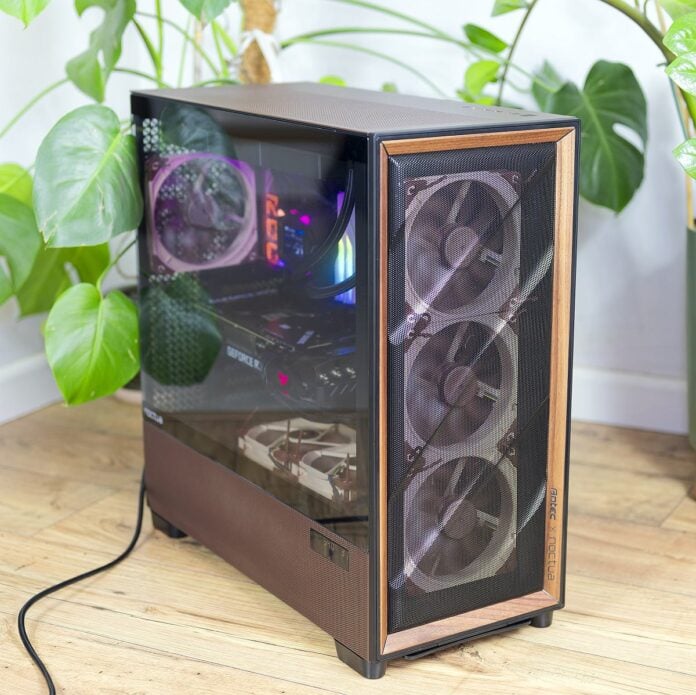
Antec’s Flux Pro has quickly gained a reputation as one of the best airflow cases around, but the Noctua Edition goes a step further by replacing all stock fans with flagship NF-A14x25 G2 and NF-A12x25 G2 units, while adding an NA-FH1 hub for fully coordinated control. The result is a huge, flexible enclosure that retains the original’s top-tier thermals while cutting noise in demanding scenarios, making it a compelling – if expensive – foundation for premium quiet builds and workstations.

Antec Flux Pro Noctua Edition
€399.90 / $399.90
Pros
- Excellent airflow and thermals even with extreme CPUs and GPUs
- Six premium Noctua G2 fans and NA-FH1 hub included out of the box
- Full tower interior with generous fan, radiator and GPU support
- Tool-free panels, modular HDD cages and thoughtful cable routing
- External dual temperature display with iUnity integration
Cons
- High asking price versus regular Flux Pro
- No fans pre‑installed – you must mount all six yourself
- Signature Noctua colour scheme may not suit every build
- Large footprint and heft demand a sturdy desk or plenty of floor space
Club386 may earn an affiliate commission when you purchase products through links on our site.
How we test and review products.
Adding high-quality fans will improve most chassis on the market, but there is a reason why case manufacturers opt for cheap-and-cheerful solutions as standard; they keep costs down. For that reason, a $399 price tag for the Flux Pro Noctua Edition appears outlandish on paper, but starts to make sense when you tally the numbers.
Antec’s regular Flux Pro retails for $180 with six stock fans included, while half-a-dozen of Noctua’s best blowers would set you back a further $235. Factor $37 for the NA-FH1 fan hub and you’ve already gone over the $450 mark, albeit with a dozen fans at your disposal. Whichever way you look at it, $399 is a lot of money for a case, so let’s dig in to see exactly how the Flux Pro Noctua Edition shapes up.
Specifications
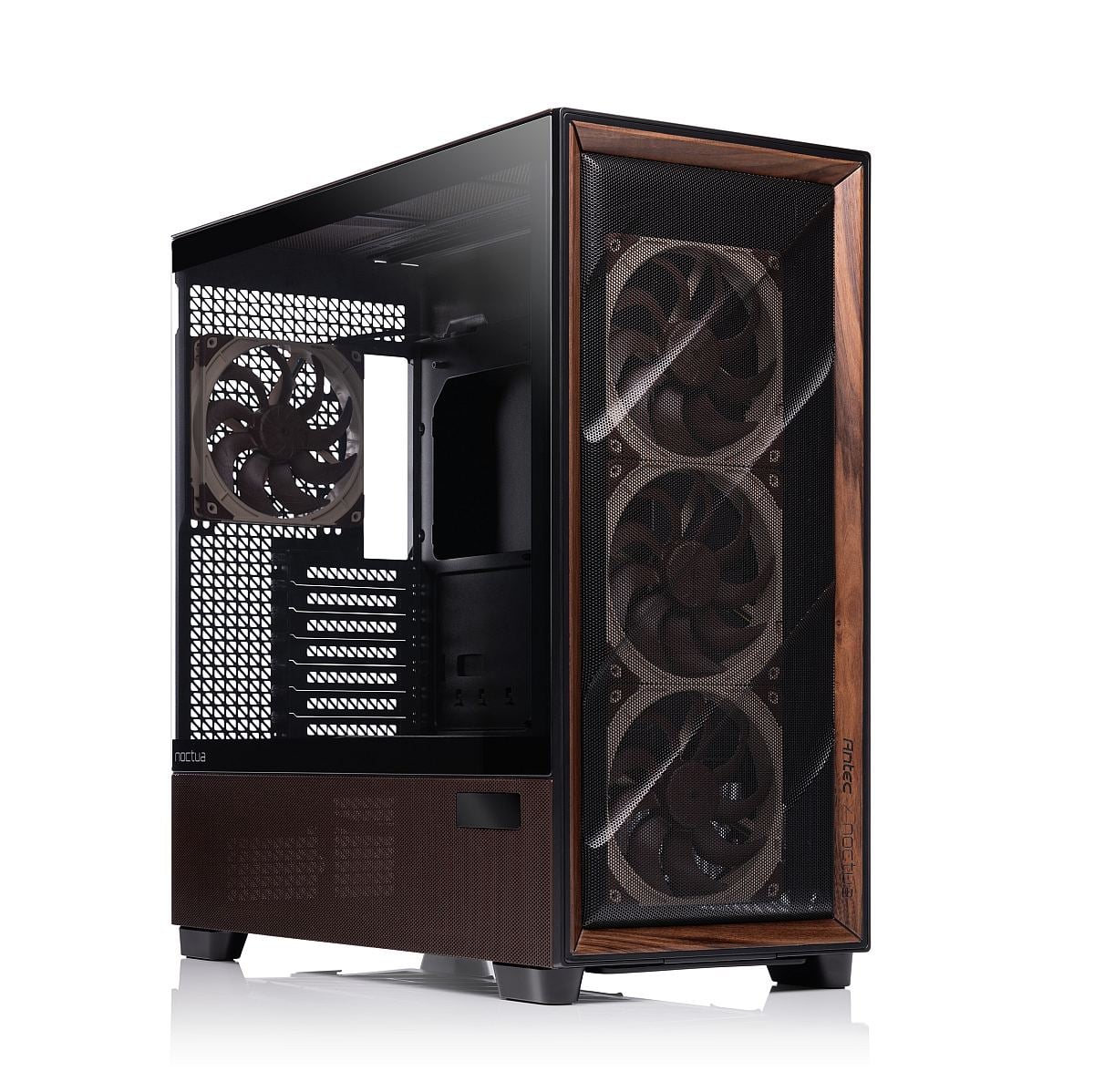
Geared for enthusiasts, Flux Pro Noctua Edition is a full-tower chassis measuring 530 x 245 x 545mm (D x W x H) and built from steel, plastic, tempered glass, and a wood front accent, matching the original Flux Pro’s core structure. It supports E-ATX motherboards up to 285mm wide, alongside ATX, Micro-ATX, and ITX, providing ample room for both gaming and workstation-class platforms.
Front I/O comprises two USB 3.0 Type-A ports, one 10Gbps USB-C port, a combined headphone/mic jack, power and reset buttons, and a dedicated toggle for the temperature display. Storage is handled by modular cages that support up to four 3.5in HDDs and six 2.5in SSDs, with the option to remove cages entirely to prioritise airflow and PSU space. GPU clearance extends to 455mm, CPU coolers up to 190mm in height, and PSUs up to 300mm with HDD cage installed or 470mm without.
| Dimensions | 530 x 245 x 545mm (DxWxH) |
| Form factor | Full tower |
| Materials | Steel + plastic + glass + wood |
| Mainboard support | E-ATX (≤285mm), ATX, Micro-ATX, ITX |
| Front I/O | 2x USB 3.0, 1x type-C 10Gbps, 1x headphone/mic combo jack |
| Front controls | Power, reset, temperature display switch |
| Side panel | 4mm tempered glass |
| PCIe expansion slots | 8 |
| 3.5″ | 4 |
| 2.5″ | 6 |
| Fan support front | 3 x 120mm / 3 x 140mm |
| Fan support top | 3 x 120mm / 3 x 140mm |
| Fan support power supply shroud | 3 x 120mm |
| Fan support bottom | 2 x 120mm / 2 x 140mm |
| Fan support rear | 1 x 120mm / 1 x 140mm |
| Included fan(s) | 4 x 140mm NF-A14x25 G2 PWM, 2x NF-A12x25 G2 PWM |
| Radiator support front | 120 / 140 / 240 / 280 / 360 / 420mm |
| Radiator support top | 120 / 140 / 240 / 280 / 360 / 420mm |
| Radiator support PSU shroud | 120 / 240 / 360mm |
| Radiator support bottom | 120 / 240mm |
| Radiator support rear | 120 / 140mm |
| Max GPU length | ≤ 455mm |
| Max CPU cooler height | ≤ 190mm |
| Max PSU length | 300mm (with HDD cage), 470mm (without HDD cage), 180mm (side mount) |
| Dust filter | Bottom (removable via the front) |
| Net weight | 13,80kg |
| Gross weight | 17,70kg |
| Warranty | 6 years |
Fan support, of course, is extensive. There’s room for up to three 120/140mm fans in the front, three 120/140mm in the roof, three 120mm on the PSU shroud, two 120/140mm in the bottom and one 120/140mm at the rear! The Noctua Edition I’m reviewing today comes bundled with four 140mm NF-A14x25 G2 and two 120mm NF-A12x25 G2 PWM fans as standard.
Radiator options mirror this flexibility, allowing 360/420mm units both in the front and on the ceiling, plus 360mm on the shroud and 240mm at the bottom and rear. The entire package – chassis, fans, and NA-FH1 hub – is backed by a six-year manufacturer’s warranty, and the fans themselves are rated at over 150,000 hours MTTF.
Unboxing
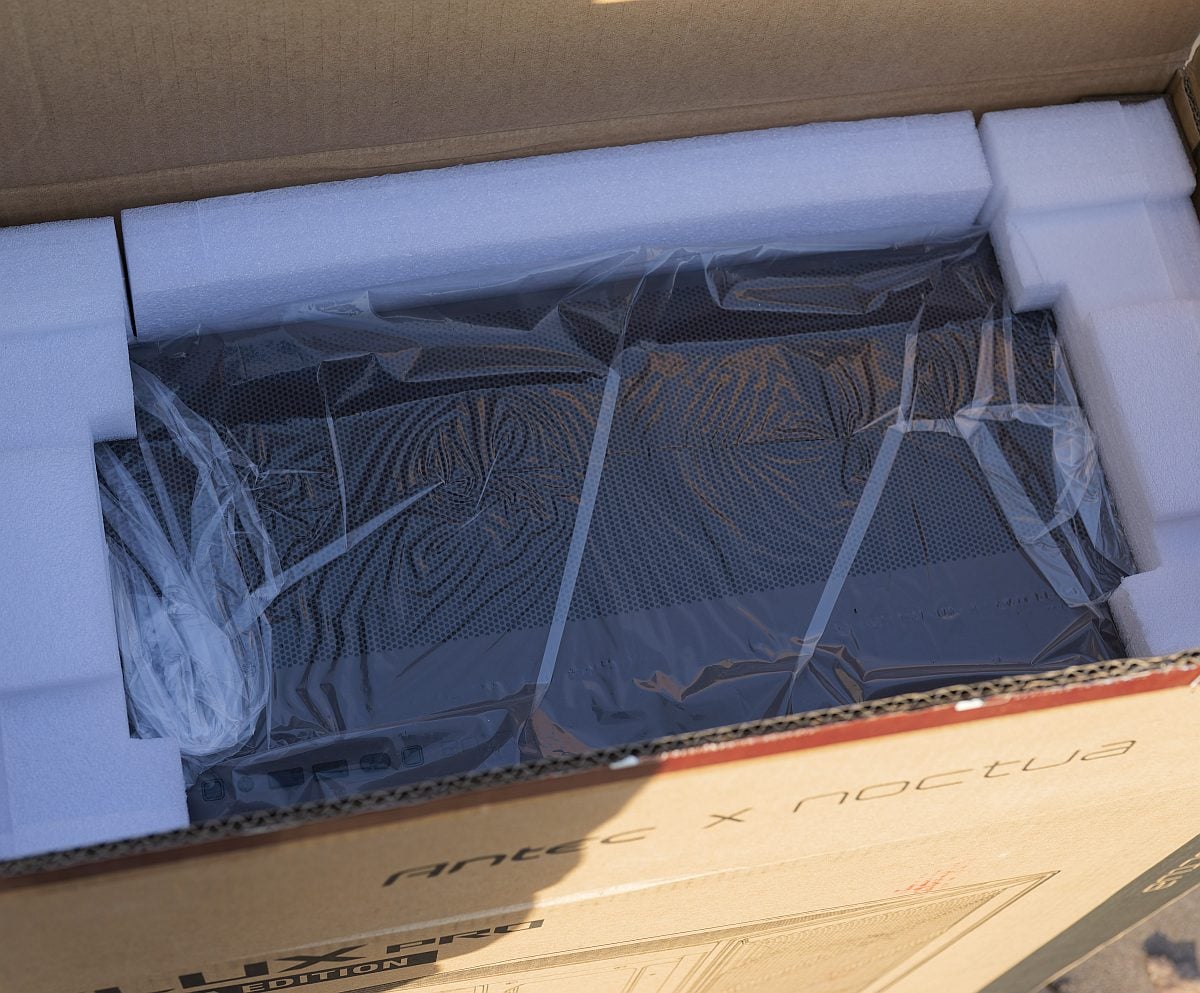
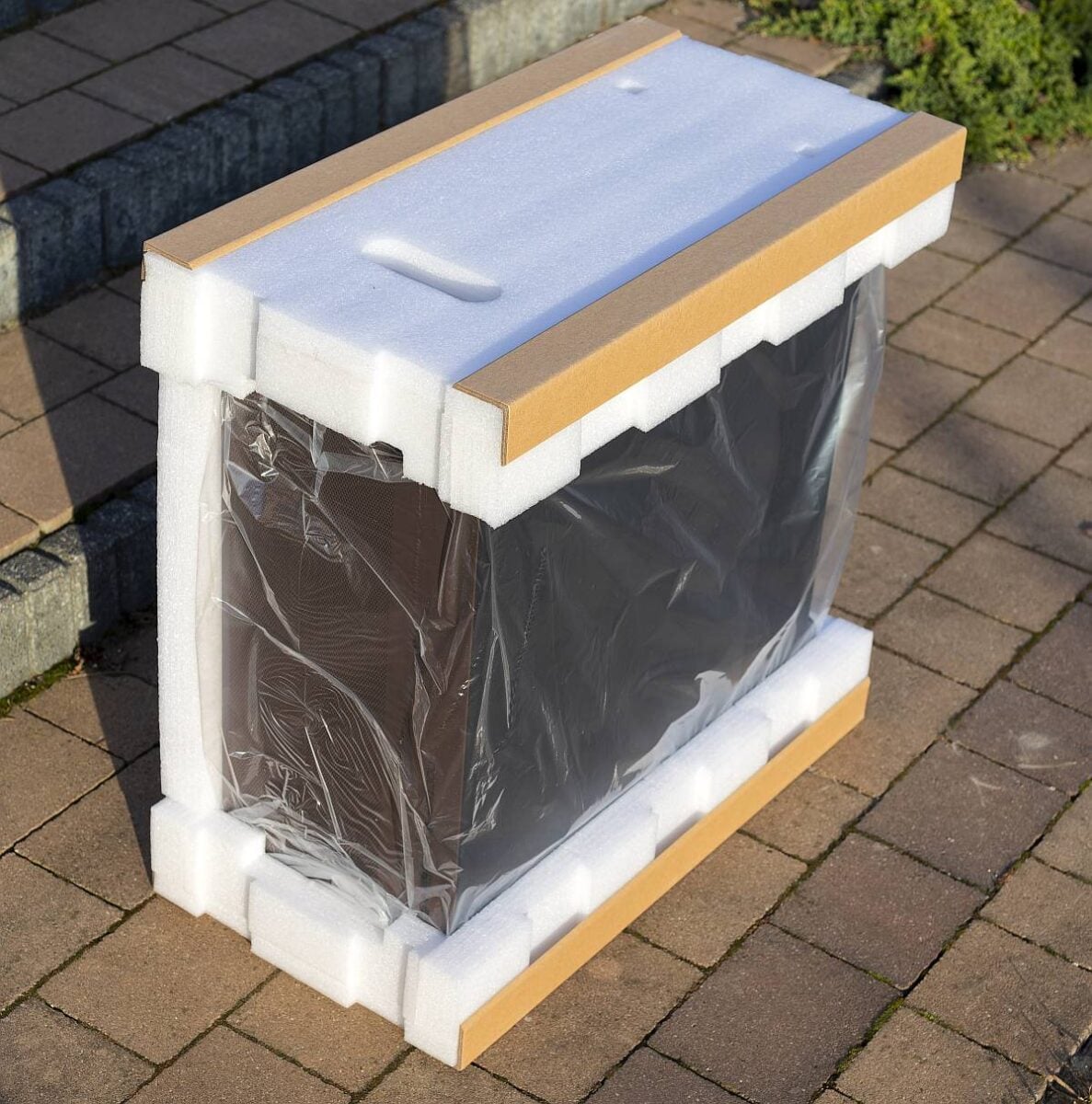
Right from the offset, the Flux Pro Noctua Edition feels like a premium product, with its substantial 13.8kg net weight and well-protected packaging designed to withstand the rigours of long-distance shipping for a full-tower glass case.
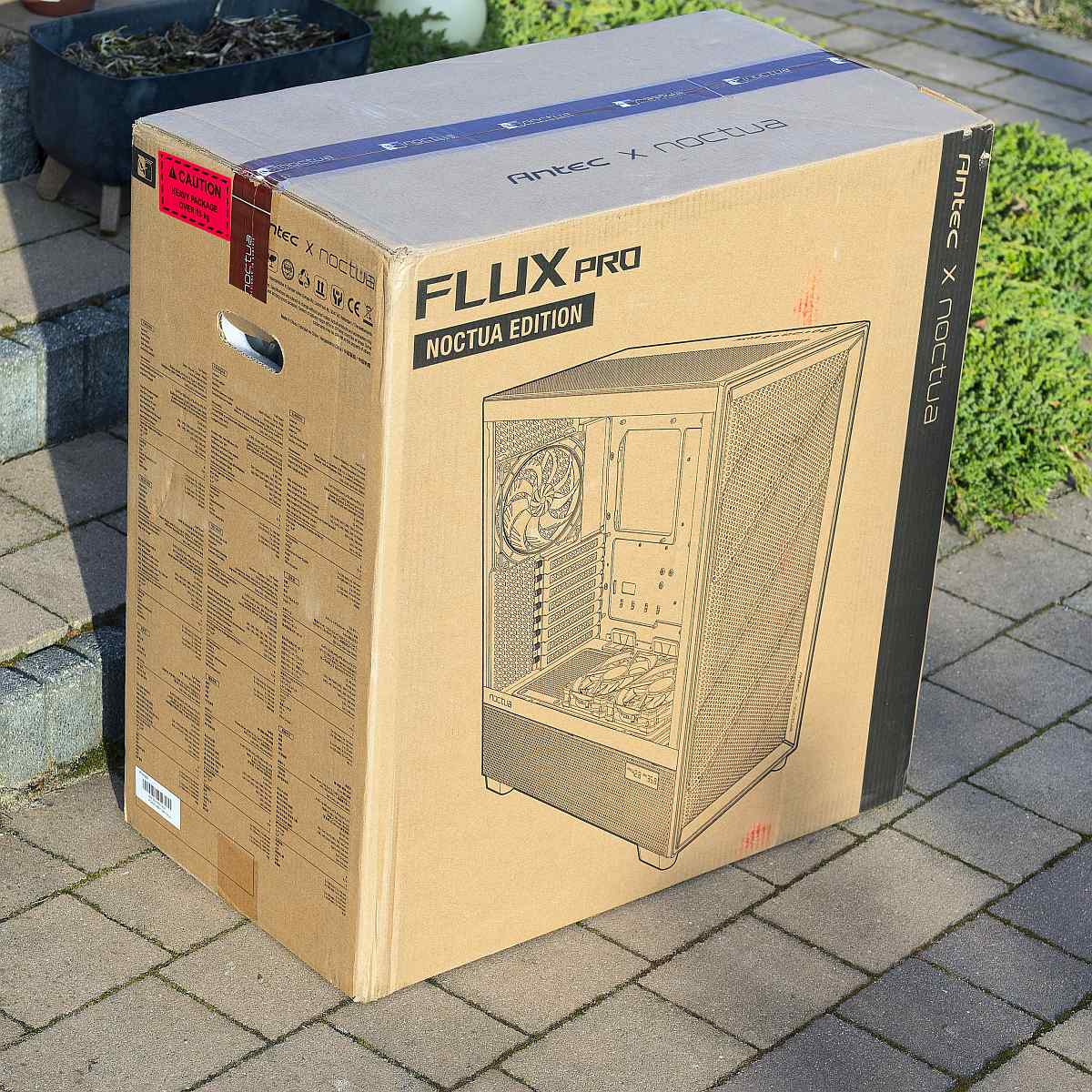
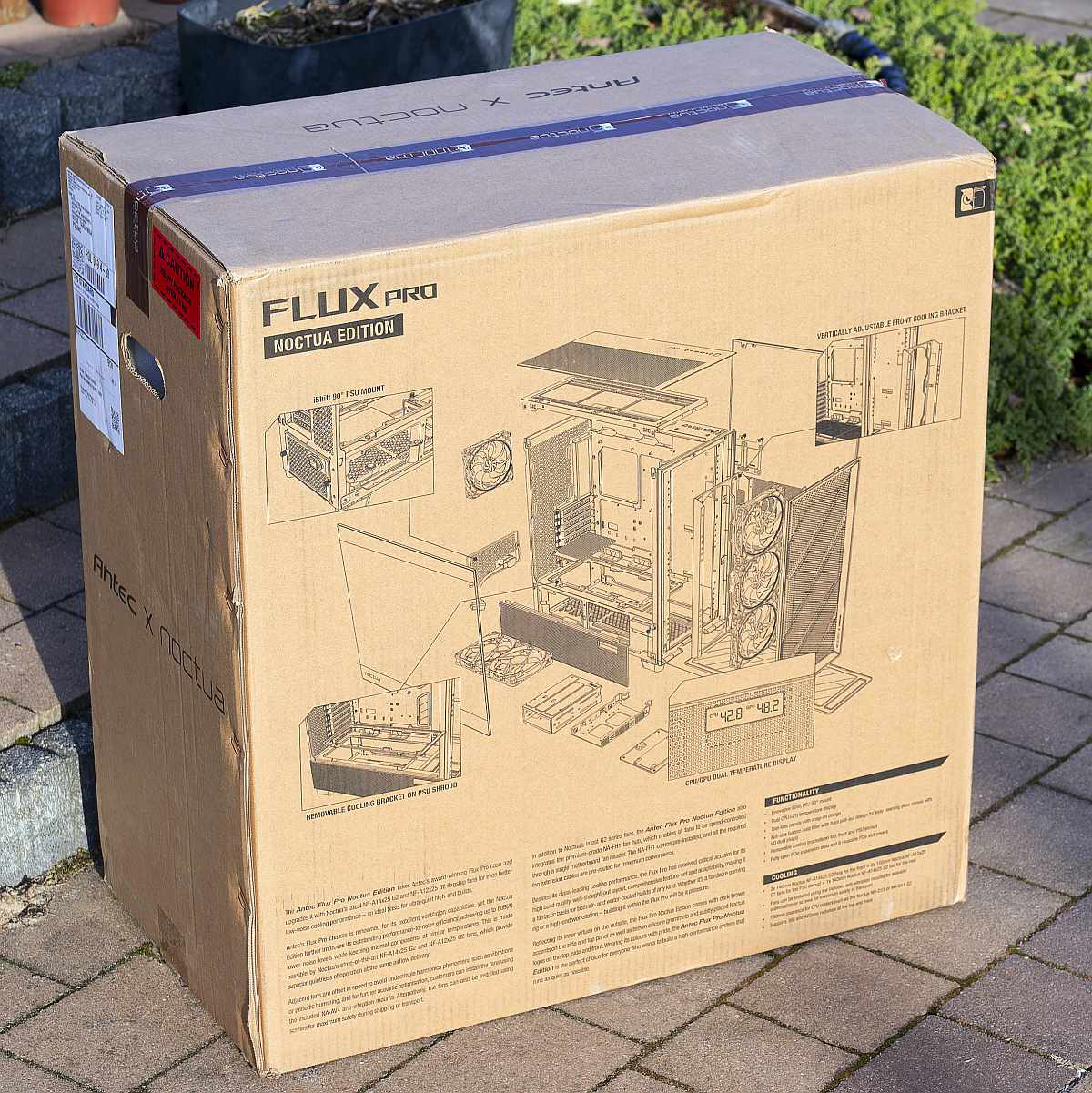
Unlike the standard Flux Pro, whose fans are pre-installed, the Noctua Edition ships with its half-a-dozen blowers in a separate accessory box, encouraging you to configure as you see fit.
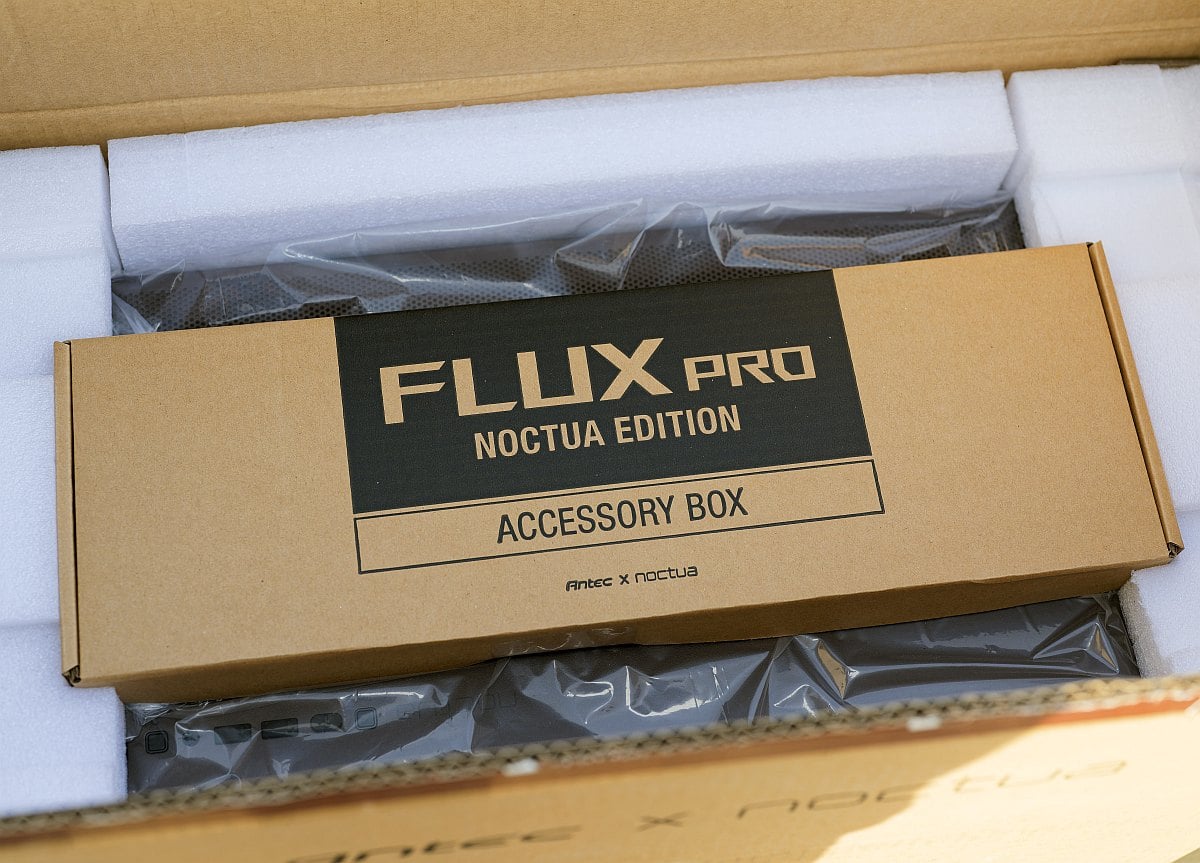
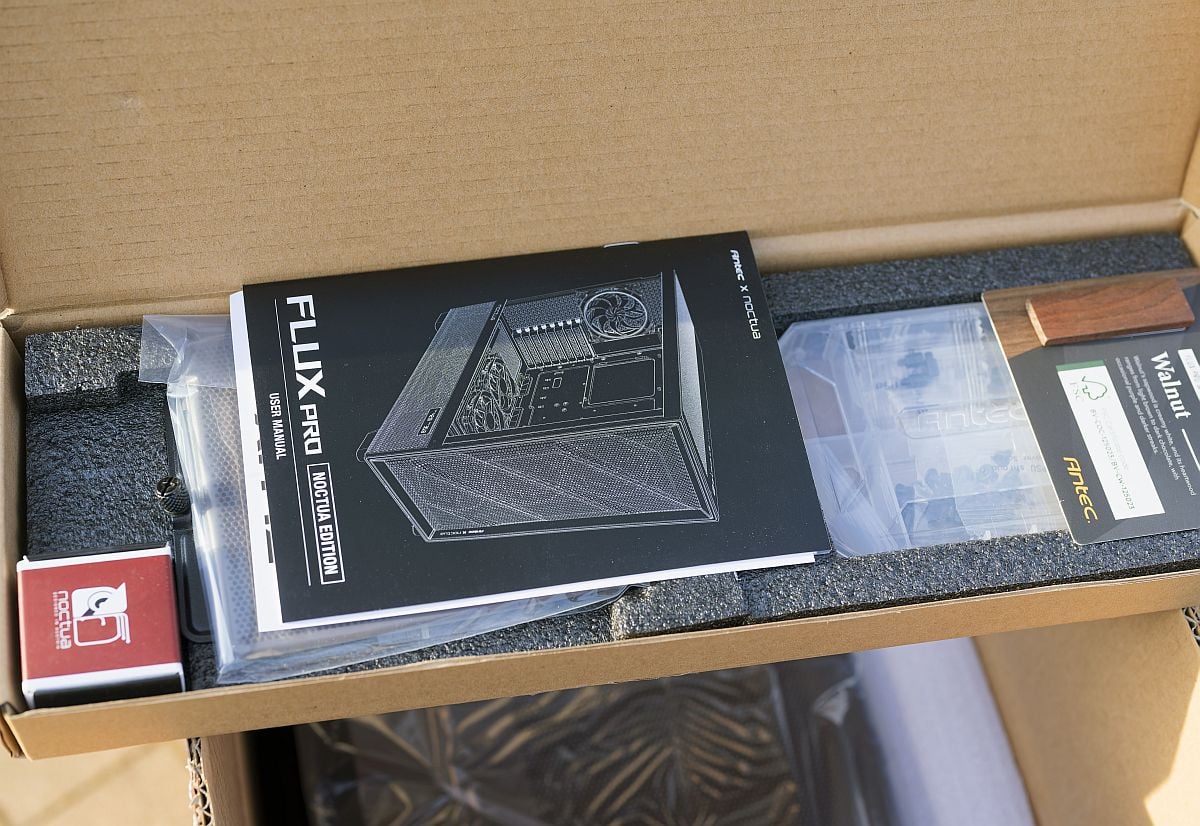
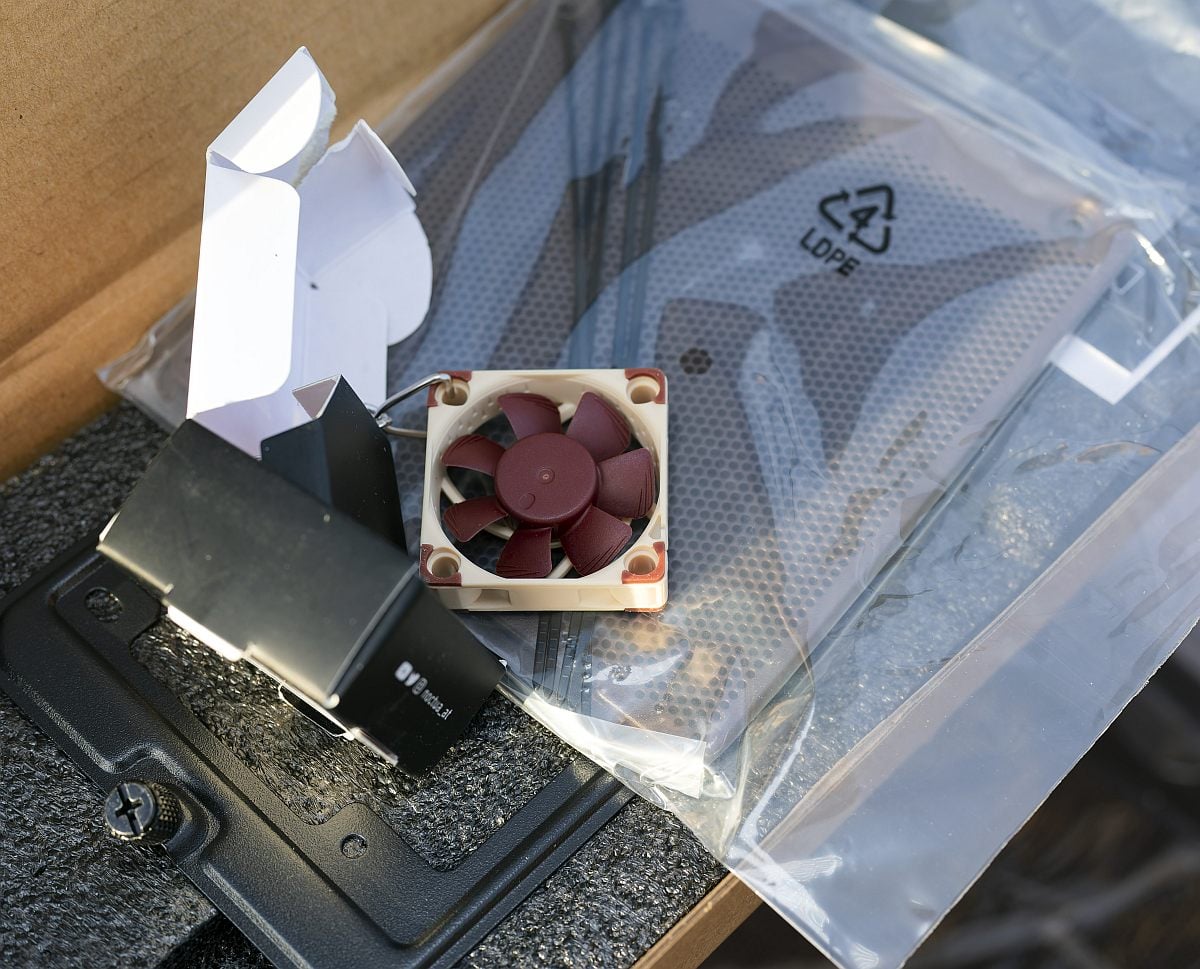
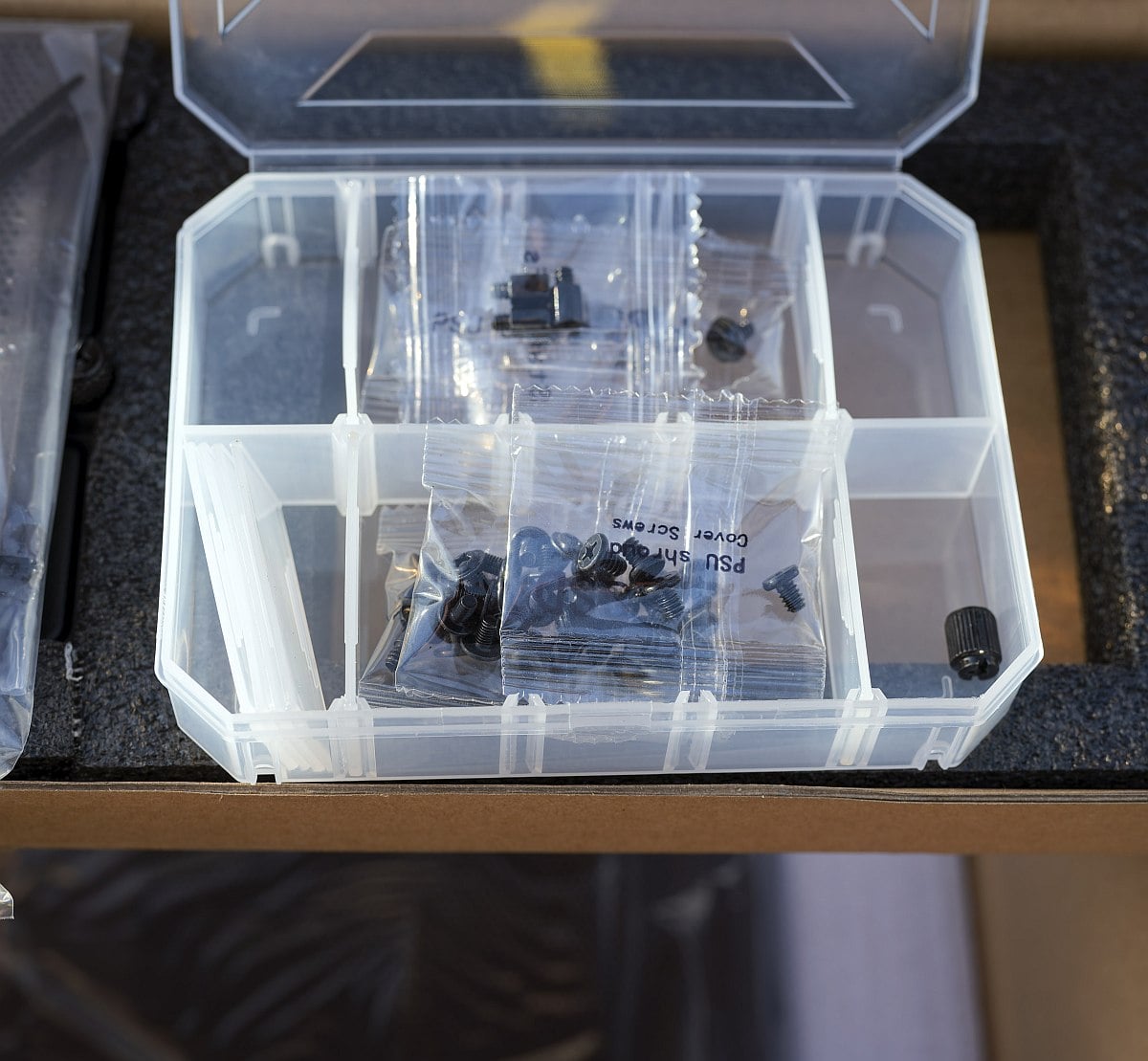
Noctua’s neatly organised accessory pack contains the four NF-A14x25 G2 PWM, two NF-A12x25 G2 PWM, a full set of NA-AV4 anti-vibration rubber mounts, self-tapping screws, and pre-routed fan extension cables already connected to the NA-FH1 hub.
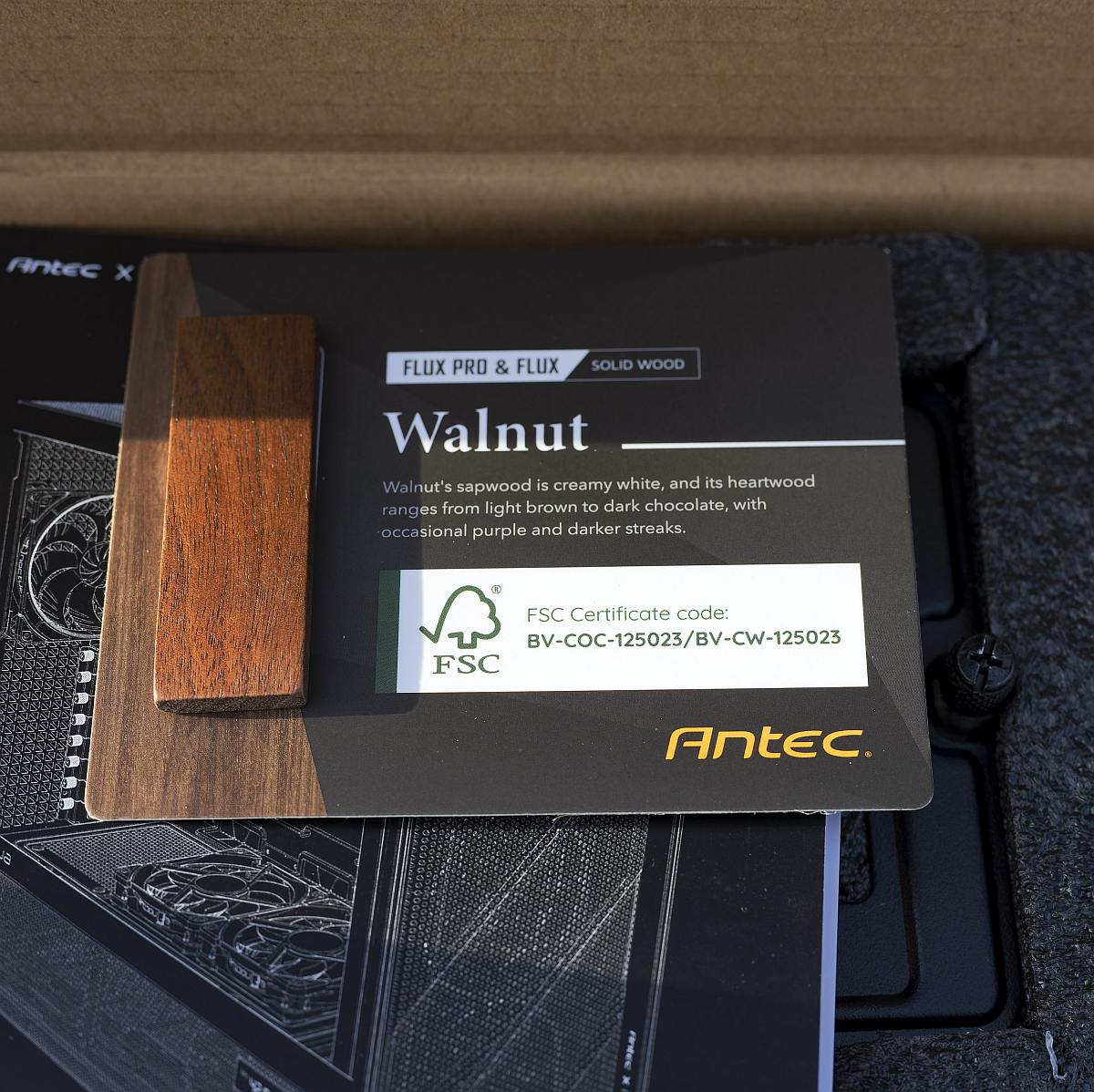
There’s also a cute keyring shaped like a little Noctua fan, a regular alternative to the 90° iShift PSU mount, a sample of the colour of the wood, and last but not least, all the screws in separate bags accompanied by a plastic organiser.
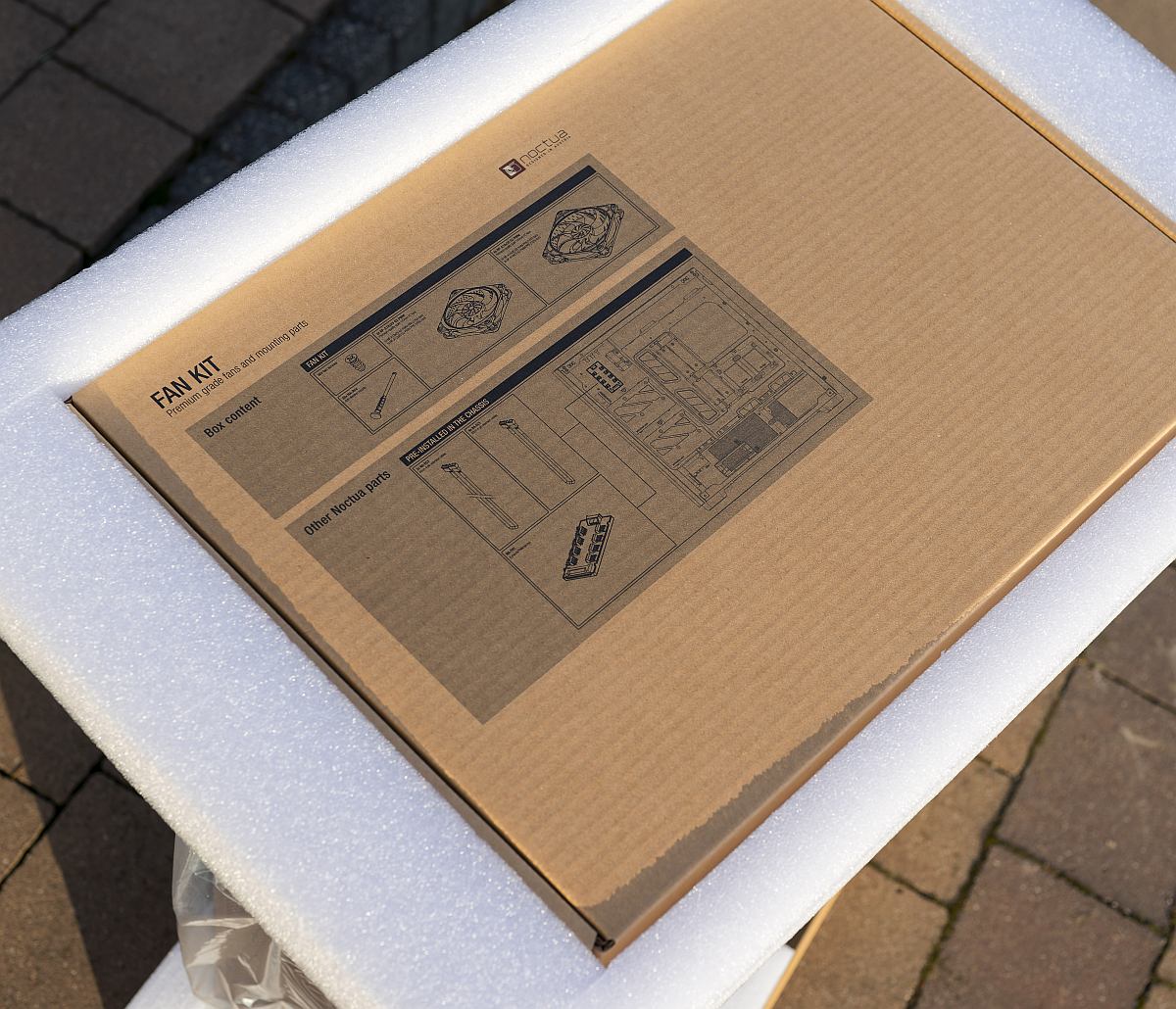
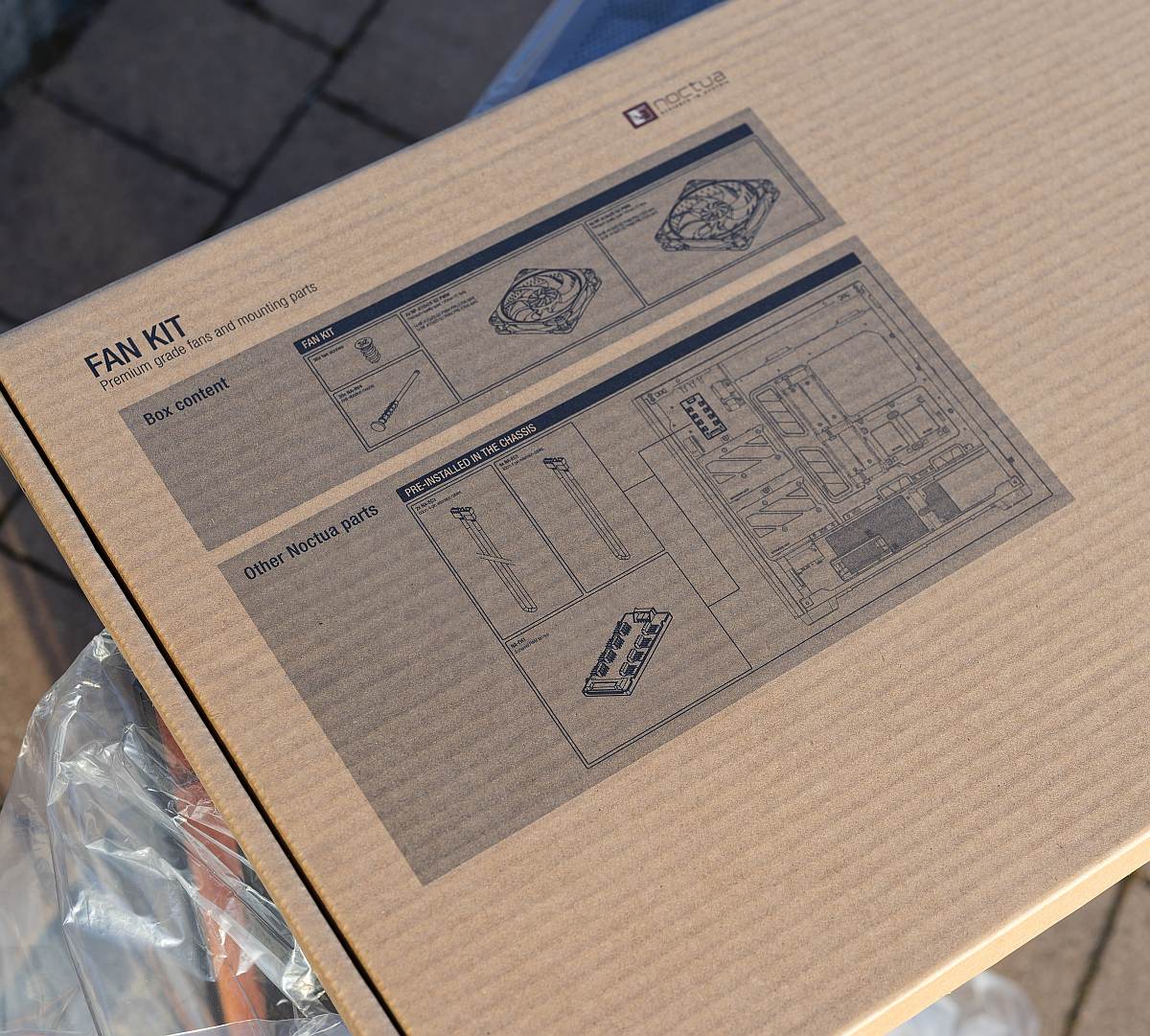
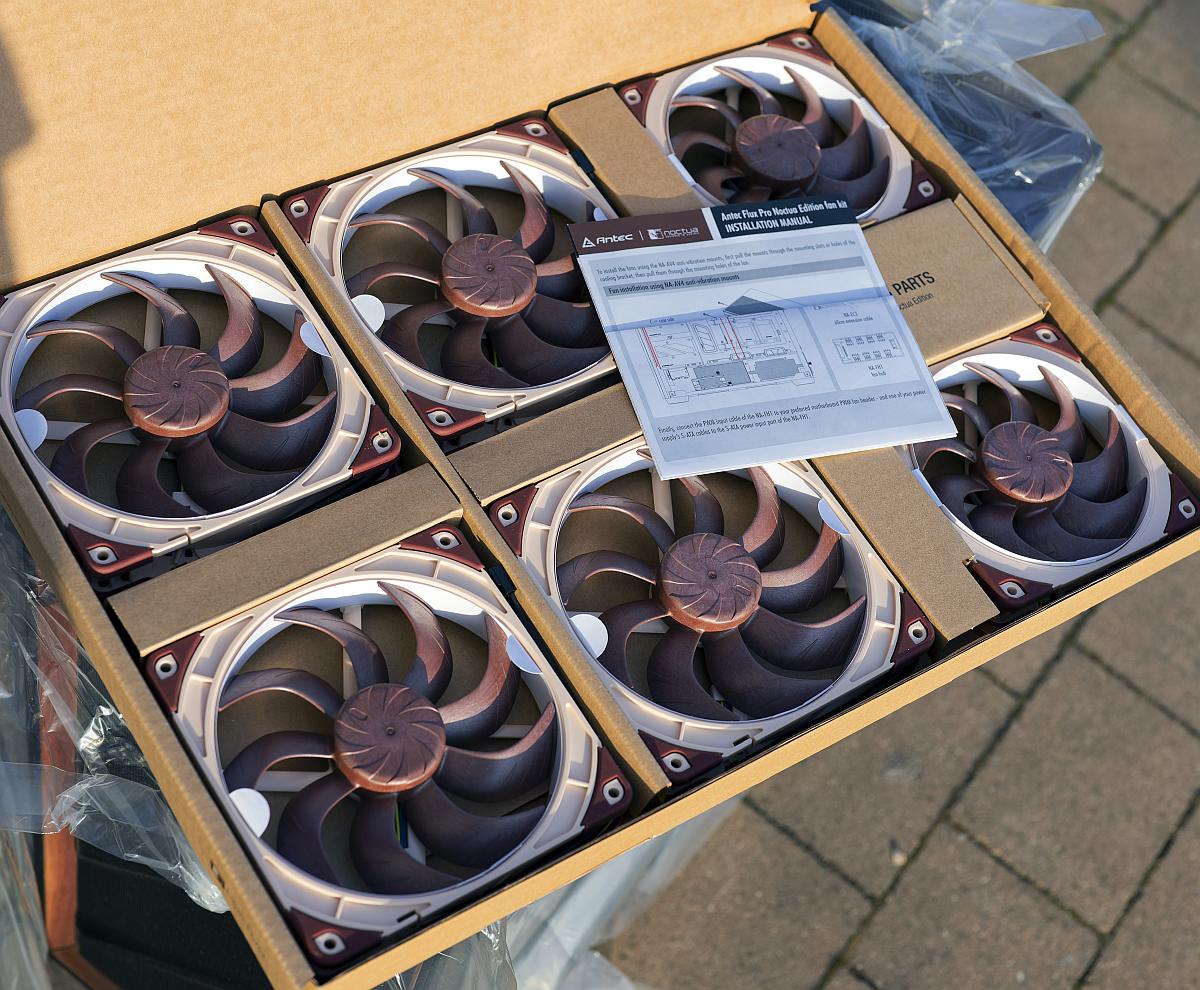
Choosing to leave all the fans unmounted is deliberate. Noctua reckons it helps avoid stress on fan frames during transport, and gives builders the option of either vibration-damping rubber mounts or more secure screw mounting for systems that will travel. Behind the right-hand panel, you are greeted by the pre-installed NA-FH1 8-channel PWM fan hub, magnetic for easy positioning, plus pre-tied cable bundles and Velcro straps that hint at the strong focus on cable management inherited from the regular Flux Pro.
Exterior Tour
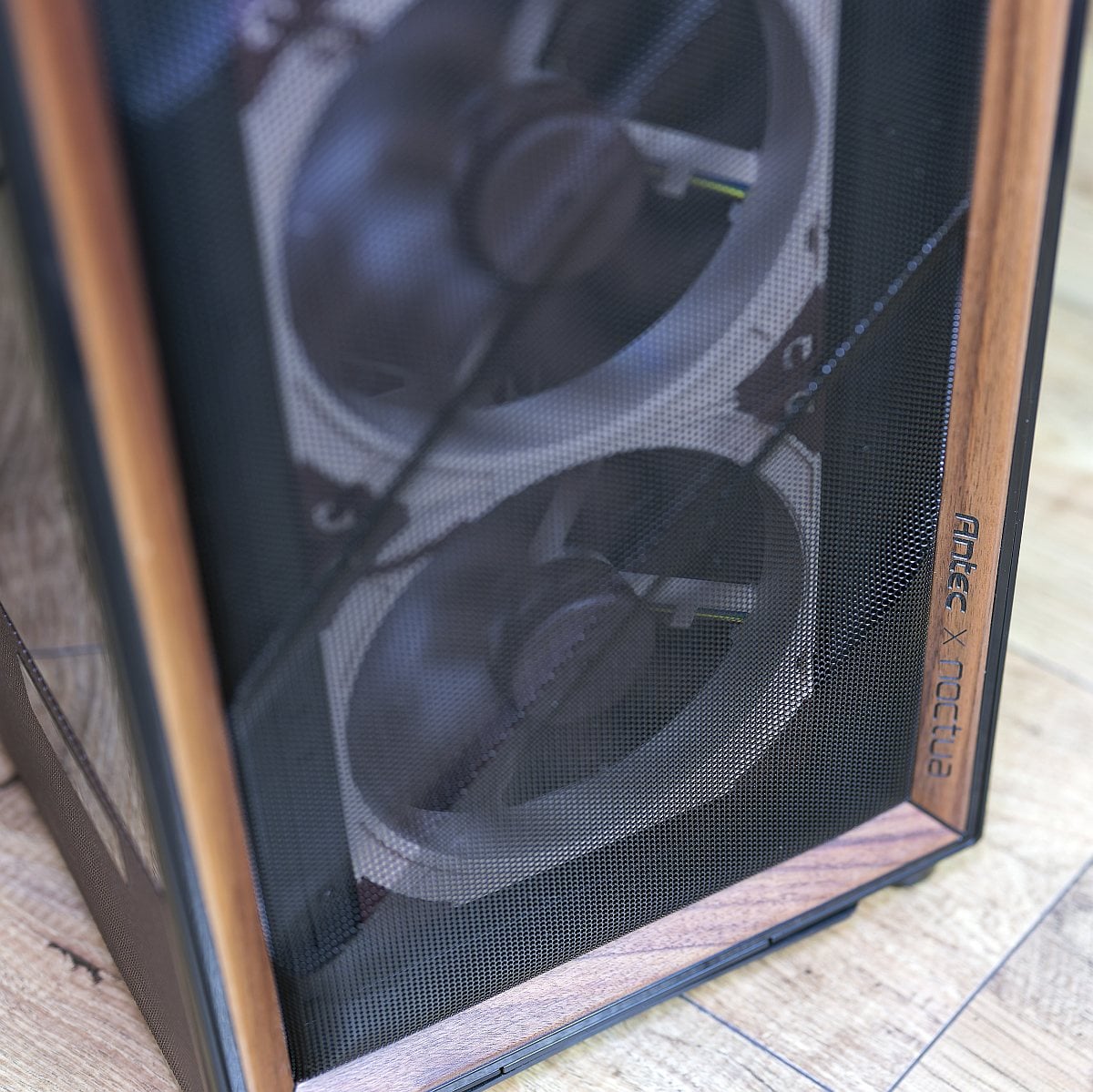
Externally, the Flux Pro Noctua Edition closely mirrors the base model but swaps RGB flourishes for a more understated airflow-first aesthetic with subtle Noctua branding.
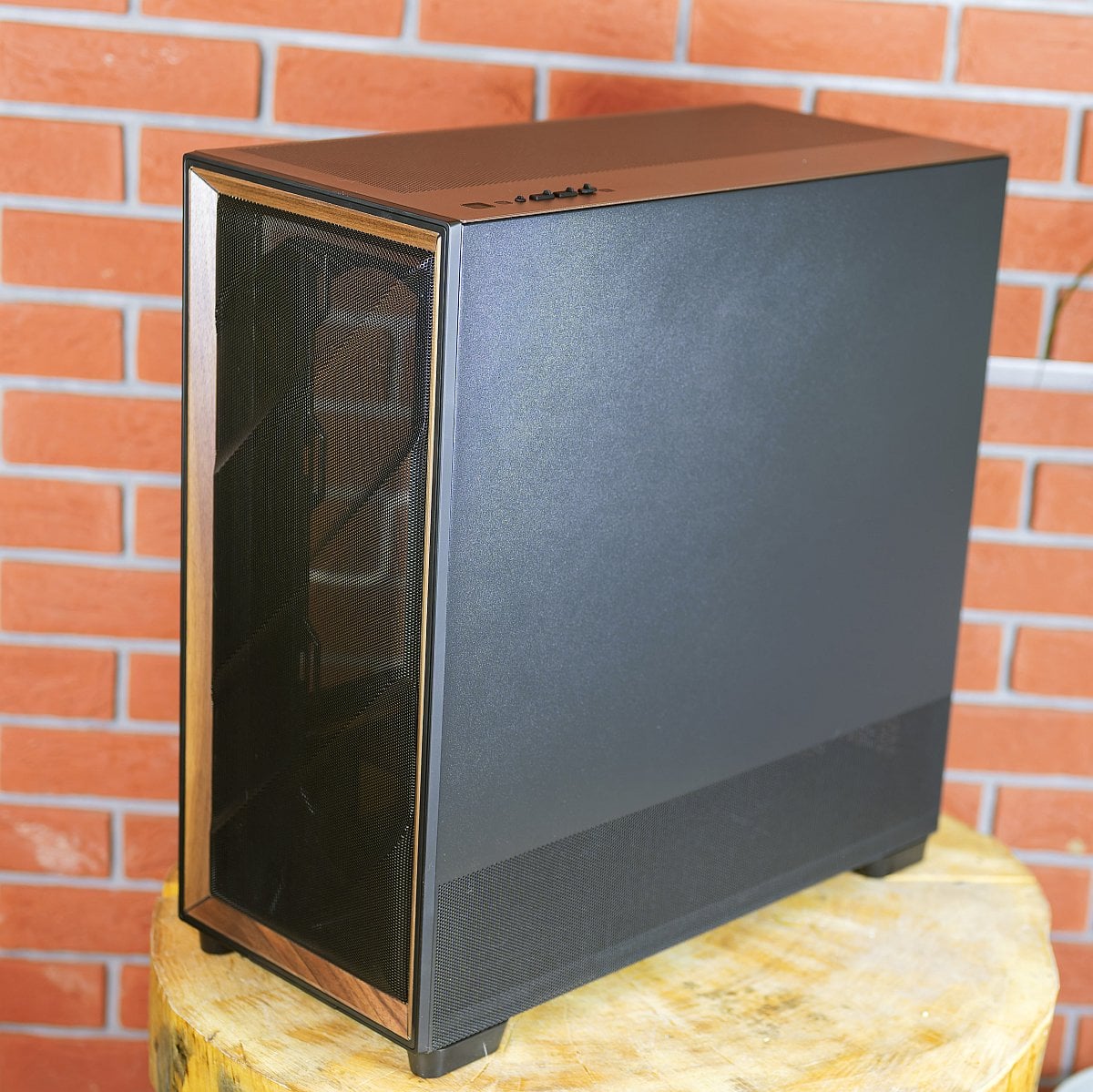
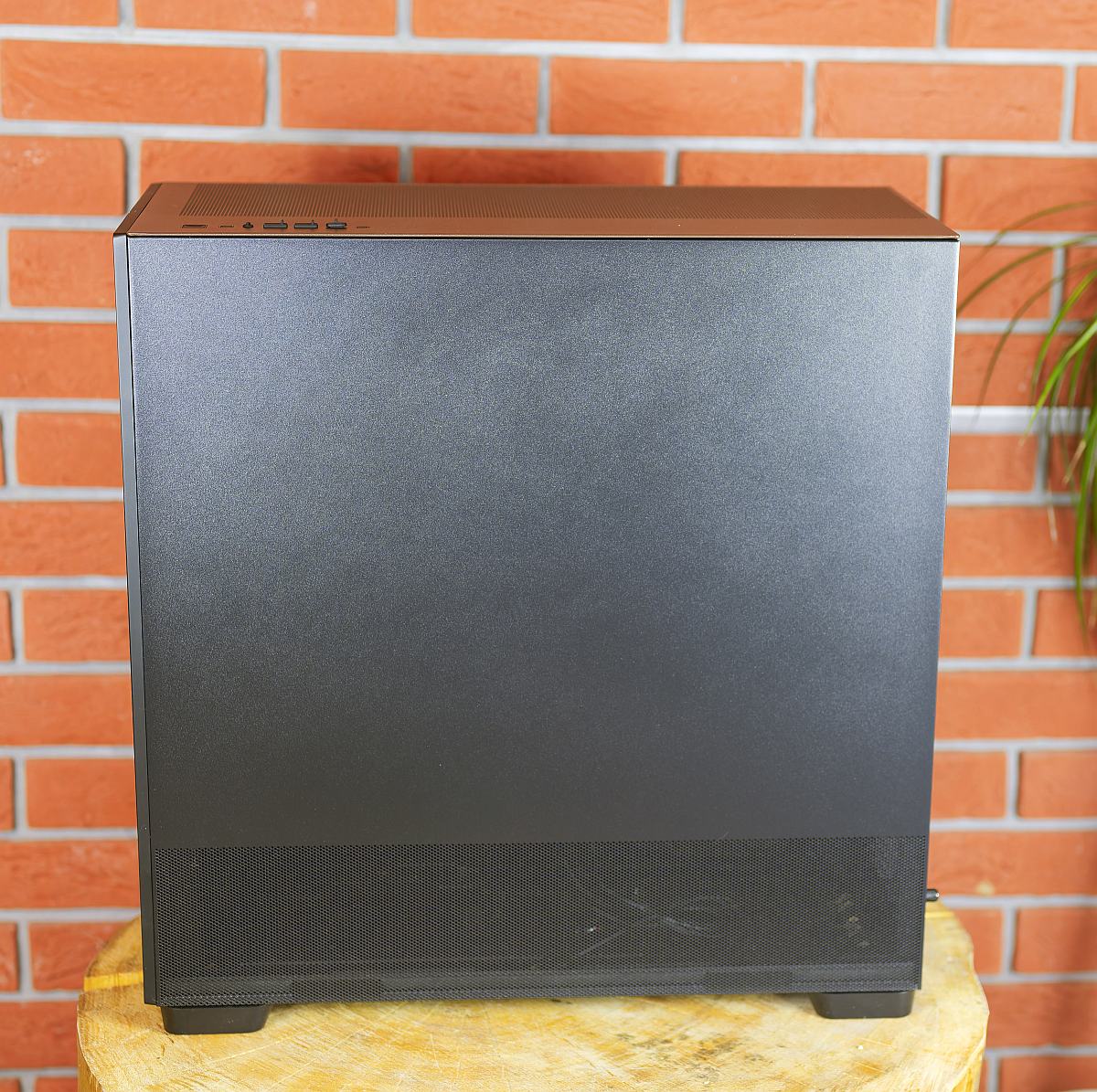
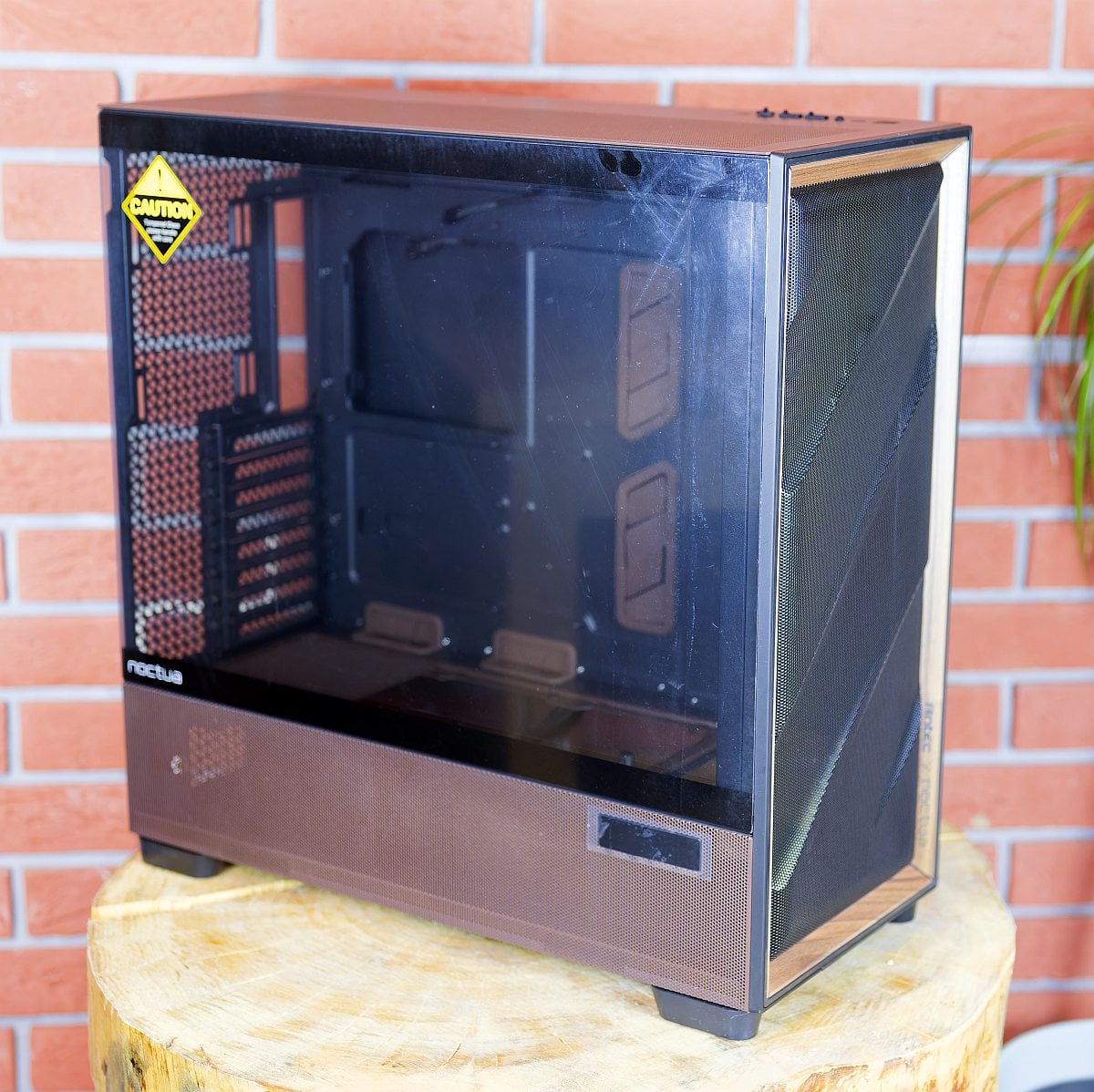
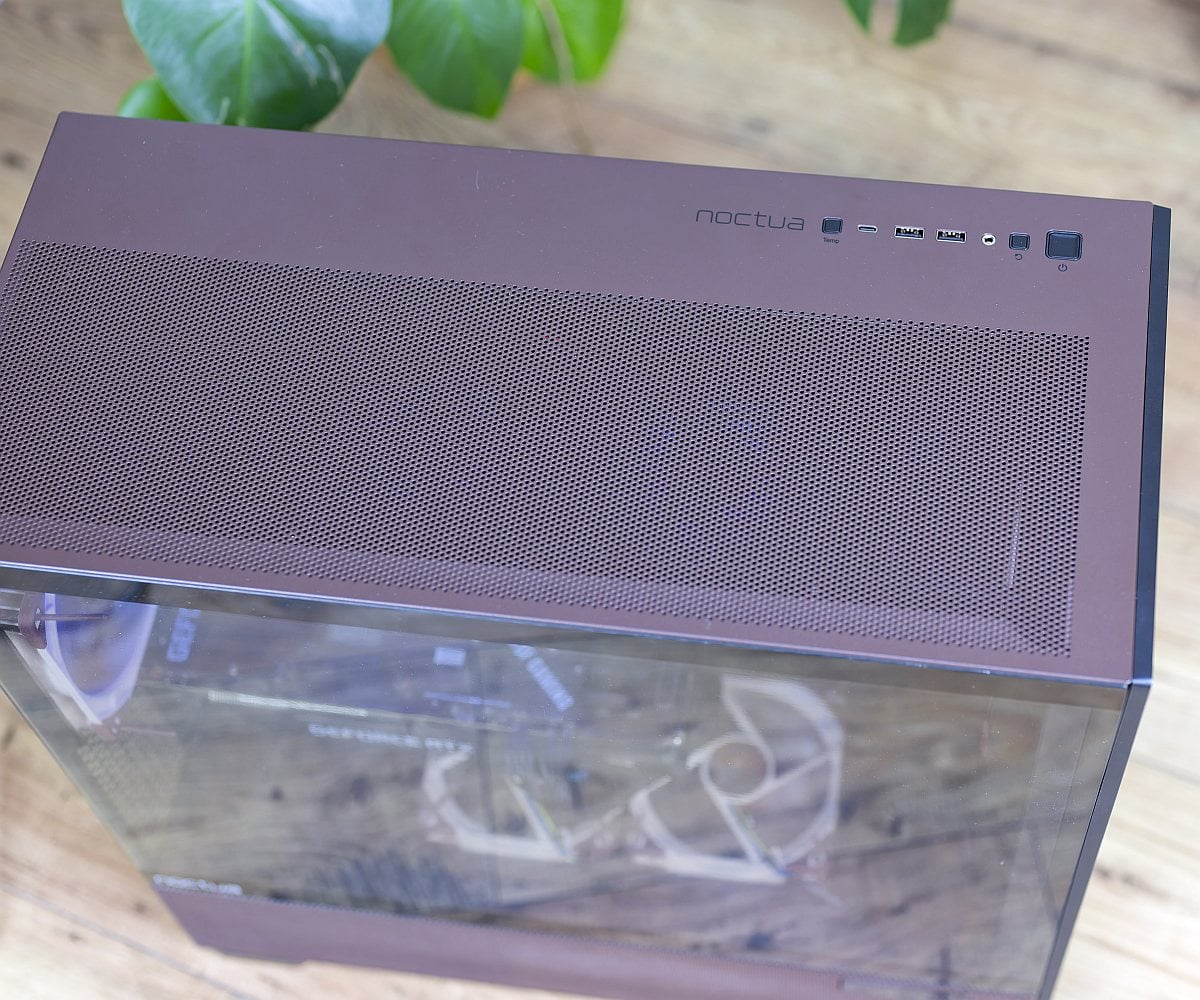
The most obvious differentiator is the dark brown accent running across the front wood insert and top panel, complemented by brown silicone grommets. Both side panels are tool-free, with a 4mm tempered glass left panel for component showcase and a solid right panel that locks into place yet removes easily for access to cable runs and the fan hub. At the bottom edge of the left side, you’ll find the integrated temperature display. This small but distinctive feature can cycle between CPU, GPU, or dual readouts using the top-panel button when paired with Antec’s iUnity software.
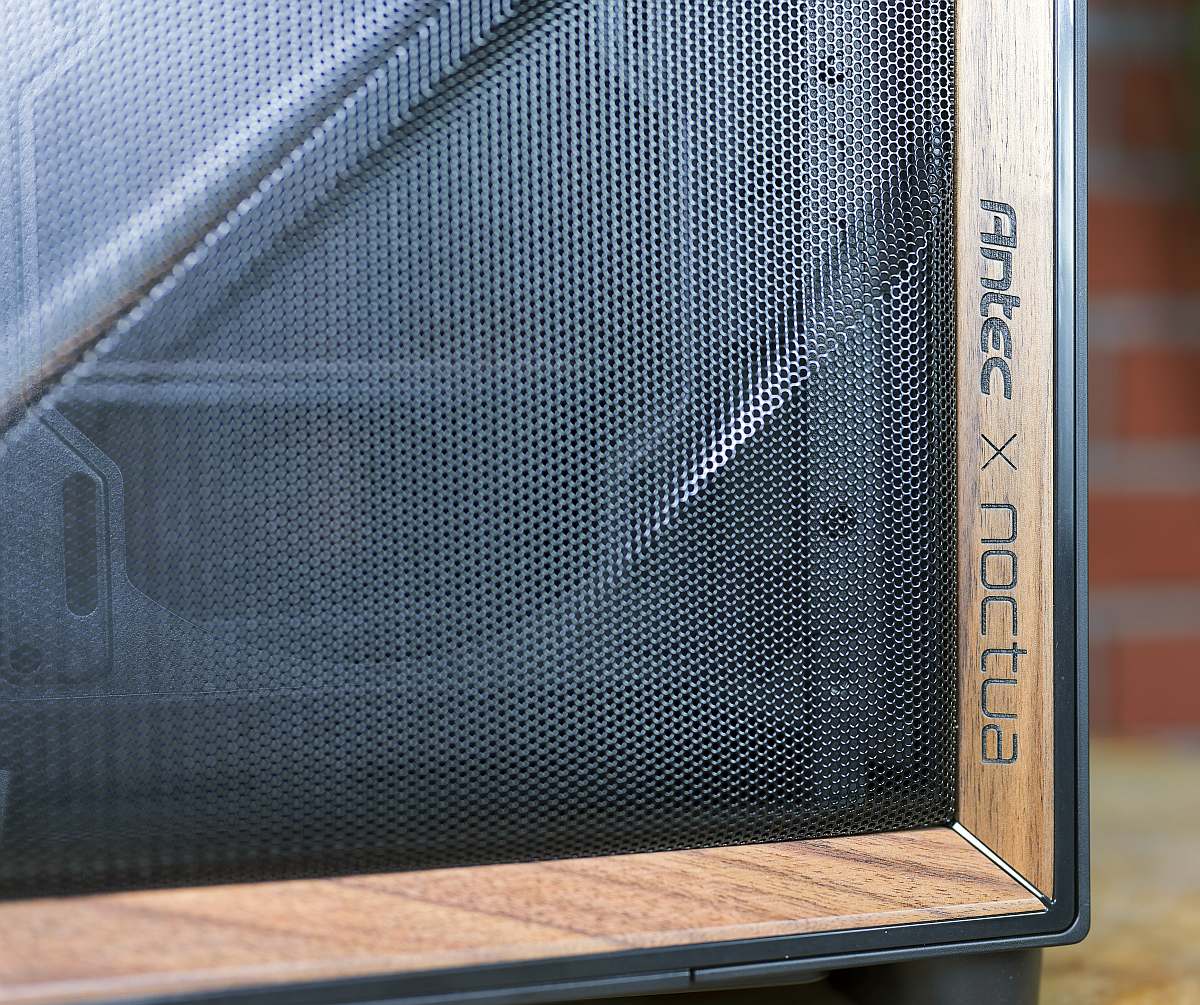
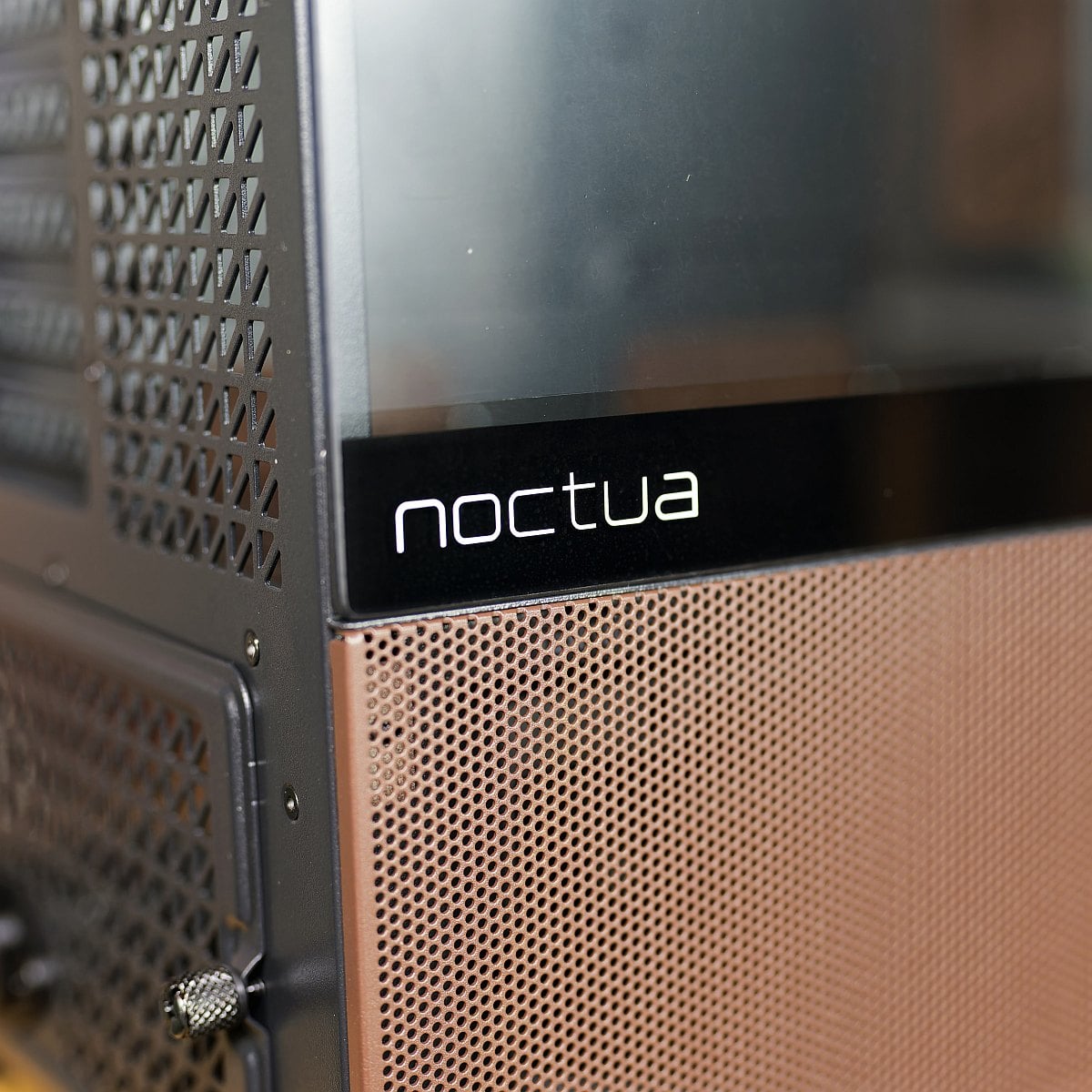
You can find small Noctua logos on the front, top and glass side panel. Overall, while brown-and-beige isn’t for everyone, the case design is a tasteful nod to the fan maker’s long-standing colour scheme. I just wish it came in chromax.black.
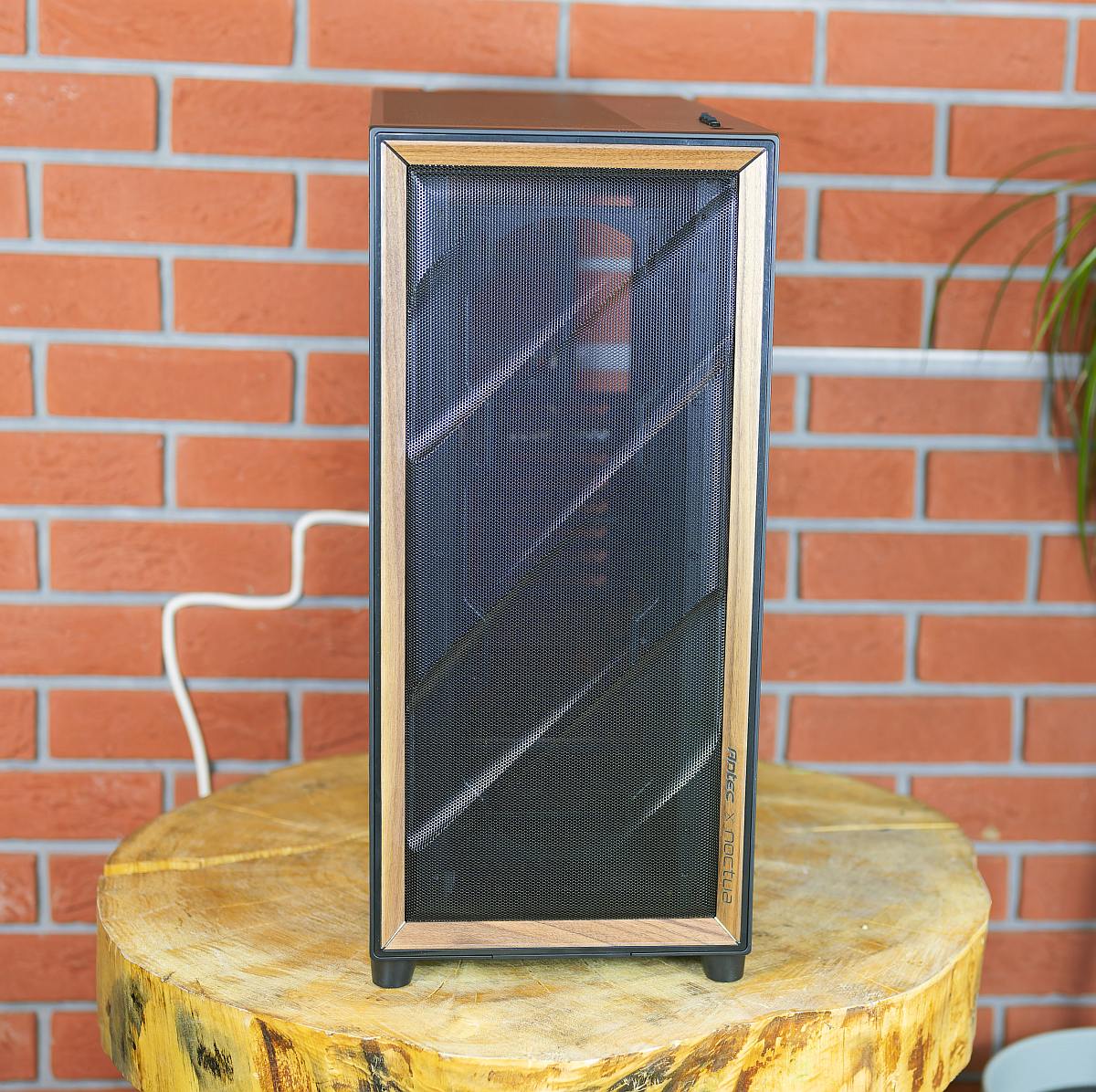
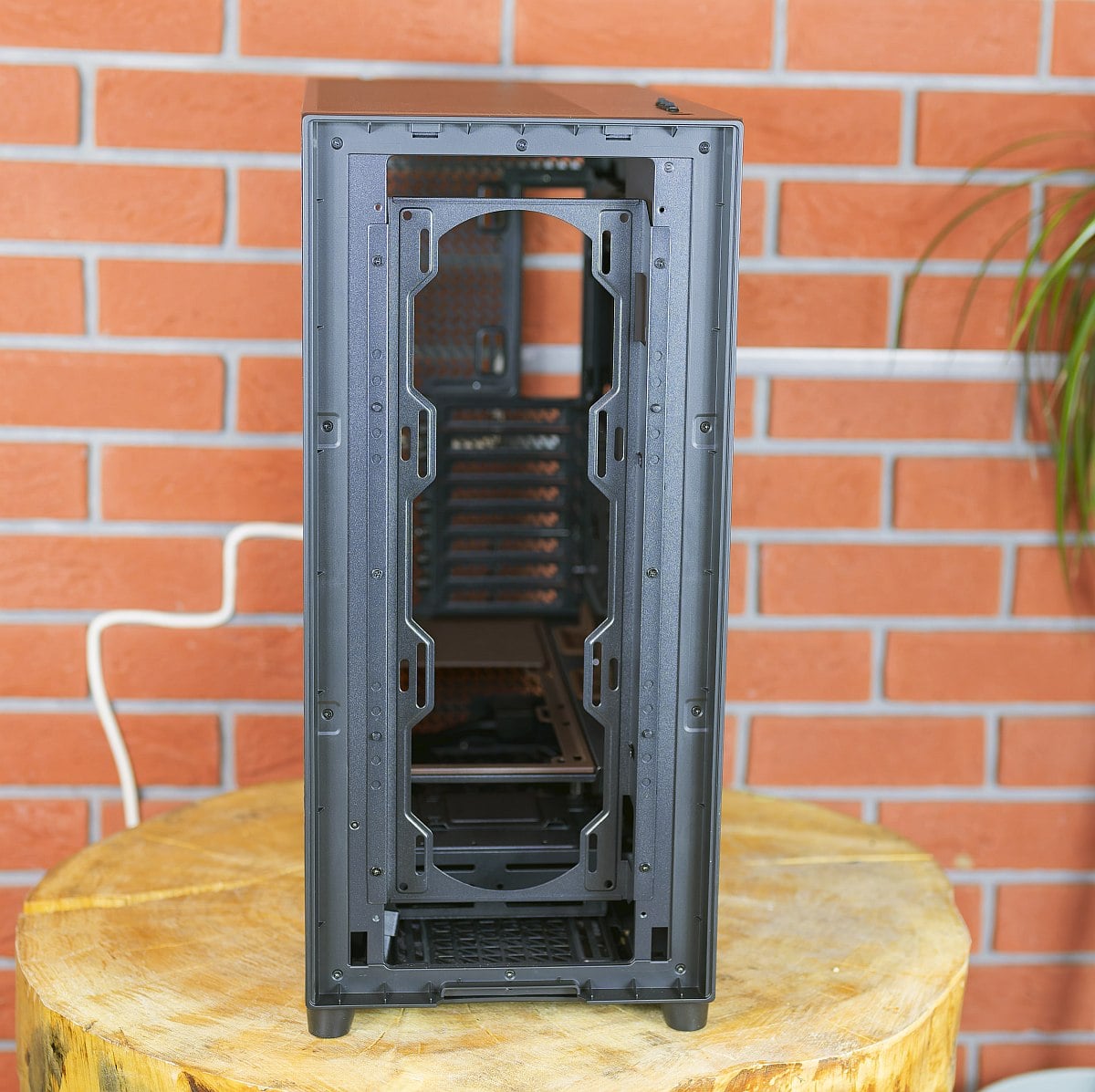
The front is dominated by a large-area mesh, feeding a multi-directional vent design that combines lower-side intakes, bottom vents, and PSU-chamber openings to fashion what Antec calls the F-LUX airflow channel.
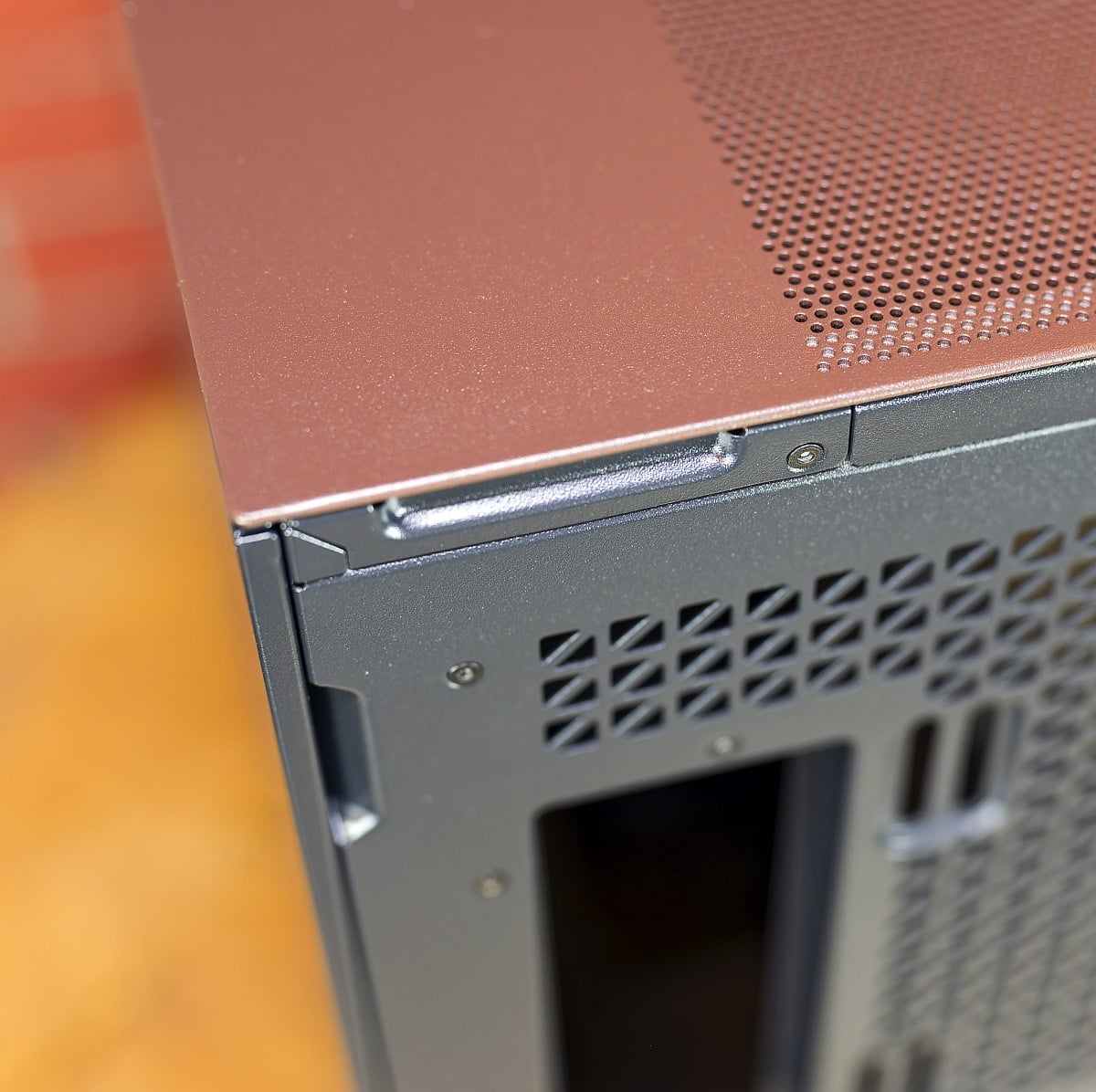
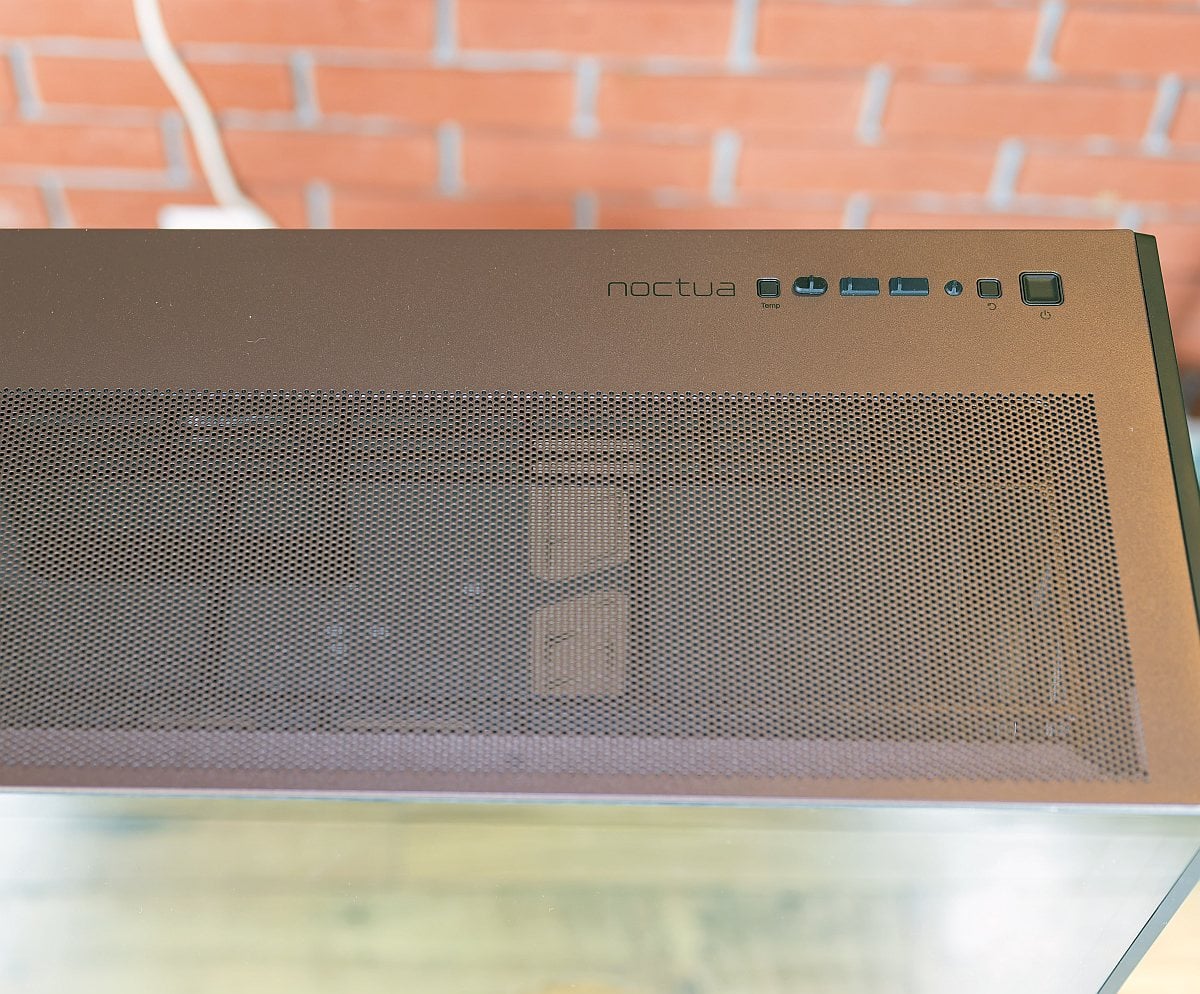
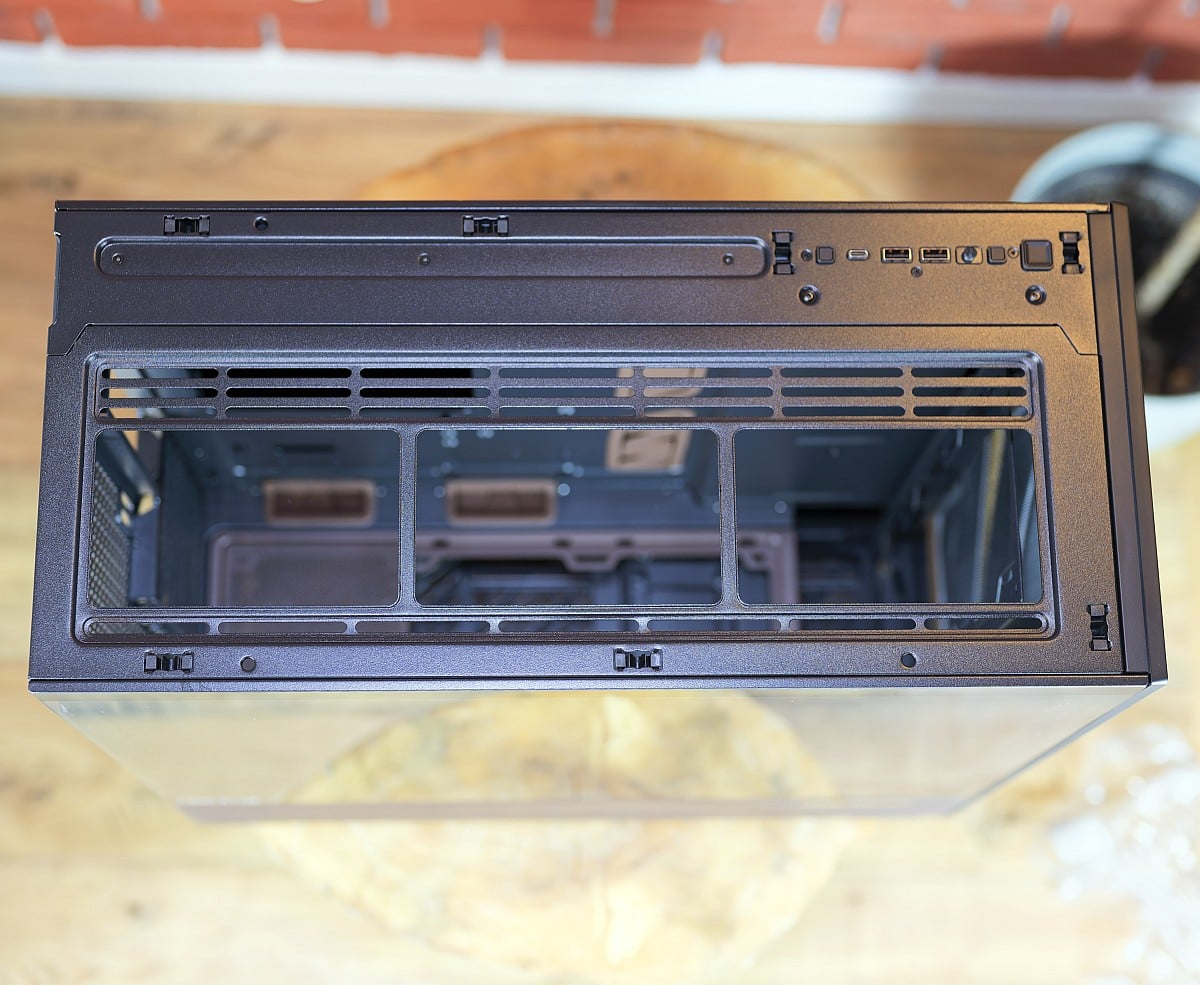
Up top, a removable, ventilated panel carries mounts for up to a 420 mm radiator or a trio of fans, and it can be lifted without tools for cleaning and installation. Adorning the nearby I/O panel are 2x USB 3.0 ports, 1x Type-C 10Gbps port, and 1x headphone/mic combo jack.
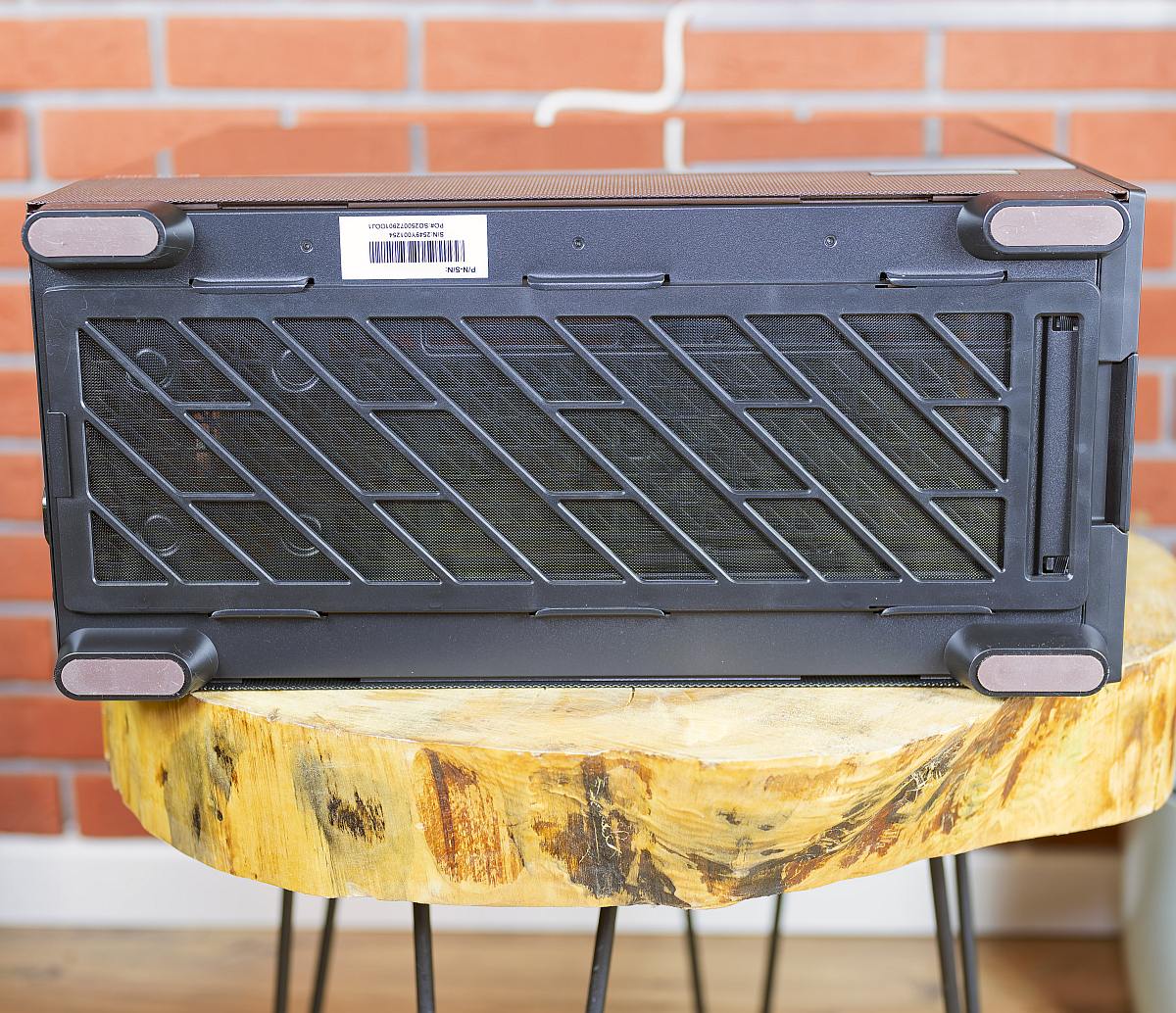
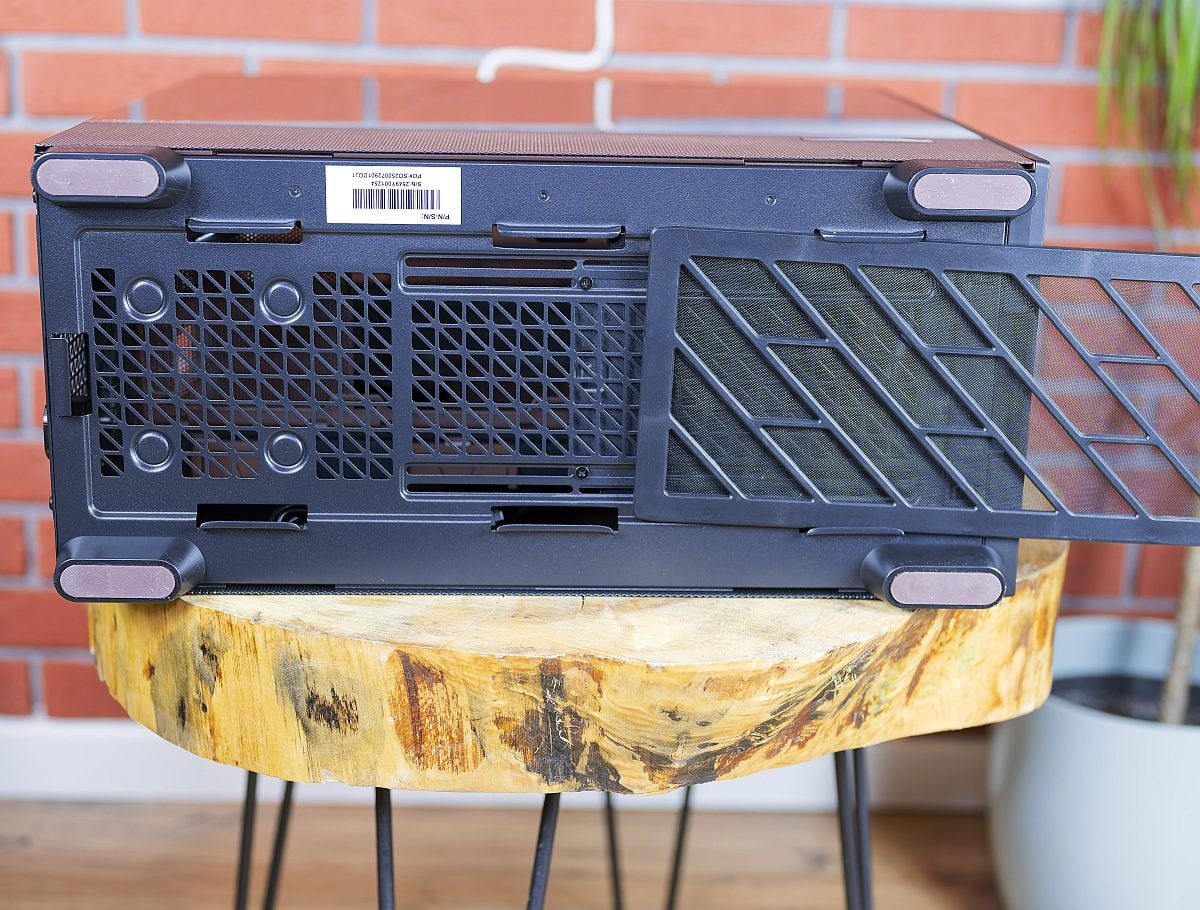
Finally, a full-length dust filter covers the bottom intakes and can be pulled out from the front, simplifying maintenance on a case clearly designed to move a lot of air through its chassis. One note here, and maybe it’s a fault on my sample, but this bottom filter comes out far too easily and could be more secure.
Interior Tour
Inside, the Flux Pro Noctua Edition features the same open, low-restriction layout that helped the original Flux Pro earn high praise from thermal-focused reviewers.
The main chamber is dominated by a wide motherboard tray with plentiful cutouts and rubber-grommeted passthroughs, plus a spacious GPU area that easily accommodates triple-slot cards without blocking front-to-rear airflow.
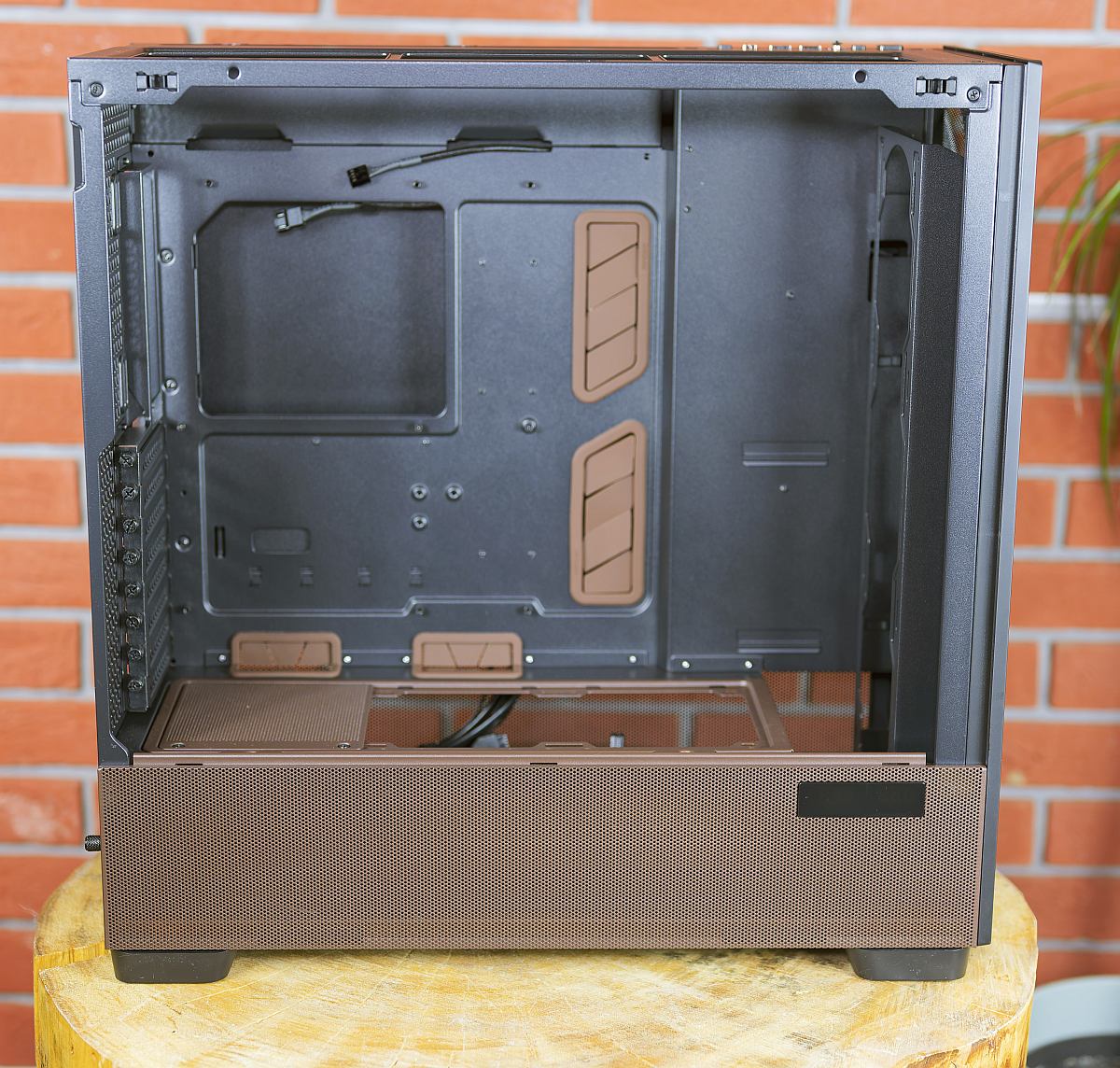
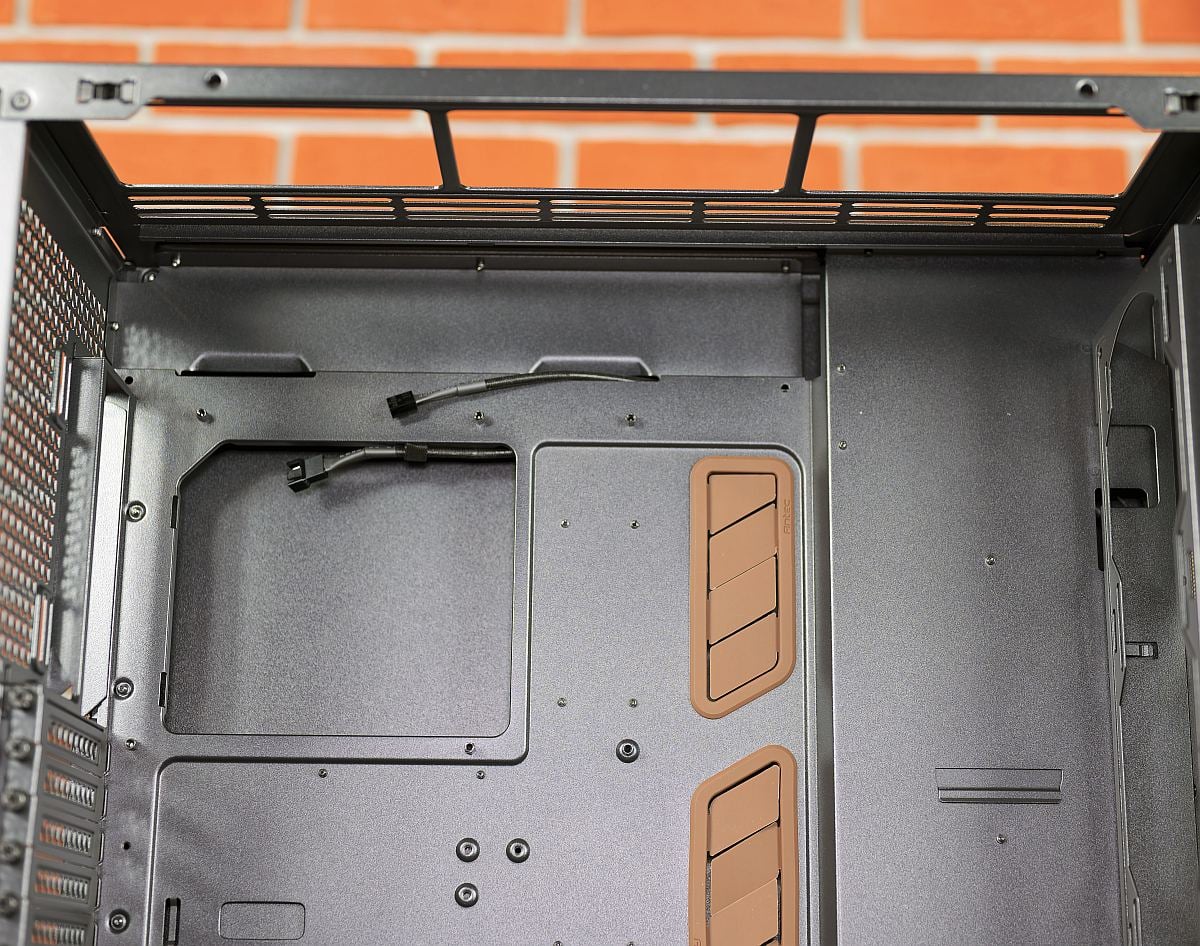
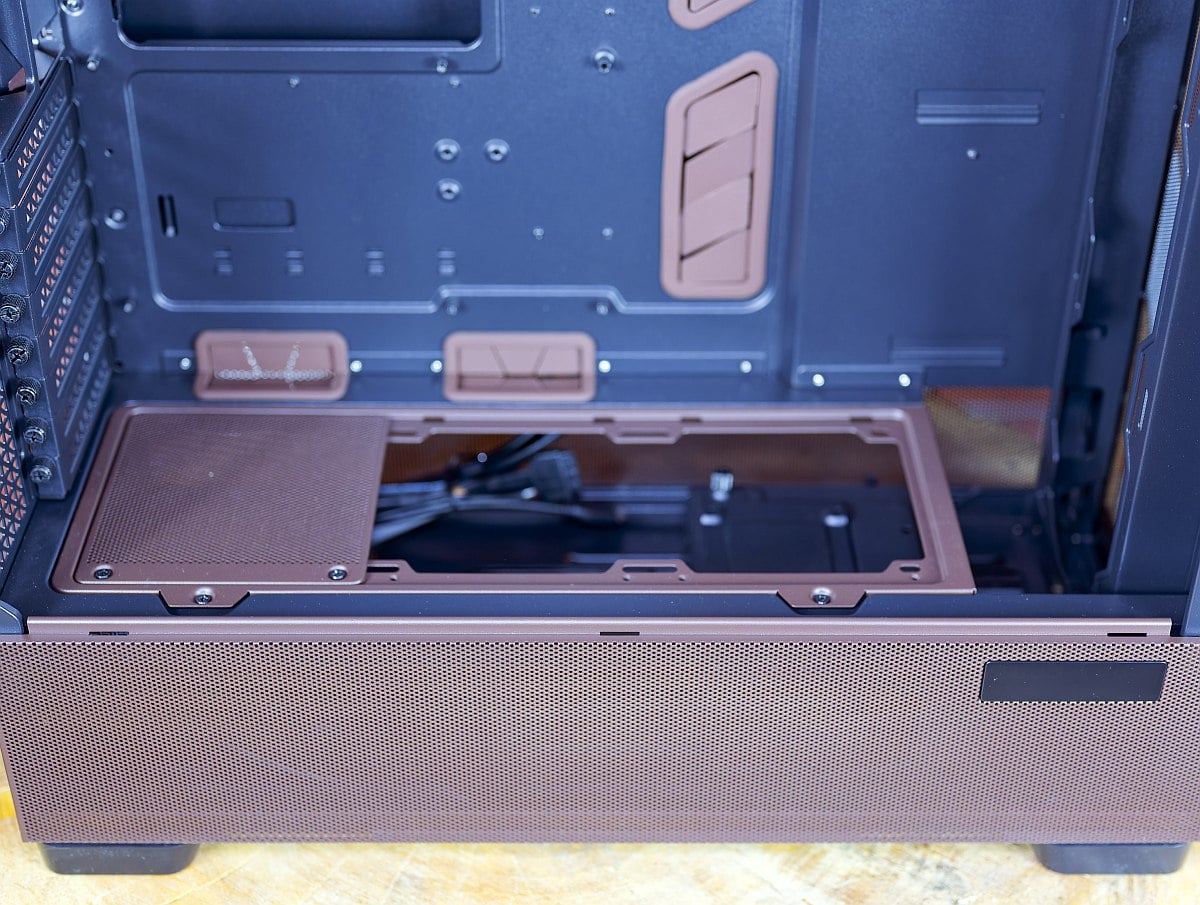
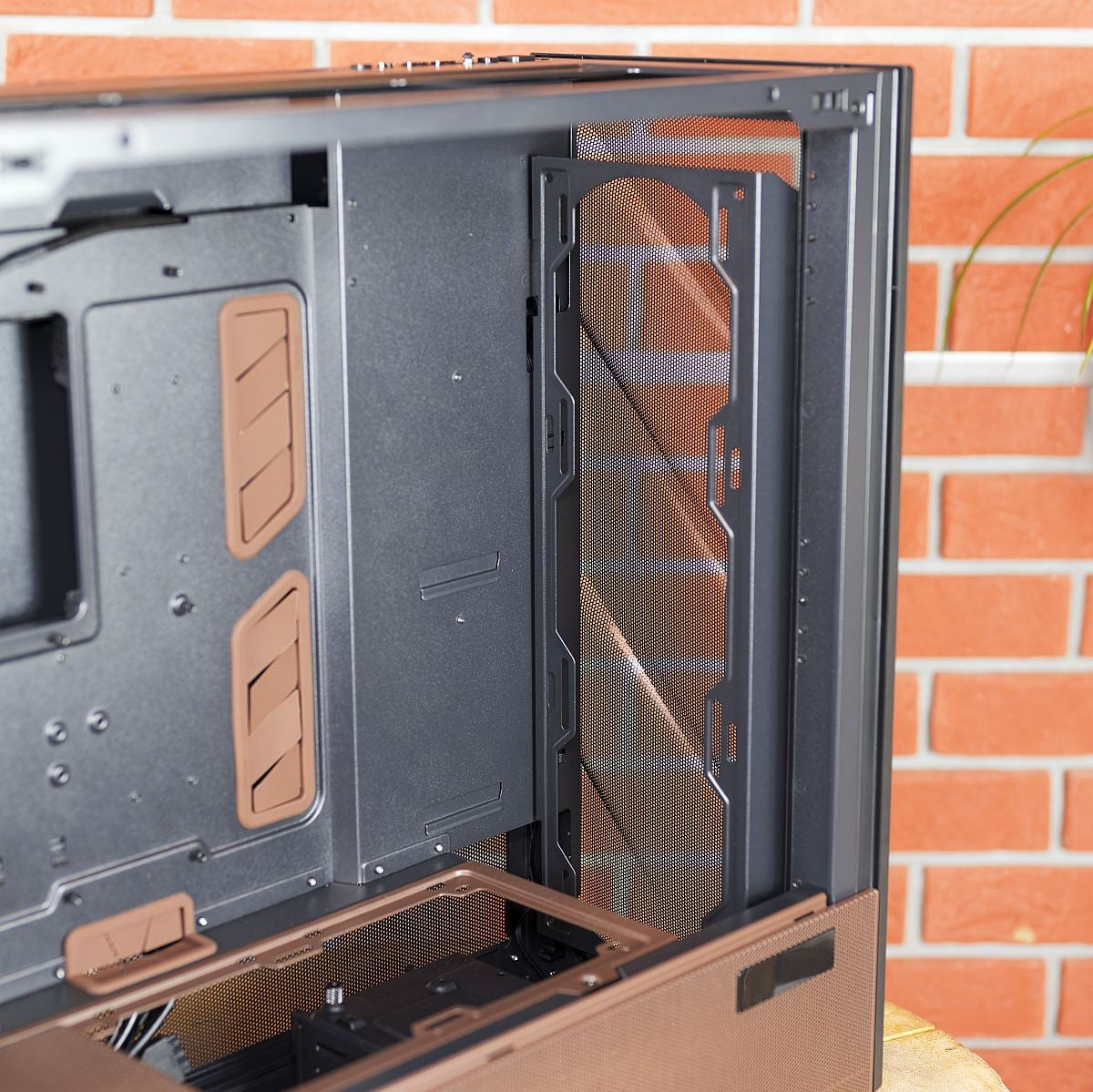
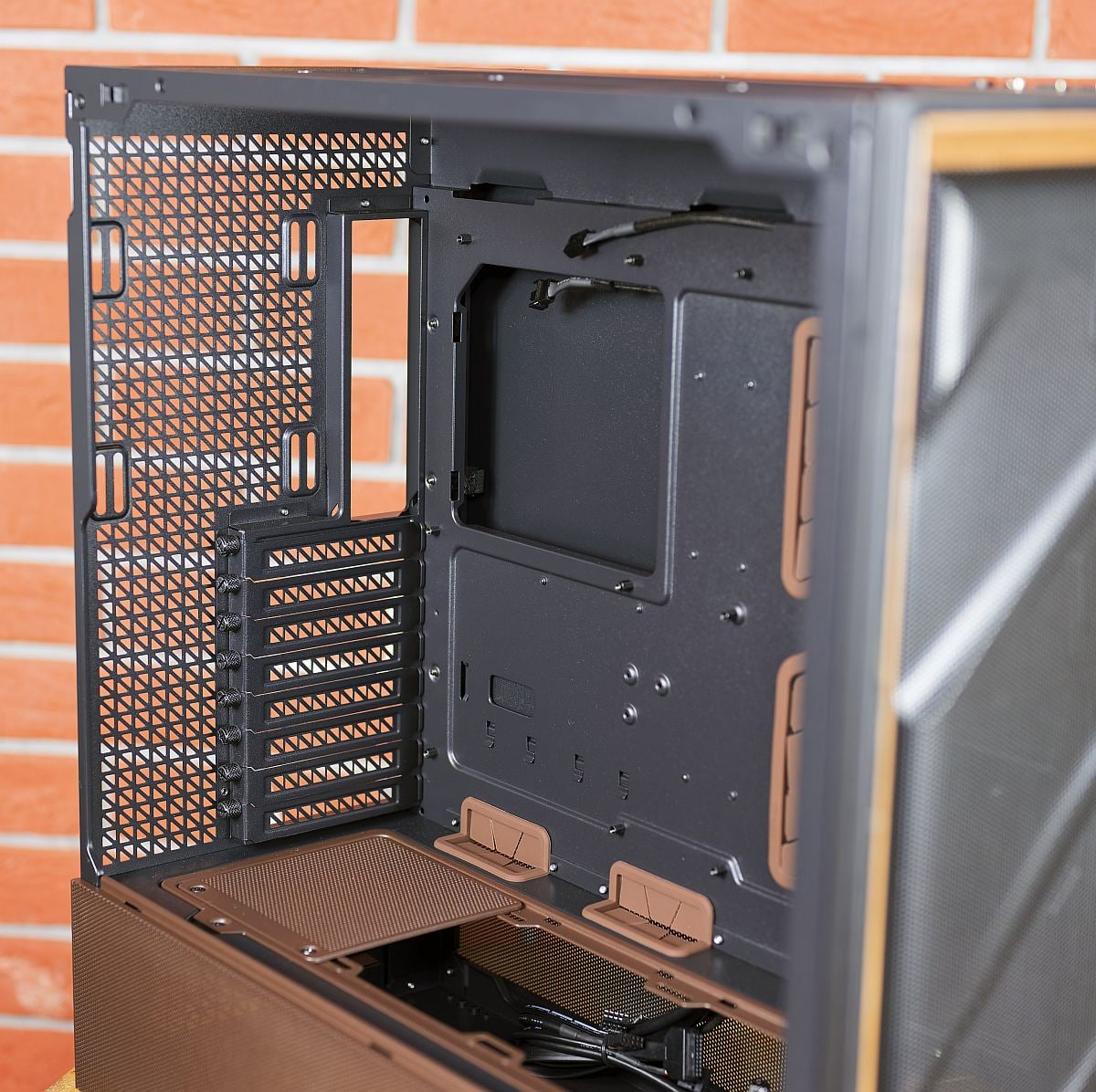
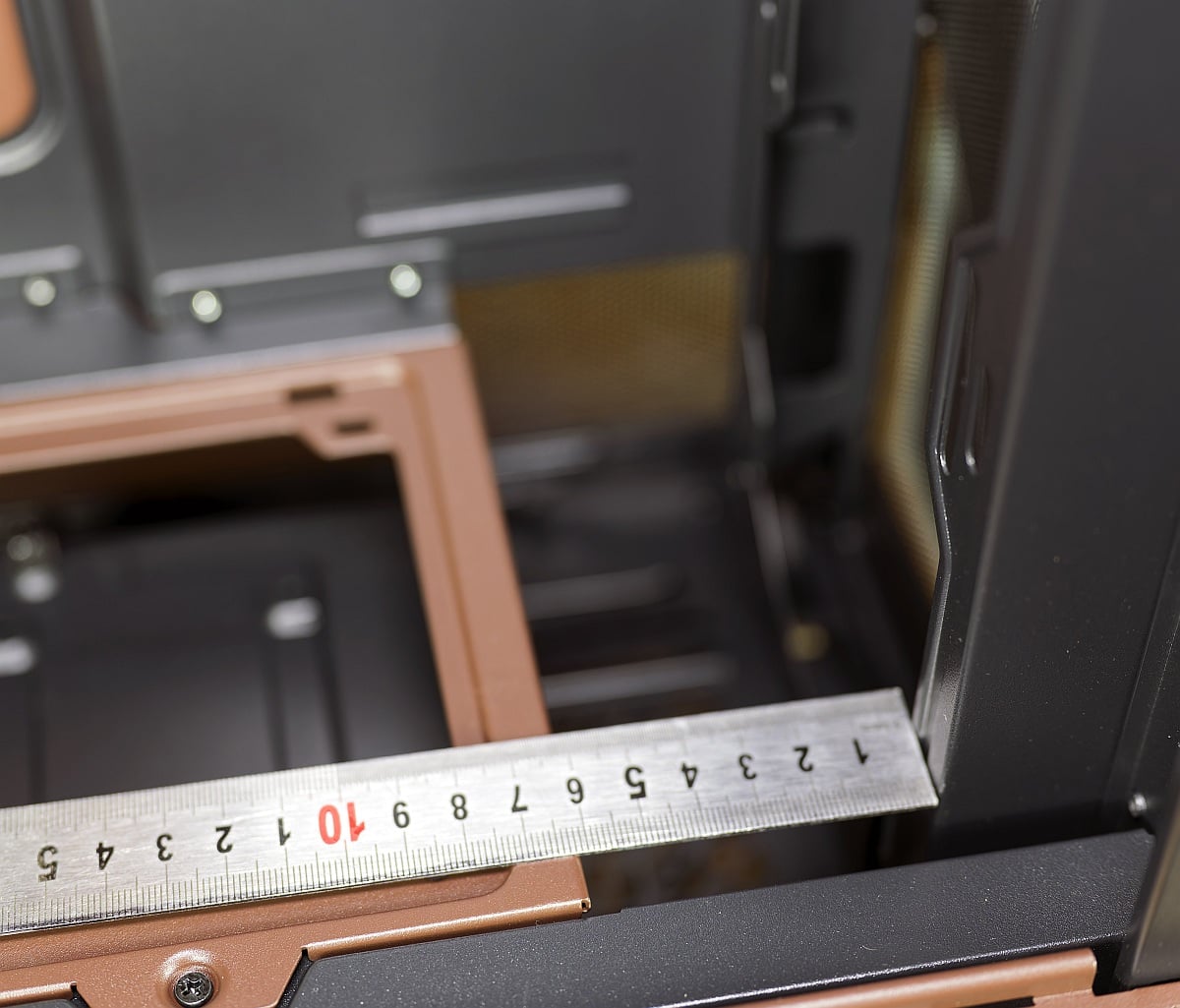
A key highlight is the combination of front and top fan/radiator brackets that can be removed entirely for bench-top assembly or cleaning, then reinstalled with fans or radiators attached. The front bracket can be vertically adjusted to fine-tune radiator placement, providing clearance for radiators measuring up to 60mm thick. The PSU shroud extends nearly the full length of the case and houses mounting for up to three 120mm fans or a 360mm radiator blowing upwards into the GPU area, forming the core of Antec’s F LUX vertical cooling concept.
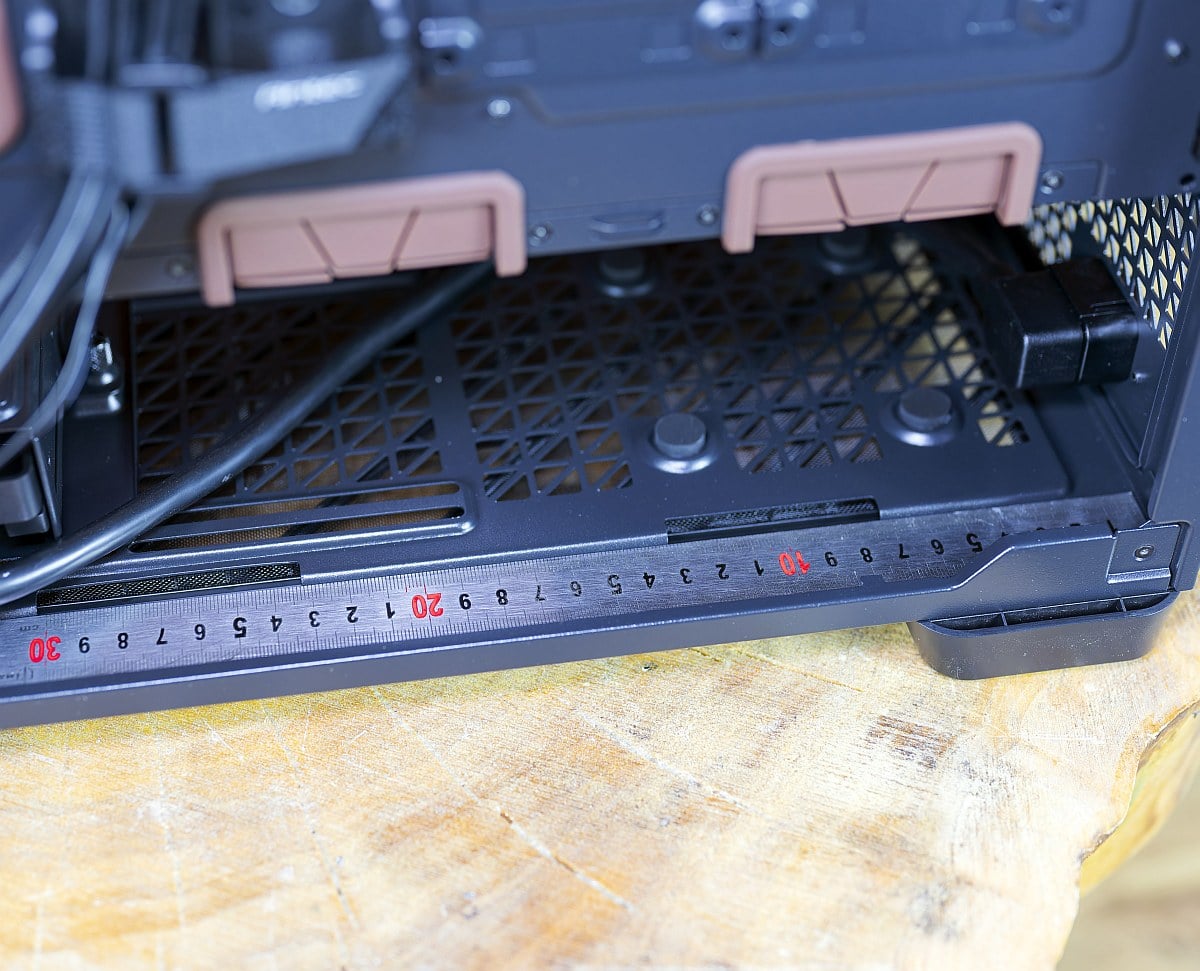
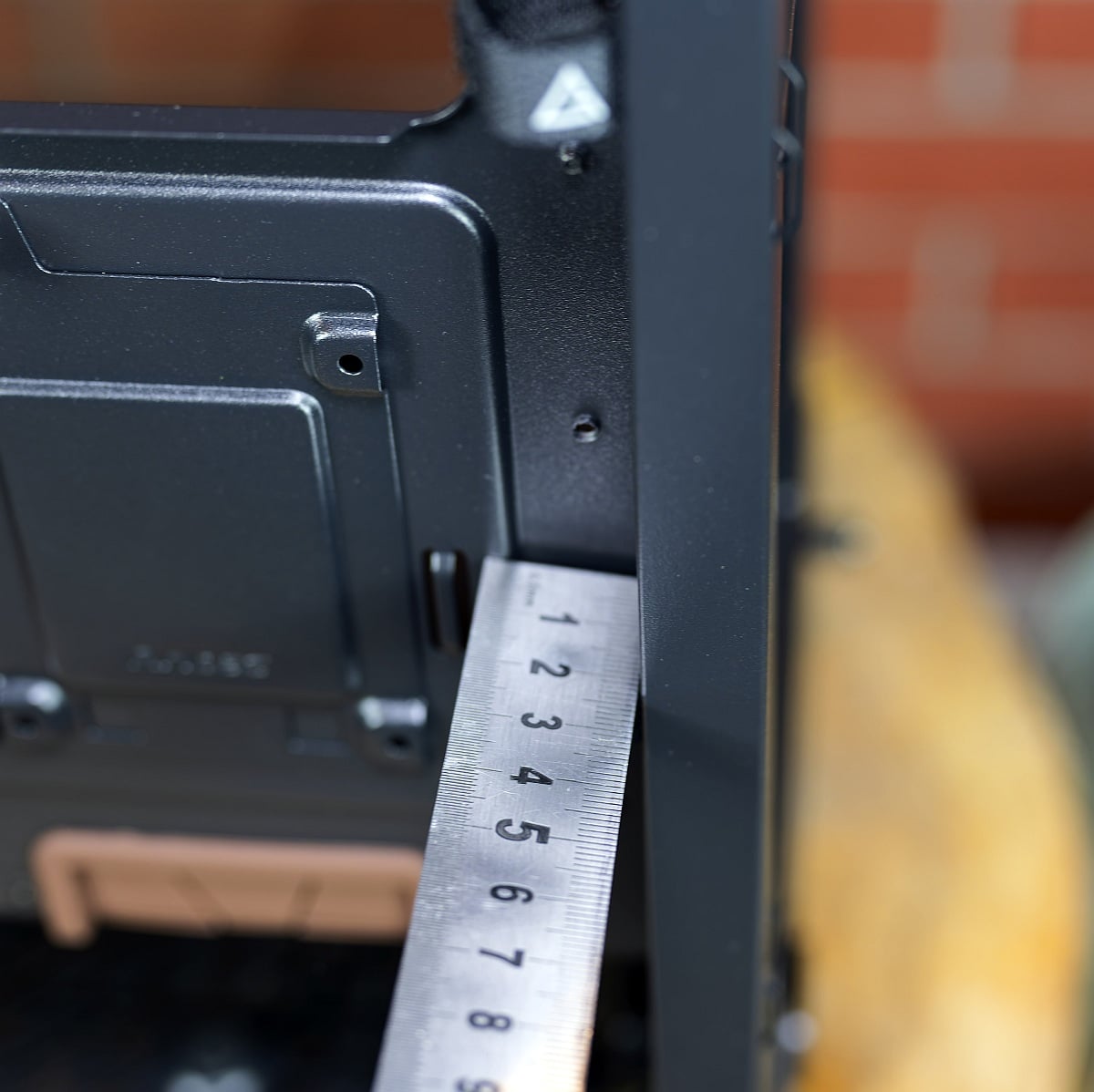
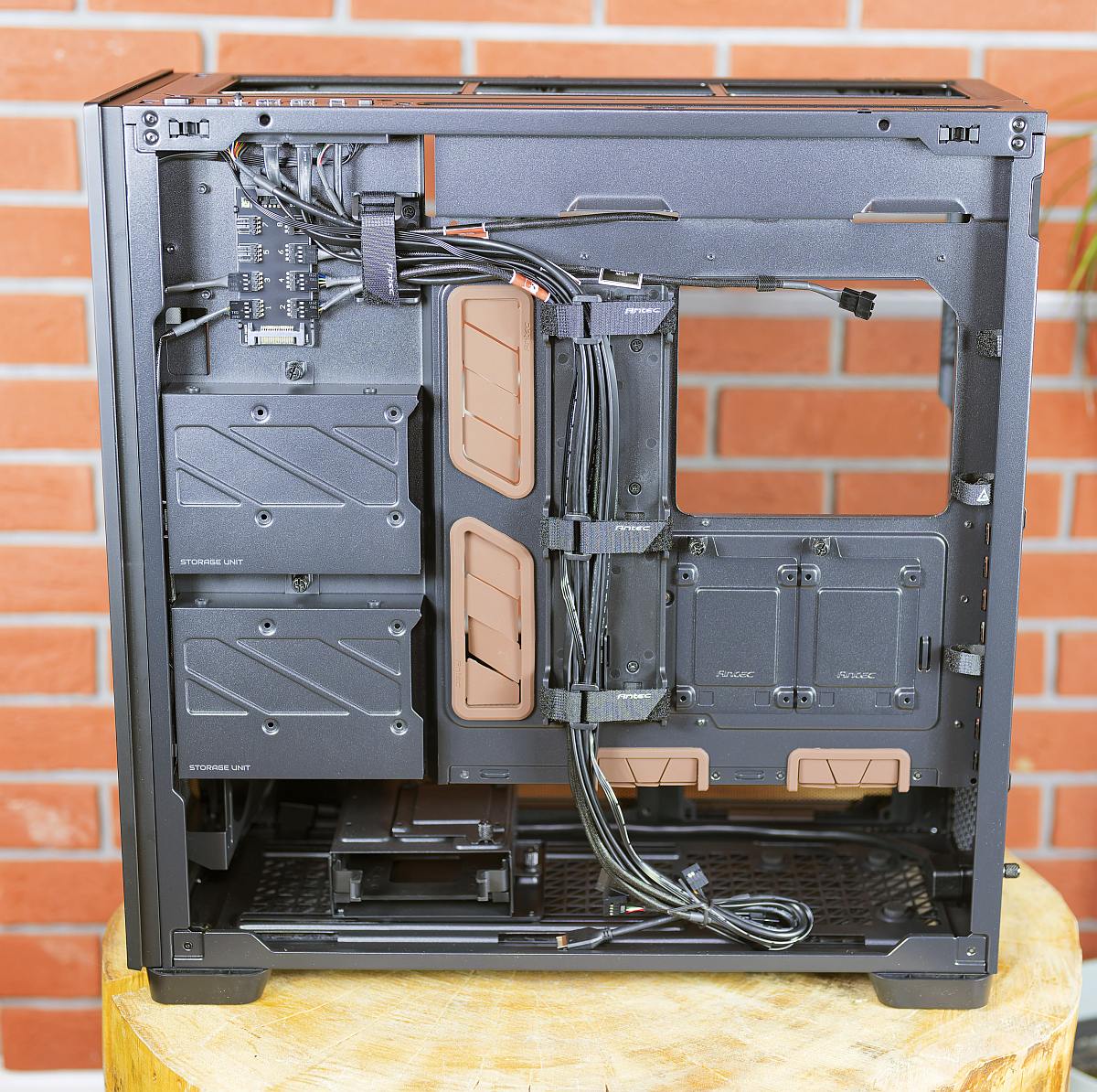
Behind the motherboard tray, the chassis provides generous cable routing space, complete with plentiful tie-down points and Velcro straps to help tidy the pre-routed cables from the NA-FH1 hub.
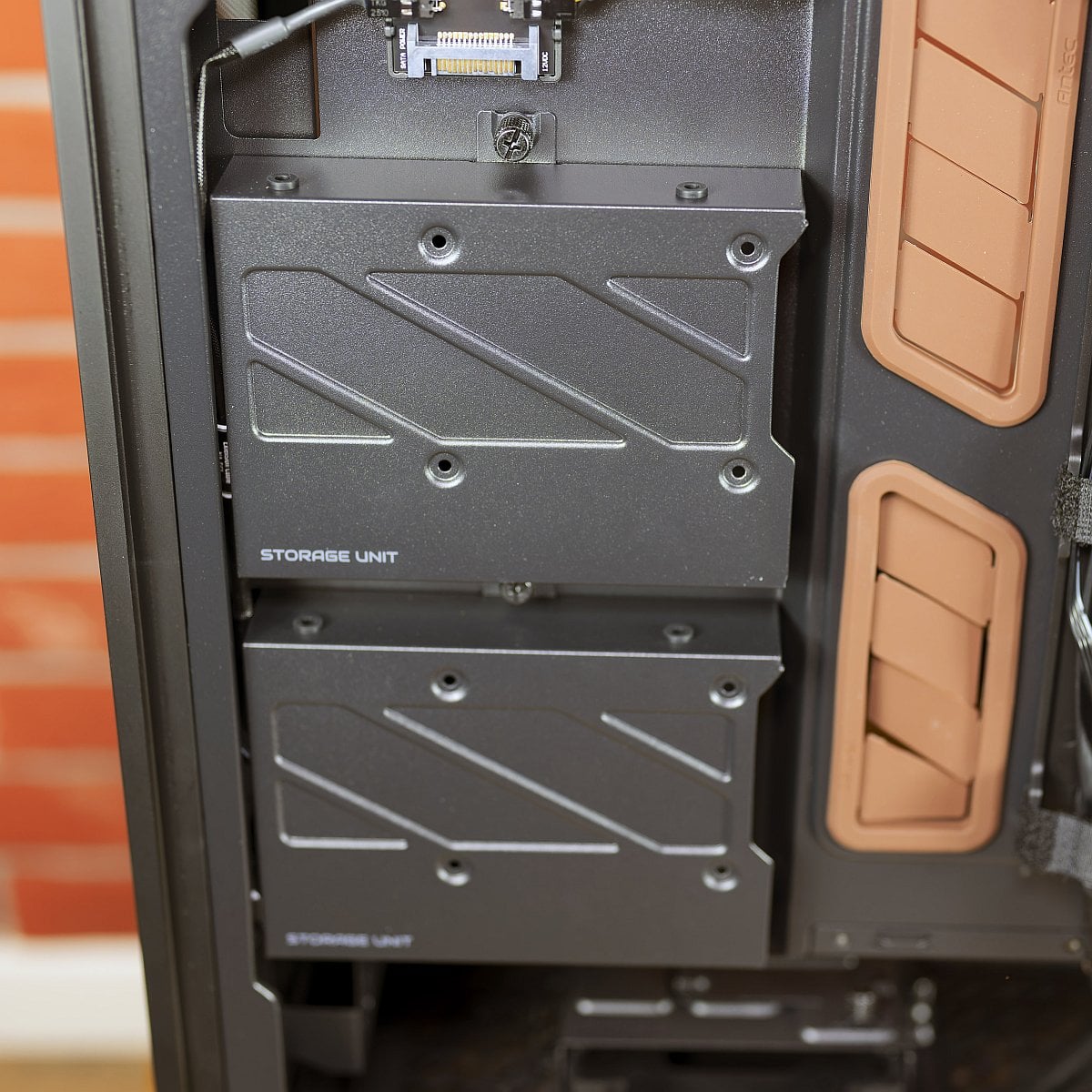
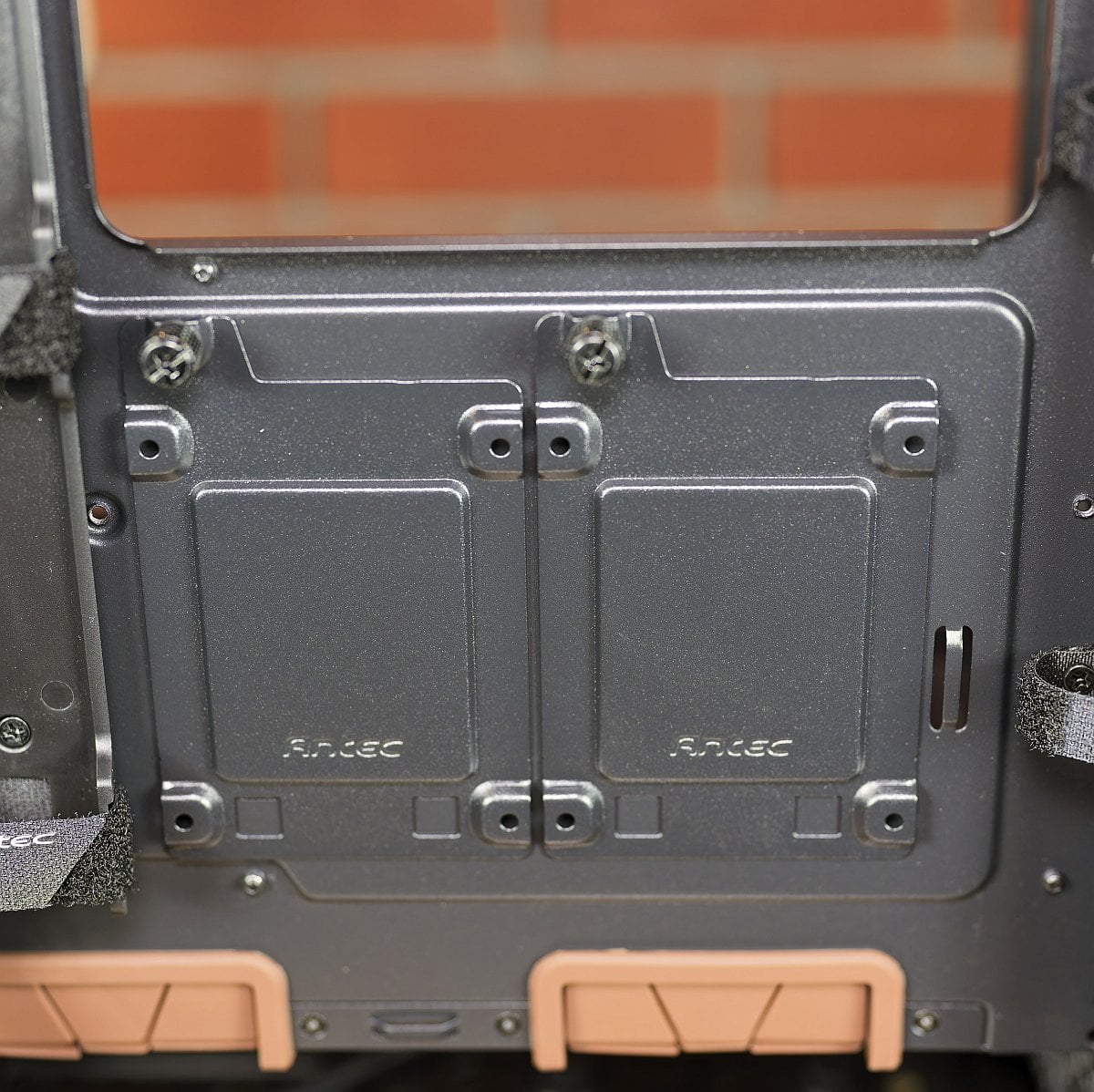
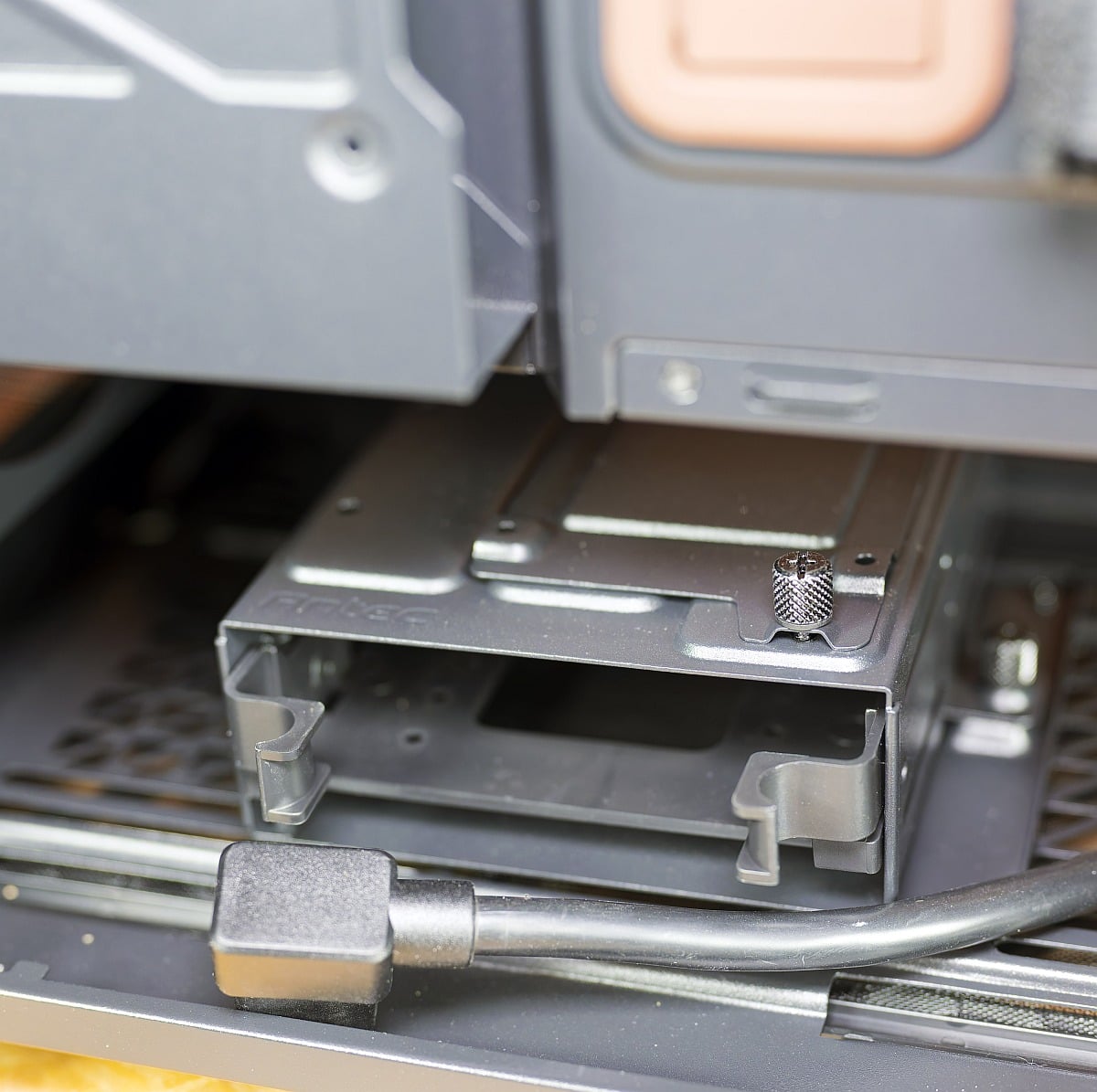
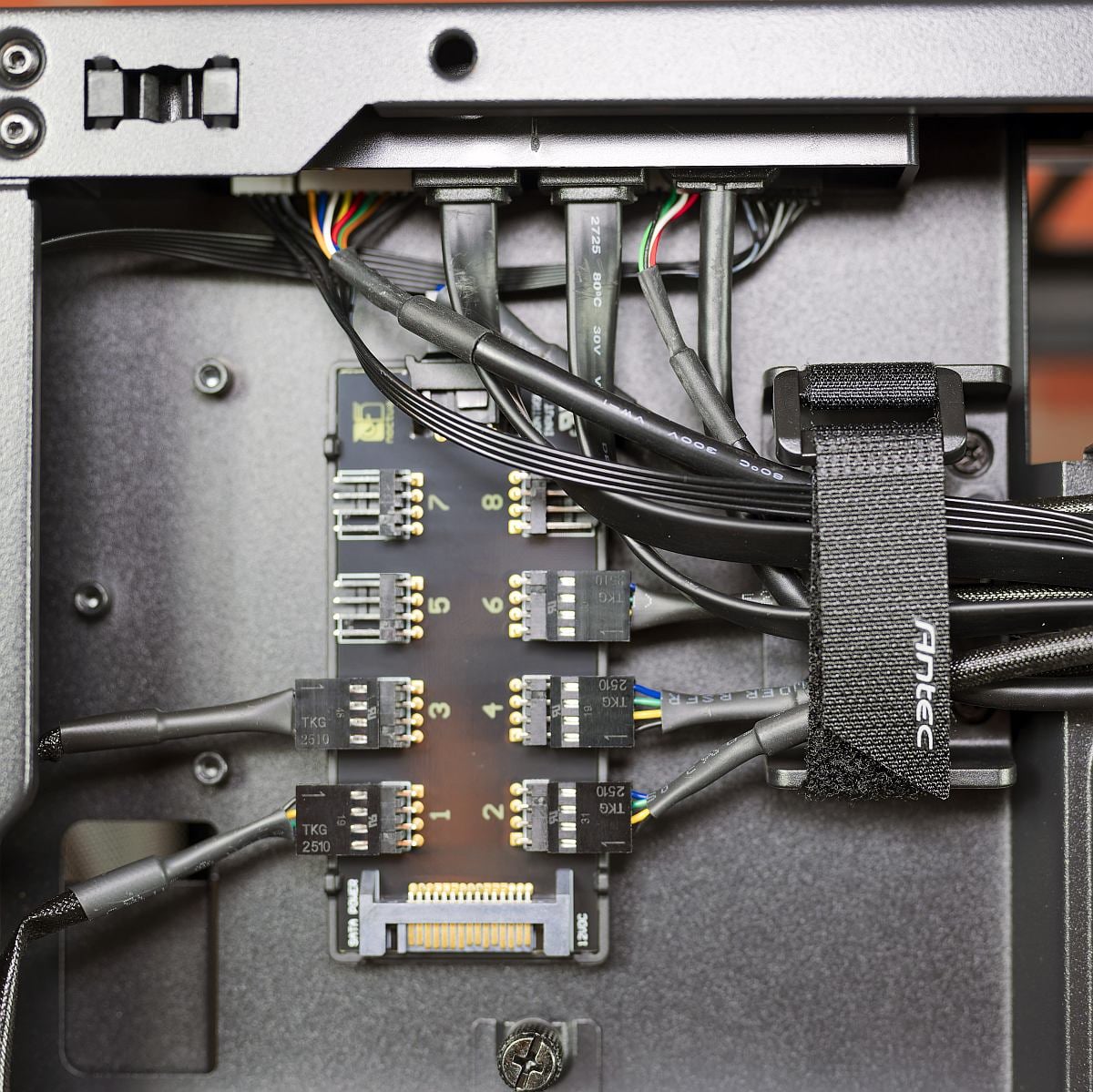
Modular HDD cages can be repositioned or removed, trading drive capacity for PSU length and cable slack when using long, high-wattage units.
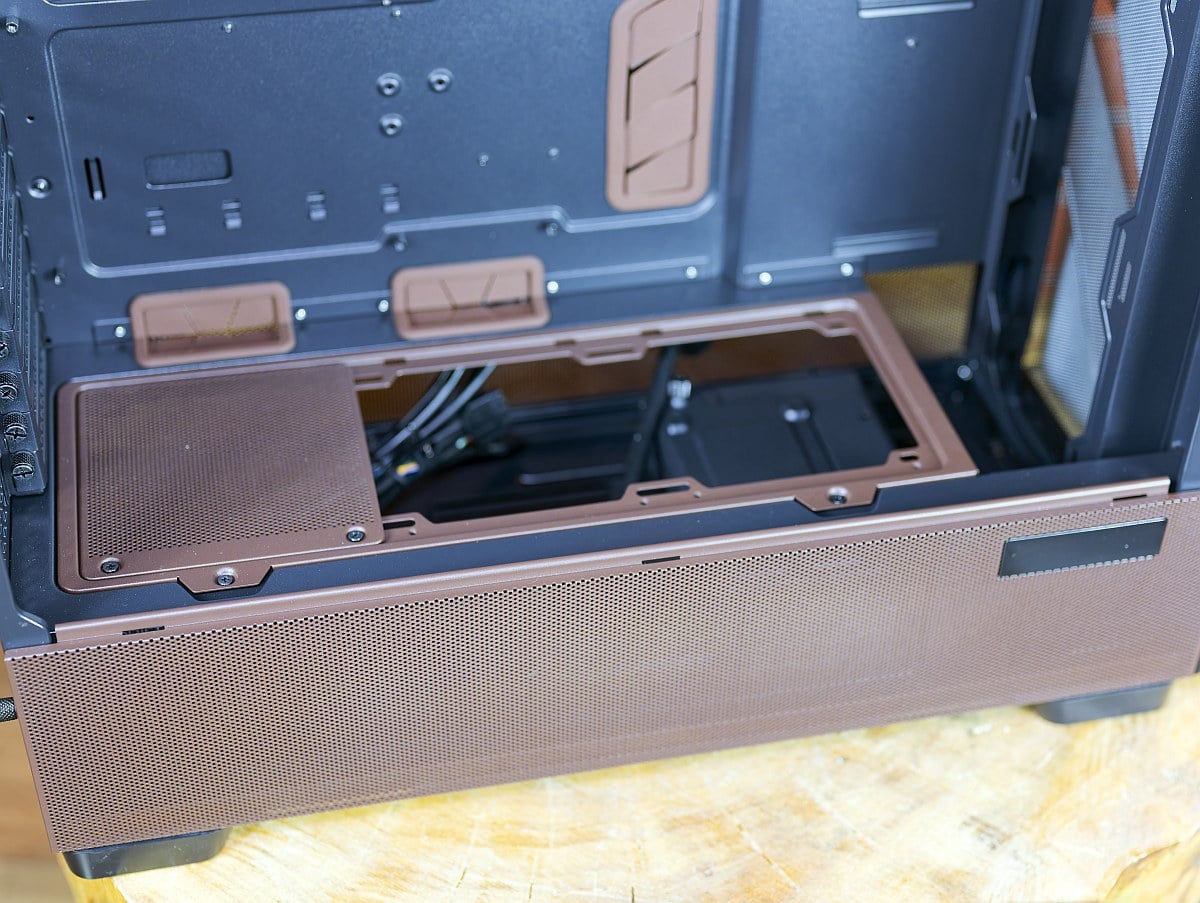
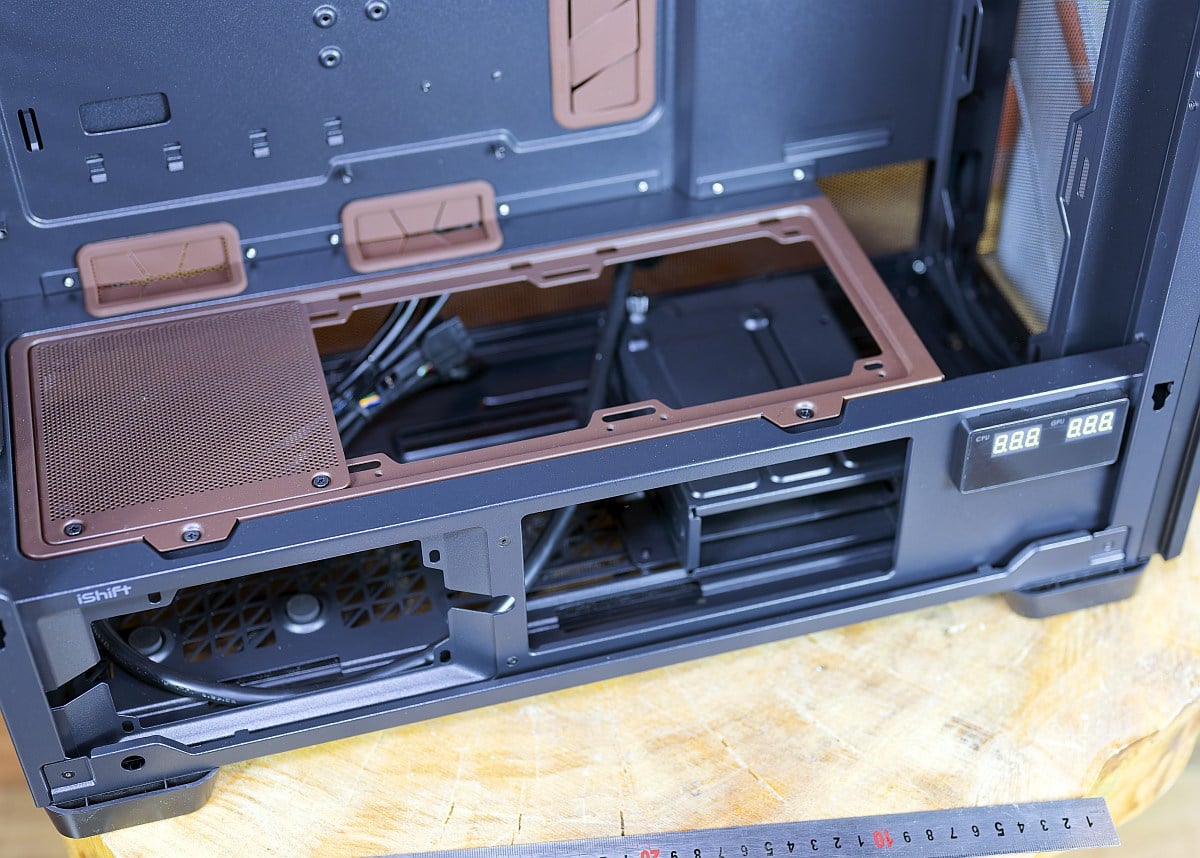
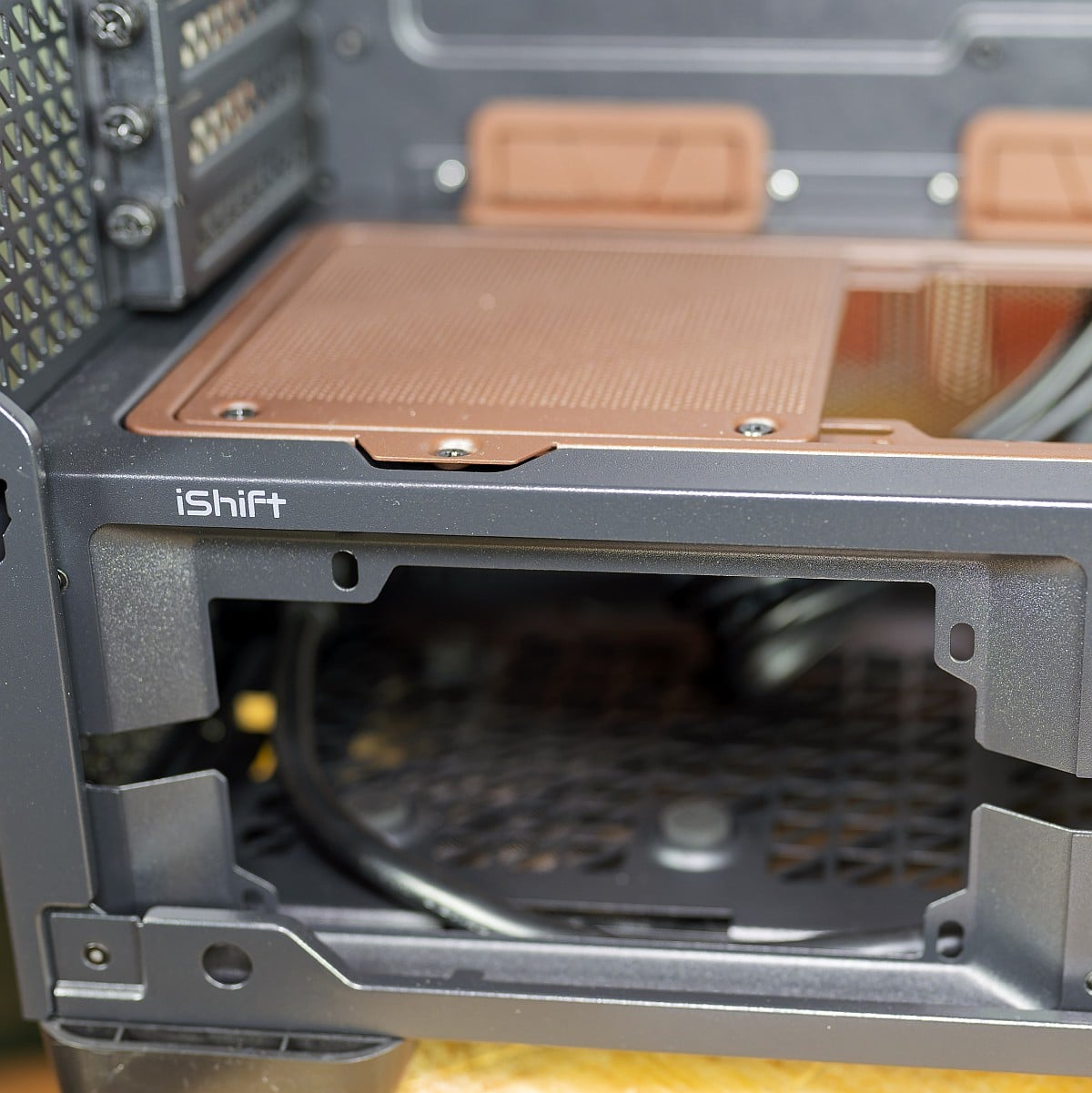
Overall build quality is solid, as you would expect at this price point, with thick steel panels and sturdy mounting points, though final fit and finish will ultimately depend on shipping and handling.
Build Process
Here’s a list of the parts I used for my fully-functioning sample build:
- CPU: AMD Ryzen 9 9950X3D
- CPU cooler: Thermaltake LA360-S ARGB
- RAM: G.Skill TridentZ Neo RGB 2×16 GB DDR5 6000 CL28
- Motherboard: Asus ROG Crosshair X870E Hero
- GPU: Asus TUF Gaming GeForce RTX 3080
- SSD: Lexar NQ790 2TB
- PSU: NZXT C1500 Platinum
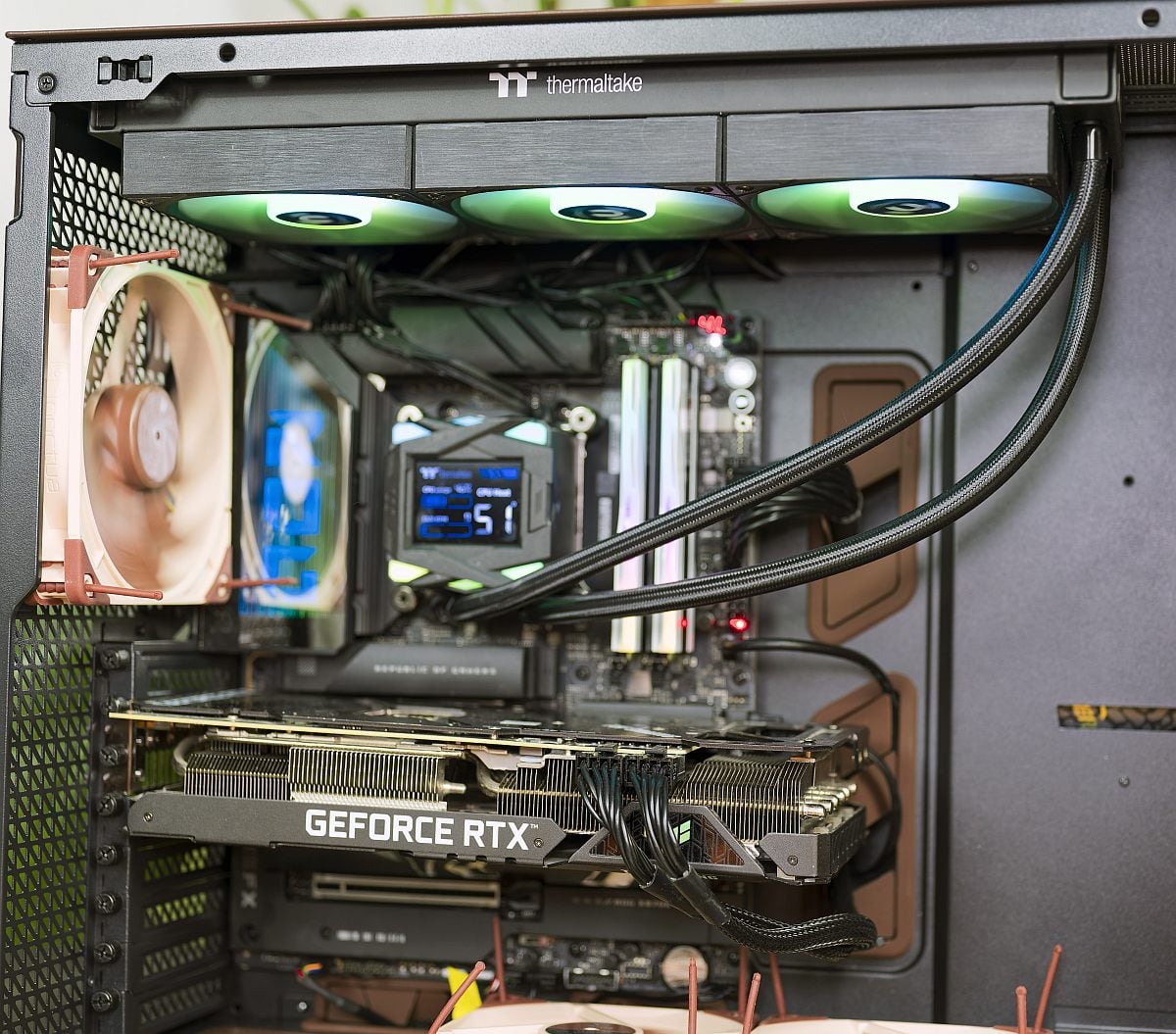
Given the case’s generous radiator support, the Thermaltake AIO can be mounted either in the roof or front. For optimal CPU performance without compromising GPU intake, a top-mounted 360mm layout makes most sense here.
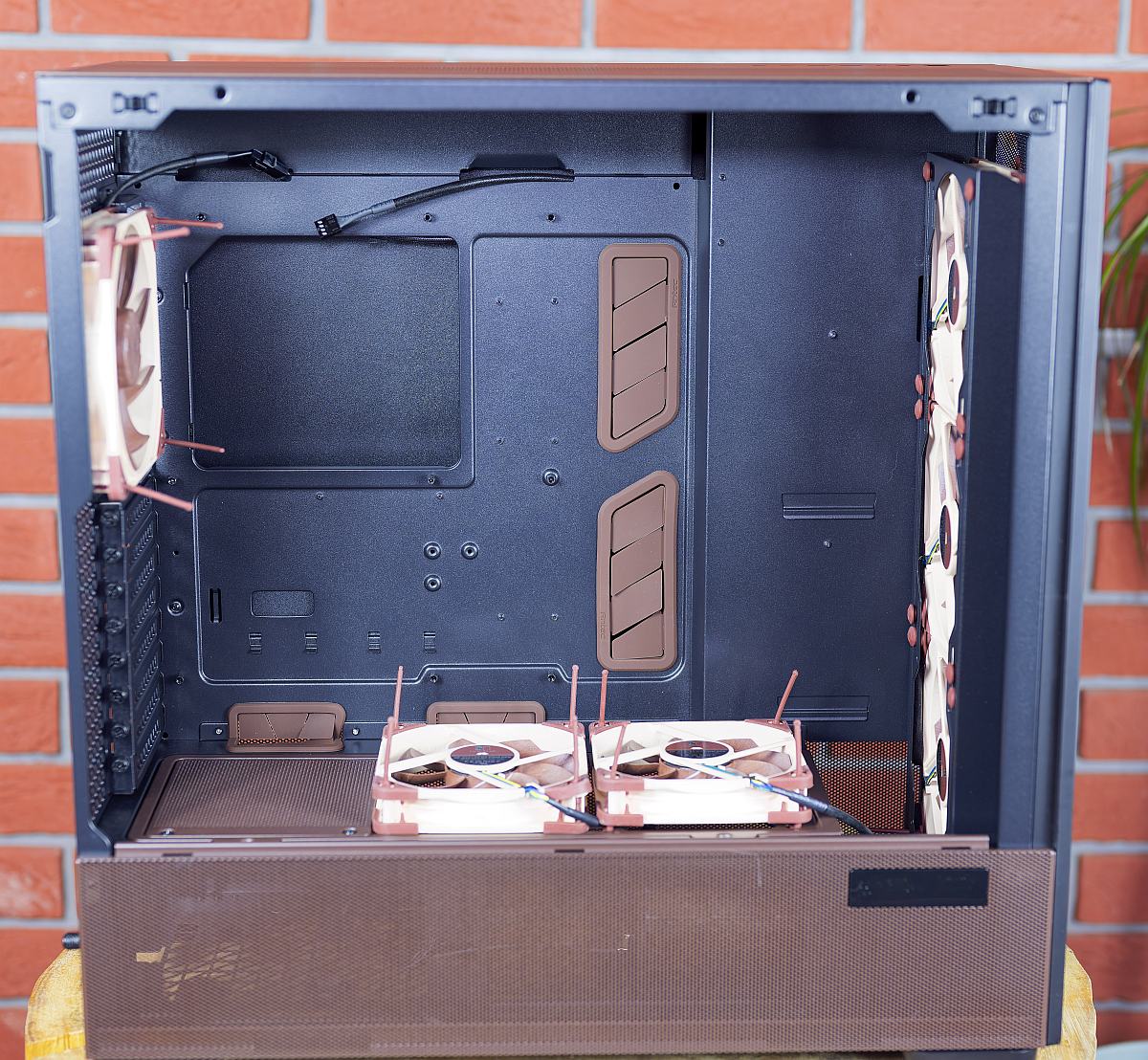
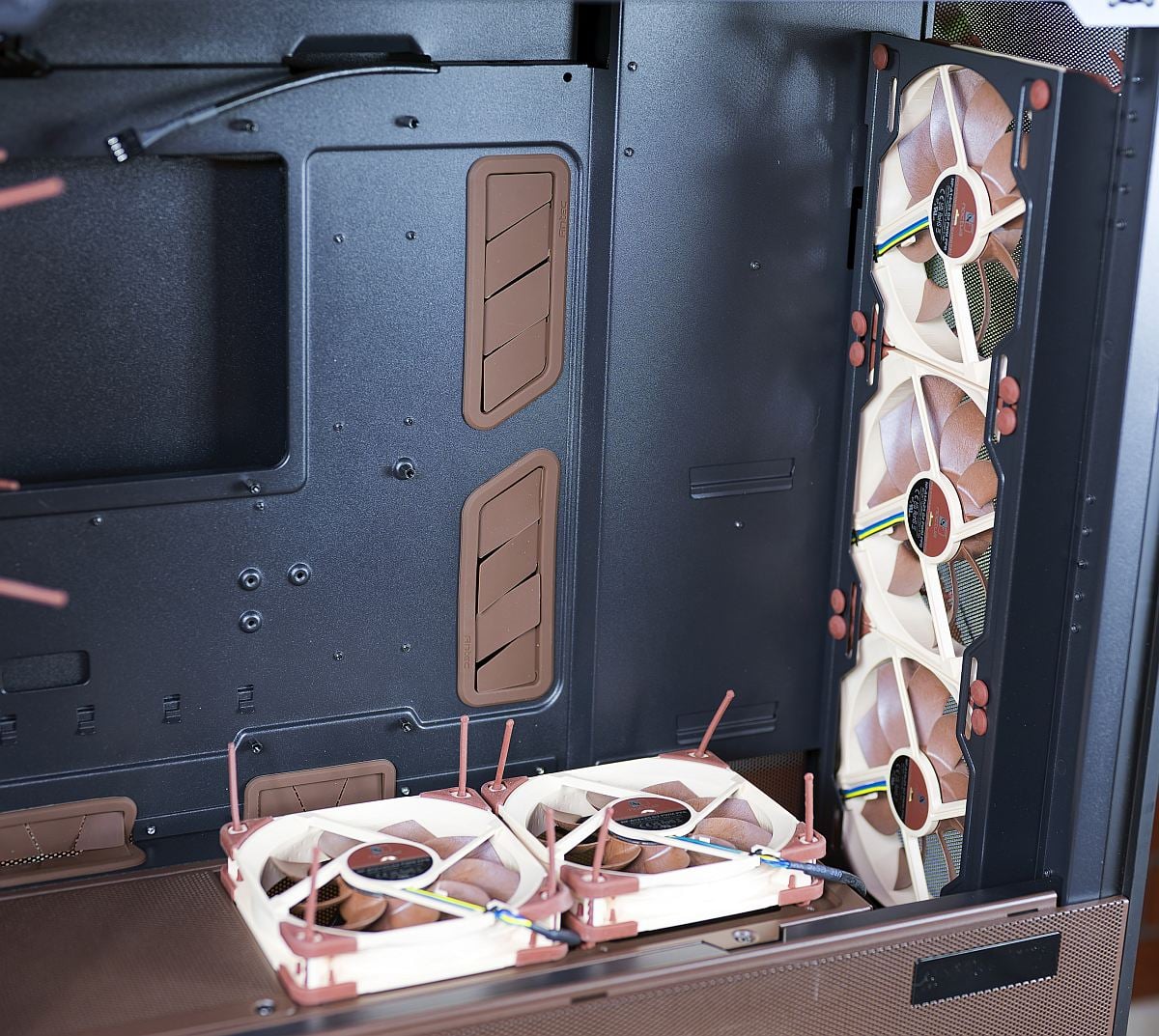
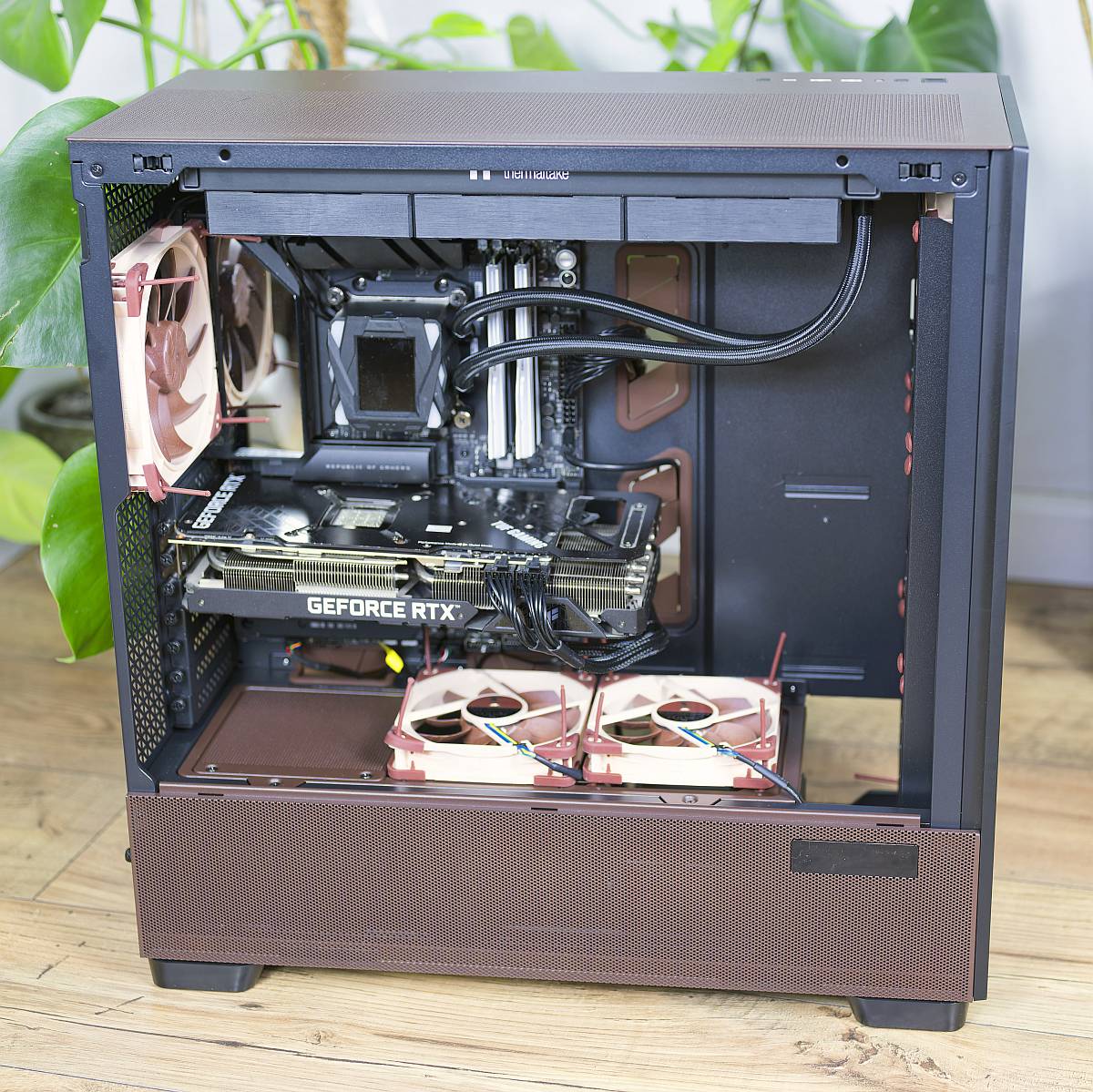
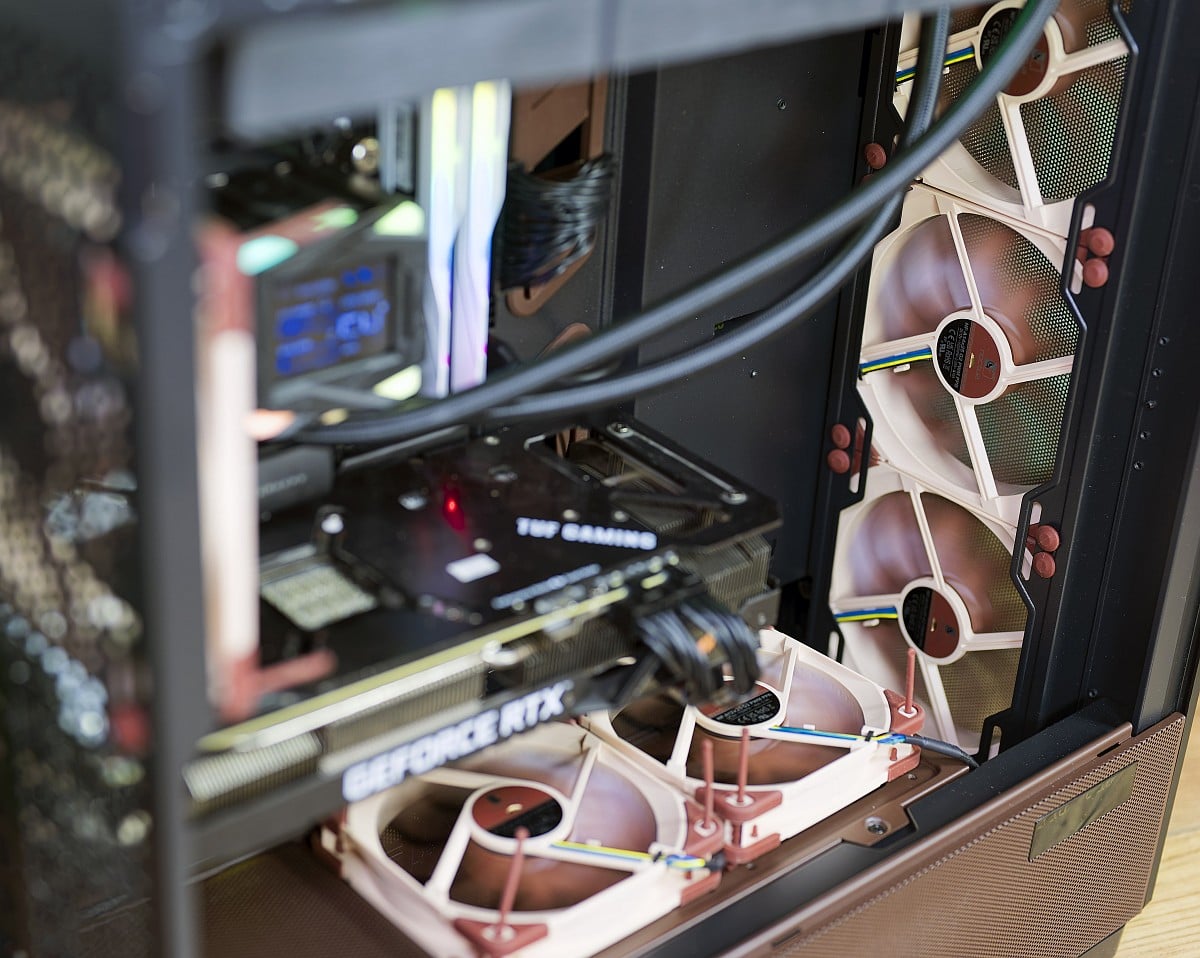
The build process begins with fan installation, as you contemplate the best spots for optimal airflow with half-a-dozen blowers. Going by Noctua’s guidance, it’s best to mount three NF-A14x25 G2s in the front as intakes in an A-B-A speed offset sequence, one NF-A14x25 G2 as rear exhaust, and two NF-A12x25 G2s on the PSU shroud blowing upwards into the main chamber. This arrangement creates strong front-to-back and bottom-to-top airflow, which in my experience aligns well with the thermals of a Ryzen 9 9950X3D and an RTX 3080.
Installing the XL-class Crosshair X870E Hero is straightforward thanks to the open interior and removable top bracket. With the top bracket removed, the LA360-S radiator and fans can be attached outside the case and then dropped seamlessly into place.
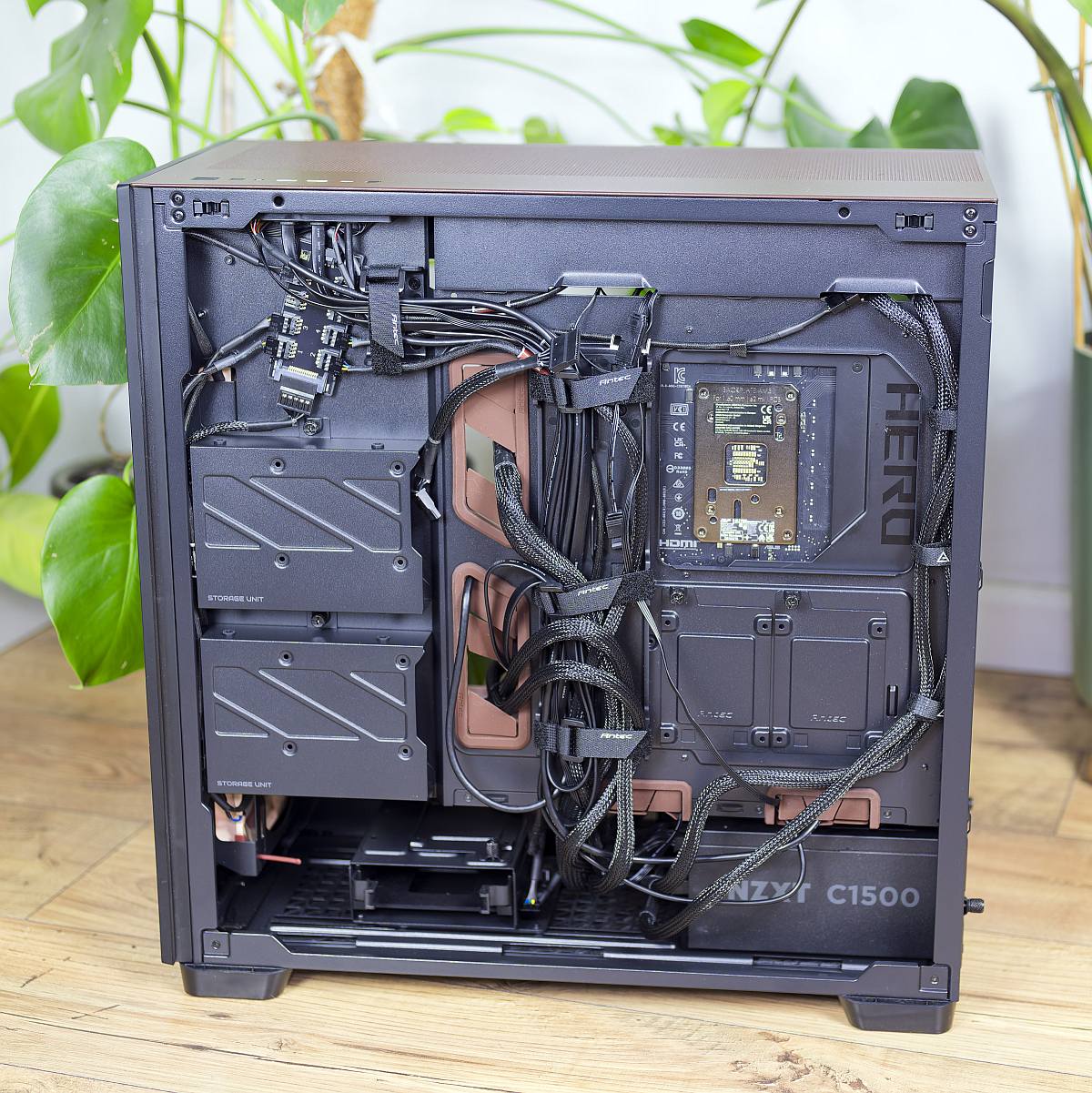
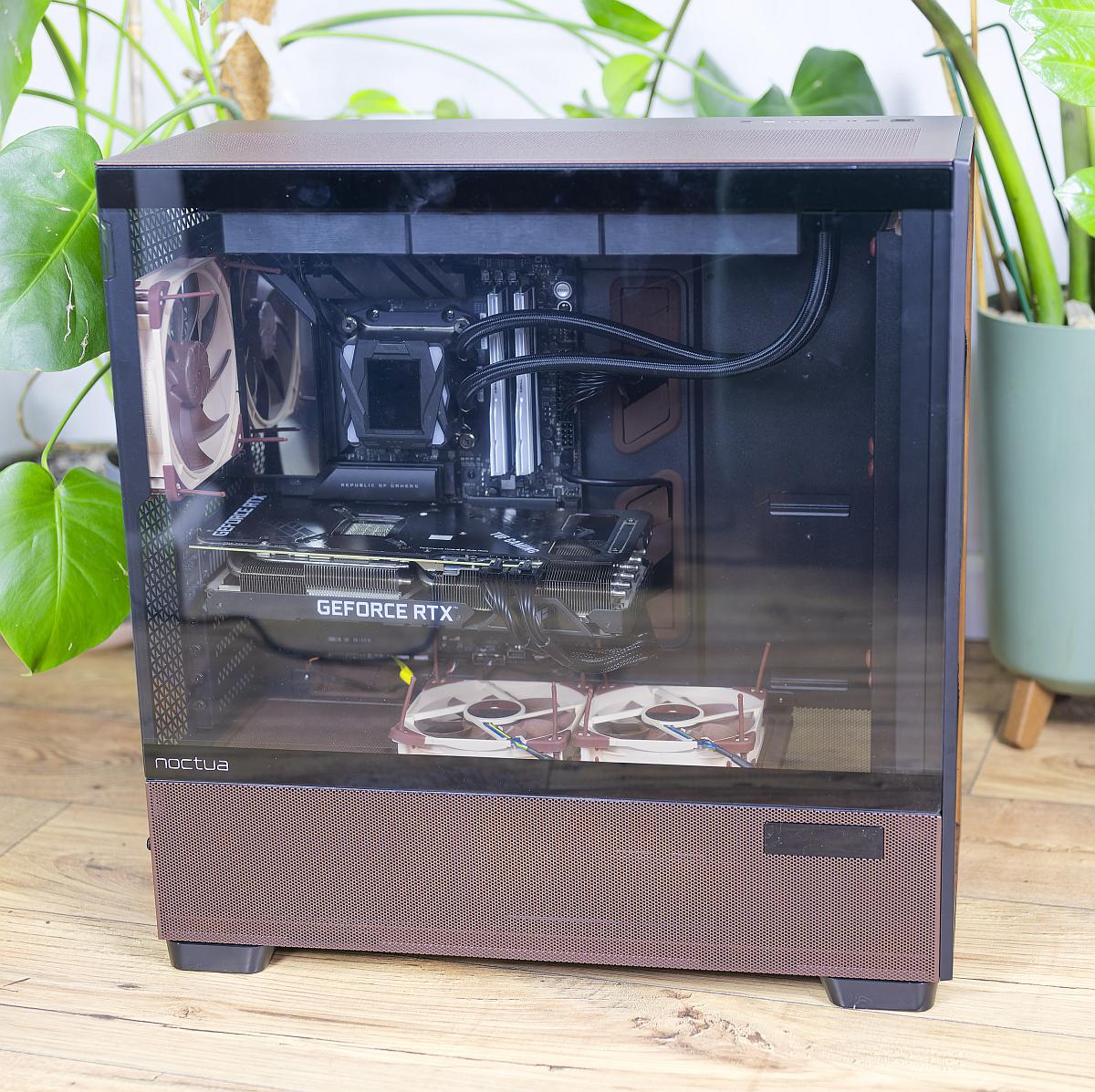
The full-length PSU shroud and side-mount options leave ample room for the NZXT C1500 Platinum, even with modular HDD cages installed, while wide channels and plentiful tie points behind the tray aid cable routing.
The Asus TUF RTX 3080 benefits from both the 120mm fans atop the PSU shroud, and the unobstructed front intakes, reducing the likelihood of hotspots around the card’s own fans.
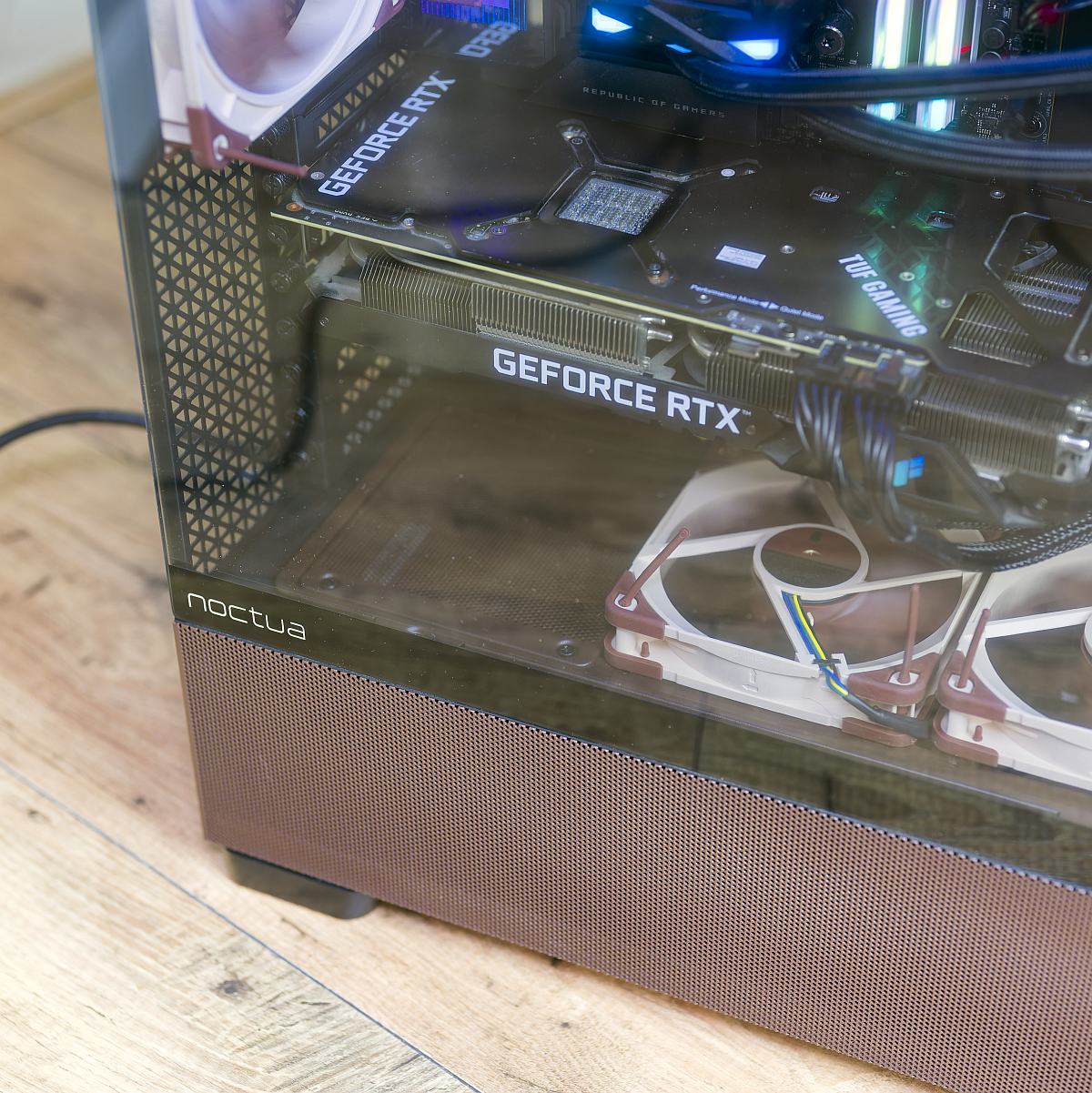
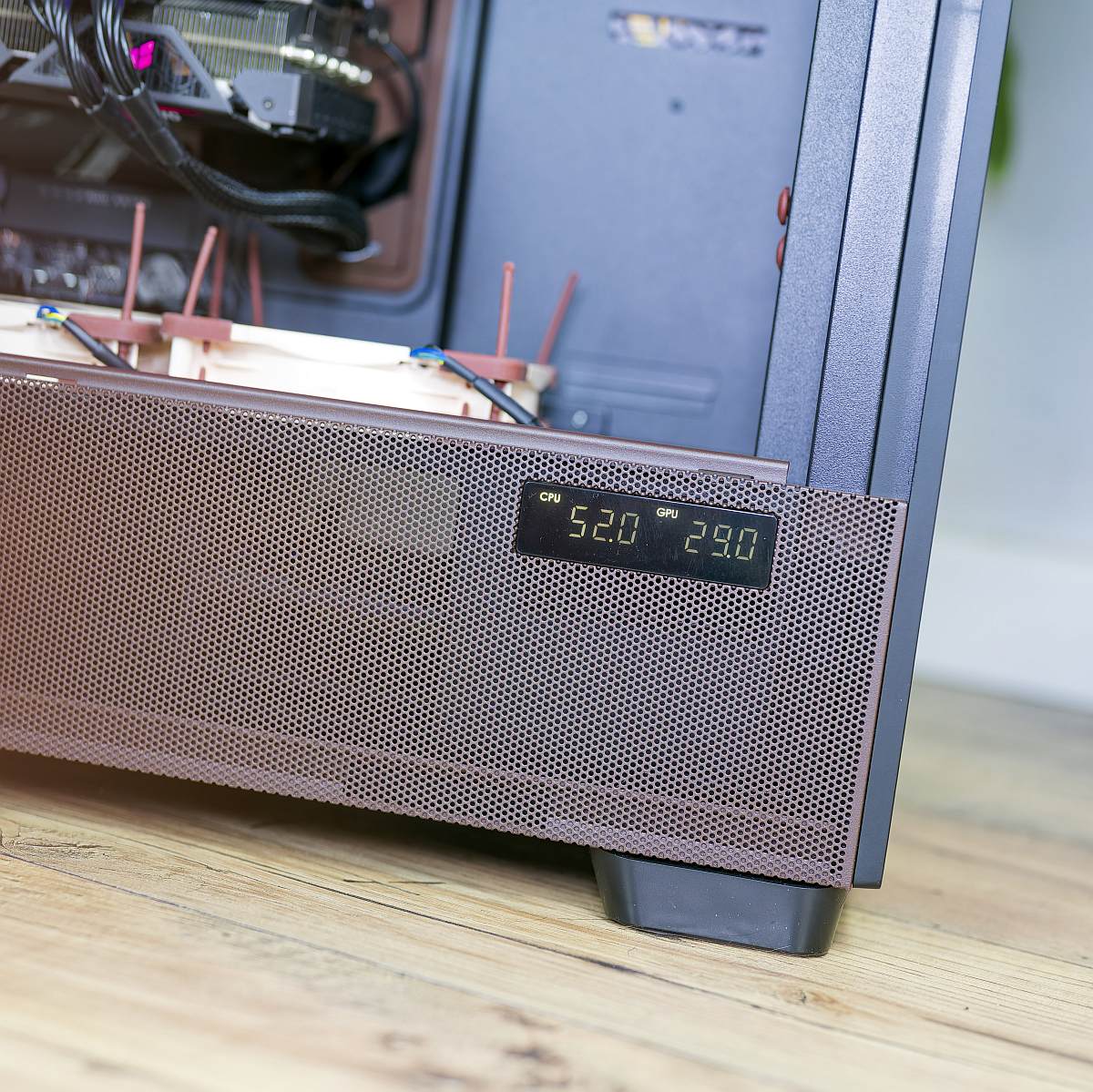
All six Noctua fans plug into the NA-FH1 hub, which in turn connects to a single PWM header on my X870E motherboard, allowing unified fan control curves based on CPU or motherboard temperature, with optional fine-tuning for the RTX 3080 via GPU-aware fan profiles. I absolutely appreciate having that much control.
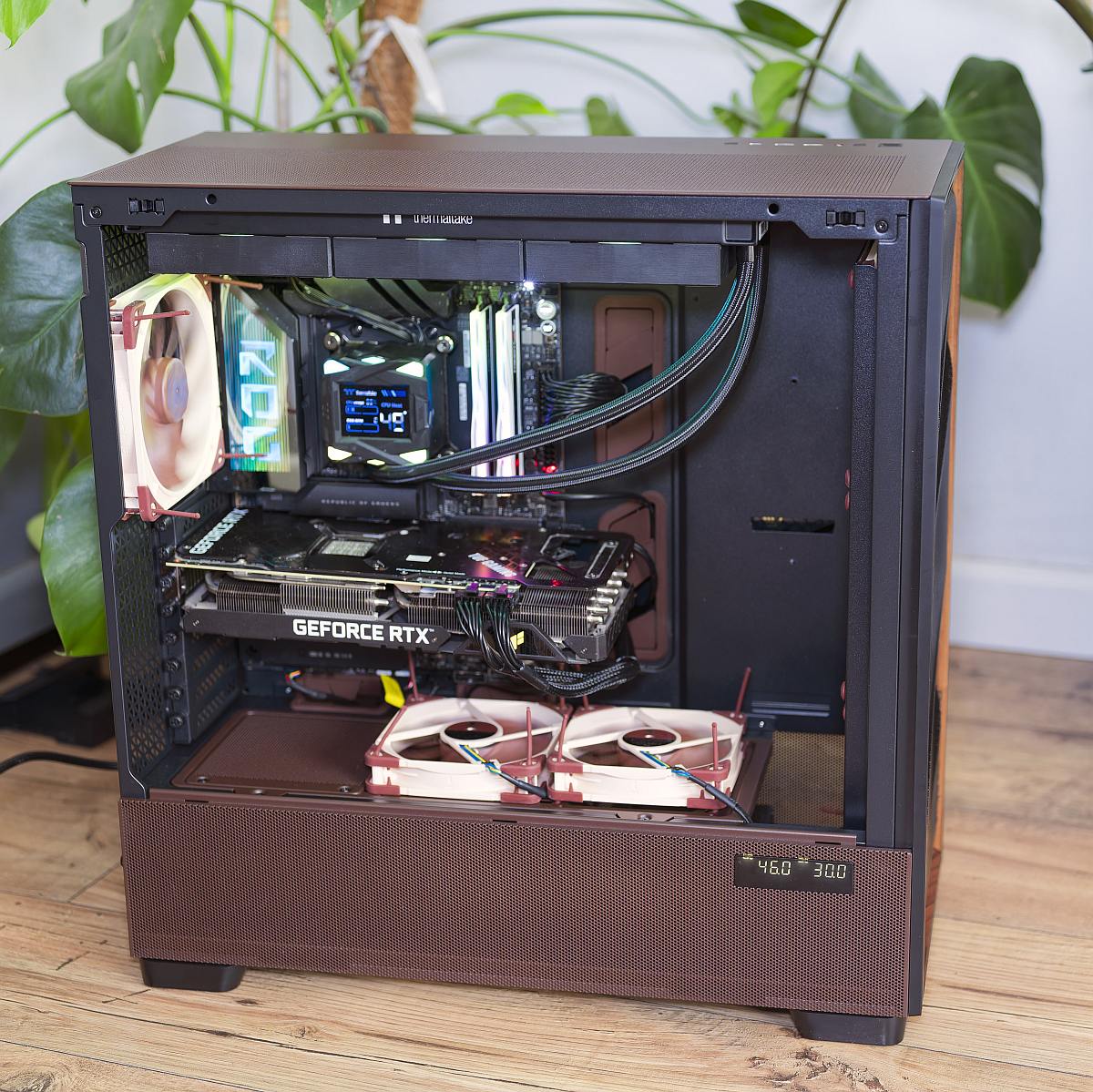
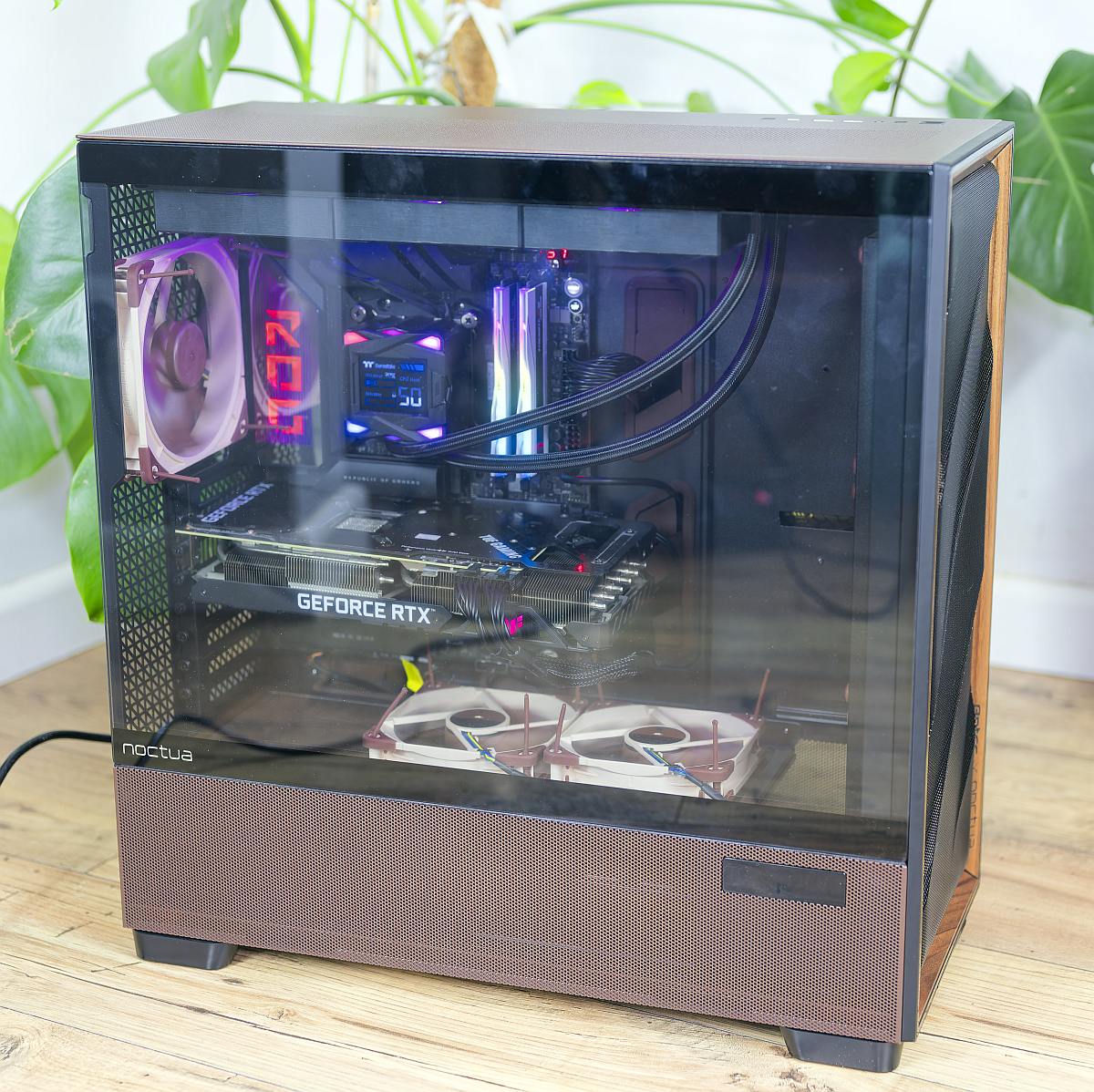
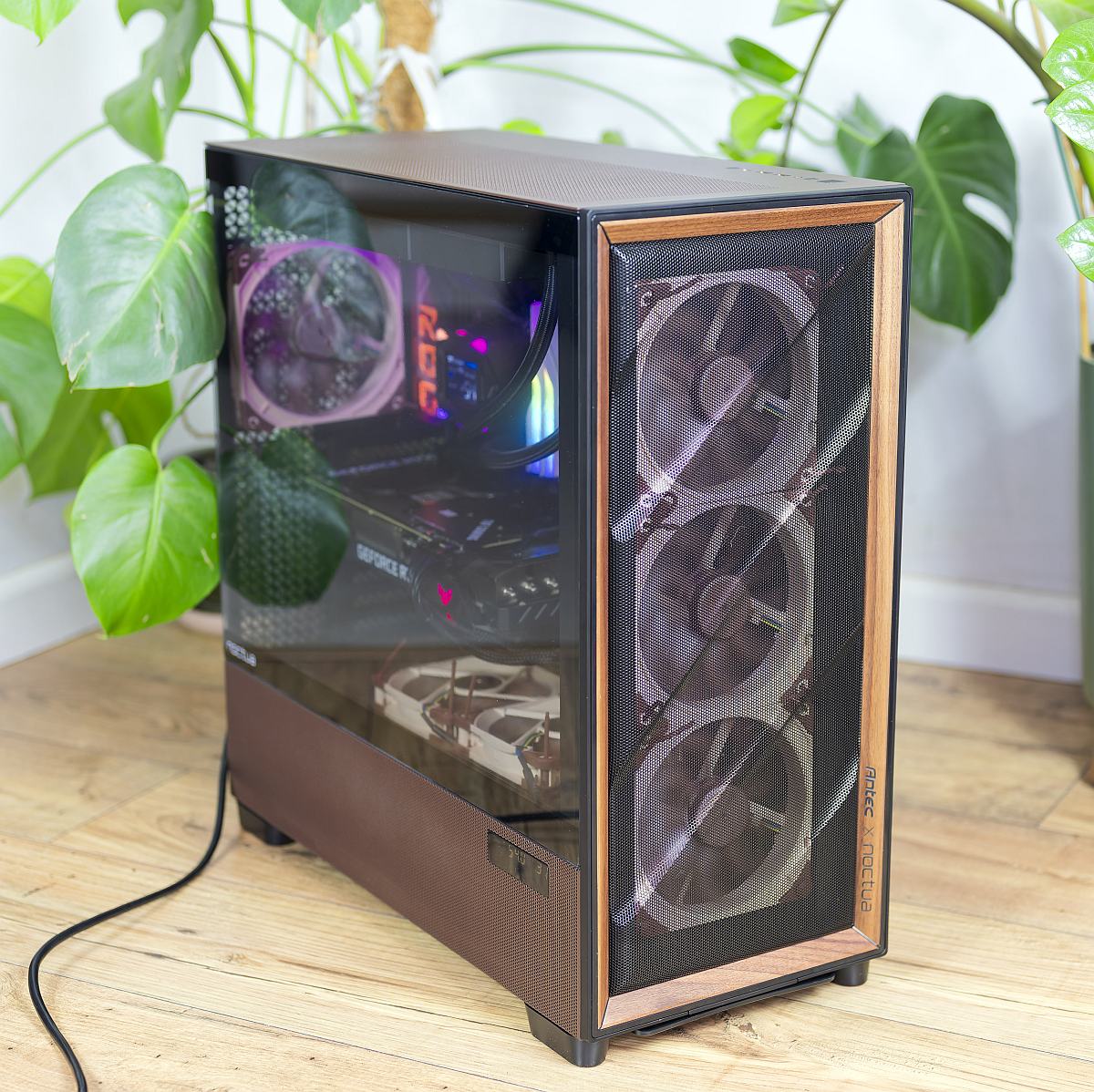
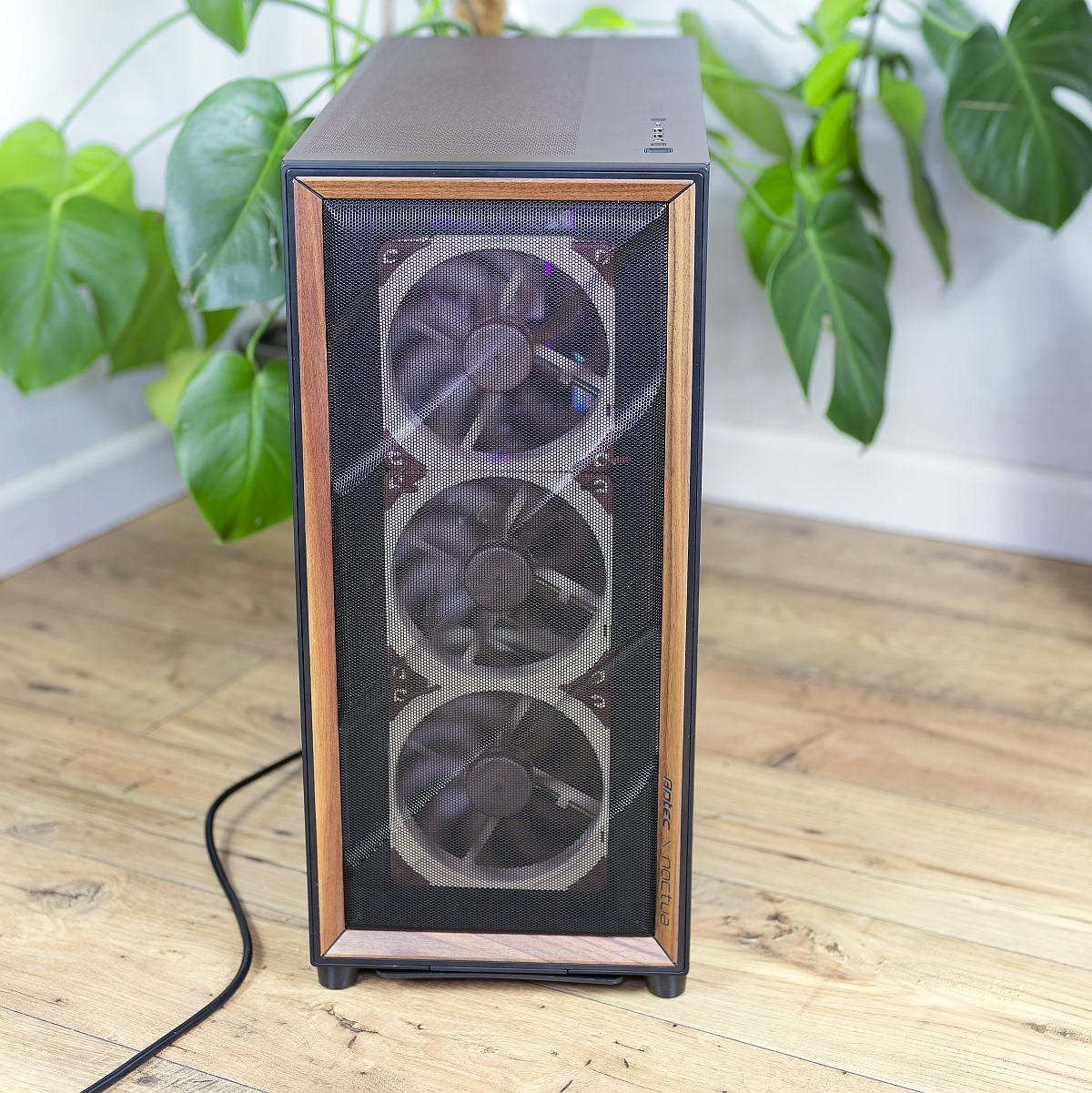
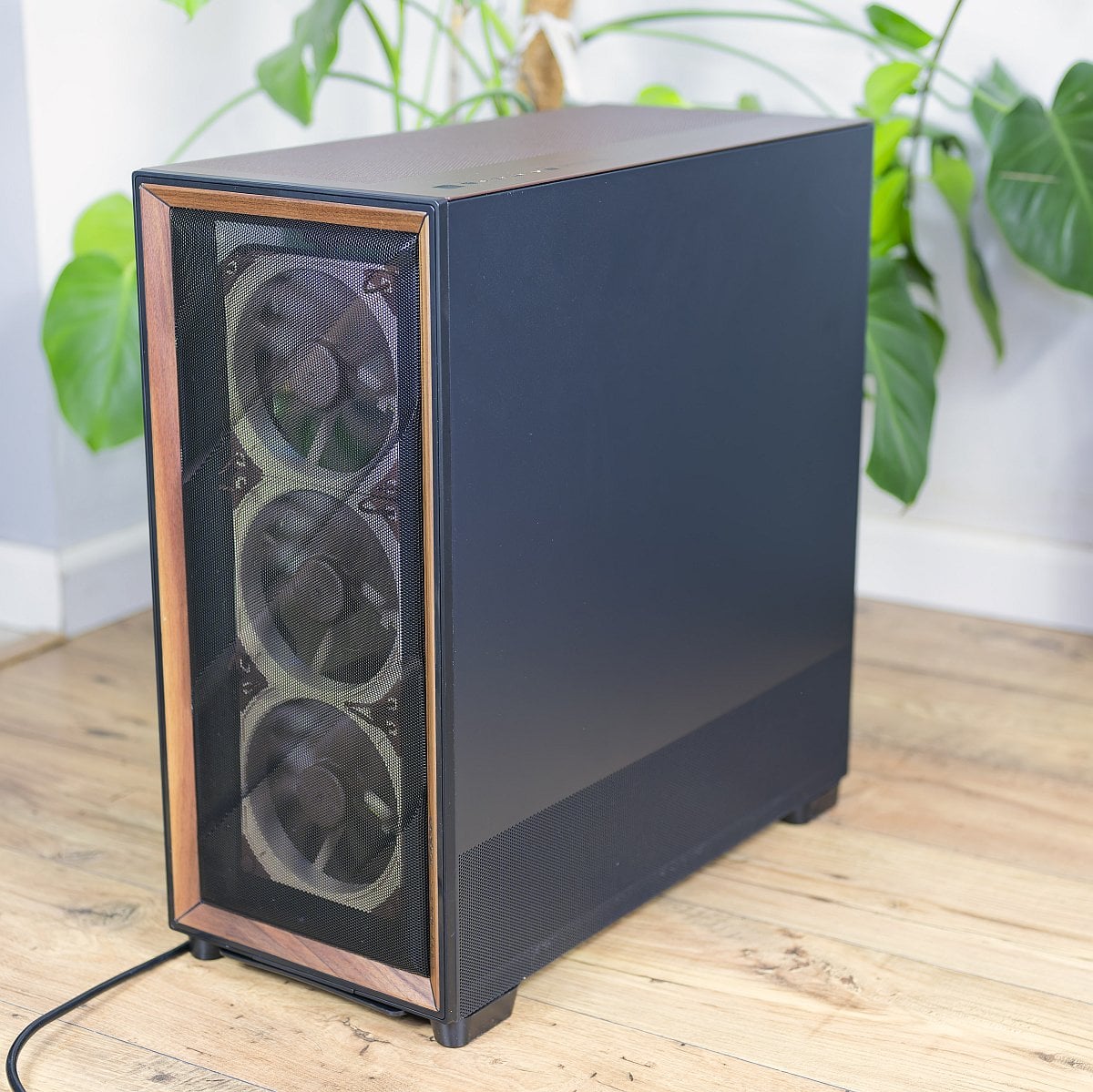
The result might not turn heads, but the Antec x Noctua mash-up results in an elegant, airflow-optimised build that makes full use of the case’s structural advantages, delivering excellent performance capabilities without any major compromises or clearance headaches.

Performance
The Flux Pro platform has already proven itself among the very best airflow cases, and the Noctua Edition builds on this foundation by upgrading every stock fan to a higher efficiency counterpart. Internal testing with a 200W Ryzen 9 9950X and up to 600W GPU loads shows that, at identical noise levels, the Noctua Edition can reduce CPU temperatures by roughly 2.5–4.5°C and GPU temperatures by around 1–2°C compared to the standard Flux Pro configuration.
In more typical 650W combined scenarios, such as gaming, CPU temperatures drop by as much as 6°C, with up to 1.5°C shaved off the GPU at the same acoustic output, highlighting the advantage of the NF-A14x25 G2’s airflow-to-noise efficiency.
Translating that to my Ryzen 9 9950X3D and RTX 3080 build, you can expect the Noctua Edition to keep the GPU and CPU close to their peak boost frequencies under sustained gaming loads without resorting to high fan speeds. In gaming workloads with sub-maximum CPU utilisation, the upward-directed shroud fans feed the RTX 3080, reducing recirculation and helping maintain low hotspot temperatures, while the top-mounted AIO benefits from the low-restriction mesh roof and front intakes.
Even when pushed to the thermal limit under combined CPU and GPU stress tests, the case’s open internal path and multiple intake vectors minimise the temperature delta between ambient air and the cooler intake, allowing the Noctua fans’ superior pressure-to-airflow characteristics to translate into real-world gains. For users willing to trade a slight increase in noise for even lower temperatures, adding an optional third NF-A12x25 G2 on the shroud or a pair of NF-A14x25 G2 in the roof can further trim a few degrees from CPU or GPU readings. However, Noctua’s own guidance suggests the stock six-fan layout hits a sweet spot between cooling performance and low noise.
Temperature
The charts below show Flux Pro Noctua Edition’s thermal performance compared to other cases. Temperatures were recorded in idle and under 2D and 3D loads using Cinebench 2024 and Fortnite, respectively.
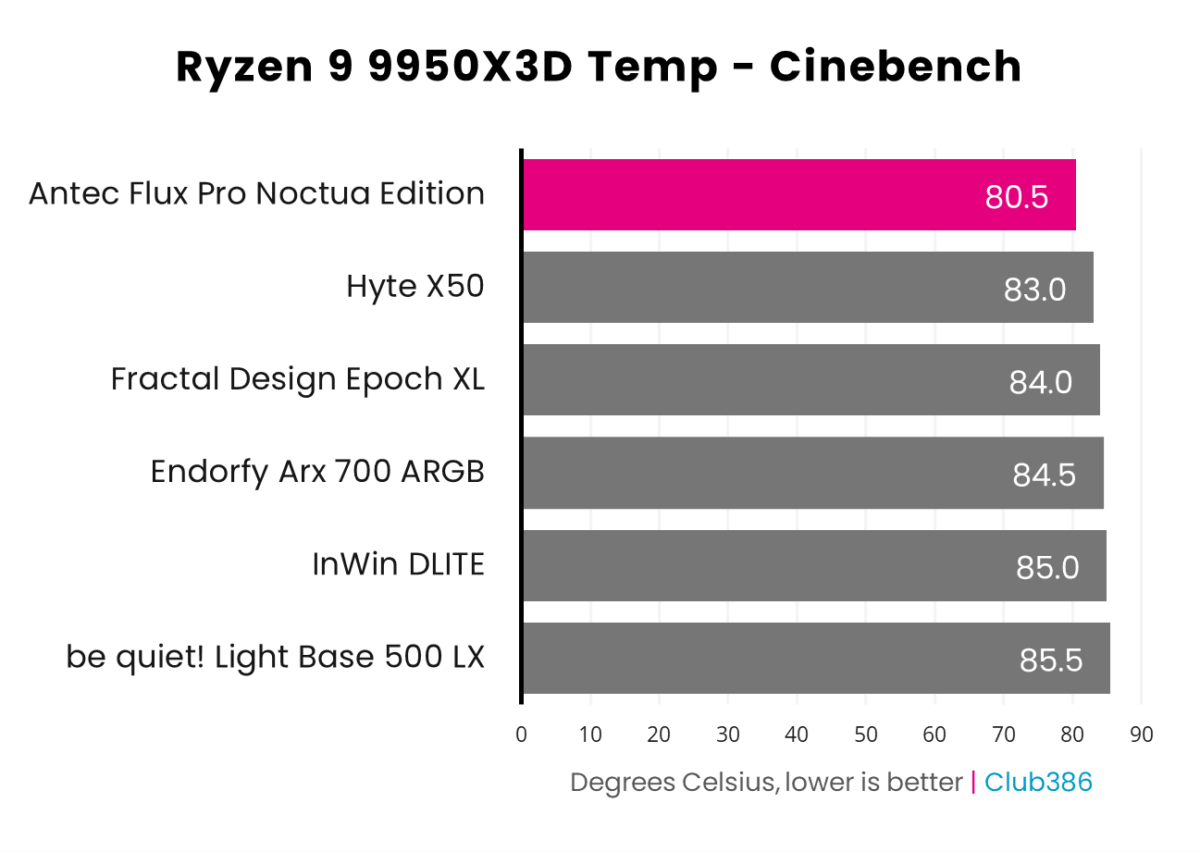
NF-A14x25 G2 and NF-A12x25 G2 fans keep internal air a few degrees closer to ambient under severe load. For a 9950X3D/RTX 3080 build running at sensible power limits, you are highly unlikely to hit problematic thermals before you run out of acoustic tolerance, especially if you keep the fans in the 50–75% PWM range, where airflow is strong.
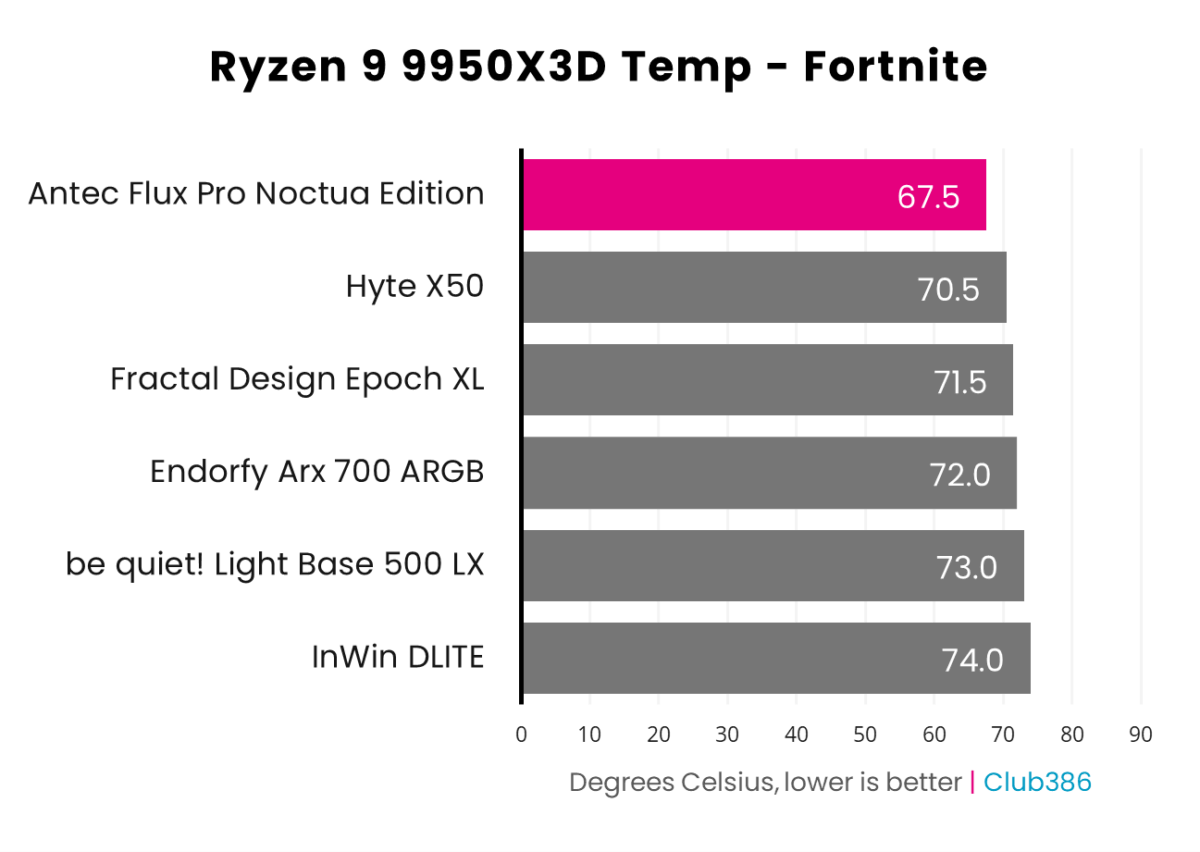
There’s no denying Noctua fans are pricey, but if you demand the best in terms of acoustic performance, this is a heady mix of high airflow and low noise.
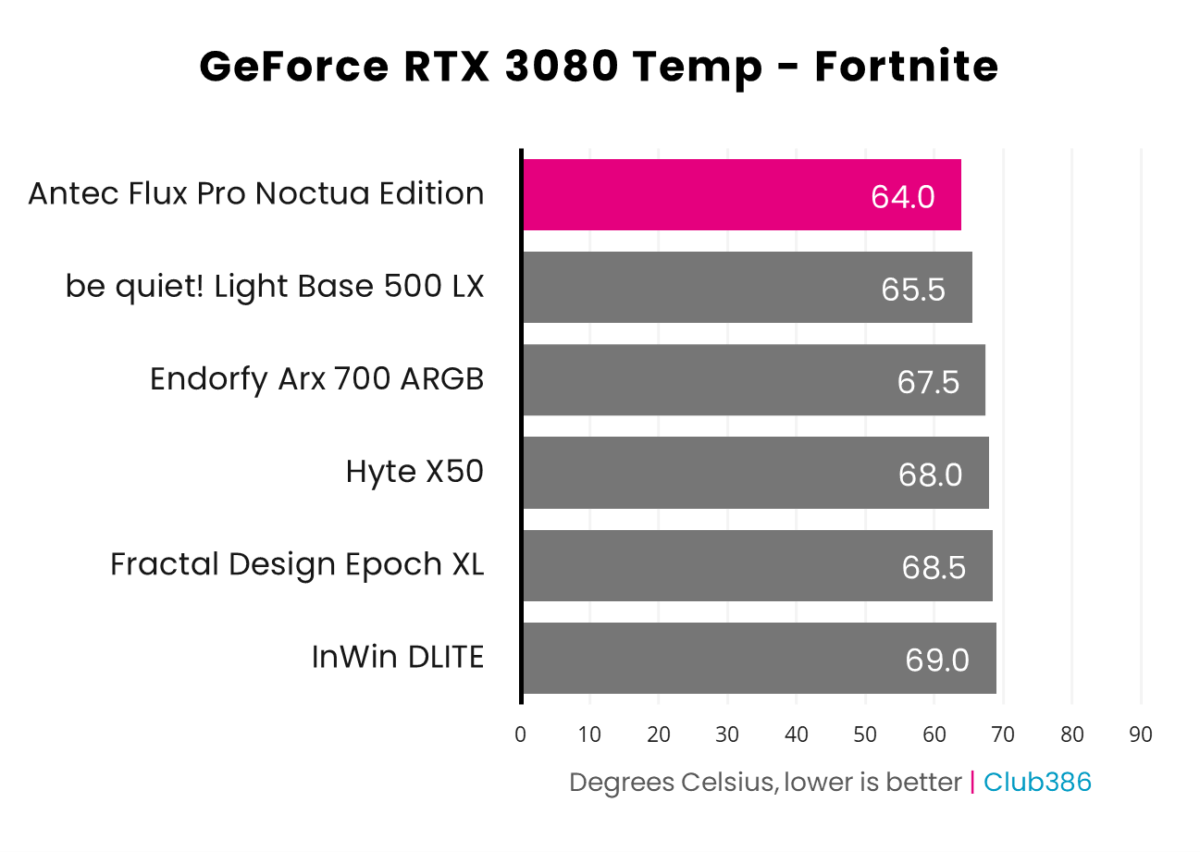
My 9950X3D CPU is happy, and so too is the GeForce RTX 3080, sitting suitably chilled with a fresh supply of air coming from every direction that matters. Top-notch results.
Noise
Noise levels were recorded in a completely enclosed room with a set ambient temperature of 22°C. The lowest dBA level I can measure in this room without equipment activated is just under 30dBA. I measure system noise 40cm from the side panel. The automatic fan profile was used for testing.
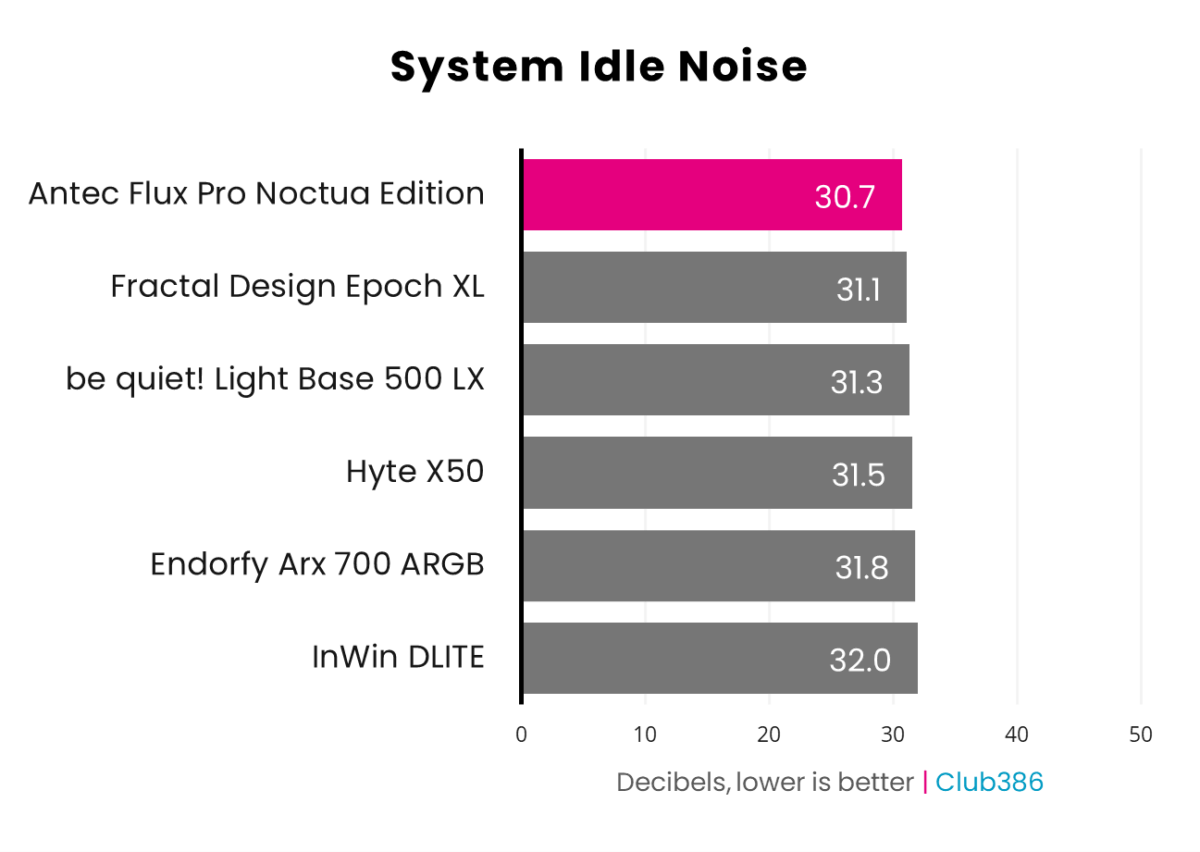
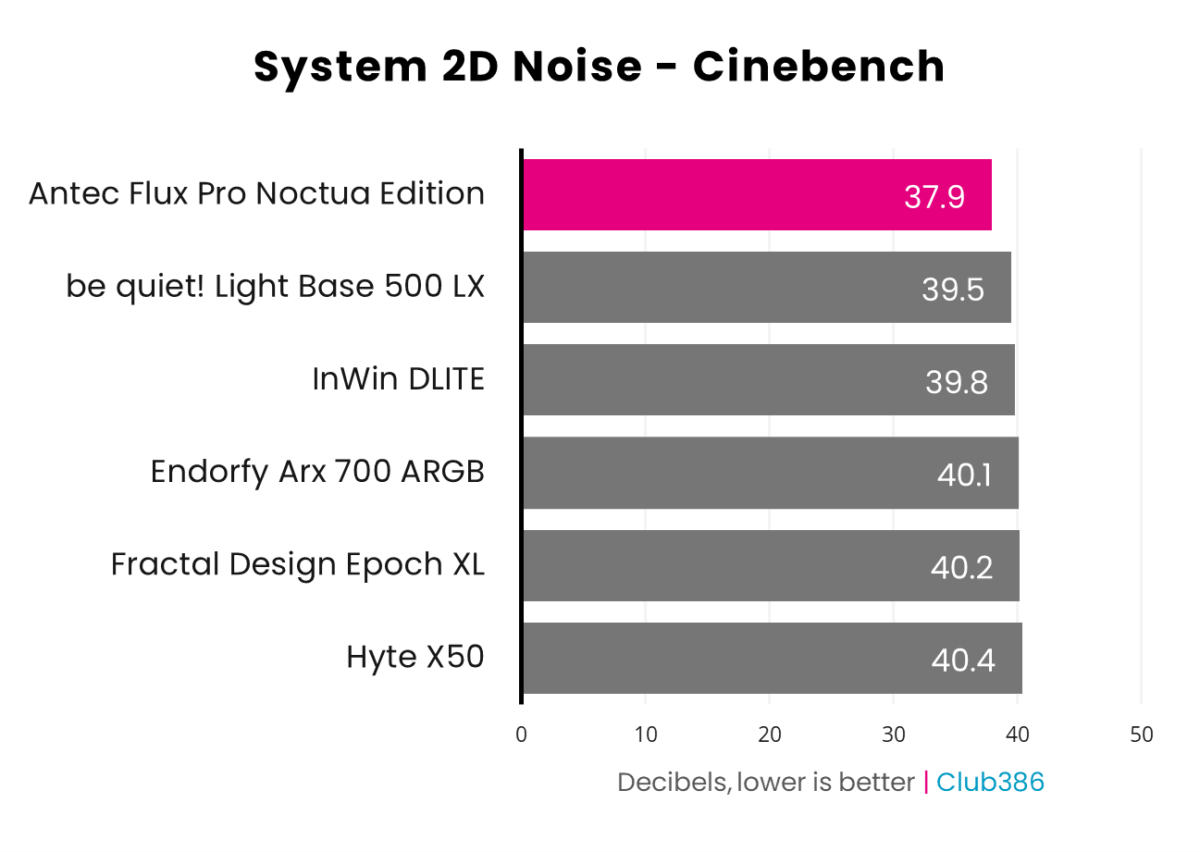
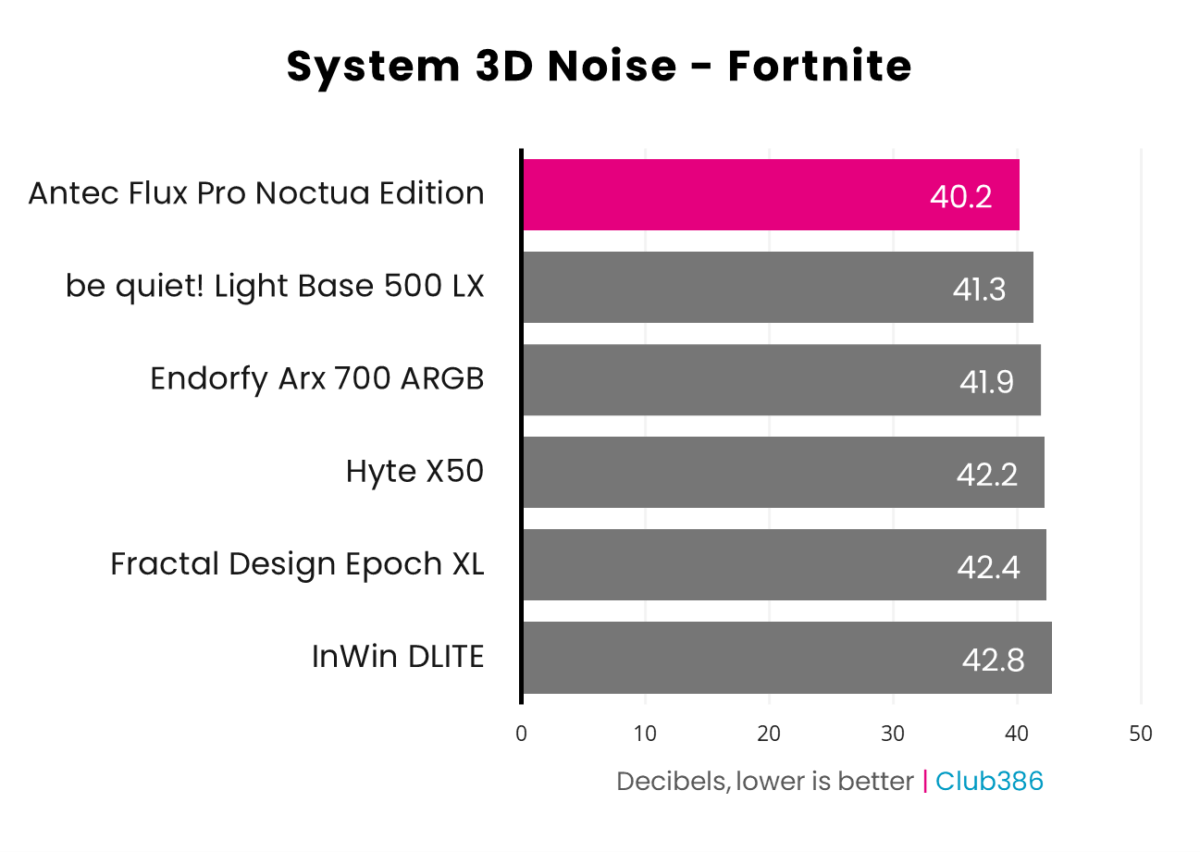
A defining feature of this case is the deliberate fan-speed offset between adjacent fans: the three front intakes and two shroud fans are supplied in slightly slower “PPA” and slightly faster “PPB” variants, intended to be alternated to avoid beat-frequency-induced humming and vibrations. When combined with the optional NA AV4 rubber mounts, this reduces tonal peaks and structure-borne noise that can otherwise plague multi-fan layouts at constant RPM.
In plain English, the Flux Pro Noctua Edition excels when tuned for low-to-mid fan speeds. It’s exactly how I would want my PC to behave acoustically.
Conclusion
The Antec Flux Pro Noctua Edition takes what is already one of the strongest airflow-focused full-tower designs on the market and firmly pushes it into premium, quiet-PC territory. Between the six flagship Noctua G2 fans, NA-FH1 hub, meticulous cable routing, and flexible interior, it delivers outstanding cooling headroom for high-end hardware, while significantly reducing noise compared to every other case I’ve tested.
The advantages are clear, but so too are the trade-offs. A $399 price tag is substantially higher than the regular six-fan Flux Pro case, the aesthetic leans heavily into Noctua’s divisive brown-and-beige colour scheme, and you must invest a little extra time to mount all the fans yourself.
Yet when you account for the individual costs of four NF-A14x25 G2S, two NF-A12x25 G2S, and an NA-FH1 hub, the bundle still represents decent savings over buying everything separately, making the Noctua Edition a niche choice for those who anticipated furnishing the standard case with Noctua cooling throughout.
If your goal is to build a high-end, long-lived system that’s both practical and quiet, the Antec Flux Pro Noctua Edition stands out as an exceptionally capable foundation, provided you have the budget, space and appreciation for its understated, trademark design.