

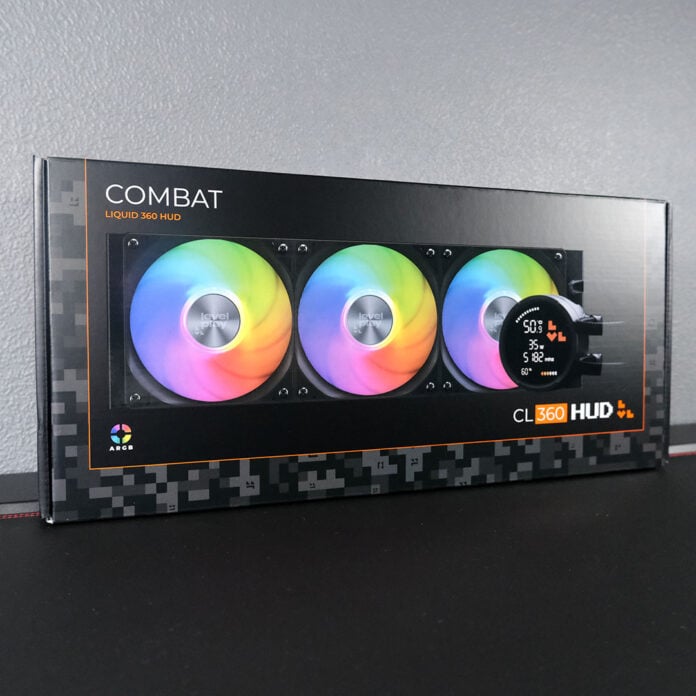
Founded by Cooler Master alumni, Levelplay might be a fresh face, but there are years of engineering experience behind the brand. It’s now aiming to level the water cooling playing field with its new Combat Liquid 360 HUD, which has just about everything you’d want from an AIO, and all for a reasonable price to boot.

Levelplay Combat Liquid 360 HUD
£94.99 / $99.99
Pros
- Great cooling performance
- Quiet noise profile
- High-value price
- Black and white colour options
Cons
- No LCD customisation
- Lacks 240/280/420mm SKUs
Club386 may earn an affiliate commission when you purchase products through links on our site.
How we test and review products.
Retailing for £94.99 / $99.99, the Combat Liquid 360 HUD is welcomingly affordable for a 360mm AIO liquid cooler. There are sadly no smaller SKUs available for this particular model, but Levelplay is launching more-affordable Combat Liquid SE coolers in 240mm and 360mm sizes at £64.99-£74.99. The only difference between the HUD and SE is the inclusion of a 2.6in LCD on the former.
Specs
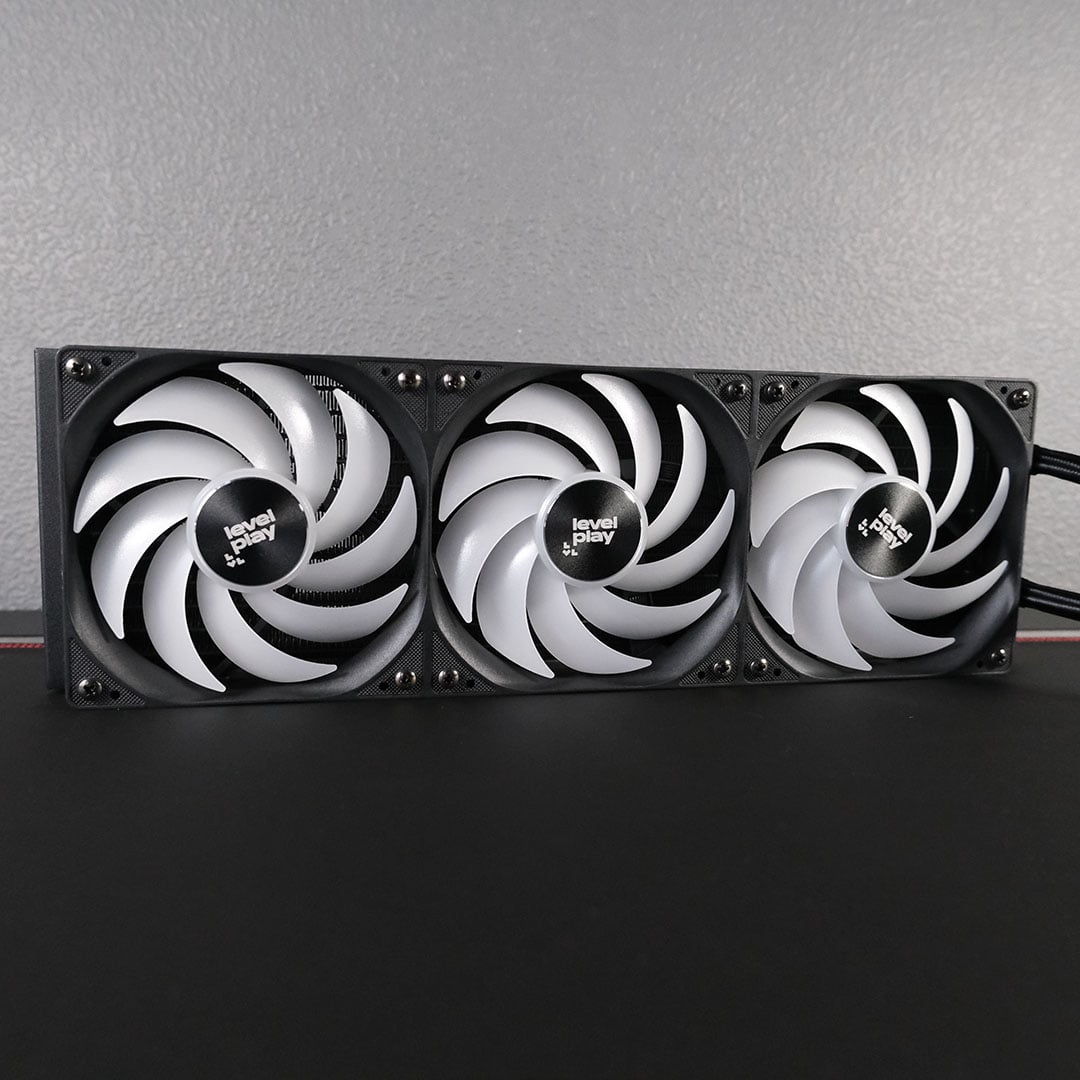
The aluminium radiator on this cooler is a dead-ringer for other 360mm AIOs in this price category, such as the be quiet! Pure Loop 3 LX 360 and MSI MAG CoreLiquid A13 360, measuring 394 x 120 x 27mm. Suffice to say, fitting this cooler inside most ATX cases won’t prove an issue.
Tubing is on the shorter side, at ~350mm in length, which can result in a taut finish should you position the radiator downwards from the pump. Thankfully, you can rotate the waterblock and its LCD independently, with little fuss.
| Socket support | AMD: AM5 / AM4 Intel: LGA1851 / LGA1700 |
| Radiator dimensions | 394 x 120 x 27mm |
| Waterblock dimensions | 89 x 80 x 64mm |
| Pump speed | 800 ~ 3,000RPM ± 10% |
| Fan size | 120mm, Combat Fan 120 ARGB (x3) |
| Fan speed | 800 ~ 2,000RPM ± 10% |
| Fan airflow | 53CFM (per fan) |
| Fan pressure | 1.7mmH2O (per fan) |
| Price | £94.99 / $99.99 |
The Combat Liquid 360 HUD’s pump houses a relatively beefy waterblock, measuring at 89 x 80 x 64mm. Up top, you’ll find four magnetic mounts that securely lock the 2.6in digital display in place.
Levelplay is using what it describes as “jet impingement” tech to power the Combat Liquid 360 HUD’s pump. In short, the cooler is able to blast high-velocity coolant straight onto the cold plate to improve heat transfer from your CPU. Importantly, this doesn’t come at the cost of durability or noise.
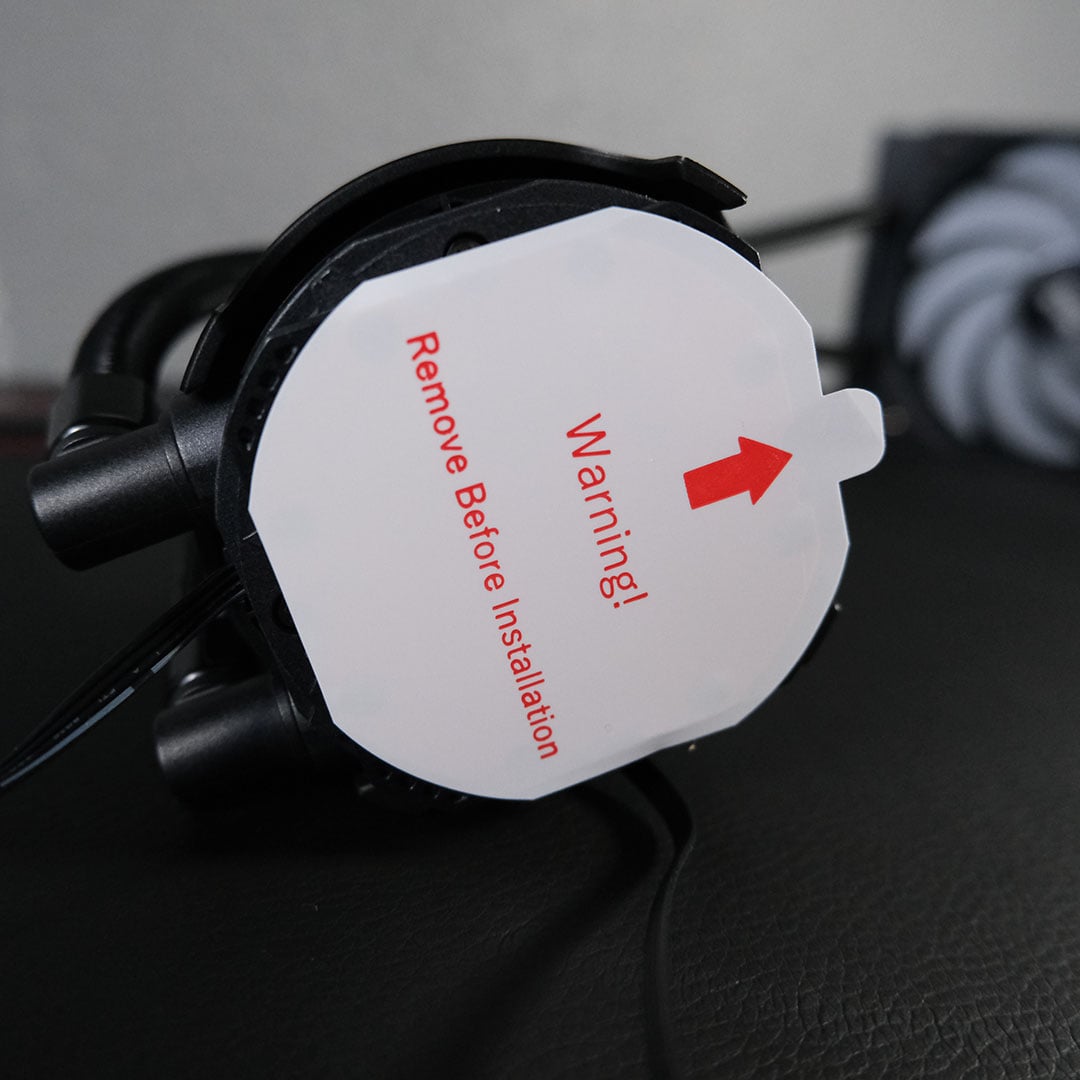
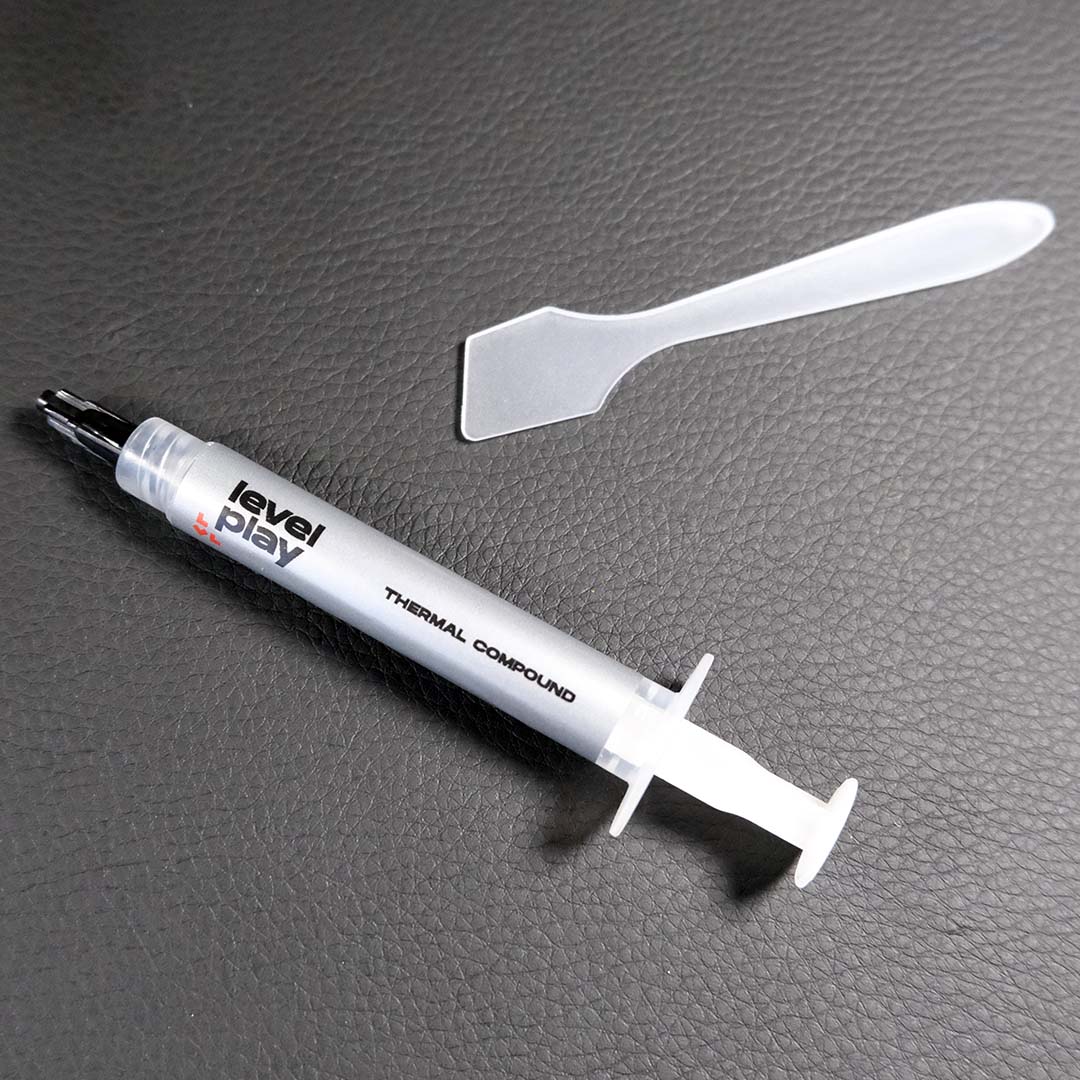
Levelplay doesn’t pre-apply thermal paste to the copper contact plate, but it does protect it with a hard-to-miss sticker. Instead, the company supplies you with a tube of branded, if otherwise nondescript, thermal paste and a spatula.
For years, I believed pre-applied thermal paste was the superior approach, but I’ve warmed to manual application in recent years. There’s enough grey goo in that tube for two attempts at marrying the Combat Liquid 360 HUD to your processor, which I’ll be applying in a cross pattern.
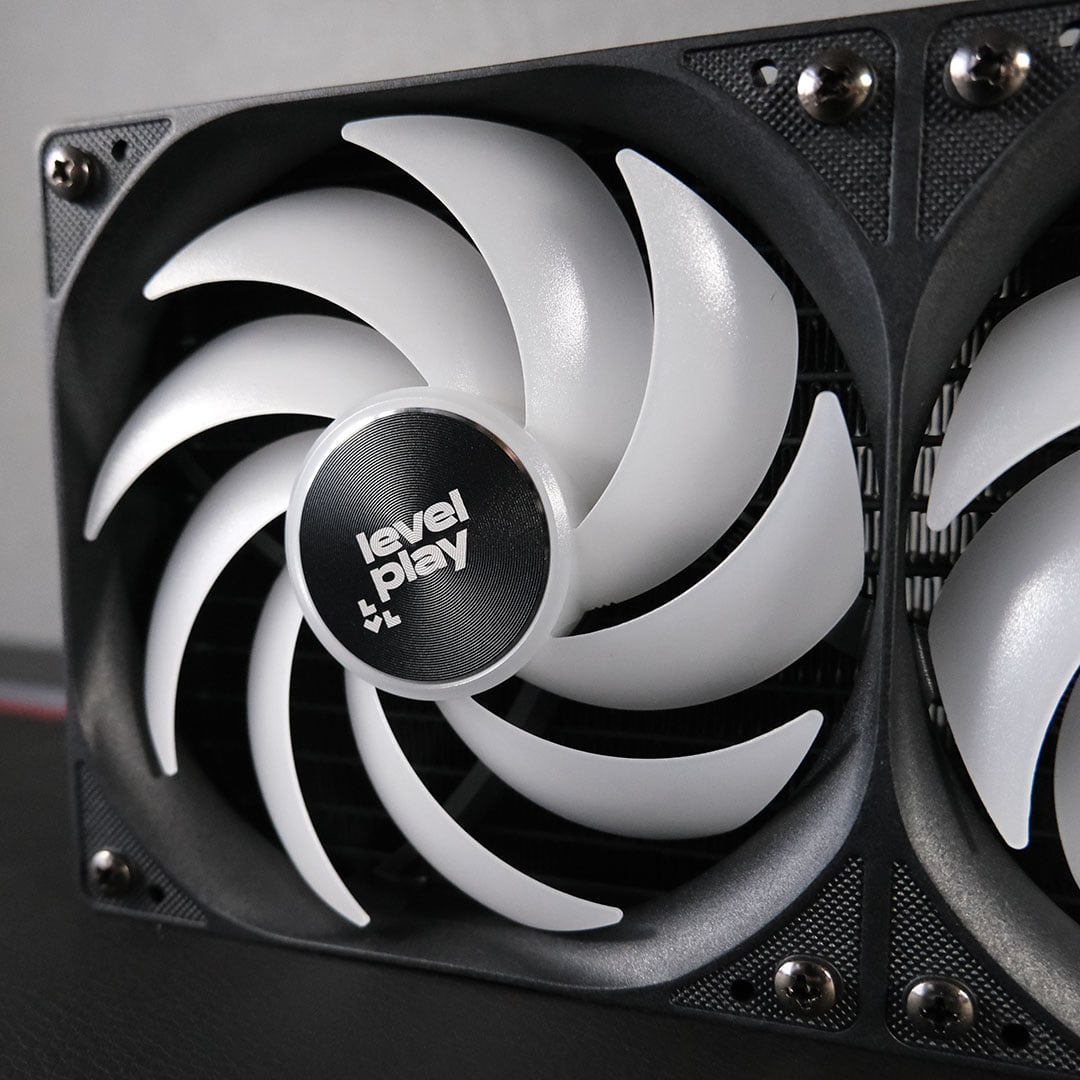
Three Combat Fan 120 ARGB fans arrive pre-attached to the radiator. This is a convenience I always welcome on water coolers, as manually orienting fans, as well as managing screws, washers, and cables, often proves a tedious and time-consuming task. That said, you can remove them should you need to swap out any fans.
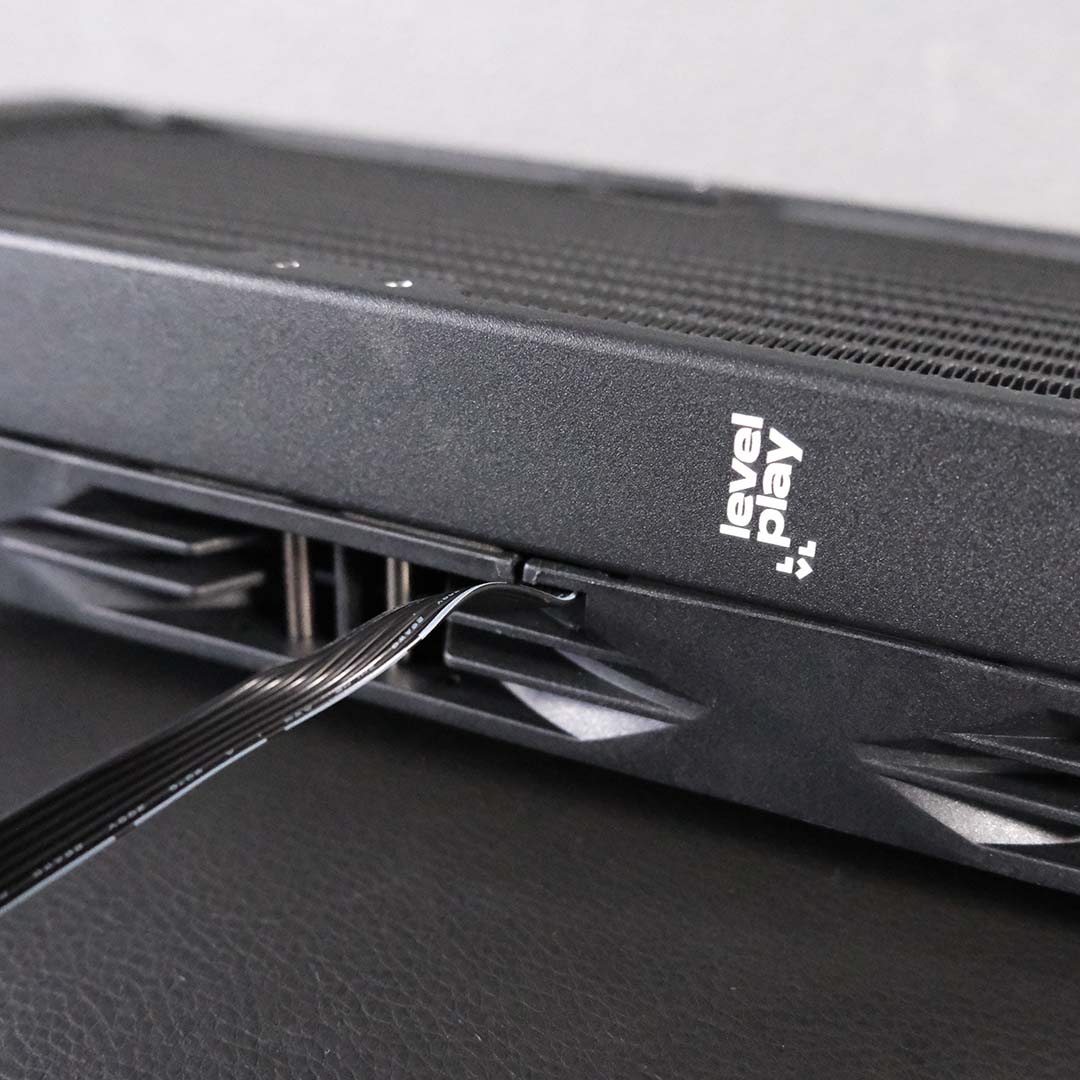
Better still, you’ll only need to manage a single four-pin PWM connector and a three-pin ARGB connector exiting the radiator. Their ribbed wires start life as cojoined, but you can easily separate them if necessary.
The blowers themselves are reasonably powerful, capable of moving up to 53CFM (Cubic Feet per Minute) of air, with static pressure of 1.7mmH2O. These figures make Levelplay’s offering competitive with the likes of 120mm be quiet! Light Wings (42CFM / 1.66mmH2O), but decidedly less-powerful than more premium alternatives, such as the Arctic P12 Pro A-RGB (77CFM / 6.9mmH2O).
Each fan features eight RGB LEDs, making for a pleasing light show that you can easily manage via your software of choice. If the black setup we’re reviewing isn’t right for your build, an alternative white colour scheme is available. Regardless of which colourway you’d prefer, you’ll pay the same price for each.
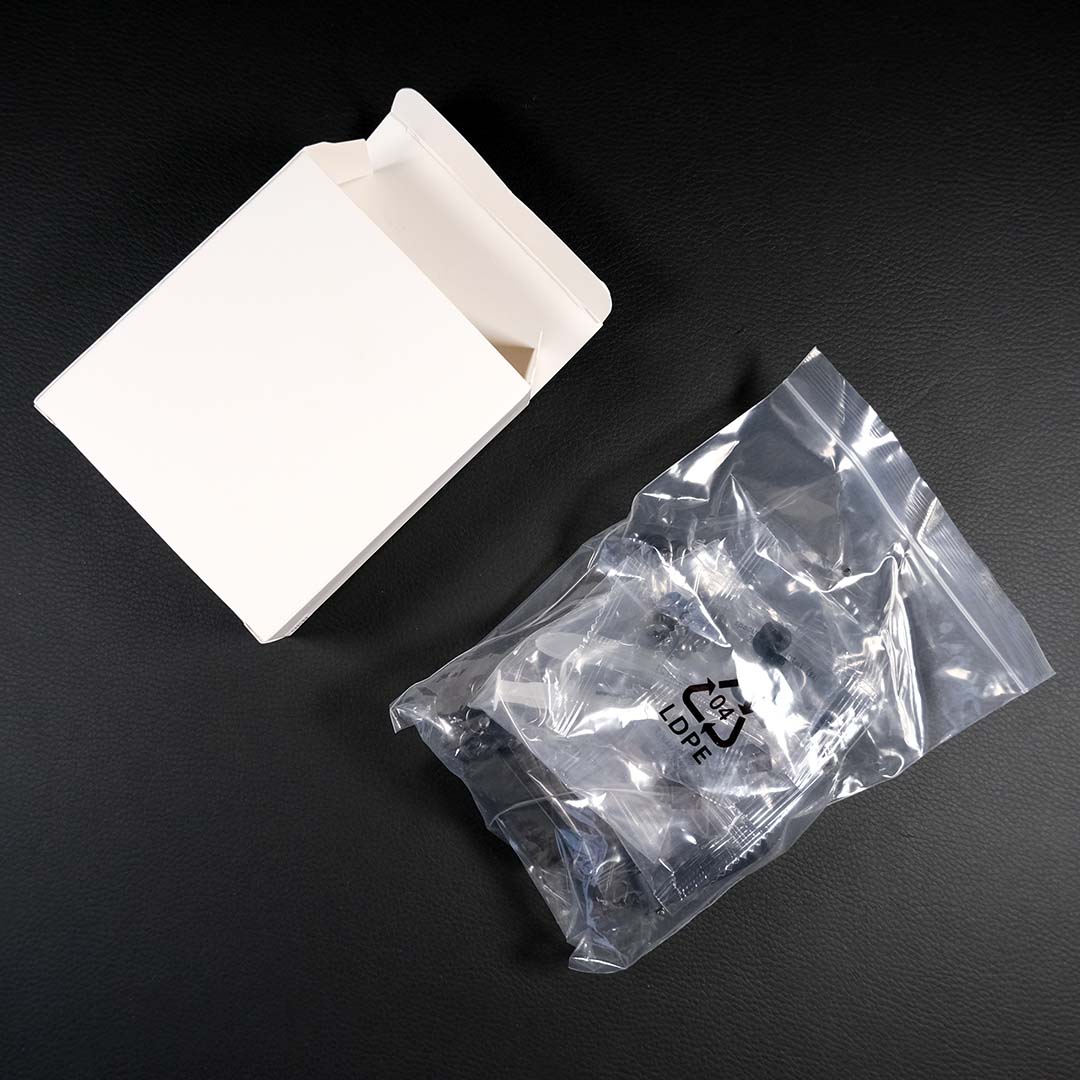
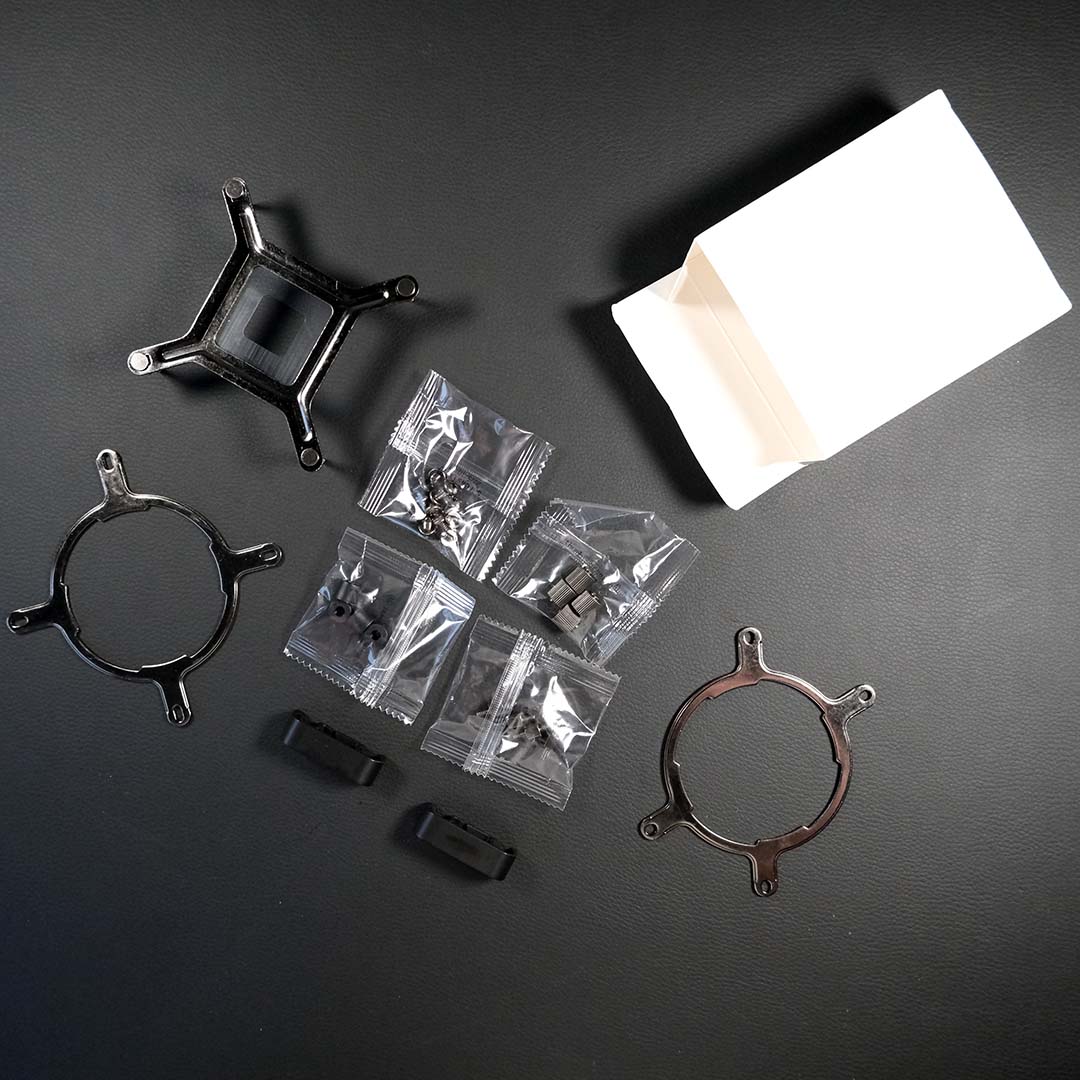
Inside the lone white cardboard box are all the accessories you need to complete any installation of the Combat Liquid 360 HUD. All the single-use baggies have clear labels, much as I wish they were resealable, and it’s thankfully easy to discern which bits are necessary for each platform.
In my case, I’ll be using the LGA1851/LGA1700 bracket and backplate, alongside the universal spacers, thumbnuts, and radiator screws. The cooler supports AM5/AM4 coolers too via compatible bracket and standoffs, but older LGA1200 and LGA115X sockets are out of luck.
Performance
Test system
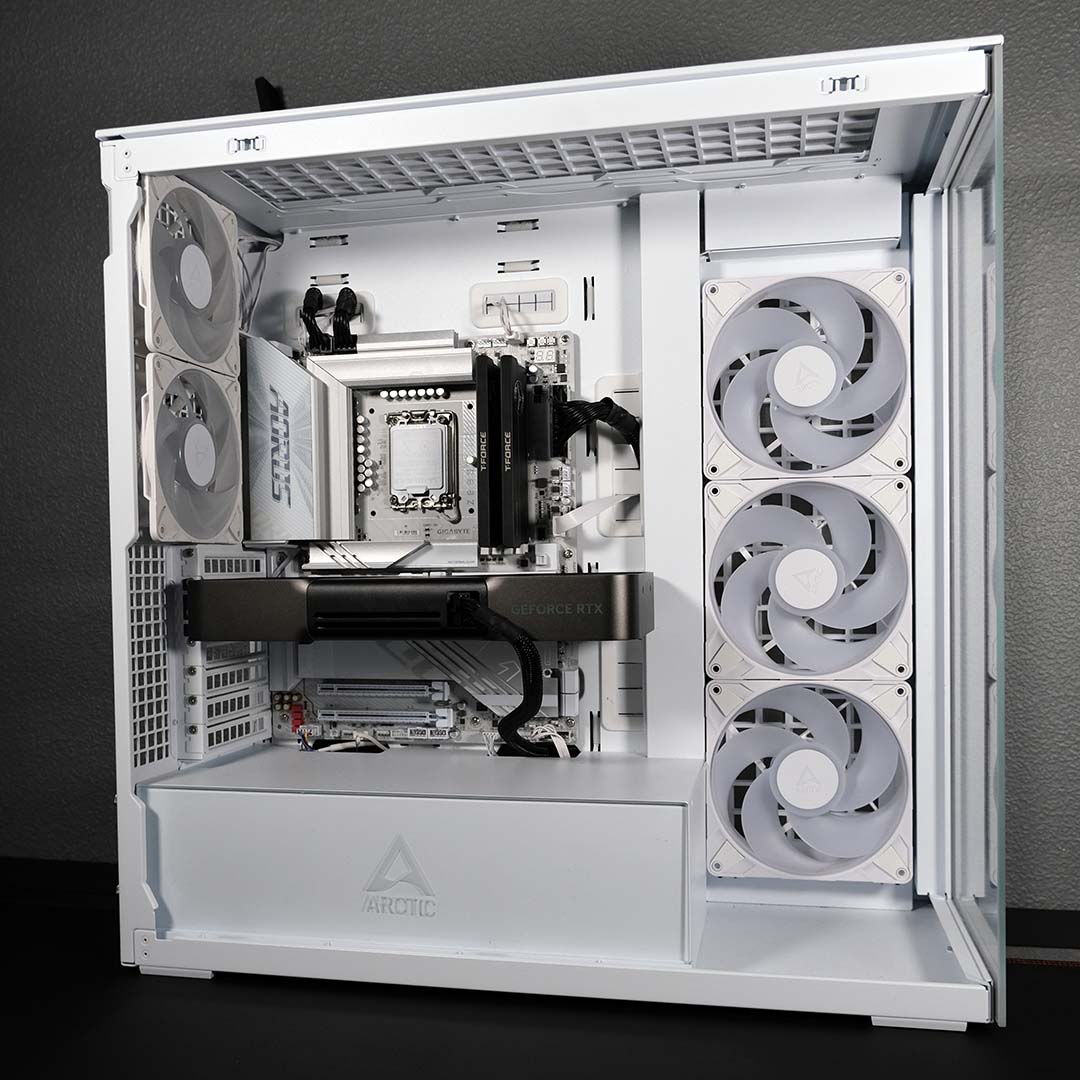
I’m installing the Combat Liquid 360 HUD inside a build based on an Arctic Xtender VG case. My task for the cooler is to keep the temperatures of an Intel Core Ultra 9 285K in check.
With a peak 250W TDP, this Arrow Lake flagship is capable of outputting a far greater share of watts than AMD’s best and brightest, the Ryzen 9 9950X3D (170W). As such, it will make for a punishing test of Levelplay’s water cooling.
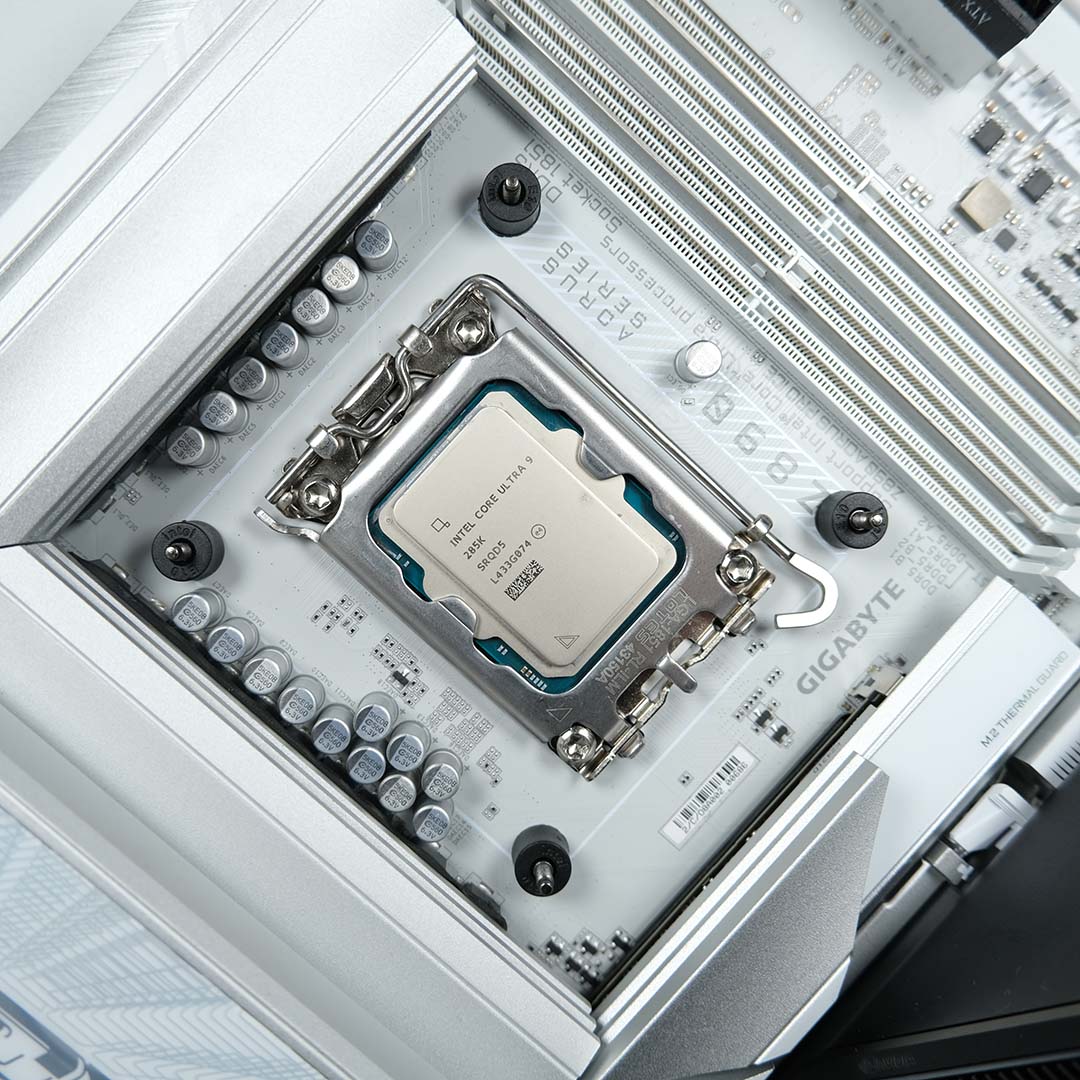
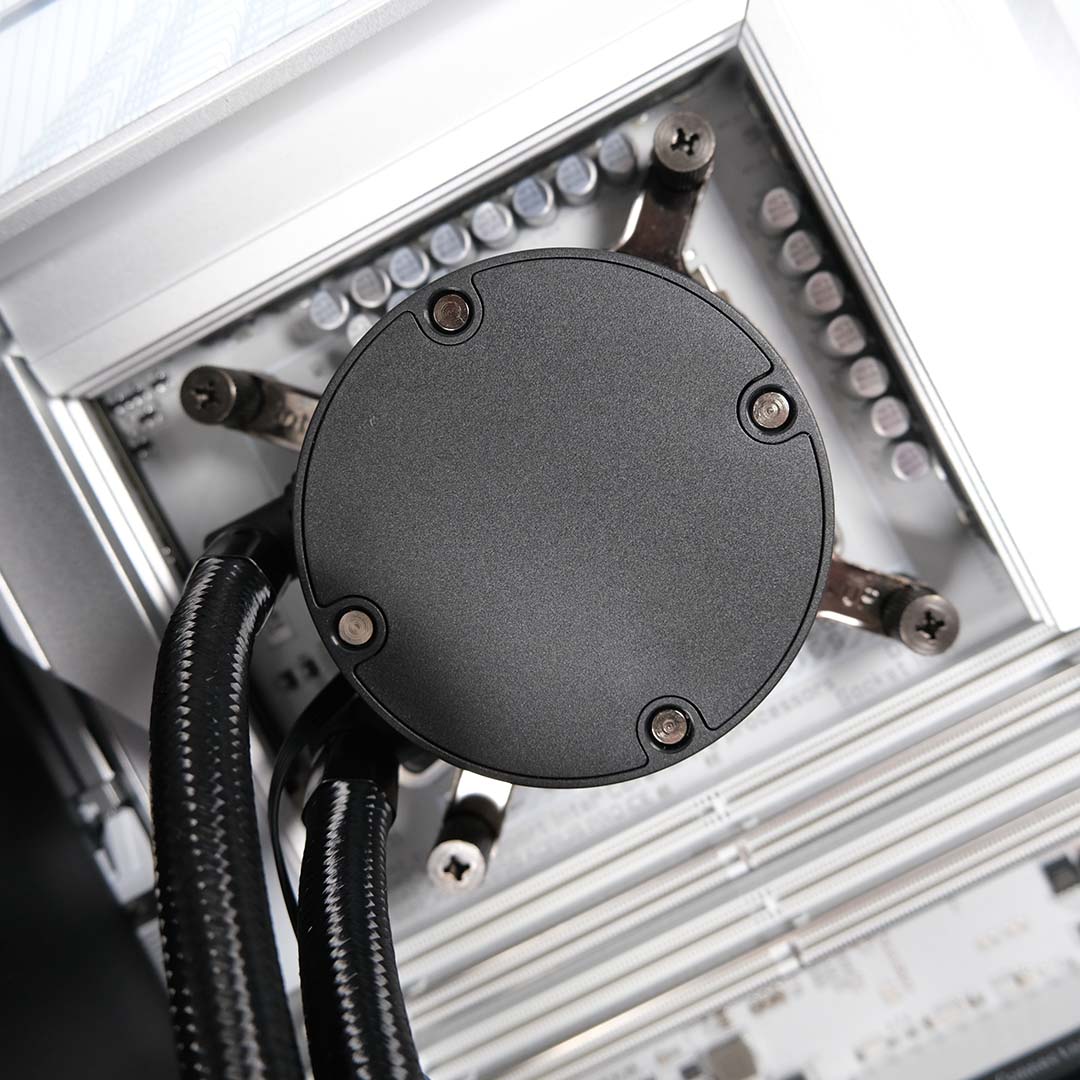
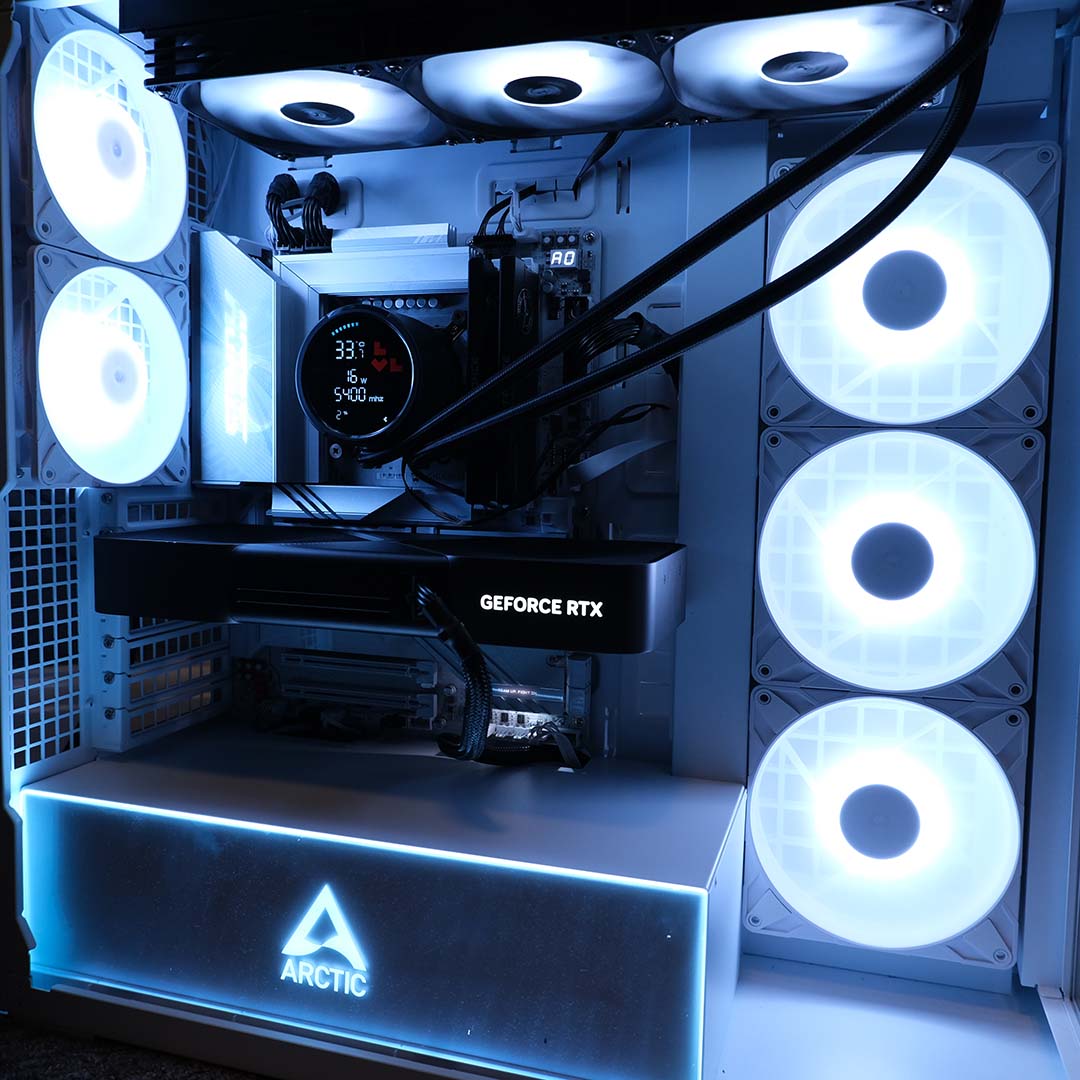
Suitably powerful components complement the rest of this build. Chief among them is 48GB of TeamGroup T-Force Xtreem CKD DDR5-8800 CL42 CUDIMM memory running in dual-channel mode, installed in a Gigabyte Z890 Aorus Pro Ice motherboard. This choice of RAM sadly leaves Core 200S Boost out of reach, owing to 1.45V XMP profiles, but that’s no massive loss.
Rounding off the rest of the system’s specifications is an Nvidia GeForce RTX 5090 Founders Edition graphics card, a 2TB WD_Black SN8100 SSD, and a be quiet! Dark Power 13 1,000W PSU. Plenty of performance by any measure.
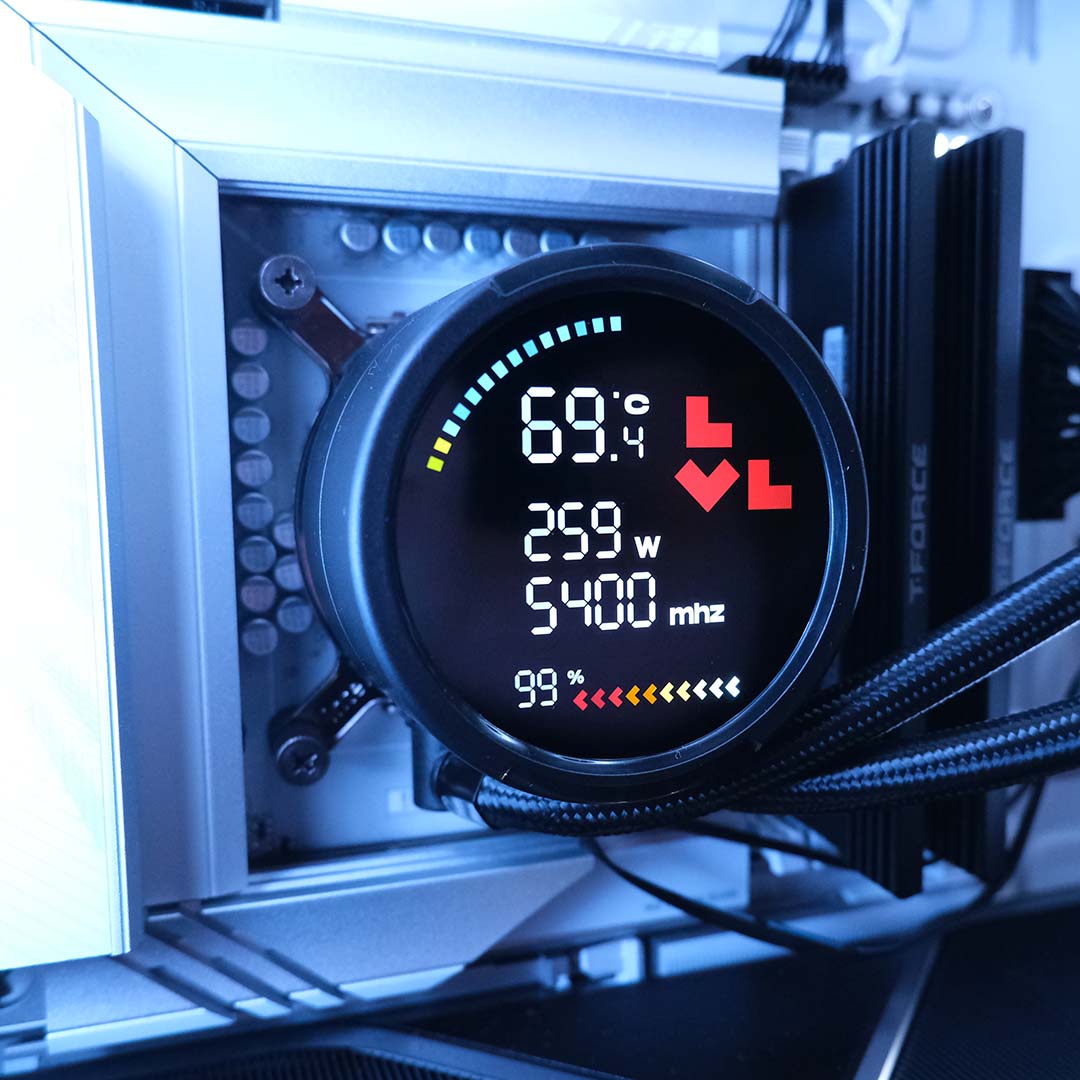
Before I discuss thermal performance findings in detail, this is a prime opportunity to discuss the Combat Liquid 360 HUD’s LCD. After all, the 2.6in screen is a stylish source of system information.
I appreciate how much information Levelplay has managed to fit into this circular display, without any of the data feeling overly crowded. In addition to on-the-fly temperatures, it will also show how much power the CPU is consuming, its current frequency, and its load.
While this setup is informative and clean, it does require a manual driver installation to function. Furthermore, there’s sadly no customisation available here, which feels like an obvious missed opportunity. Here’s hoping for more features further down the line.
Temperatures
Putting the Combat Liquid 360 HUD through its paces, I’ve firstly conducted tests at three noise outputs: 39dBA, 42dBA, and 45dBA. After achieving the noise values, I put the processor through a 10-minute run of Cinebench 2024’s multi-core benchmark. This workload puts plenty of pressure on the CPU and its cooler.
| Noise level | Peak CPU temp |
|---|---|
| 39dBA | 82°C |
| 42dBA | 82°C |
| 45dBA | 80°C |
At 45dBA, the Combat Liquid 360 HUD manages to keep our Core Ultra 9 285K at a respectable 80°C under load. However, moving down to 42dBA makes for quieter operation, and only incurs a minor increase in temperatures, peaking at 82°C.
The cooler turns to a whisper-quiet hum at 39dBA, proving barely audible to my ear, with no measurable temperature trade off, as the 82°C peak remains. Regardless, that’s still well below the realms of thermal throttling, as the CPU is still able to achieve its maximum boost clock of 5.4GHz.
Noise
Next, let’s observe noise levels across a range of RPMs: 800RPM, 1,200RPM, and 2,000RPM (Max). The latter value will provide us with a noise ceiling for Combat Liquid 360 HUD, while the others are closer to real-life settings I’d try on a gaming setup.
| RPM | Noise level |
|---|---|
| 800RPM | 38.7dBA |
| 1,200RPM | 51.1dBA |
| 2,000RPM (Max) | 65.5dBA |
800RPM is as slow as Levelplay’s Combat Fan 120 ARGBs will spin. The blowers clock in at a respectfully quiet 38.7dBA at this speed, barely audible to my ear. However, CPU temperatures reach their highest values yet at 84°C.
Cranking up the speed to 1,200RPM greatly increases noise output. At 51.1dBA, the Combat Liquid 360 HUD is certainly audible but not bothersome, scrubbed from the room entirely after putting on some headphones. This higher speed also nets us notable improvements in temperature, clocking in at 78°C.
Pushing all the way to 2,000RPM, the cooler makes itself known at 65.5dBA. I wouldn’t recommend running any fans at such speed, and Levelplay’s rotating blades are no different. Even temperature improvements are menial, at just 76°C, making the higher noise level decidedly unhelpful.
Conclusion
The pedigree that powers Levelplay is clear to see in the Combat Liquid 360 HUD. This is a no-nonsense, high-quality cooler that quietly keeps power-hungry processors in check.
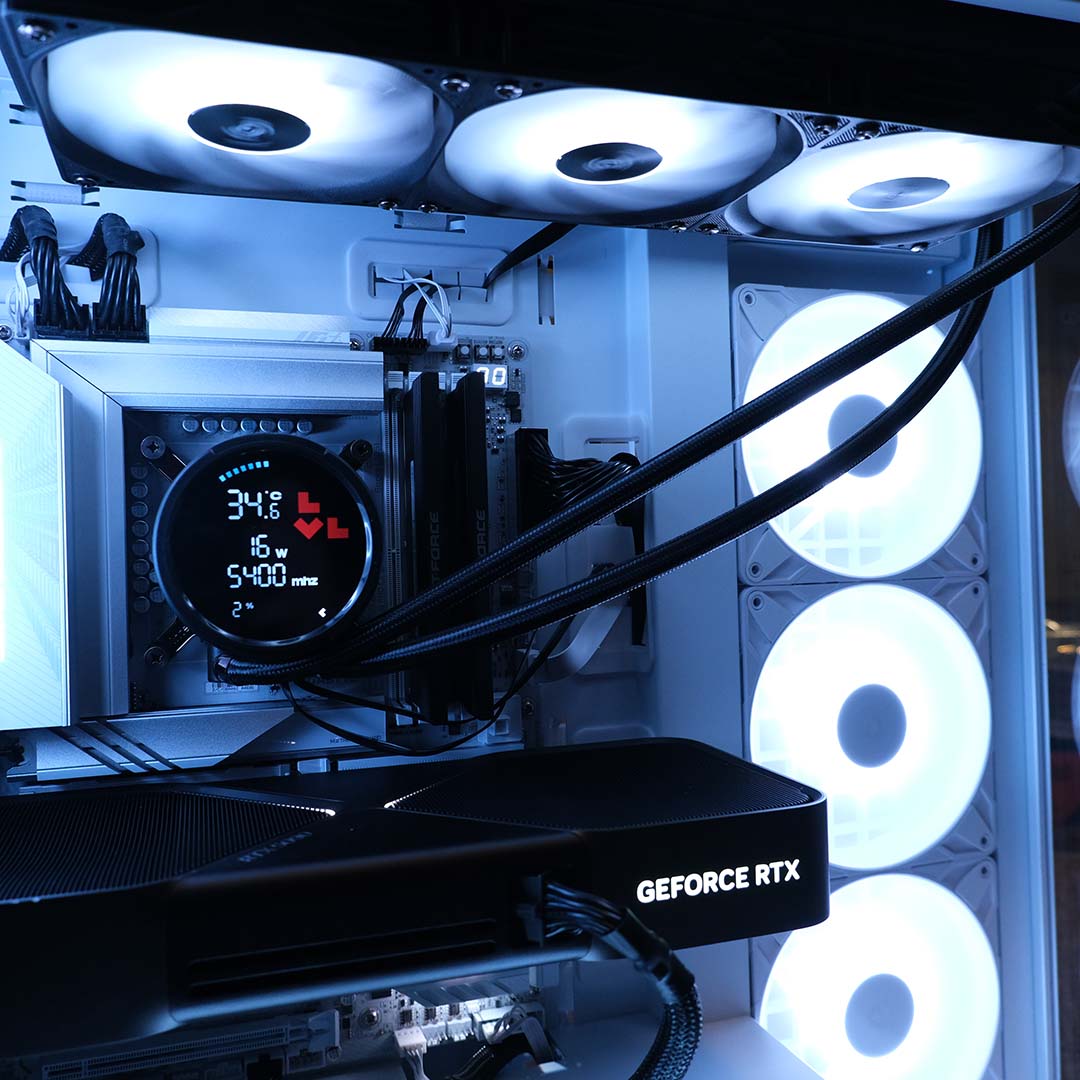
At £94.99 / $99.99, in black or white, the cooler offers solid value. Competition is cutthroat in this price segment, with Levelplay’s champion contending with titans of industry such as the Arctic Liquid Freezer III Pro 360 ARGB. However, I can’t find any alternatives that also include an LCD.
There’s room for the Combat Liquid 360 HUD to push itself further, through software to customise its LCD and adopting other form factors, namely 240, 280, and 420mm sizes. Still, what’s here in the 360mm SKU is solid liquid cooling for a very reasonable price.
