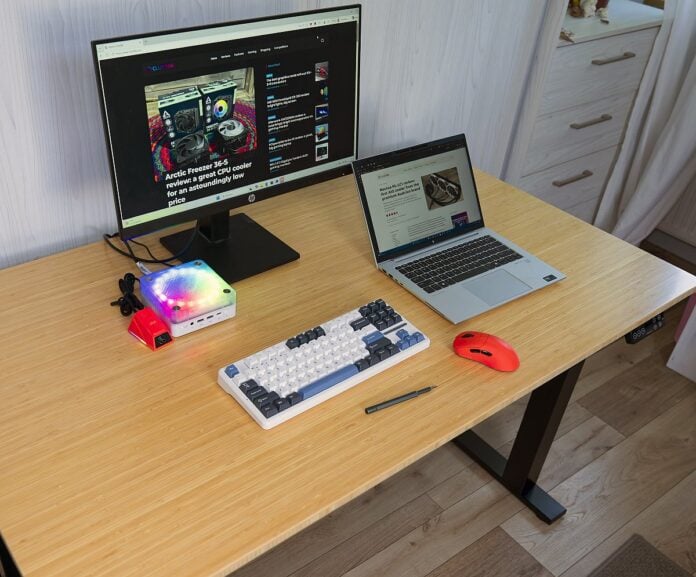
The FlexiSpot E7 Plus isn’t the lightest nor most elegant standing desk on the market. It’s designed as a stability-first platform, with a four-legged frame, dual motors, and enough structural capacity to support demanding workstation setups. That makes it especially interesting for users who want a desk that stays composed under real load, not just one that moves up and down.
It feels more like a piece of workspace hardware than a conventional piece of furniture, and the desk’s priorities are immediately apparent through the size of the base and the amount of steel in the frame. If your setup includes multiple screens, a heavy PC, or accessory-laden workflow gear, that emphasis makes sense right away. The desk is clearly engineered for repeatable motion under weight rather than for visual finesse.

FlexiSpot E7 Plus
from £499
Pros
- Excellent stability at height
- High load capacity suitable for heavy PCs
- Smooth dual-motor height adjustment
- Memory presets and USB-C charging
- Good accessory compatibility
Cons
- Heavy components make assembly harder
- Stock cable management is basic
- No grommets/cutouts
Club386 may earn an affiliate commission when you purchase products through links on our site.
How we test and review products.
Specifications
The FlexiSpot E7 Plus uses a four-legged electric standing desk design with a dual-motor lifting system and a heavy-gauge steel frame. That combination puts rigidity and load capacity at the centre of the product. FlexiSpot lists a usable height range from 66cm to 131cm and a rated maximum load capacity around 200kg, which makes the E7 Plus suitable for multi-monitor and studio-class setups rather than light laptop work.
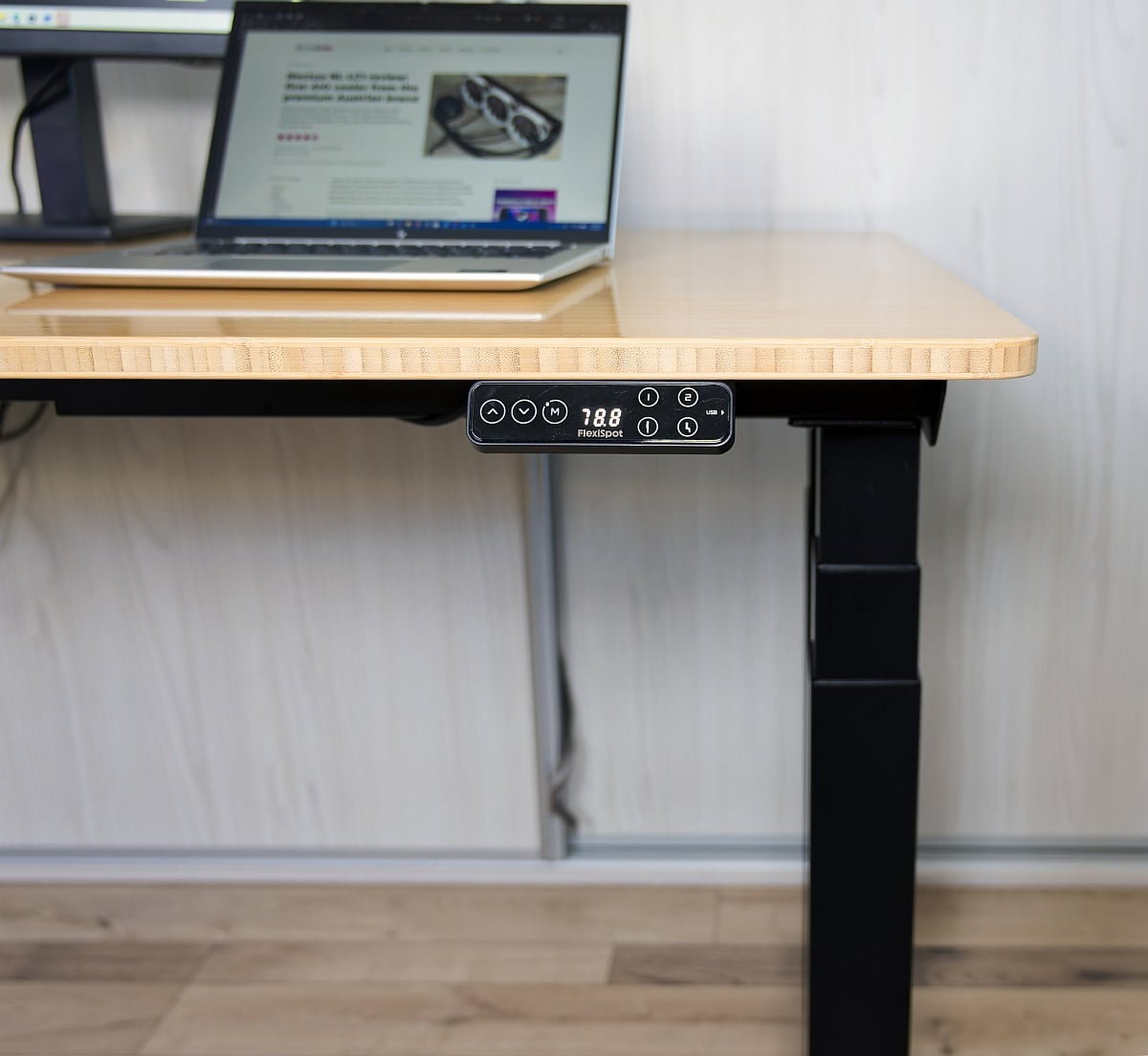
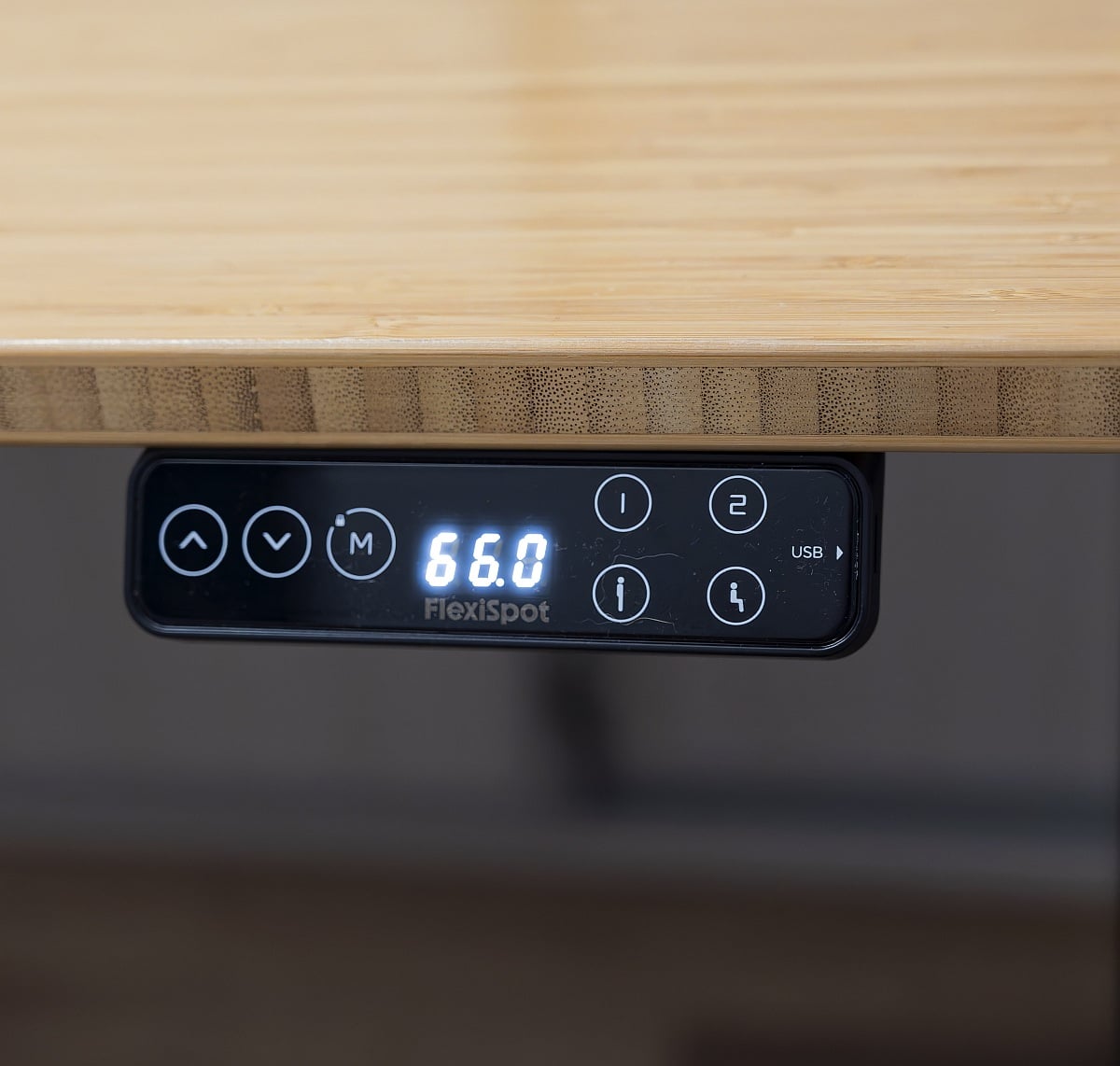
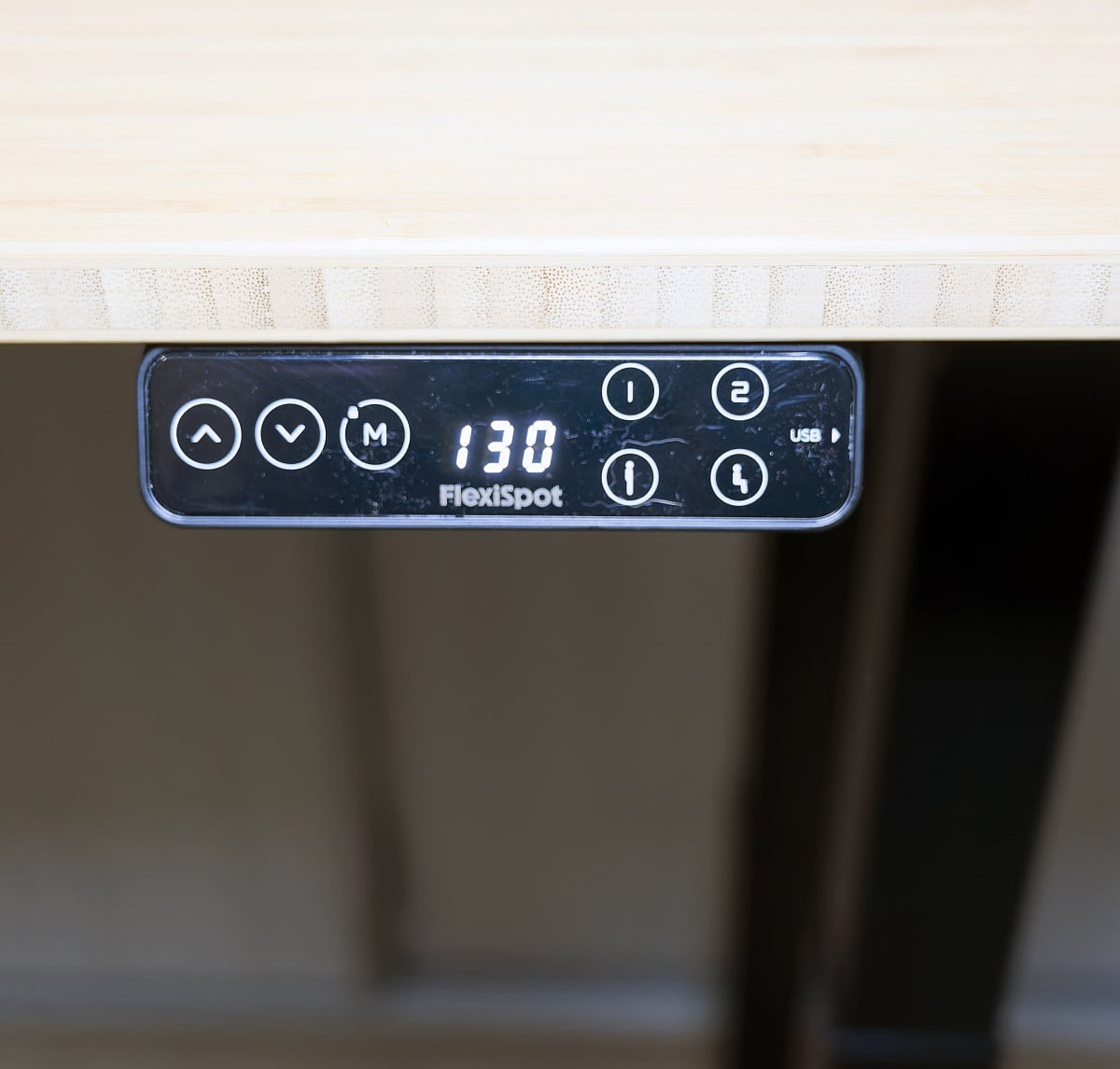
You can order the frame only, or the desktop constructed of particle board, bamboo, solid oak, plywood, solid beech or solid walnut. Available sizes include 120cm x 80cm, 140cm x 80cm, 160 x 80cm, as well as a large 180cm x 80cm for the solid-beech variant. As standard, FlexiSpot includes a keypad with four programmable memory presets and a USB-C charging port built into the control unit, so you can switch positions quickly and charge devices without adding clutter.
Mechanically, the four-leg geometry spreads vertical and lateral loads across multiple columns, reducing torsional flex and helping the desk stay steady when you load it unevenly with monitor arms or heavy peripherals. The drive speed stays moderate, so the desk can take around 20–30 seconds to move through its full range depending on the configuration and load, and the motors favour quiet, smooth motion over fast actuation.
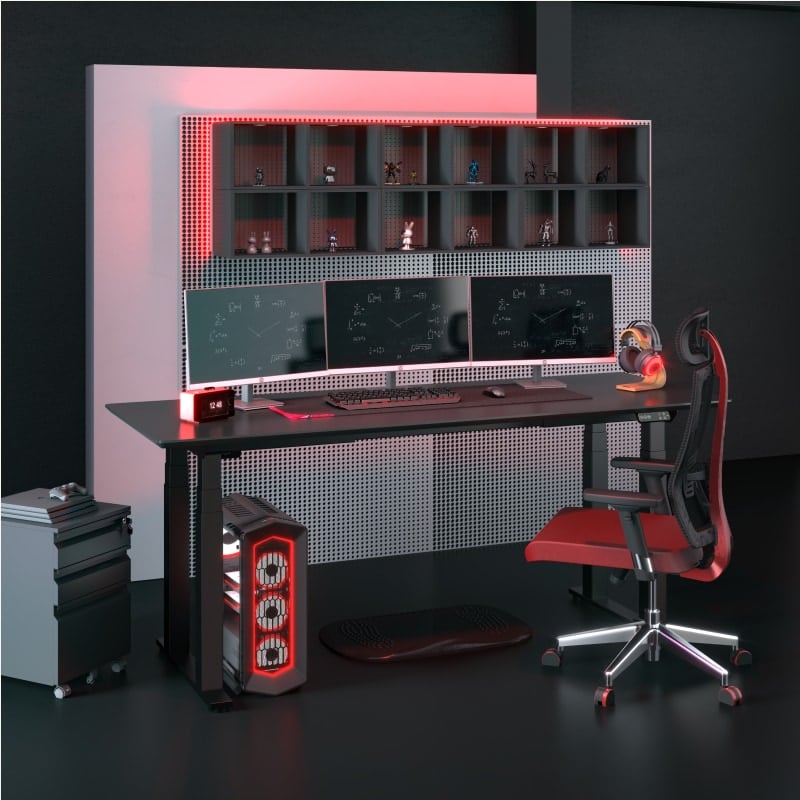
FlexiSpot also offers a modular accessory ecosystem with enough clearance for under-desk trays, drawers, and cable channels, which makes the E7 Plus adaptable as your setup changes. That means the frame focuses less on visual lightness and more on predictable behaviour under load. It also gives the desk a more engineered, component-driven feel than a typical consumer office product. The quad-leg layout does real structural work instead of just adding visual bulk, and you notice that clearly once the desk carries serious equipment and reaches standing height.
It also includes anti-collision detection, and the control system handles repeated cycles well as long as you assemble and level the frame correctly. There’s good purchasing and installation flexibility, too, as FlexiSpot’s broad sizing and finish options are augmented by the desk shipping as either a frame-only foundation, or as a complete desk with a top included. That changes the upfront outlay significantly, which ranges from £399 for the frame alone, £499 with a basic 120cm x 80cm particle board, to £859 for the frame and a 140cm x 80cm solid-walnut desktop.
Unboxing
Assembly is a multi-stage process, and it helps to plan ahead with at least one helper. I consider myself a reasonably strong chap, but take my word for it, the frame components and desktop are heavy; the bamboo desktop alone weighs about 18kg, and each of the two leg/accessory boxes tips the scales at 22kg.
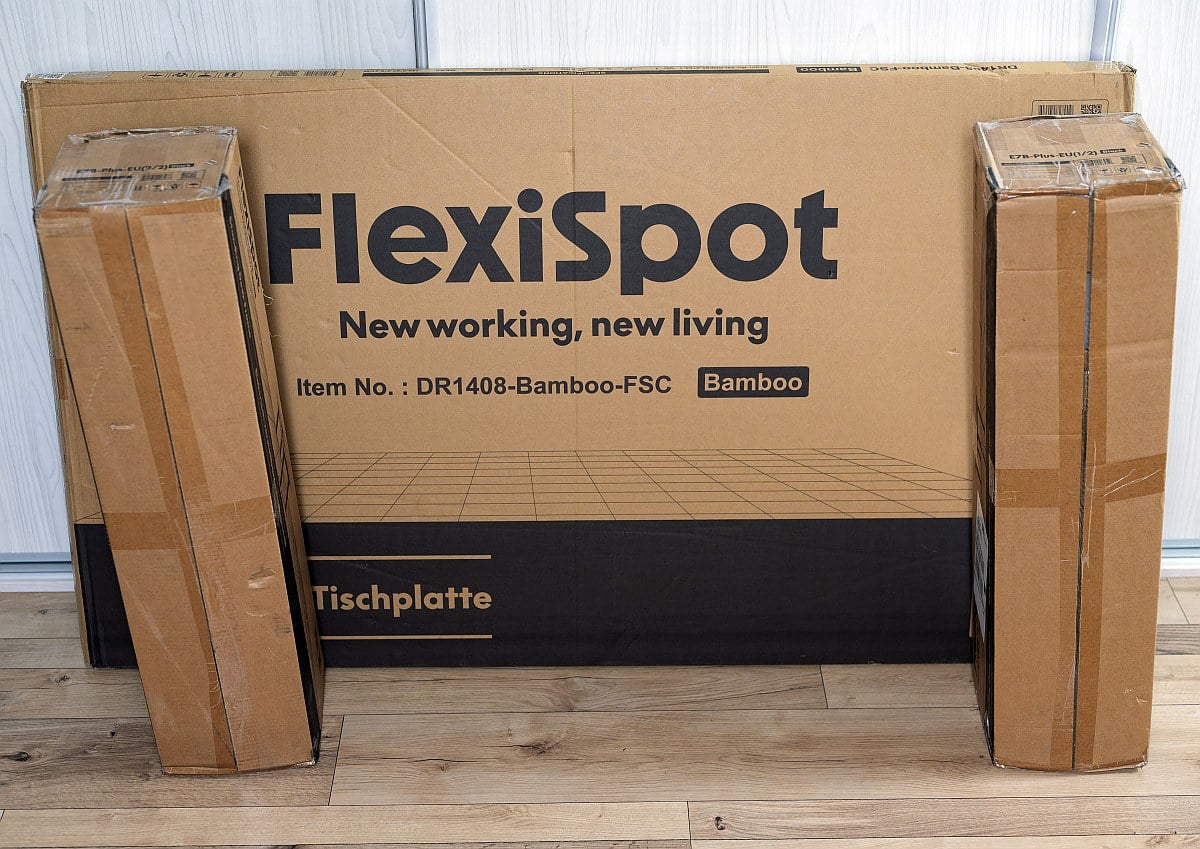


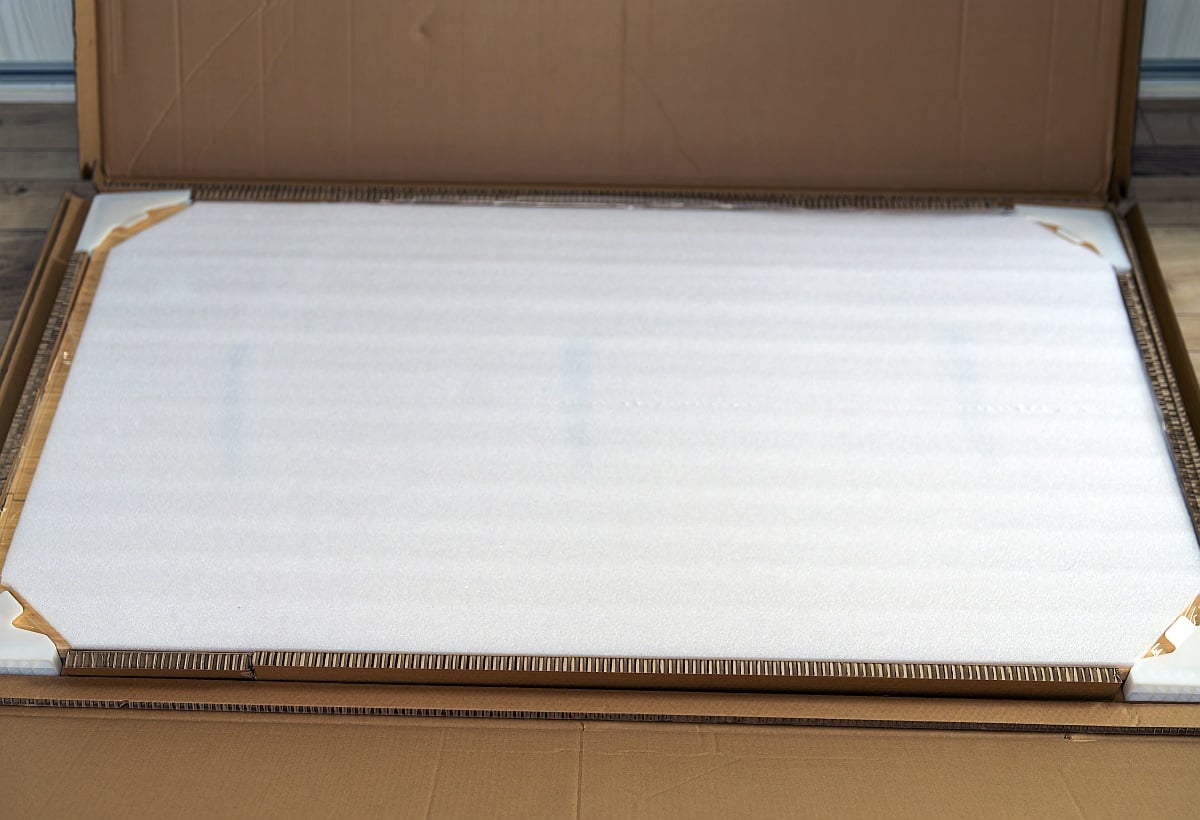
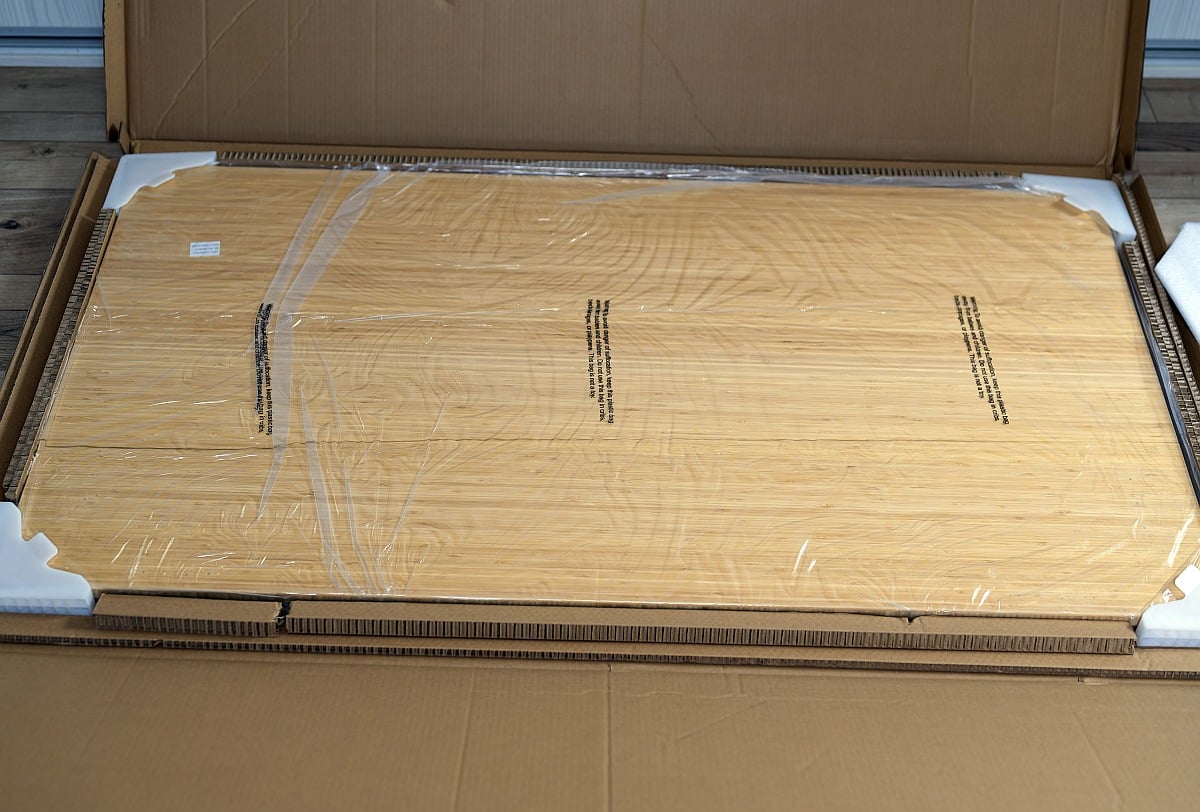
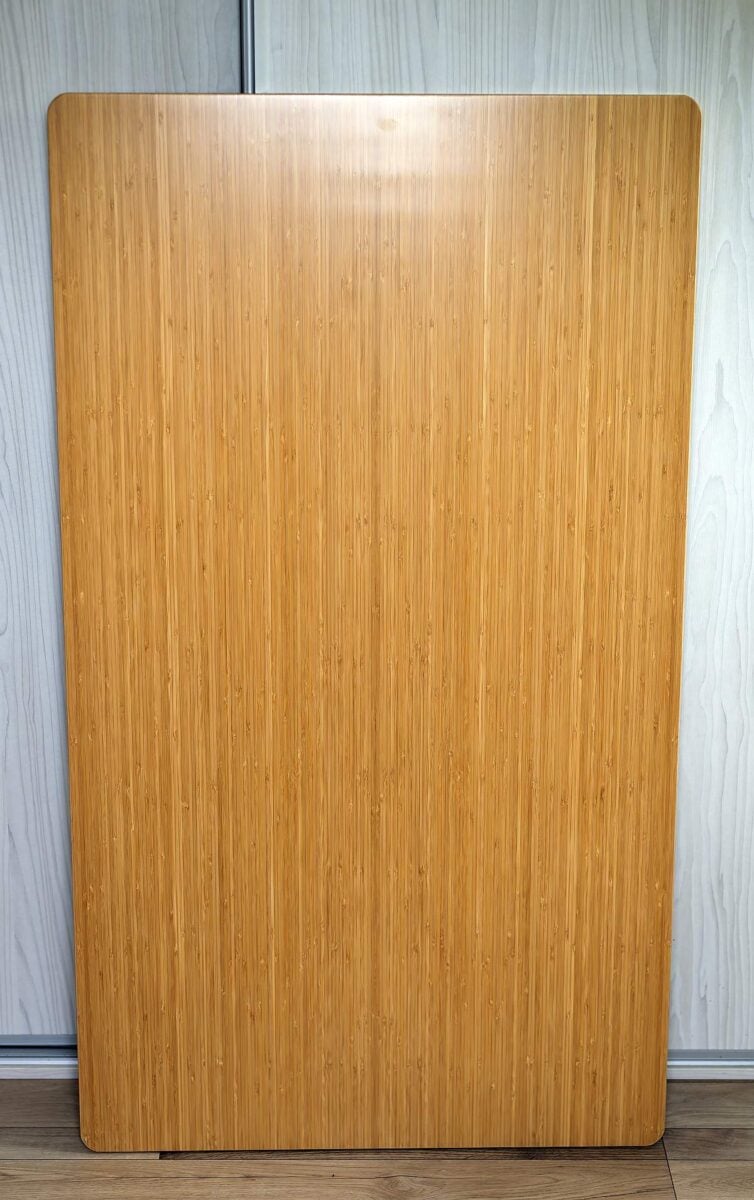
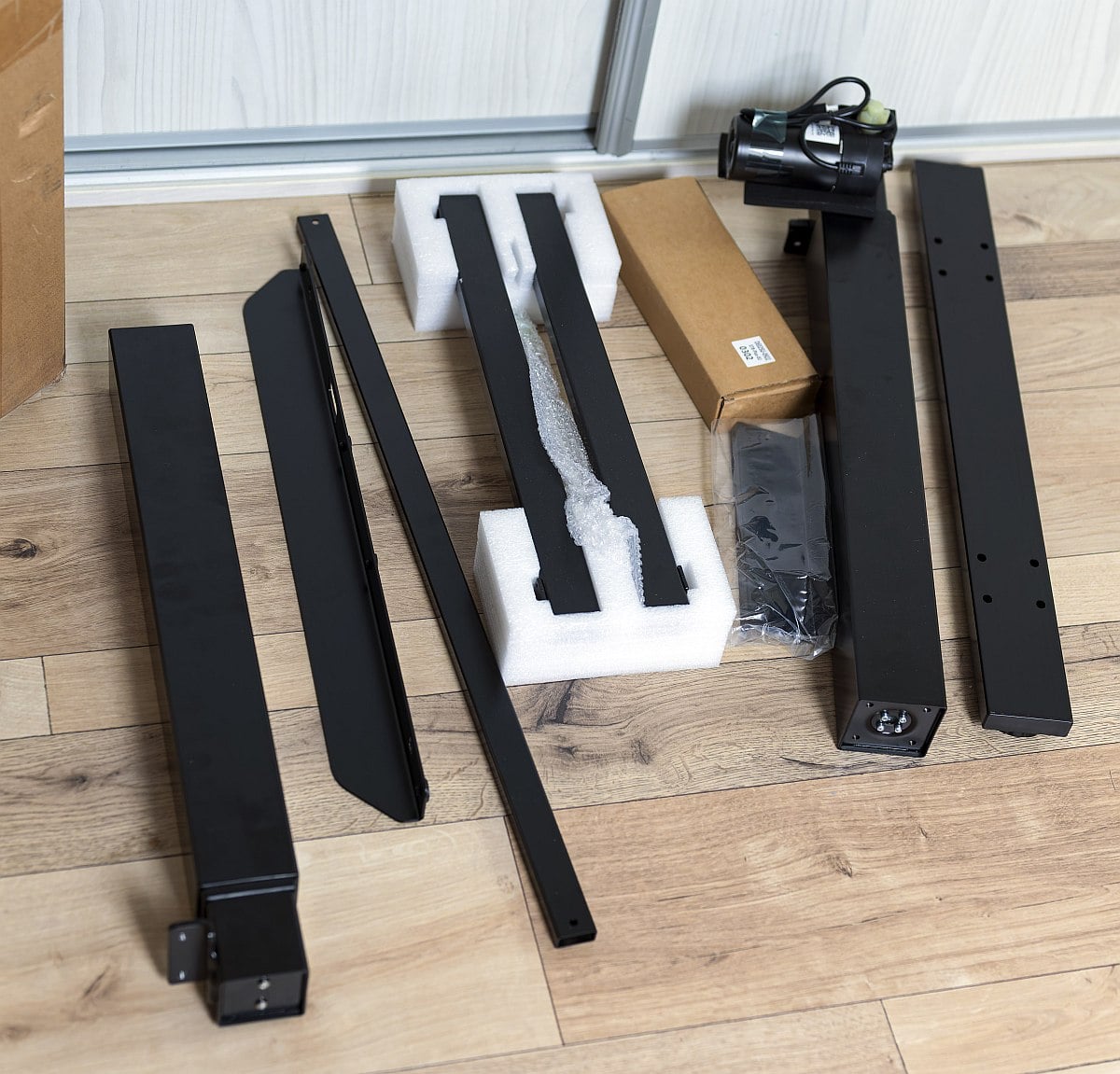
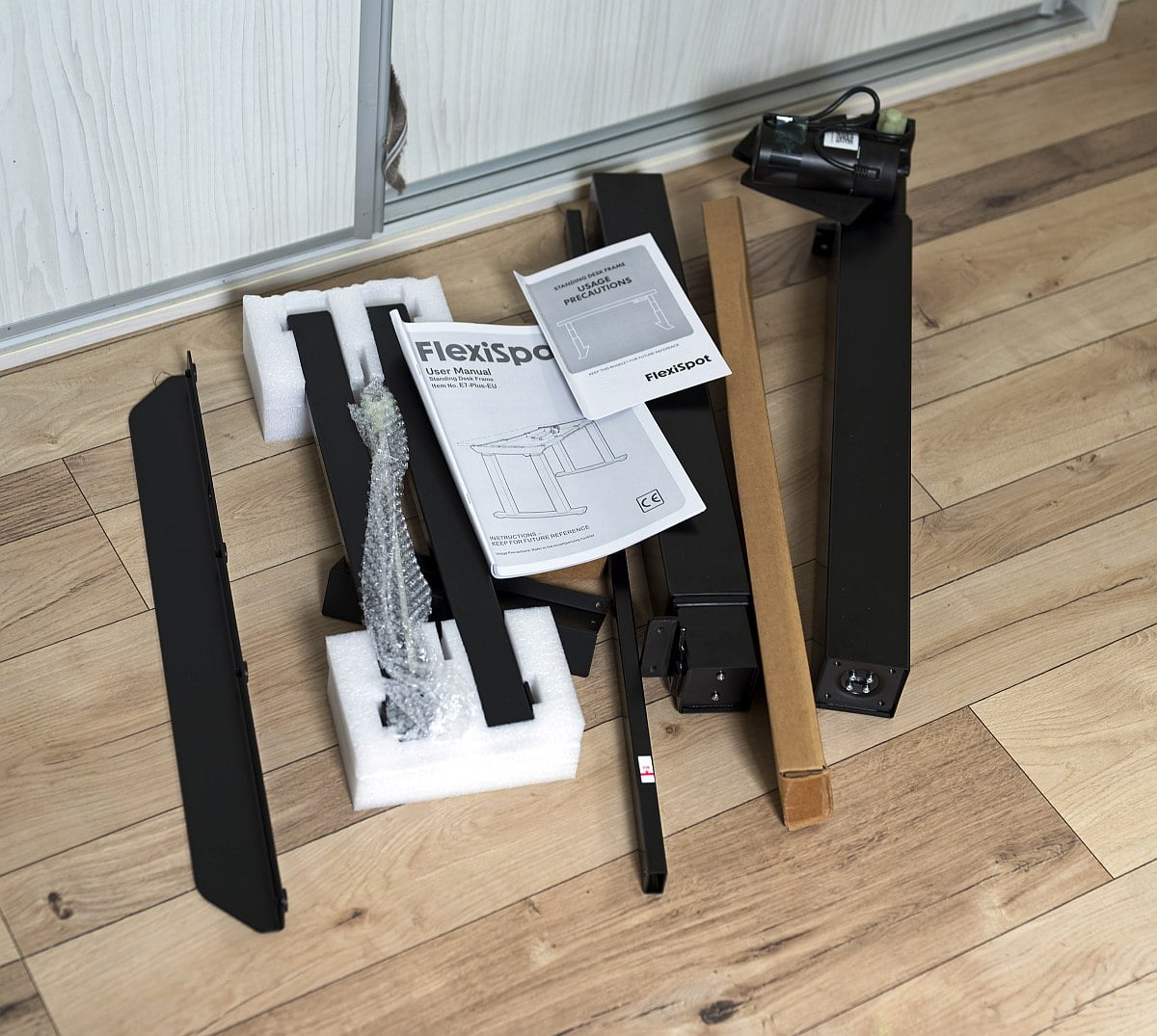
Before you tighten any bolts, clear out a good amount of space and lay out every part on the floor to ensure you have everything listed in the manual. That saves time later and lowers the risk of finding there’s a missing piece after the frame has already started to take shape. It also helps you separate structural parts from accessories at a glance. A careful layout matters because the build has several steps that work in sequence.
Assembly
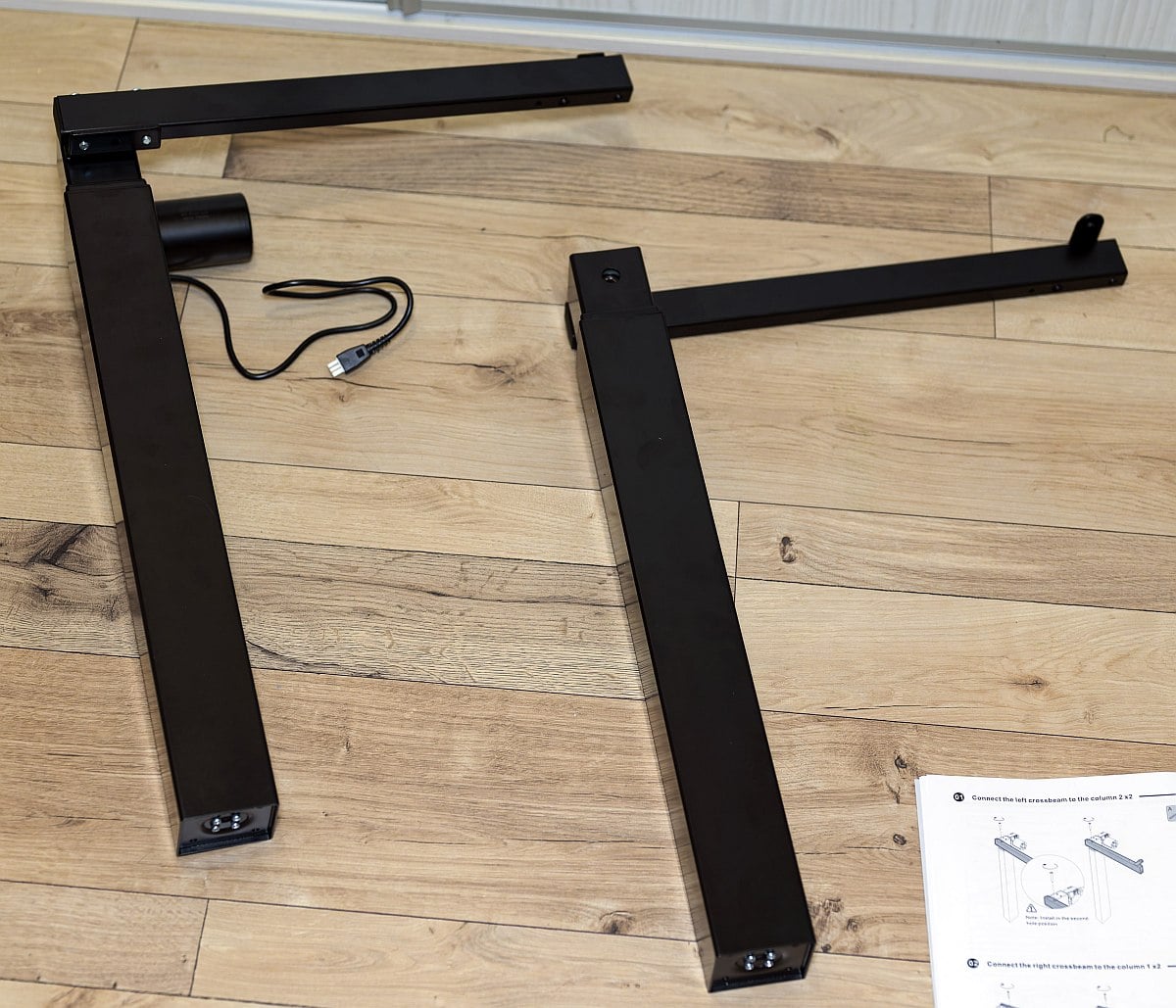
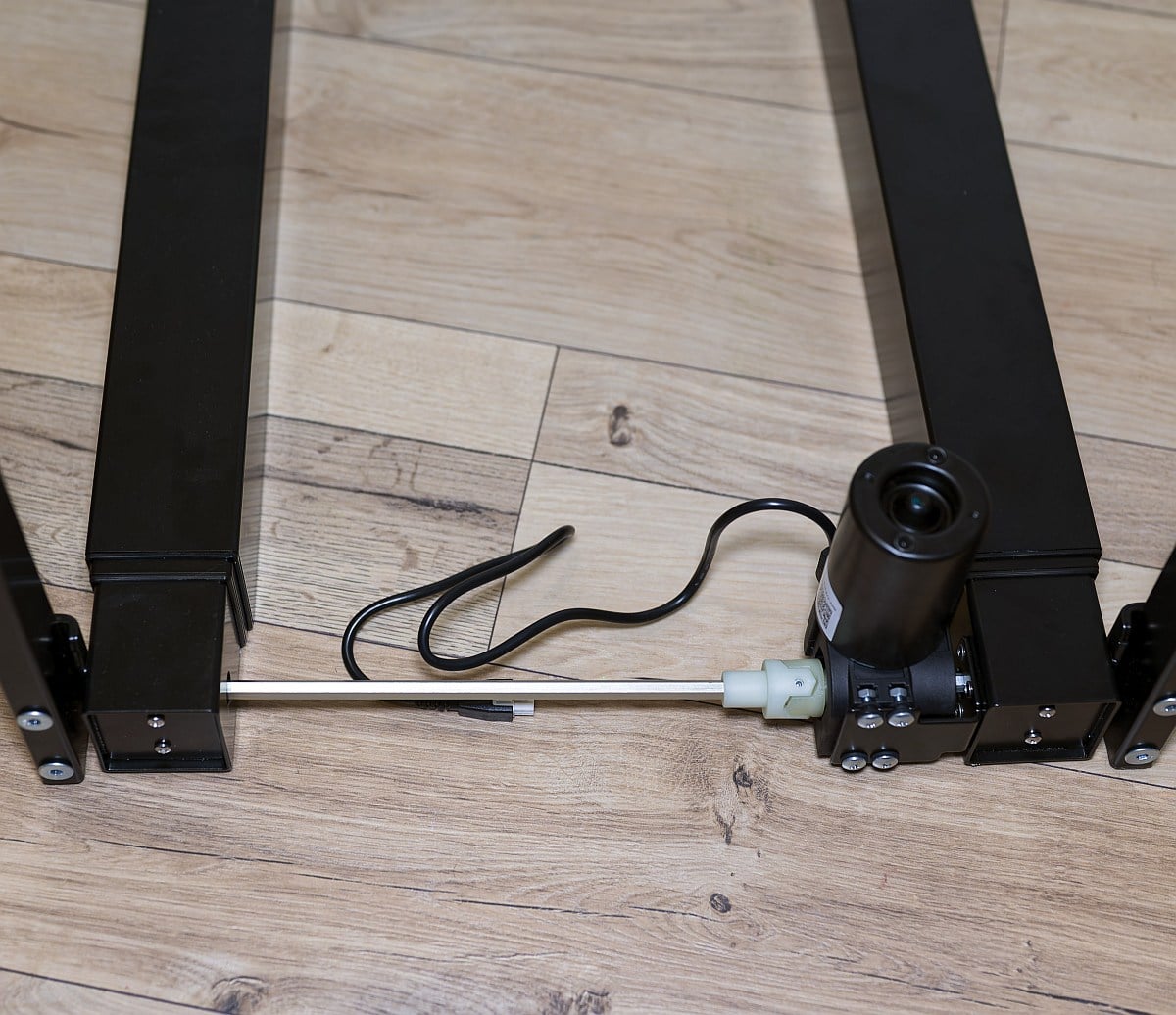
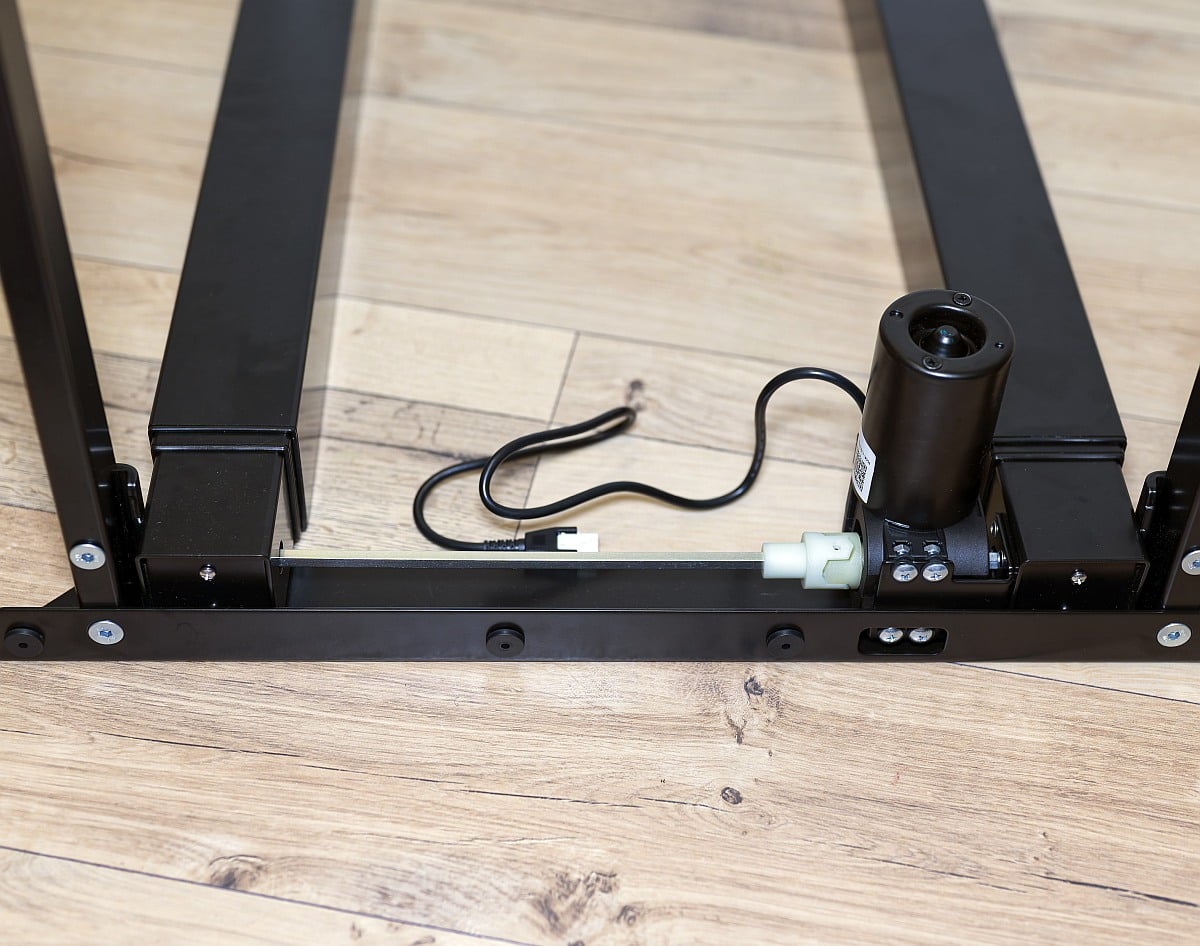
A sensible assembly sequence starts with the lower frame and crossmembers, which you should fit loosely at first rather than tightening right away. You need to first connect the left crossbeam with the column, and then the right one the same way. The next step is the installation of the transmission rod. Then, the support plate is installed on both sides.
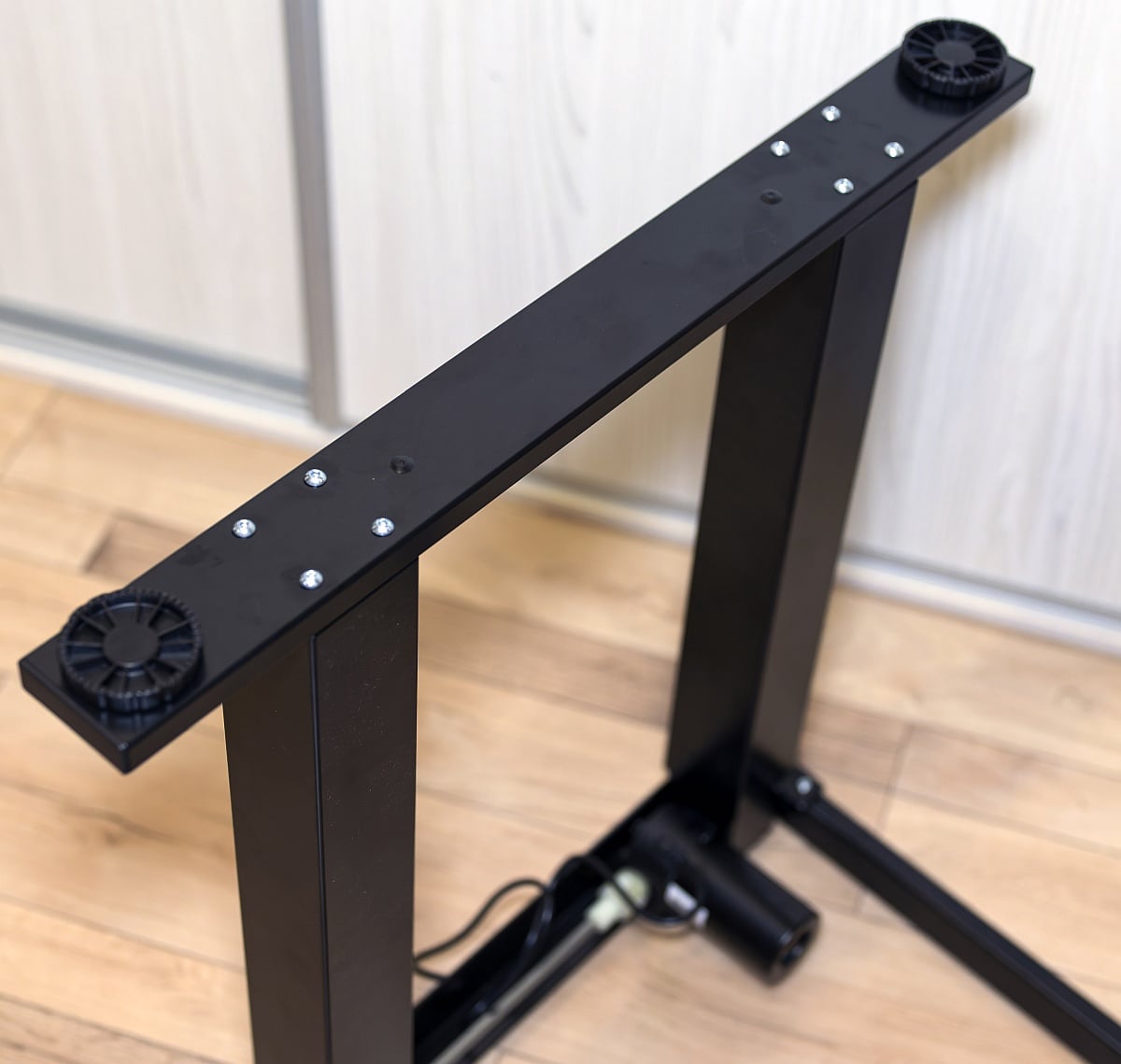
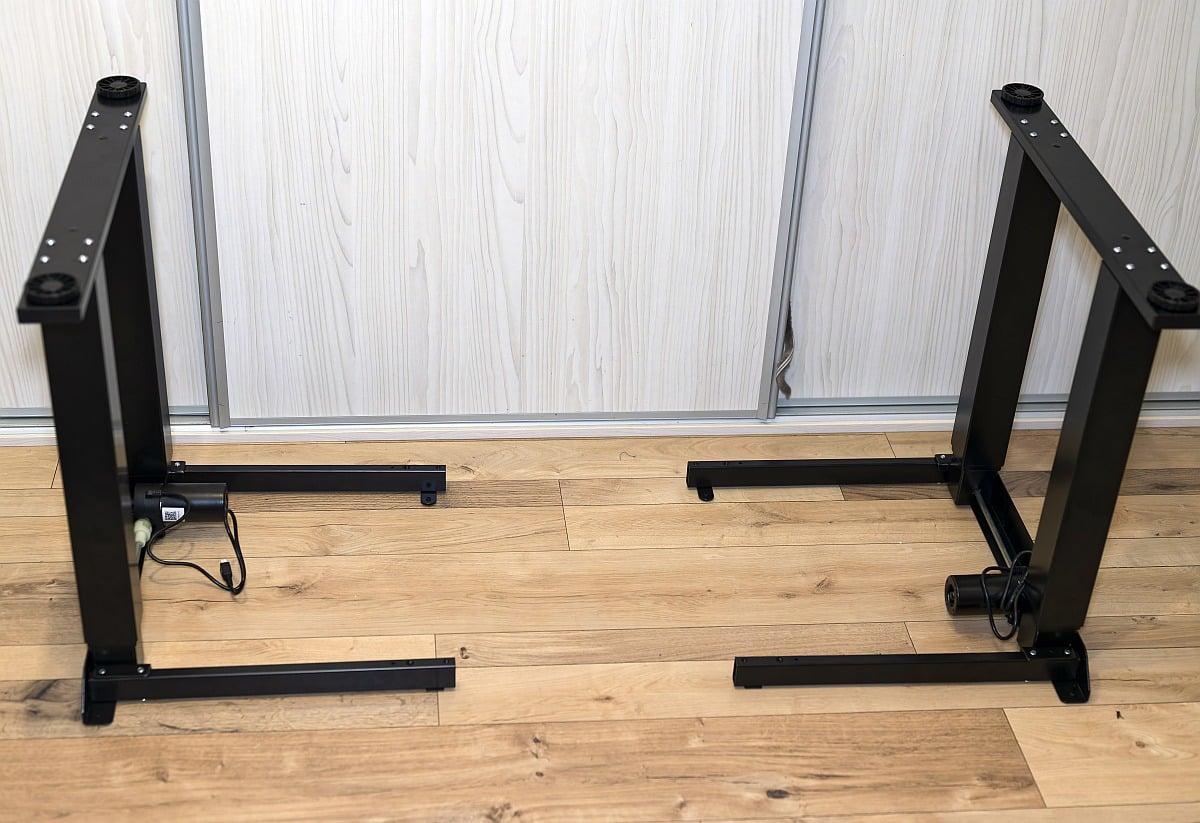
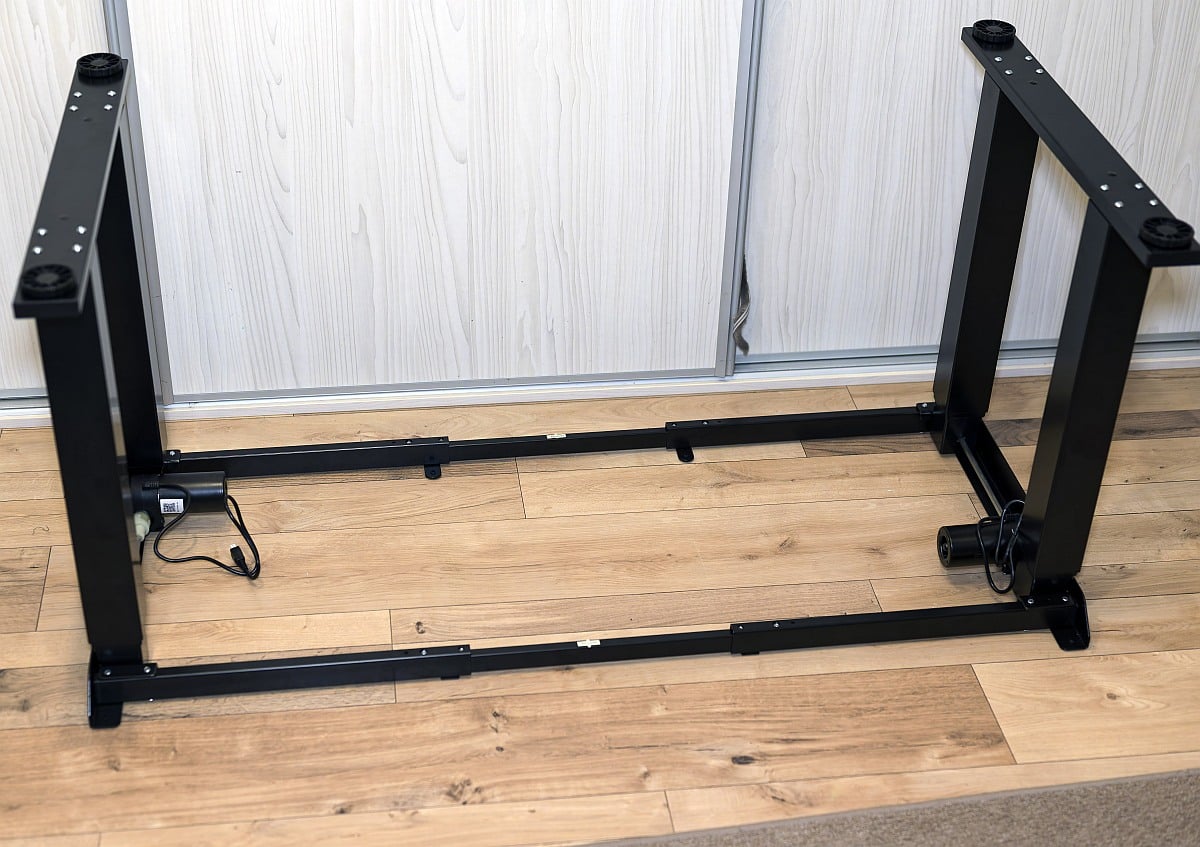
Once the frame begins to take shape, it’s simple to screw in the feet (above, left), and then install and secure the connecting rod afterwards to begin tightening everything up (above, right).
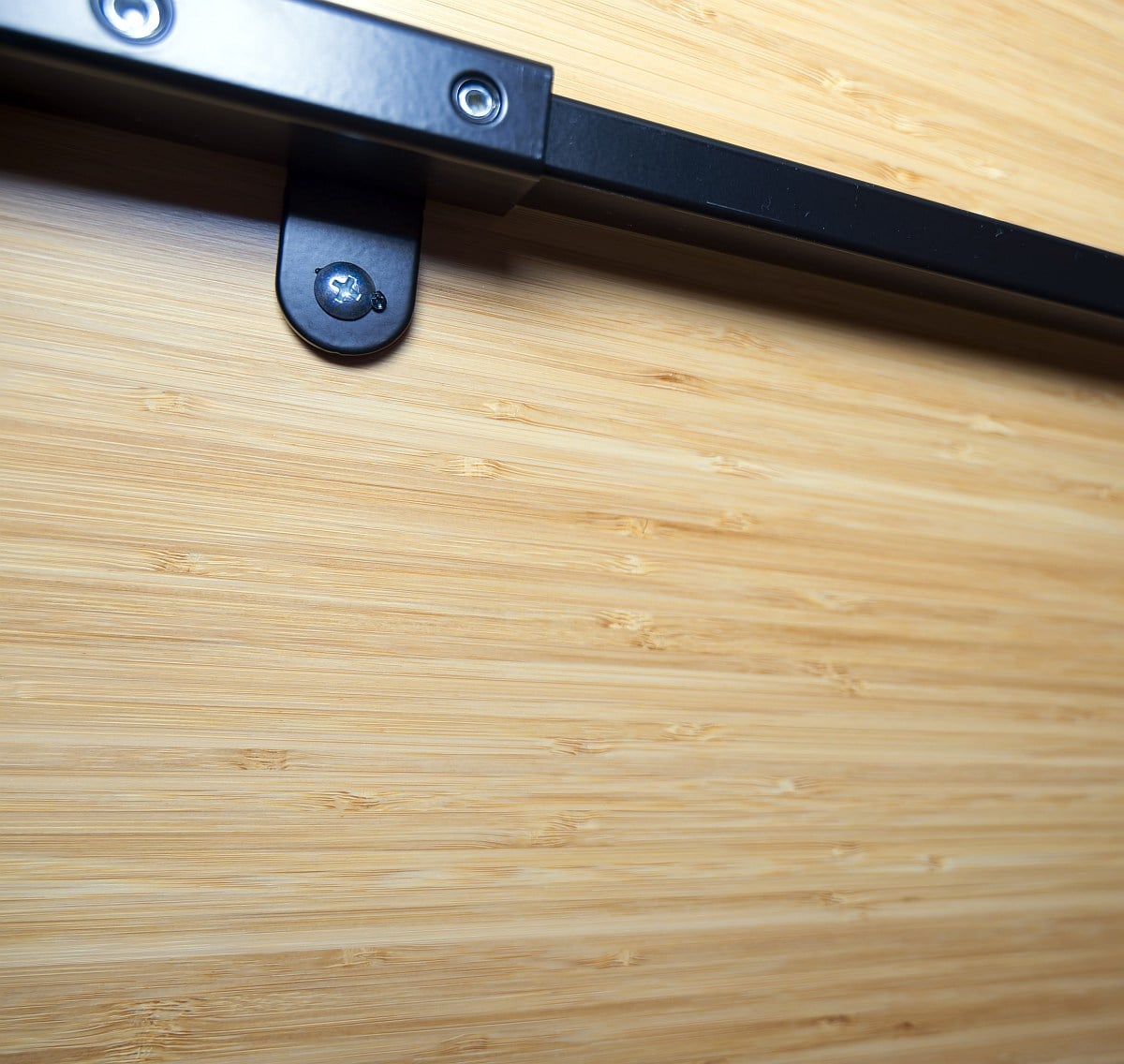
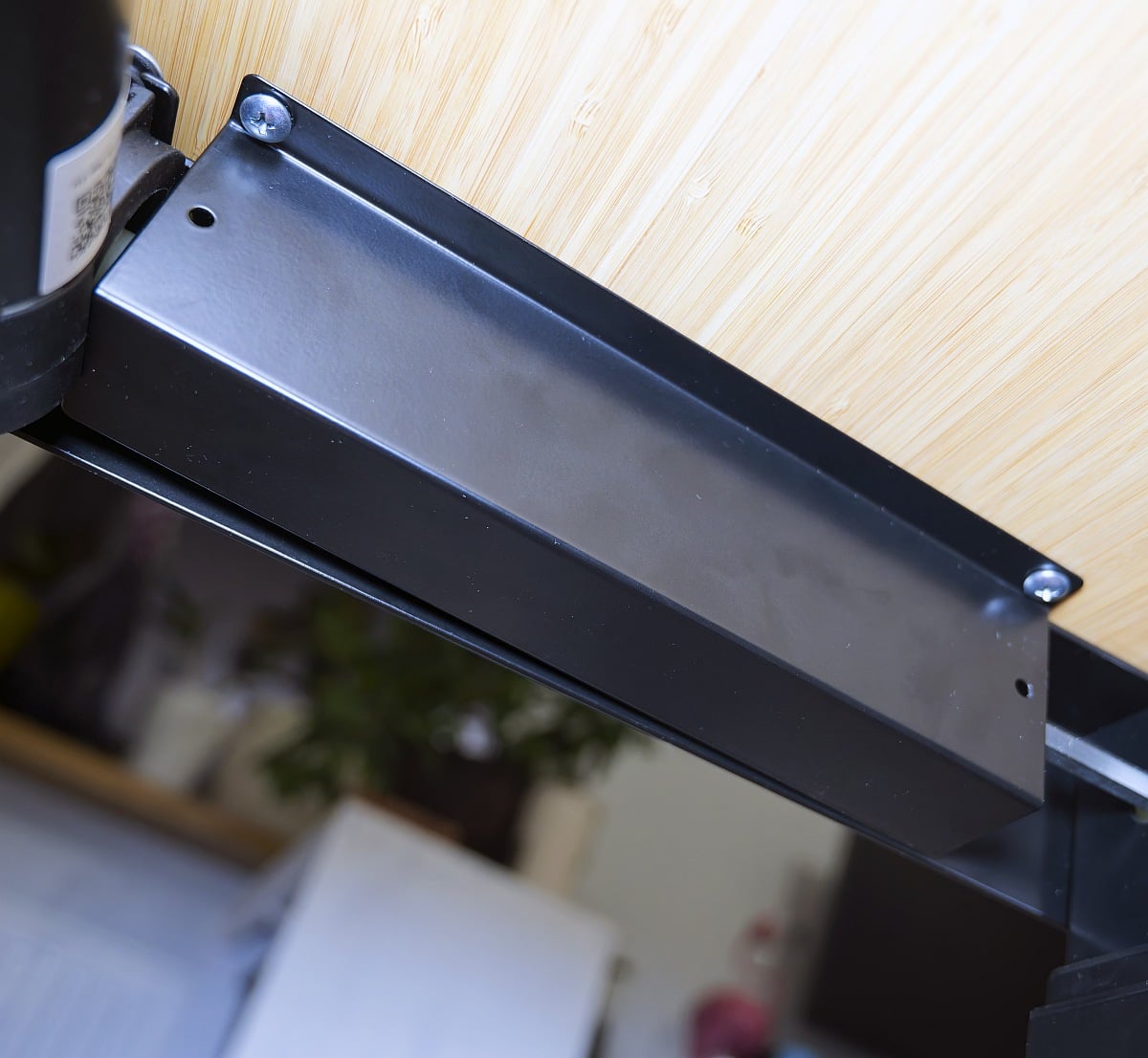
Now it’s time to attach the desktop and tighten the crossbeam. Tightening in a cross-diagonal pattern helps the frame seat evenly and reduces the chance of twist. It also makes it easier to keep the structure square as it comes together. Small alignment errors matter more on a four-legged frame, so it helps to check each stage twice. The goal is to let the frame settle naturally before you apply final torque.
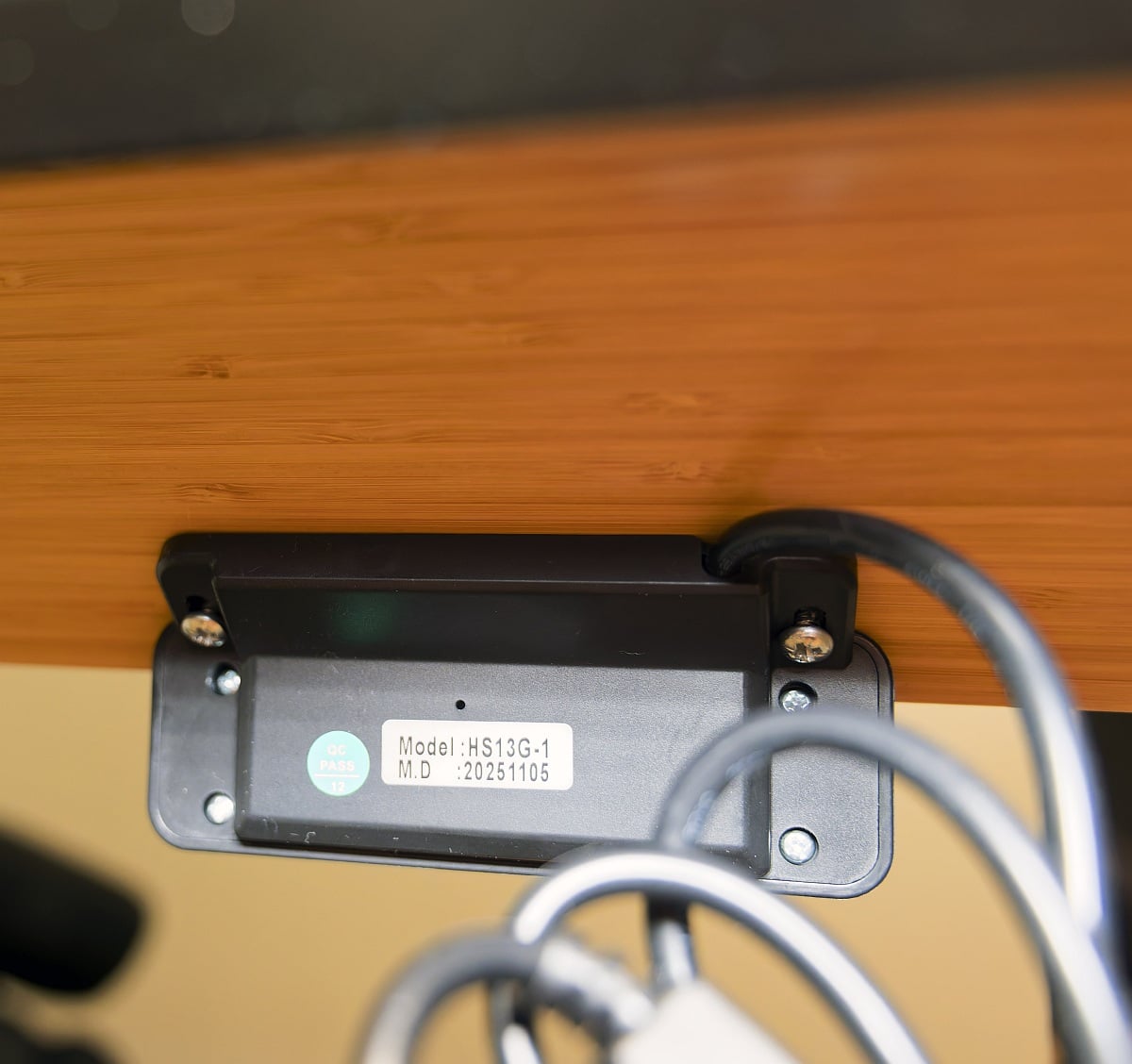
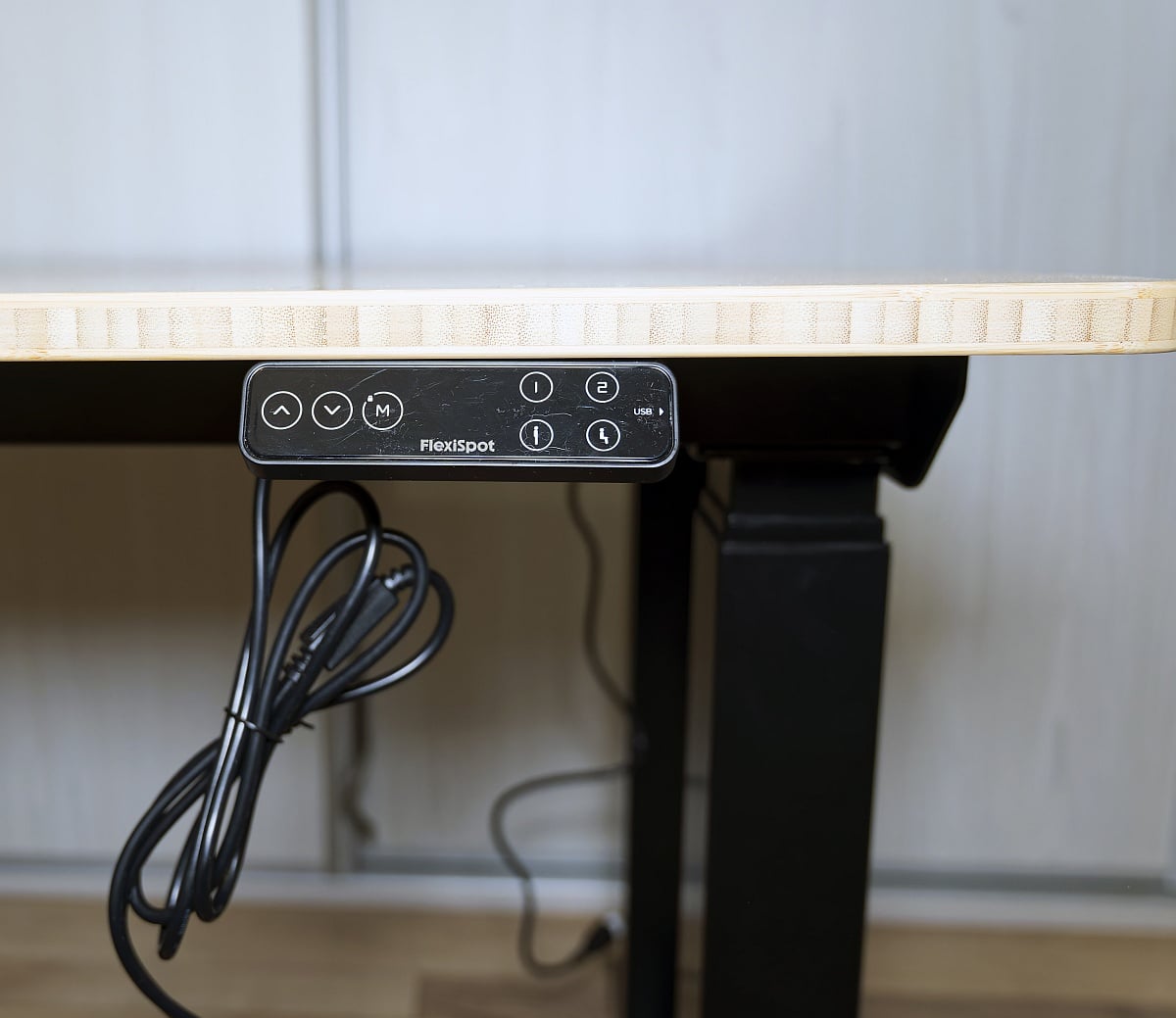
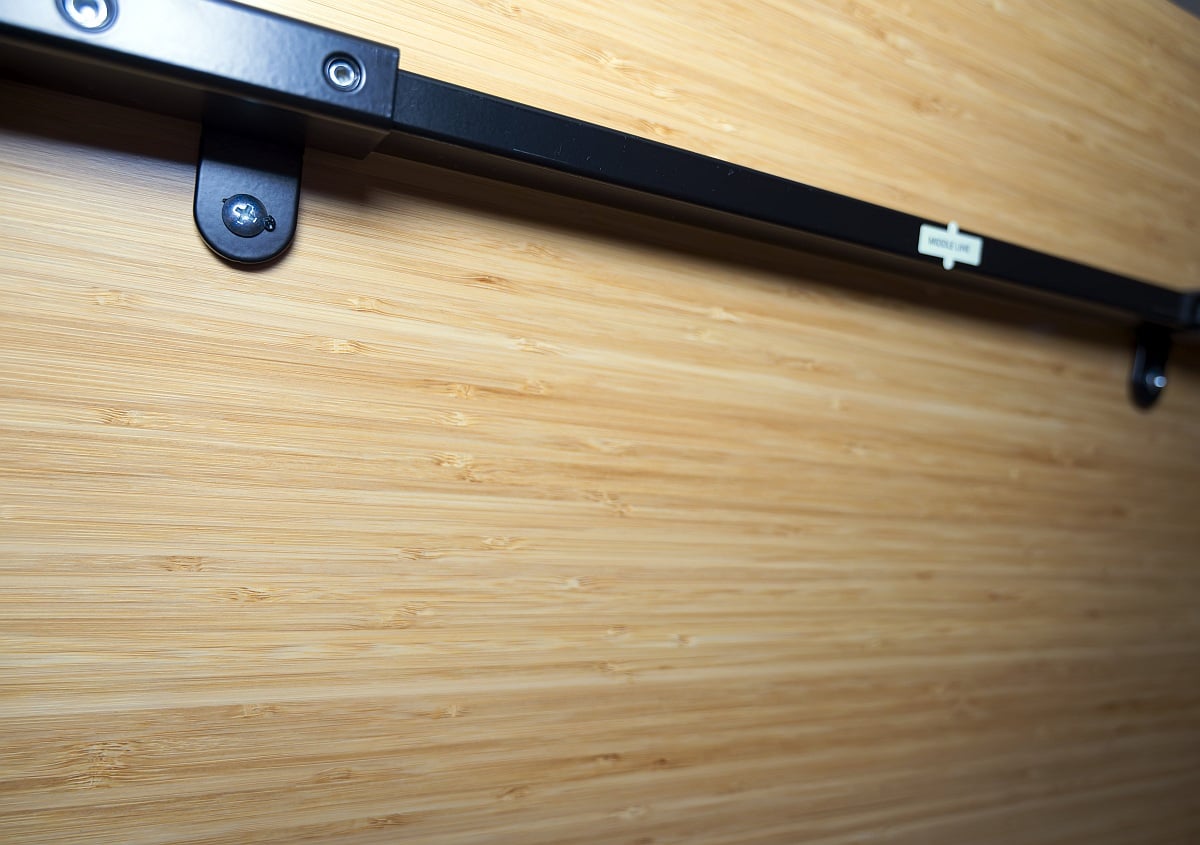
Rounding off the build, fit the keypad (there are two installation positions, left or right), the control box, and the baffles to keep cables tidy.
Challenges
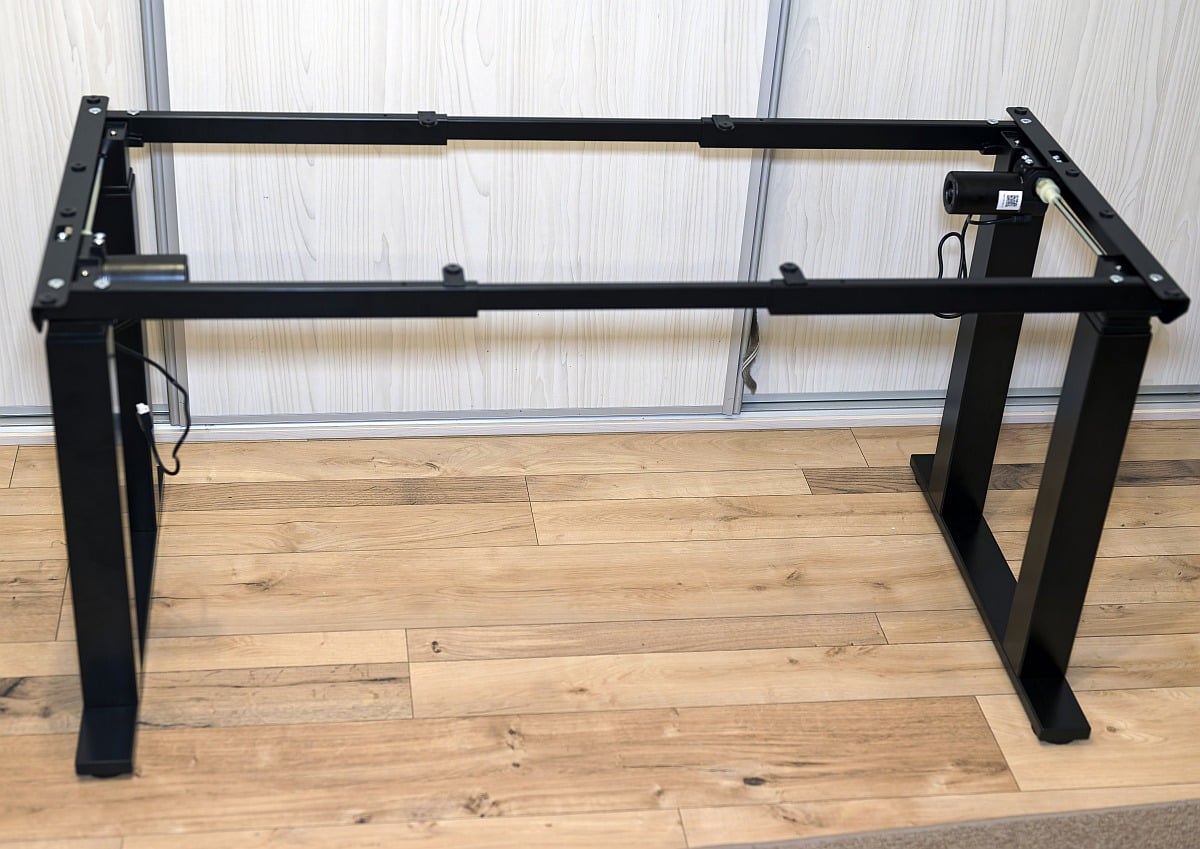
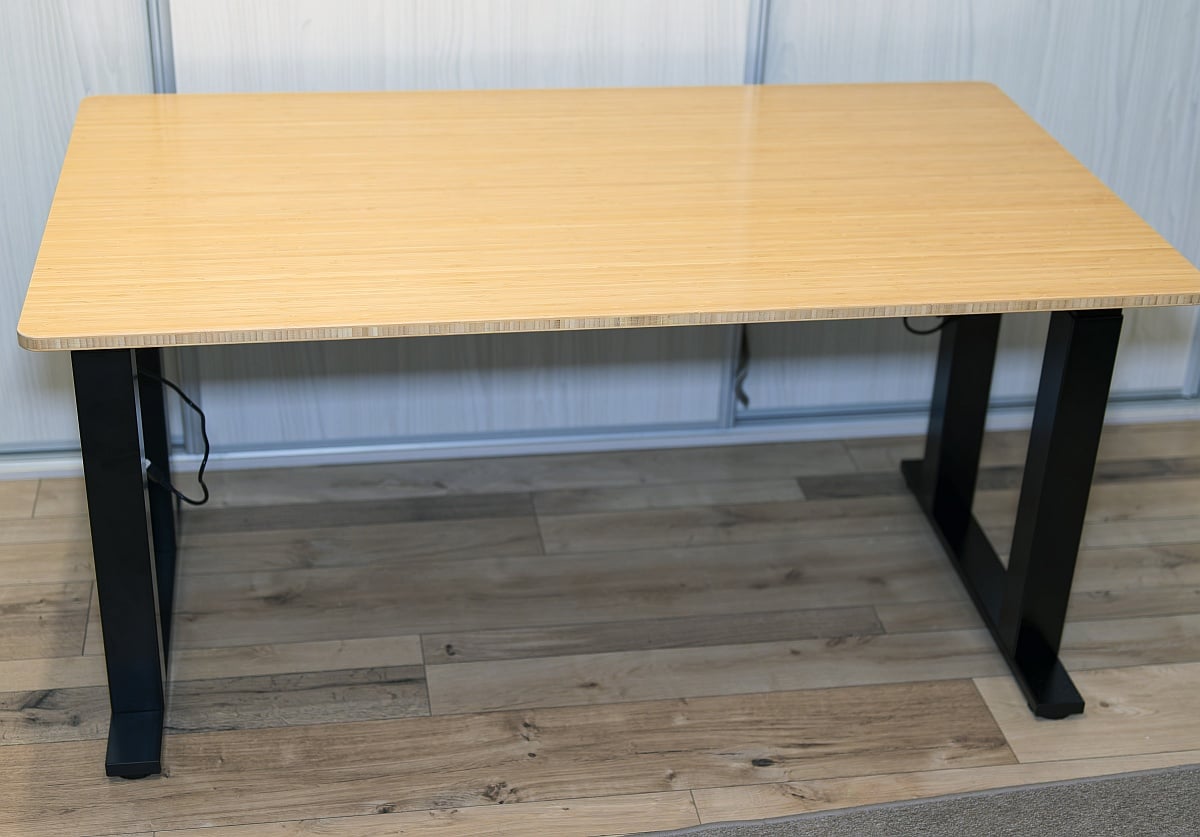
The main challenge does not come from complexity in the instructions, but from the size and weight of the parts. Once you attach the top, moving the base again becomes awkward, so it pays to place the desk near its final location early in the process. That matters even more if you plan to use a monitor arm, a wide desktop, or other uneven loads. You want the mass centred and the frame level before the motors start doing serious work. Careful layout also reduces the need to backtrack once the desk starts to take form. Technically, you want to minimise rework before the structure becomes fully constrained. Every correction after partial assembly adds friction to the process.
Desktop mounting deserves the same level of attention. Measure the overhang, keypad placement, and accessory clearance before you drill or screw down the top, because that prevents later conflicts with monitor mounts, trays, or cable hardware.
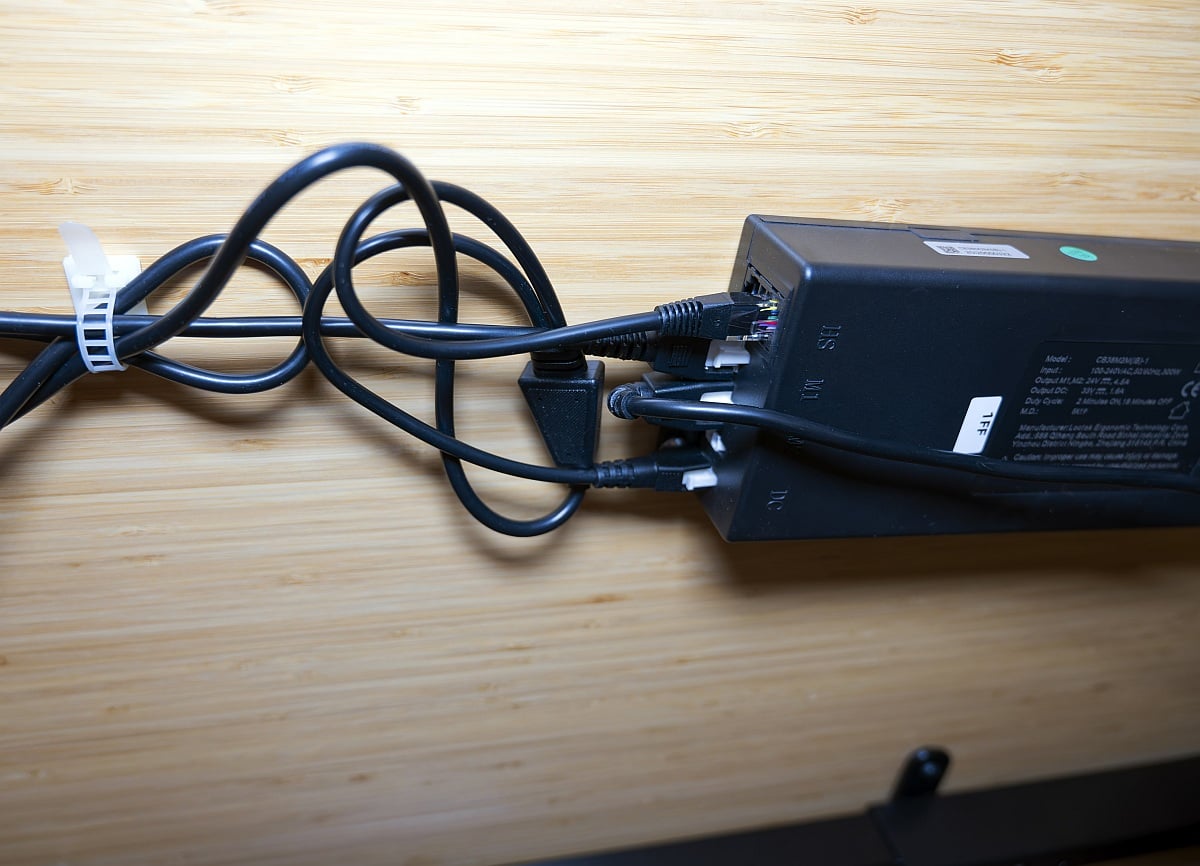
The stock cable management works enough for simple routing, but it is basic, and a tray or raceway will give you a cleaner result. If you plan to connect a dock, multiple chargers, or studio peripherals, map out the cable path before you mount the desktop. That step makes later maintenance much easier, because you will not need to reorganise the underside just to move one cable. On a four-legged desk, access stays more limited than on simpler frames, so good cable planning matters; a well-thought-out routing path can turn a functional build into a cleaner and more professional setup.
After you finish the build, test the desk in stages: first with no load, then with partial load, and finally with your full workstation installed. That process makes it easier to catch motor imbalance, unusual stress noises, or frame racking before the desk becomes part of daily use. If anything feels off, recheck the alignment and fastener tension before you assume the issue will resolve itself. For a desk like this, assembly quality depends partly on how carefully you square the frame during installation. A patient final check can prevent a lot of frustration later. It also helps confirm that the motors are not fighting a twisted chassis. Once the desk moves smoothly through its full range, you know the structure behaves as intended. That final validation turns a heavy build into a reliable workstation.
The E7 Plus setup does feel a tad more involved than a basic standing desk, but only because it is substantial and built to a more serious standard. That extra effort pays off once you assemble it correctly, as the desk feels much more like professional equipment than typical flat-pack furniture. For users who do not mind a more deliberate build, that trade-off is worthwhile as the finished result feels more permanent and built to last.
Usage
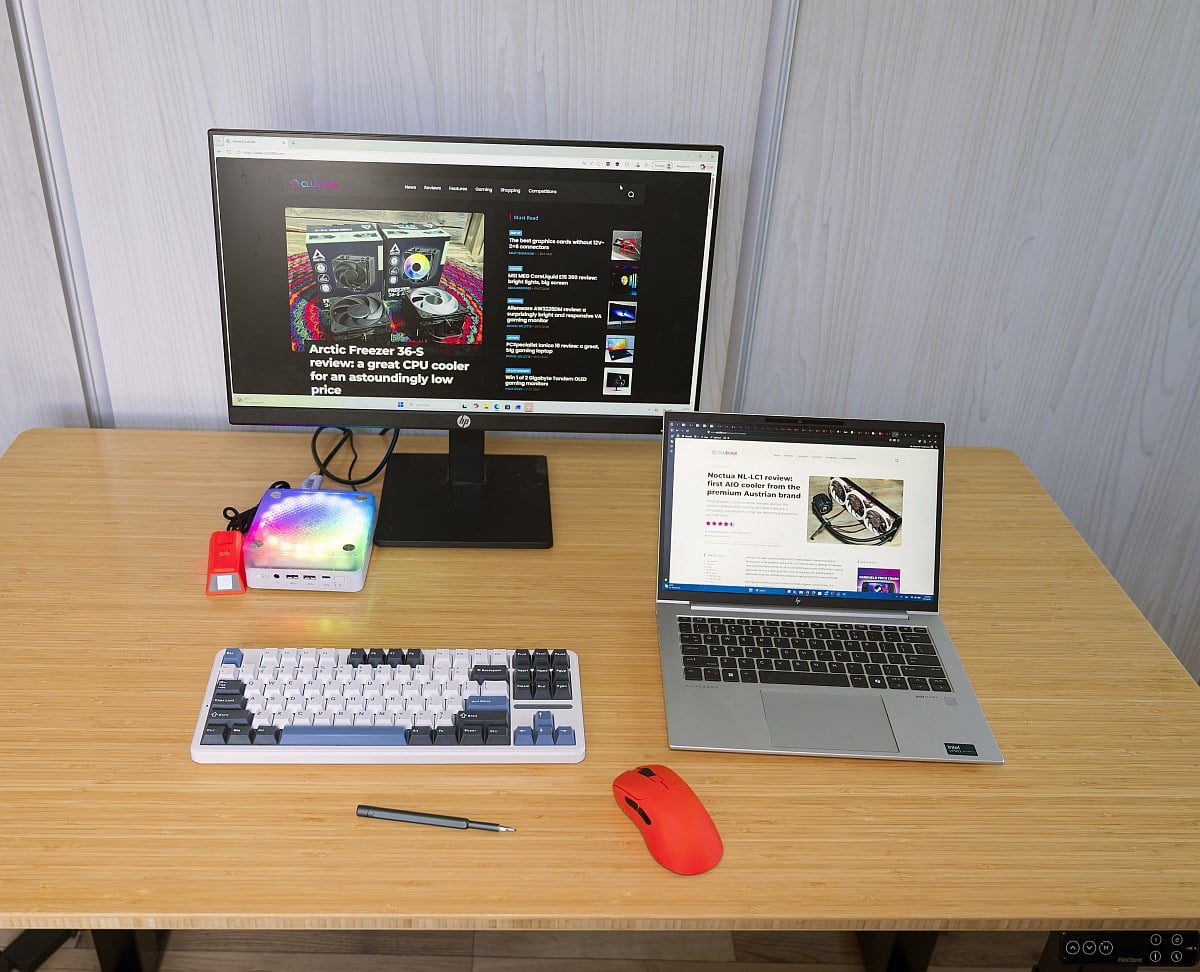
The squared tubing, broad stance, and four-legged geometry emphasise structural confidence instead of visual delicacy. It does not try to disappear into the room – the bulk of the frame does stand out – but it also avoids looking overly industrial.
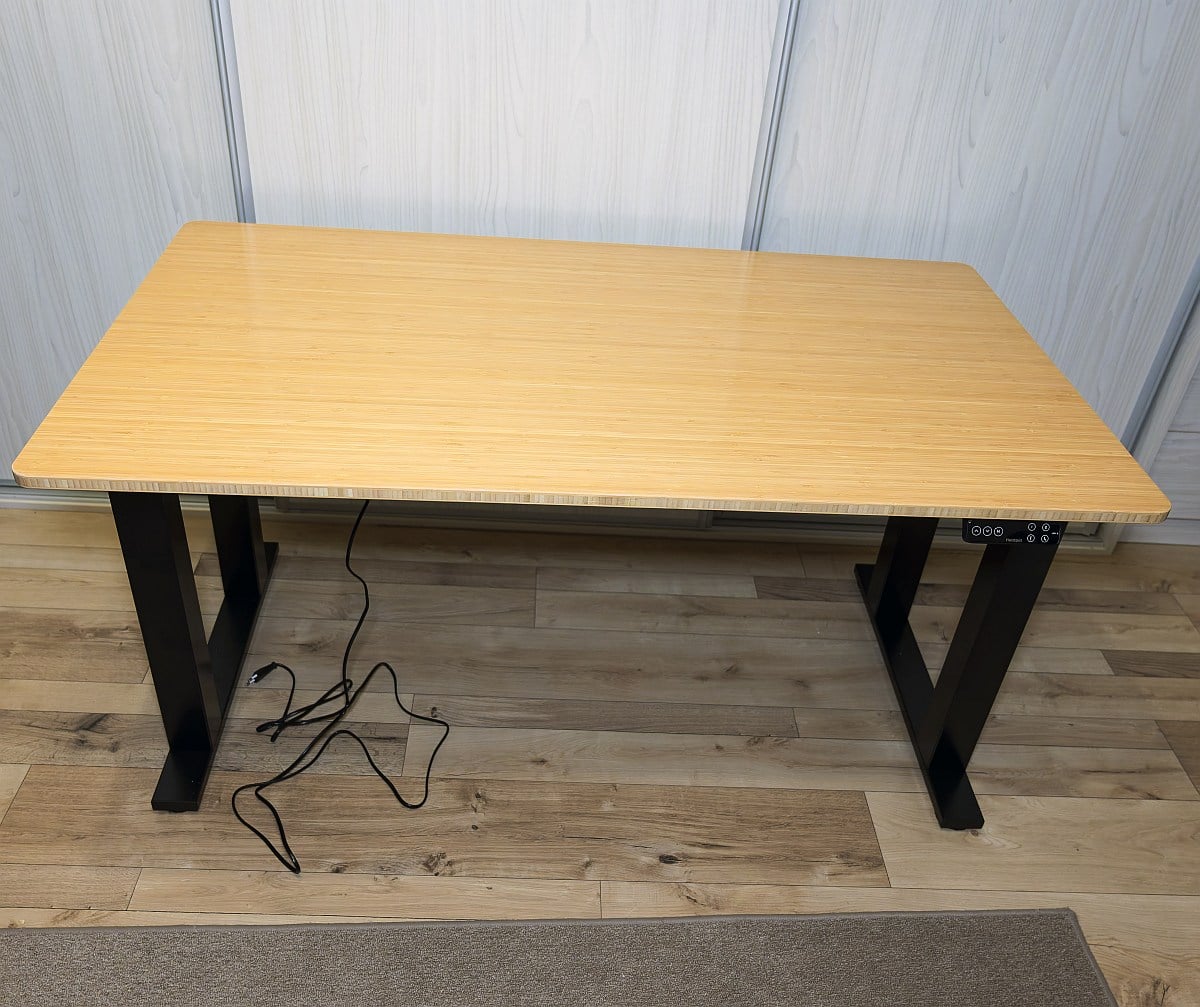
More importantly, the four-legged structure makes the desk feel more composed under load. At standing height, it reduces lateral deflection compared with many two-legged alternatives, especially when the desktop carries monitor arms or unevenly distributed equipment. I like having the option to stand, even though I’m not a big fan of standing at the desk for long. For me, it’s useful as a change of pace, but I usually end up preferring to sit because that just feels more natural and less tiring.
The sturdiness becomes apparent when you type, draw, or lean on the front edge of the desk, with hardly any perceptible movement. Whereas many a standing desk can suffer from wobble, this is a workstation that feels composed during use, making it well suited to precision work where even the smallest movement would distract you. The stability is without a doubt what stands out most to me; even when the desk is loaded with gear, I don’t have to think about wobble or noise every time I move things around.
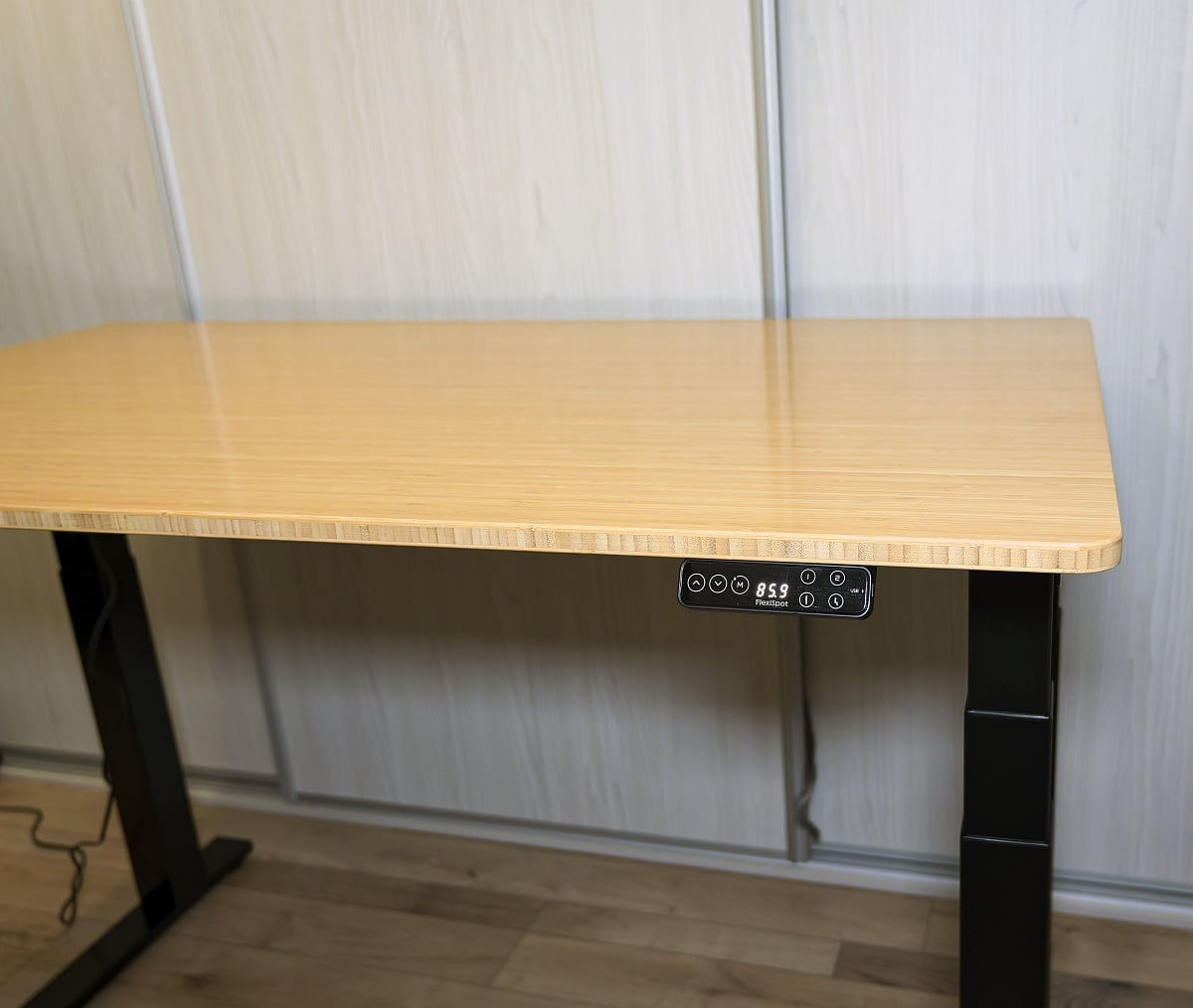
Ergonomically, the height range supports a broad range of users and typical sit/stand workflows. The standing option is nice to have, but it’s not really my favourite part of the desk. I’m glad it’s there for the moments when I want to switch things up, yet I still don’t enjoy standing at the desk for long periods, so for me it works best as an occasional option rather than a daily habit.
Fortunately, the memory presets make fast transitions practical, and the dual-motor implementation ensures adjustments don’t feel too sluggish. The addition of a USB-C port is welcome, too, adding convenience without cluttering the interface.
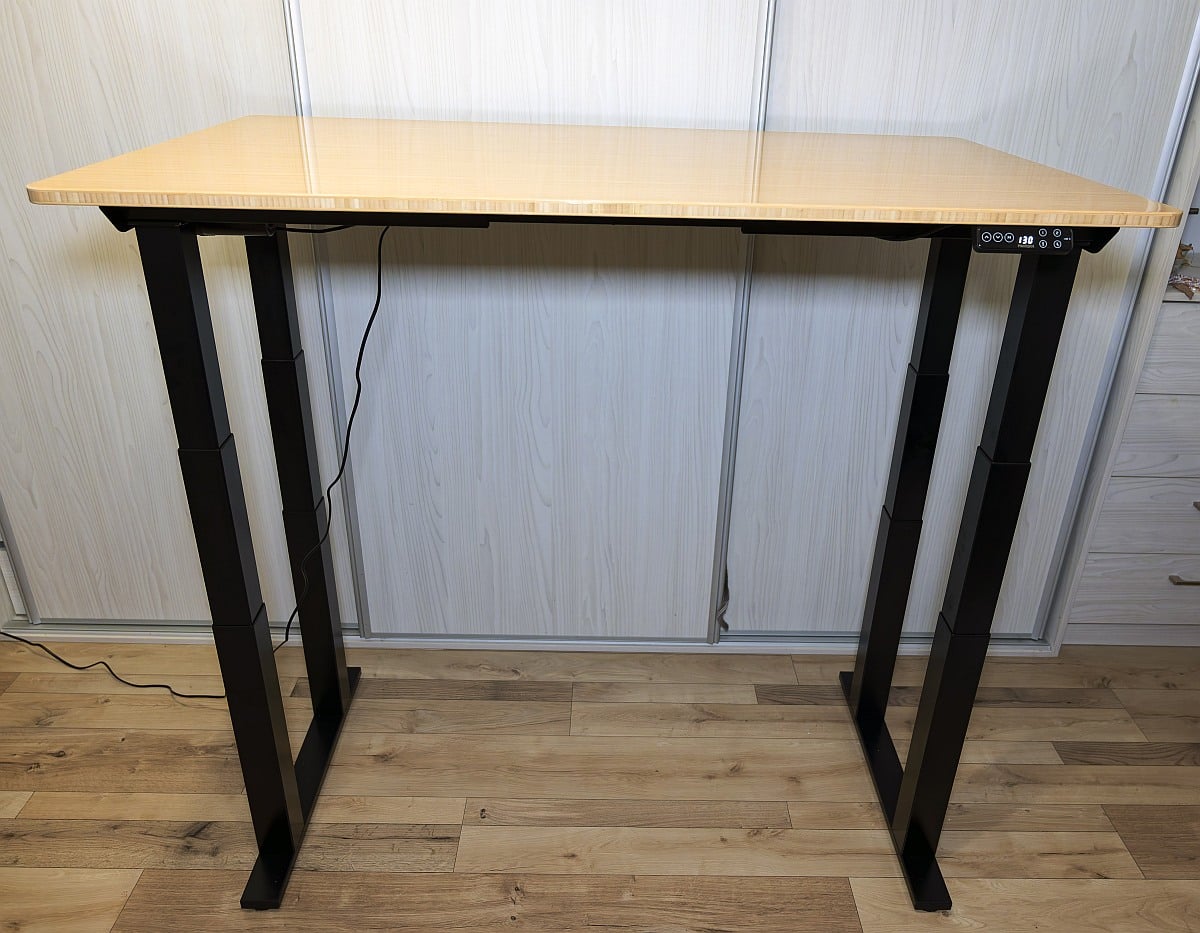
The desktop choice and finish also shape the overall experience. Thicker laminated tops usually damp vibration better, while darker frame finishes tend to look denser and more serious in office or studio settings. Accessory compatibility is another strength, because the frame accepts under-desk storage, cable trays, and monitor arms without making the setup look improvised.
It’s easy to view the E7 Plus as a foundation that can evolve and adapt over time, whether you need it for basic office work of for an equipment-heavy setup with multiple screens. The design feels modular in a practical sense, making the desk a better long-term investment than a fixed-configuration product.
Conclusion
FlexiSpot’s design choices for the E7 Plus make the desk especially attractive for users with heavy or asymmetric workstation setups. If stability at height matters more than visual minimalism, the E7 Plus delivers that core promise convincingly. It gives me the sense that my desk is actually supporting the way I work, instead of getting in the way.
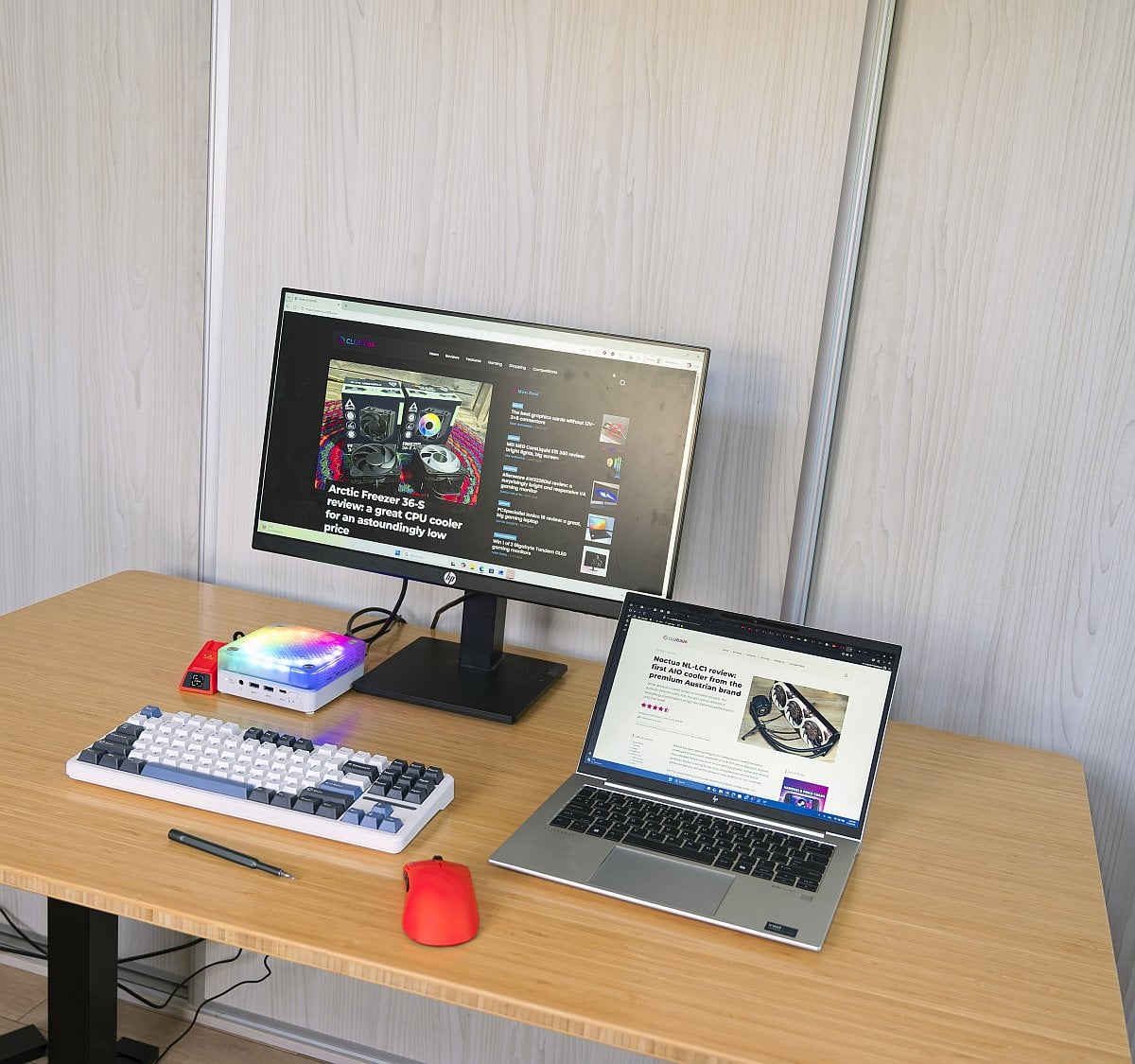
Assembly takes more time and effort than simpler solutions, but that’s a minor grievance for long-term gain. Once you construct and level it correctly, it behaves like a solid, future-proof piece of equipment built for sustained use. In a category where wobble often causes the biggest complaints, that’s a meaningful win.