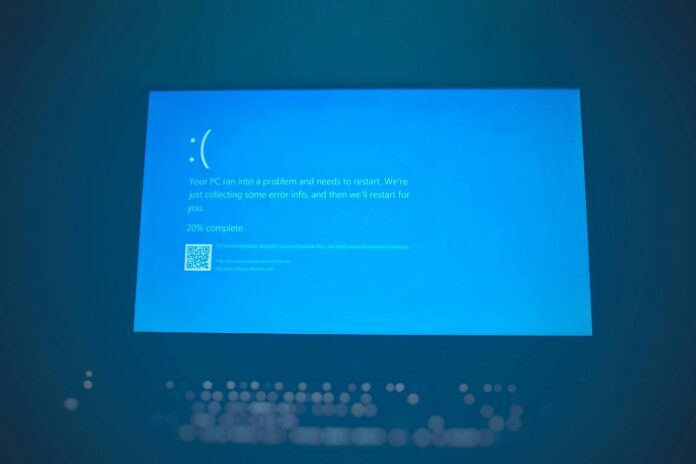
Microsoft has confirmed that its latest Windows 11 patch is responsible for several bugs affecting home and professional users, some of which are quite serious. The company has begun publishing out-of-band fixes to address some of these, alongside recommendations for issues that are yet to be resolved. Each good step Microsoft takes is followed by a bad one, it seems.
Released on January 13, 2026, for 24H2, 25H2, and server Windows versions, the KB5074109 patch has been linked to multiple bugs affecting everything from home PCs to enterprise servers. This cumulative update was intended to deliver around 100 security fixes, including three critical zero-day protections. Instead, users were left with black screens, failing Outlook initialisation, and broken connections to Azure’s virtual desktops.
Starting with bugs that concern regular users, we have sudden black screen events that freeze the desktop for a couple of seconds before returning to normal. The desktop wallpaper turns black, requiring the manual selection of a new background picture through the personalisation menu. And a File Explorer desktop.ini bug blocking users from customising the folder name.
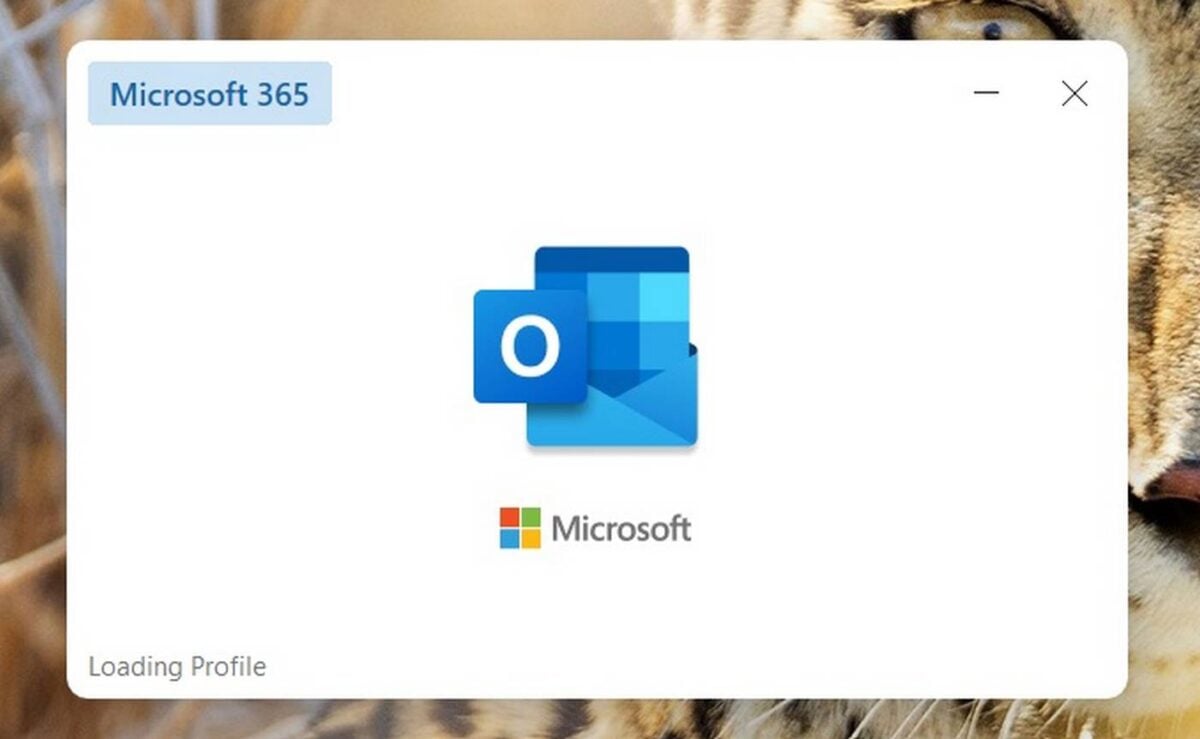
Moving on to professionals, the January update is causing Outlook to appear closed despite the outlook.exe process still running in the background, preventing the app from restarting. Windows Latest found that this issue is mainly present for Outlook Classic users with POP email accounts. The bug doesn’t seem to affect those who only use Microsoft 365 (Outlook/Hotmail). While Microsoft hasn’t issued a fix for this one, there is an easy workaround consisting of using the Task Manager to force-end the process, though this action must be done each time Outlook is closed. A pain, huh?
Next, we have a malfunctioning shutdown button, causing the PC to restart instead of turning off. This problem is less widespread, as it mainly affects Windows 11 23H2 PCs that have System Guard Secure Launch enabled. In other words, it’s mainly found on enterprise and IoT deployments, for which Microsoft has released a fix.
The most affected by this January update seems to be the enterprise environments. Here, Azure Virtual Desktop and Windows 365 customers are experiencing authentication failures when trying to establish remote connections, receiving “an authentication error has occurred (Code: 0x80080005)” error message. This happens immediately before a session is established. Due to the gravity of this bug, Microsoft has responded swiftly and has issued a KIR (Known Issue Rollback) that disables the problematic feature.
The January update highlights the ongoing challenges faced by Microsoft, which has to balance between offering new features and maintaining system stability. This emphasises the importance of cautious update deployment in professional and enterprise environments. While the company responded quickly to the most critical failures, those impacting home users remain unresolved. Thankfully, none of these is highly critical, so waiting for a fix shouldn’t be difficult.