

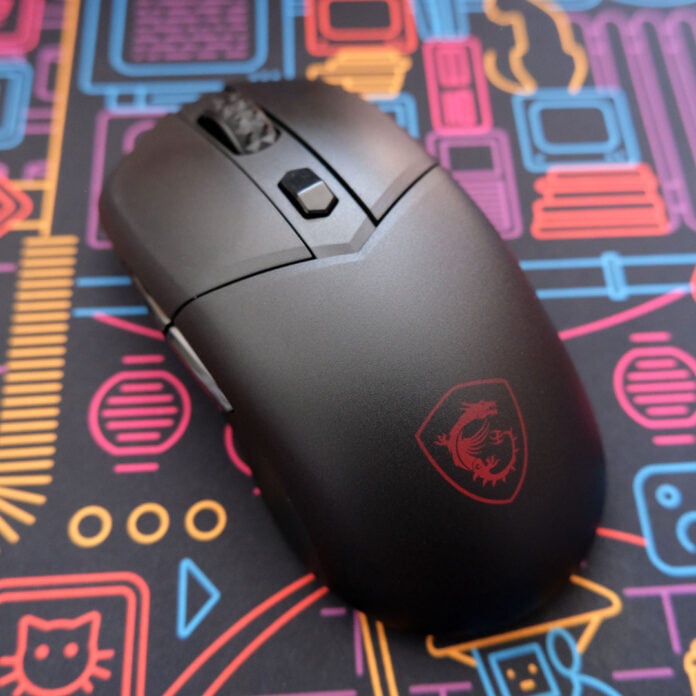
MSI has just refreshed its wireless gaming mouse lineup with a new 8,000Hz offering, aptly dubbed the Versa 300 Wireless 8K. That high polling rate makes this mouse look tempting, but there’s more to a mouse than just one specification, so I’ve been using it as my primary gaming rodent for the last few days to see how it gets on.

MSI Versa 300 Wireless 8K
£59.99
Pros
- Reasonable price
- Lightweight design
- Solid sensor specs
- Good battery life
- Local and web app controls
Cons
- Non-removable side grips
- Missing some quality-of-life features
- Lukewarm RGB effects
Club386 may earn an affiliate commission when you purchase products through links on our site.
How we test and review products.
With a price of £59.99, the Versa 300 Wireless 8K is relatively inexpensive for a wireless gaming mouse, teetering just above budget territory and leaning closer to mainstream price points. As such, while this mouse stumbles slightly due to certain design choices, which I’ll cover in due course, there’s still a lot to like here for the money.
Design
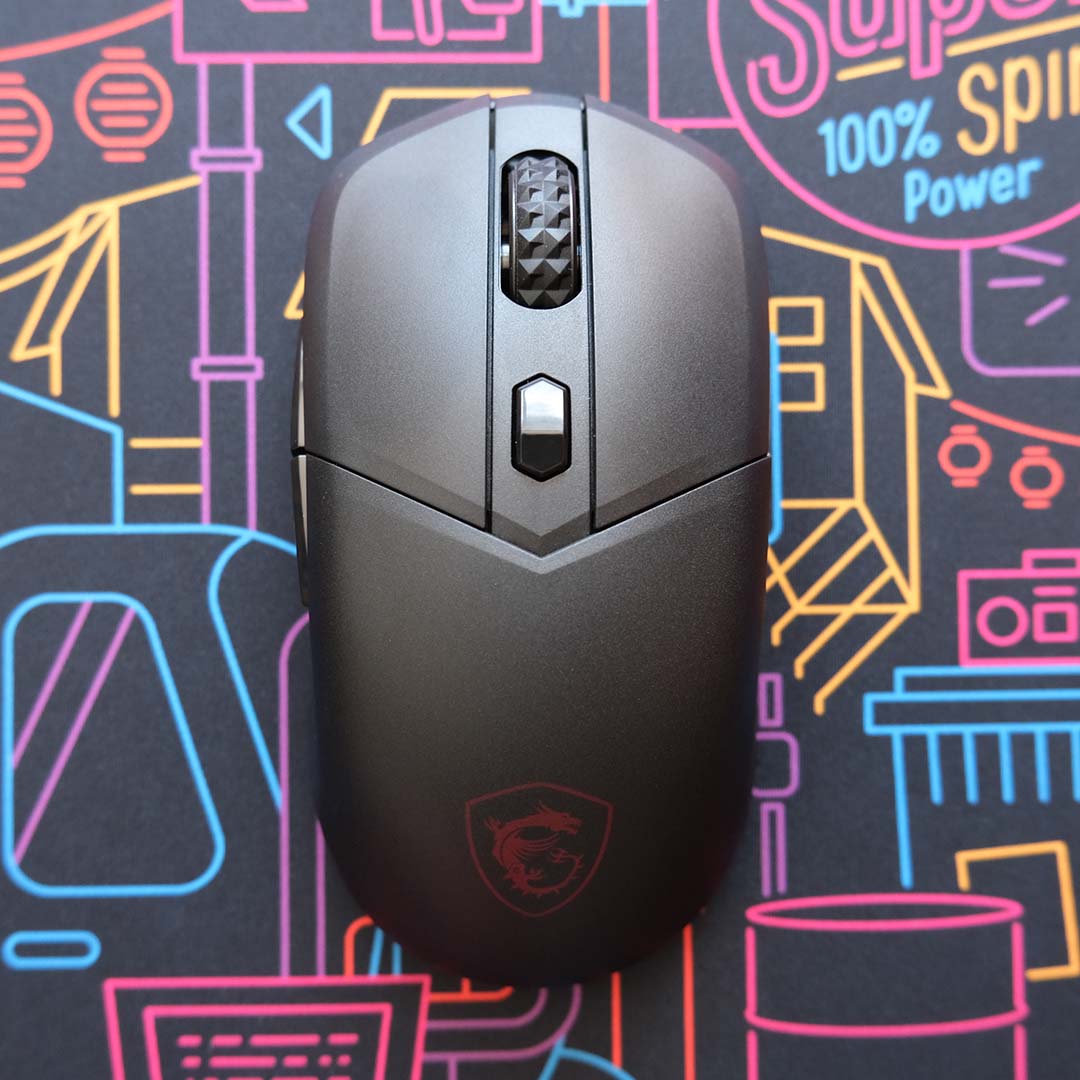
Available in either black or white colourways, the Versa 300 Wireless 8K arrives with a predominantly symmetrical design, save for the two side buttons that only appear on its left. As a right-handed gamer, all the mouse’s buttons are within easy reach for my palm grip style, but frequenters of The Leftorium naturally won’t feel quite as comfortable.
MSI describes this mouse as “ultra-lightweight” which is definitely a reach considering it weighs in at 66g. Given that a growing number of clickers are pushing closer to 40g and below, it’s more apt to describe this offering as lightweight at best.
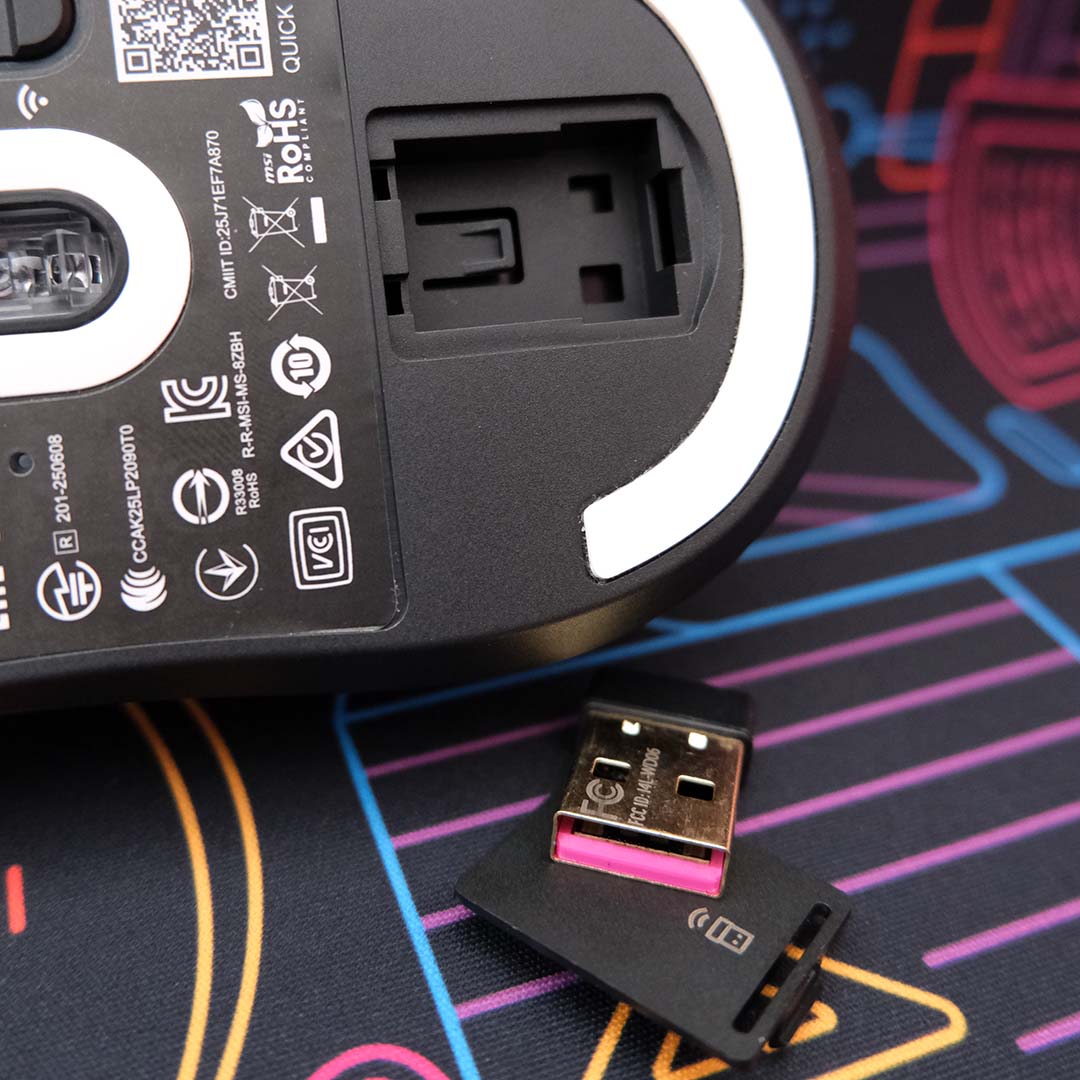
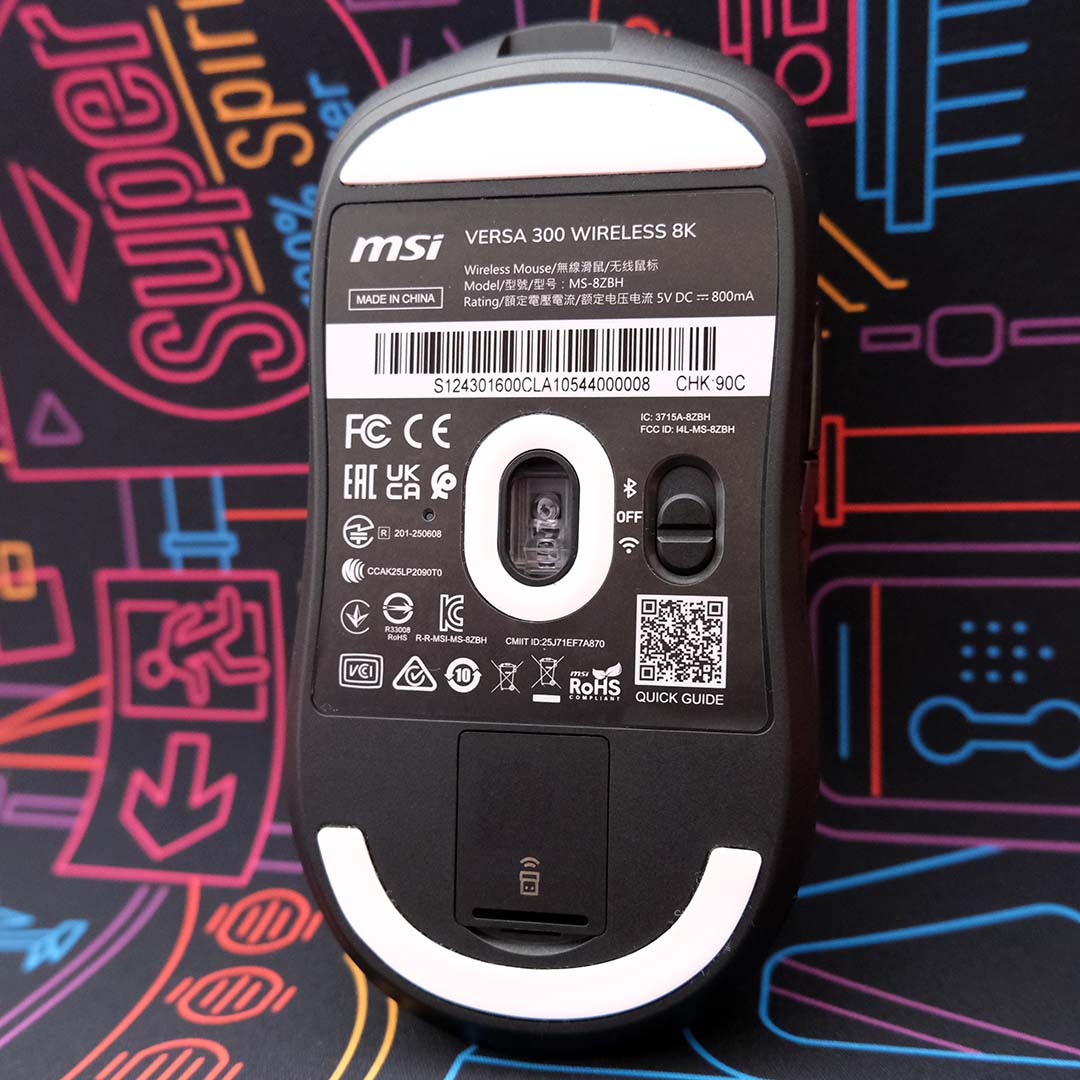
That 66g is distributed reasonably across the chassis, naturally leaning more front-heavy on account of the hollow storage compartment for the USB dongle at the rear (a feature every wireless peripheral should have). Small criticisms aside, this wireless gaming mouse has an entirely comfortable feel and weight in your hand.
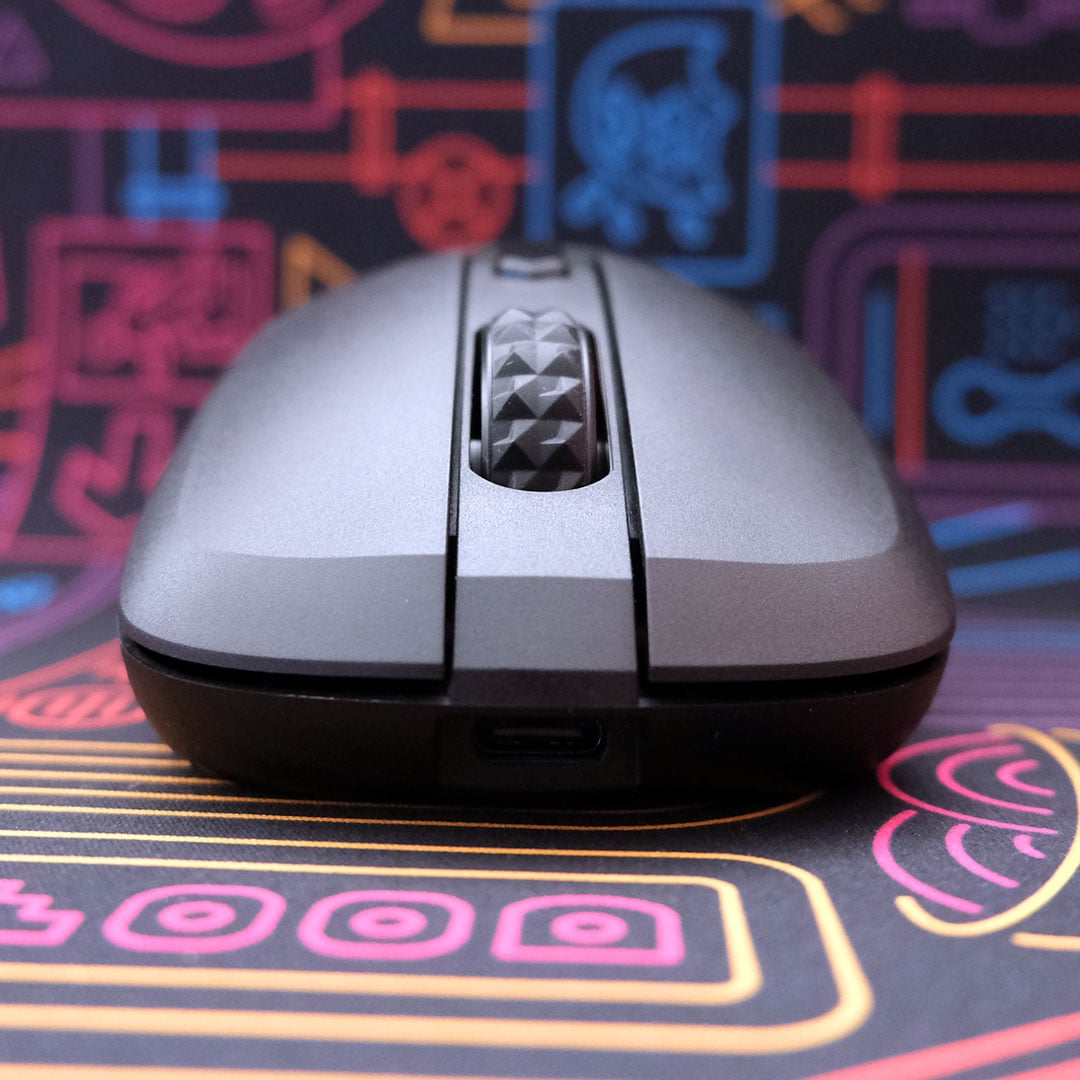
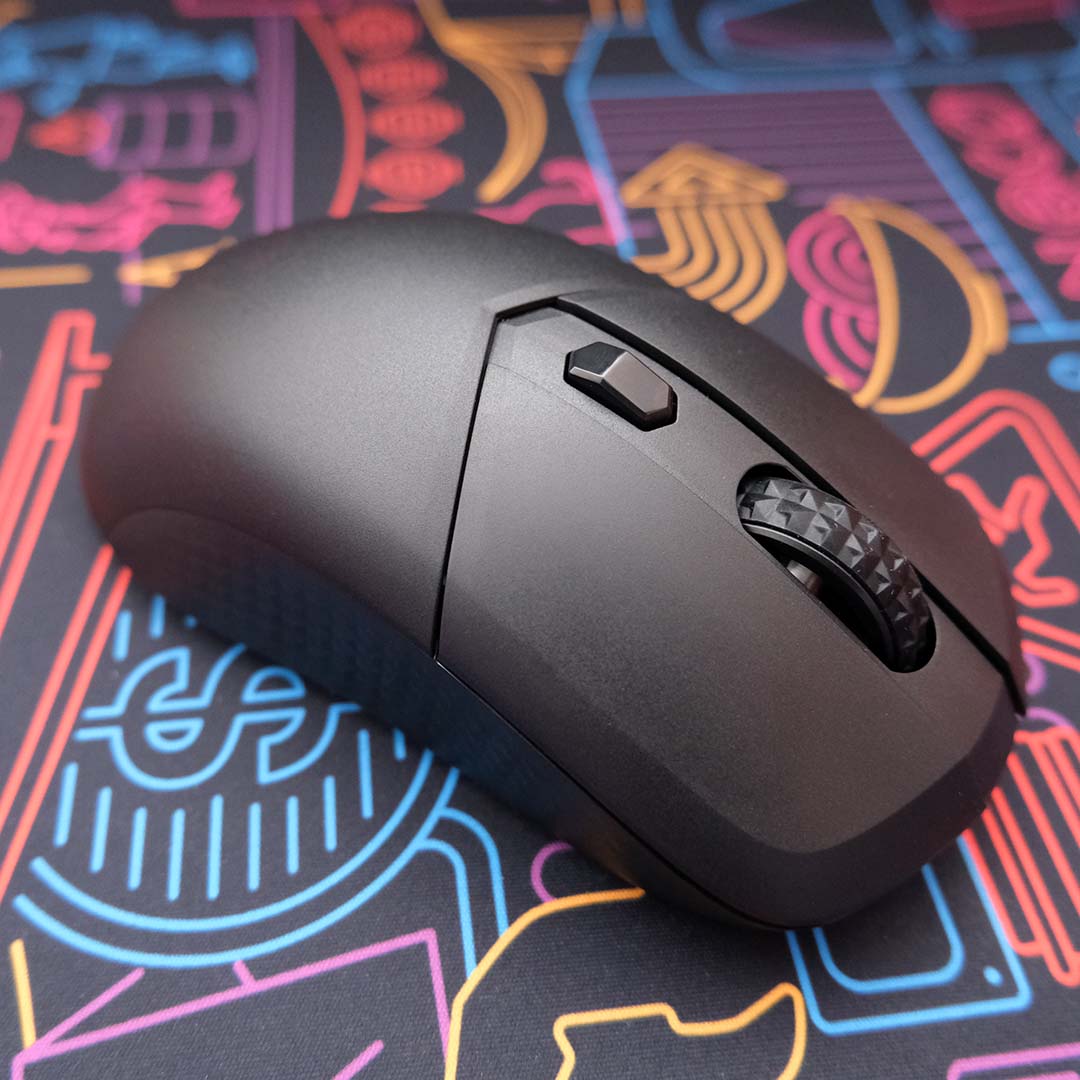
Diamond-patterned anti-slip grips run along the sides of the shell, aiming to provide a reliable grip on the mouse. While I appreciate manufacturers catering to folks who prefer this style through stick-on accessories, I don’t vibe with this built-in approach at all. Even after multiple gaming sessions lasting several hours with the Versa 300 Wireless 8K, I still find the side grips distracting to the touch. The same goes for the scroll wheel, on account of its aggressively protruding diamond grip pattern, which feels like flicking a small Lego tyre. Both have big impacts on my comfort levels.
There are also longevity concerns here. Friction and sweat will wear away at this material over time, regardless of cleaning. While stick-on side grips are inherently replaceable, original or aftermarket, there’s no fixing up this material once its spent.
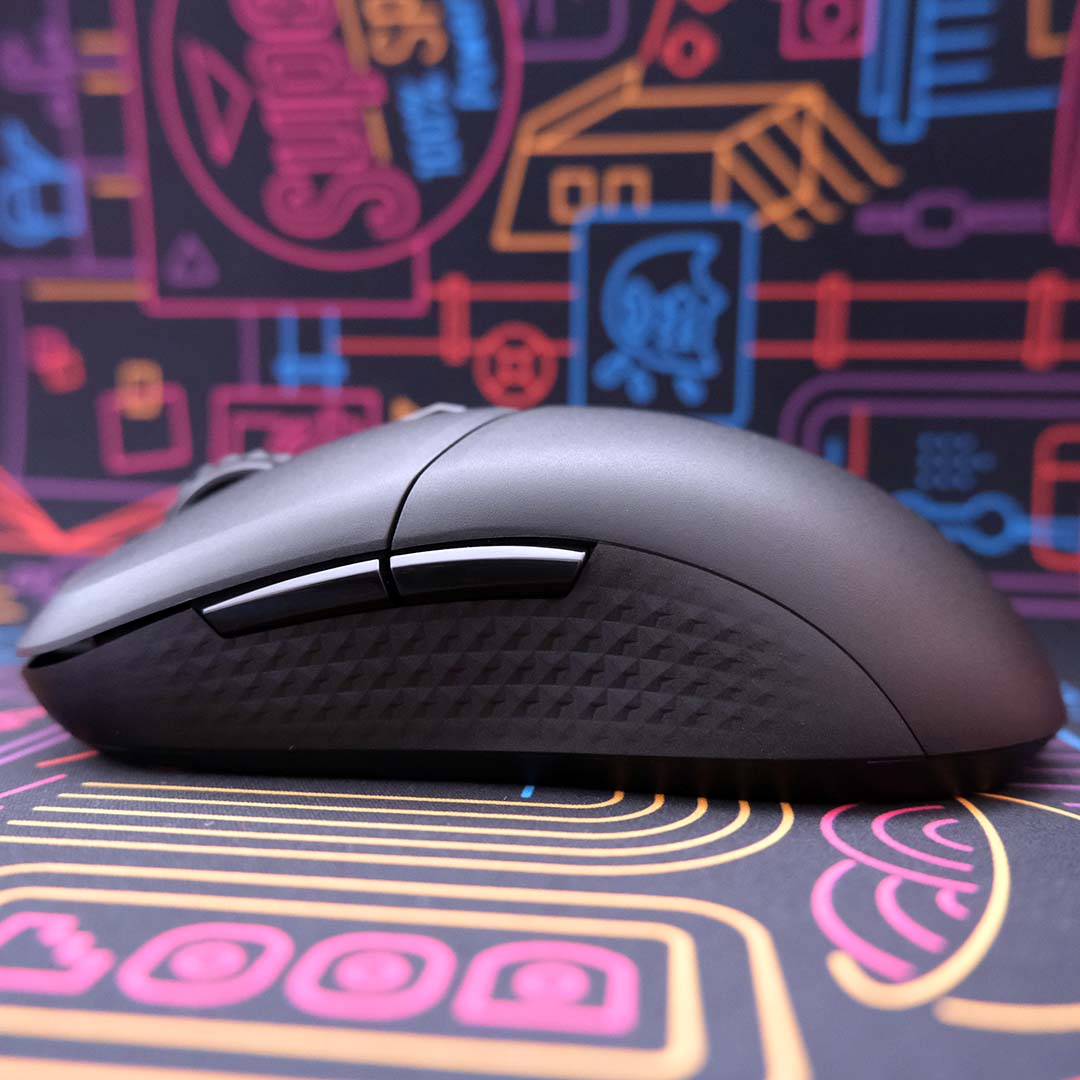
By contrast, the brushed matte plastic that constitutes the majority of the mouse feels good in your hand. There’s a subtle but welcome grip to the material, which I wish was present along the sides too.
Meanwhile, the side buttons and DPI toggle on the Versa 300 Wireless 8K swap a matte finish for gloss. While that’s not my favourite aesthetic choice, the difference in feel between the plastics does at least provide a tactile contrast for easy thumb placement.
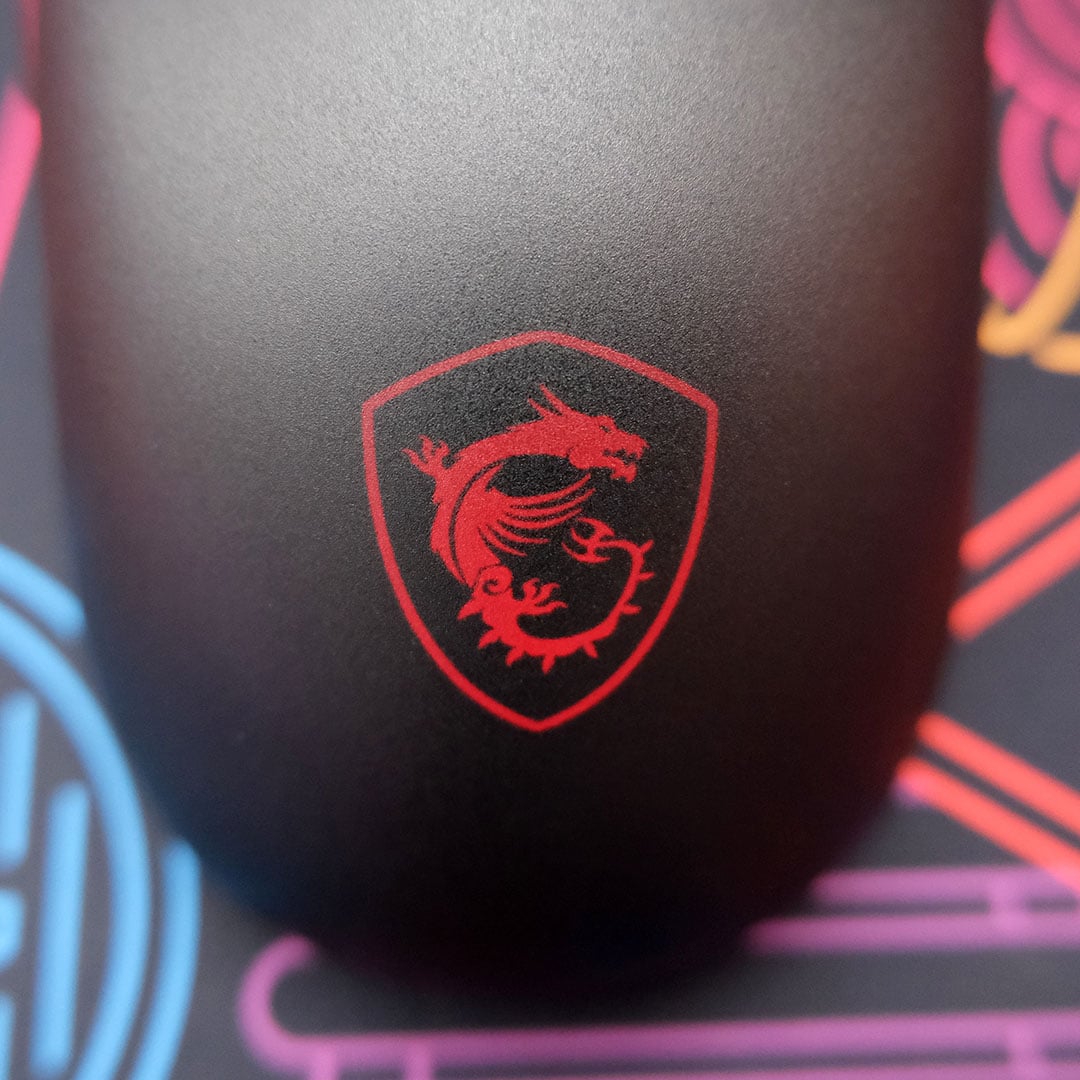
Lurking underneath the plastic, you’ll find an LED MSI dragon logo. While I’d rather mice did away with RGB effects altogether, in the name of aesthetics and weight, this approach is especially curious. During use, your palm will obscure the LED, and the light itself is so diffused and dim that it’s difficult to appreciate in a reasonably well-lit room.
Performance
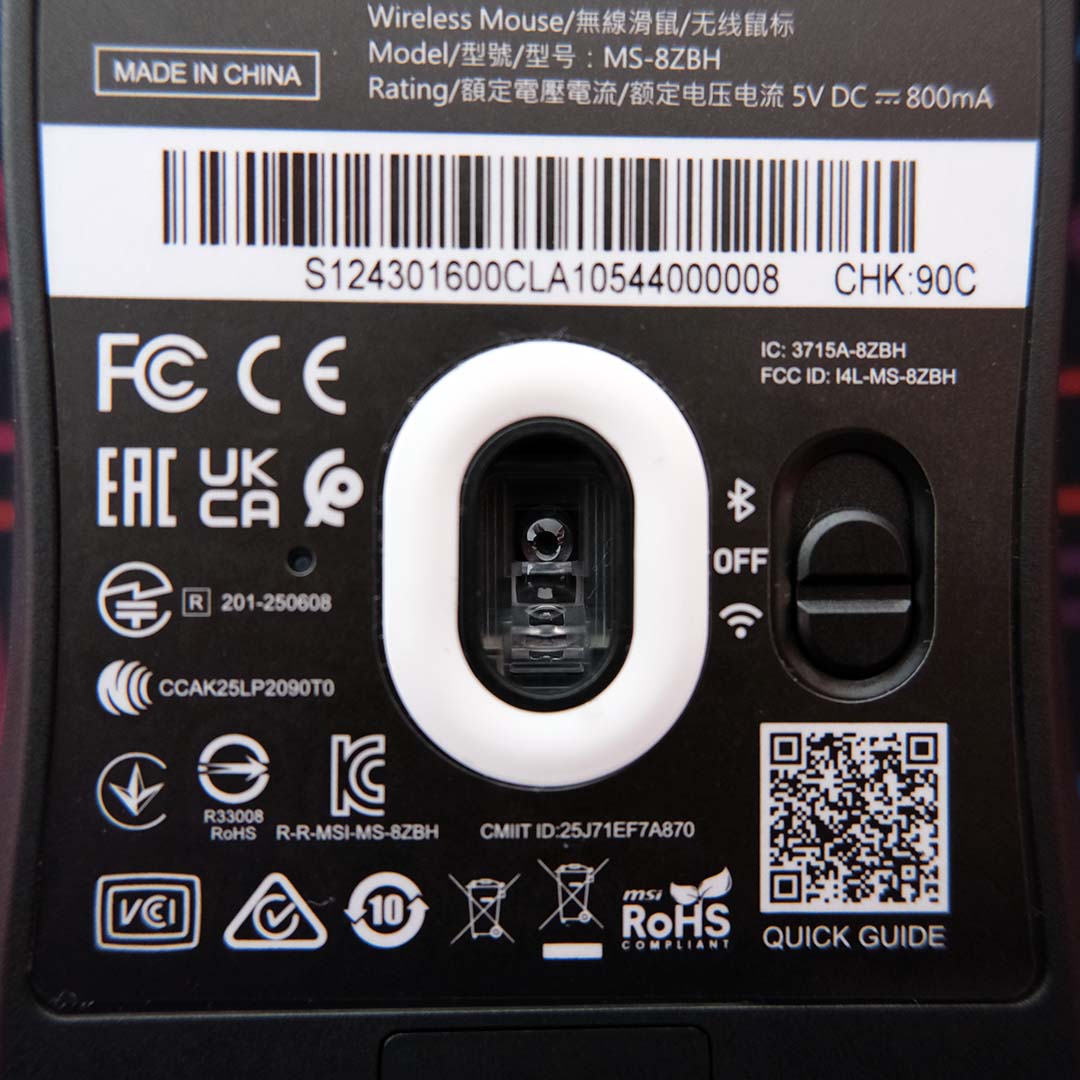
The beating heart that powers the Versa 300 Wireless 8K is a PixArt PAW3395, an optical sensor capable of tracking up to 28,000 DPI (dots per inch). Even though the majority of players won’t venture beyond an 800-3,200 DPI resolution, what matters is that there’s plenty of headroom to reduce sensor latency and a good deal of tracking resolution on offer for a mouse of this price.
Where this pointer punches above its weight is in polling rate, matching high-end options at 8,000Hz. This allows the mouse to communicate with your PC every 0.125ms, reducing input lag, but this speed isn’t without cost. This higher frequency will drain battery charge more quickly and notably increases CPU usage relative to 1,000/2,000Hz polling rates in some cases.
While these specifications highlight the on-paper potential of the mouse, they’re difficult to tangibly appreciate in real-world use. Of course, this is true of every mouse boasting high DPI and polling rates, but I’d certainly rather have that theoretical advantage at my disposal all the same.
Playing countless rounds of Counter-Strike 2, I was able to channel my ageing skillset into the mouse without issue. Whether I was trying to land headshots with a P250, controlling the spray of my AK-47, or flicking my AWP, the Versa 300 Wireless 8K never felt at odds with my intent.
The Omron switches deliver a tactile, if loud, click, with solid actuation and debounce with no noticeable double-clicks. While I prefer a quieter switch, they’re at least durable. MSI says you can expect 60M clicks out of them, so it’ll be a long time before you’re in need of replacements.
Furthermore, the 2.4GHz connection from the USB dongle showed no signs of signal instability, performing as well as a corded clicker in my tests. I also had no issues running the mouse via Bluetooth on my laptop and phone, or with the included USB-A to USB-C cable.
Battery life
Running via 2.4GHz at 1,000Hz, sans RGB, MSI says you can expect up to 196 hours of battery life out of the Versa 300 Wireless 8K. Naturally, higher polling rates with the LED active will more rapidly decrease your charge. Using the mouse exclusively at 8,000Hz with RGB, I’ve managed to squeeze ~80 hours of uptime on a single charge. That usage is across multiple eight-hour work days, as well as a mix of light and intense gaming sessions.
Summarily, the battery should last you around a week between charges, which is a reasonable cadence in my book. There is room to prolong charges through stricter idle and sleep timers, but there’s little reason given the solid stock results.
Software
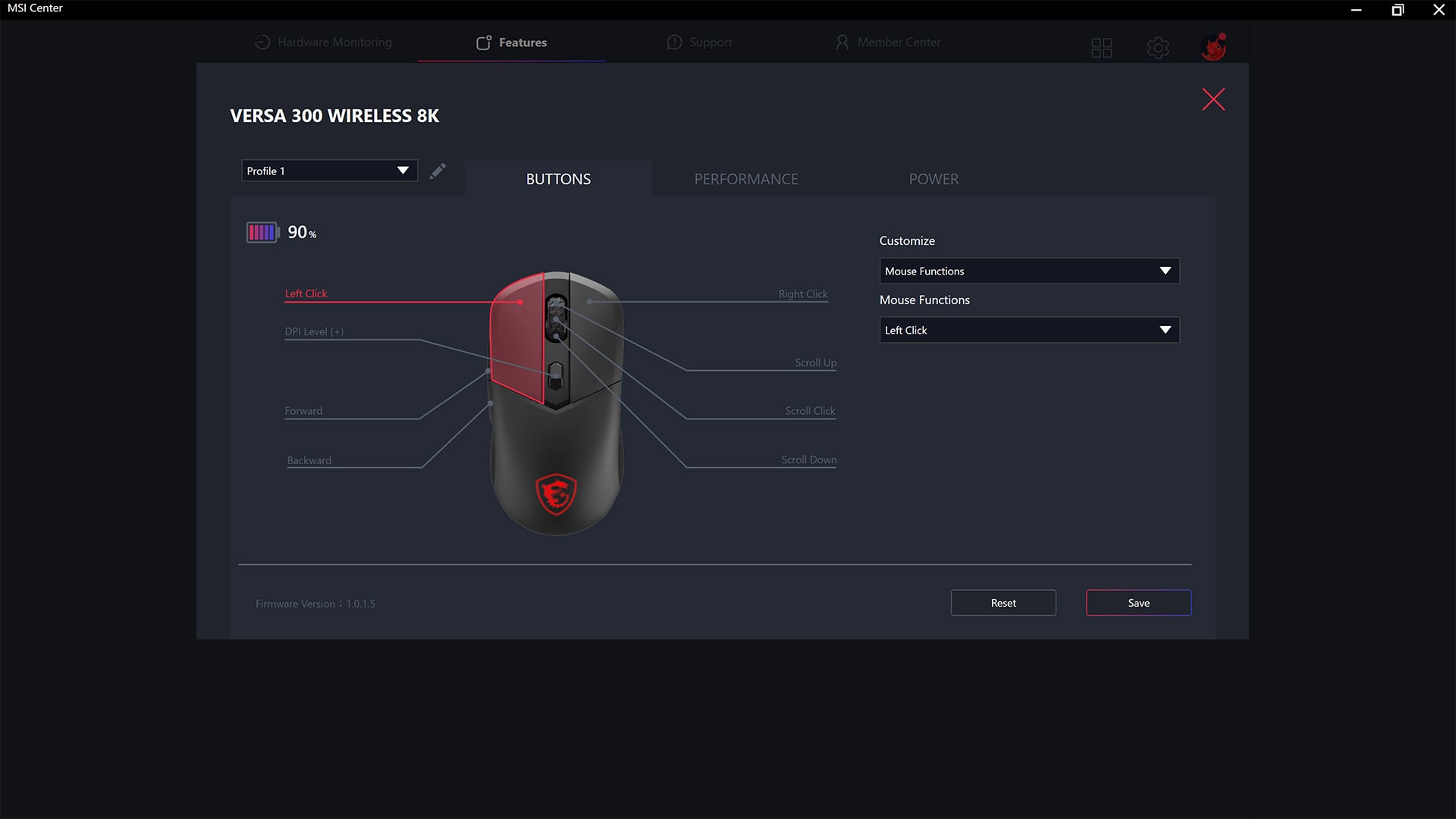
Software controls for the Versa 300 Wireless 8K live within MSI Center, in the Gaming Gear menu that’s contained within the Features tab. This is convenient if you’re already using this application to configure other devices from the brand, as is the case for my setup. Conversely, the approach feels a touch obtuse if you’re only looking to control the mouse due to all the unrelated features getting in your way.
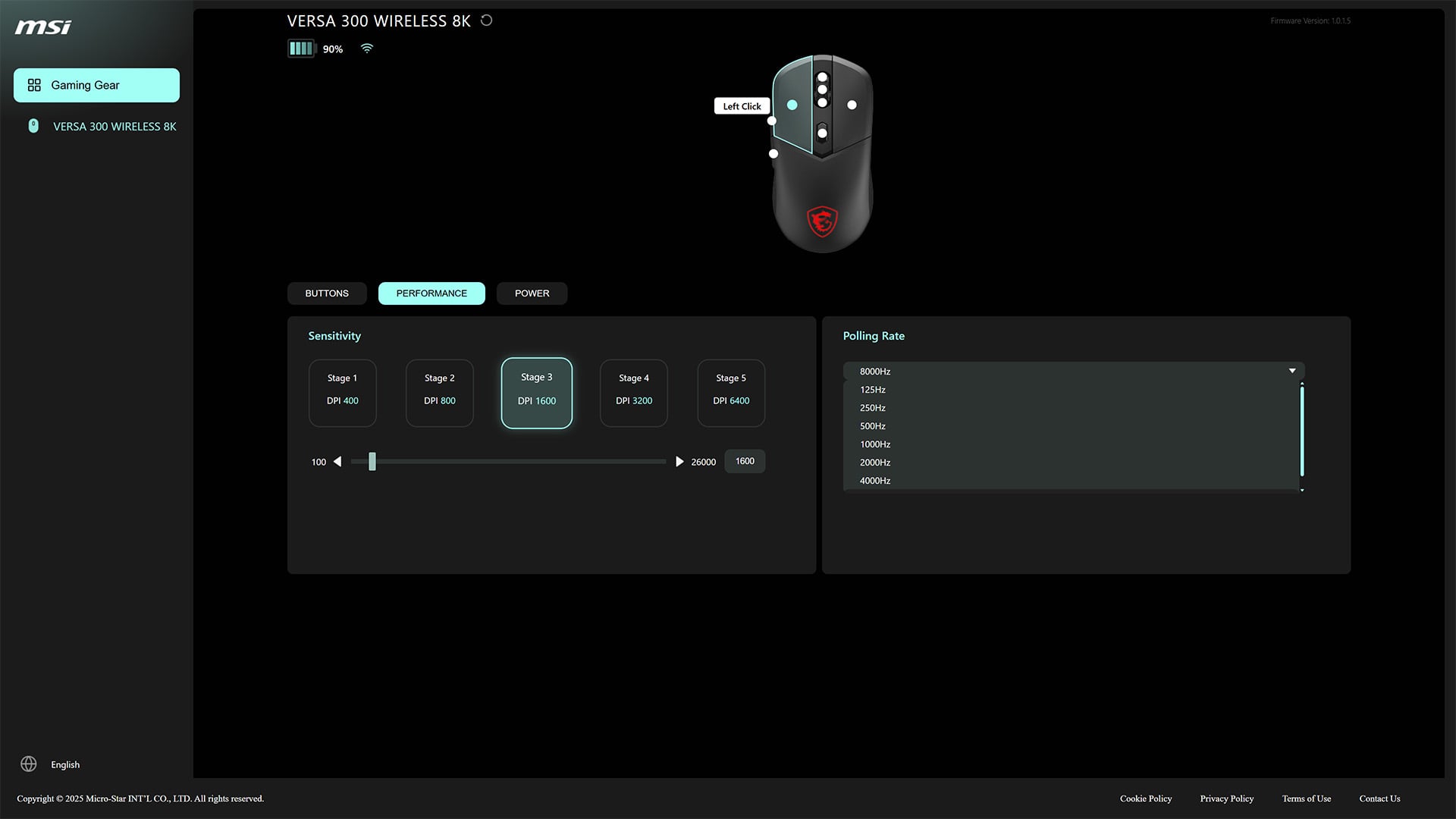
Thankfully, MSI offers alternative web-based controls via its Portal X site, providing cross-platform configurability beyond Windows without any app installation, as long as you have an active internet connection. While the majority of settings are present in the portal, there are a few curious omissions, such as profile switching and lift-off distance. I’d prefer to see feature parity across the two methods of control, but it’s difficult to miss what isn’t here unless you know to look for it.
I’m content using local applications to control my peripherals, so my preference leans towards MSI Center rather than Portal X. Regardless, both feel pleasingly responsive to inputs and arrive with near-identical three-tab layouts, which make it easy to find and tweak the Versa 300 Wireless 8K’s settings.
Through either software platform, you can reconfigure every input to an alternative function. Customisation options range from a simple swap of the left and right click buttons to more intricate tweaking, including multimedia controls and multi-stage macros.
The Performance tab is the most important of the bunch, containing DPI stages, polling rate, and other, more consequential options. Switching to 8,000Hz is as simple as a few clicks, and I find MSI’s DPI setup less seamless. While the ability to configure five stages is welcome, though, I only ever need three, and so the inability to cut down these steps is a source of frequent frustration. The inclusion of a DPI LED would help as well, but alas there’s no such quality-of-life feature here.
Perplexingly, there’s also no way to control RGB effects on the Versa 300 Wireless 8K through software. This isn’t a problem that the more-expensive Elite variant faces, and it feels like a misguided way to separate the two mice. You are able to switch between brightness, effects, and so on, through a combination of holding the DPI switch and other buttons, which works well enough but isn’t in any way convenient.
Conclusion
Were it not for my sizeable discomfort with its side grips and scroll wheel, I’d happily recommend the Versa 300 Wireless 8K as a high-value wireless gaming mouse with few caveats. I’m sure most folks will feel similarly, which is all the more unfortunate once you take the overall quality of this clicker into consideration.
The mouse otherwise feels good in the hand, with a comfortable shape and weight that will broadly please gamers. Clicks feel suitably tactile too, if a touch loud, while the sensor and wireless dongle deliver reliable performance across its polling rate range. Combine this with solid battery life, and MSI has hit most of the marks of a great gaming mouse.
There are some gaps to plug on the software side, but future firmware updates should be able to address these shortfalls, as the foundations of both MSI Center and Portal X are strong. Furthermore, it’s a welcome bonus to see local and web controls trickle down the market to more affordable mice.
There are alternatives worth considering, but the Versa 300 Wireless 8K hits a uniquely valuable price point for such a high polling rate. If you’re willing to wade through lesser-known Chinese brands, such as the Ajazz AJ159 APEX and Mchose L7, you could find a lighter mouse with similar specs at £59.99, but none come with the same assurance and long-term support as MSI. If polling rate is less of a concern, however, MSI’s own Versa 300 Elite Wireless is £10 cheaper and practically identical, save for a maximum polling rate of 1,000Hz.
