

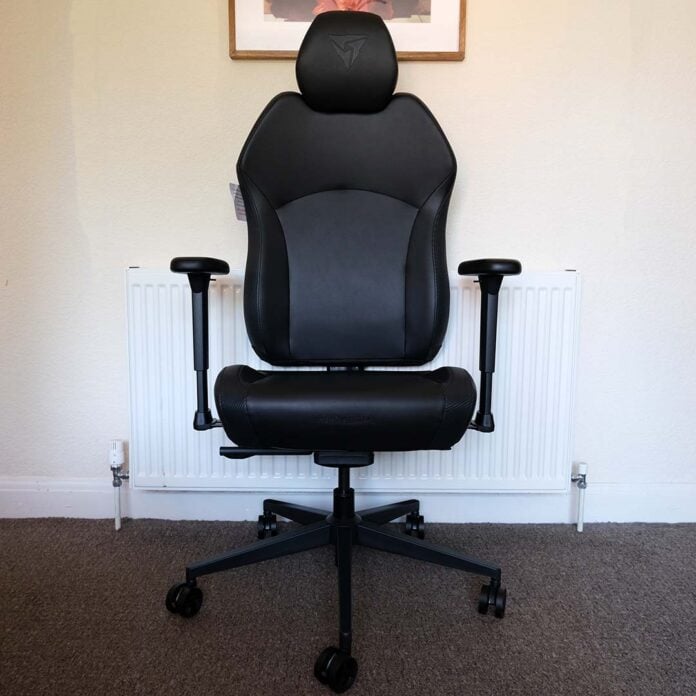
You want to be sitting comfortably when you’re nestled in your gaming chair, and the ThunderX3 Solo 360 promises to serve as the supportive seat you deserve, without costing an arm and a leg. There’s plenty of comfort to be found in this feature-packed, price-friendly gaming chair, with only a few weak spots.
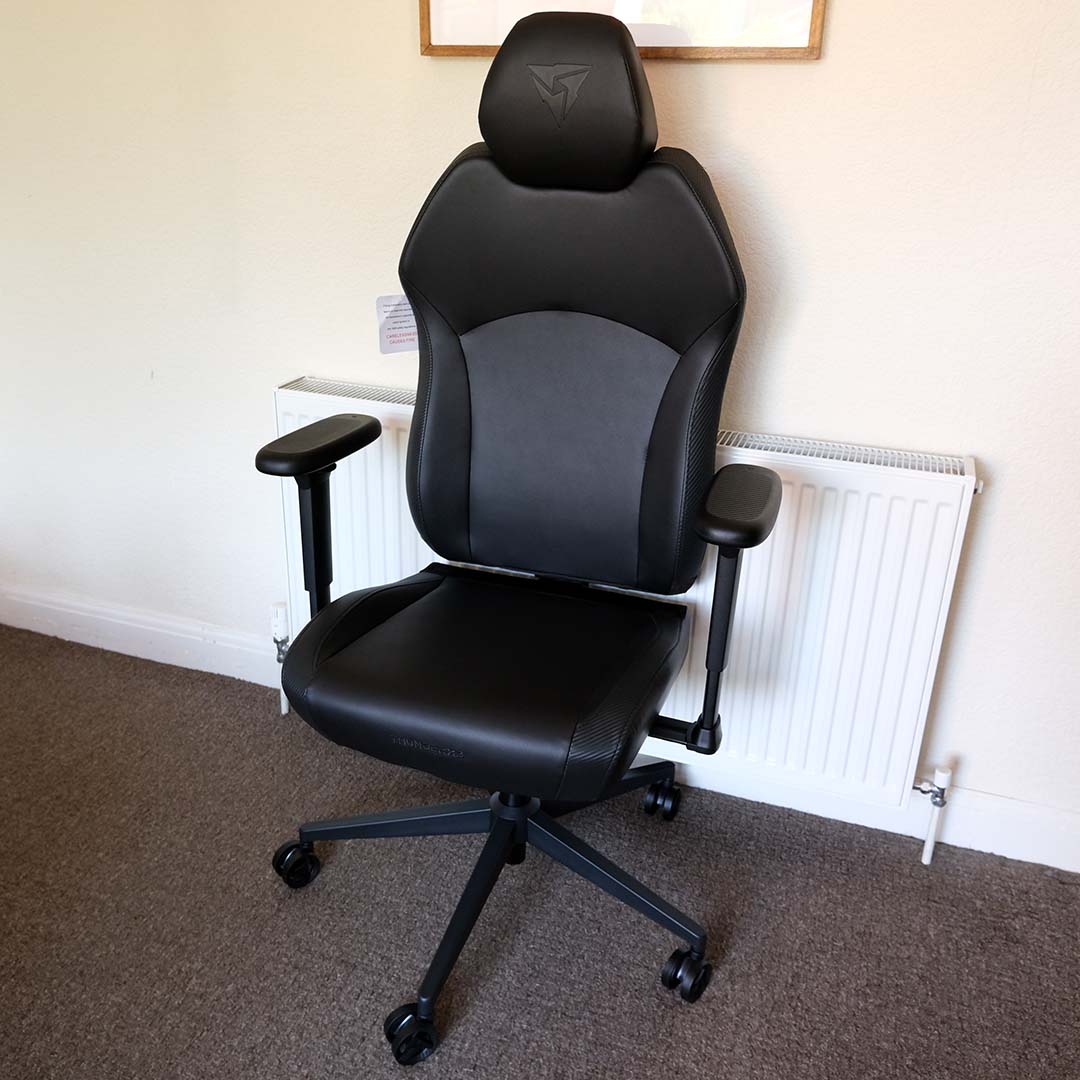

ThunderX3 Solo 360
£189 / $249
Pros
- 360° armrests
- Firm yet comfortable feel
- Great headrest design
- Straightforward build
- Three-year warranty
Cons
- No on-the-fly arm width adjustment
- Nylon casters
Club386 may earn an affiliate commission when you purchase products through links on our site.
How we test and review products.
Retailing for £189 / $249, the ThunderX3 Solo 360 leans towards the affordable side of the gaming chair market. While it’s not the cheapest option available, I’m happy to say that it more than justifies its asking price after spending the past several weeks sitting on it.
Specifications
| ThunderX3 Solo 360 | |
|---|---|
| Material options | Fabric (Loft Air) Leatherette (Racer / Modern) Mesh |
| Recommended max. weight | 125kg (275lbs) |
| Recommended height range | 155–195cm (5ft, 1in – 6ft, 4in) |
| Seat height (from floor) | 450–30mm |
| Seat depth | 480mm |
| Warranty | Three years |
| Price | £189 / $249 |
Assembly
Like most gaming chairs, the Solo 360 requires end-user assembly. Thankfully, the build process is forgivingly straightforward for beginners and seasoned hands alike. Speaking as someone who hasn’t put together a posterior perch for a few years now, I actually had some unexpected fun building this one.
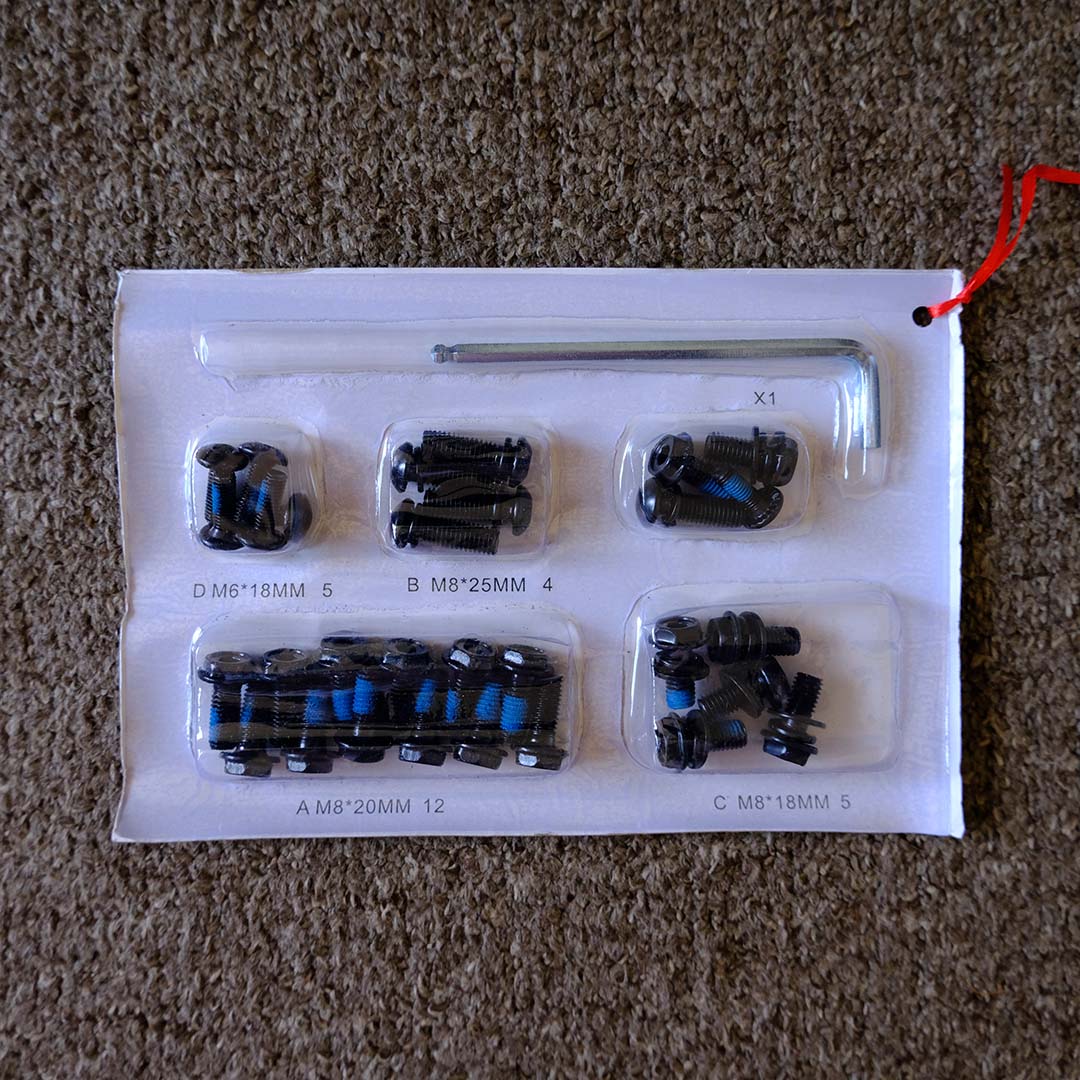
ThunderX3 bundles a set of paper instructions with the Solo 360, which is a very welcome addition. You’ll also find assembly steps available online on the chair’s store page.
There’s no need to reach for your screwdriver box in preparation to piece together the Solo 360. This chair comes with its own Allen key, sitting alongside all the screws you’ll need, with a few spares to boot. ThunderX3 separates each screw into categories A-D, which correspond to reference letters in the manual, making it easy to figure out which ones you need at each step.
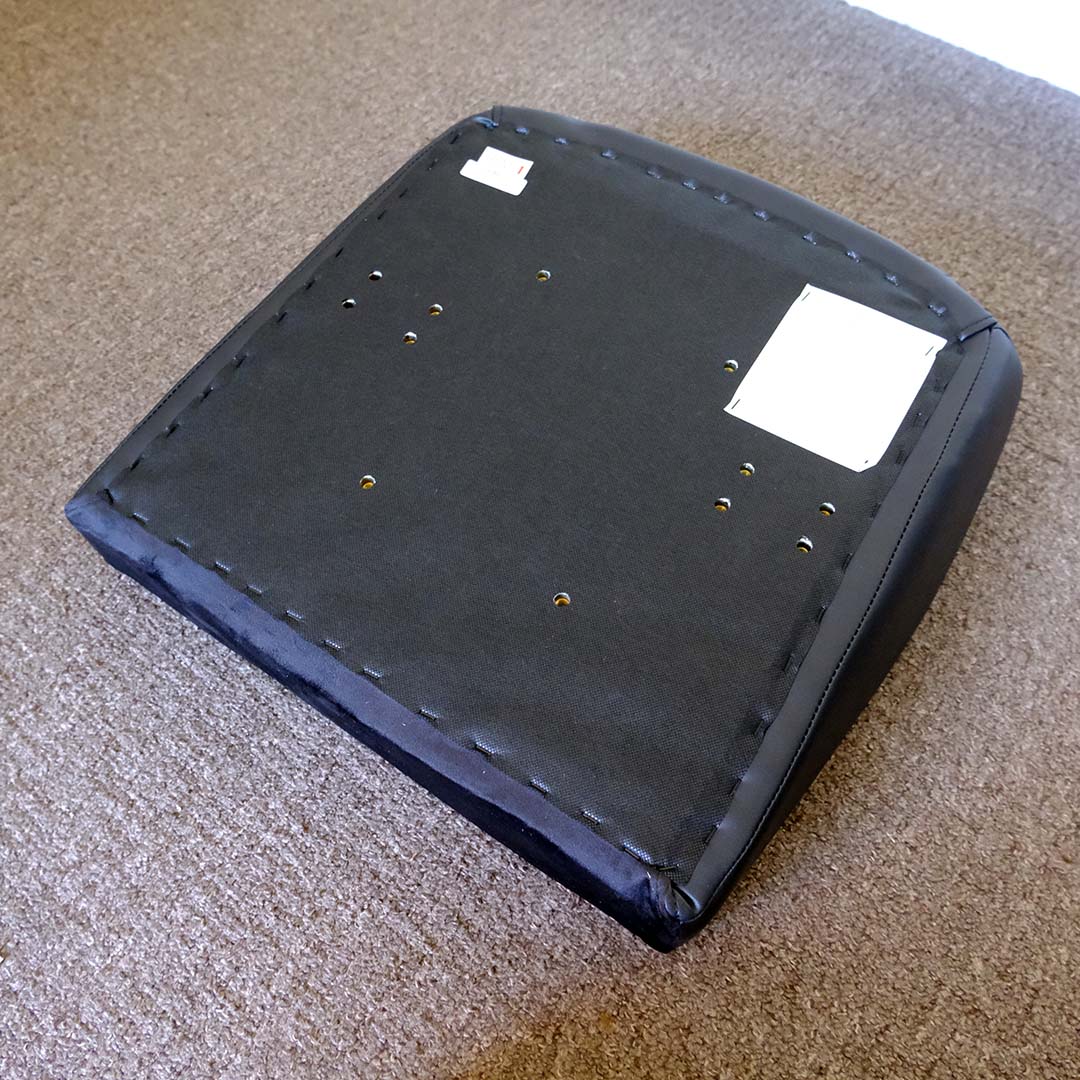
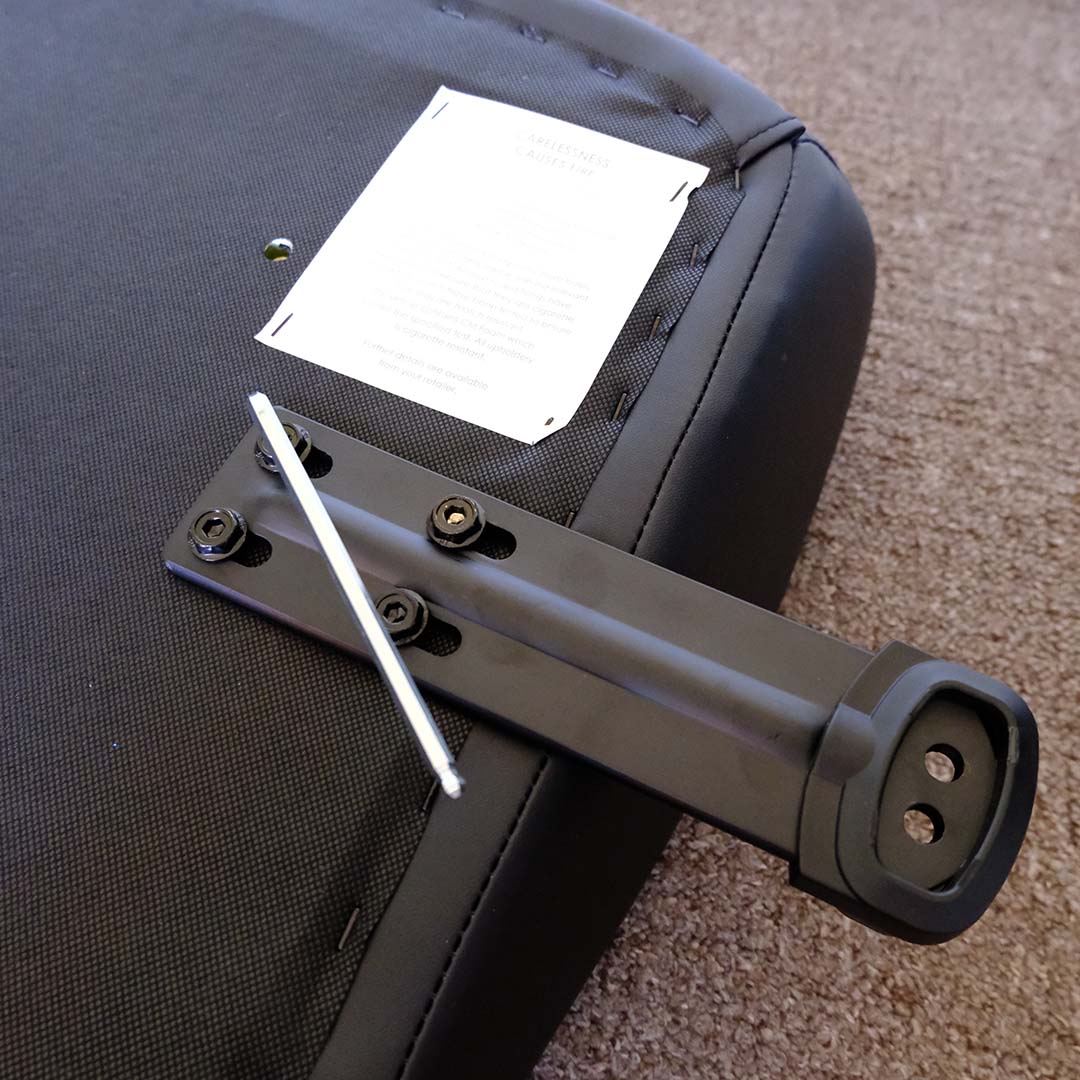
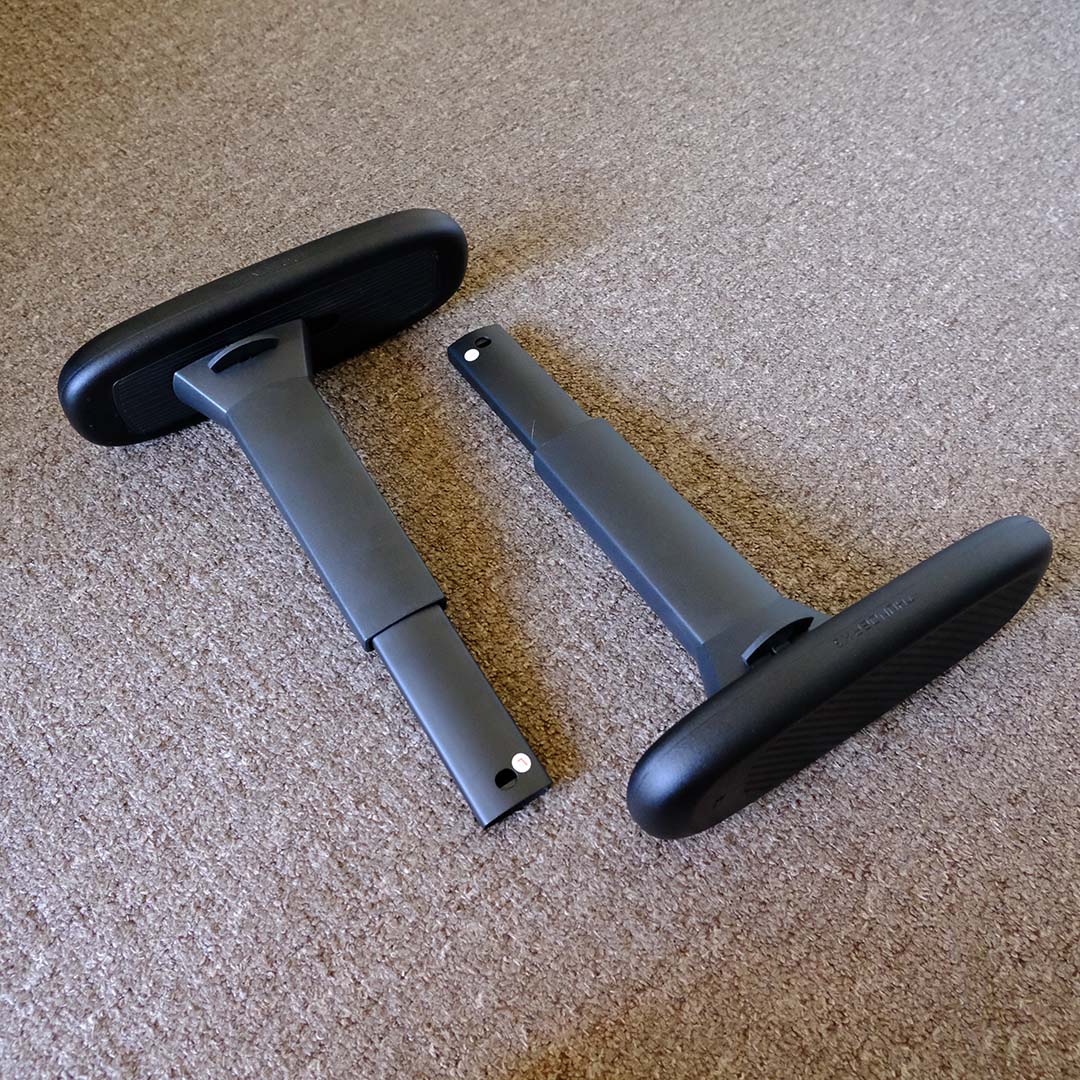
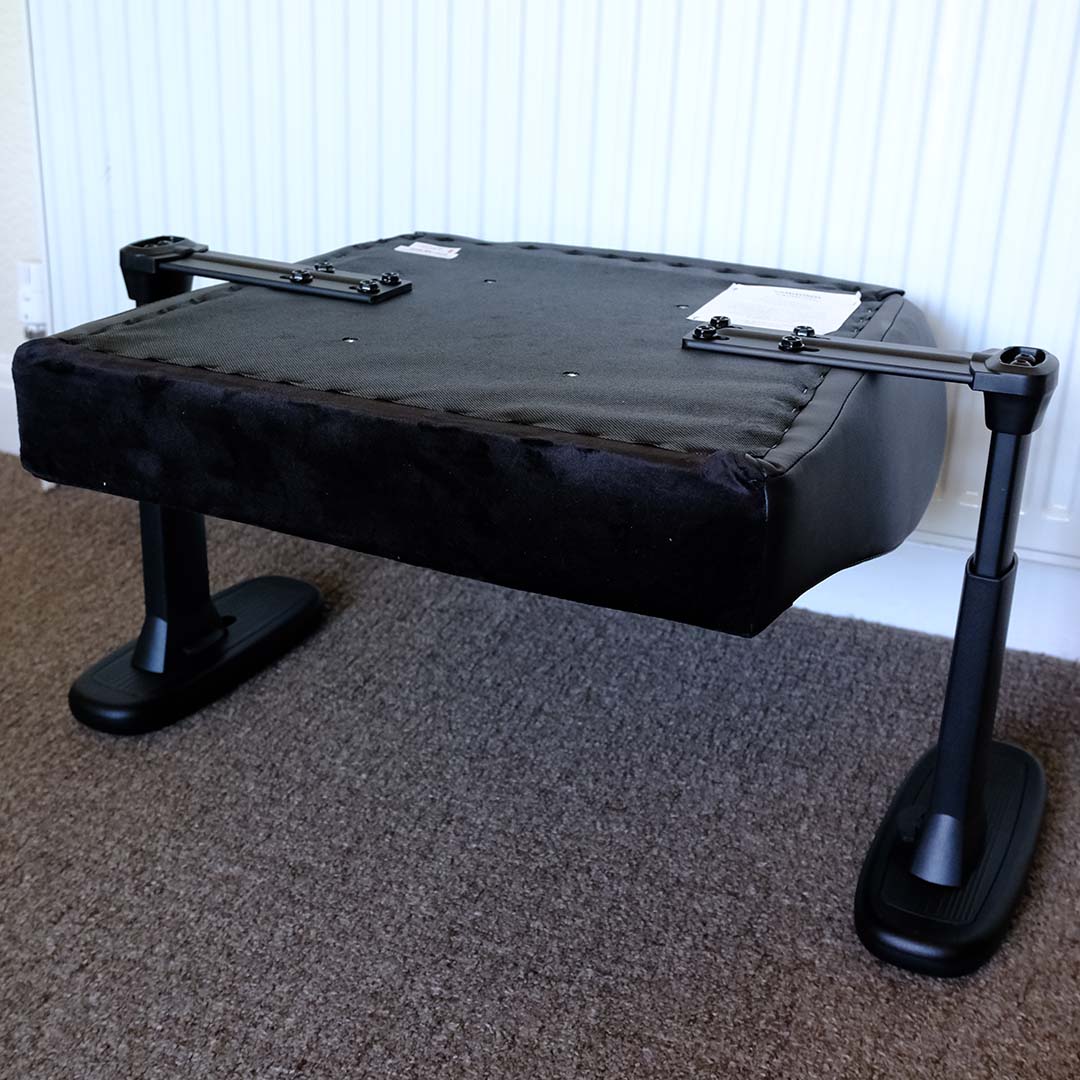
Your first step is sorting out the base and arms, with the latter attaching to the former via separate metal plates and eight screws. I prefer this approach to installation over fiddly mounts on the side of the backrest. However, it does mean your armrests will face downwards, so having a soft surface is a must to avoid scratches.
There’s a degree of adjustability in the width of the Solo 360’s arms, in that the bracket to which they connect can slide deeper or further away from the base, with screws locking it into place. However, this is the only way to tweak how narrow or wide the armrests sit, as there’s no built-in, on-the-fly adjustment.
ThunderX3’s instructions don’t clearly recommend a width, so I’ve settled for the widest possible setup. It turns out that this was the right decision for my build. All the same, some direction from the manufacturer about this step would be welcome in future instruction revisions, and successive chairs.
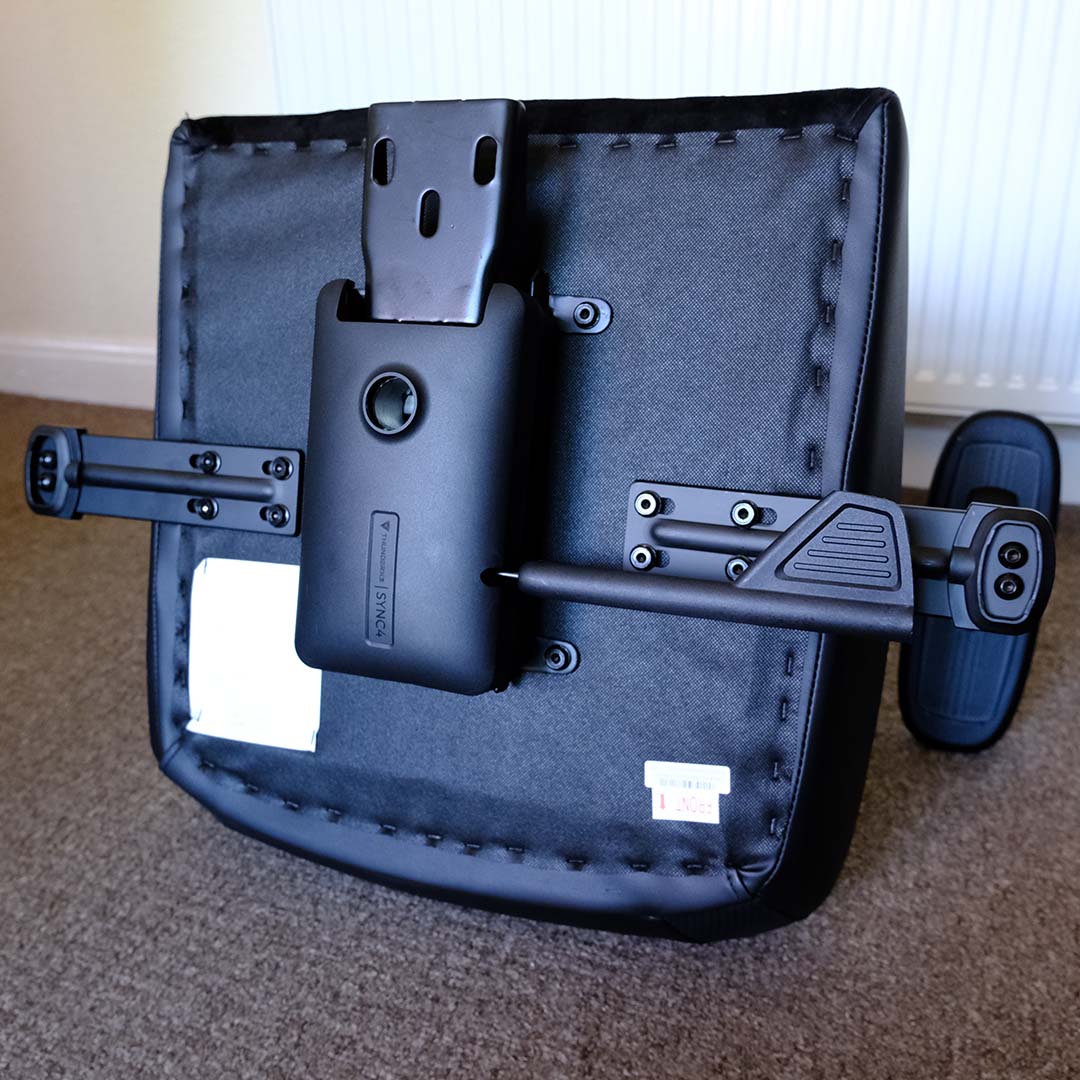
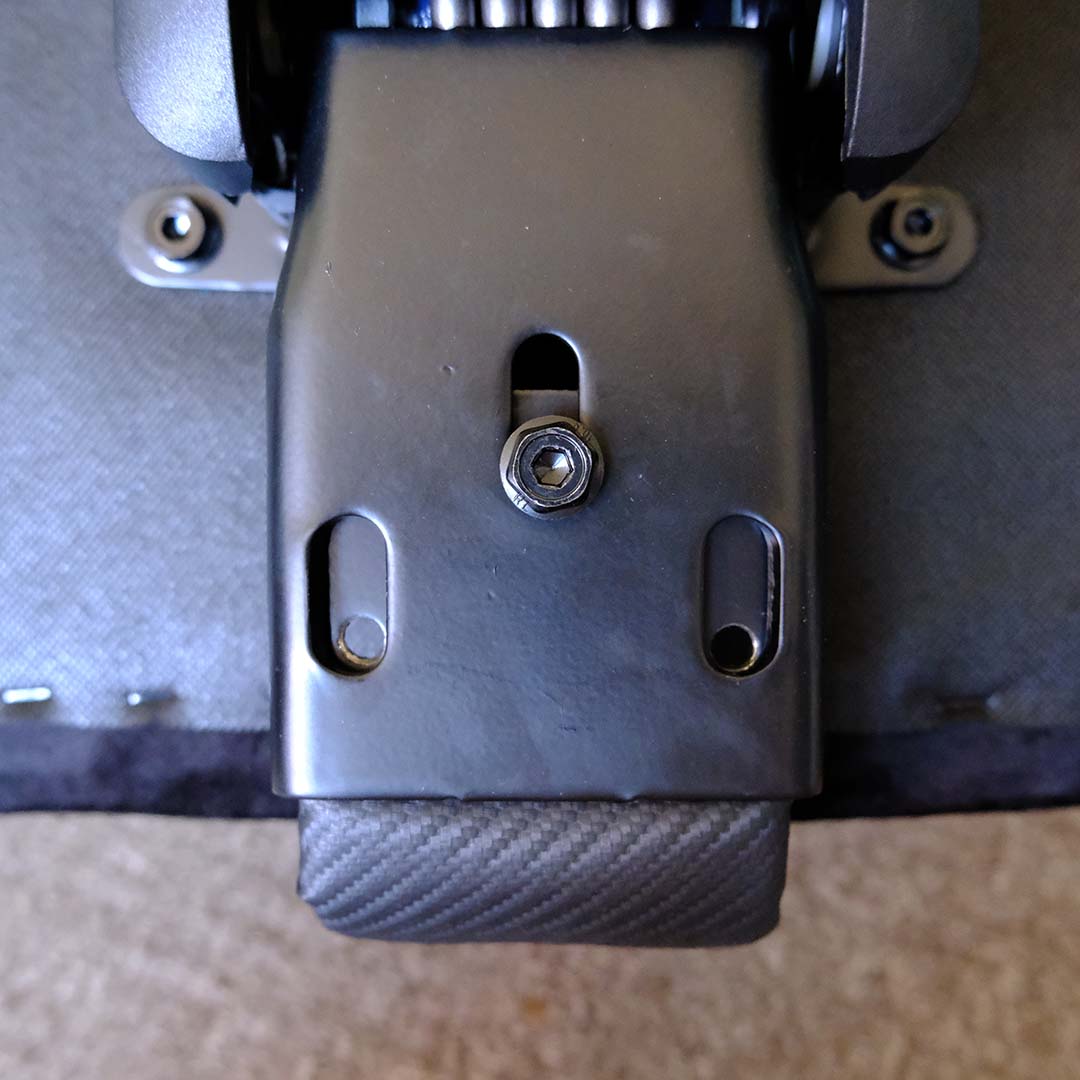
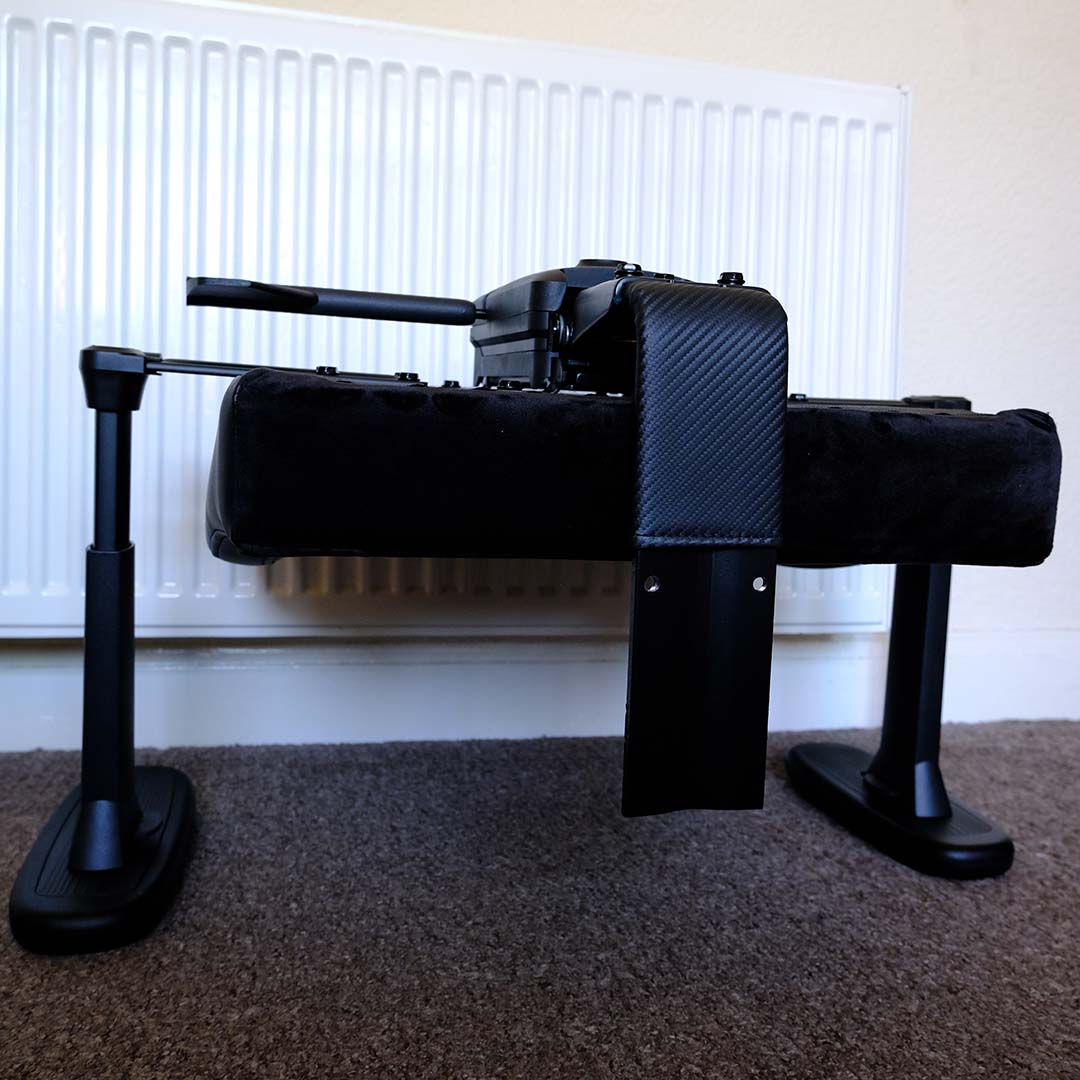
With the armrests creating a relatively level base from which to work, attaching the tilt mechanism to the base is anything but fiddly, as the four screws match their holes without fuss. This can be one of the more frustrating parts of a gaming chair build, so points to ThunderX3 for crafting a simple installation path.
Fitting the spine to the chair does require a little finesse, as gravity works against fitting the metal plates together. Once that first screw is in place, though, the other two fall into place accordingly. That said, it was during this part of the installation that the Allen key began to falter slightly, losing part of its shape while tightening.
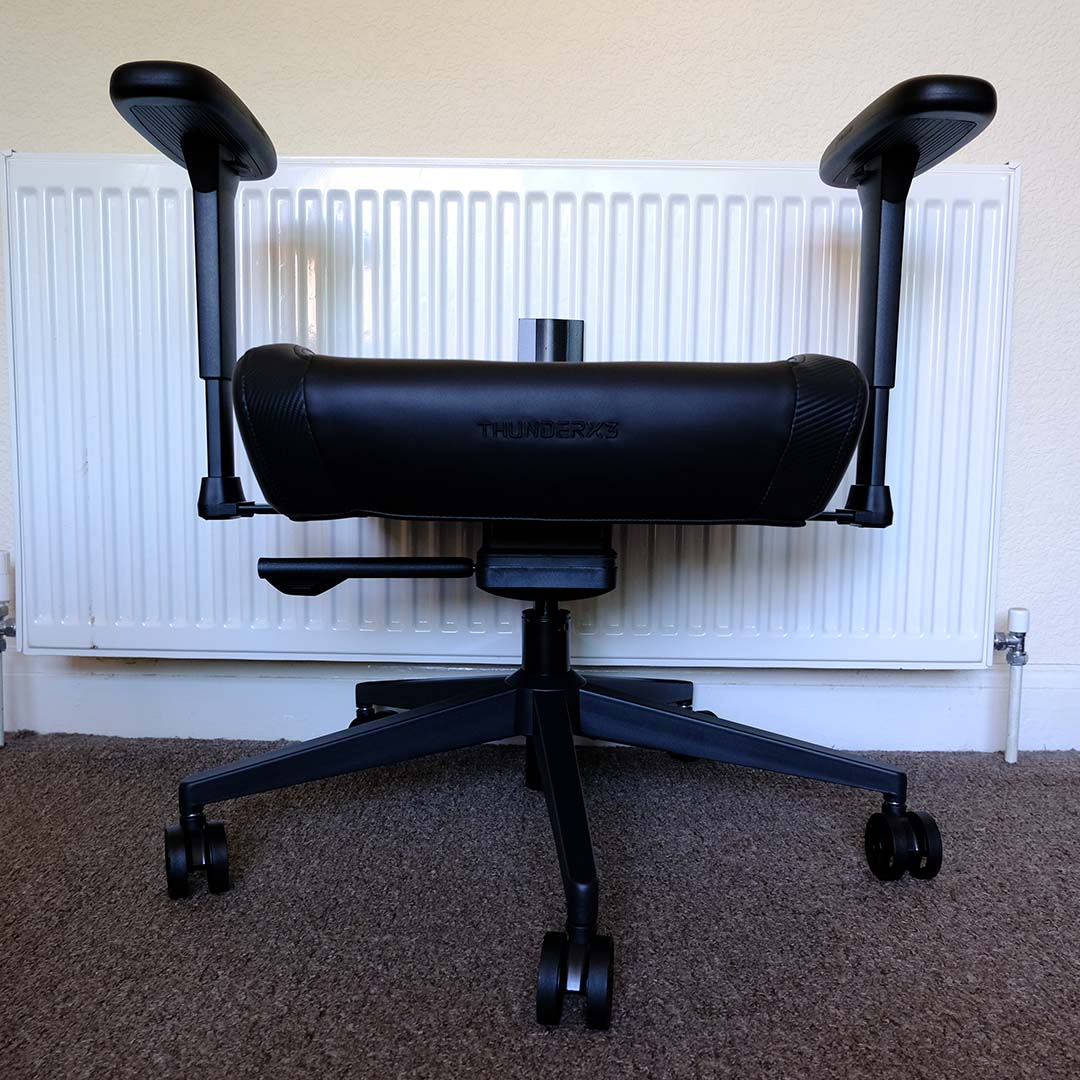
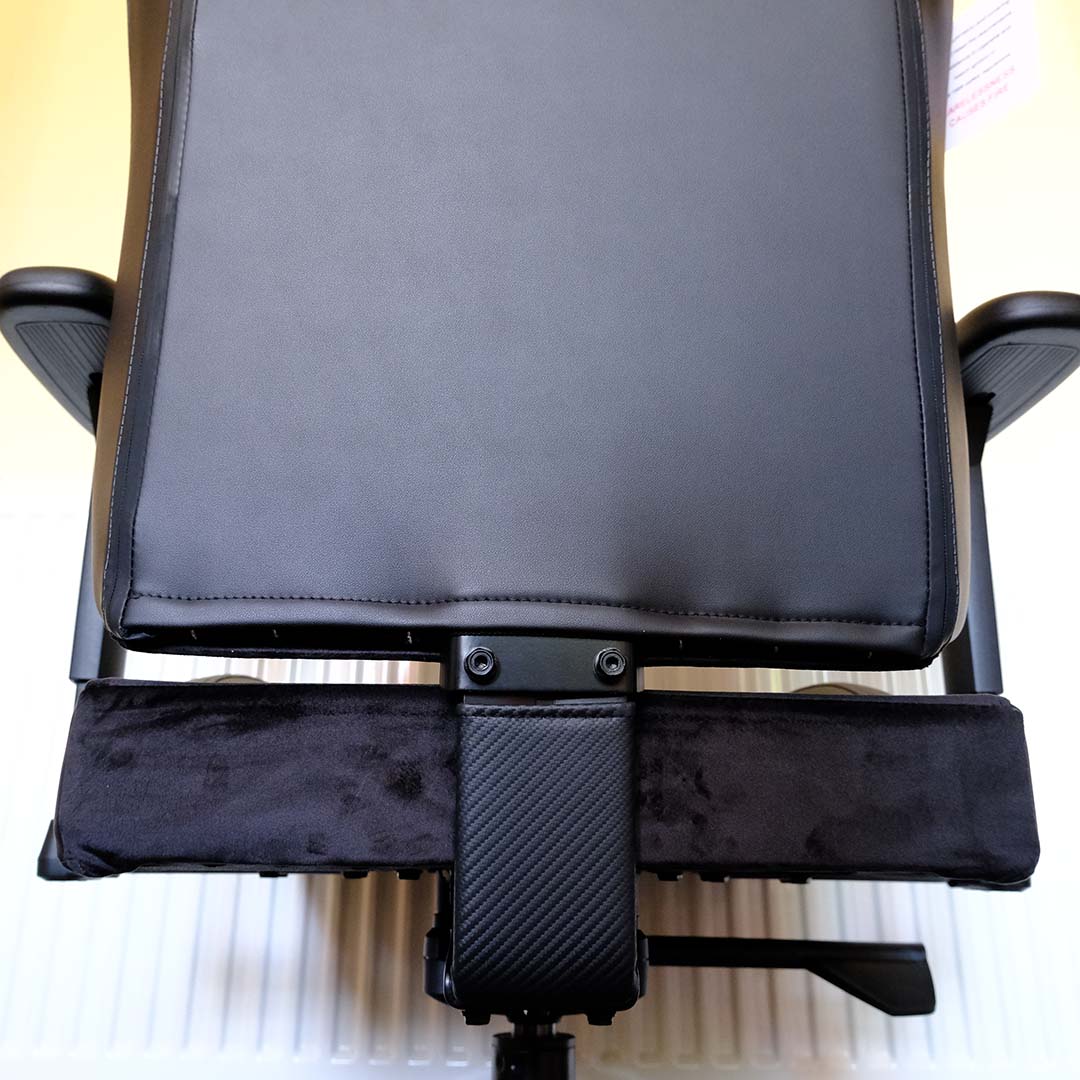
The Solo 360’s legs arrive deconstructed, but slotting the five metal extensions into the central hub with accompanying screws is a doddle. The plastic cover that sits atop the entire apparatus can require a little assistance in finding its feet (pun intended), but this fiddliness hardly amounts to anything frustrating.
It’s then time for the base to leave the world of the upside-down, sat atop a piston, and make way for the backrest. That big block of black leatherette joins with the protruding metal spine like a glove, locking into place via the final two screws in the pack. The resulting gap between the seat and backrest is on the larger side, but it doesn’t impact comfort and brings a smidge of breathability to your lower back.
Lastly, the headrest sinks into the backrest, completing the Solo 360’s assembly process. If you’ve ever removed or installed a headrest in a car, this process will feel extremely familiar, but it’s a simple task for anyone to complete.
Building budget-leaning gaming chairs can often prove a frustrating and tedious experience, but the Solo 360 has proven a pleasant surprise in this regard. The odds were particularly against it, as my build experience took place during 30°C temperatures. However, the chair was up and ready for sitting within half an hour, making the process nothing short of a breeze on such a hot day.
Design
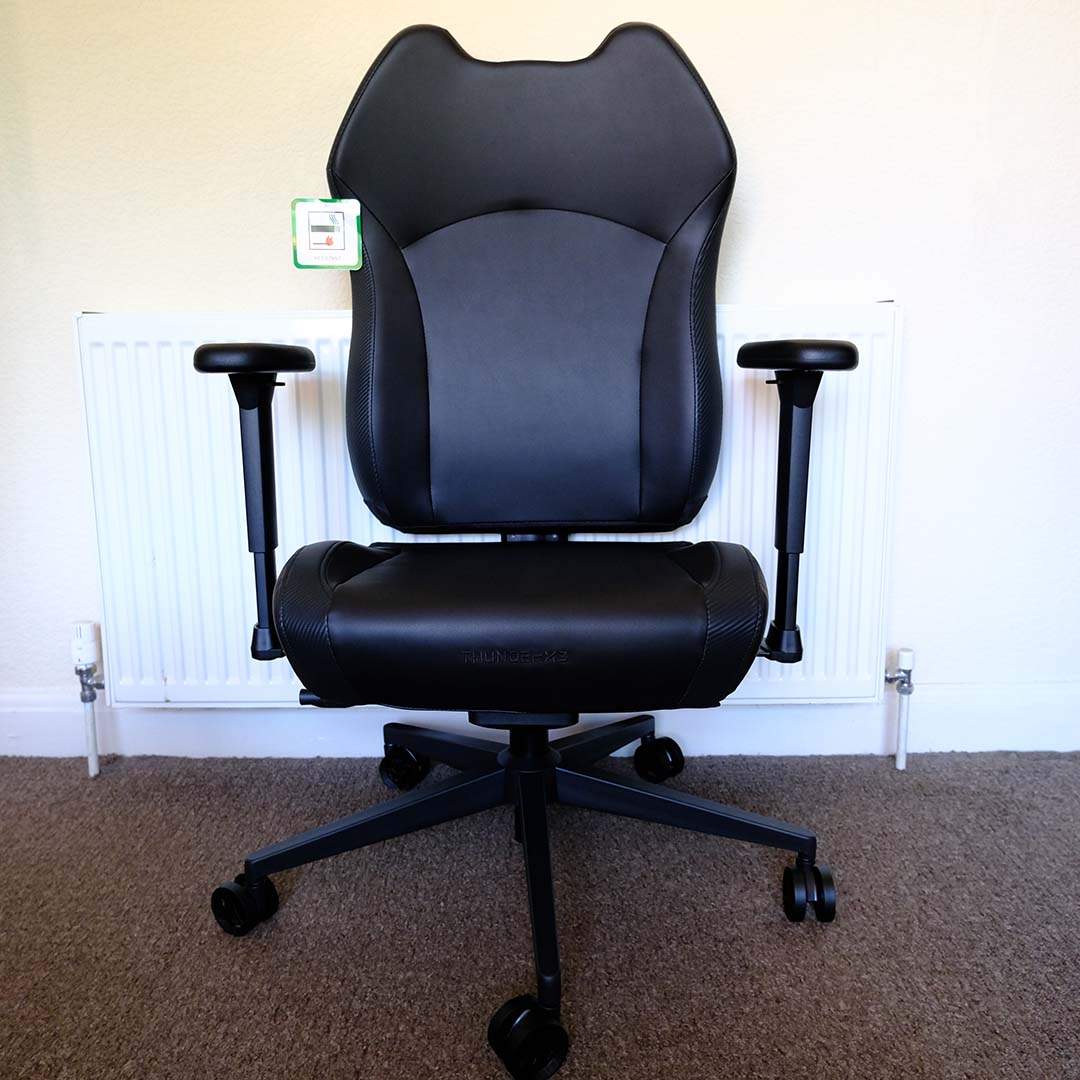
ThunderX3 offers the Solo 360 with a variety of upholstery material choices and colours, all using the same steel frame. We’re taking a look at the black leatherette ‘Modern’ variant, but you can also pick up the chair with a fabric or mesh finish.
While I used to be a firm proponent of leatherette chair designs, I’ve come around to prefer the breathability of fabric above all. However, the former material is much easier to clean and arguably looks cooler in a gaming setup, with the Solo 360 certainly donning an attractively subtle aesthetic.
I’m 5ft, 11in and weigh ~100kg, which places me well within the limits of the Solo 360’s maximum weight (125kg) and height (6ft, 4in). While fitting into this criteria doesn’t guarantee comfort in any chair, I’m happy to report that ThunderX3’s contender makes for a comfy perch.
As someone blessed with a relatively large posterior and thighs, I was initially concerned that the Solo 360’s lipped seat design would quite literally rub me the wrong way. Thankfully, ThunderX3 hasn’t made these lips overly rigid, providing just enough resistance to keep you in the 480mm seat base without any noticeable discomfort.
Finding the right seat height for my setup was simple, with a lever underneath the chair controlling my elevation from the ground by a range of 450–530mm. A slightly longer lever would make reaching for the control a touch easier, but you quickly become accustomed to its placement over time.
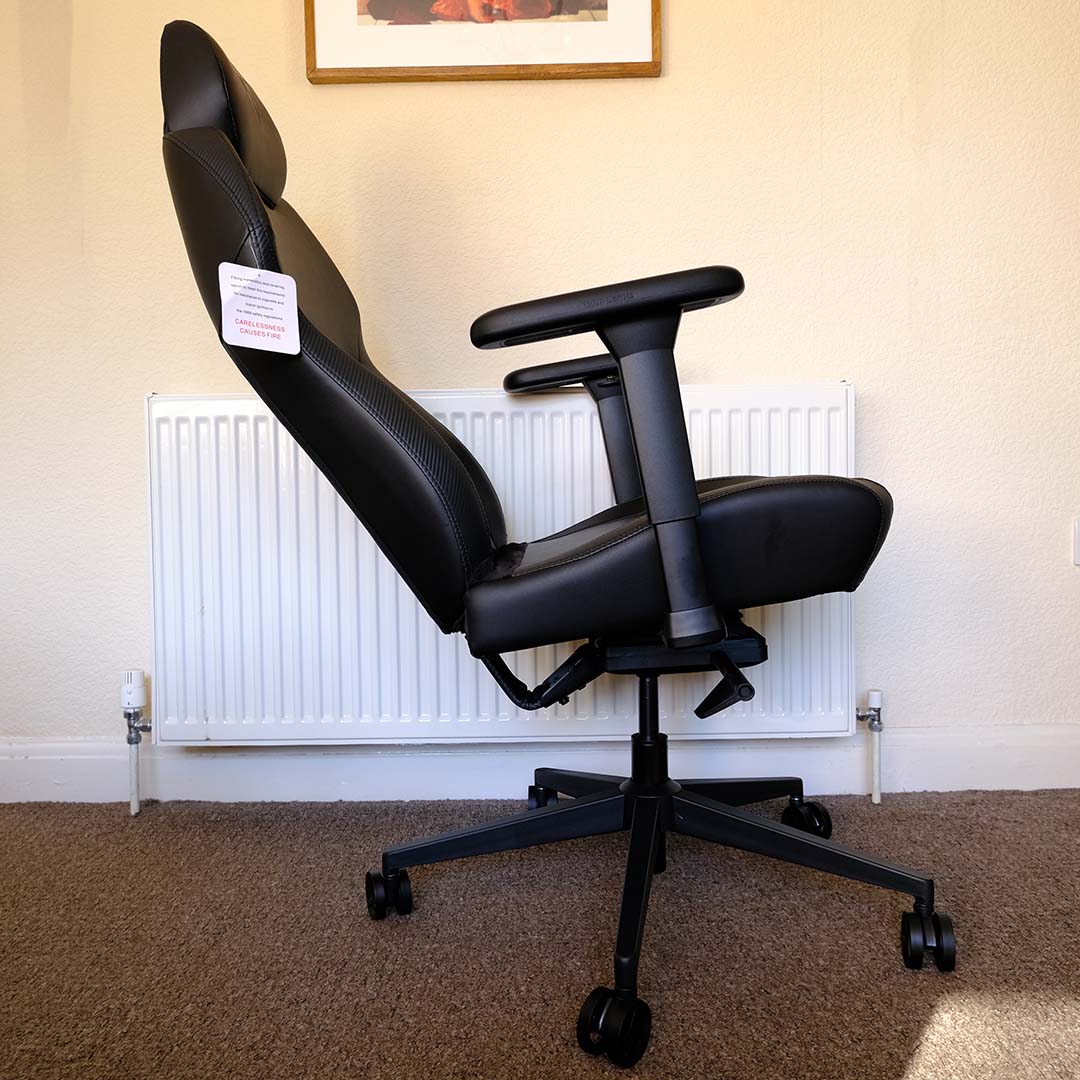
That same lever also serves as the chair’s tilting lock. ThunderX3 doesn’t provide an exact tilt range, but I have zero complaints about how far back the chair can lean. While there’s sadly no specific lumbar support, the synchronous tilt function is particularly useful, moving both backrest and seat in unison to maintain greater ergonomic comfort.
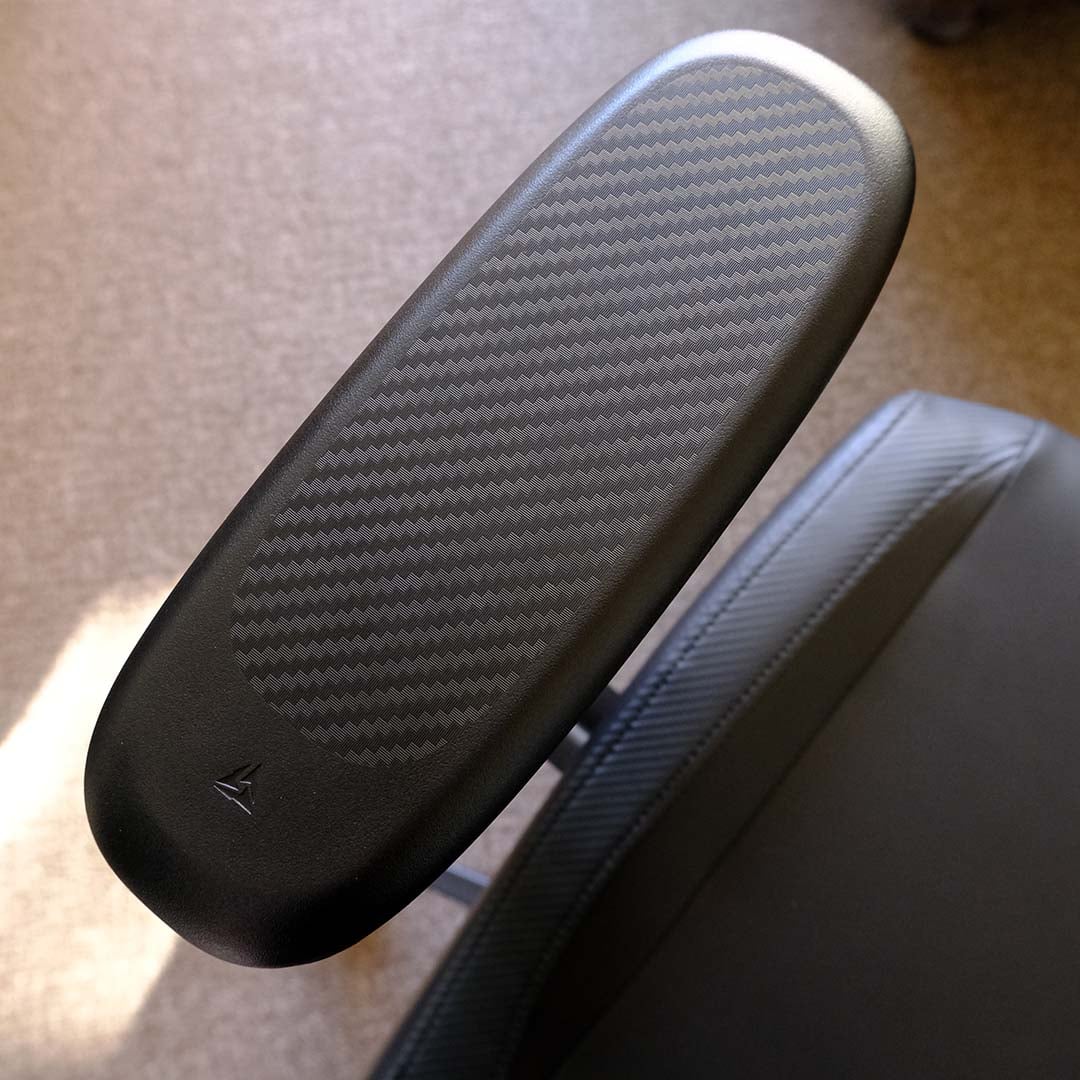
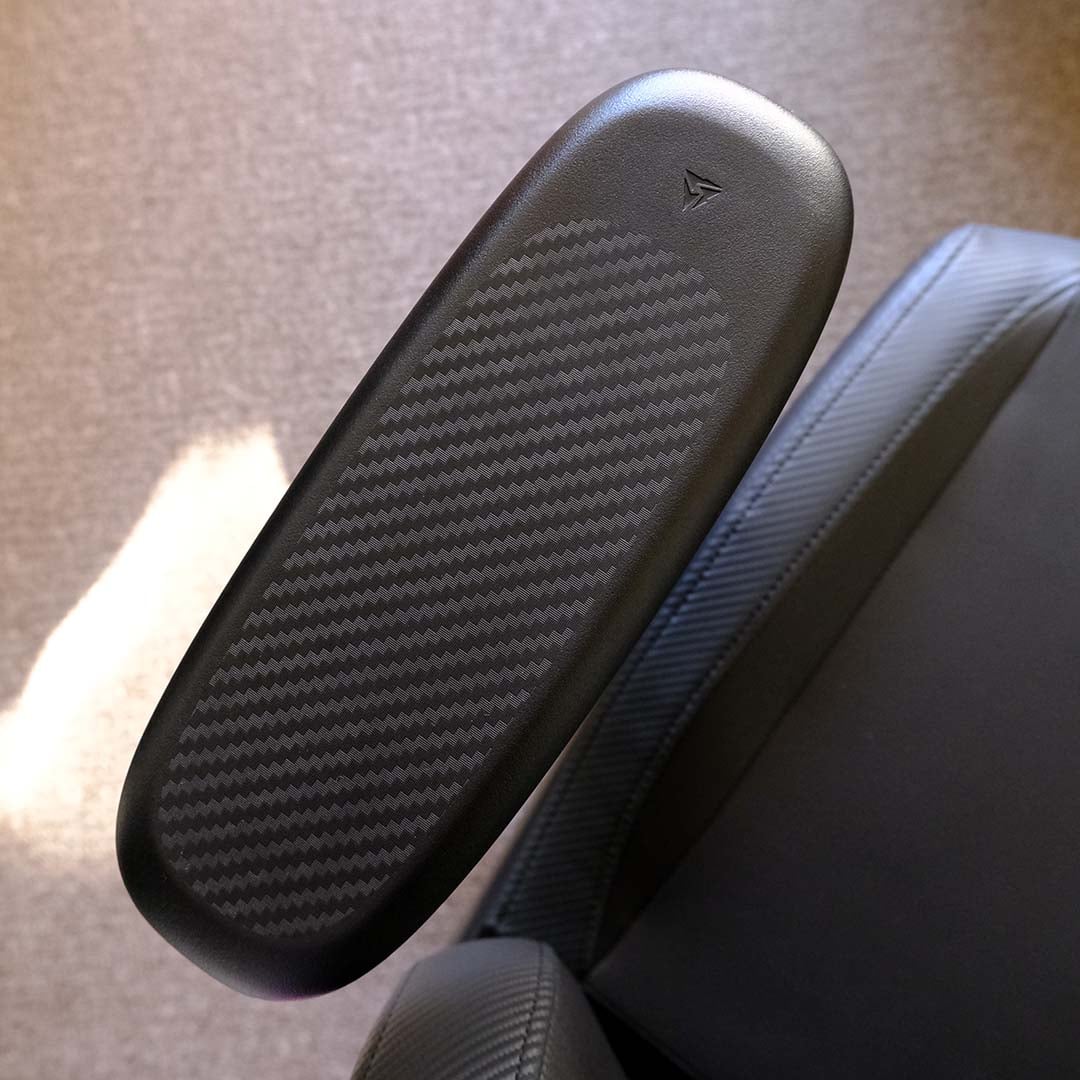
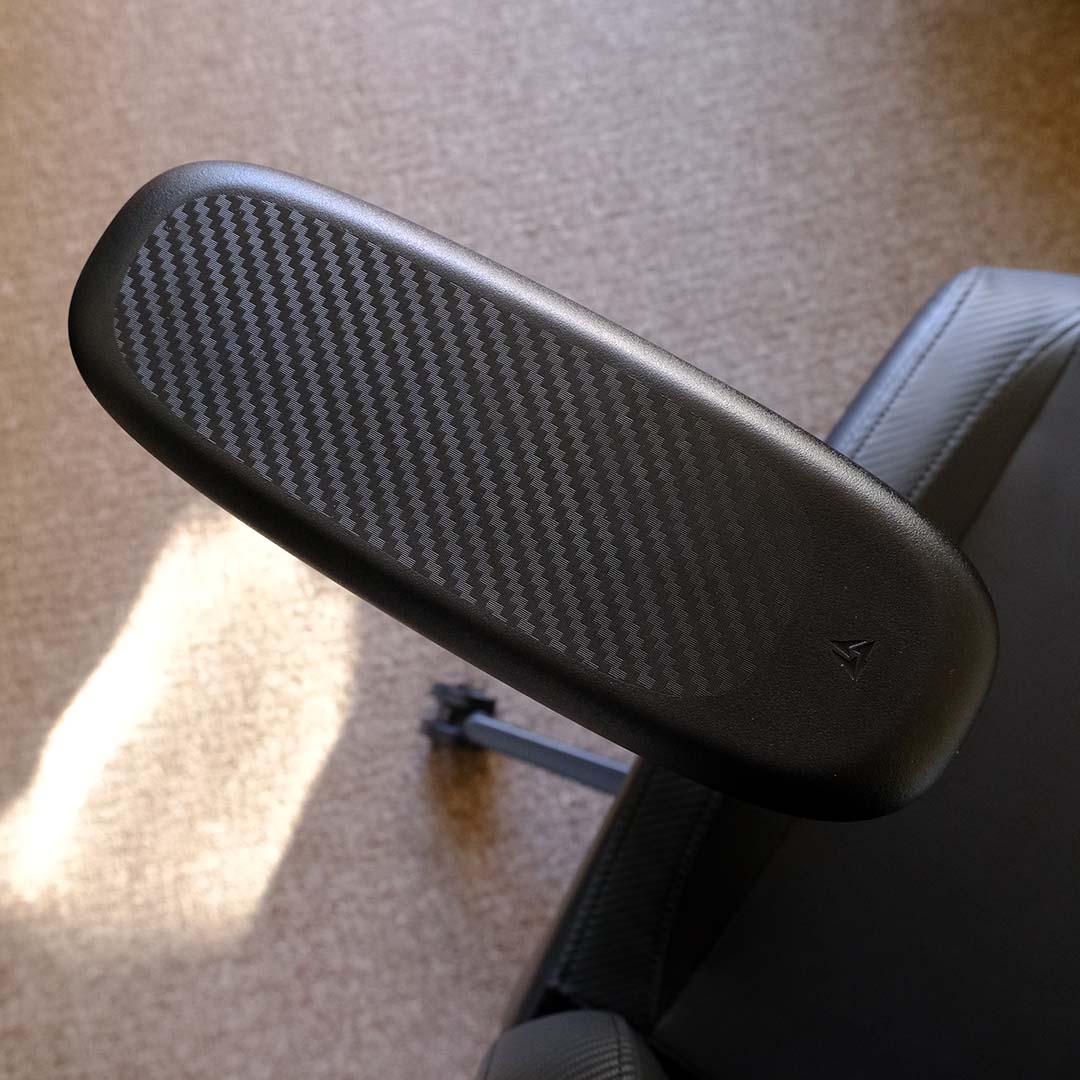
It’s hard not to love the Solo 360’s armrests, featuring three dimensions of adjustment. This includes 360° of rotation, which I’ve found difficult to give up, despite having more-premium gaming chairs at my disposal.
As someone who spends a lot of time playing Counter-Strike 2 and League of Legends, being able to twist my armrest to a 90° angle is a welcome feature. Doing so makes sweeping mouse movements more comfortable to execute, removing strain on my elbow, while the textured surface keeps my forearm steady.
As I mentioned earlier, there’s sadly no on-the-fly width adjustment available for these armrests. This isn’t a deal breaker, as you can tighten or widen the space between them through shifting their metal plates below the seat base. However, this omission remains a clear weak point of their design.
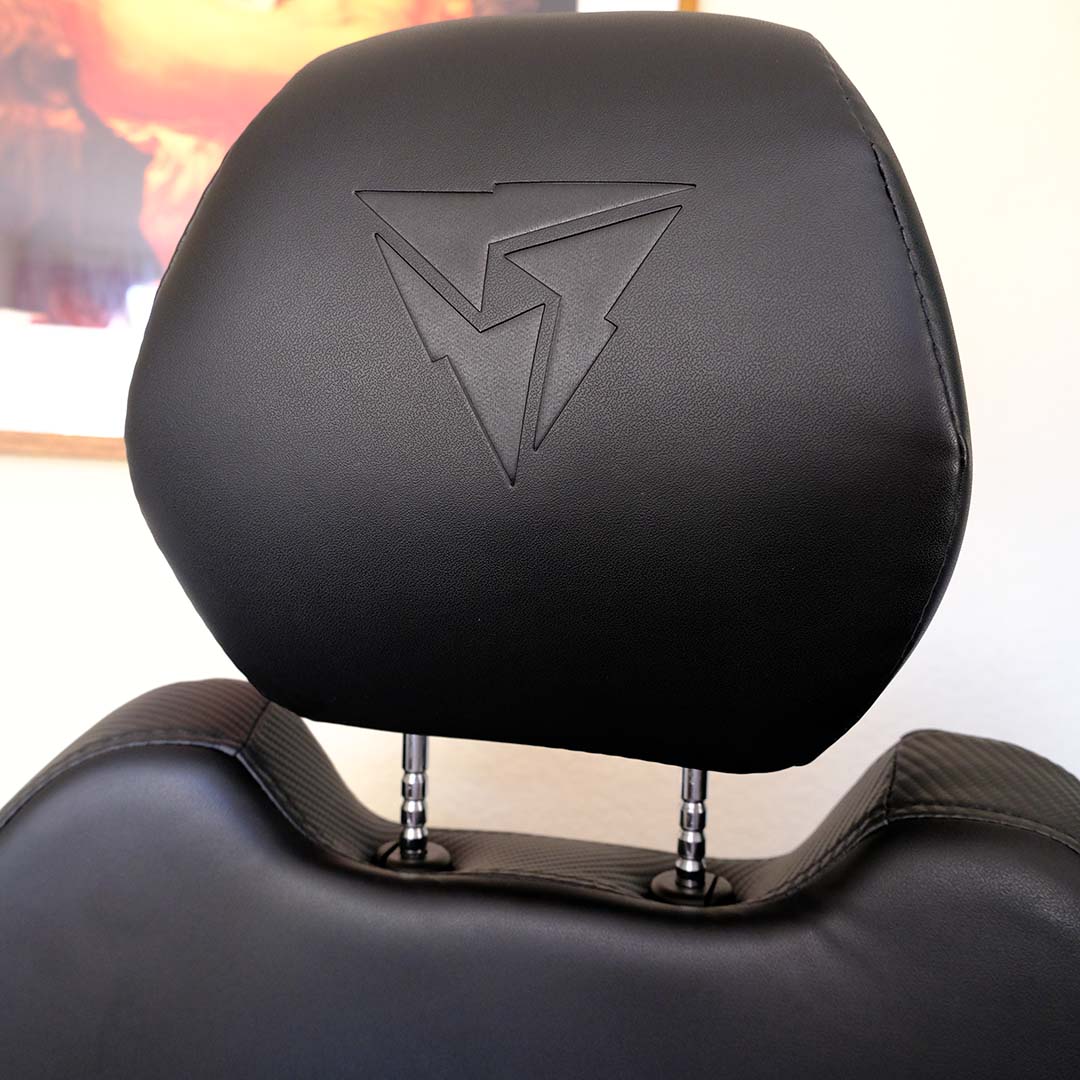
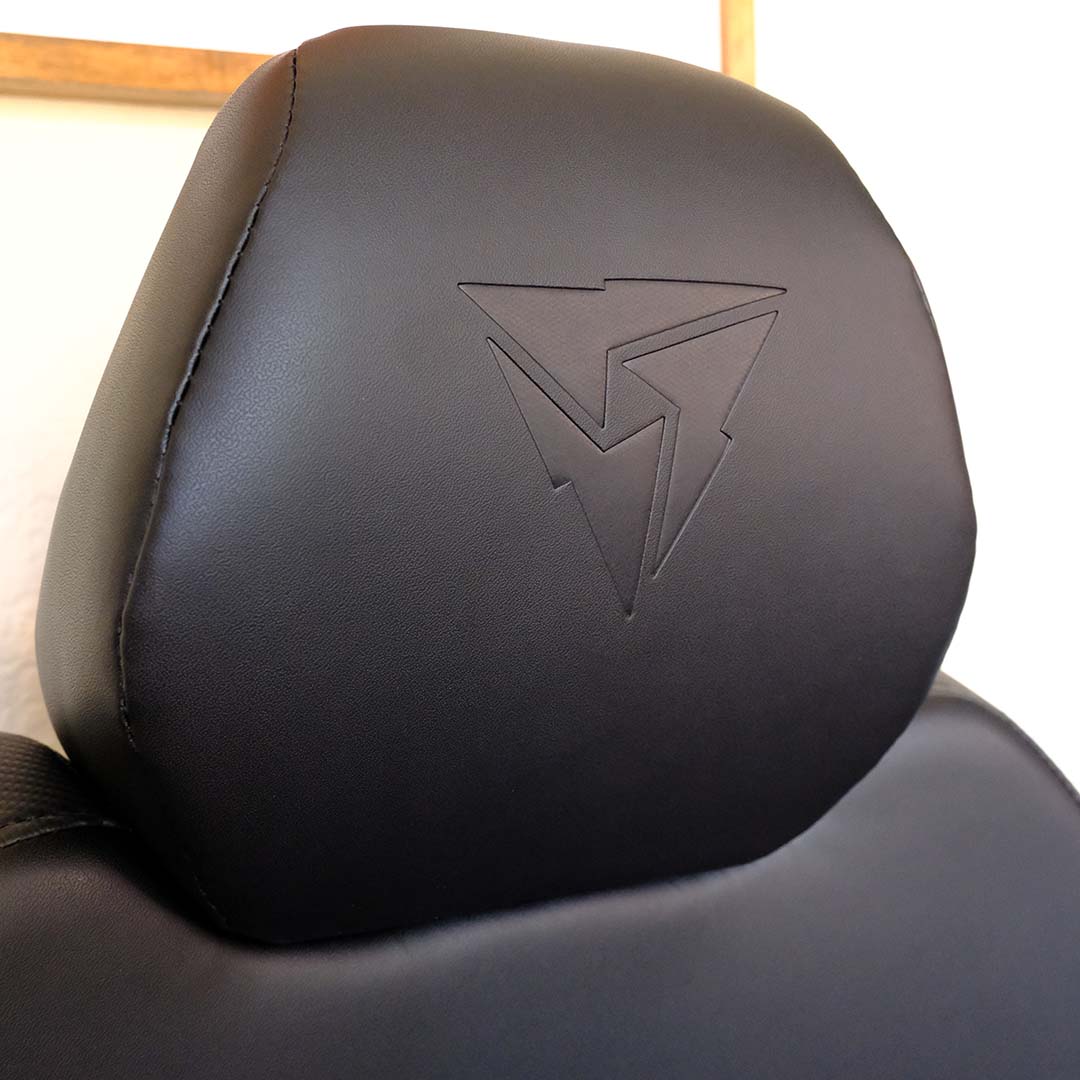
Adjusting the Solo 360’s modular headrest takes the right amount of effort, requiring a small amount of force to make adjustments, but with enough resistance to ensure your preferred position sticks. I’m not a fan of the modular neck pillows you find on budget-leaning chairs, so this car-seat-style design is a welcome breath of fresh air, providing ample support and comfort to my neck and head.
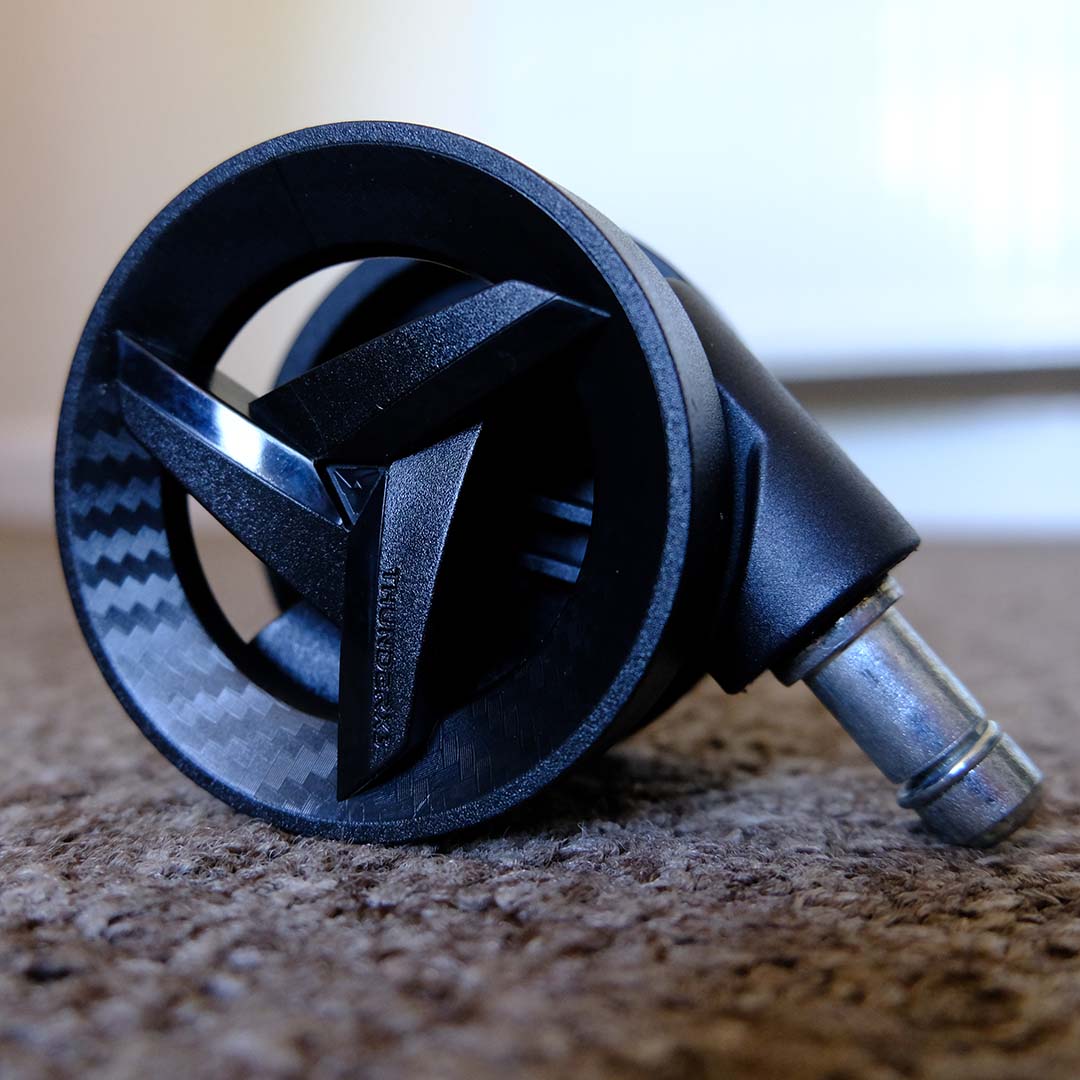
Finally, take note that the Solo 360 arrives with nylon casters. These wheels won’t play nicely with wooden or polished surfaces, potentially scratching them, but are absolutely fine for low-profile carpets like mine.
Conclusion
ThunderX3 has crafted an excellent, high-value gaming chair in the Solo 360. The seat handily delivers plenty of comfort with its accommodatingly plump base, alongside its pleasingly firm yet supportive backrest and headrest. This is to say nothing of its armrests, with their 360° of rotation proving a stellar feature for the price.
At £189 / $249 for this ‘Modern Black’ variant, there’s little reason not to simply pick up this gaming chair if that’s your budget. It’s a cut above many of the cheaper thrones I’ve tested prior to this review, and not too far away from the luxurious feel of more expensive alternatives. Moreover, a three-year warranty is a welcome plus, particularly when one year is the norm for more-affordable chairs.
Better still, at the time of writing, this particular version of the Solo 360 is even cheaper, at £161. Other materials and colours vary in price, but they’re also worth a look, as they all share the core spirit that makes this chair a pleasure to occupy for hours at a time.
