

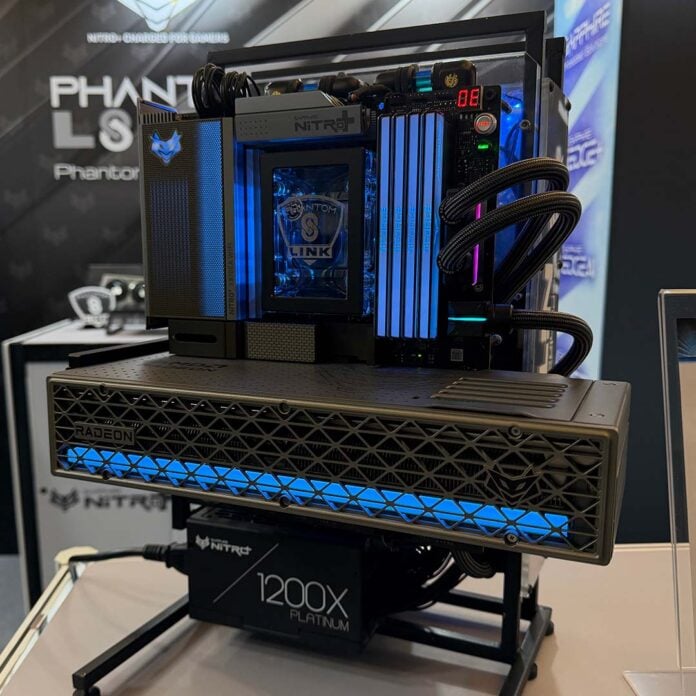
Computex is bursting with bleeding-edge tech, but it’s also a chance for recent releases like Sapphire’s PhantomLink series to enter the spotlight once again. Case (or lack thereof) in point, as we stopped by the manufacturer’s booth, this open-air build caught our eye as an excellent showcase for the tech.
In case you missed my reviews earlier this year, the Nitro+ Radeon RX 9070 XT PhantomLink Edition and Nitro+ X870EA PhantomLink Edition aim to decrease cable clutter in your PC via a GC-HPWR connector. Rather than feed an unsightly 16-pin connector across your graphics card, you can now insert it into the motherboard instead.
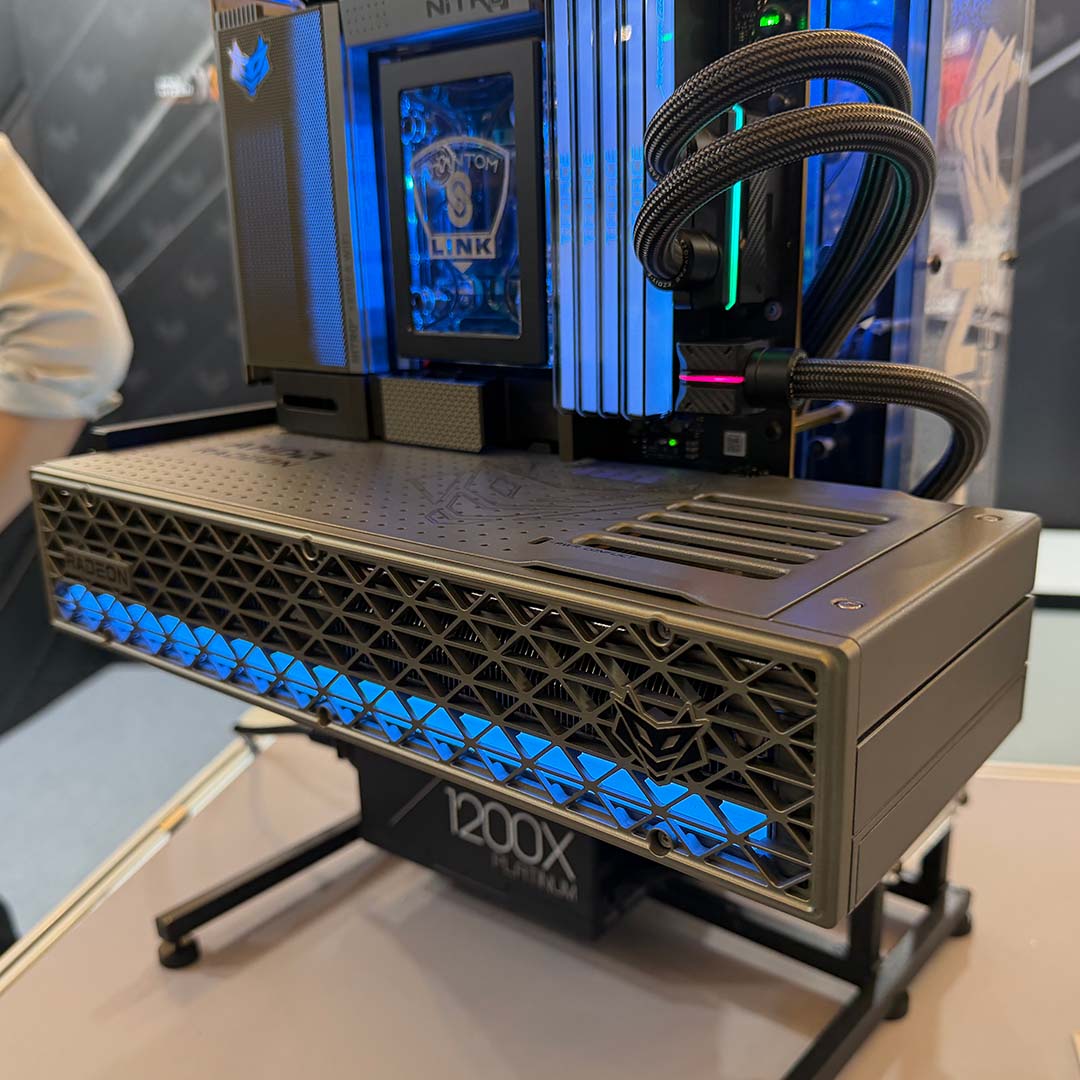
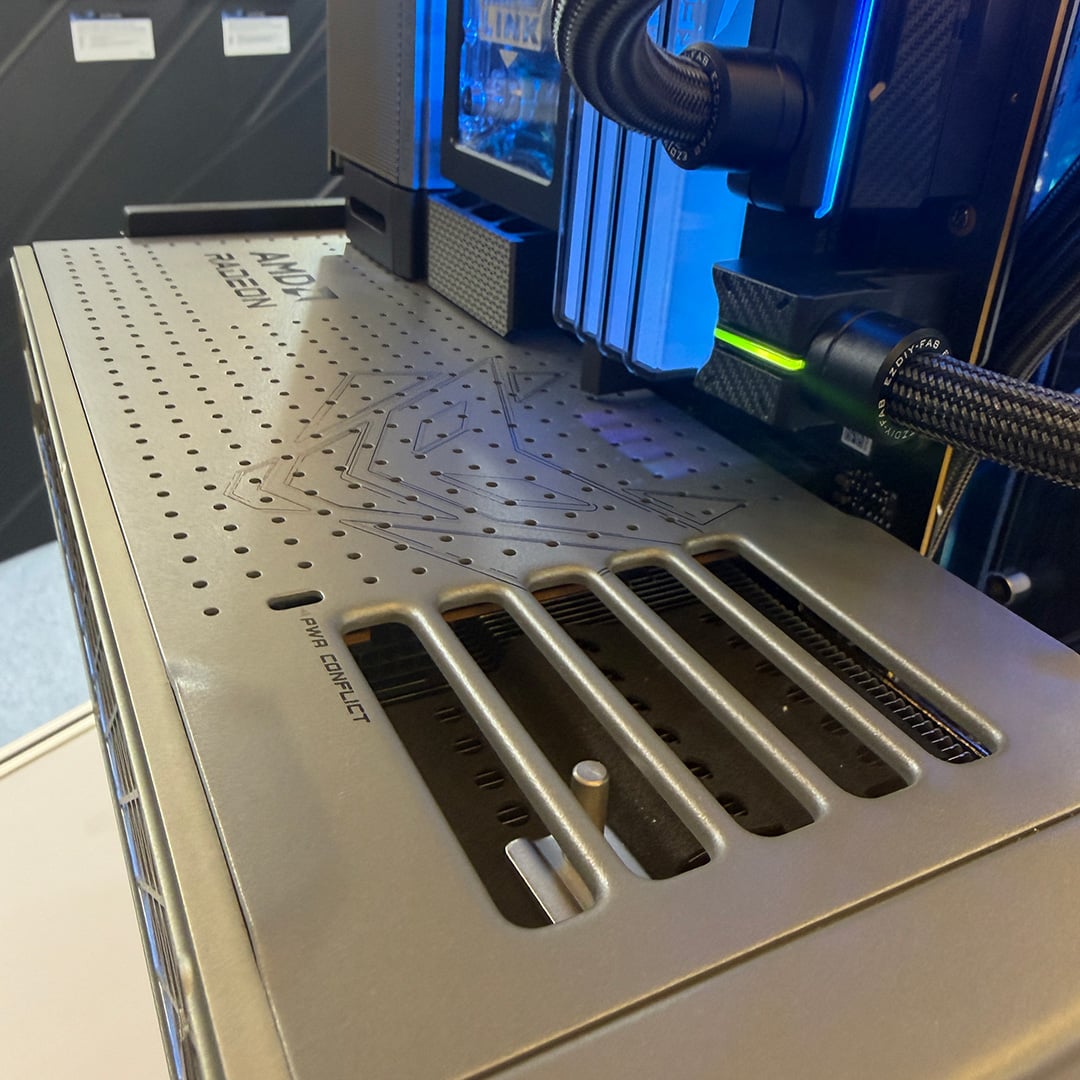
Seeing the Nitro+ Radeon RX 9070 XT PhantomLink Edition floating in the middle of this build, sans cables, really showcases just how much of a difference a lack of cabling can make to a build’s aesathetics. While the graphics card did already obfuscate its 16-pin connector via the header hidden under its backplate, this method is far less fiddly to install.
For those wondering where the 16-pin connector’s gone, you’ll find it just below the ATX 24-pin. I’m a big fan of the right-angled cables that Sapphire’s chosen for this build, for a more secure seal between the header devoid of any tension. That RGB LED on top is a nice touch too.
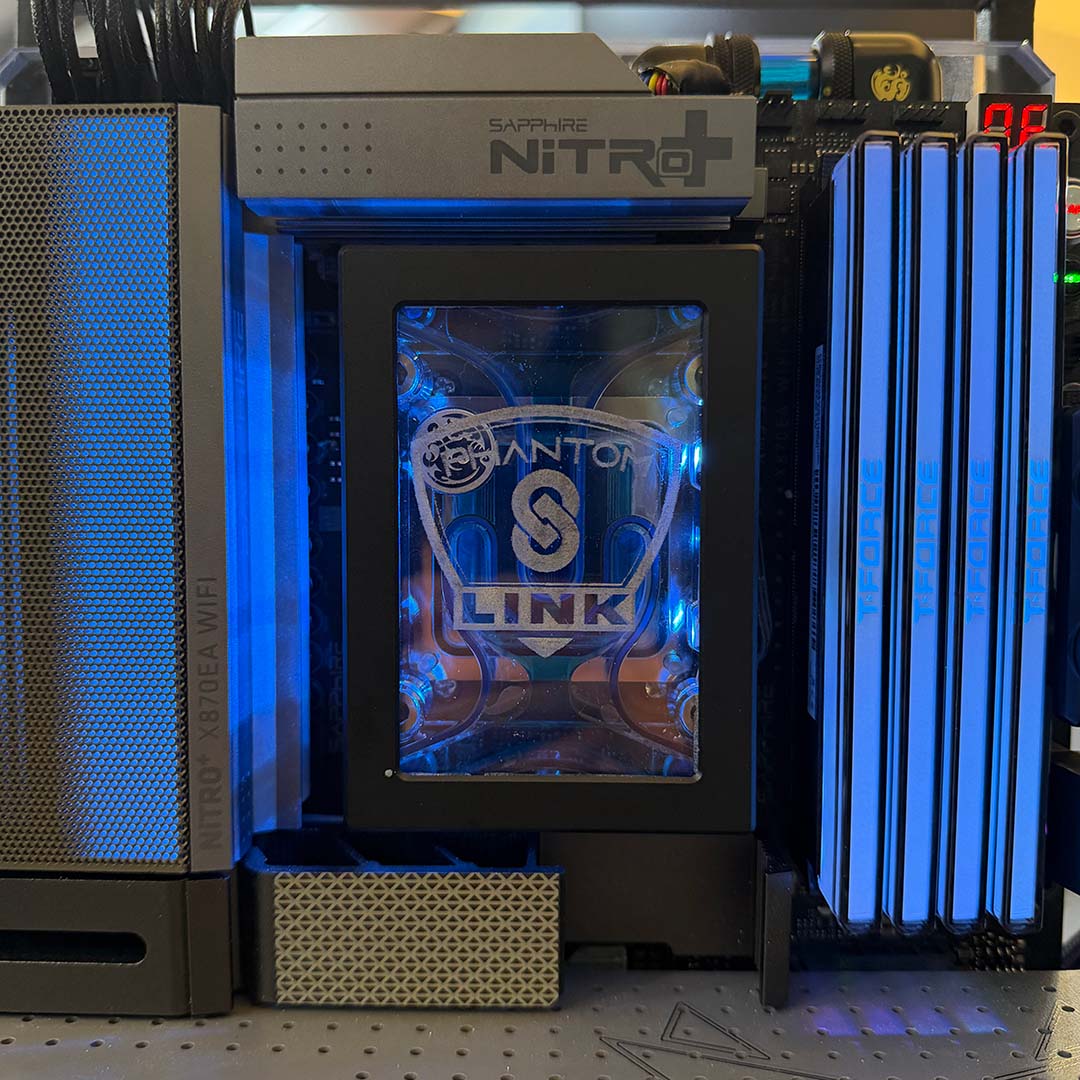
Putting together my own build using the Nitro+ X870EA PhantomLink Edition, I praised Sapphire’s tasteful RGB LED design. The perforations on the VRM help diffuse the light from being too gaudy, and give this already classy motherboard a further prestigious air.
Now, here at Computex, Sapphire’s gone with a tasteful blue colour scheme, across cooler, RAM, and GPU. While I was happy with my choice of cooler in my own build, seeing the custom water block atop the CPU here has me hungry to try all over again with the goal of crafting an even cleaner aesthetic.
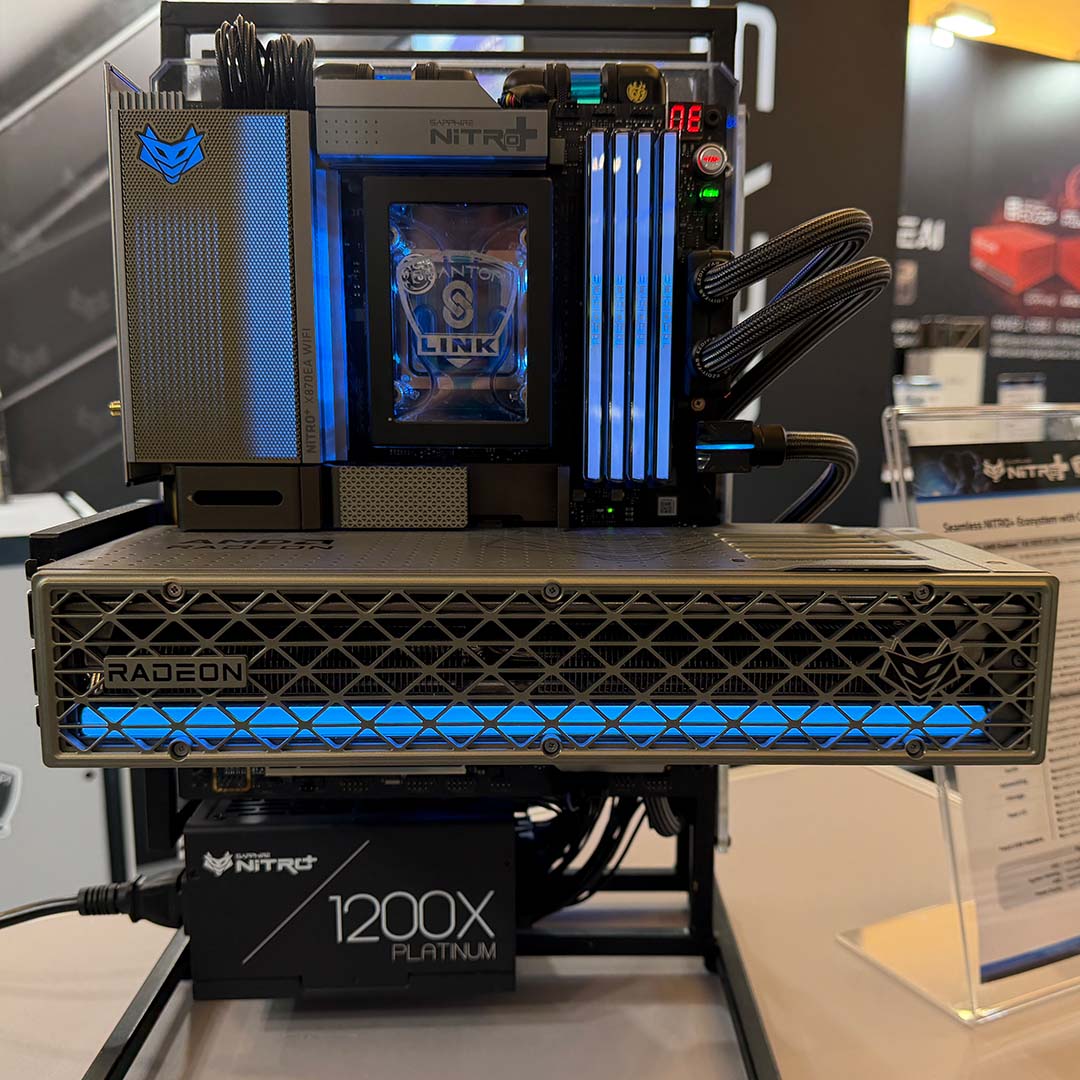
I do wish that Sapphire would go all the way with its vision of cableless future, namely by designing a back-connect version of the Nitro+ X870EA PhantomLink Edition. Regardless, there’s no denying the visual splendour that the company’s components already, particularly in an open-air configuration like this.
To see more of our Computex coverage, click here. In the meantime, make sure you’re following Club386 on Google News so you don’t miss any cool stuff from the show.
