
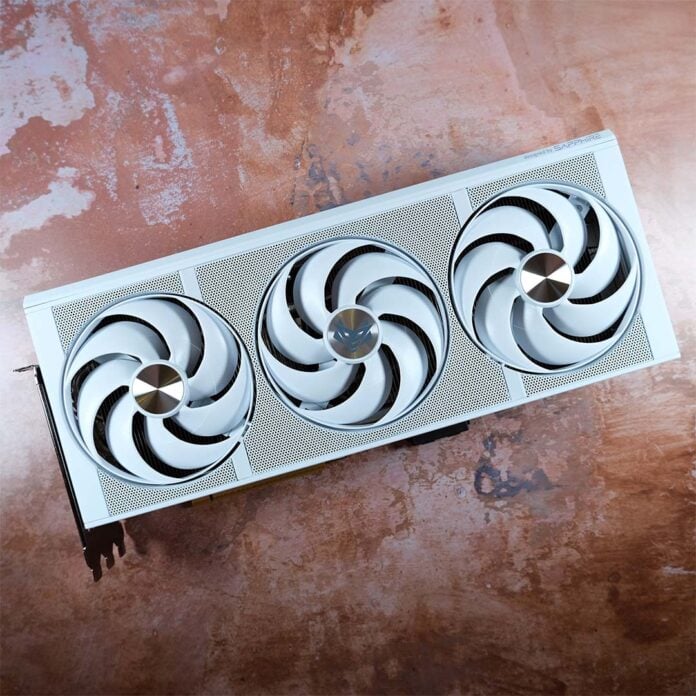
Sapphire is launching a revision of its flagship graphics card, the Sapphire Nitro+ Radeon RX 9070 XT PhantomLink Edition, serving as the hammer to the anvil that is the firm’s new GC-HPWR motherboard. The addition of this cable-shifting connector enhances an already stellar card, but at a difficult price.

Nitro+ Radeon RX 9070 XT PhantomLink
£879 / $989
Pros
- Great QHD/UHD performance
- Beautiful build quality
- Solid thermals
- Low noise profile
- GC-HPWR compatible
Cons
- Expensive for RX 9070 XT
Club386 may earn an affiliate commission when you purchase products through links on our site.
How we test and review products.
Retailing for £879 / $989, this is the most expensive Radeon RX 9070 XT you’ll find on the market bar none. As much as GC-HPWR undoubtedly carries a premium, manufacturing any product that uses DRAM in current market conditions is increasingly expensive. Thankfully, Sapphire still does offer a high-quality graphics card for all that cash.
Design
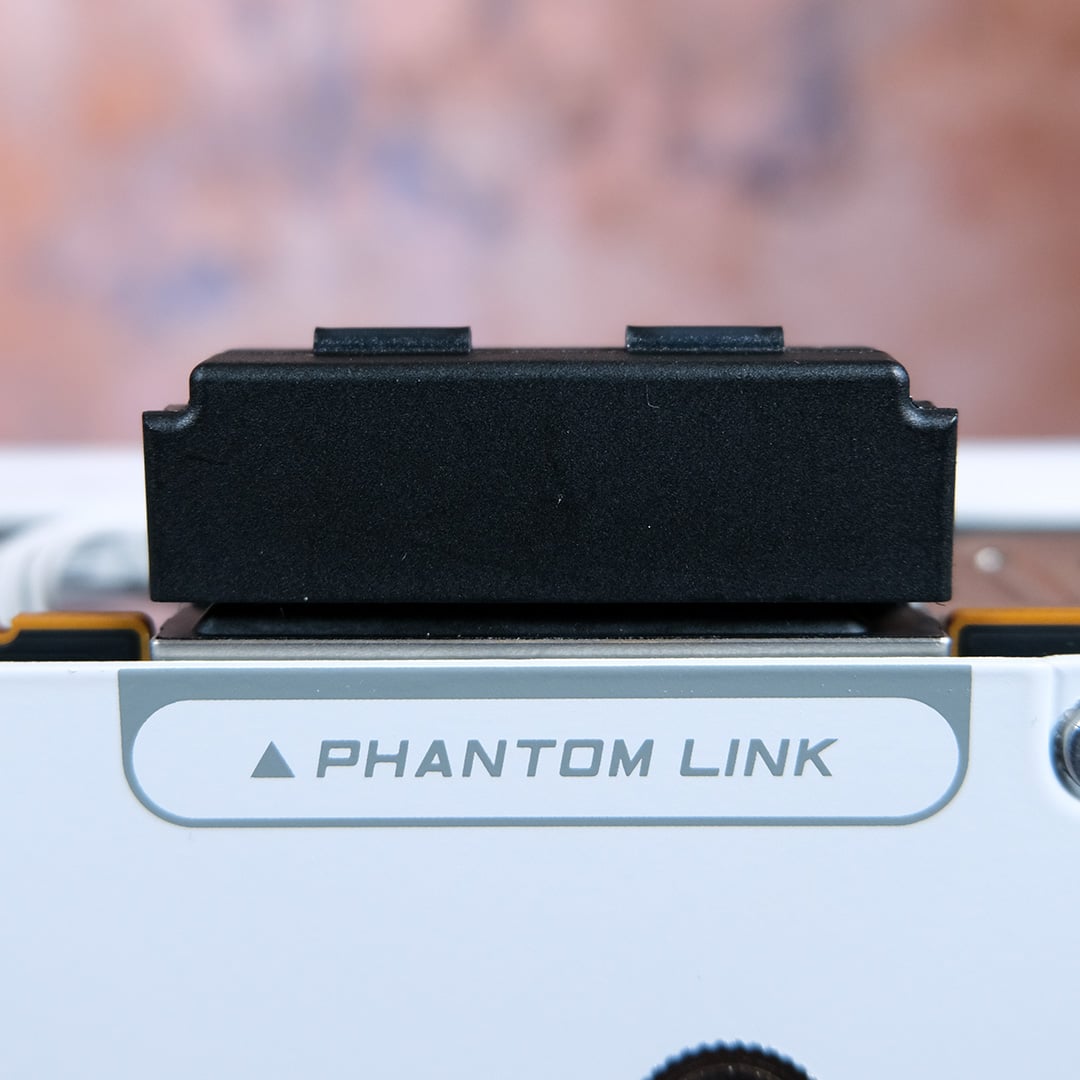
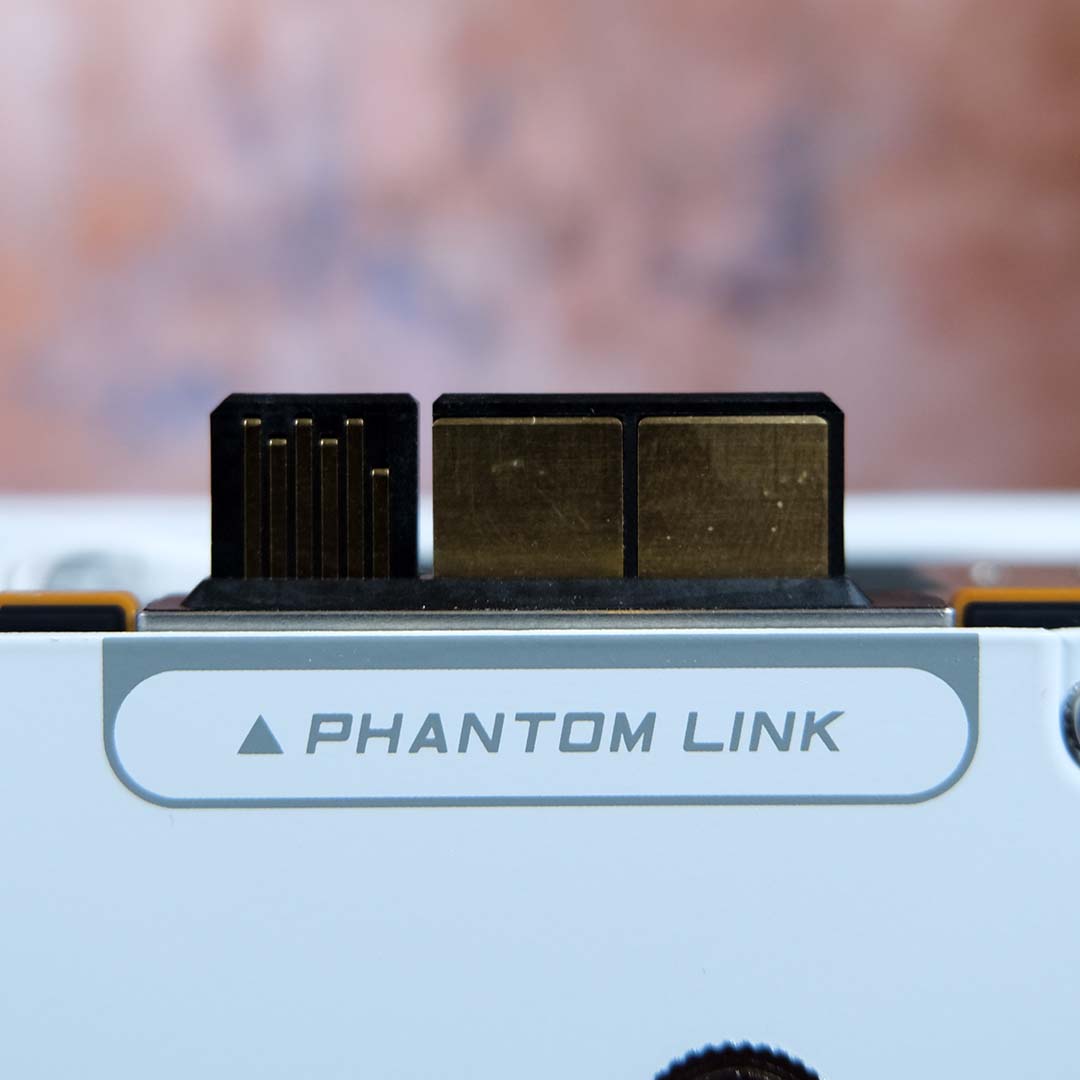
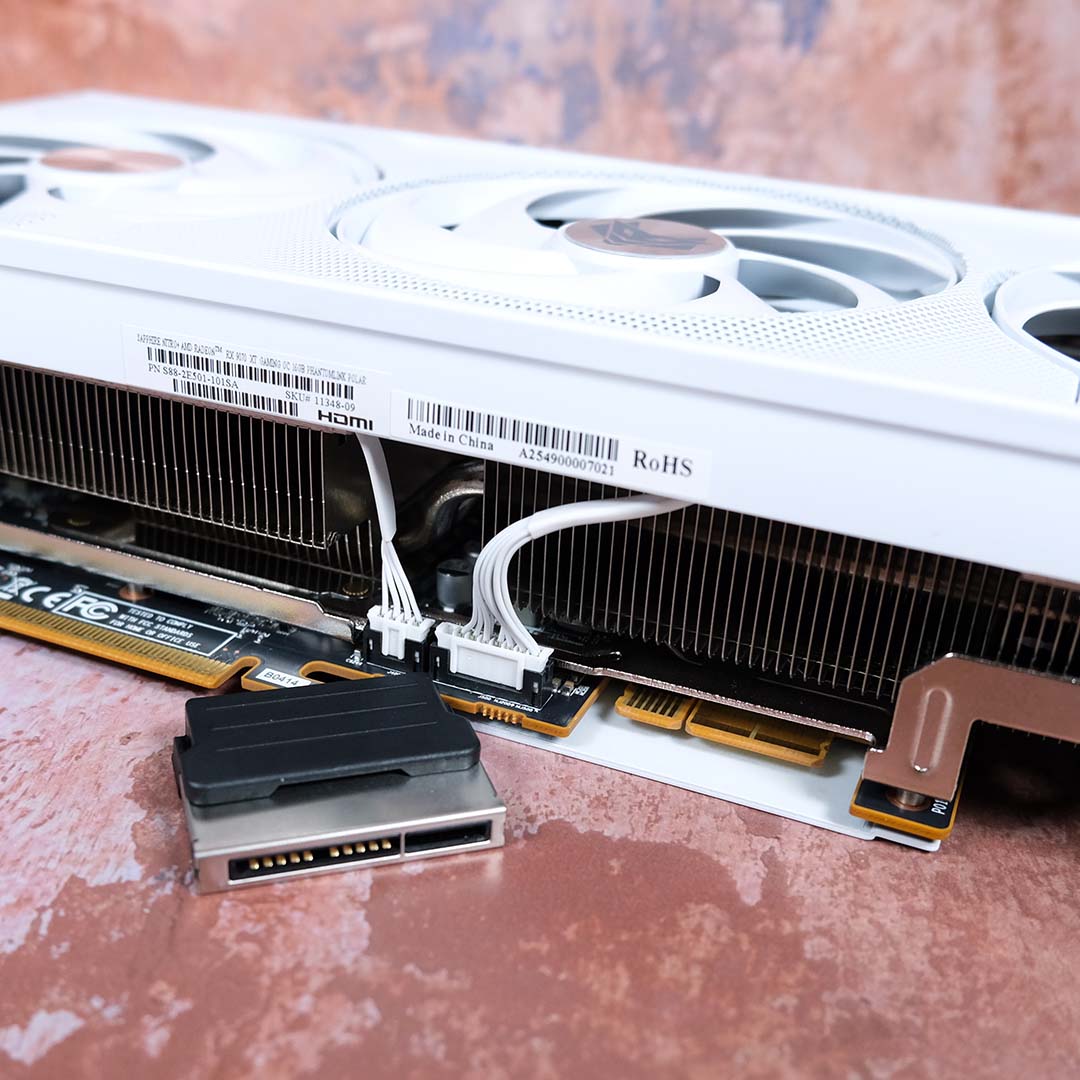
To understand what differentiates this PhantomLink Edition from Sapphire’s standard Nitro+ Radeon RX 9070 XT, you need only look as far as its GC-HPWR connector. For those unfamiliar, this is a proprietary technology that Asus developed to shift graphics card power delivery to the motherboard, intent on enhancing the cable-free appearances of its back-connect ‘BTF’ motherboards.
Now, following a licence agreement, Sapphire is producing its own GC-HPWR components under its PhantomLink brand. Alongside this graphics card, the firm has launched the Nitro+ X870EA PhantomLink Edition, a motherboard complete with support for this connector and matching aesthetics to boot. However, you don’t have to stay within this ecosystem, as the card will play nicely with any Asus BTF board as well.
There’s no upside to going with GC-HPWR other than aesthetics, as you’ll still need to route a 16-pin power cable to the motherboard in order to power this graphics card. Don’t worry if you don’t have a compatible motherboard to hand, though, as the connector is entirely removable via a simple pull mechanism. Sapphire even includes a protective cover for storage as a nice touch.
Aside from the GC-HPWR connector, the Nitro+ Radeon RX 9070 XT PhantomLink Edition is functionally identical to the standard model. We’re talking the same 330W TDP and factory overclocks, pushing the GPU’s game frequency to 2,520MHz (+120MHz) and raising its boost clock to 3,060MHz (+90MHz).
There’s only 40MHz separating this RX 9070 XT from those with the fastest frequencies on the market, but the card also falls 10W shy of AMD’s maximum. It would’ve been ace to see Sapphire close those gaps with this release, particularly given the higher premium this PhantomLink model commands.
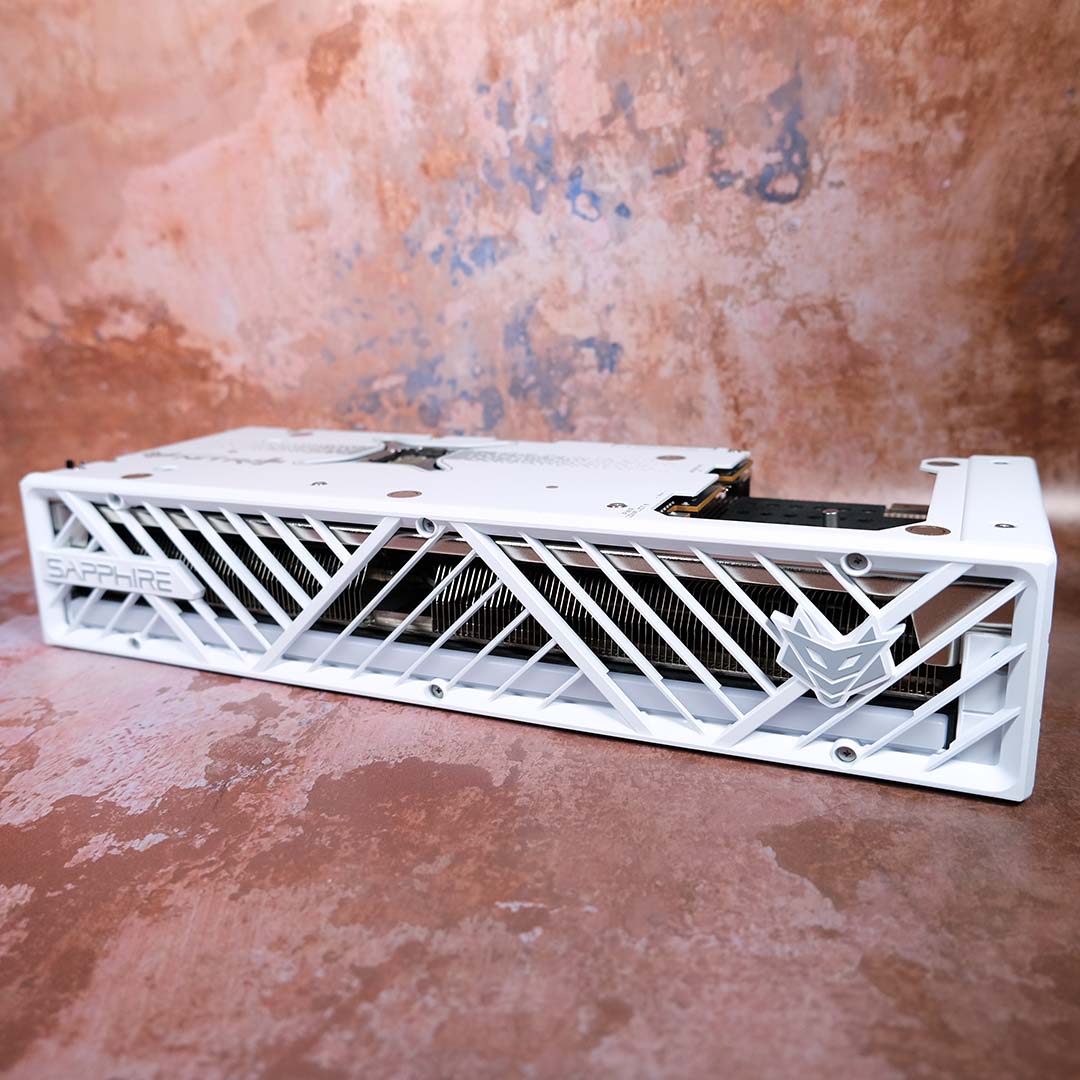
Speaking on a surface level, this launch does usher in a new Polar colourway, which is the variant you’ll see throughout this review’s photography. I much prefer this white finish over the standard colour, particularly taking into account its unique side profile.
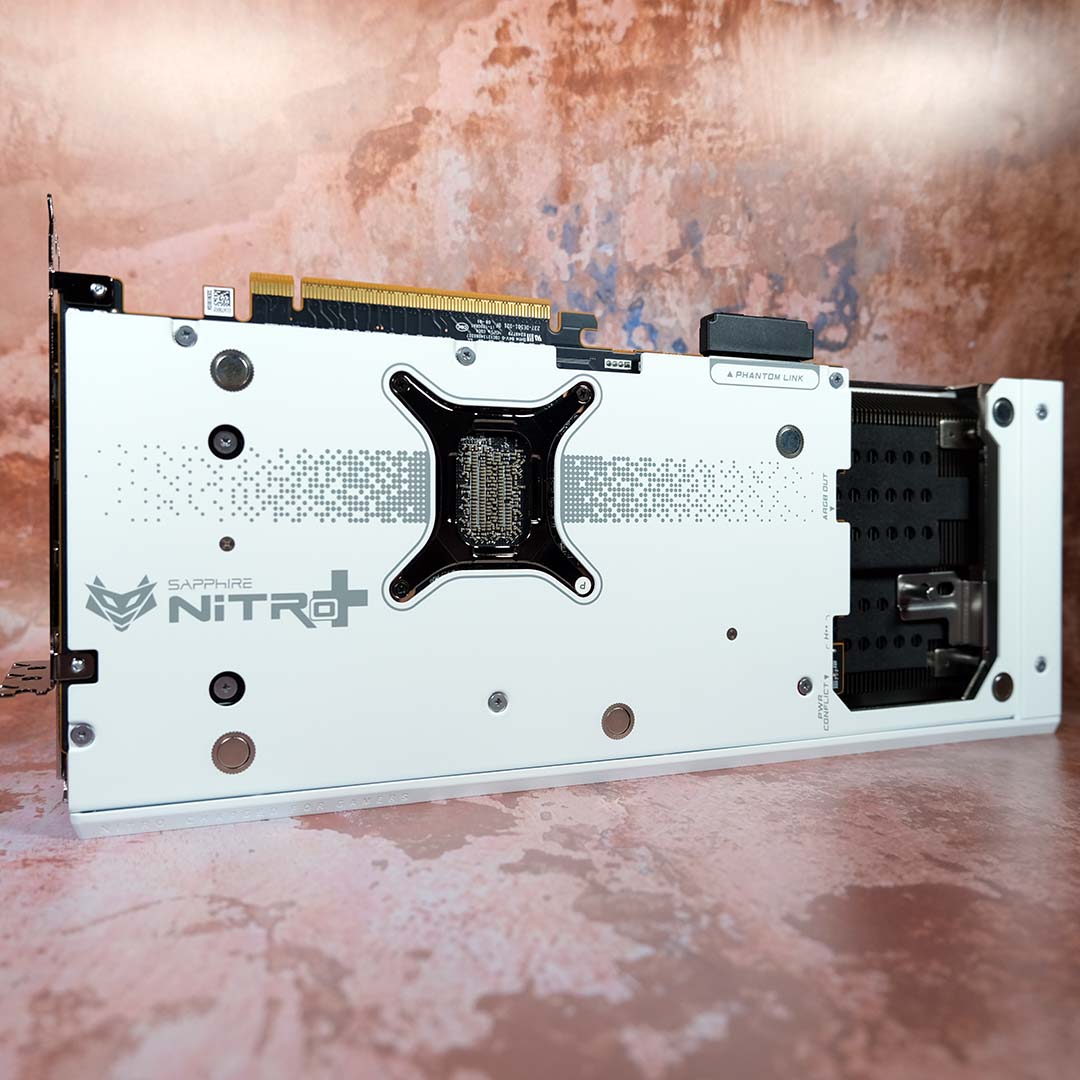
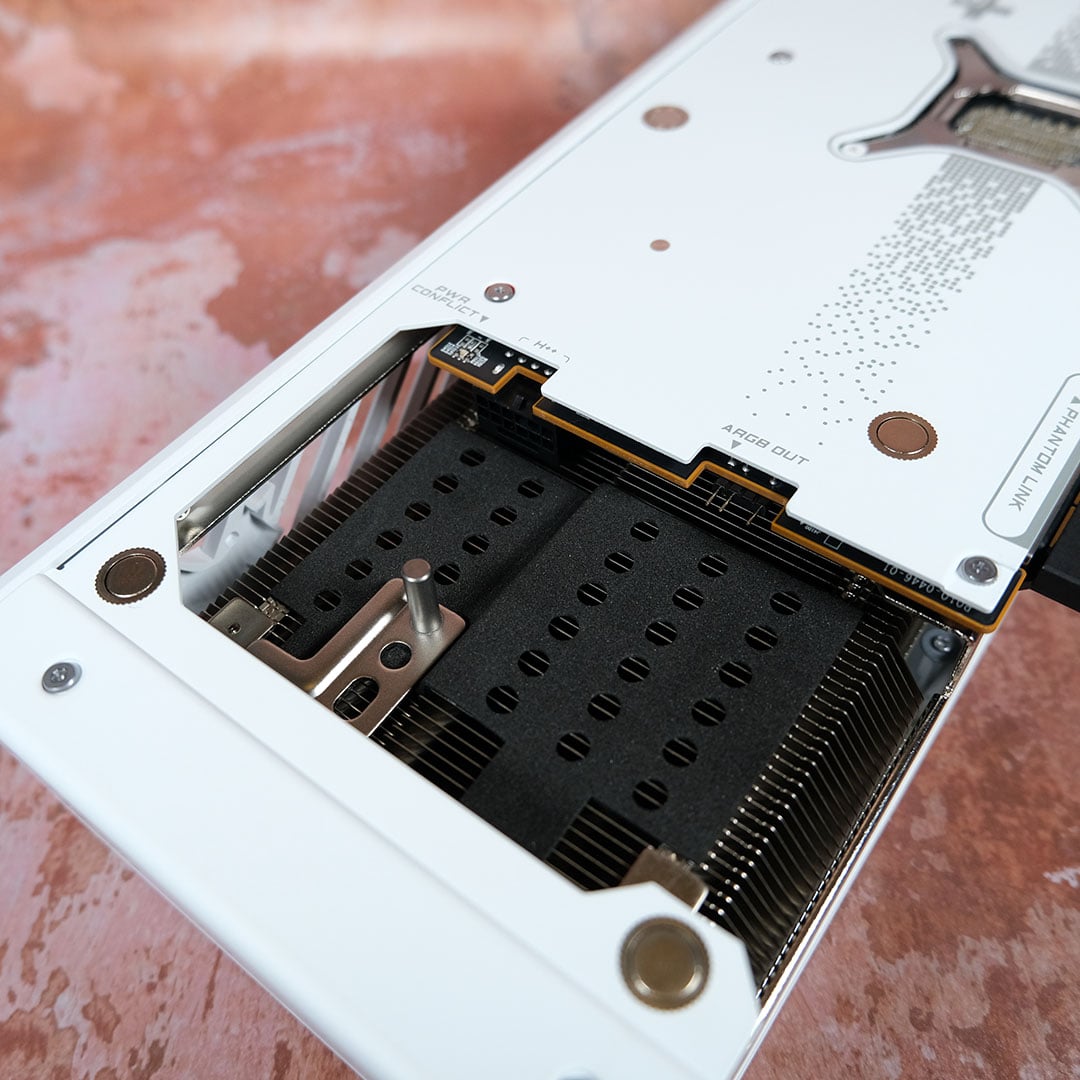
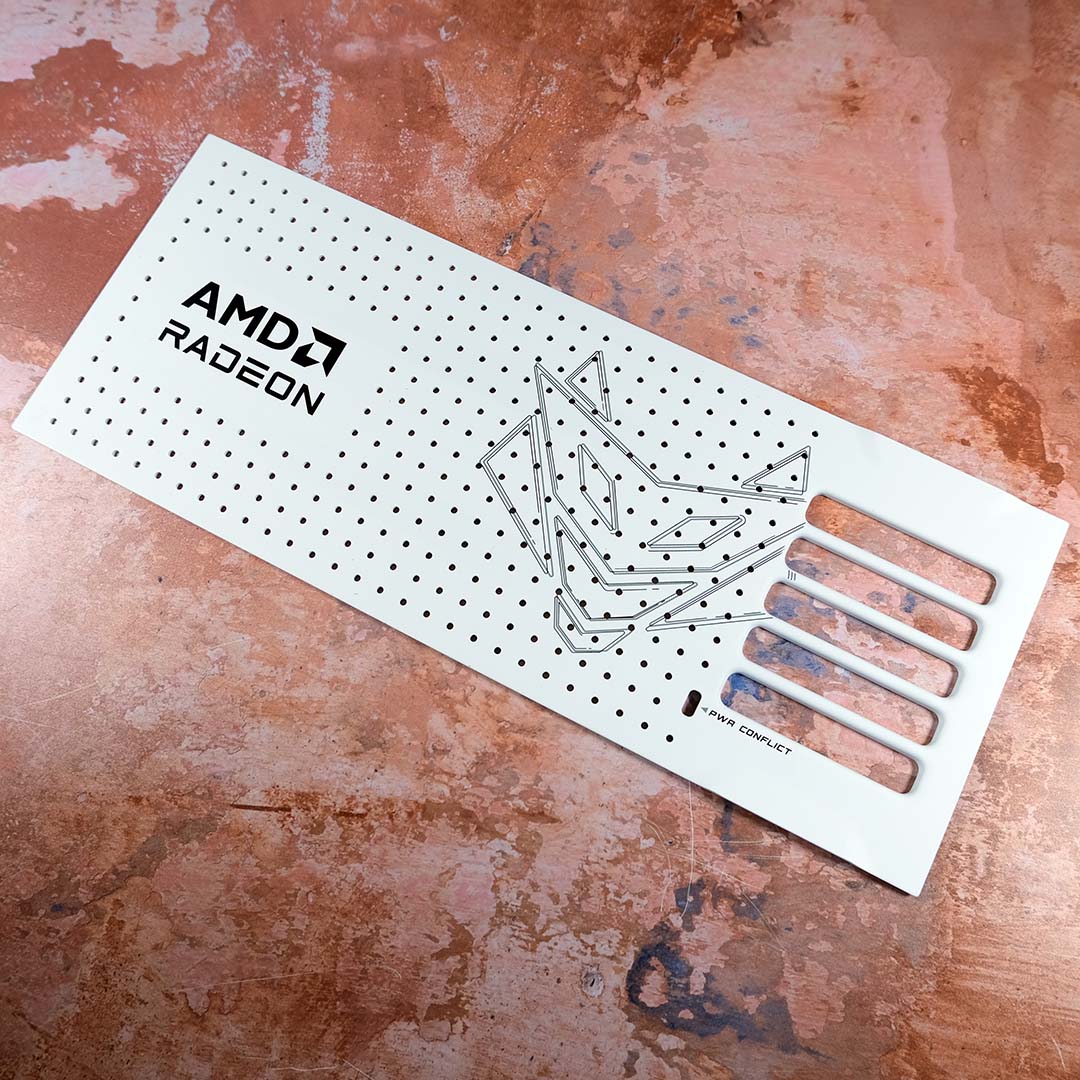
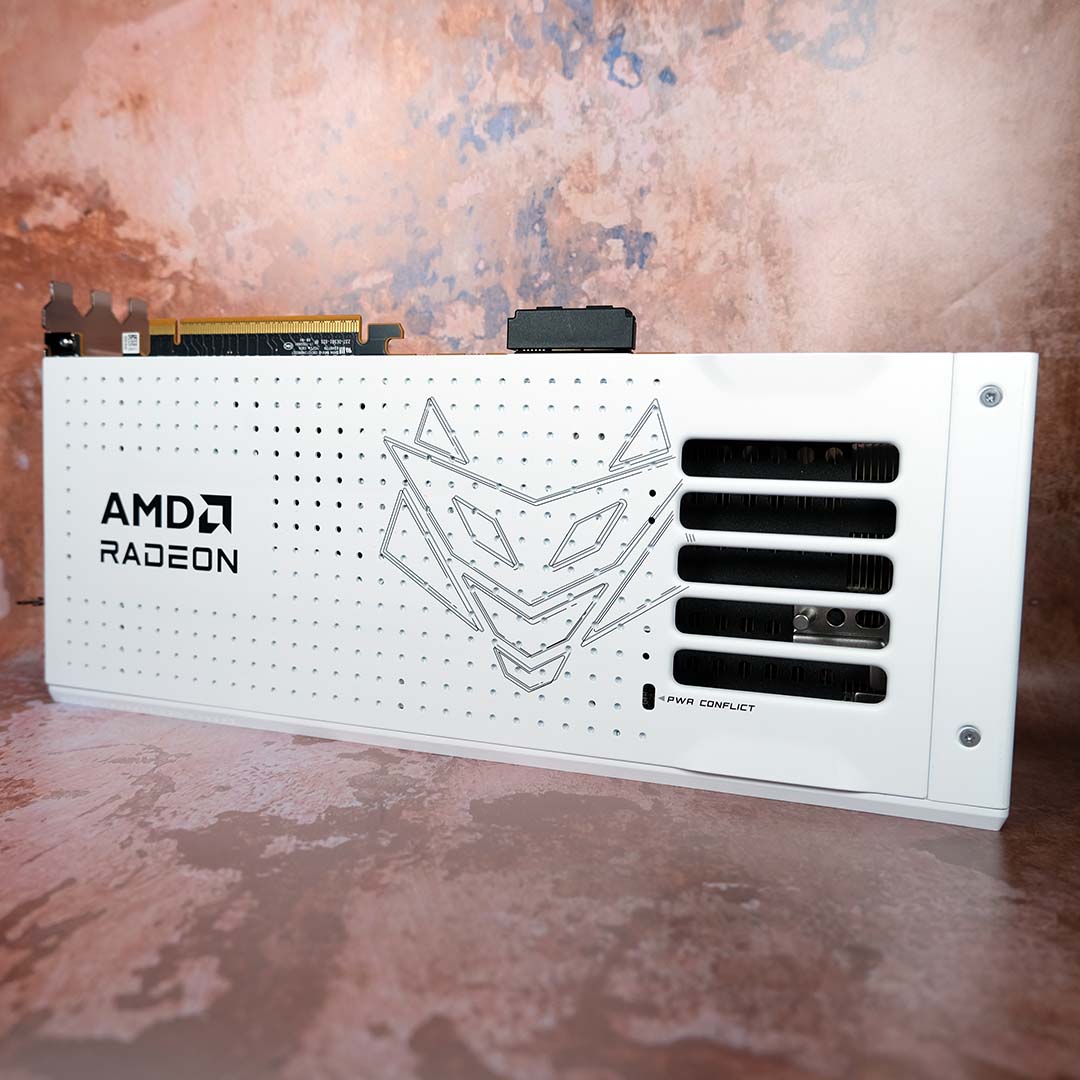
While GC-HPWR offers the cleanest and most convenient way of powering the Nitro+ Radeon RX 9070 XT PhantomLink Edition, you can still plug a 16-pin cable into it the old-fashioned way. If, by some unfortunate circumstance, you were to accidentally connect cables to the GPU and motherboard simultaneously, the graphics card physically cannot turn on, while a ‘PWR Conflict’ LED turns on to inform you what’s up. While such a chain of events is unlikely, I commend this attention to detail when it comes to safeguarding.
Sapphire’s unique nook for the card’s 16-pin socket and A-RGB header returns on the PhantomLink model. This method is as good as stealthy cable installation gets, bar GC-HPWR, but it does require a touch more finesse and planning to route those wires neatly, relative to a standard approach.
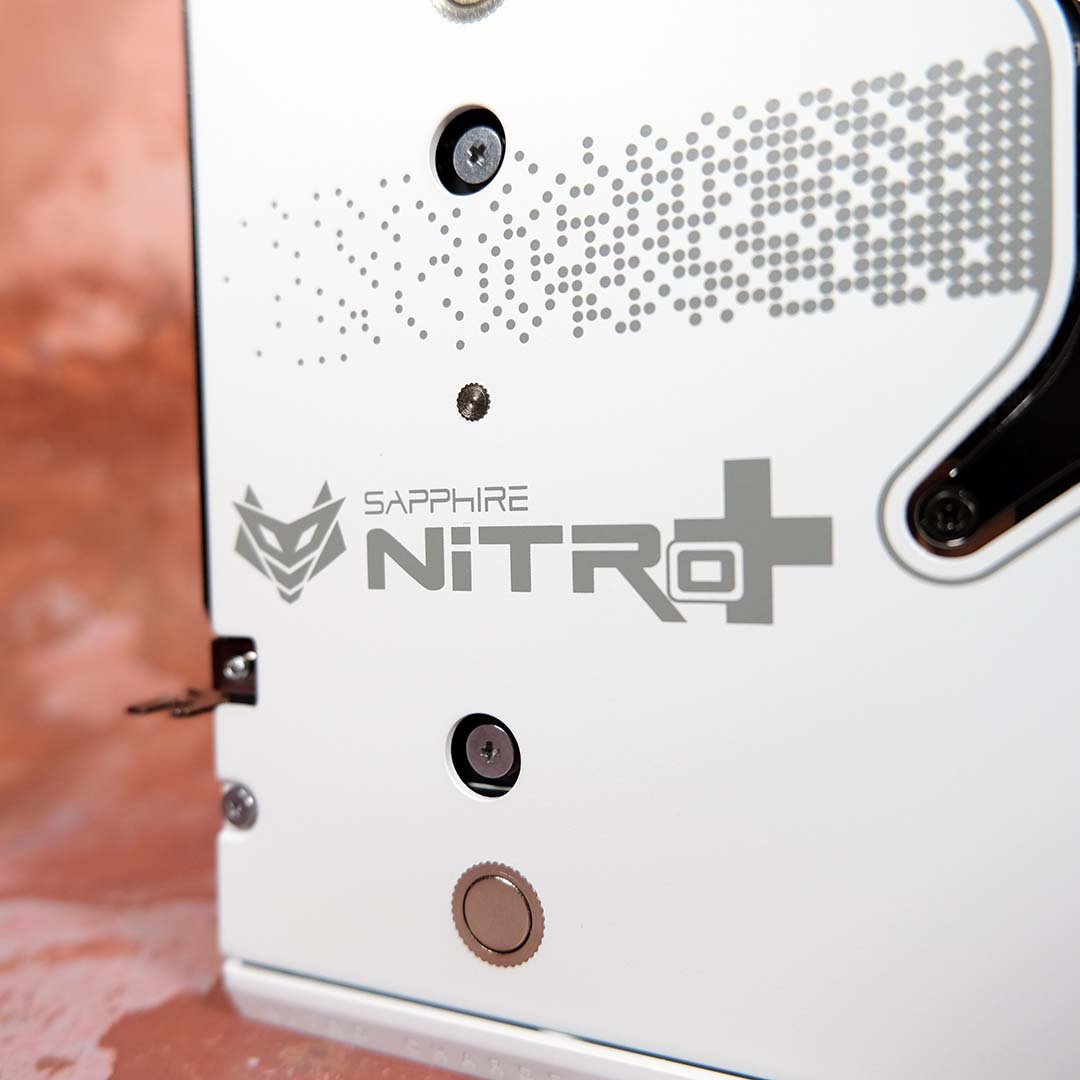
Regardless of installation method, I’ll always slap on the magnetic backplate. The design is more to my tastes and using it also obfuscates the unsightly nook in a brilliantly subtle way.

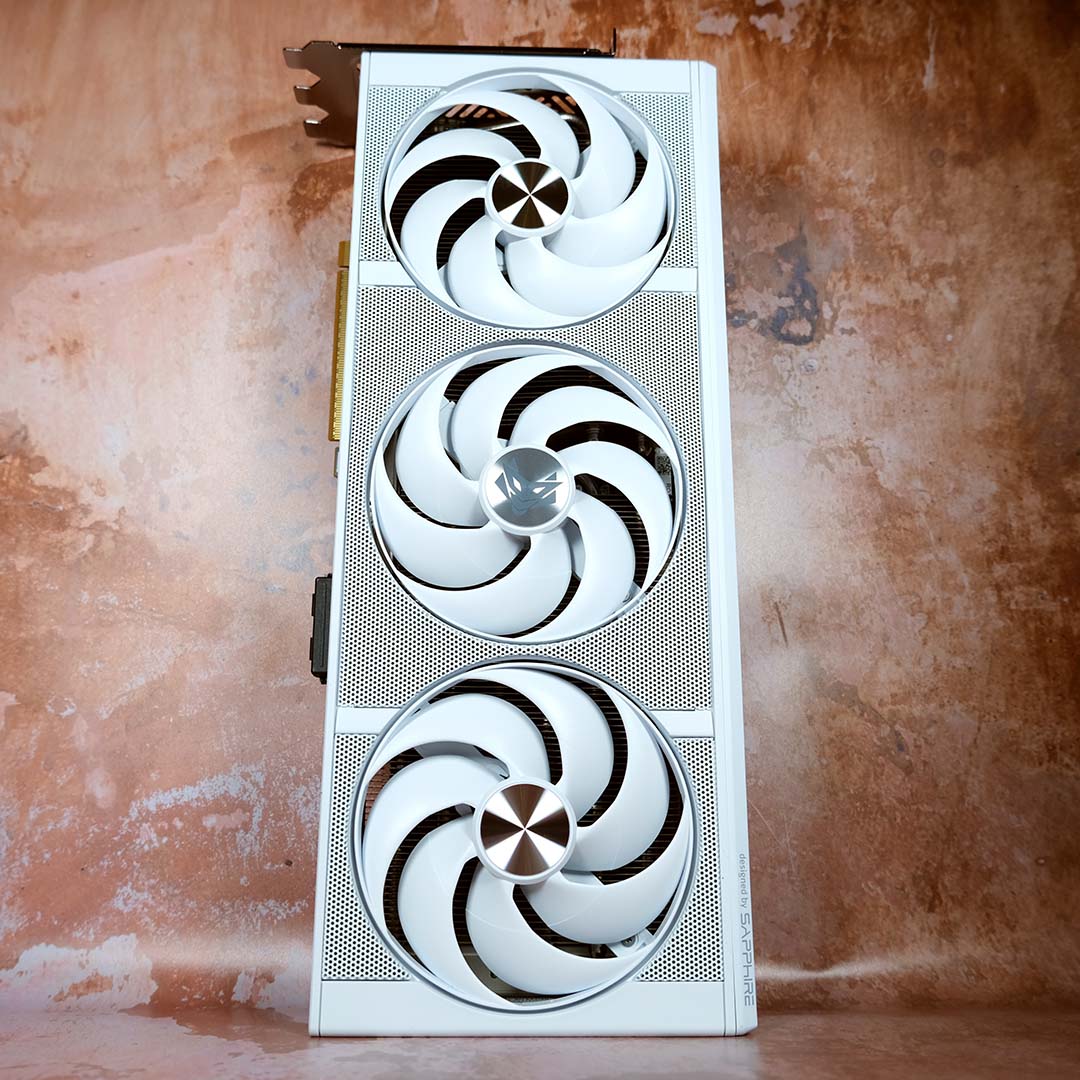
Sapphire outfits the Nitro+ Radeon RX 9070 XT PhantomLink Edition with three of its flagship AeroCurve fans. These gorgeous blowers are among the best on the market, with pleasingly low noise levels that don’t skimp on all-important airflow.
These fans work in tandem with the company’s Free Flow Cooling Design. This includes composite heat pipes, an integrated cooling module, and a graphene thermal pad atop the GPU die for enhanced thermal conductivity relative to paste. This is a cool card in every sense of the word.
As much as these fans and the card’s steely face reasonably warrant vertical mounting, you’ll need to give up your GC-HPWR connection to do so, adopting the old ways instead. This isn’t a situation Sapphire can control, but it’s important to note this inherent limitation of the technology.
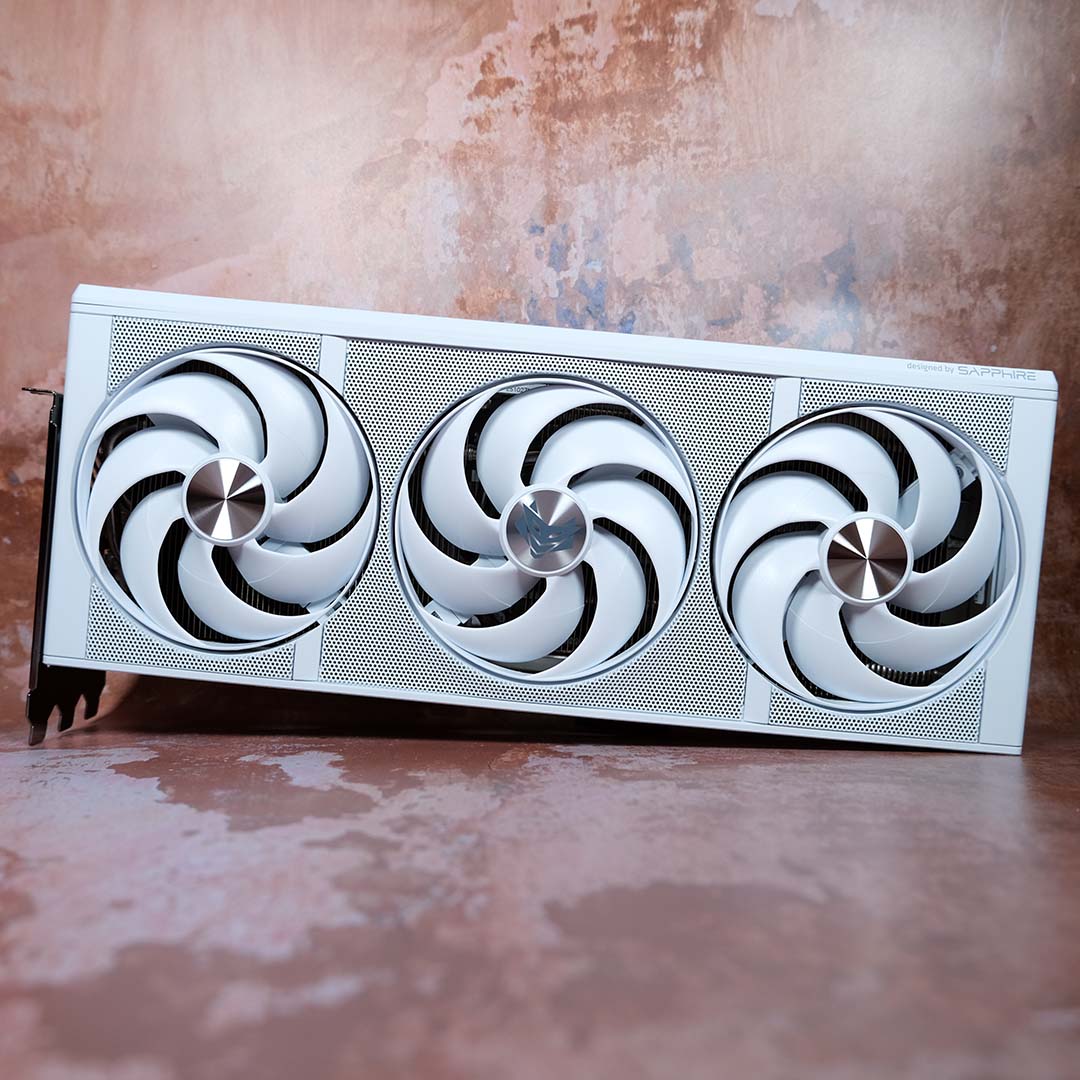
Measuring 331mm long, 141mm wide, and 66mm tall, the Nitro+ Radeon RX 9070 XT PhantomLink Edition is as giant as it is gorgeous. You’ll need to free up three PCIe brackets to fit this graphics card into your PC, and easy latch mechanisms are practically a must for it.
That said, aesthetics and stellar build quality go a long way in making the size of Sapphire’s flagship more forgivable, and the latter is a non-issue providing your case has enough space. I liked the firm’s prior design a lot, but this Polar colourway is by far my favourite RX 9070 XT design. Can we get this outside of the PhantomLink family, please?
Test methodology
In testing the Nitro+ Radeon RX 9070 XT PhantomLink Edition, I’m using the same test bench I put together for my Nitro+ X870EA PhantomLink Edition review. Using this motherboard, I can assess the reliability of the graphics card’s GC-HPWR connector by comparing performance data relative to a standard 16-pin connection hooked up directly to the PCB.
Test PC specifications
Club386 carefully chooses each component in a test bench to best suit the review at hand. When you view our benchmarks, you’re not just getting an opinion, but the results of rigorous testing carried out using hardware we trust.
Shop Club386 test platform components:
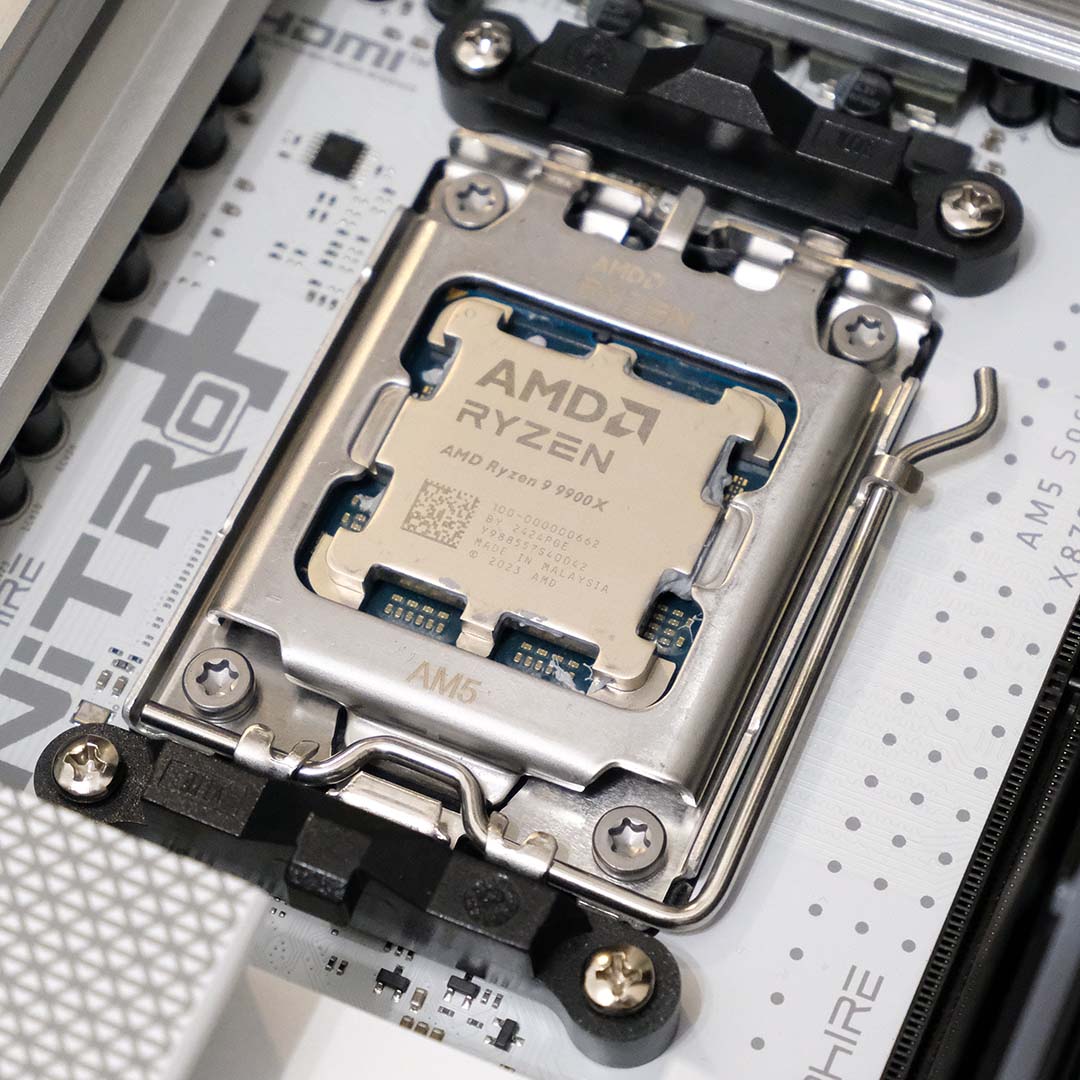
CPU: AMD Ryzen 9 9900X
Cooler: Arctic Liquid Freezer III Pro 360
Motherboard: Sapphire Nitro+ X870EA PhantomLink Edition
GPU: Sapphire Nitro+ Radeon RX 9070 XT PhantomLink Edition
Memory: 32GB DDR5-6000 CL28 G.Skill Trident Z5 Neo RGB
Storage: 1TB Samsung 9100 Pro NVMe SSD
PSU: 1,300W be quiet! Dark Power Pro 13
Chassis: Arctic Xtender VG White
All being well, there shouldn’t be any notable differences between the two connection types. As such, in the interest of brevity, the tables below solely reflect GC-HPWR data. Should unexpected results occur, I’ll note them in my surrounding analysis.
I’m using a condensed version of our graphics card review suite to place the graphics card under sufficient load for testing purposes. This involves a selection of synthetic tests, as well as baked benchmarks in games. Given the capabilities of the RX 9070 XT, I’m recording frame rates at both QHD (1440p) and UHD (4K). I’ll also explore noise, thermals, and power draw.
Performance
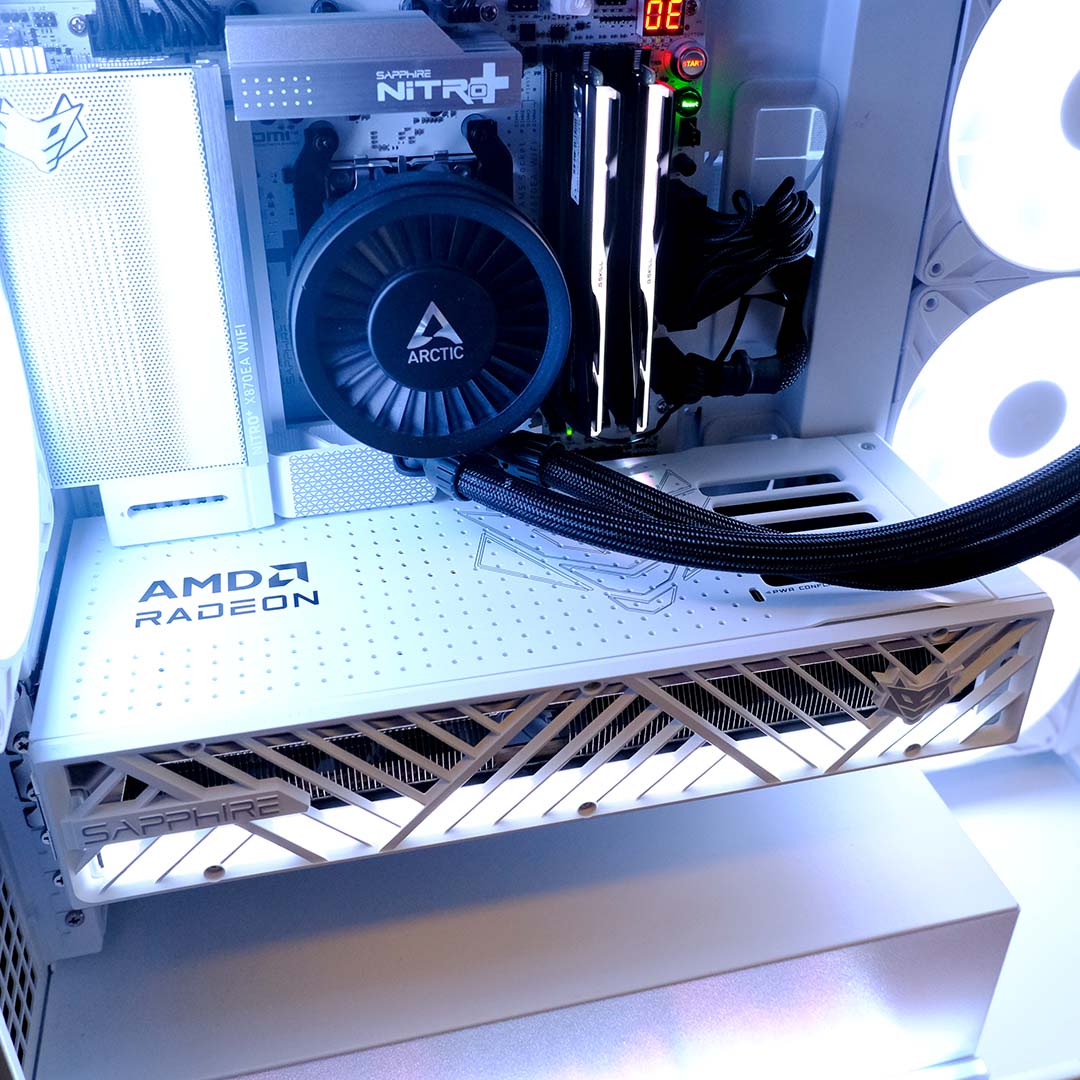
Tthe Nitro+ Radeon RX 9070 XT PhantomLink Edition performs the same regardless of whetherI’ve inserted the 12V-2×6 cable into the motherboard or graphics card PCB. Any variances were well within margin of error.
| Nitro+ Radeon RX 9070 XT PhantomLink Edition | |
|---|---|
| 3DMark Speed Way | 6,284 |
| 3DMark Steel Nomad | 7,048 |
| 3DMark Time Spy (GPU) | 29,179 |
| Blender | 3,763 samples per minute |
| Procyon AI Text Gen. (Llama 3.1) | 2,132 tokens per second |
Synthetic benchmark scores are right where they should be for a Radeon RX 9070 XT card of this ilk. Blender scores are actually up from when we last tested this GPU, but not enough for AMD to come anywhere close to catching up with Nvidia. For context, that sample rate is marginally higher than that of an RTX 5060.
| QHD Min / Avg | UHD Min / Avg | |
|---|---|---|
| Assassin’s Creed Shadows* | 58 / 68fps | 43 / 50fps |
| Cyberpunk 2077* | 41 / 47fps | 20 / 23fps |
| FFXIV: Dawntrail** | 83 / 167fps | 54 / 86fps |
| Rainbow Six Siege** | 159 / 207fps | 79 / 102fps |
**Highest preset, native resolution.
The same goes for gaming performance, with the RX 9070 XT proving itself more than capable of handling rasterised workloads at QHD and UHD, as shown in our FFXIV: Dawntrail and Rainbow Six Siege benchmarks.
Ray tracing is a little more difficult, examining Assassin’s Creed Shadows and Cyberpunk 2077 frame rates, even with the assistance of FSR 4 running in Quality mode. However, I’d certainly entertain dropping down to Balanced or Performance modes instead, given the superior image quality of FSR 4 over its predecessors.
| GPU temperature (Delta T) | 37°C (-22) |
| System noise (Idle / Load) | 33 / 39dBA |
| System Power consumption (Idle / Load) | 105 / 438W |
FurMark 2 provides a notably heavy load for the Nitro+ Radeon RX 9070 XT PhantomLink Edition. Running the application’s 4K preset benchmark sees the card max out its 330W TDP, pushing system power consumption up by nearly the same amount, from 105W to 438W.
Sapphire’s cooler doesn’t break a sweat in the face of this challenge. The GPU peaked at 59°C during this test, with an ambient room temperature of 22°C, resulting in an impressive 37°C delta T. That said, this result isn’t too surprising given this is the same cooling setup as the standard Nitro+, which delivers similar results.
Noise levels are similarly impressive. Like most modern graphics cards, the Nitro+ Radeon RX 9070 XT PhantomLink Edition’s fans don’t spin until the GPU reaches a certain temperature, providing a literally silent noise floor. Even under load, it was difficult to capture dBA readings, requiring me to place my noise meter mere millimetres away, which even then resulted in a wonderfully quiet high of 39dBA as the fans spun at 30%.
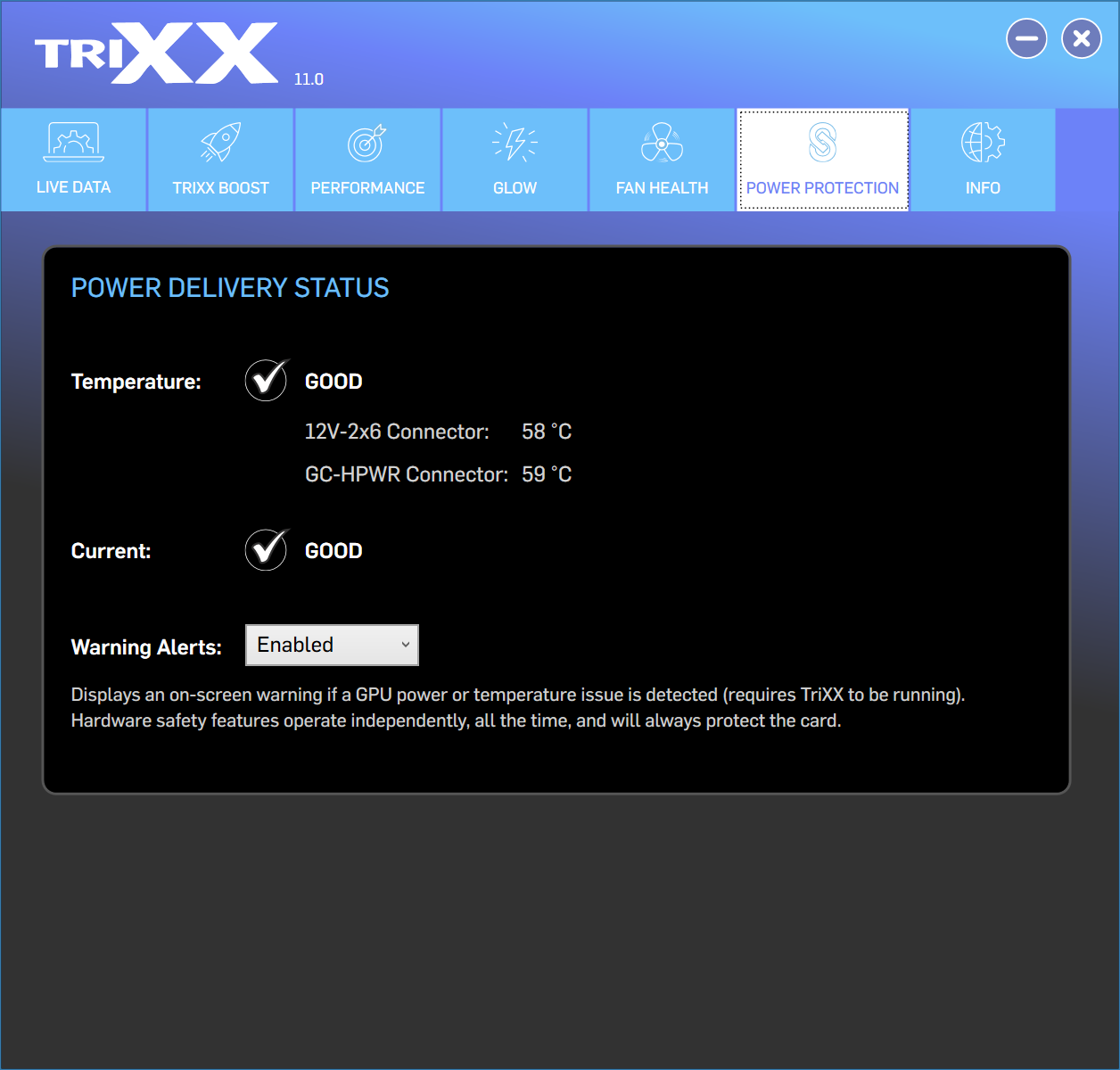
The latest version of TriXX, Sapphire’s graphics card software, includes a new Power Protection tab. This dashboard details the current temperatures of the 12V-2×6 and GC-HPWR connectors, complete with an indicator showing whether these values fall within acceptable bounds. The application also tracks current, but doesn’t provide deeper analysis beyond a similar indicator.
During my FurMark testing, temperatures for both connectors peaked at 58-59°C. This is well short of the 90°C limit, and going above that figure would trigger fail-safes, including on-screen warnings, throttling, and powering off in worst-case scenarios.
Conclusion
If I were in the market for an AMD GPU and money were no object, the Nitro+ RX 9070 XT PhantomLink Edition would be my first choice without a shadow of doubt. While this graphics card isn’t as powerful on-paper as some rivals, I can live without that handful of hertz and watts in service of its beautiful build quality, as well as its excellent acoustics and thermals.
Taking cost into account, however, my enthusiasm for this gorgeous graphics card wanes. At £879, you’re paying a £181 premium over the standard Nitro+ (£698) at the time of writing. Given DRAM prices show no sign of coming down, I’d expect that gap to shrink, with the cheaper card unfortunately growing more expensive as time passes.
For most enthusiasts, the regular Nitro+ is a fine example of a top-notch card. PhantomLink, however, is for those those who go the extra mile for aesthetic perfection, a niche solution to adorn a system intended to turn heads.
