
I know it’s ridiculous to whinge that nobody makes the keyboard I want in 2026, but it’s genuinely true, and I find it really frustrating. The ridiculously oversaturated gaming market is flooded with hundreds of designs, offering a huge choice of brands, switches and features. But nope, not one of them ticks all my boxes, and neither do any of the DIY options.
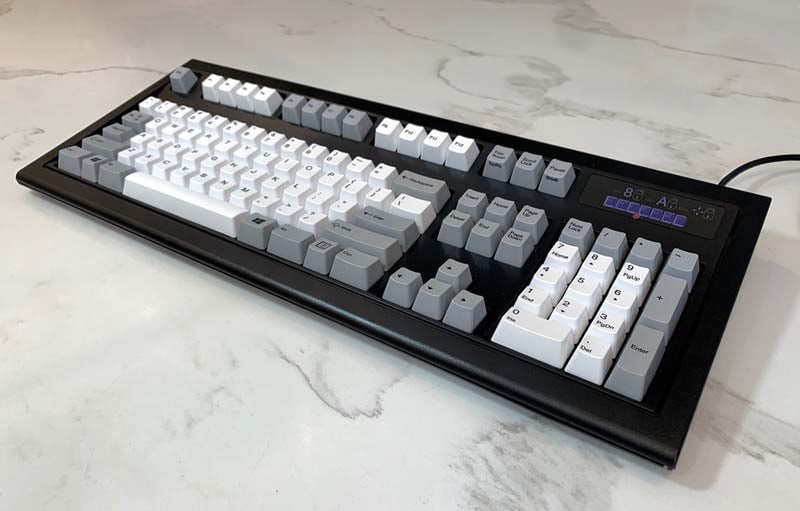
That’s because what I really want is an old-school mechanical keyboard kitted out with buckling spring switches, as well as some of the modern quality-of-life features you find on current gaming keyboards. The nearest I can get is Unicomp’s New Model M, which at least has a USB cable and Windows keys, but these are hardly cutting-edge features.
The ultimate typing machine
Originally found in IBM’s tank-like keyboards in the 1980s, including the acclaimed Model M and Model F, the buckling spring is the OG mechanical switch. I remember first trying one when I was on work experience at school in the early 1990s, and it was a revelation compared to every computer keyboard I’d used before.
This switch shouldn’t just be a niche offering for old farts looking for retro keyboard designs.
Every key makes a firm, satisfying click when you press it, giving you tactile and aural feedback at the same time. It’s completely unlike the deep clunk of the CherryMX Blue and its clones, and it feels softer under your fingers. It sounds and feels fantastic for typing, like you’re really operating a machine rather than tapping buttons.
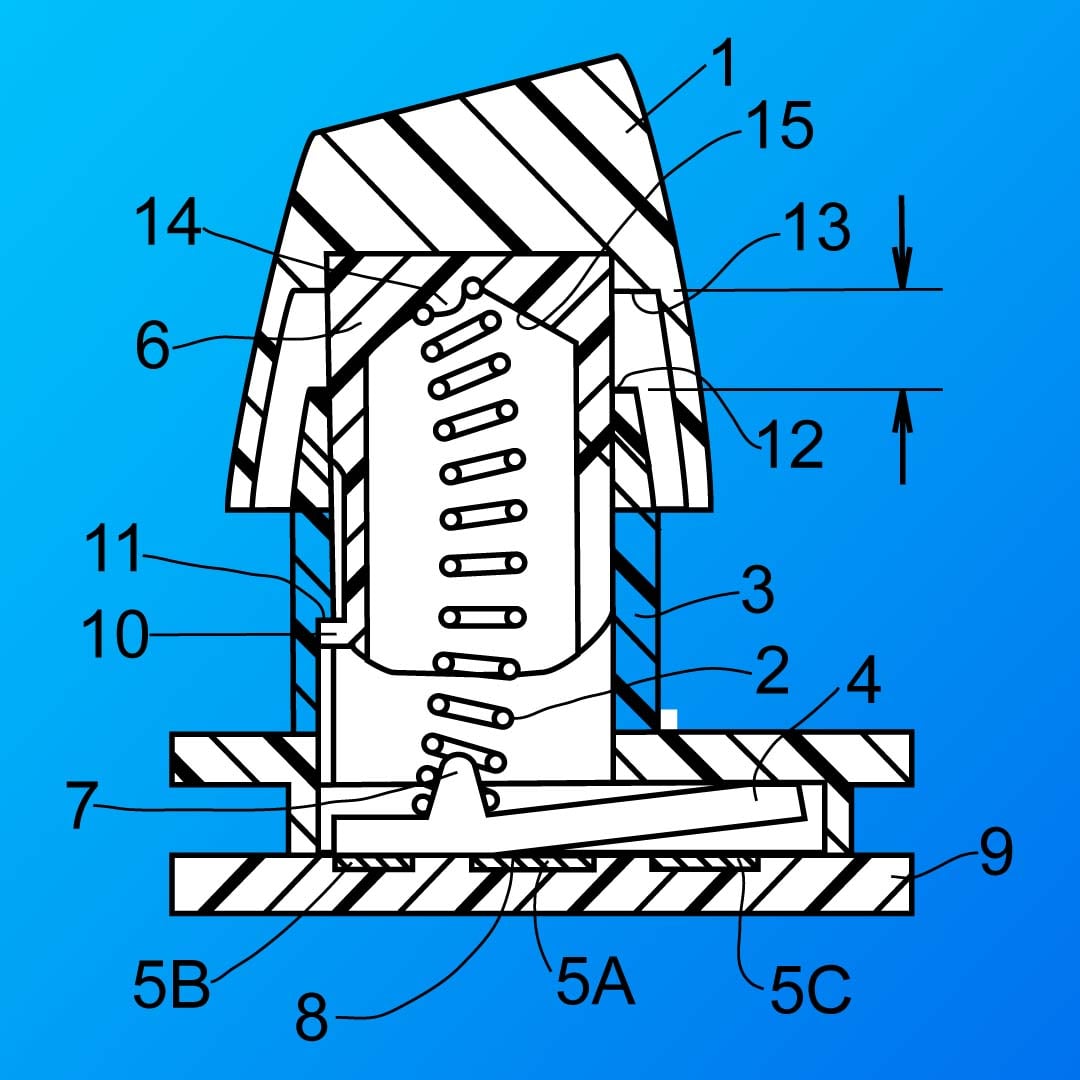
The mechanism is just down to simple physics, with no complicated electronics. A coiled spring is placed between a pivoting hammer at the bottom of the switch and the keycap above it. That spring collapses (or buckles) as you push down the keycap, providing that distinctive click and feeling, and that motion in turn pivots the hammer downwards at the bottom, so it makes electrical contact with the base, registering the keypress.
It sounds and feels fantastic for typing, like you’re really operating a machine rather than tapping buttons.
Manufacturing costs
It’s the ultimate switch for typists – why isn’t it the de facto standard? The first answer to that question is manufacturing costs. IBM patented this switch design in the 1970s, and invested in the equipment needed to produce it at scale over the 1980s. While that patent will now have expired long ago, no one else was able to mass-produce buckling spring switches during that time, which is why membrane keyboards, as well as Cherry’s mechanical switches, became so widespread instead.
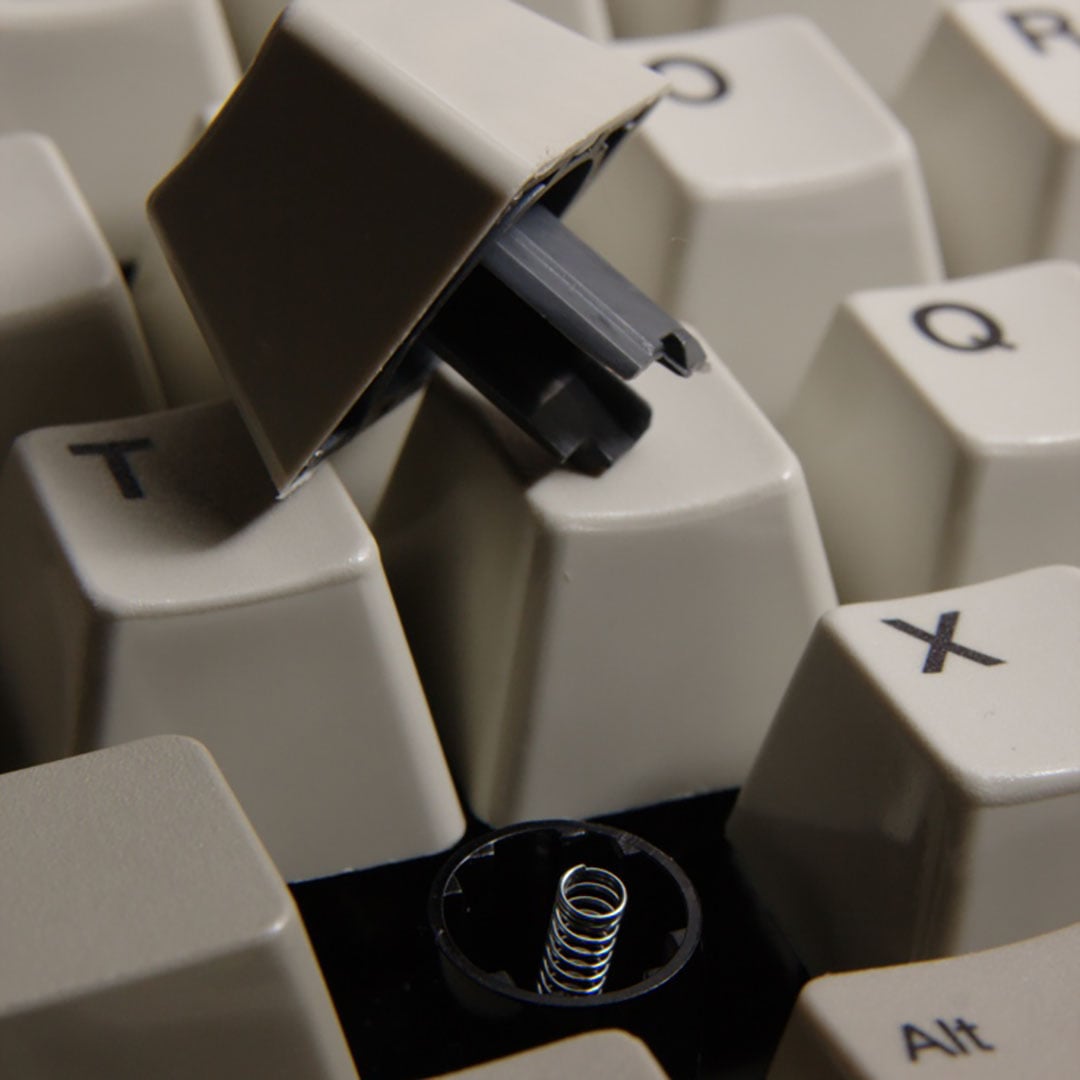
When IBM pulled out of the desktop business, Lenovo picked up the buckling spring keyboard production facilities, which were then passed onto Unicomp, which continues to make keyboards with buckling springs in Lexington, Kentucky, today. That means there’s only one company with the tooling, know-how, and production facilities to produce these switches at scale now, although I was also glad to see Model F Labs making limited runs of IBM Model F-style keyboards, complete with buckling spring switches, recently.
It also doesn’t help that buckling spring switches are completely unlike the standard modular keyswitches favoured by most keyboard makers today. The keycaps have along plastic tube on the bottom to surround the spring, for example – you can’t just swap buckling spring switches into an existing keyboard design, unlike most of the mechanical and optical switches you usually see on today’s boards. Creating an RGB buckling spring keyboard would also require some serious ingenuity.
Quality-of-life features
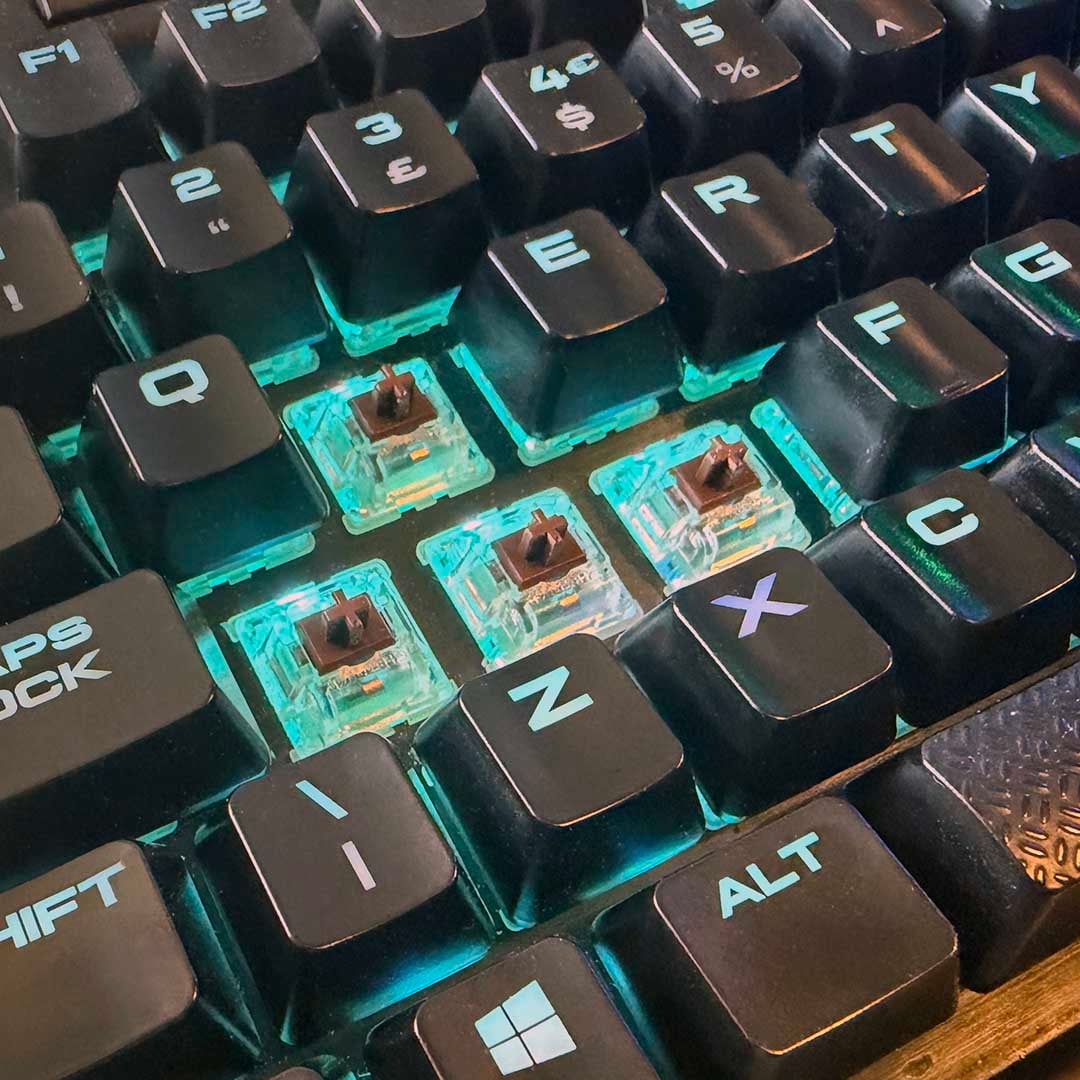
I don’t really care about RGB, though, if I’m honest. What I want is the feature set of my Corsair K95 RGB, without the lighting, but with buckling spring switches. Extras such as the volume roller, mute button, Windows key lock, USB pass-through, and media control keys are all in regular use on my keyboard. I also really like the brushed metal aluminium top plate on my Corsair keyboard. You don’t get any of this on the Unicomp New Model M. Black keys, rather than white or grey ones, would be nice too.
To be clear, I do like Unicomp’s New Model M. It’s pretty basic in terms of features, but it does at least have a black chassis and the all-important keyswitches. It also has some heft to it, thanks to a steel plate in the middle. You can even buy a few custom addons for it now, including coloured WASD keycaps, and purchase mini TKL versions.
I know Unicomp is a small company, but I think it’s really missing a trick here. It has a unique selling point with its switches, and I’d be at the front of the queue if it announced a buckling spring keyboard with the latest features, or even if it licensed its switches for another keyboard maker to use. This switch shouldn’t just be a niche offering for old farts looking for retro keyboard designs – it could be much, much bigger.