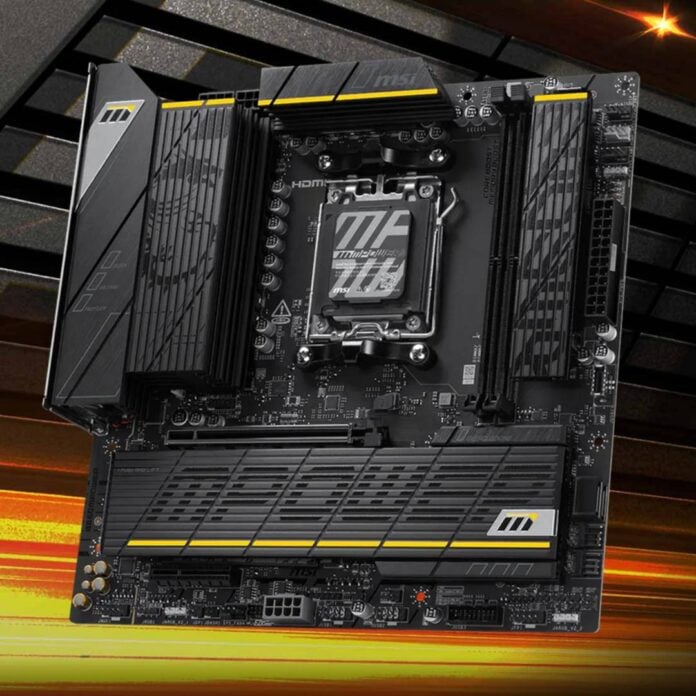
MSI has announced a new BIOS feature that it claims reduces standard DDR5 memory latency by nearly 10%, bringing it within spitting distance of factory-tuned AMD EXPO ULL kits. According to MSI, this feature can also improve EXPO ULL DDR5 latency, though not to the same extent as standard kits.
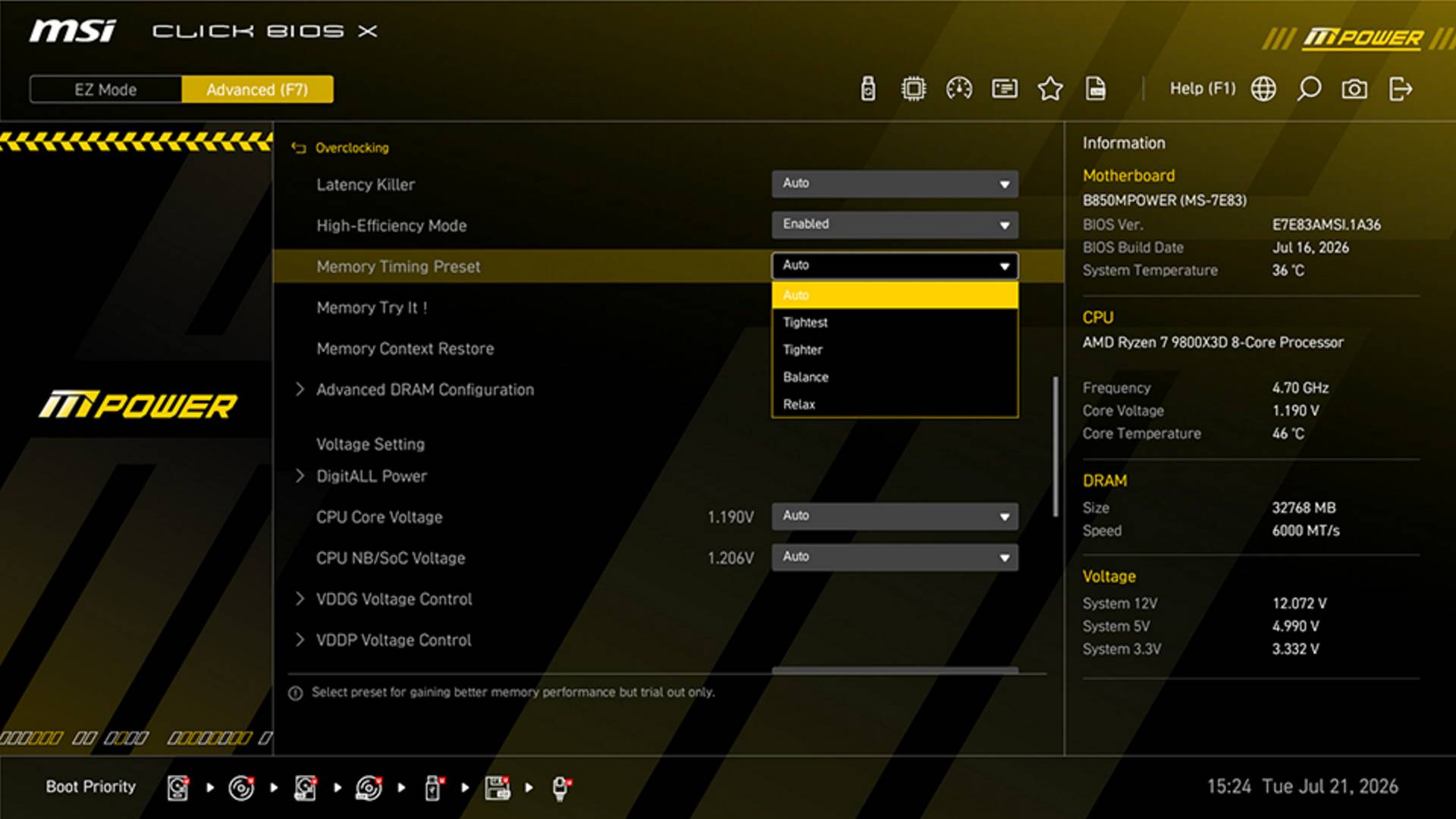
Called High-Efficiency Mode, this BIOS option allows you to unlock more potential out of your existing DDR5 configuration by further tightening the memory timings, without needing to shell out for an EXPO ULL kit. For those unfamiliar, EXPO ULL (Ultra Low Latency) is a new memory profile available on specific DDR5 kits, which enables you to select super-tight sub-timings with a single click – a task that could be only previously achieved manually. By offering similar optimisations on regular DDR5 memory, MSI aims to boost performance on all machines, assuming they can handle it.
While MSI hasn’t shared the inner workings of its High-Efficiency Mode, it looks like it mimics EXPO ULL by adjusting secondary and tertiary memory timings, on top of the traditional primary timings that are already tuned by standard EXPO profiles. According to MSI, this mode can lower the overall memory latency from 79.4ns to 71.6ns, which is nearly as low as the 71.1ns MSI recorded on an EXPO ULL kit. This reduced latency should translate into higher performance in specific workloads, including gaming.
| Memory | Best EXPO profile | High-Efficiency mode |
| EXPO 6000 CL30-38-38-96 (standard) | 79.4ns | 71.6ns |
| EXPO 6000 CL30-38-38-32 (ULL) | 71.4ns | 71.1ns |
When enabled, High-Efficiency Mode gives you a choice between Auto, Relax, Balance, Tighter, and Tightest settings, with each step up targeting more aggressive timings. This is important, since not all memory kits will be able to handle the tightest options. As usual, when it comes to tuning memory timings, instability is just around the corner.
Unlike EXPO ULL kits, which are factory-validated to be stable at these tighter timings, this feature doesn’t guarantee a stable system. As such, you should stress-test your system for at least a couple of hours using tools such as MemTest86 or OCCT, so you can make sure it’s stable.
Overall, this looks like a great addition to MSI’s motherboards, helping non-ULL DDR5 owners enjoy some extra performance for free. If you’re interested, you simply need to update your BIOS to the latest version, if and when it becomes available for your board, and the option will appear in the overclocking section.