

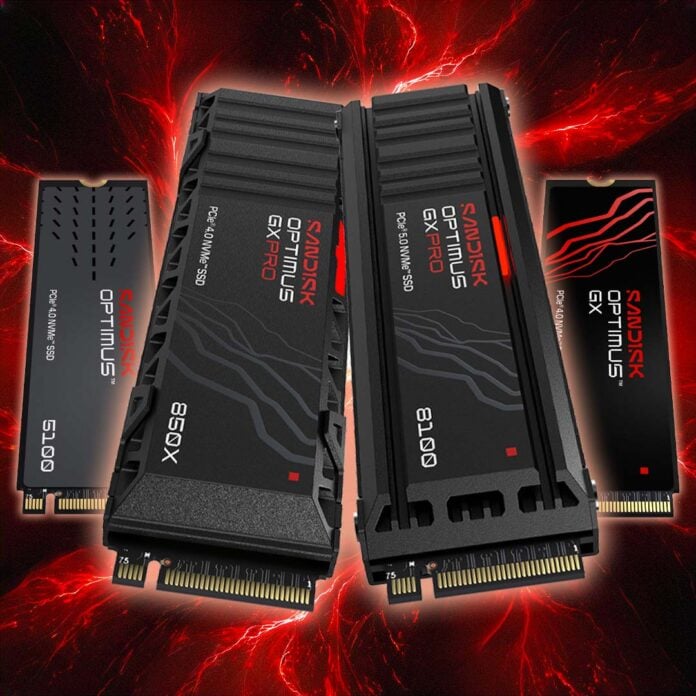
Believe it or not, if it weren’t for Sandisk, we might not even have SSDs. Back in 1991, the US storage firm, then known as SunDisk, produced the very first flash-based solid-state drive prototype as we know it for IBM, with a capacity of just 20MB. Fast forward 35 years, and capacities have increased by 41.9 million per cent to make today’s 8TB Optimus GX drives – an increase that’s so mind-bendingly massive I find it difficult to compute.
These days, Sandisk has products in almost all categories in the land of flash storage. From USB thumb drives and microSD cards to the fastest consumer PC SSDs on the planet, you’ll see products bearing the Sandisk logo. However, as we’re PC hardware enthusiast central, we wanted to take a good look at the latter. If you’re thinking to buy a Sandisk SSD, which drive is the best fit for your needs, and what are the differences between the various models? I’ve had a good look at the current range of SANDISK Optimus drives, and ran some benchmarks, to find out.
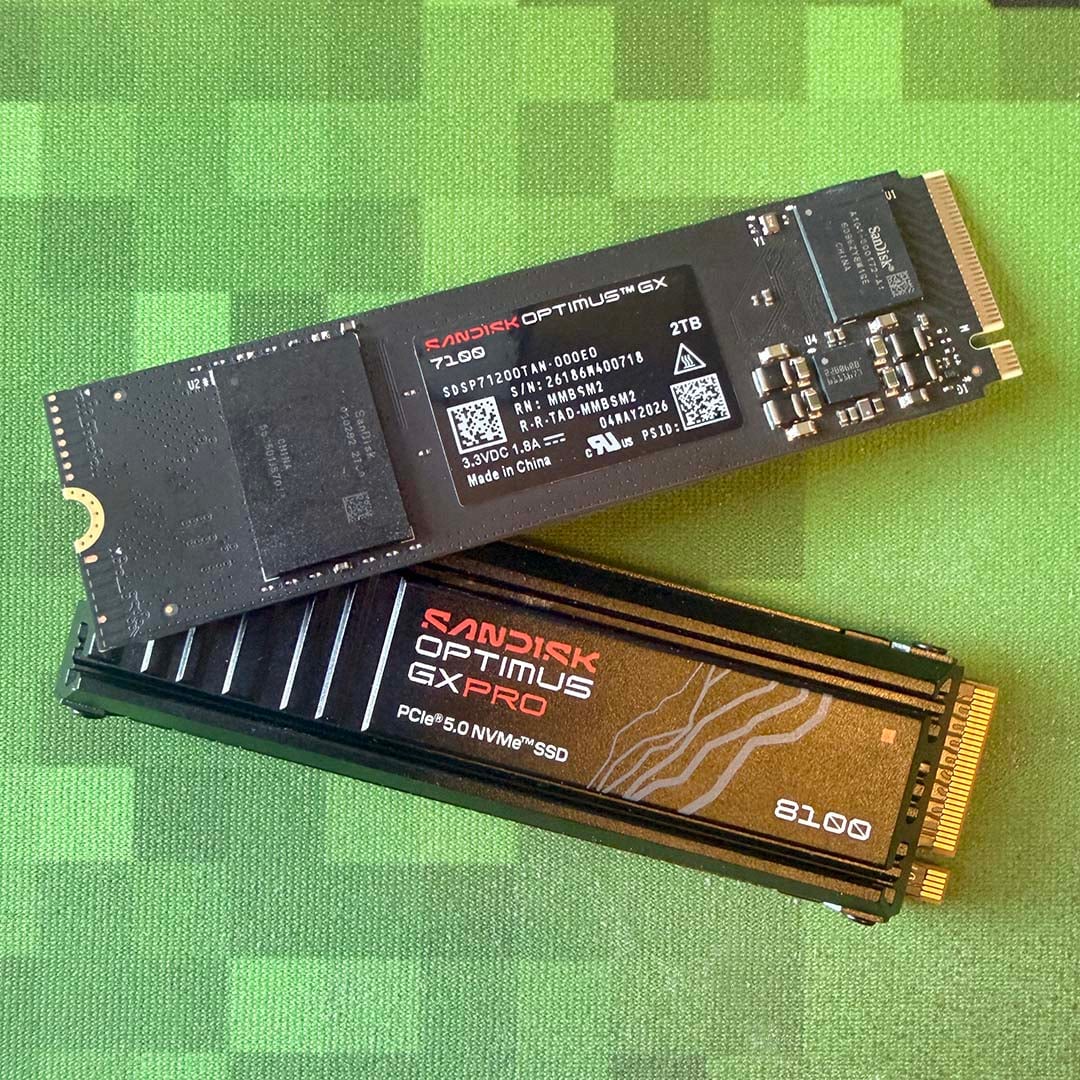
What is SANDISK Optimus?
Put simply, Optimus is the brand for Sandisk’s lineup of NVMe SSDs for desktop PCs, consoles, and handhelds. They all use the NVMe protocol and PCIe bus in some form or another, unlike old-school 2.5in SATA drives, and SD cards for that matter, which means they can offer very fast read and write speeds.
Many of the Optimus drives currently available were previously issued under WD Black and Blue branding, but have since been rebranded with a flash of Sandisk lightning, along with moody black, red, and white colour schemes, while retaining the same core model numbers.
That’s a great legacy on which to build, by the way. In our original WD_Black SN8100 review, for example, we described it as the ‘fastest consumer drive on the market.’ The Optimus GX PRO 8100 is the same super-fast drive, just with the new Sandisk branding.
Furthermore, every SANDISK Optimus drive also gets you a free five-year license to a version Acronis® True Image™, which I’ve found to be an invaluable tool when you’re upgrading an SSD. Importantly, it lets you exactly replicate everything on your system drive, and puts it on your new Sandisk drive, complete with Windows, plus all your software and files.
Once you’ve cloned your existing drive, you can then remove it, sell it if you want, and let your new Sandisk drive take over as if nothing has changed. It’s massively more convenient than having to reinstall Windows on your new drive.
SANDISK Optimus GX PRO 8100 – the speed demon
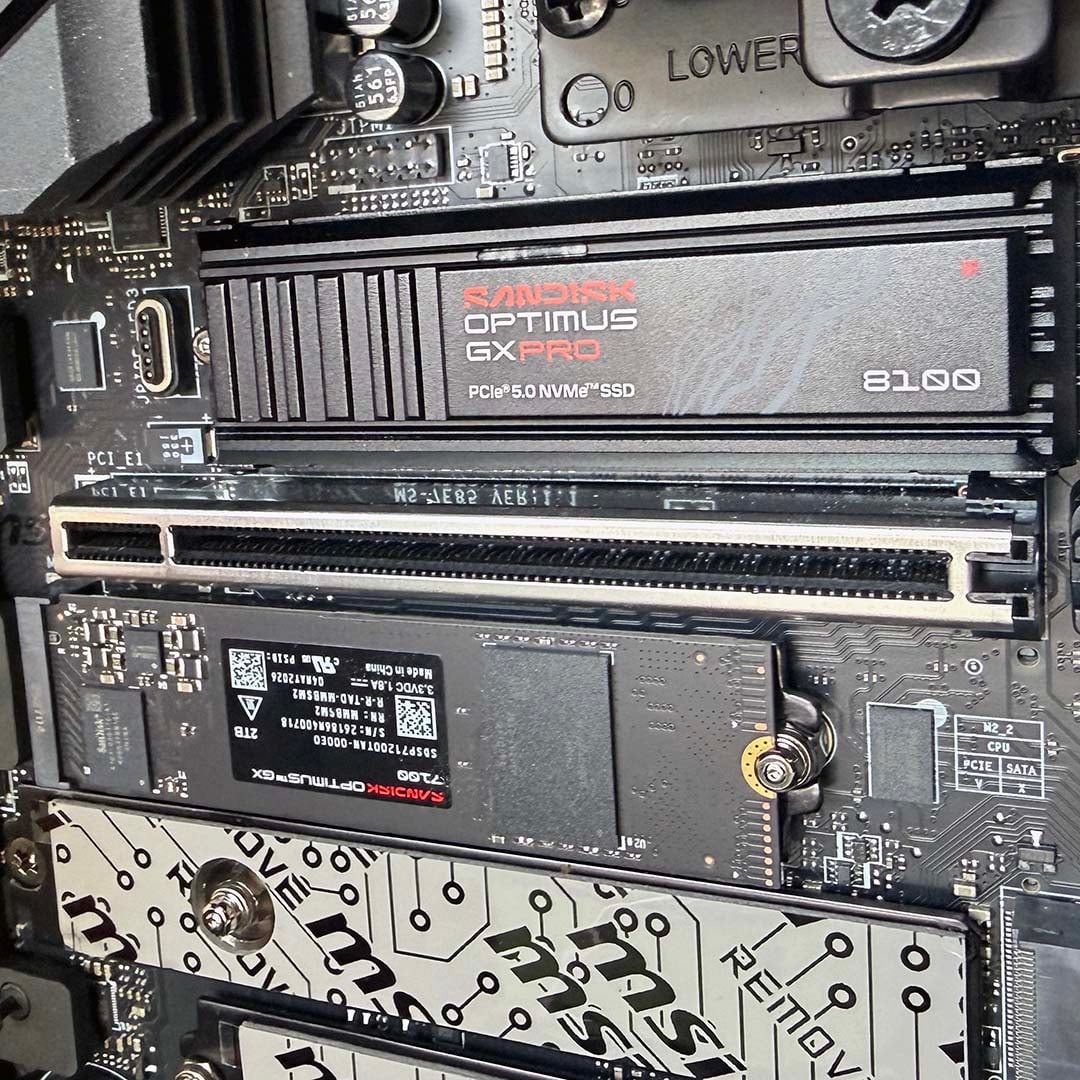
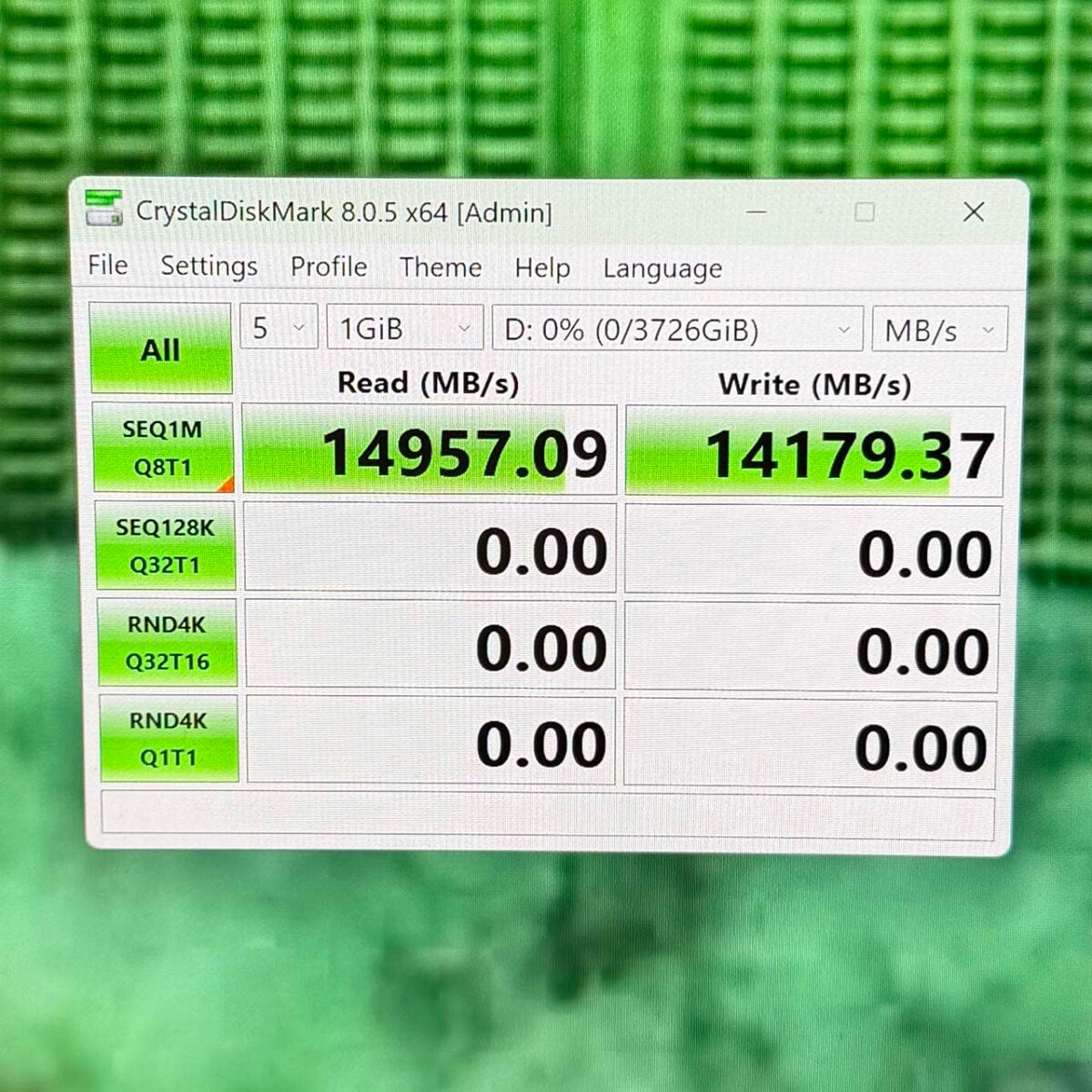
If you want one of the fastest SSDs that money can buy, then you want the SANDISK Optimus GX PRO 8100. We use these solid-state racers in our own Club386 test rigs, installing a trio of 4TB drives, and the speeds you can get out of them are simply amazing. Sandisk quotes a top sequential read speed of 14,900MB/s, with writes peaking at 14,000MB/s, but they can actually go even quicker.
As you can see in the photo of one of our CrystalDiskMark runs below, we’ve seen writes soar beyond 14,150MB/s, and reads even hitting 14,957MB/s – that’s not far off 15GB/sec. In terms of raw pace, it’s the fastest drive we have tested to date.
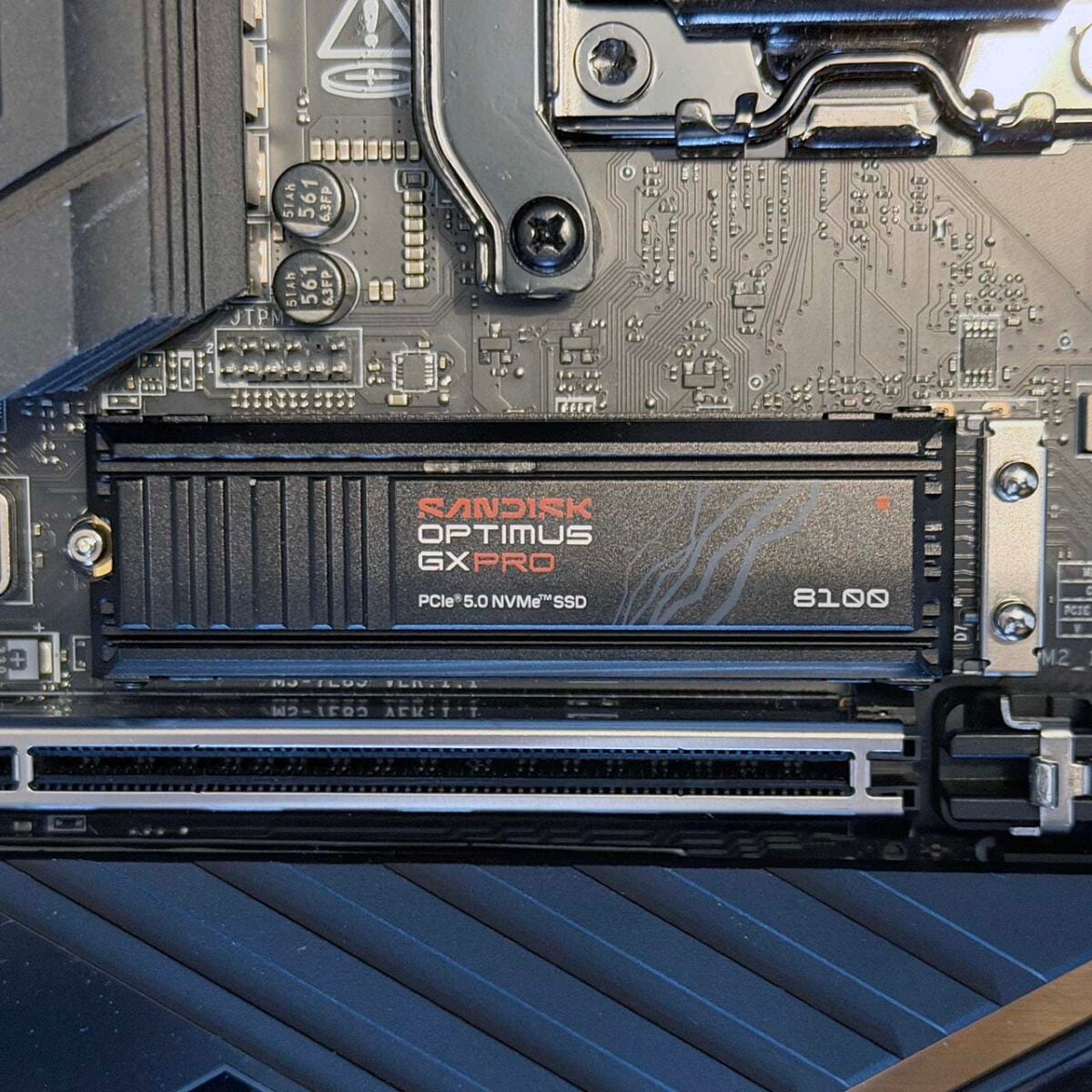
The SANDISK Optimus GX PRO 8100 uses the PCIe 5.0 interface, which is one of the main reasons why it’s so much quicker than its PCIe 4.0 brethren. This means your motherboard needs an M.2 2280 PCIe Gen 5.0 slot in order to run it at maximum speed.
In our tests, we’ve found that this drive runs significantly cooler than most of its PCIe 5.0 competition, peaking at 55°C, compared to 63°C on the Crucial T700, for example. That’s a remarkable achievement; to reach these figures it required a decent cooler attached to it, and you’ll need one too.
Your motherboard should come with a chunky PCIe 5.0 heatsink, which you can put on the bare drive. Alternatively, Sandisk sells a version with a nifty-looking anodised aluminium heatsink, which also has a customisable RGB LED, and works very well in our test rigs.
| SANDISK Optimus GX PRO 8100 | 1TB | 2TB | 4TB | 8TB |
|---|---|---|---|---|
| NAND | BiCS8 TLC 3D CBA | BiCS8 TLC 3D CBA | BiCS8 TLC 3D CBA | BiCS8 TLC 3D CBA |
| Cache | 1GB DDR4 | 2GB DDR4 | 4GB DDR4 | 8GB DDR4 |
| Interface | PCIe 5.0 x4 | PCIe 5.0 x4 | PCIe 5.0 x4 | PCIe 5.0 x4 |
| Seq. read (MB/s) | 14,900 | 14,900 | 14,900 | 14,900 |
| Seq. write (MB/s) | 11,000 | 14,000 | 14,000 | 13,200 |
| Random read IOPS (K)i | 1,600 | 2,300 | 2,300 | 2,200 |
| Random write IOPS (K) | 2,400 | 2,400 | 2,400 | 2,400 |
| Form Factor | M.2 2280 | M.2 2280 | M.2 2280 | M.2 2280 |
| Endurance (TBW)ii | 600 | 1,200 | 2,400 | 4,800 |
| Hardware encryption | Yes | Yes | Yes | Yes |
| Heatsink version | Yes | Yes | Yes | Yes |
| Limited warrantyiii | Five years | Five years | Five years | Five years |
The SANDISK Optimus GX PRO 8100 uses a cutting-edge controller, which is one of the quickest chips on the block right now. What’s more, Sandisk added custom IP specifically to optimise performance and power efficiency.
Unlike some cheaper drives, you also get a proper cache here, which scales as the drive capacity increases. A 1TB drive comes with a dedicated 1GB DDR4 cache chip, the 2TB model has 2GB, and so on. This means your drive has quicker access to a high-speed read/write buffer with reduced latency, and without using up your system RAM.
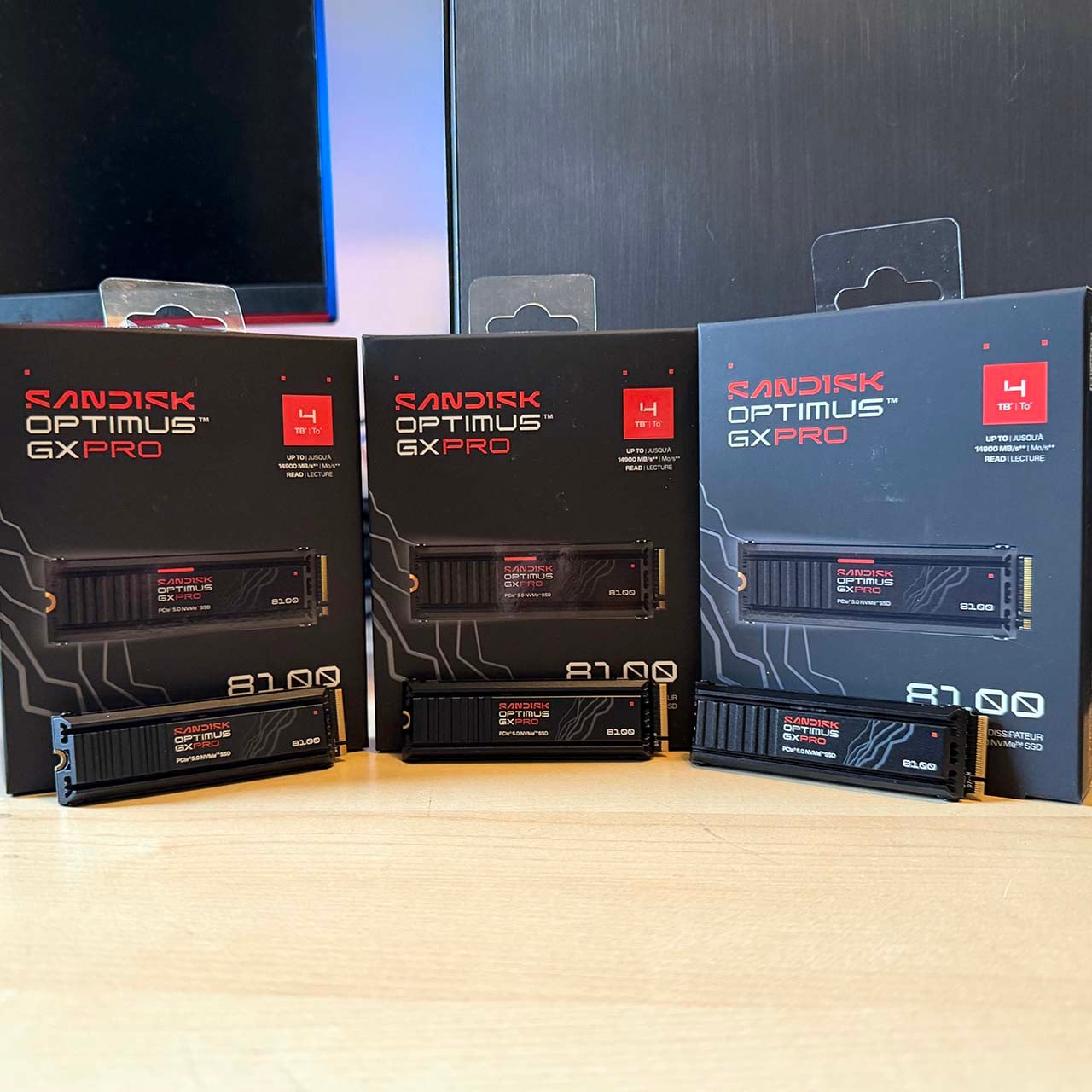
Capacity is the other big deal here. The GX PRO 8100 also comes in an 8TB flavour, if you can afford it. It’s also worth noting that, while the 1TB and 2TB versions are identical in terms of core speeds, the 1TB and 8TB models are a little slower. In the case of the former, the write speed drops down to 11,000MB/s, while the 8TB drive’s write speed falls to 13,200MB/s although, it has to be said, this is still very fast.
With huge amounts of storage space available, and the fastest speeds around, this Optimus GX PRO 8100 is as good as it gets in desktop PC storage. It’s not cheap, but it’s a killer drive.
SANDISK Optimus GX PRO 8100
“Impresses with chart-topping sequential write and read speeds. This is the fastest consumer drive we have tested, bar none.” Read our review.
SANDISK Optimus GX PRO 850X – peak PCIe 4.0 pace
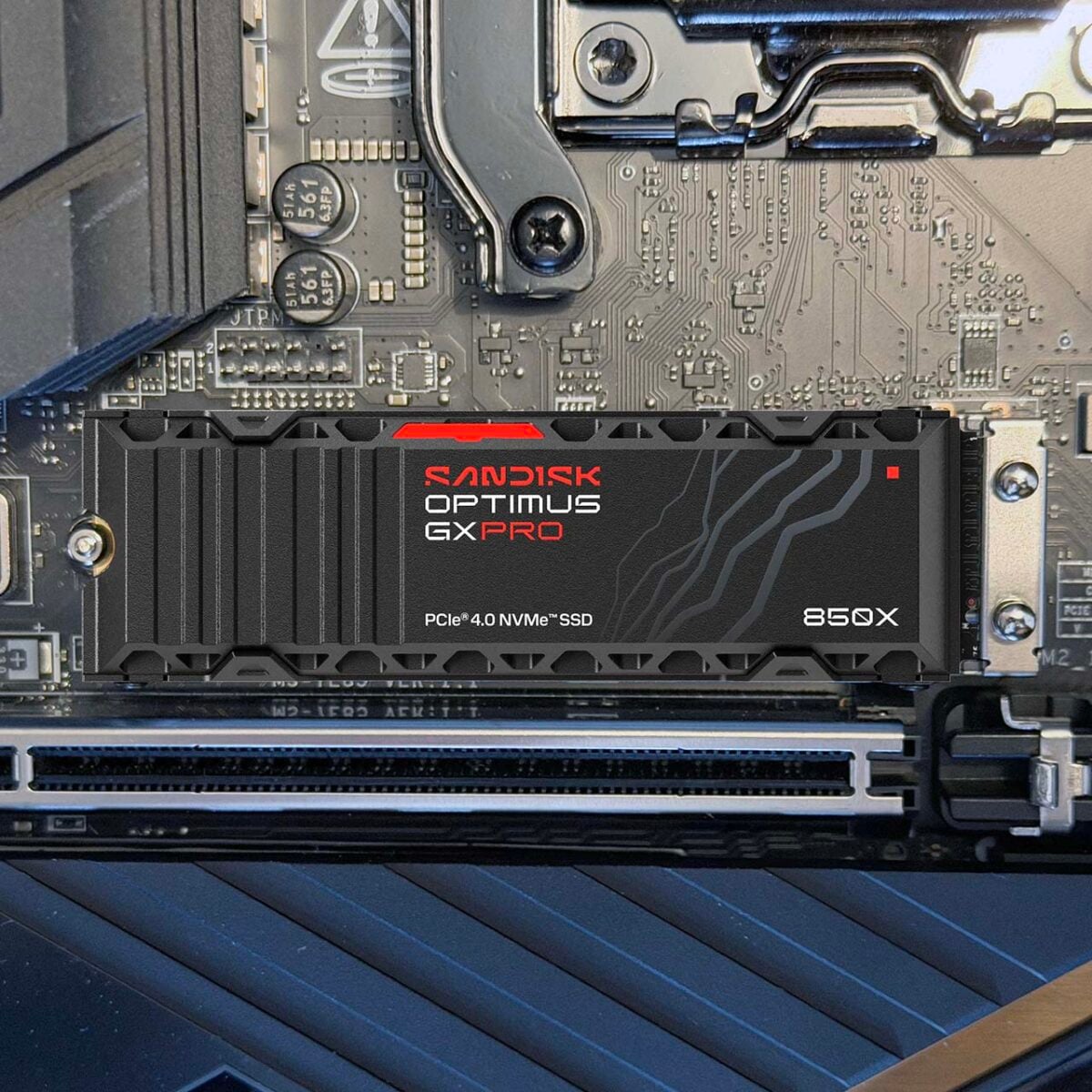
Replacing the WD_Black SN850X, the SANDISK Optimus GX PRO 850X has effectively been one of our favourite drives for years. Originally designed to push the PCIe 4.0 x4 interface to its limit, it’s ideal if you can’t run to the cost of the SN8100, or if you don’t have a PCIe 5.0 motherboard.
The 850X has also proved to be a winner with PlayStation 5 owners, with the heatsink-equipped version happily slotting into this console and providing fast storage speeds. There’s also an officially-licensed version for the PS5, called the SANDISK Optimus GX PRO 850P, but both drives work great. As with the 8100, you can get this drive in capacities of 1-8TB with and without a heatsink – the latter also comes with an RGB LED.
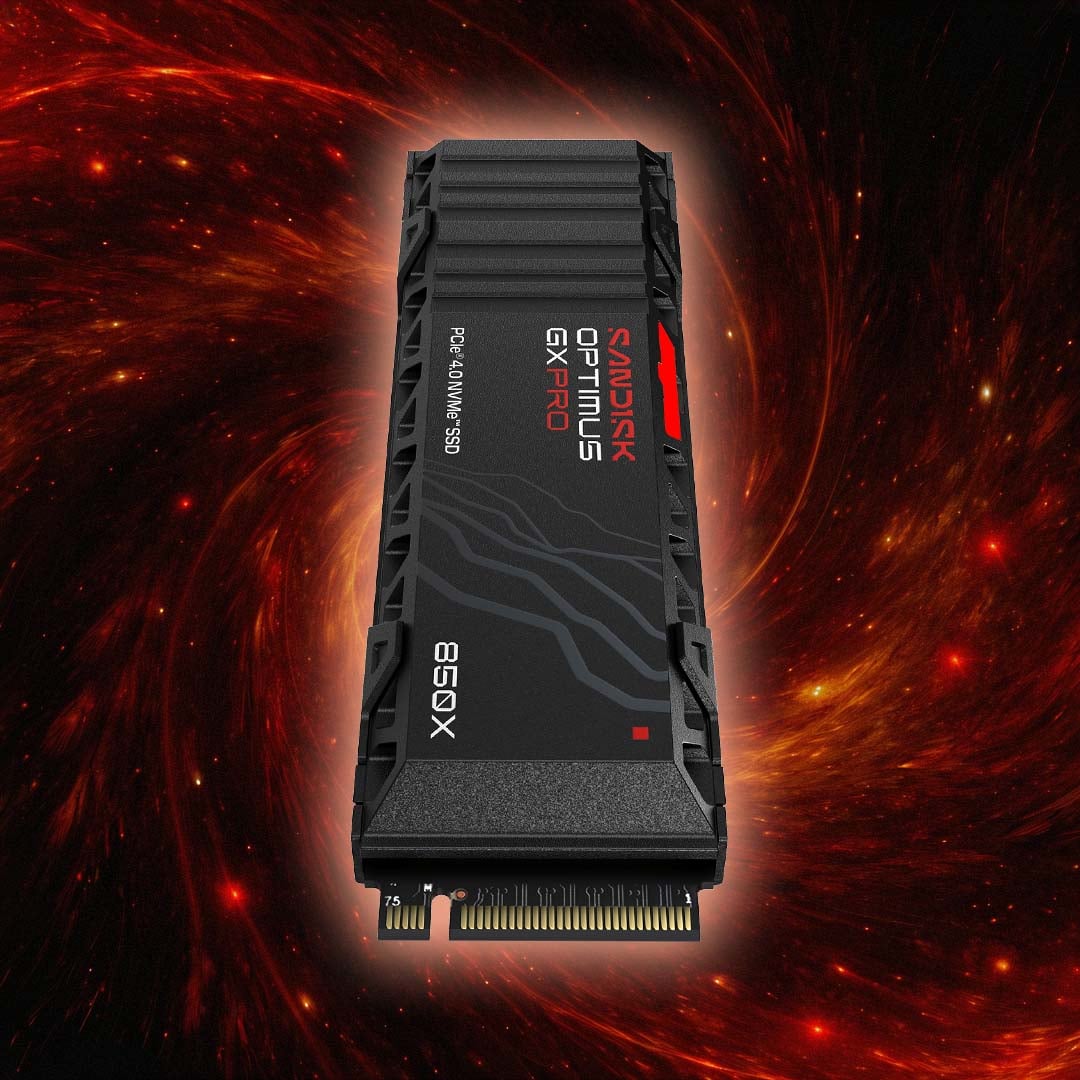
Unlike the Optimus GX 7100 and Optimus 5100, as a high-end PCIe 4.0 drive, the 850X is also equipped with a proper DRAM cache, rather than relying on a host memory buffer – you get 1GB on the 1TB drive, and 2GB on higher capacities. This doesn’t have much impact on peak sequential speeds, but really helps to bolster random read performance. Accordingly, you can get a 1,200K IOPS random read speed out of a 2TB 850X, compared to 1,000K IOPS on the 7100.
| SANDISK Optimus GX PRO 850X | 1TB | 2TB | 4TB | 8TB |
|---|---|---|---|---|
| NAND | BiCS5 TLC 3D CBA | BiCS5 TLC 3D CBA | BiCS5 TLC 3D CBA | BiCS5 TLC 3D CBA |
| Cache | 1GB DDR4 | 2GB DDR4 | 2GB DDR4 | 2GB DDR4 |
| Interface | PCIe 4.0 x4 | PCIe 4.0 x4 | PCIe 4.0 x4 | PCIe 4.0 x4 |
| Seq. read (MB/s) | 7,300 | 7,300 | 7,300 | 7,200 |
| Seq. write (MB/s) | 6,300 | 6,600 | 6,600 | 6,600 |
| Random read IOPS (K)i | 800 | 1,200 | 1,200 | 1,200 |
| Random write IOPS (K) | 1,100 | 1,100 | 1,100 | 1,200 |
| Form Factor | M.2 2280 | M.2 2280 | M.2 2280 | M.2 2280 |
| Endurance (TBW)ii | 600 | 1,200 | 2,400 | 4,800 |
| Hardware encryption | Yes | Yes | Yes | Yes |
| Heatsink version | Yes | Yes | Yes | Yes |
| Limited warrantyiii | Five years | Five years | Five years | Five years |
As the oldest drive in the Optimus range, the 850X is based on earlier BiCS5 NAND flash memory, rather than BiCS8 tech. The DRAM cache makes it a great all-round drive, though. It has a proper hardware buffer to keep up sustained performance, as well as superb sequential read speeds for a PCIe 4.0 x4 device. As with other drives in the series, the 2TB and 4TB drives offer the best performance, with a little bit of drop off on the 1TB and 8TB drives, but they’re all fast.
In particular, we were really impressed by gaming performance in our original review. Our own testing showed the 850X is well ahead of other PCIe 4.0 competition when it comes to loading Battlefield V, and there was a similar lead in our Call of Duty 4 test.
In terms of sequential speeds, it’s nowhere near as quick as the GX PRO 8100, which is understandable, as it doesn’t use the PCIe 5.0 interface. However, the 850X is otherwise a fantastic SSD, especially for a gaming PC.
SANDISK Optimus GX PRO 850X
“The drive’s pedigree shines through in gaming tasks, where it wins every benchmark, and we have little trouble in recommending it for enthusiast builds from this generation or the next.” Read our review.
SANDISK Optimus GX 7100 – high speeds without DRAM
Not everyone can afford a fast-paced PCIe 5.0 drive, such as the GX PRO 8100, especially in these times. What’s more, lots of people don’t have a motherboard with a PCIe 5.0 M.2 slot anyway. Meanwhile, laptops can’t take a big, chunky heatsink. That’s where Sandisk’s Optimus GX 7100 comes in.
Previously known as the WD_Black SN7100, it’s a PCIe 4.0 drive with a lower price than the 850X. This drive will happily slot into a PCIe 4.0 M.2 2280 socket (and a PCIe 5.0 one, for that matter), and in all honesty, it’s still plenty quick enough for most people’s needs.
On the face of it, the GX 7100 looks like it runs at less than half the speed of the 8100, and that’s true if you only look at the peak sequential read and write figures. If your workloads involve doing a lot of large-scale file transfers between SSDs, then you’ll notice the difference between the GX 7100 and GX PRO 8100. However, when it comes to system responsiveness, and basic game load times, the difference is smaller.
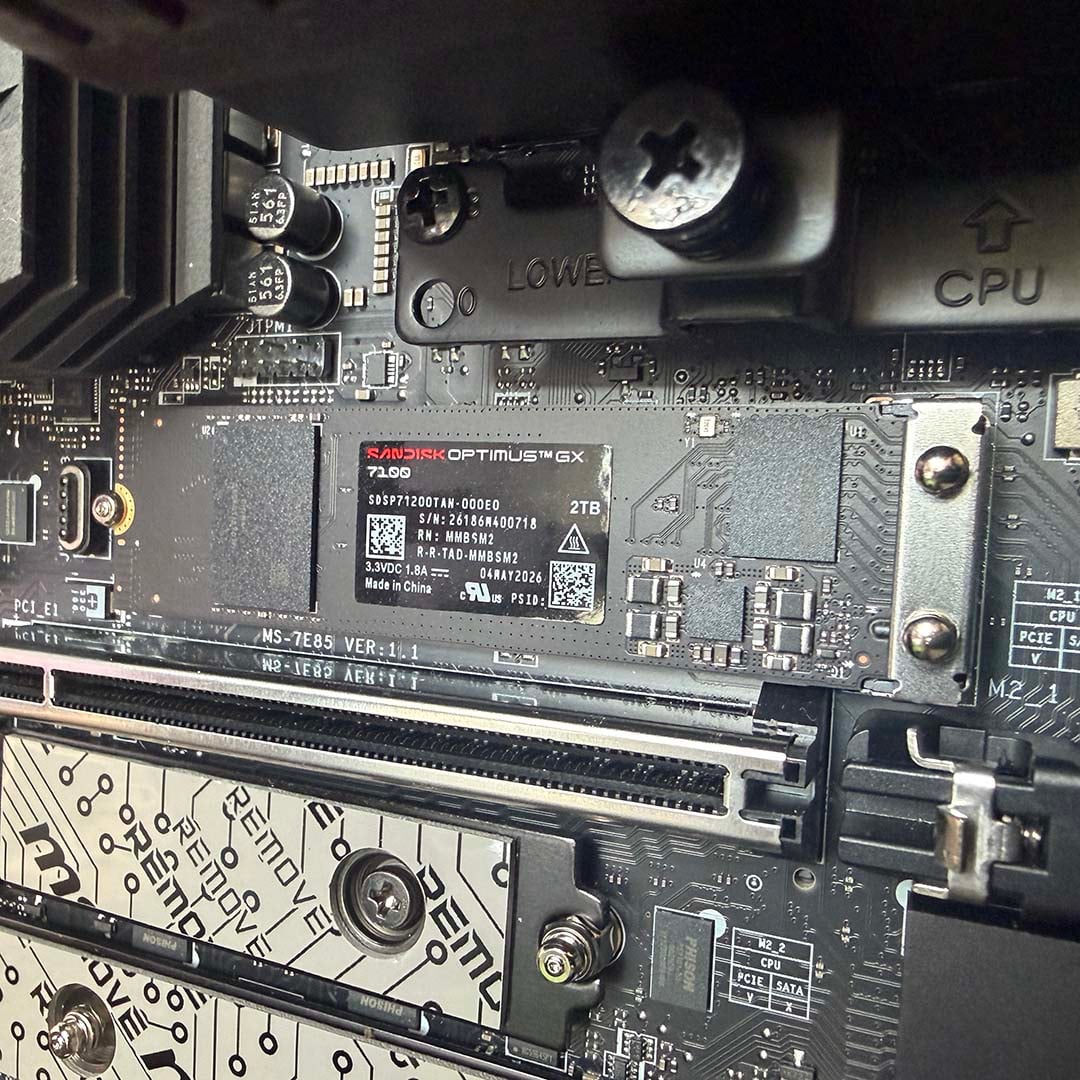
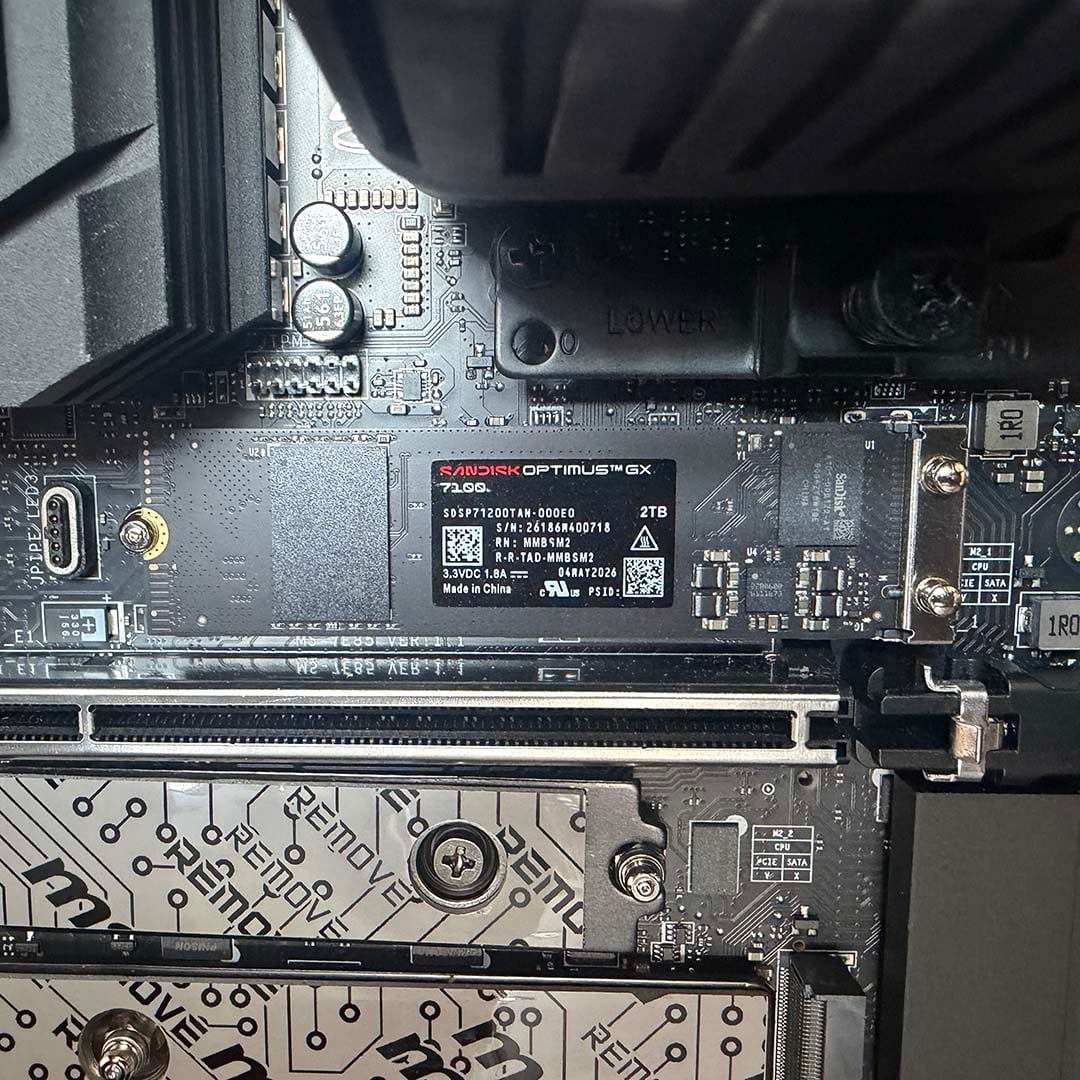
It’s also worth pointing out that, despite its use of the last-gen PCIe 4.0 interface, the Optimus GX 7100 is very far from being a slow drive. The 2TB model’s sequential read and write speeds are up to 7,250MB/s and 6,900MB/s respectively. However, just as we saw with the GX PRO 8100, these are conservative figures.
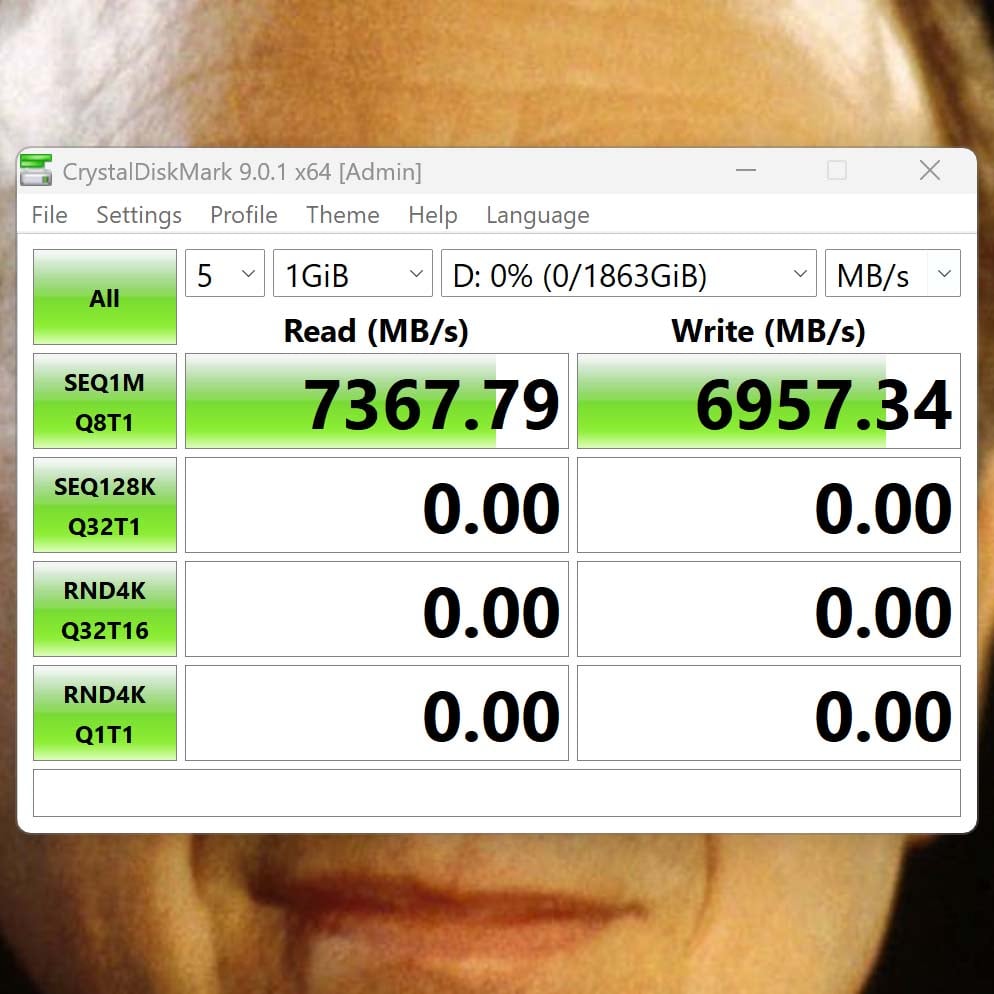
This drive’s read speed pushed past 7,350MB/s in our tests, as shown in the CrystalDiskMark screenshot below, and its write speed goes 57MB/s beyond Sandisk’s claims as well. Just for perspective, that may be well behind the GX PRO 8100, but it’s twice as fast as your average PCIe 3.0 NVMe drive, and it’s about 13x the top speed of an old-school 2.5in SATA SSD.
In terms of specs, the GX 7100 actually uses the same triple-level cell (TLC) BiCS8 NAND flash memory as the GX PRO 8100. However, it doesn’t have a dedicated DRAM cache. That helps reduce the cost of its drive, especially given DDR4 prices at the moment, but it does have an impact.
Instead of using DRAM, the GX 7100 relies on a host memory buffer (HMB), which effectively uses your system memory as a small cache. That won’t have much of an impact on peak sequential read and write speeds, as we can see from the result above, but can affect random performance in mixed workloads, as it doesn’t have that dedicated buffer. The random read speed of the 2TB GX 7100 is up to 1,000,000 IOPS, for example, while the 2TB GX PRO 8100 hits 2,300,000 – a 130% increase.
| SANDISK Optimus GX 7100 | 500GB | 1TB | 2TB | 4TB |
|---|---|---|---|---|
| NAND | BiCS8 TLC 3D CBA | BiCS8 TLC 3D CBA | BiCS8 TLC 3D CBA | BiCS8 TLC 3D CBA |
| Cache | 64MB HMB | 64MB HMB | 64MB HMB | 64MB HMB |
| Interface | PCIe 4.0 x4 | PCIe 4.0 x4 | PCIe 4.0 x4 | PCIe 4.0 x4 |
| Seq. read (MB/s) | 6,800 | 7,250 | 7,250 | 7,000 |
| Seq. write (MB/s) | 5,800 | 6,900 | 6,900 | 6,700 |
| Random read IOPS (K)i | 760 | 1,000 | 1,000 | 900 |
| Random write IOPS (K) | 1,200 | 1,400 | 1,400 | 1,350 |
| Form Factor | M.2 2280 | M.2 2280 | M.2 2280 | M.2 2280 |
| Endurance (TBW)ii | 300 | 600 | 1,200 | 2,400 |
| Hardware encryption | No | No | No | No |
| Heatsink version | No | No | No | No |
| Limited warrantyiii | Five years | Five years | Five years | Five years |
Capacities take a step back compared to the 8100, with the GX 7100 range starting from 500GB and going up to 4TB, and no 8TB option. Again, there’s a small drop-off in performance on either side of the middle two capacities as well. The 500GB drive read and writes at 6,800MB/s and 5,800MB/s respectively, and the 4TB drive isn’t quite as quick as the 1TB and 2TB models, but it’s not far off.
If you own a handheld gaming PC, whether it’s a Steam Deck or an Asus ROG Xbox Ally X, then you can also be served by this drive. Sandisk specifically makes an officially-licensed version for the ROG Xbox Ally X, called the Optimus GX 7100X, with very similar specs to the standard 7100.
There’s an M.2 2230 lineup too, called the Optimus GX 7100M, which can slot into a Steam Deck, or an MSI Claw A8. The latter is available in 1TB and 2TB capacities, again with similar speeds to the full-size SANDISK Optimus GX 7100 – sequential reads and writes are the same, it’s just random write speeds that take a small drip from 1,400K IOPS to 1,300K. However, bear in mind that the Steam Deck only has a PCIe 3.0 M.2 slot, so you can definitely put an Optimus GX 7100M in it, but your drive won’t be any quicker than a top-end PCIe 3.0 SSD.
Finally, it’s worth pointing out that these are hardy drives. In terms of endurance, they’re rated to write the same number of terabytes as the Optimus GX PRO 8100 drives, if you compare like-for-like capacities. Taking the 2TB model as an example, you can write its entire capacity 600 times and it’ll still keep going.
SANDISK Optimus GX 7100
“Equipped with a PCIe 4.0 interface, the Sandisk Optimus GX 7100 NVMe SSD enables you to take on the next wave of AAA game titles.” – Sandisk.
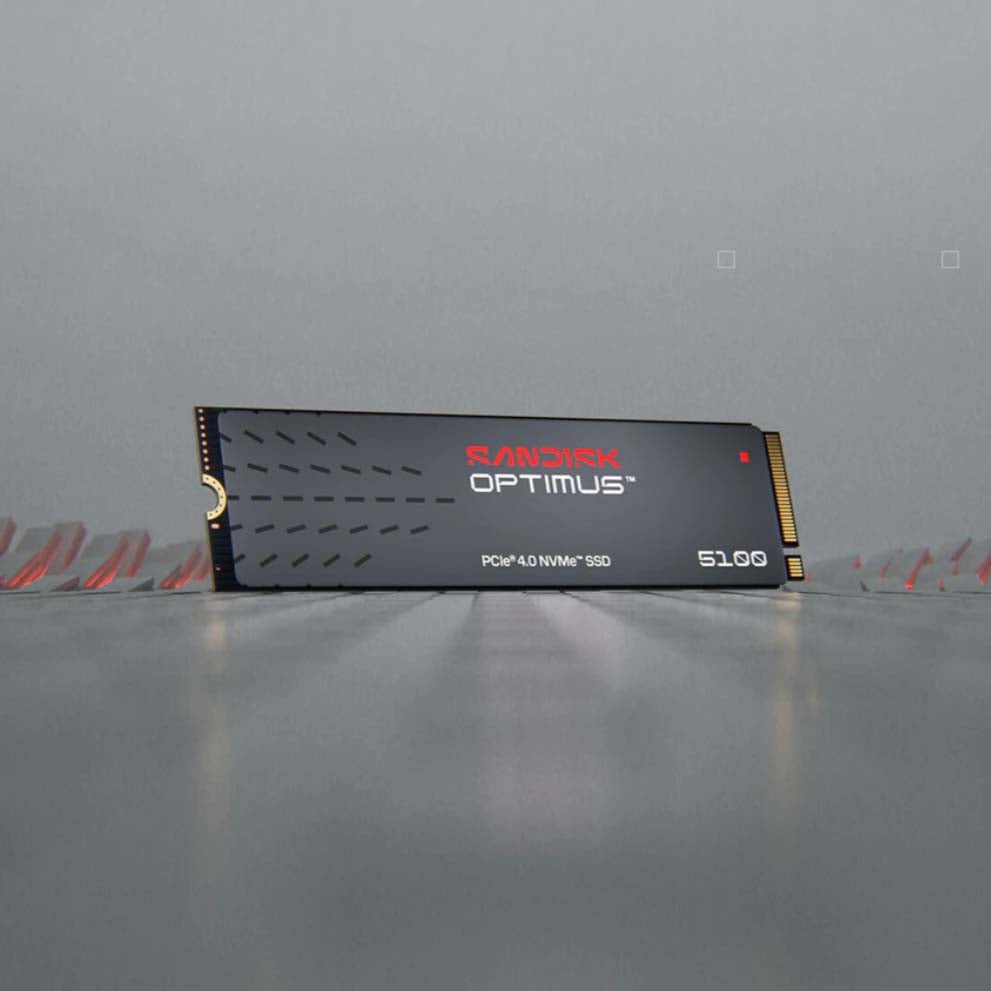
SANDISK Optimus 5100 – fast and affordable
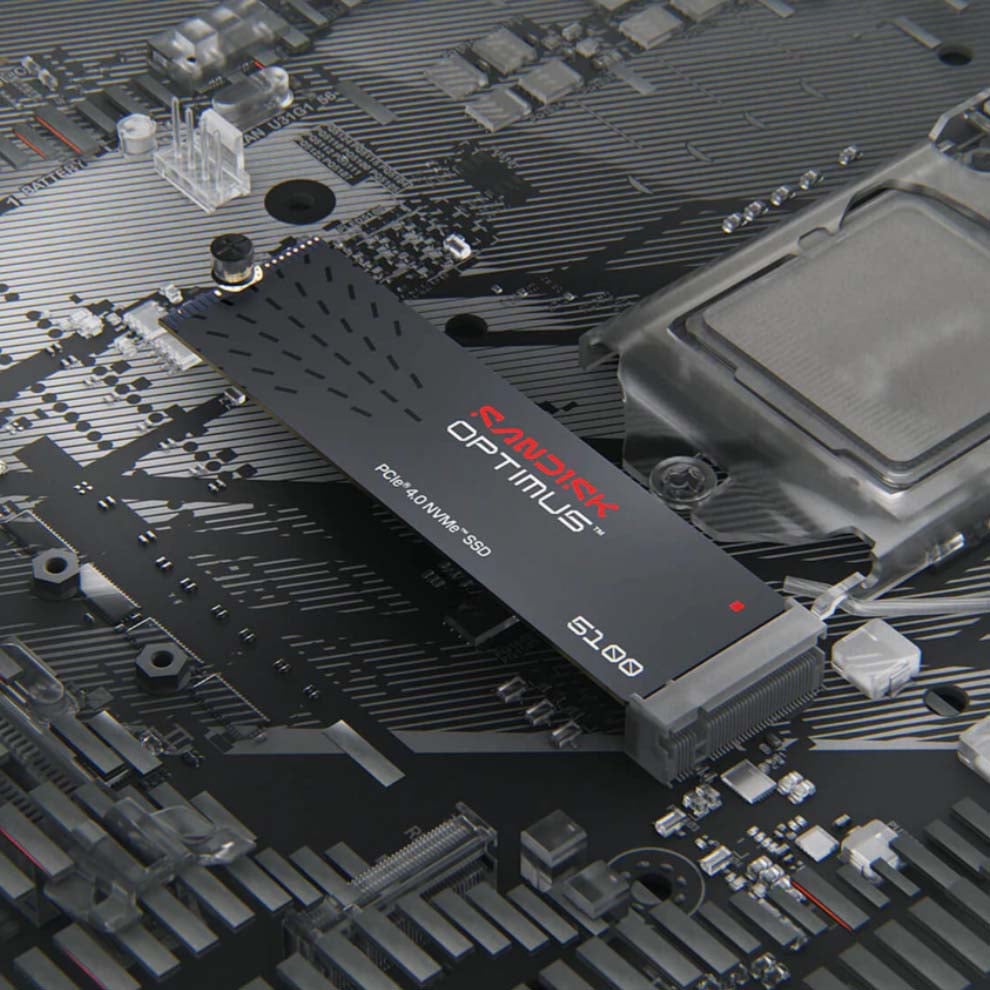
If the SANDISK Optimus GX 7100 is still within your budget, which is perfectly understandable in these times, then Sandisk’s Optimus 5100 offers similar peak speeds with a lower cost. This drive was originally a part of the WD Blue lineup, with the SN5100 model number, but it’s actually much quicker than previous WD Blue models.
In terms of core specs, it’s very similar to the GX 7100. You’ll find the same PCIe 4.0 x4 interface and Polaris 3 controller, and both drives also use a host memory buffer, rather than having dedicated DRAM. The main difference is that the Optimus 5100 uses quad-level cell (QLC) NAND flash memory, rather than TLC.
Put simply, QLC NAND can store four bits of data per cell, compared to three on TLC, enabling you to increase capacity at minimal extra cost. However, in order to do this, QLC NAND requires more voltage states than TLC, which can reduce its lifespan. That’s why the 2TB and 4TB Optimus 5100 have endurance ratings of 900TBW and 1,200TBW respectively, compared to 1,200TBW and 2,400TBW on the equivalent-capacity Optimus GX 7100 drives. You do still get the same five-year warranty, though.
Using QLC rather than TLC can also impact performance, as shown in the slightly lower random write IOPS results. However, in terms of peak sequential speed, the Optimus 5100 remains a fast drive for its class. Sequential reads top out at 7,100MB/s on the 1TB and 2TB models, with write speeds of 6,700MB/s. Again, you’ll lose a bit of pace on the 500GB and 4TB versions.
This is way faster than the speeds of around 5,000MB/s we saw on other low-cost PCIe 4.0 drives – the WD Blue SN580 topped out at 4,150MB/s, for example. Before the SN5100 came out, you previously only expected to see speeds over 7,000MB/s on high-end PCIe 4.0 drives.
| SANDISK Optimus 5100 | 500GB | 1TB | 2TB | 4TB |
|---|---|---|---|---|
| NAND | BiCS8 QLC 3D CBA | BiCS8 QLC 3D CBA | BiCS8 QLC 3D CBA | BiCS8 QLC 3D CBA |
| Cache | 64MB HMB | 64MB HMB | 64MB HMB | 64MB HMB |
| Interface | PCIe 4.0 x4 | PCIe 4.0 x4 | PCIe 4.0 x4 | PCIe 4.0 x4 |
| Seq. read (MB/s) | 6,600 | 7,100 | 7,100 | 6,900 |
| Seq. write (MB/s) | 5,600 | 6,700 | 6,700 | 6,700 |
| Random read IOPS (K)i | 660 | 1,000 | 1,000 | 900 |
| Random write IOPS (K) | 1,100 | 1,300 | 1,300 | 1,100 |
| Form Factor | M.2 2280 | M.2 2280 | M.2 2280 | M.2 2280 |
| Endurance (TBW)ii | 300 | 600 | 900 | 1,200 |
| Hardware encryption | No | No | No | No |
| Heatsink version | No | No | No | No |
| Limited warrantyiii | Five years | Five years | Five years | Five years |
Best of all, though, is the price. Even in these times of rocketing solid-state drive costs, you can pick up a 500GB Optimus 5100 for under $100 at MSRP. Given that it’s very nearly as quick as the GX 7100, and isn’t far off pushing the PCIe 4.0 x4 interface to its limit at full pelt, that makes it a solid choice if funds are tight.
SANDISK Optimus 5100
“Strikes the ideal balance of high performance and affordability for creators. Enjoy fast speeds and increased capacity with PCIe 4.0 speeds up to 7,100MB/s, and capacities up to 4TB.” – Sandisk.
That brings us to the end of our guide to the SANDISK Optimus range. For more storage buying advice, check out our guide to the best SSD, where we take you through all our favourite options right now.
i 1MB/s = 1 million bytes per second. IOPS = input/output operations per second. Based on internal testing; performance may vary depending upon host device, usage conditions, drive capacity, and other factors.
ii TBW (terabytes written) values calculated using JEDEC client workload (JESD219) and vary by product capacity.
iii See sandisk.com/support for additional details.
