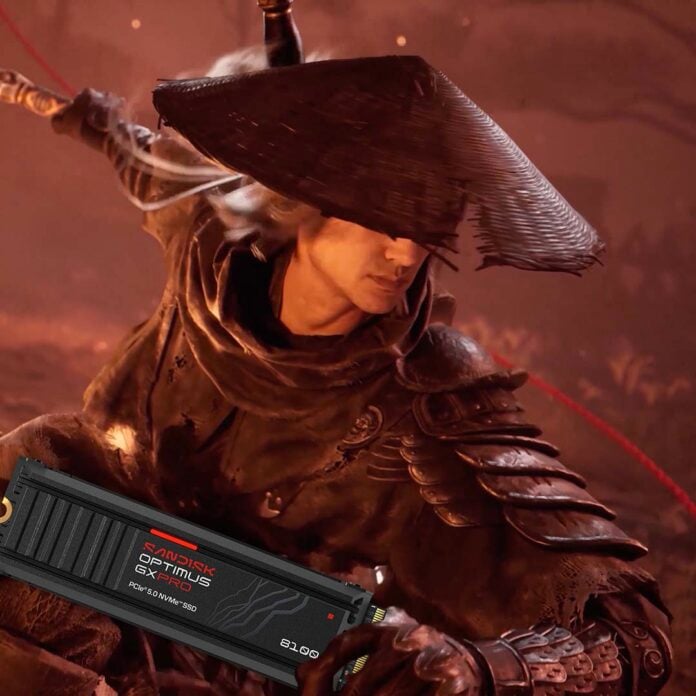
If you were thinking of buying action RPG Phantom Blade Zero this week, you may need to clear out a load of clutter from your SSD first. The Phantom Blade Zero system requirements have just been released, and you not only need 145GB of free drive space to hold the game once it’s installed, but also an extra 155GB to complete initial pre-loading, resulting in a total of 300GB.
Developer S-Game has even provided a guide to freeing up enough storage space to install the game, but it’s next to useless. The guide tells you to open Task Manager and select the relevant disk, but that only tells you the whole and formatted capacity of your drive, as well as how frequently it’s being accessed, not how much space is free.
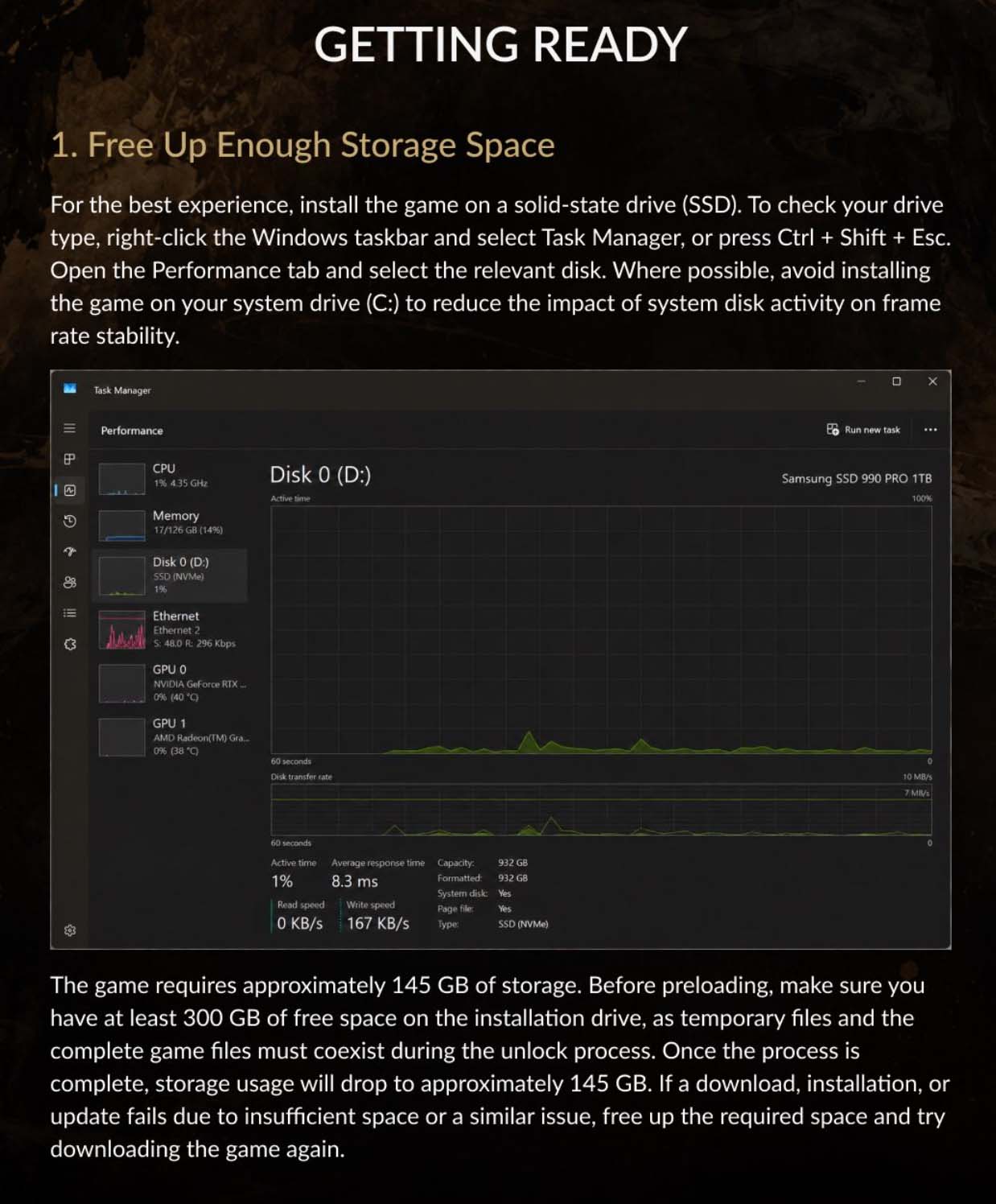
S-Game also advises you to “avoid installing the game on your system drive (C:) to reduce the impact of system disk activity on frame rate stability.” According to the developer, that initial 300GB of space is required because “temporary files and the complete game files must coexist during the unlock process.” Once that’s completed, the install size will drop to around 145GB.
Phantom Blade Zero system requirements
| Component | Minimum | Recommended |
|---|---|---|
| CPU | Intel Core i7-8700K AMD Ryzen 5 3600 | Intel Core i5-10600K AMD Ryzen 5 5600X |
| RAM | 16GB | 16GB |
| GPU | Nvidia GeForce GTX 1660 AMD Radeon RX 5500 XT | Nvidia GeForce RTX 3060 Ti AMD Radeon RX 6700 XT |
| Storage | 300GB to preload 145GB final installation | 300GB to preload 145GB final installation |
| SSD required | Yes | Yes |
| Settings | 1080p / 30fps Ray tracing disabled Upscaling enabled | 1440p / 60fps Ray tracing disabled Upscaling enabled |
Otherwise, the Phantom Blade Zero system requirements look pretty modest, with developer S-Game saying you just need a Ryzen 5 3600 or Intel Core i7-8700K, plus an Nvidia GeForce GTX 1660. This will net you 30fps at 1920×1080, although that’s with upscaling enabled and no ray tracing features. Given that the GeForce GTX 1660 has no Tensor cores, it won’t be able to run DLSS, so you’ll be stuck with AMD’s FSR tech on this GPU.
Meanwhile, stepping up to the recommended requirements, for 60fps at 2560×1440, requires just a Ryzen 5 5600X or Core i5-10600K, with either an Nvidia GeForce RTX 3060 Ti or Radeon RX 6700 XT. Again, that’s without ray tracing enabled, and with upscaling turned on.
If you think you need an upgrade, check out our recently updated guide to buying the best GPU during the pricing crisis, as well as our full best CPU buying guide.