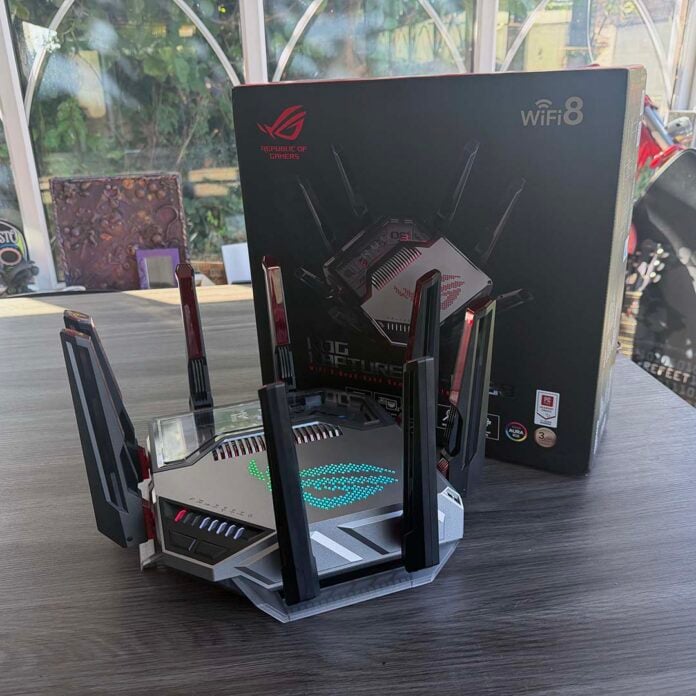
Wi-Fi 8 has just rolled up to the networking party, and it’s quite a different beast from the wireless standards that came before. Instead of chasing sky-high peak bandwidth figures that, in real life, no one would ever have any chance of achieving anyway, Wi-Fi 8 is all about making your connection more reliable.
After all, Wi-Fi 7 already theoretically peaks at 46Gbs, over 4x the speed of 10Gb Ethernet. These figures are largely meaningless to most people, though – it’s not as if you ever see them in the real world. What we do want, though, is a stronger signal through the walls and floors of our buildings, and a more stable, predictable connection, especially when multiple devices are hooked up to the same network.
That’s what Wi-Fi 8 is designed to bring to us, and Asus has just launched the world’s first gaming routers that support the new tech, giving us our first taste of it in action.
Wi-Fi 8 specs
| Wi-Fi 8 | Wi-Fi 7 | Wi-Fi 6/6E | Wi-Fi 5 | |
|---|---|---|---|---|
| IEEE standard | 802.11bn | 802.11be | 802.11ax | 802.11ax |
| Max. data rate | 46Gbps | 46Gbps | 9.6Gbps | 3.5Gbps |
| Bands | 2.4GHz, 5GHz, 6GHz | 2.4GHz, 5GHz, 6GHz | 2.4GHz, 5GHz (6GHz on 6E) | 2.4GHz, 5GHz |
| Modulation | 4096-QAM | 4096-QAM | 1024-QAM | 256-QAM |
| Bandwidth | Up to 320MHz | Up to 320MHz | Up to 160MHz | Up to 160MHz |
| Resource units | Multi RUs, distributed | Multi RUs | Single RU | No OFDMA support |
| Multi-link operation | Yes | Yes | No | No |
| Multi-AP coordination | Yes | No | No | No |
In terms of core specifications, on the face of it, Wi-Fi 8 looks basically identical to Wi-Fi 7 (802.11be). We still have the same three frequency bands – the 2.4GHz stalwart that’s been around for ages, the faster 5GHz band, and the newer, super-wide 6GHz frequency. We’re also still looking at the same maximum channel bandwidth of 320MHz over 6GHz as we had with Wi-Fi 6E.
Likewise, Wi-Fi 8 sticks with 4096-QAM modulation, meaning that each symbol (a group of 1s and 0s encoded into a wave pattern for transmission over Wi-Fi) carries 12 bits. That’s a solid improvement over the 10 bits per symbol from Wi-Fi 6’s 1024-QAM tech, but it’s nothing we haven’t seen before at this point.
As I mentioned earlier, the bandwidth numbers are big enough already, at least for now. As a case in point, Asus’ ROG Rapture GT-BN98, and its Pro sibling, can theoretically hit up to 11,529Mbps on their 6GHz bands, which is extraordinary for a gaming router. Instead, Wi-Fi 8 incorporates several clever tricks to reduce latency, improve range, and generally make using your Wi-Fi network a smooth, seamless, and reliable experience. How does it do this? Let’s take a look.
Seamless roaming
We’ll start by exploring seamless roaming, which, as its name suggests, is intended to prevent dead zones and connection drops as you move around your network, as well as between other networks. Wi-Fi 8 brings a feature called the Single Mobility Domain (SMD), which has the aim of smoothing out the process of moving between access points, or routers.
With previous Wi-Fi standards, a device has to break its connection with one access point before it can hook up with a new one, meaning you have to wait for it to run through the next access point’s security authentication and handshake before your device is reconnected. This results in dropped connections and stuttering streams, and there are also problems when your phone spends too long connected to a weak signal, before it eventually hooks up to the stronger one.
Wi-Fi 8’s SMD feature is intended to resolve this situation, grouping access points (and other Wi-Fi networks) into a single logical domain. Authentication is all handled behind the scenes, so there’s no need to repeat handshakes, and your device can build up its connection to the next access point before disconnecting from the previous one.
Meanwhile, Wi-Fi 8’s multi-link operation (MLO), enables devices to dynamically swap frequency bands, seamlessly hopping between 2.4GHz, 5GHz, or 6GHz connections, on the access points to which they’re connected.
Asus is also assisting the reduction of dead zones with its own engineering. By refining its RF tuning, and optimising its antennae, the company says its GT-BN98 and GT-BN98 Pro routers are designed to “ensure stable connections across your entire location.”
Longer range
One of the big promises of Wi-Fi 8 kit such as Asus’ new routers is improved range, particularly when your signal is passing through walls, upper floors, garages and so on. While there’s only so much you can do about a wireless signal’s ability to travel through solid barriers, Wi-Fi 8 is specifically designed to reduce sudden slowdowns at mid-to-long range.
The signal will still inevitably fall off after a certain point, but the idea is that bandwidth will reduce at a slower rate, while your connection remains more stable. One part of this equation is Wi-Fi 8’s Enhanced Long Range (ELR) feature, which enables your network to act smarter about frequencies at a distance.
In particular, this helps small Internet-of-Things (IoT) smart devices, which might be littered throughout the nooks and crannies of your home, and may have weak signals in the first place. Wi-Fi 8 incorporates a narrow 20MHz mode specifically for these sorts of devices, bolstering it with BPSK and QPSK modulation, so there are multiple phases to ensure two-way communication between them.
Asus says Wi-Fi 8 can double the width of your signal coverage between IoT devices, when using one of its routers. Importantly, this should minimise the chances of dropped connections between these small devices.
Another factor here is Wi-Fi 8’s use of distributed resource units (DRUs), and understanding this requires us to step back a little. Modern Wi-Fi networks use Orthogonal Frequency-Division Multiple Access (OFDMA) in order to split a wireless communication channel into small chunks that are shared between your devices.
These channels are, in turn, broken up into miniscule bands, often called tones. These tones are then grouped into resource units (RUs), which are transmitted over a contiguous, single block of the spectrum. Basically, we’re breaking up a fat wireless pipe into little chunks to distribute your bandwidth to all the gear on your network.
That should all be fine, but there’s also a limit on power spectral density (PSD) in some countries (including the US and EU), mandating how much energy a device is allowed to transmit on a per megahertz basis, mainly to avoid interference. As a result, if an RU only has a small number of tones, you risk getting a weak signal, as there isn’t enough power for it.
DRUs are an attempt to get around this problem, by scattering tones non-contiguously across a wider frequency of the spectrum, all while complying with mandated limits on PSD. The TLDR here is that using DRUs should result in wider signal coverage, more bandwidth, and less in the way of dropped or unstable connections, especially on small devices with weak signals.
Lower latency
One area that’s expected to reap rewards from Wi-Fi 8 is competitive gaming, where latency can be the difference between winning a chicken dinner and needing better luck next time. The strength of your signal plays a big part here, obviously, but so can the way your router prioritises traffic, and that’s where Wi-Fi 8 aims to help out.
The spec contains a feature called Low Latency Indication (LLI), which enables devices to inform the network about their latency requirements, so traffic can be prioritised accordingly.
Not only that, but TXOP Pre-emption is also arriving with Wi-Fi 8, which basically enables a device to interrupt all the current traffic and say, “Hi, I’m Mr Important here, get out the way,” getting immediate access in real time.
This works in conjunction with High Priority EDCA (enhanced distributed channel access) to ensure that low-latency access is awarded to top priorities, such as voice calls.
Basically, if all your devices use Wi-Fi 8, this should ensure that your gaming rig always gets a solid PING, and that your work Teams call doesn’t start stuttering when several other people in your house are watching YouTube.
With its latest kit featuring ROG branding, it’s no surprise to see that Asus is jumping on gaming latency as a big benefit of its latest routers, saying they can reduce it by up to 34%. Both of them are designed to automatically pick up gaming devices, whether they’re connected to Wi-Fi or a wired network link, and optimise network traffic to reward them with low-latency connections.
Asus also touts what it calls Adaptive Quality of Experience (QoE) on its routers, which the company says used AI to smartly intervene with traffic tuning. You can select how you want to prioritise traffic, whether it’s for gaming, video streaming, office work, and so on, and use a slider to set the degree to which you want this AI to intervene.
The idea here is that, even when your network is being heavily saturated by other traffic, your router will see that your gaming rig needs a low-latency connection, and prioritise other traffic accordingly, keeping everything smooth.
Meanwhile, Asus’ GTNet service is on hand to help your machine quickly find the quickest route to game servers, knowing that this may not necessarily be the shortest path. With its decisions based on real-time analysis of latency data, it’s another handy tool in the box for online gaming.
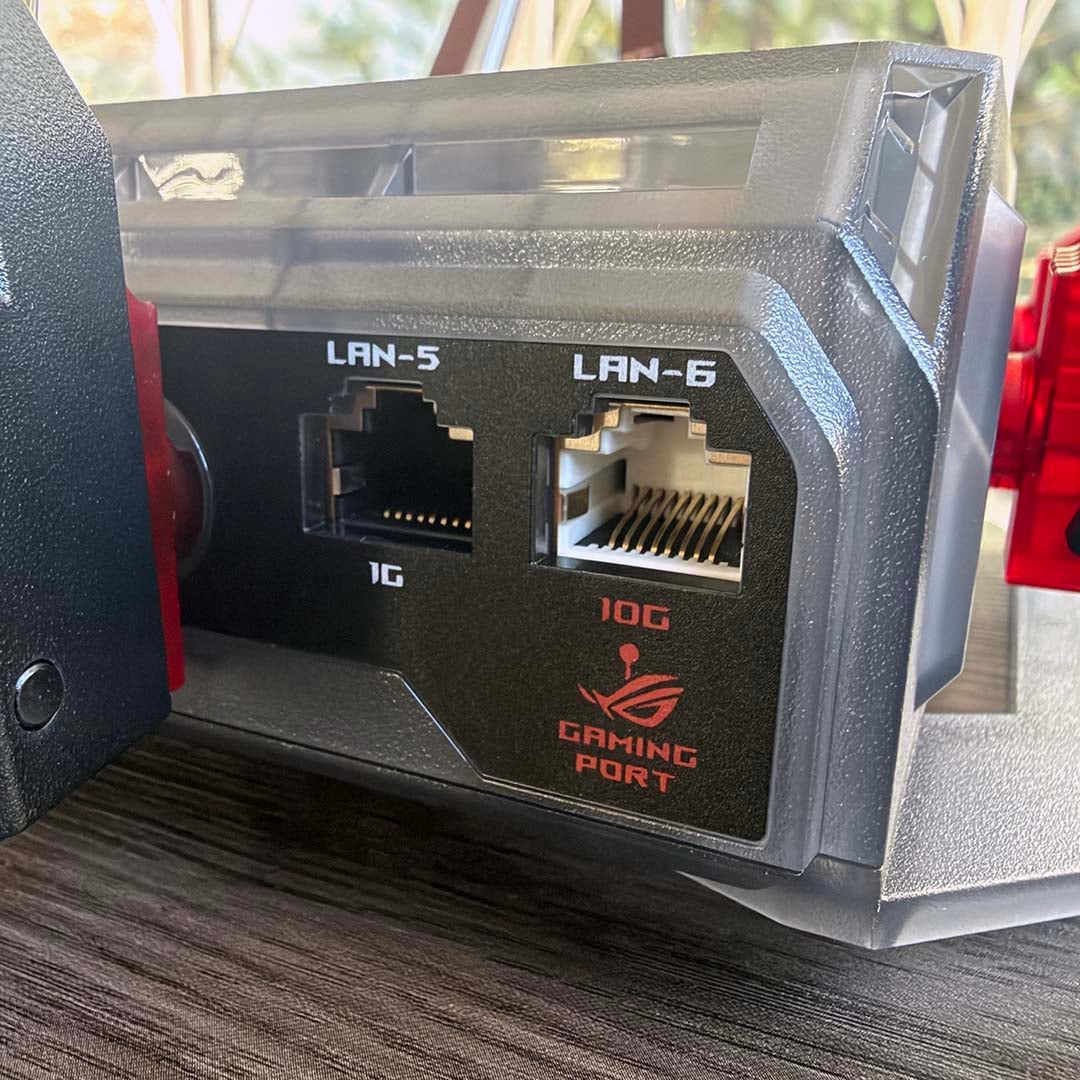
If you’re hooking up your gaming PC via wired Ethernet, then both the GT-BN98 and its Pro sibling have another useful feature here. There’s a dedicated Ethernet port for gaming, which automatically gets top priority for low latency without the need for additional configuration. It has a really fast top speed of 10Gbps as well.
Reduced interference
Wi-Fi 8 doesn’t just cleverly allocate its spectrum according to high-priority traffic – it’s also specifically designed to accommodate lots of devices attached to the same network, while mitigating interference.
Previously, two side-by-side houses would expect a lot of overlap in the signal from their routers, creating potential for interference when they’re using the same channels. However, Wi-Fi 8 has several technologies up its sleeve to prevent that.
One is Coordinated Spatial Reuse (Co-SR), which basically enables routers, or access points, to talk to each other. If they’re both using the same channel, that means they can dynamically plan how far to spread their signal (the power of it) so they don’t interfere with each other.
Similarly, there’s Coordinated Beamforming (Co-BF), which enables routers to direct their signals towards single target devices, rather than spreading it all over the place, where their signals can overlap and interfere with each other, while also wasting bandwidth.
Likewise, Coordinated Time Division Multiple Access (Co-TDMA) lets routers cooperate to manage traffic hold ups on Wi-Fi channels, basically using reserved time slots to ensure that everyone gets a go.
Crucially, a great deal of these improvements in reliability and interference-management happen at the access point/router stage, rather than at the device level, meaning you don’t need to swap out all your other gear for Wi-Fi 8 kit yet to gain all these advantages – you just need the router. PCs that still that still use Wi-Fi 7 (or older) network cards can see tangible improvements in stability and real-world speed the moment you upgrade to a Wi-Fi 8 router, without waiting for Wi-Fi 8 client hardware to arrive.
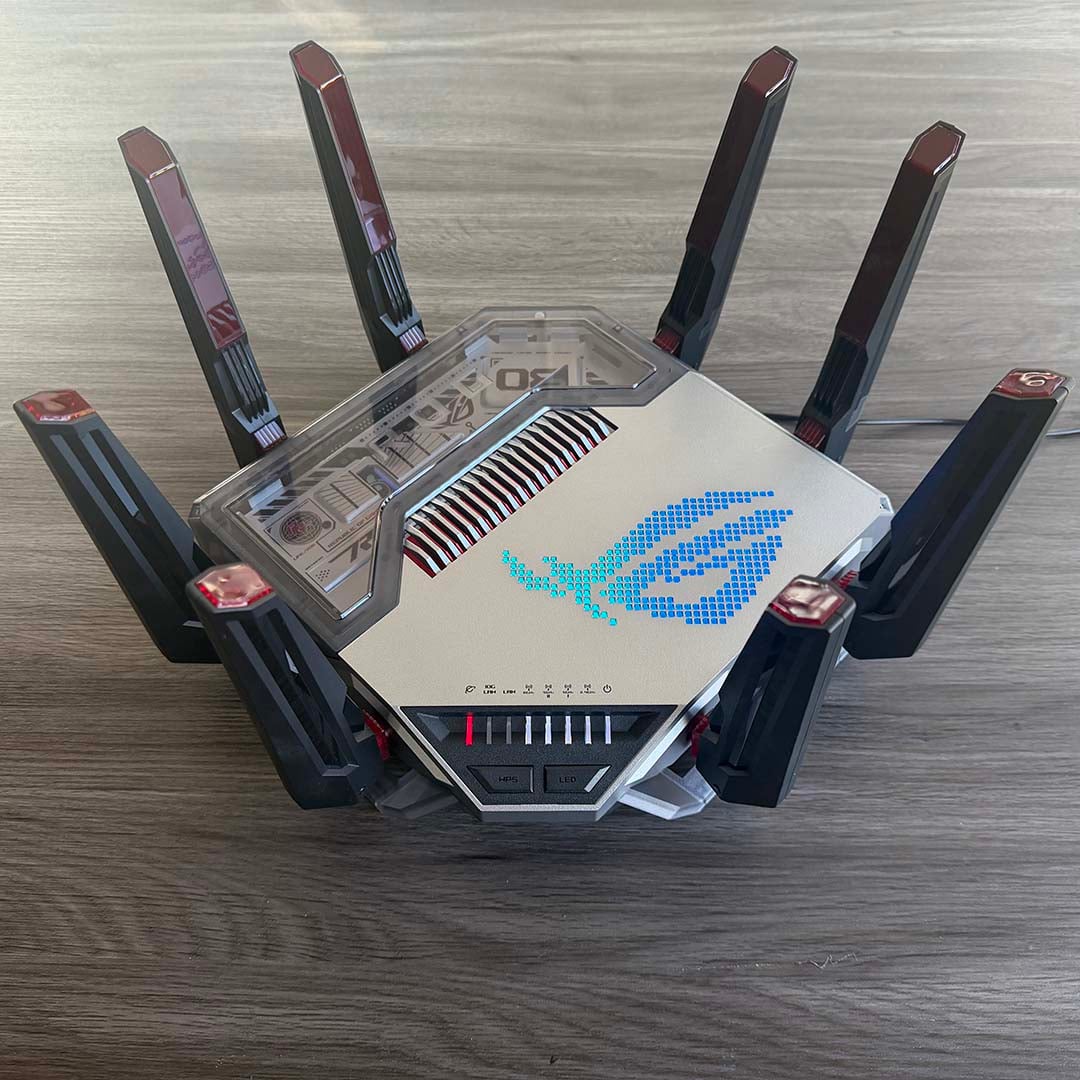
Asus ROG Rapture GT-BN98 Pro
Now that we’ve established some of the basics of Wi-Fi 8’s technical workings, let’s take a look at the kit. We’ll start with Asus’ flagship ROG Rapture GT-BN98 Pro, which features two 6GHz bands, both with theoretical maximum data rate figures of 11,529Mbps.
| Asus GT-BN98 Pro | |
|---|---|
| CPU | 2.6GHz quad-core |
| Memory | 256MB flash / 2GB RAM |
| Available bands | 2.4GHz, 5GHz, 2x 6GHz (all 4×4) |
| Max. bandwidth | 2.4GHz 1,376Mbps 5GHz 5,764Mbps 6GHz-1 11,529Mbps 6GHz-2 11,529Mbps |
| Antennae | 8x external |
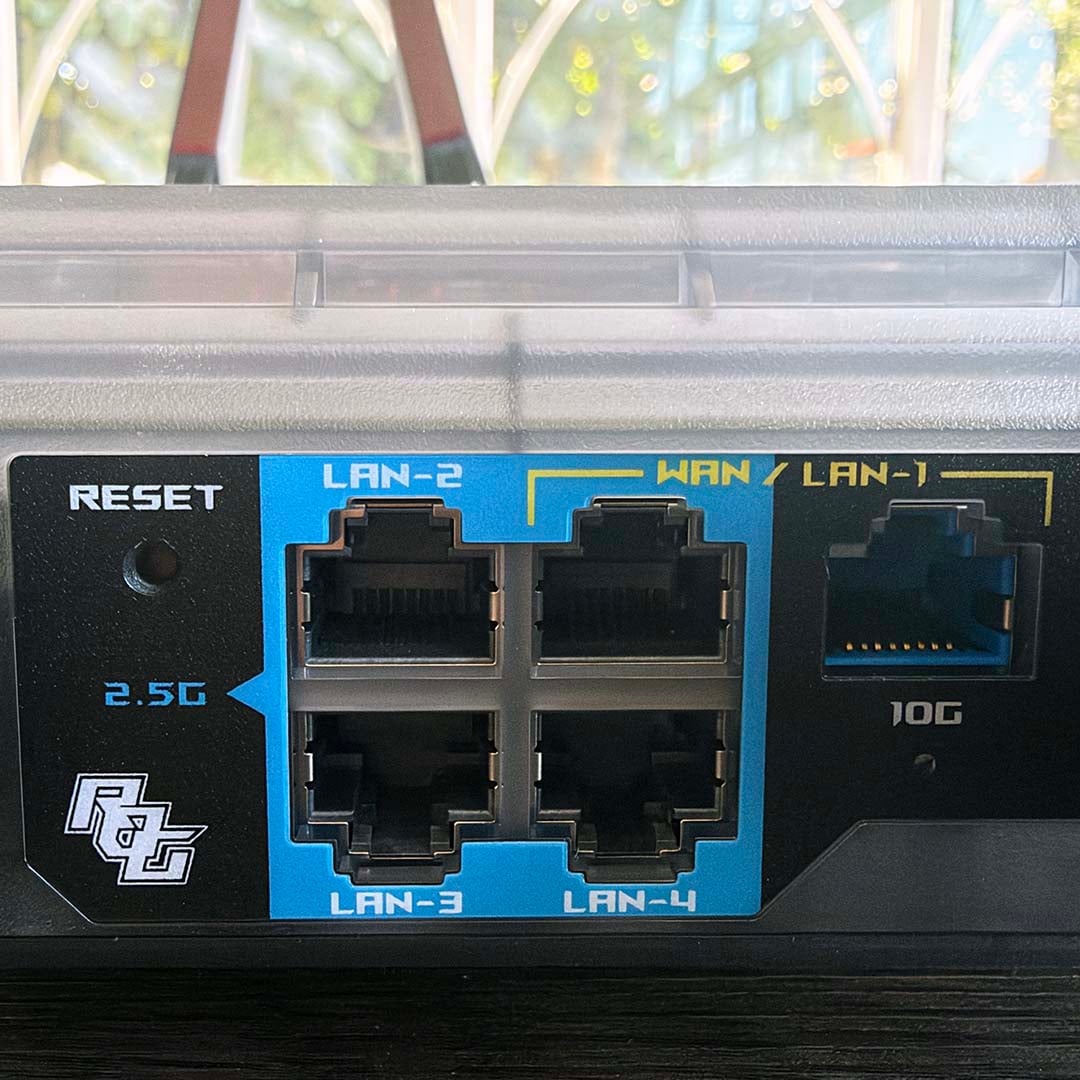
| Ethernet ports | 1x 10Gbps WAN/LAN 1x 2.5Gbps WAN/LAN 1x 10Gbps LAN (gaming port) 3x 2.5Gbps LAN 1x 1Gbps LAN |
| USB ports | 1x USB 3.2 Gen 1 5Gbps 1x USB 2.0 480Mbps |
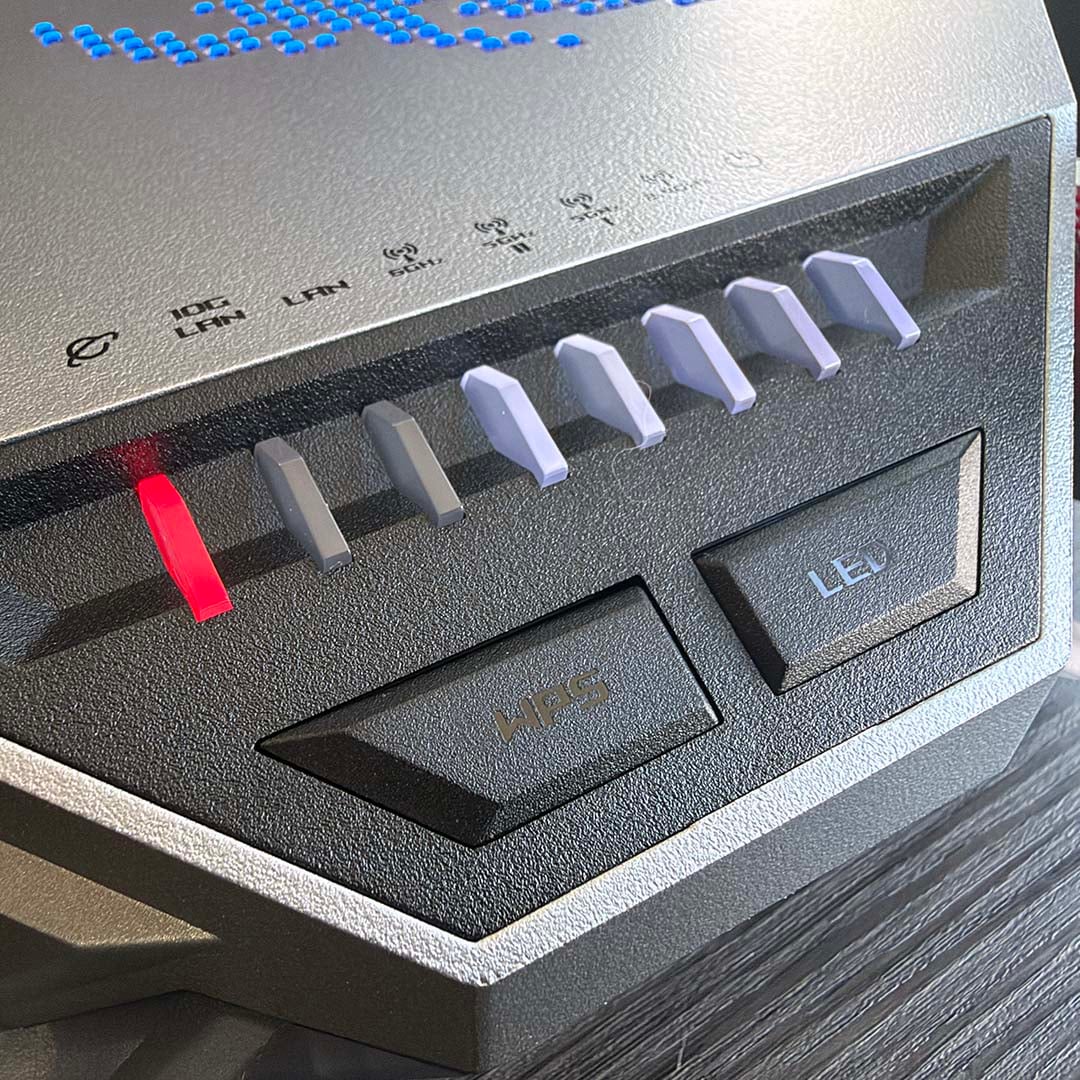
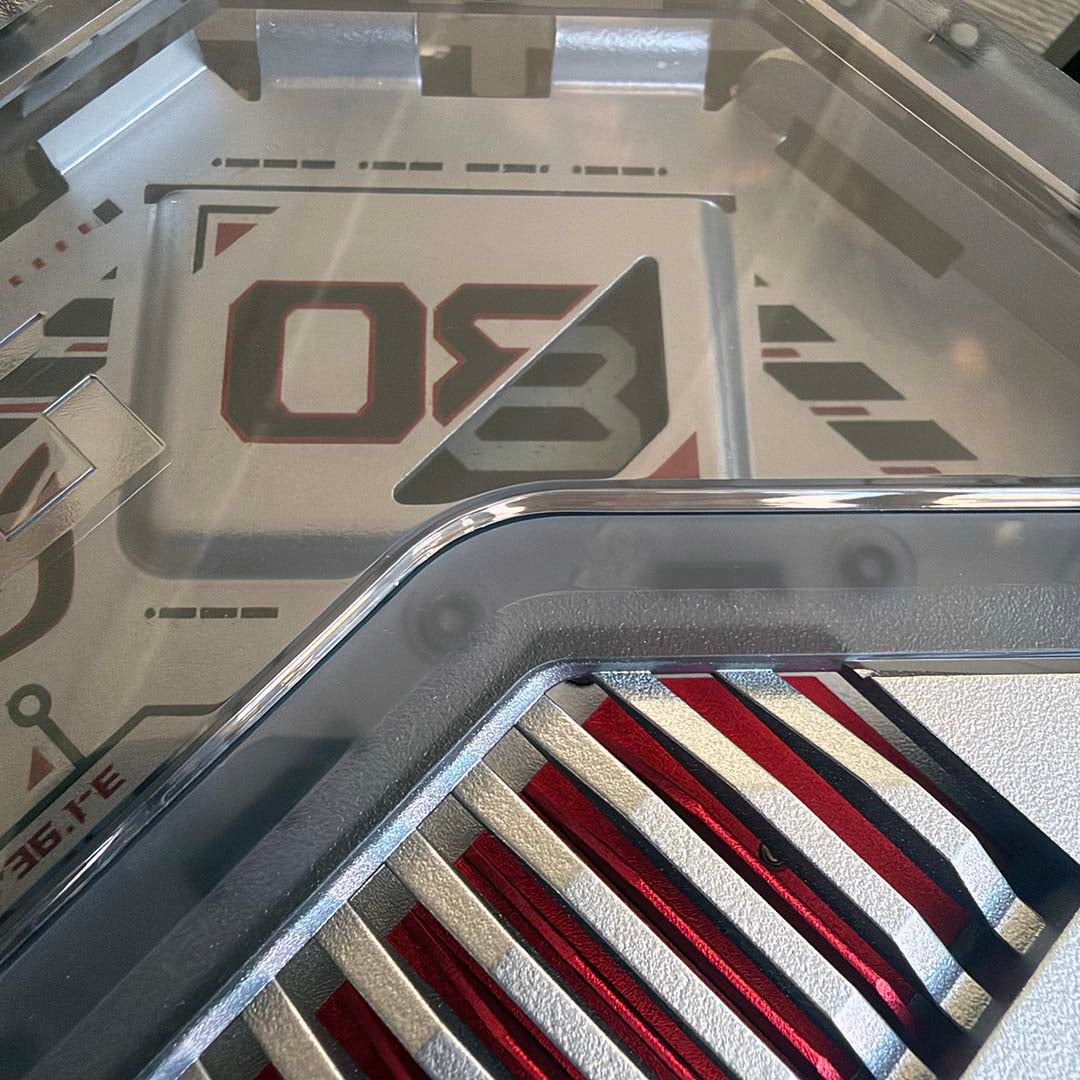
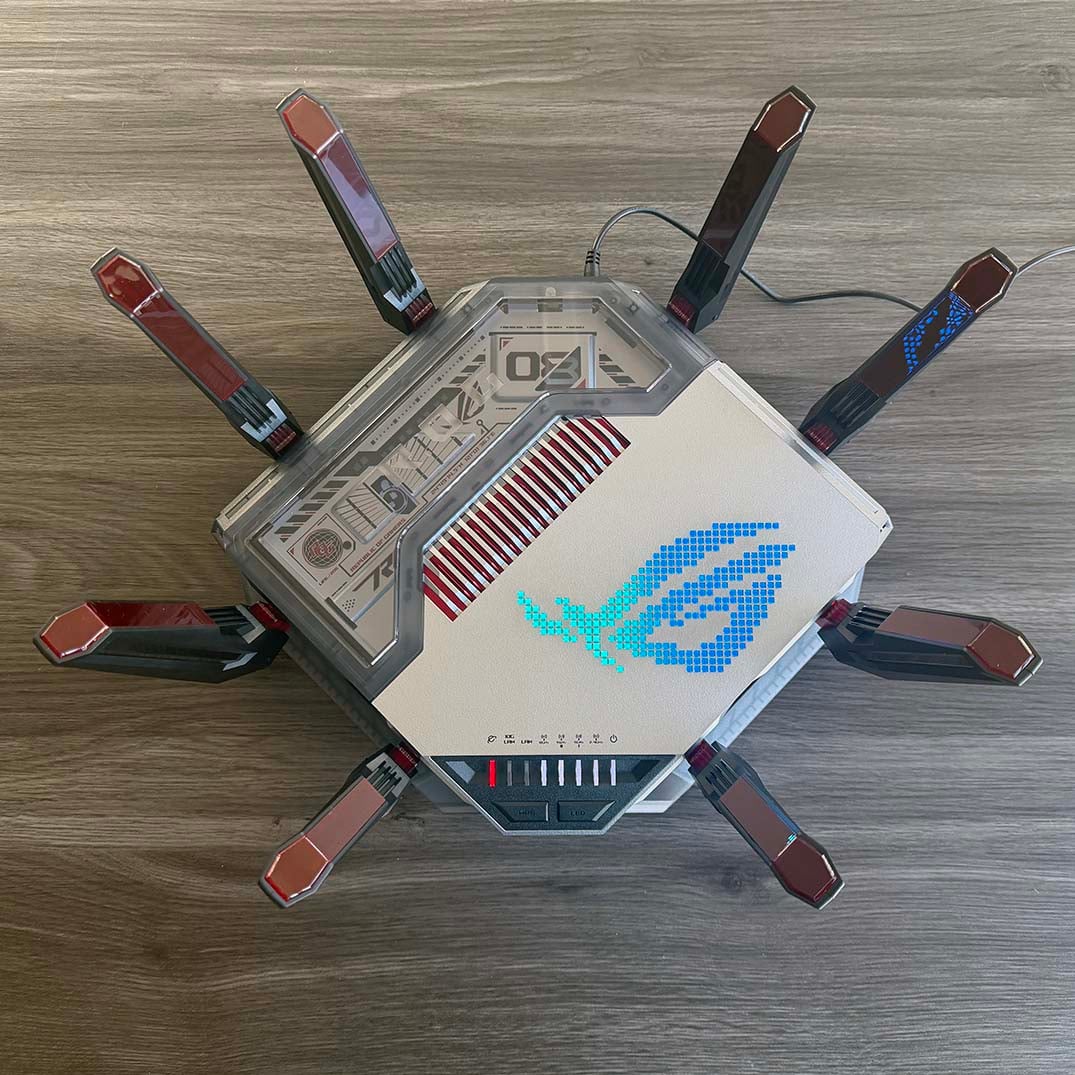
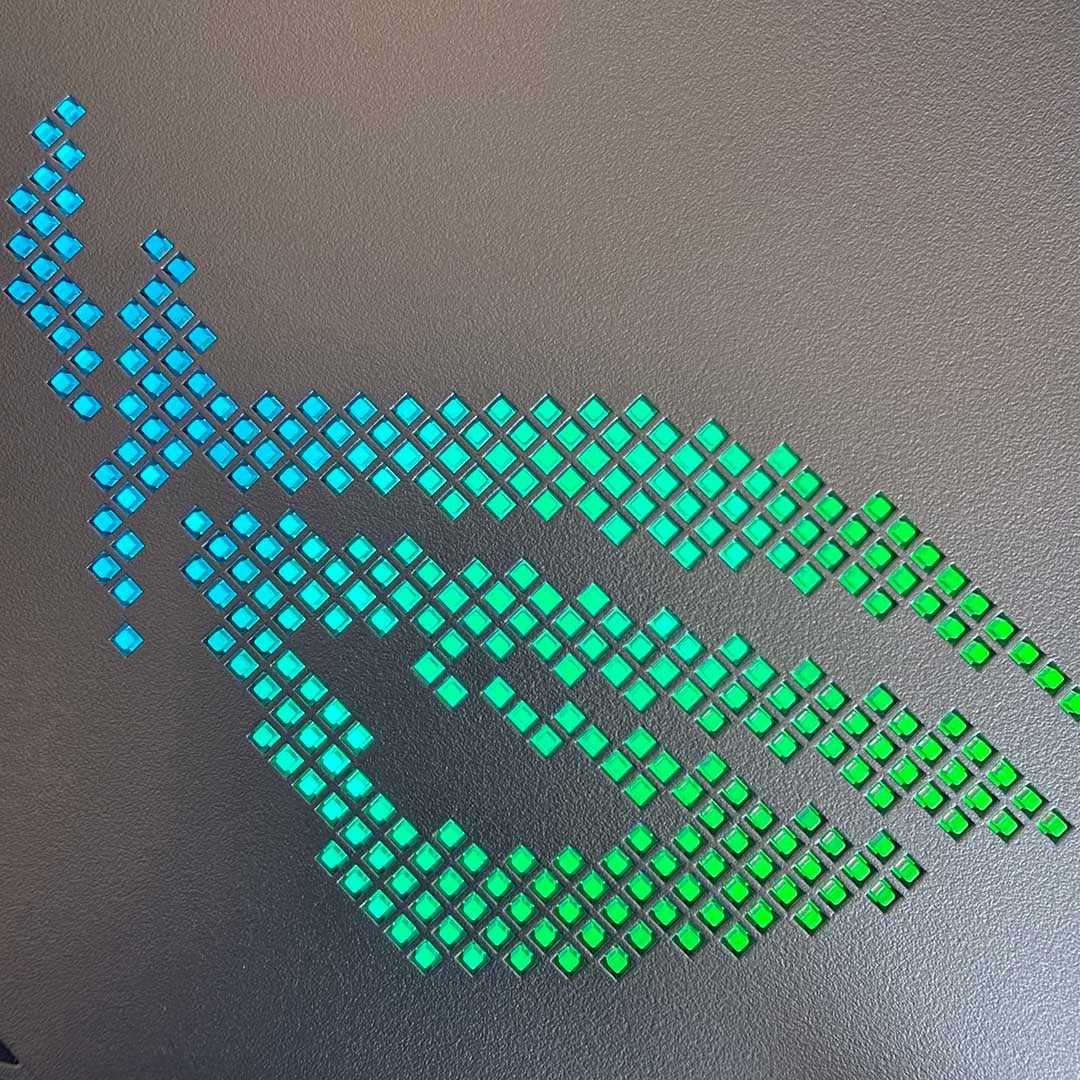
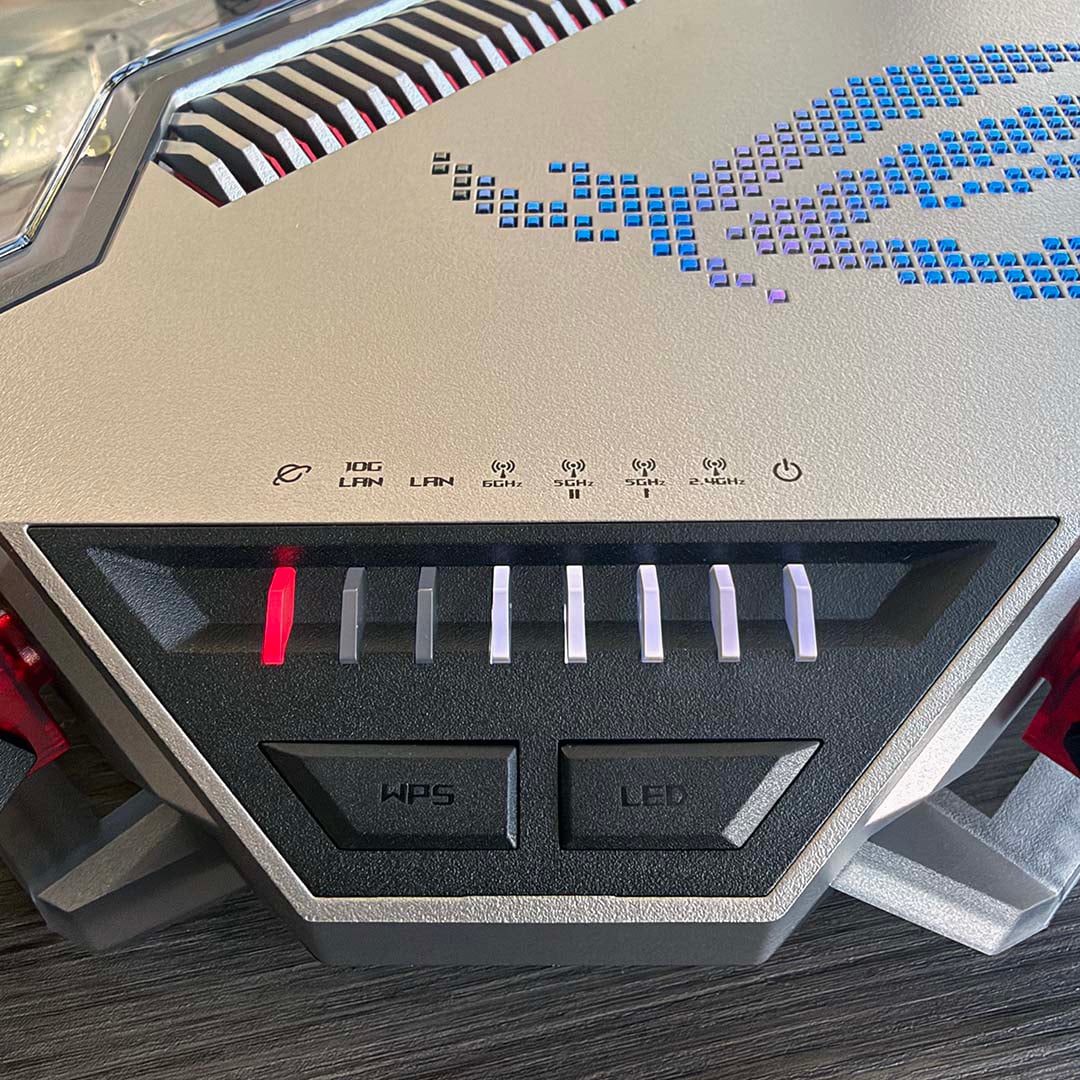
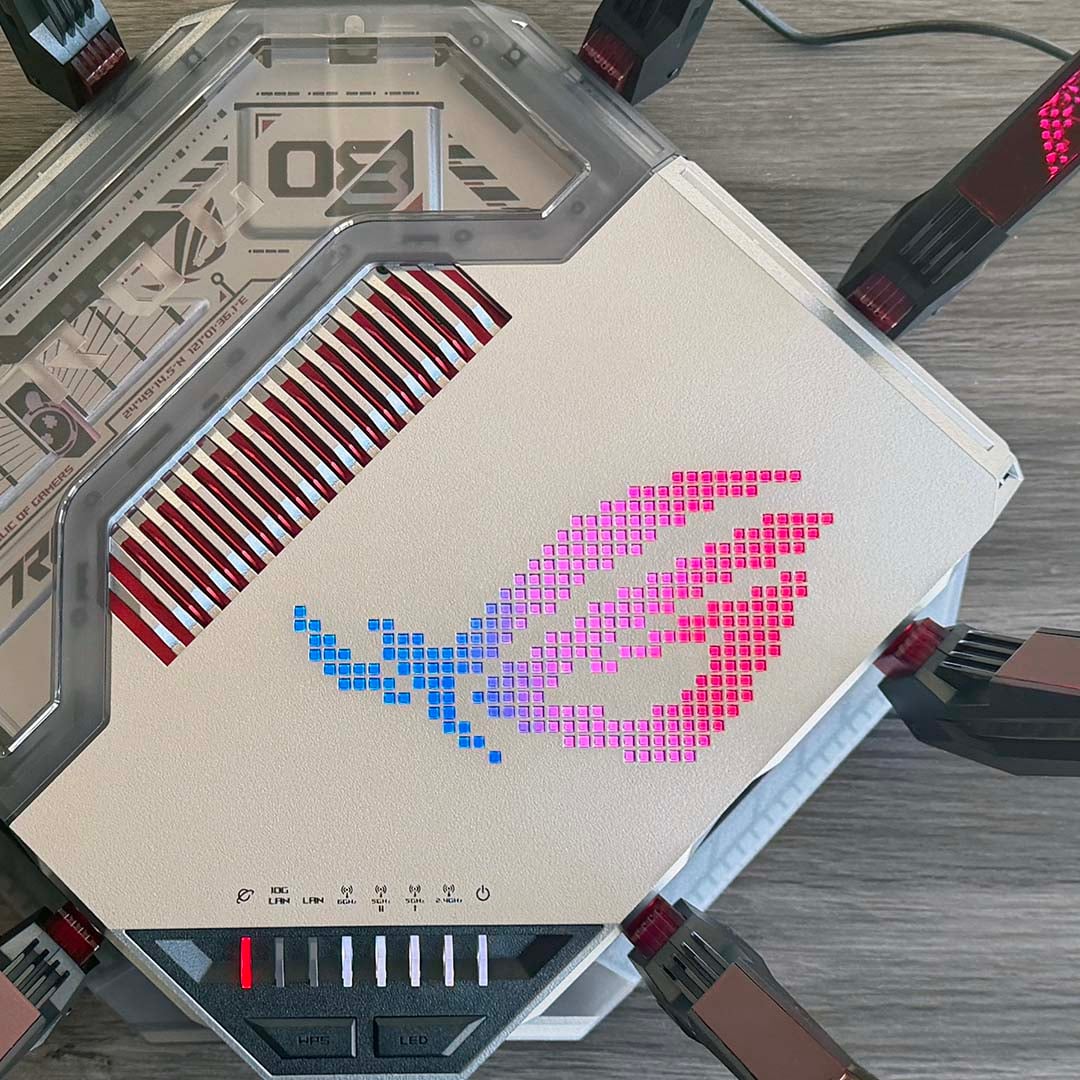
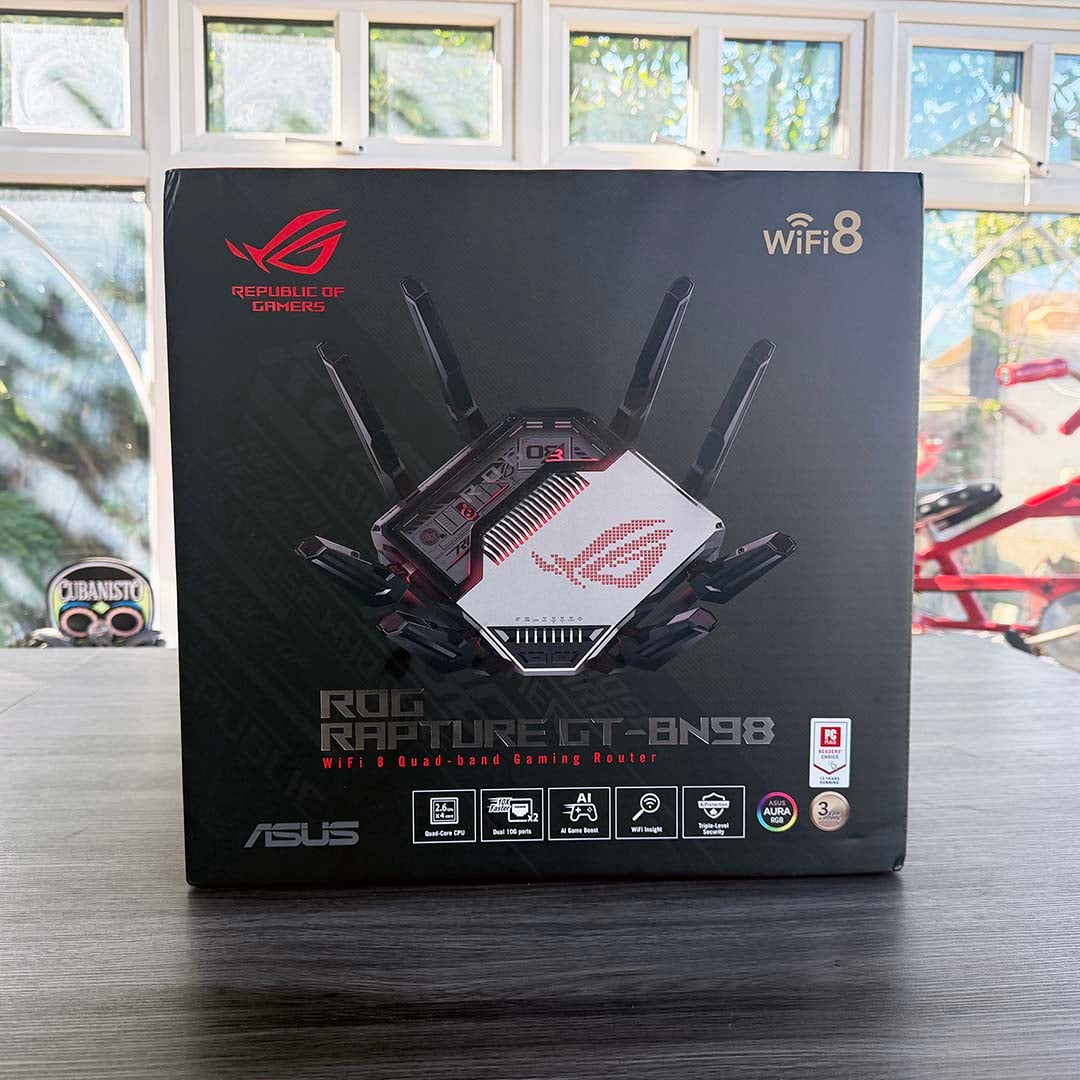
It’s a great-looking box, with a semi-transparent shell and a dot-matrix representation of the Asus ROG logo on its top. The latter has a layer of RGB lights under it, courtesy of Asus’ Aura tech, with a variety of colours available. Meanwhile, eight sturdy antennae extend out from the edges, making it look like an overturned robot spider from an episode of Black Mirror.
Naturally, there’s full support for all the Wi-Fi 8 tech mentioned above, but this router also really goes to town on wired network features. There’s that aforementioned 10Gbps dedicated game port, for one, but you can even link this up to a second 10Gbps port to make a dedicated 20Gbps logical link, as long as you’re hooking it up to a compatible device using the IEEE 802.3ad protocol.
Meanwhile, four 2.5Gbps LAN ports are also available, as well as a single Gigabit port. One of the 2.5Gbps connectors also doubles as a WAN port, as does one of the 10Gbps sockets.
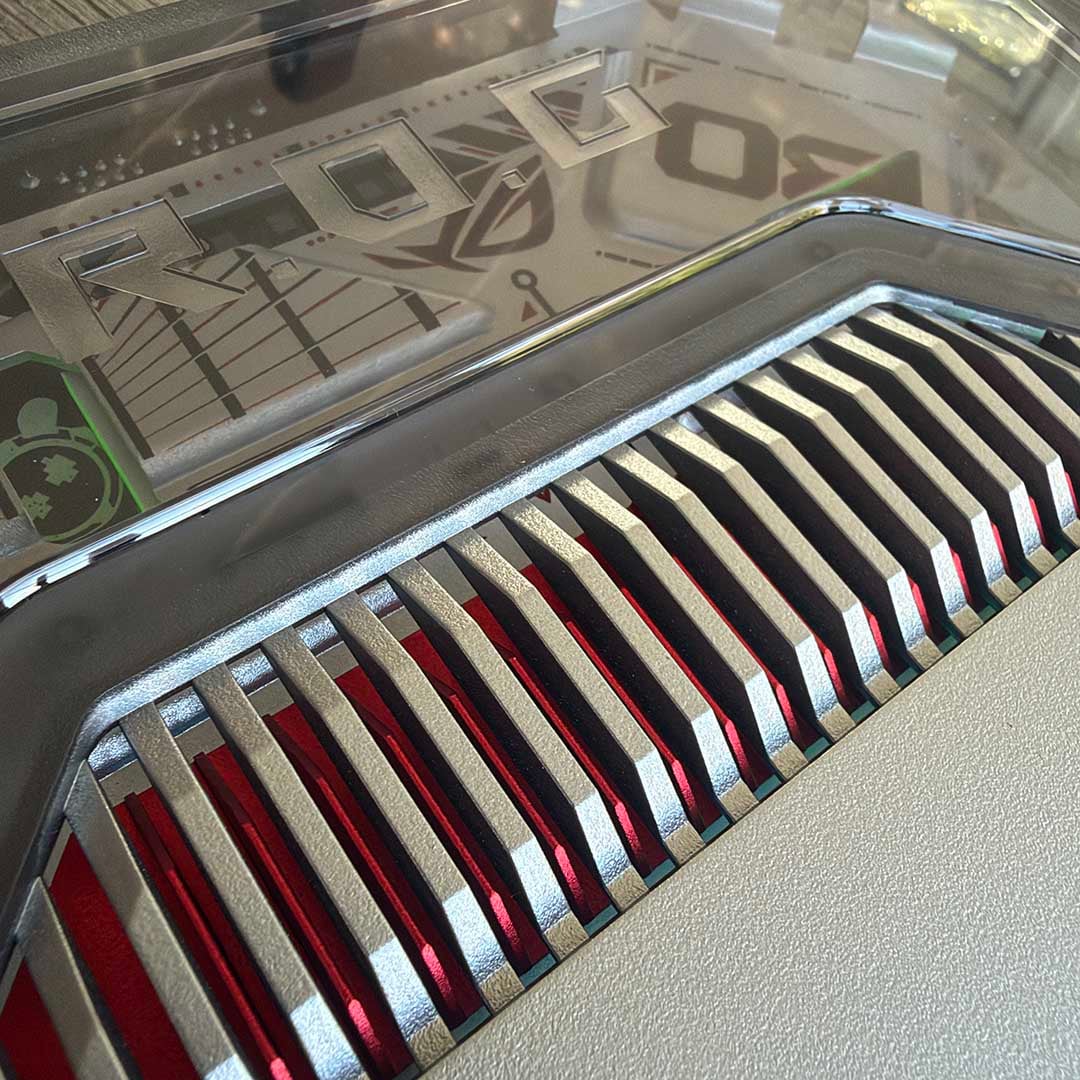
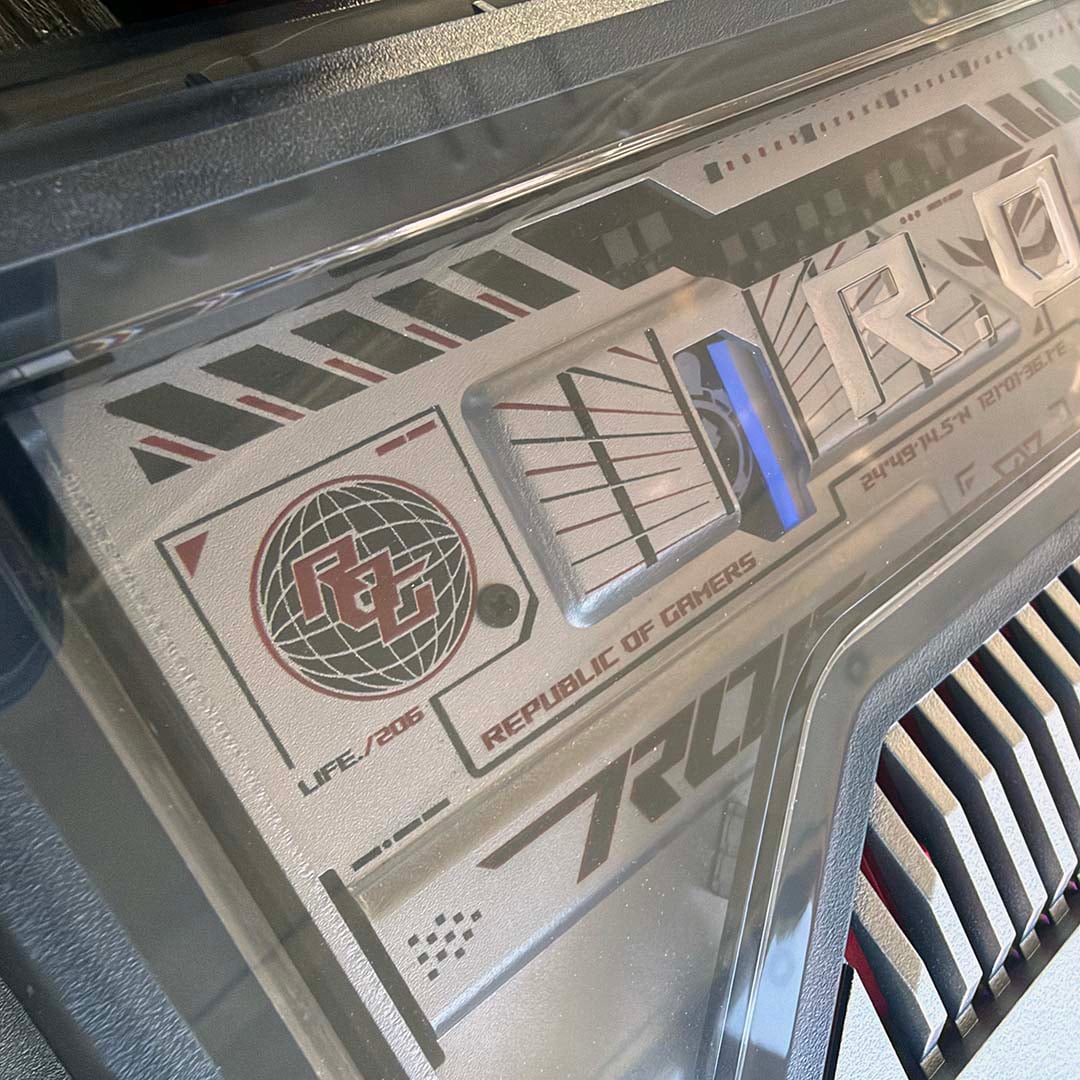
It’s all powered by a 2.6GHz quad-core CPU, along with 2GB of dedicated RAM, and the former has required Asus to make use of its thermal engineering skills. There’s a chunky aluminium top plate, which Asus says is 30% thicker than the one used on its ROG Rapture GT-AXE16000.
Add in a nanocarbon layer for thermal conduction, along with improved airflow, courtesy of a higher stand, plus a heatspreader and specially-engineered vent, and Asus says you’re looking at 35% superior heat dissipation than the GT-AXE16000.
Asus ROG Rapture GT-BN98 Pro
“Powered by next-generation Wi-Fi 8, the GT-BN98 Pro delivers stable and responsive connections designed for gaming and other high-demand network environments.” – Asus
Asus ROG Rapture GT-BN98
Next up is, the non-Pro version of the GT-BN98, which is still very capable indeed. In fact, to all intents and purposes, it looks like exactly the same very fancy router from the outside. This one is also now already available to pre-order from Asus’ webstore, with delivery expected in October. It’s not cheap, though, with a price of £789.99.
| Asus GT-BN98 | |
|---|---|
| CPU | 2.6GHz quad-core |
| Memory | 256MB flash / 2GB RAM |
| Available bands | 2.4GHz, 2x 5GHz, 6GHz (all 4×4) |
| Max. bandwidth | 2.4GHz 1,376Mbps 5GHz-1 5,764Mbps 5GHz-2 5,764Mbps 6GHz 11,529Mbps |
| Antennae | 8x external |
| Ethernet ports | 1x 10Gbps WAN/LAN 1x 2.5Gbps WAN/LAN 1x 10Gbps LAN (gaming port) 3x 2.5Gbps LAN 1x 1Gbps LAN |
| USB ports | 1x USB 3.2 Gen 1 5Gbps 1x USB 2.0 480Mbps |
You get the same CPU and memory setup, as well as all the wired network goodies. The main difference between the two routers is that, where the Pro model has a pair of 6GHz bands, the standard BN98 only has one.
That should still be fine for most home networks, but it’s the 6GHz bands that really offer all the latest high-speed networking magic, so that’s worth bearing in mind. Instead, the standard BN98 offers a pair of 5GHz bands, with a top theoretical data rate of 5,764Mbps.
That’s still plenty for sharing your average broadband connection around your house, though, especially given that most legacy networking kit doesn’t use the 6GHz band anyway.

Asus ROG Rapture GT-BN98
“GT-BN98 optimises your connection end-to-end, helping reduce latency and maintain smooth, stable gameplay across real-world network conditions.” – Asus
Extra Asus goodies
As with most Asus ROG kit, these routers come with plenty of other features designed to lure you their way. One example is their ability to set up multiple SSIDs for different purposes, and not just the usual guest network.
Using Asus’ Guest Network Pro, you can create a dedicated kids’ network, for example, with specific screen time limits, rather than having to change the password on the main network when you want to limit access. This in turn means you don’t need to set up Wi-Fi-accessible screen time on every single device your kids can use – you just make sure they only have access to this SSID.
Similarly, you can set up a further SSID just for your IoT network. It can be a hassle to change the Wi-Fi settings on these limited devices, such as smart lightbulbs, thermal sensors and so on, and having them on their own dedicated network means you can just set and forget them.
It then doesn’t matter if you change any settings on your main network – all these little gizmos will be oblivious to them in their own little playground.
You can also set up a whole dedicated subnetwork just for your preferred VPN provider. This protects your main network from any potential compromised exposure, for example.
Asus’ software also gives you a huge amount of data on what’s going on with your network, including the signal strength and bandwidth usage of your various devices. It will also detect interference and optimise your channel usage accordingly, while keeping a full, in-depth 24-hour record of interference, and how your network handled it, so you can see what’s been going on yourself.
That brings us to the end of our explainer on Wi-Fi 8, and Asus’ brand new routers. While this all looks very exciting, it’s worth remembering that the other devices on your network will also need to be Wi-Fi 8-compatible to take advantage of all these extra new features.
As always, that’s the price of early adoption. If you’re buying a new router anyway, these models look set to offer excellent performance and reliability, while also giving you future-proofing – it’s definitely a substantial upgrade over a Wi-Fi 5 network.
That said, you don’t need to wait for Wi-Fi 8-equipped laptops or smartphones to benefit — pairing a Wi-Fi 8 router with your existing Wi-Fi 7 devices should already deliver a noticeable uplift in reliability and throughput, thanks to improvements that live primarily on the router side. Just bear in mind that it will take a while for other kit to catch up with Wi-Fi 8, and there’s not much in the way of devices that take full advantage of this new tech in these very early days.