

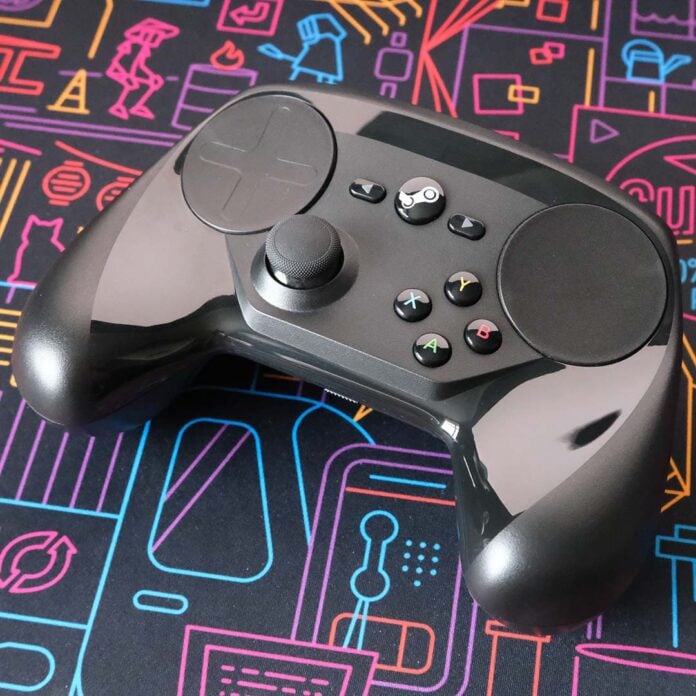
As we eagerly await Valve’s new Steam Controller in 2026, I’ve taken it upon myself to look back at Valve’s old Steam Controller. Ten years after the original pad first hit the scene, I’ve bought a like-new model and spent the past month taking it for a spin.
This isn’t my first rodeo with a Steam Controller, having purchased one previously at some point during the late 2010s. It might as well be, though, as I don’t have any vivid recollections of what the pad was like to use, nor what happened to the one I owned.
So, join me as I share what it’s like to use this retro controller in the modern era. There’s still some life left in this pad, with qualities that no other controller has come close to providing since.
A brief Steam Controller retrospective
For those who’ve forgotten, or are too young to remember, here’s a quick history lesson. Valve’s Steam Controller launched back in 2015, alongside its ill-fated Steam Machines. Valve pitched its gamepad as the bridge between controllers and mice, providing the former’s comfort and the latter’s precision.
There was merit to Valve’s vision. Pairing joystick movement with precision touchpads sounded like the best of both worlds in theory, especially in tandem with highly customisable, multi-function capabilities of every input.
In practice, however, the experience wasn’t so seamless. The Steam Controller enjoyed a mixed reception at best, and it only remained in production for four years.
Valve sold its last remaining stock for just $5 (£4), a whopping 90% off its original price. Now, your only shot at grabbing one is via the used market, where prices vary wildly but are invariably closer to their $50 (£40) launch price.
Meet the Steam Controller
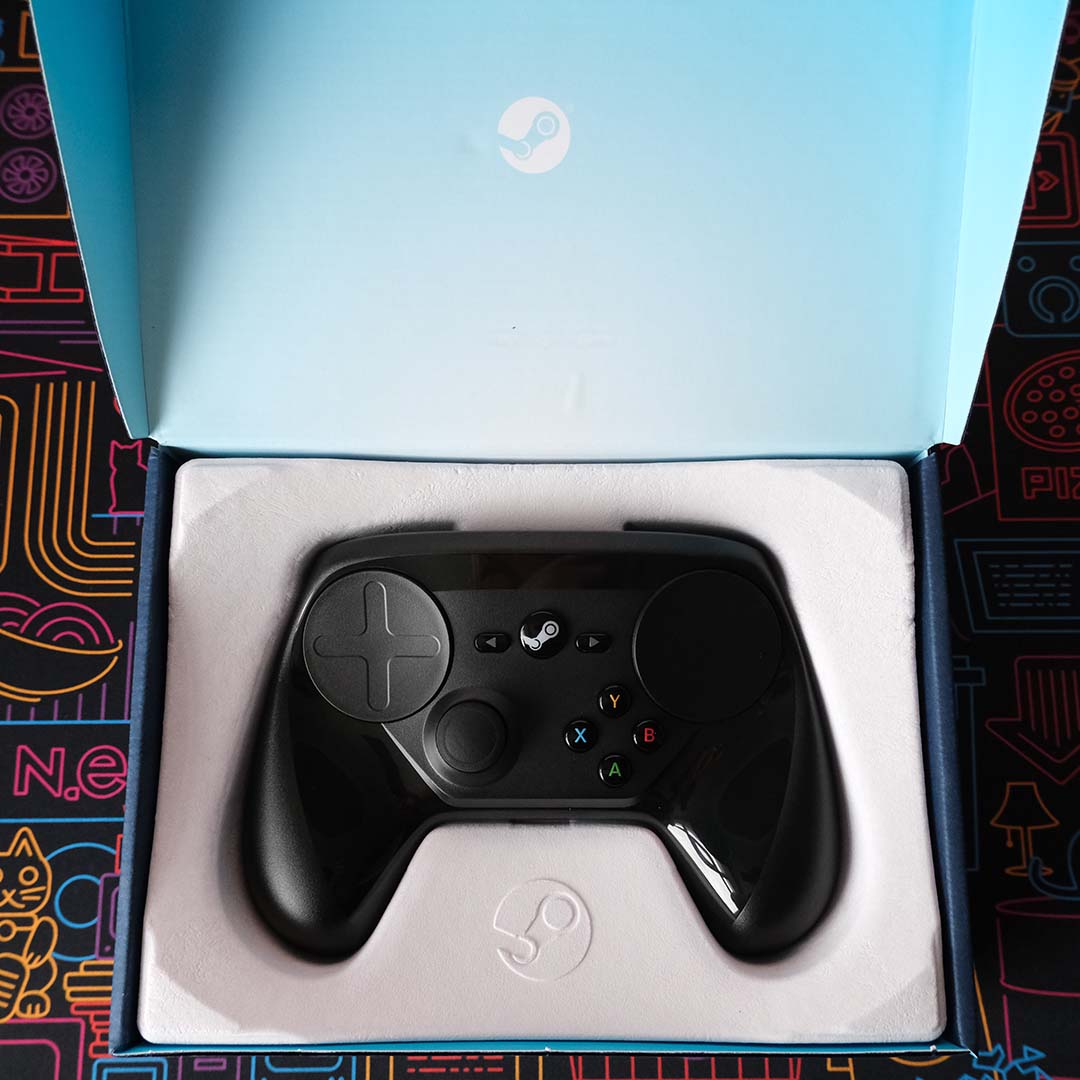
Before discussing how a Steam Controller plays in particular games, let’s examine the pad itself. After all, this controller is unlike anything else on the market, despite some similarities it shares with more mainstream options.
This controller is unlike anything else on the market.
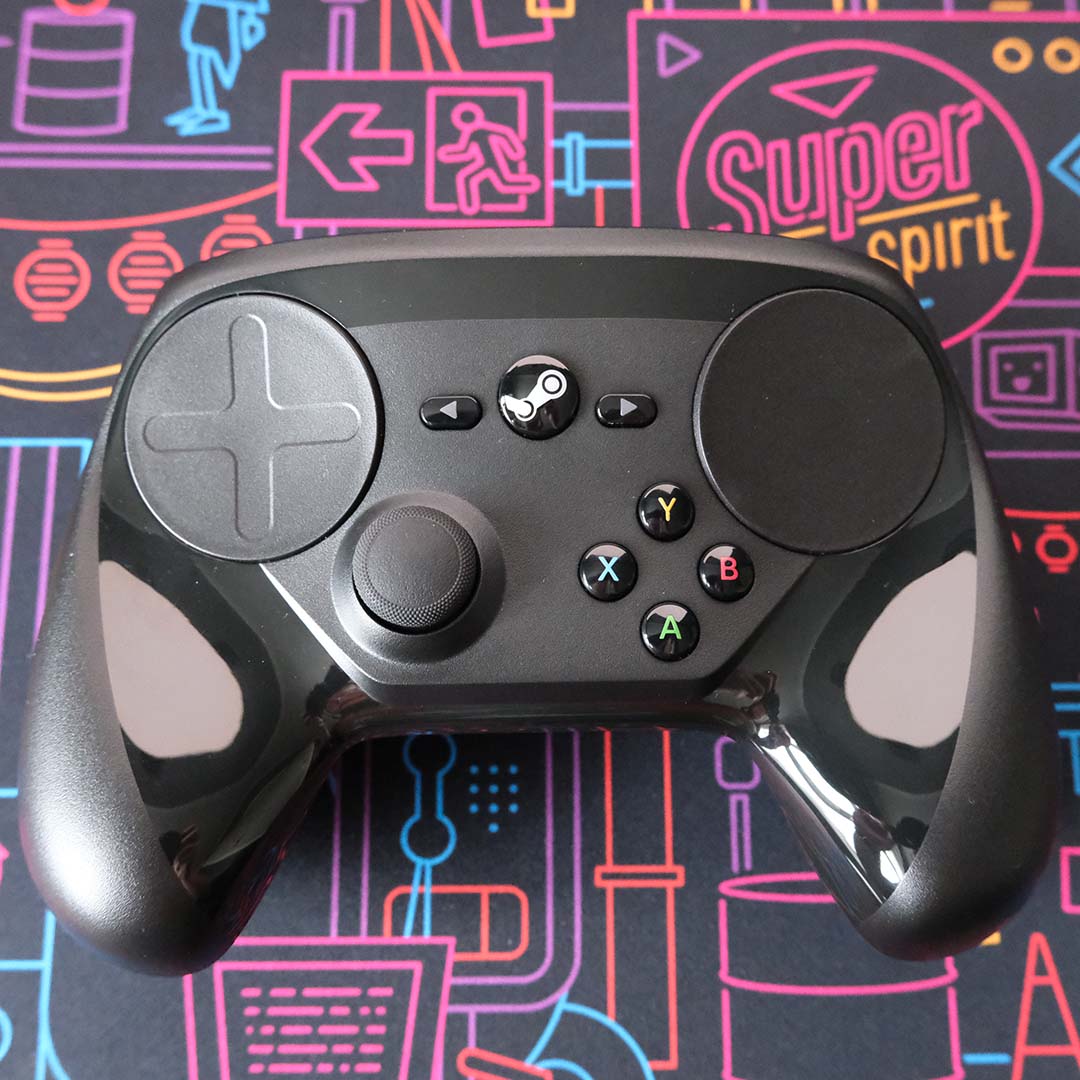
Holding the Steam Controller feels strange. The pad’s wings slope upwards towards you, while buttons, thumbstick (yes, singular), and touchpads rest on a concave surface. If this all sounds like it goes against typical controller design, that’s because it does.
Truthfully, my hands still don’t feel comfortable handling the Steam Controller even after over 100 hours of use. This isn’t to say the way Valve wants you to hold the pad is puzzling, just that its ergonomics simply don’t play nice in my palms.
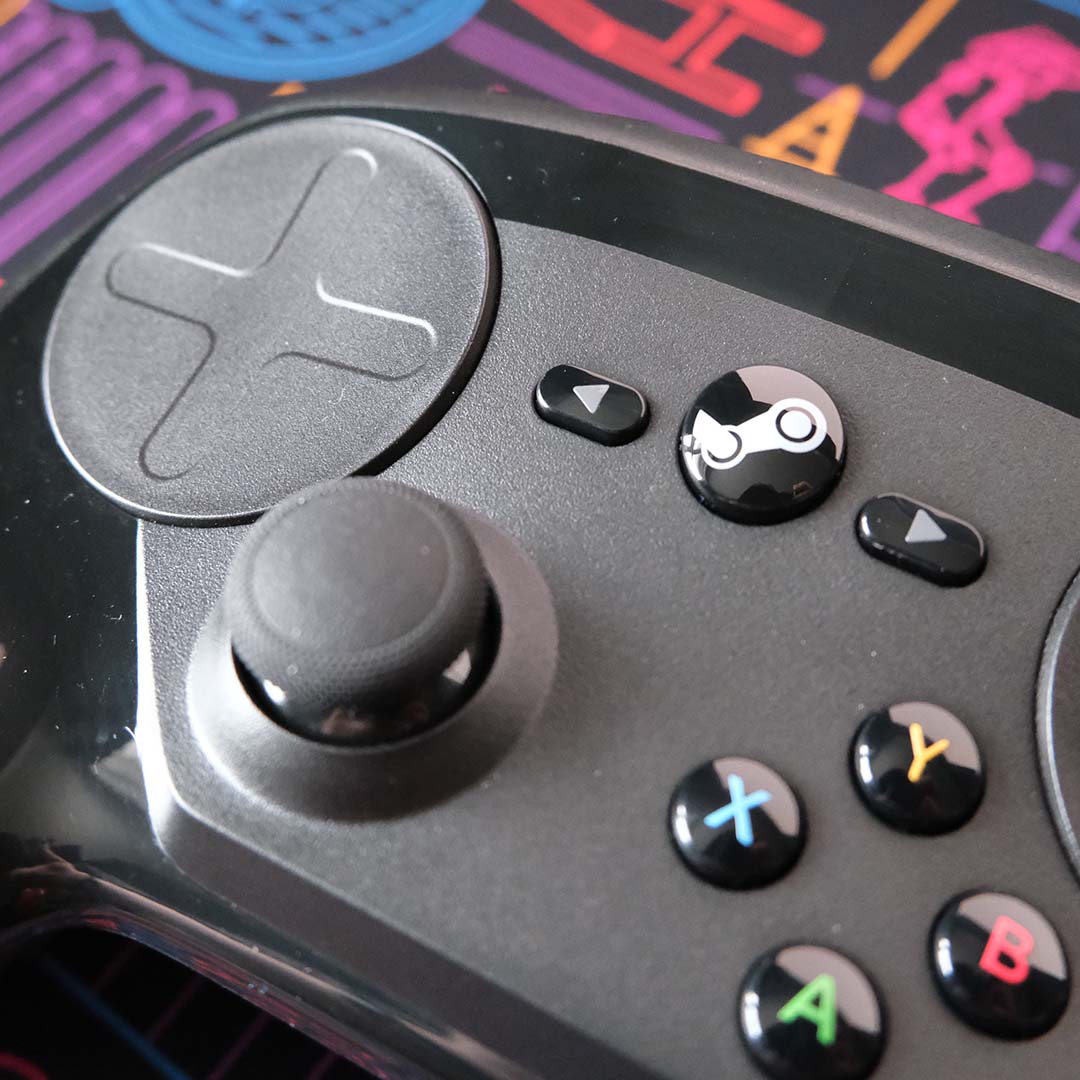
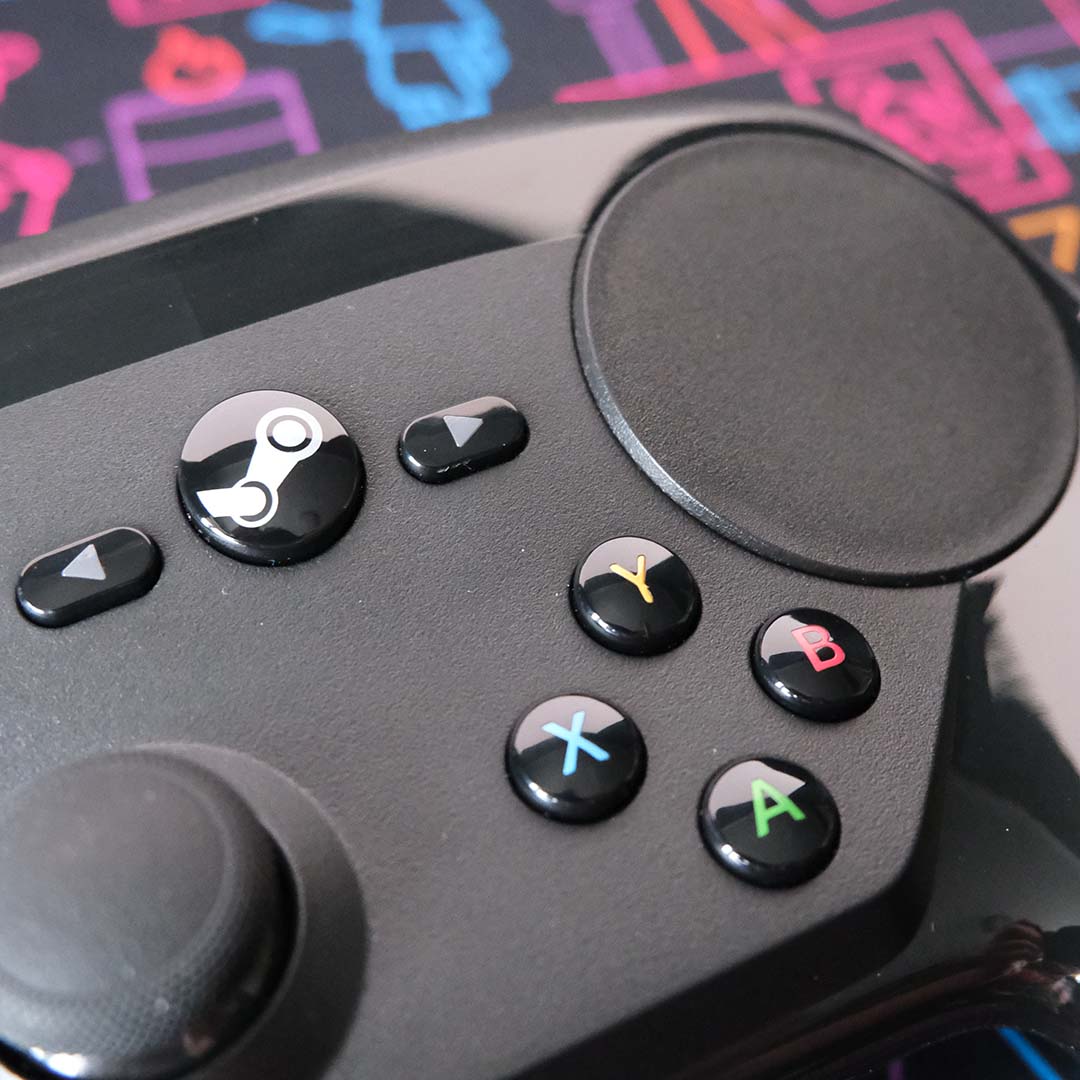
This oddball design extends to face button placement as well. In order to make space for a right touchpad, Valve shifted the position of its A, B, X, and Y (in an Xbox-style layout) buttons towards the bottom of the controller. The size of each button makes this unusual placement all the more uncomfortable, not forgetting their surprising stiffness.
Taking pride of place on the Steam Controller are two large circular haptic touchpads. While the one on the right is smooth all the way across, the left features a shallow concave directional pad motif. This is a superficial difference, though, as each one can serve as a d-pad through a small amount of configuration.
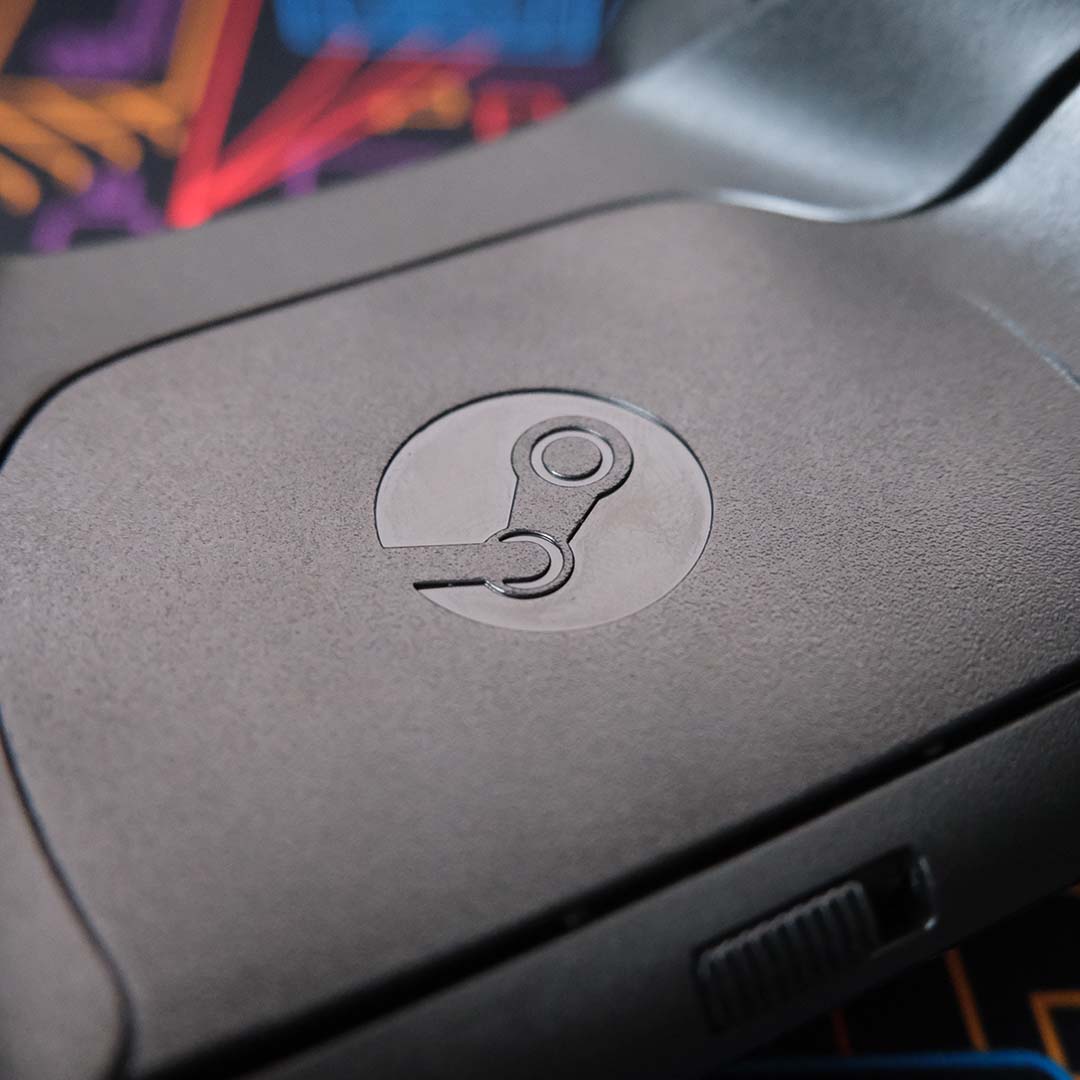
A circular button with a Steam logo and two cylindrical buttons with arrows lie in the top-centre of the Steam Controller. This is perhaps the most orthodox part of the pad’s design, adopting a layout that will be very familiar to anyone who owned an Xbox 360. Don’t forget, we’re in 2015 right now, when the Xbox One and PlayStation 4 were only two years into their life.
Rounding off the Steam Controller’s face is a single joystick, towards the pad’s bottom-left area. Valve opts for a convex design, surrounding a smooth rubber top with grippy bumped edges. This is just a standard analogue stick, so it will eventually fall prone to drift over time, but my unit shows no signs of such degradation.
The closest approximation that comes to mind is an old, low-quality office mouse.
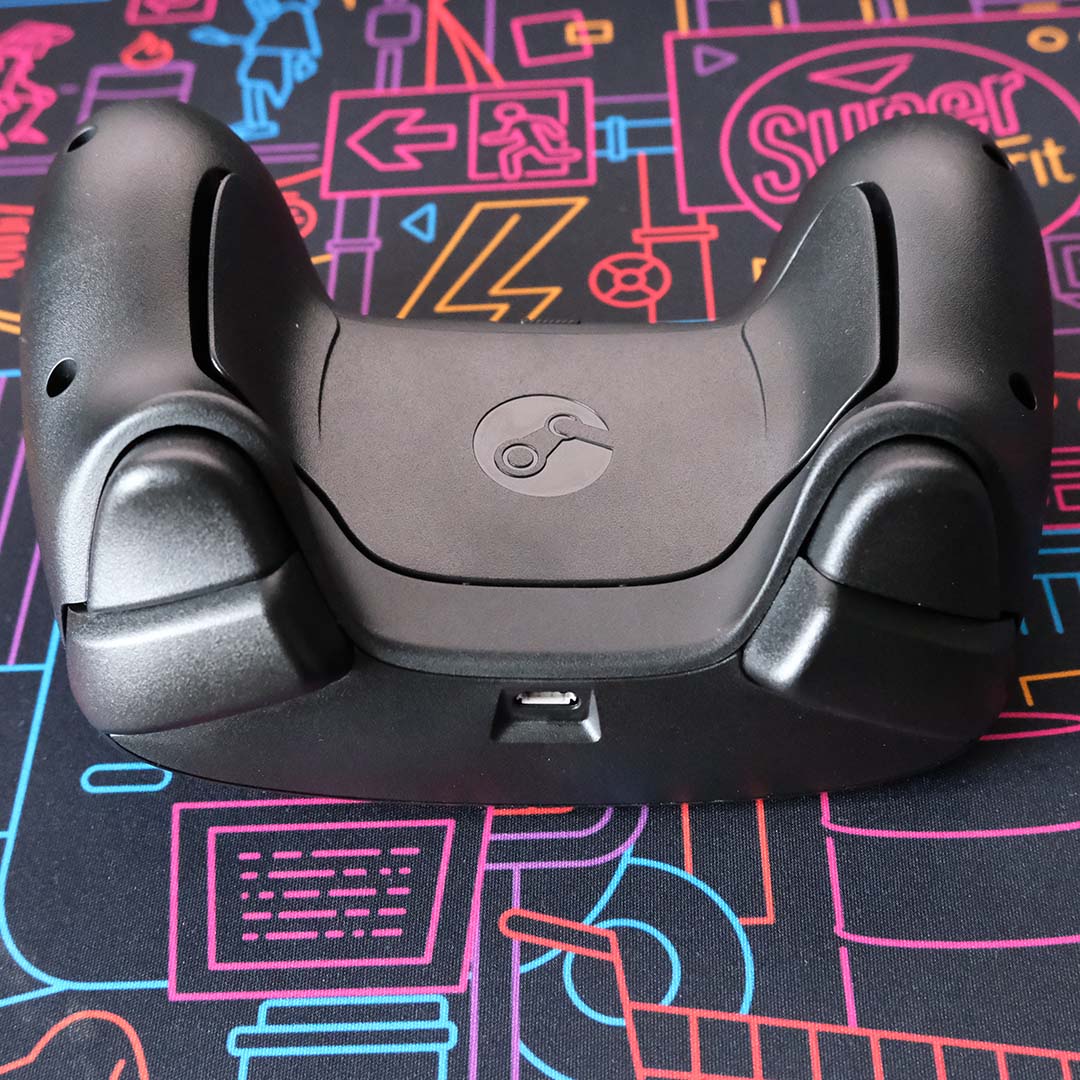
Peering over the top of the pad, you’ll find two odd-feeling bumpers. The sensation of pressing them is difficult to describe. There’s little movement or flex in either, which makes them feel disconcerting in use. The closest approximation that comes to mind is an old, low-quality office mouse, with a distinct but somehow unsatisfying click.
The triggers, however, are far more interesting. These levers are awesomely versatile and capable of serving as analogue or digital inputs, complete with dual-stage functionality. Right at the end of their initial travel, you’ll feel a small amount of resistance before a click. This design opens the possibility of interesting input combinations, placing aiming and firing functions on the same trigger, for instance.
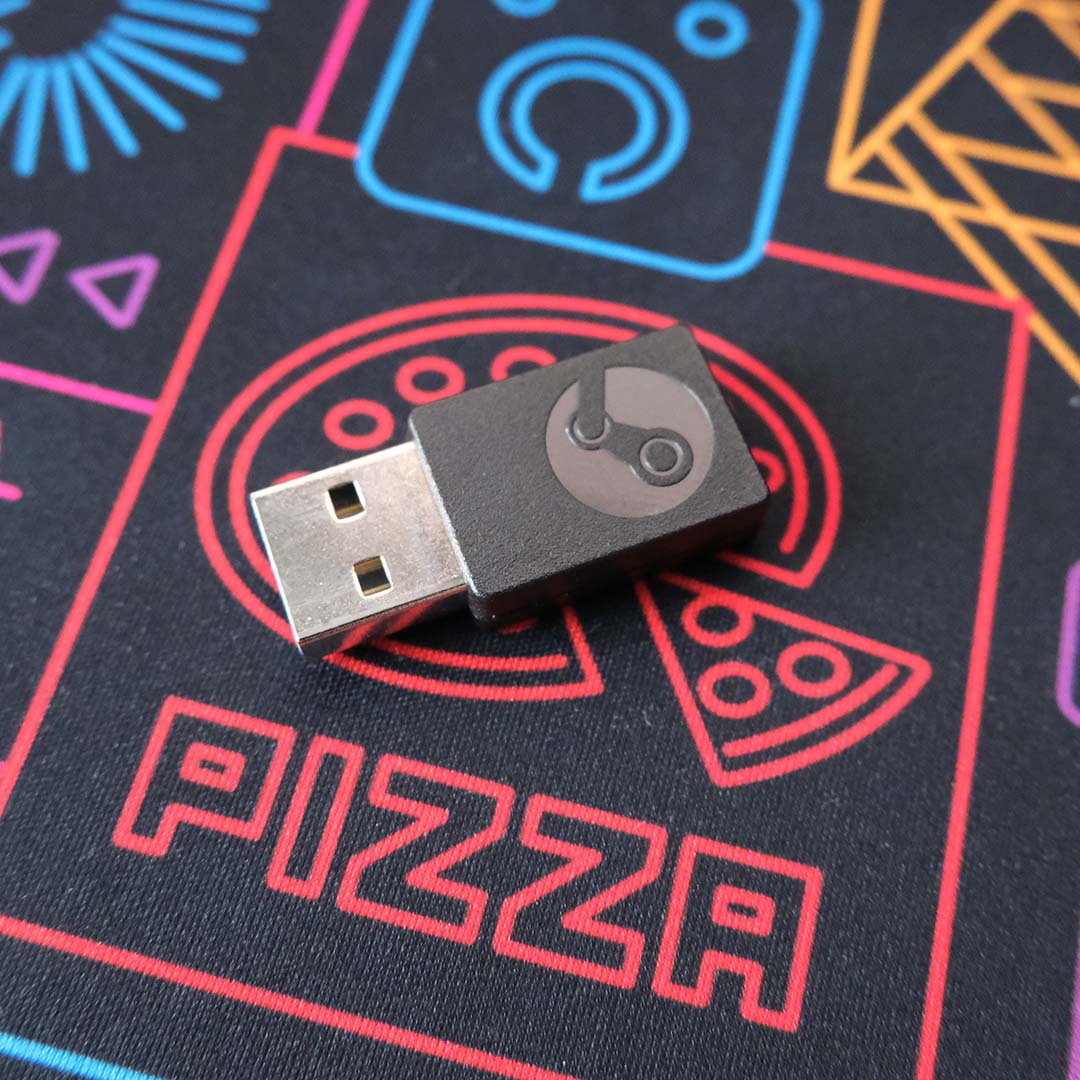
In front of the bumpers and triggers, you’ll find a micro USB port for wired connection. In a world where USB-C is so prolific, I haven’t missed this aged socket in the slightest. Thankfully, the Steam Controller can connect wirelessly to your PC via a 2.4GHz dongle, which is far and away my preferred method.
The Steam Controller also features two back paddles, attached to the pad’s battery compartment. We’ve yet to see similar features emerge on other big players’ standard controllers, with Sony, Microsoft, and other manufacturers leaving such functions to more premium pads. They’re a welcome addition.
We’ve yet to see similar features emerge on standard controllers.
Less obvious additions, lying underneath, are an accelerometer and a gyroscope. You’ll be familiar with this feature if you’ve used motion controls on a DualSense, DualShock 4/3, or even a Nintendo Joy-Con. However, rather than serve particular gameplay functions, they’re a core part of how the Steam Controller works.
Finally, a brief word on the Steam Controller’s broader build quality. Its matte plastics feel fine, but the seam between the front and back that runs along each wing is obvious to the touch. More offensive, though, are the glossy plastics, which capture oils, fingerprints, and other nasties.
Using the Steam Controller
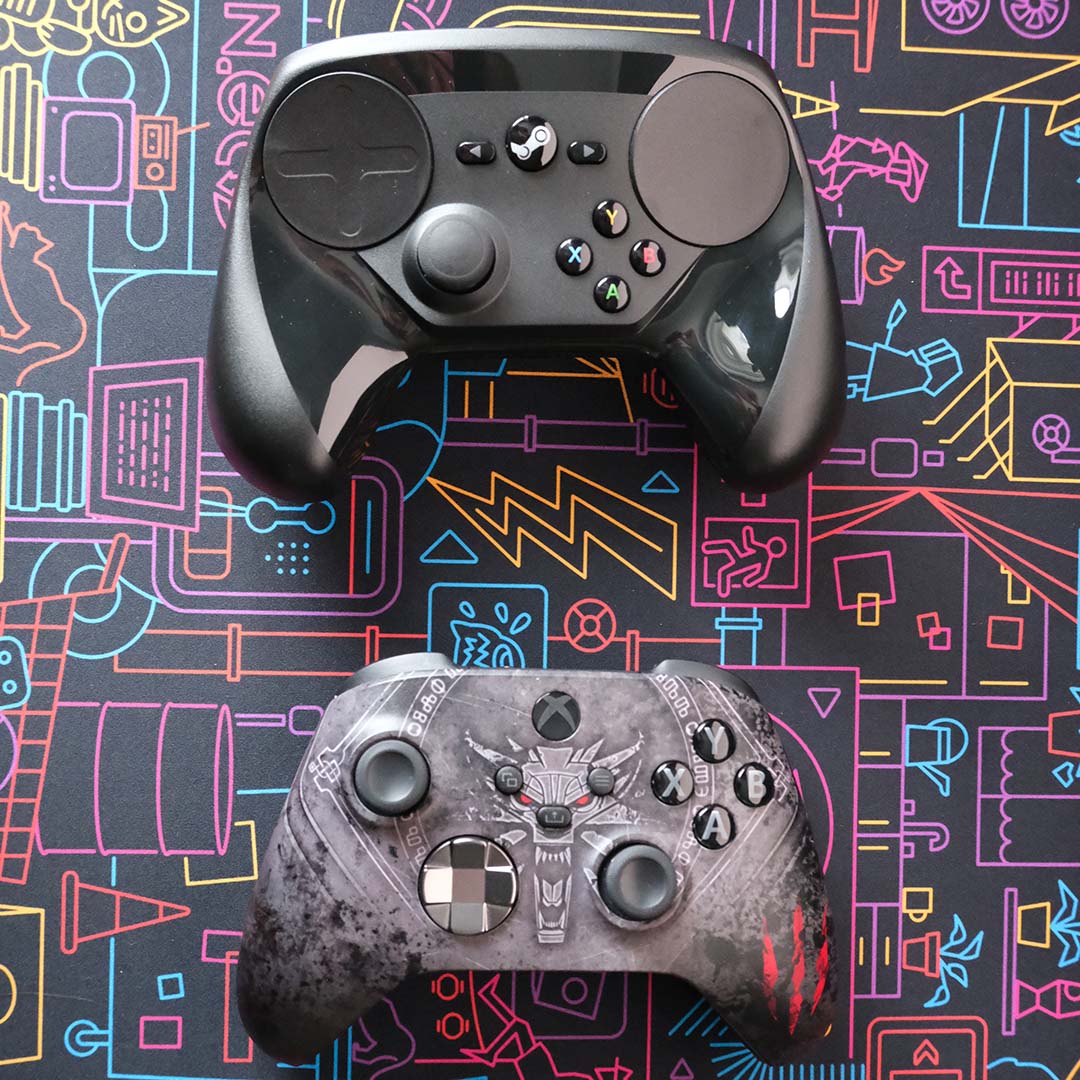
I began my journey with the Steam Controller in an era-appropriate title, and one with which Valve advertised its pad, namely The Witcher III: Wild Hunt. This game has an official configuration for the pad, and I’ve clocked up countless hours of experience with the game, so I could focus entirely on familiarising myself with the controller.
Discomfort fades with time and practice, but never truly disappears.
Staring CD Projekt Red’s RPG afresh, I set about completing the game’s White Orchard tutorial area with my Steam Controller. For comparison, I had my Xbox Series pad, as well as my mouse and keyboard to hand, rotating through the three peripherals every now and again.
In lieu of a second joystick for camera controls, the Steam Controller emulates one through its right touchpad. This approach works well enough, but it never feels as smooth as an actual nub. This discomfort fades with time and practice, but never truly disappears.
The same is true of using the left touchpad as a d-pad. The feedback of each direction simply isn’t satisfying, and requires more pressure per press than you initially expect.
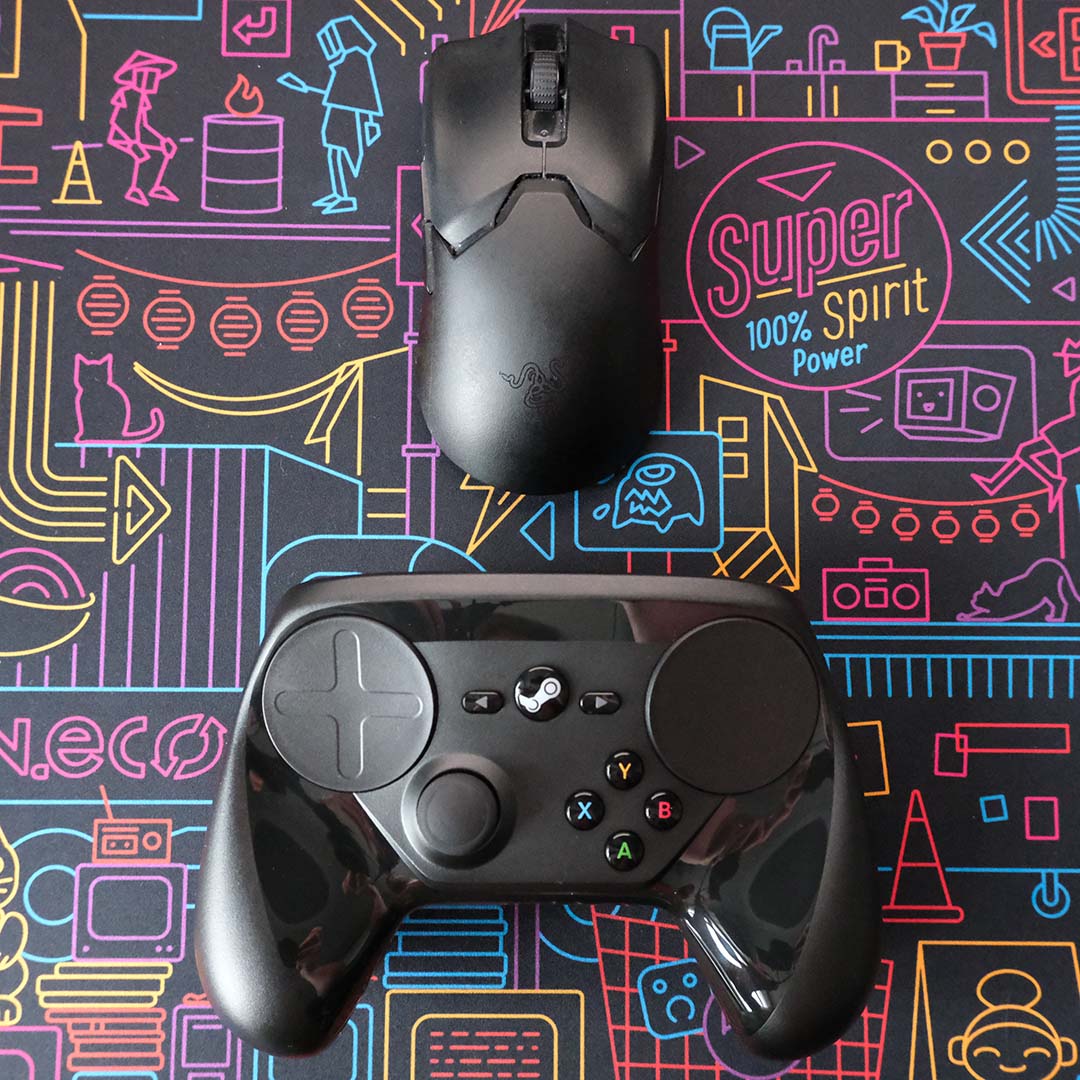
Touchpad teething aside, the Steam Controller otherwise allowed me to get back into the saddle of Witchering relatively quickly. To Valve and CD Projekt Red’s credit, I also found myself frequently using the back paddles for quick attacks and saves.
That said, I never found myself preferring the Steam Controller to my Xbox Series pad, or even my mouse and keyboard. It’s difficult to understand the extent to which our ways of interacting with games have become deeply ingrained via standard peripherals, until they’re challenged in this way.
Fighting my way through Half-life 2, Steam Controller’s appeal, became clearer.
I also tried my hand at Resident Evil 4 (2023), to see how the Steam Controller would fare in a more demanding third-person action game. My experience was largely similar to that of The Witcher III. Mostly fine, but never the outright best experience for this game.
Shifting genres to first-person shooters, I loaded up Half-Life 2. Fighting my way through the campaign, the Steam Controller’s appeal became clearer to me. Combining the touchpad with gyro for aiming, I found myself more easily lining up shots on Combine and other interdimensional Xen nasties.
The advantages of the aforementioned approach don’t trump a mouse, of course, but easily trounce thumbsticks with a little practice. I really do feel that Valve would have done well to fire off the Steam Controller with a tutorial application, much like Aperture Desk Job for Steam Deck, giving customers a fun means to acclimatise themselves.
The faster pace of Doom: The Dark Ages proved a little more difficult than Valve’s shooter, but perseverance and patience saw me through to great enjoyment. The biggest obstacle was undoubtedly learning to flick with the pad and conduct any necessary micro adjustments via gyro, as well as coming to terms with how much I rely on aim-adjust with a joystick.
To be clear, I never see myself using anything but a mouse for competitive shooters like Counter-Strike 2. Still, if I fancy kicking back with an FPS on my sofa, I now won’t necessarily default to my Series X controller.
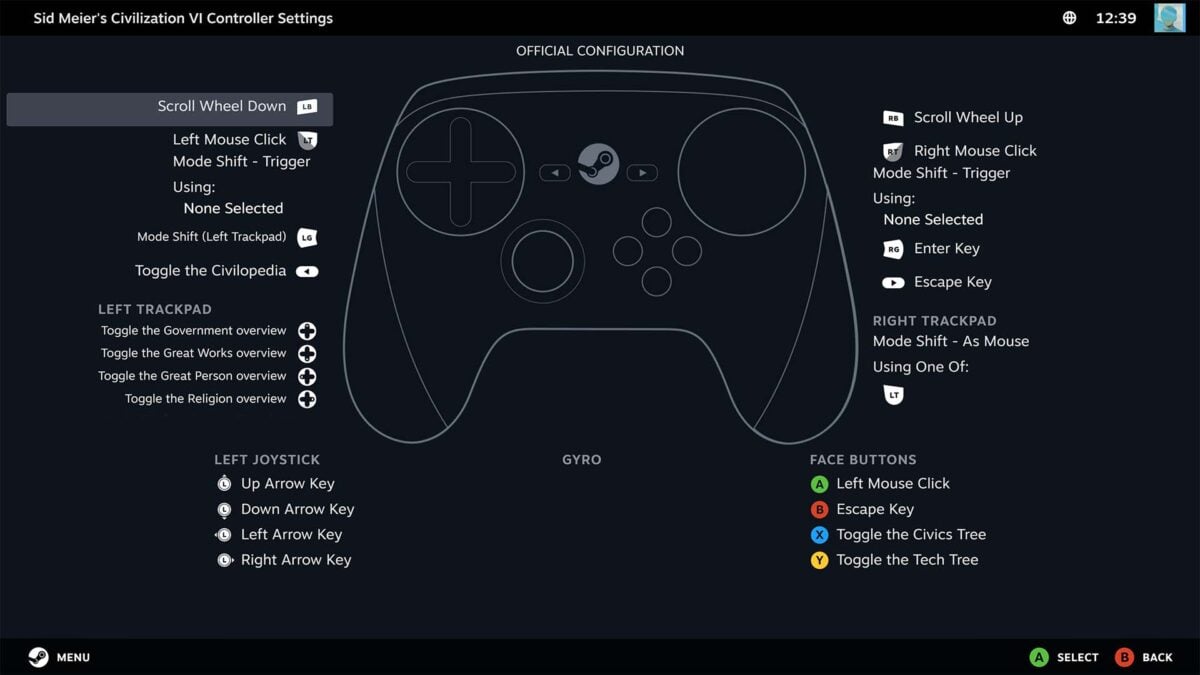
Finally, something I’d never consider playing with a controller: Sid Meier’s Civilization VI (sorry VII, you still need some more time in the oven). This game doesn’t even have native pad support, requiring the use of Steam Input to map mouse and keyboard inputs to the pad.
While Steam Input works across the Xbox Series and Steam Controller, the latter emerges as the better interface via its trackpads. Gliding the mouse across my civilization is far easier with that method of input than with a joystick, which feels sluggish by comparison.
This is to say nothing of the back paddles, which serve as convenient shortcuts for Enter and Escape on a Steam Controller. By comparison, I’m having to constantly shift my thumb from stick to button on an Xbox Series pad.
Of course, mouse and keyboard remain king in this domain, and remain outrightly necessary for real-time strategy games like Total War: Warhammer III. There’s simply too much micromanaging to comfortably handle on a controller for me.
However, this only describes using the Steam Controller without delving into the depths of Steam Input. The trackpads can serve multiple functions with tweaking, and intrepid users have already crafted configurations which help bridge the gap. Of course, that’s providing you’re willing to put up with a steep learning curve.
Closing thoughts
Using a Steam Controller in 2025, I initially thought Valve’s peripheral was a complete dud. A month on, though, I’ve come to appreciate its quirks and unique advantages, even if it remains clear why it didn’t catch on.
The next iteration of the Steam Controller, due in 2026, looks to remedy practically all the problems I have with this older model. It has two thumbsticks, a dedicated directional pad, better bumpers, improved ergonomics, and more, all while retaining two touchpads, gyro, and rear paddles.
I’m properly excited to see how Valve’s second attempt fares with consumers, both with and without the Steam Machine, but I’m quietly confident Valve may have a hit on its hands. If priced correctly, there wouldn’t be much reason to purchase an Xbox Series controller instead, or even a PlayStation DualSense, bar its adaptive triggers.
I don’t recommend that everyone rush out and find a first-generation Steam Controller for their setup. However, for those with curiosity and patience in equal measure, or those who frequently use their Steam Deck touchpads, there’s good reason to seek out this pad.
For me, the Steam Controller won’t be my first choice for every game that I think deserves a pad. However, I’d certainly consider it for instances where I explicitly need solid mouse emulation via its trackpads. I can easily see myself spending hours on the sofa with Civilization VI on my TV, thumb-to-touchpad. That’s not bad for a ten-year-old controller.
