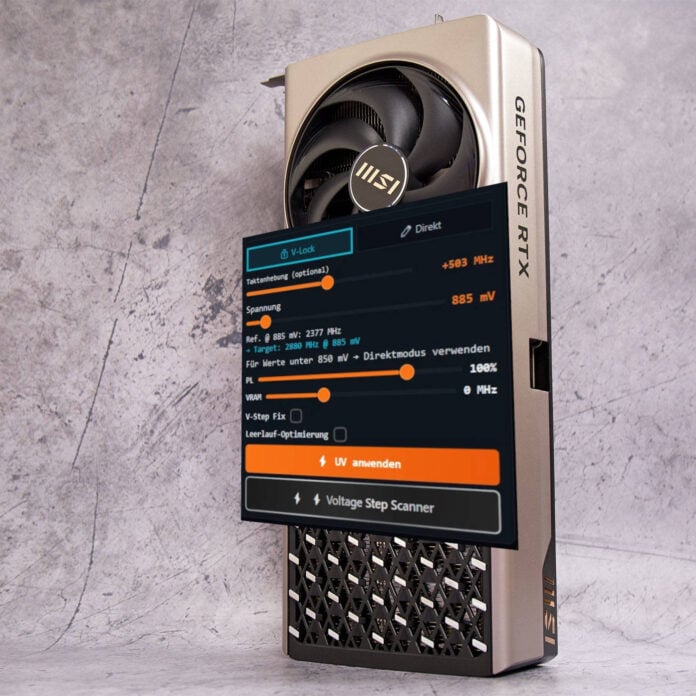
A PC Games Hardware community member has released a new GPU-tweaking tool called NV-UV, allowing Nvidia GeForce RTX 50 Series owners to undervolt their graphics cards. Built with enthusiasts and novice users in mind, NV-UV gives you both granular control and one-click undervolting options.
Developed by cubi2k82, NV-UV is an undervolting tool for Nvidia’s RTX 50 Blackwell GPUs that can automatically detect and apply the appropriate voltages, without requiring any special technical knowledge from the user. The tool works alongside MSI Afterburner to apply your preferred parameters, which come in four presets: Eco, Balanced, Performance, and Max. These are pre-configured for each of the supported GPUs, which include the RTX 5090, RTX 5080, RTX 5070 Ti, and RTX 5070. The tool can also detect 573 games and automatically apply the selected preset on the fly.
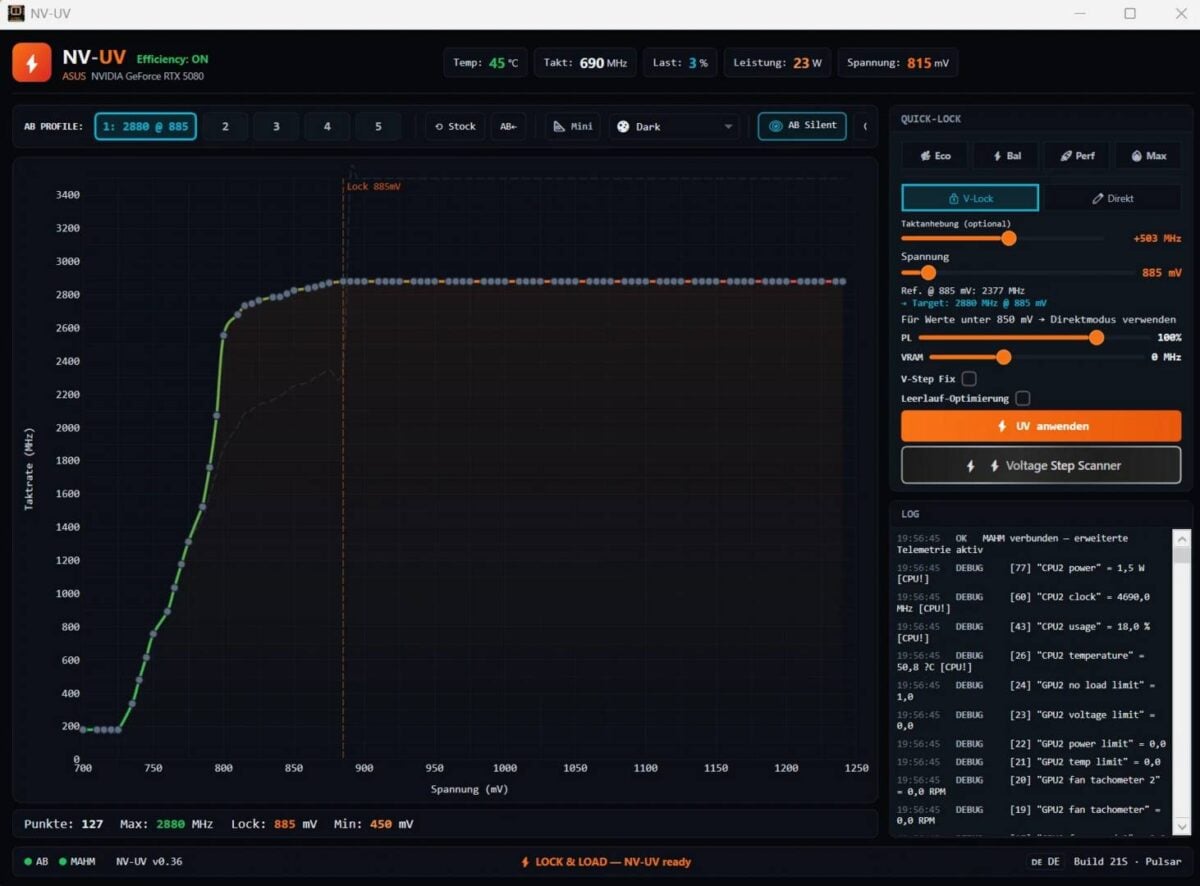
The app creator states that NV-UV include its own DX12 and DXR stress test, live telemetry, VF curve visualisation, and crash recovery systems, all of which work together to reduce driver failures and crashes. Should problems occur, NV-UV automatically reduces core frequency, making it useful those wanting to take their first steps into GPU tweaking. You simply select a preset, and are good to go; profiles are directly input to MSI Afterburner, and remain active even when NV-UV isn’t running.
For those who want to extract more performance out of their GPUs, NV-UV can also automatically apply and test different voltage levels at realistic gaming load patterns to determine the highest stable frequency at a given voltage.
As someone daily-driving an undervolted Ryzen 5 7600X and Radeon RX 7900 XT, I appreciate seeing a tool that makes the procedure easier, even if it only covers Nvidia’s GPUs. Manual tuning can be both time consuming and scary for novice users, so having a tool that takes most of the complications away with a single click can encourage more to try undervolting. I wouldn’t be surprised if NV-UV becomes quite popular in the summer months as power-hungry chips start dumping hundreds of watts of heat into gamers’ rooms.
Unfortunately, you might have to wait a short while to give NV-UV a test. The app currently remains in closed beta as the developer works to identify and crush bugs. Still, it’s good to see a GPU tool emerge with a focus on undervolting and increased efficiency. Should it prove popular, perhaps we’ll one day see such functionality in the official Nvidia App.