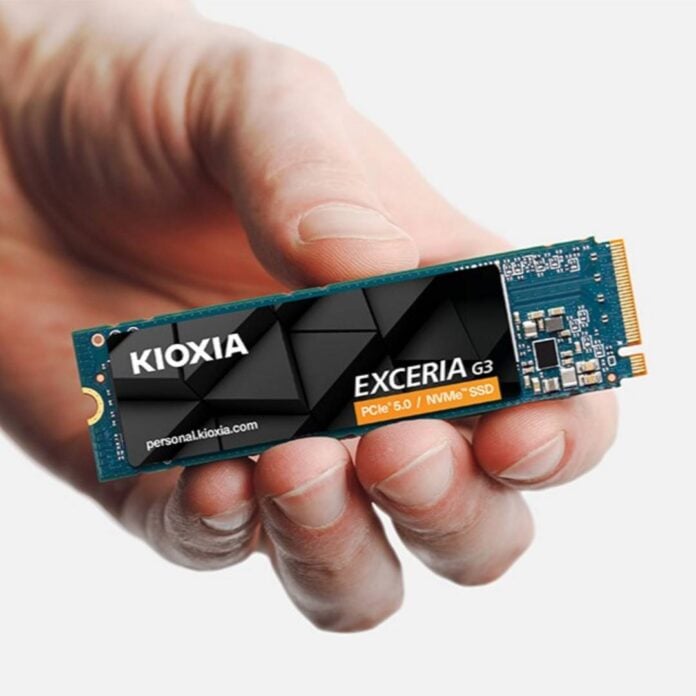
Kioxia has issued a firmware update for its Exceria G3 SSDs on April 20, fixing critical bugs and improving overall drive reliability. The brand encourages users to upgrade from the original EVFATR.0 firmware to the new EVFATR.1 using its SSD Utility Management Software.
While Kioxia didn’t share a detailed changelog, it indicated that this update addresses significant bugs and aims to improve the reliability and performance of the SSD. These can include improvements to how the controller handles wear levelling, error correction, caching behaviour, and interaction with host systems. The latter is important since this lineup lacks DRAM cache and thus uses the system’s memory as a substitute (Host Memory Buffer). Regardless, the changes are important enough for Kioxia to strongly recommend that you update your SSD.
This update seems to be specific to the Exceria G3 series introduced in December 2025, which includes just two models, the Exceria G3 1TB and Exceria G3 2TB. Both are PCIe Gen5 NVMe 2.0c SSDs powered by DRAM-less architecture featuring Kioxia’s BiCS8 QLC NAND flash. Despite its cost-effective design, the series can muster up to 10,000MB/s read plus 8,900MB/s write on the 1TB model, and 10,000MB/s read plus 9,600MB/s write on the 2TB. Random access is also rapid, too, reaching 1,600,000 read IOPS and 1,450,000 write IOPS on the 2TB capacity. Even durability is good for a QLC drive at 600TBW and 1,200TBW, respectively, on the 1TB and 2TB.
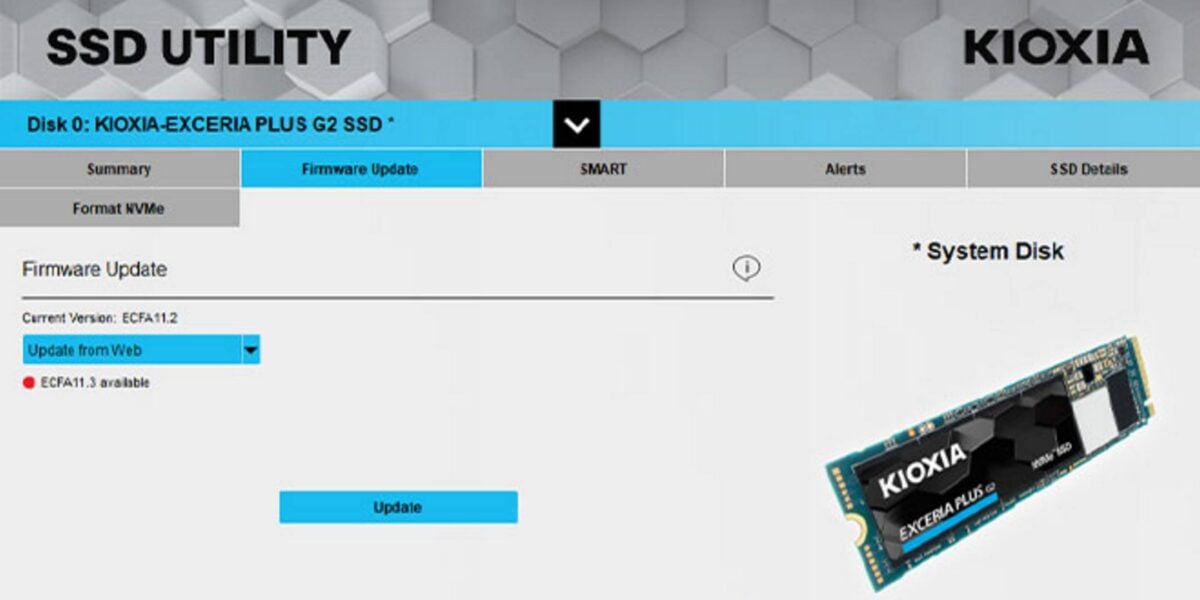
As usual, before proceeding with this update, you may want to back up your data, or at least the important part, as there is always a risk for things to go wrong. Also, you may want to avoid messing with the machine while the update is in process, just to be safe from a software crash that could brick your SSD. With that said, the procedure should be painless and quick.
Now, whether you should update or not remains your call in the end. Kioxia seems to think that the fixes are important enough to update ASAP, but you may think otherwise. Considering previous reports regarding degrading SSD health on the Samsung 990 Pro, I wouldn’t waste time, just in case something similar is happening here too.