
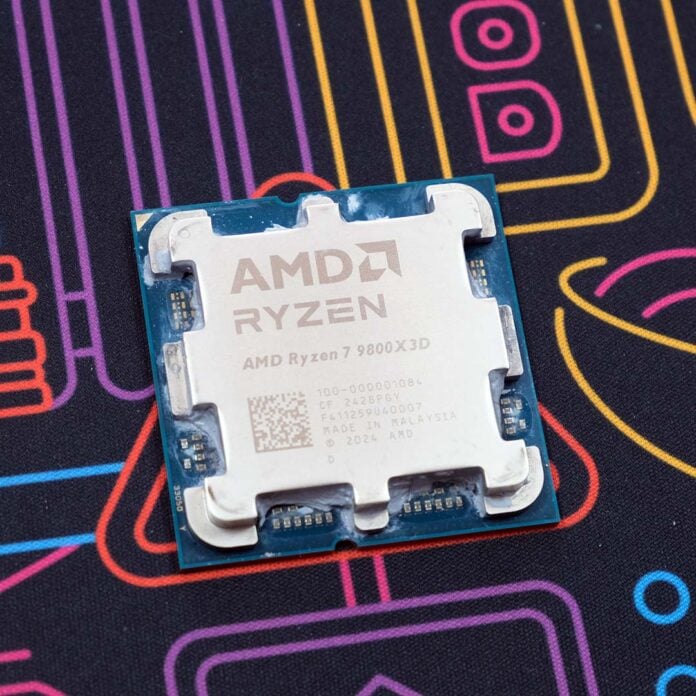
You need competent cooling to keep Ryzen 7 9800X3D temperatures in check, but one user was unable to keep their CPU from throttling no matter what cooler they threw at it. Curiously, it seems a change in motherboard firmware was what their chip needed.
Reddit user nathandrake84 shared their problem and findings to AMDHelp, a subreddit dedicated to troubleshooting AMD hardware. In their post, they claim their 9800X3D would immediately hit 95°C and thermal throttle under load, despite pairing the CPU with two separate 360mm AIO liquid coolers and multiple mounting attempts.
In a last-ditch effort to fix the problem, nathandrake84 applied the latest BIOS update to their MSI MAG X870 Tomahawk WiFi. They didn’t disclose what version their board was running prior to the patch, but 7E51v1A16 (released in October 2024) did specifically provide performance optimisations for the 9800X3D.
9800X3D Hitting 95°C Issue Finally Fixed
by
u/nathandrake84 in
AMDHelp
After applying the new BIOS, their 9800X3D now runs at an appreciably cooler 86°C without throttling, comfortably below the 95°C maximum for the CPU. While it’s entirely possible that this new firmware fixed an underlying bug, it’s equally as likely that applying the latest version and returning to optimised defaults may have rectified a user error too.
I should also note that we’ve never experienced such problems with the 9800X3D ourselves, across multiple motherboards and BIOS revisions. In our most recent batch of testing, which you can read in our Ryzen 7 7700X3D review, the CPU ran at 70°C inside our 9950X3D test benches.
In any case, nathandrake84’s experience is a valuable lesson in taking proper care of your BIOS. Rather than splurge on new hardware, returning to stock settings or applying firmware updates can help alleviate or remedy problems on your system. That’s not forgetting the benefits of security fixes that come part and parcel with these patches too.
If you’re looking to bring your system up to speed with an update, check out Fahd’s guide on the 6 essential BIOS settings to optimise following your patching efforts.
