
Today marks the thunderous launch of the MSI GeForce RTX 5090 Lightning, a graphics card that many around the world will desire but only a lucky 1,300 people will ever own. So, allow us to help you live vicariously with this unboxing and first look at this new super-powered card.
You can expect a review of this limited edition pixel pusher imminently, as our testing still needs a little extra time in the oven before it’s ready to serve.
Unboxing
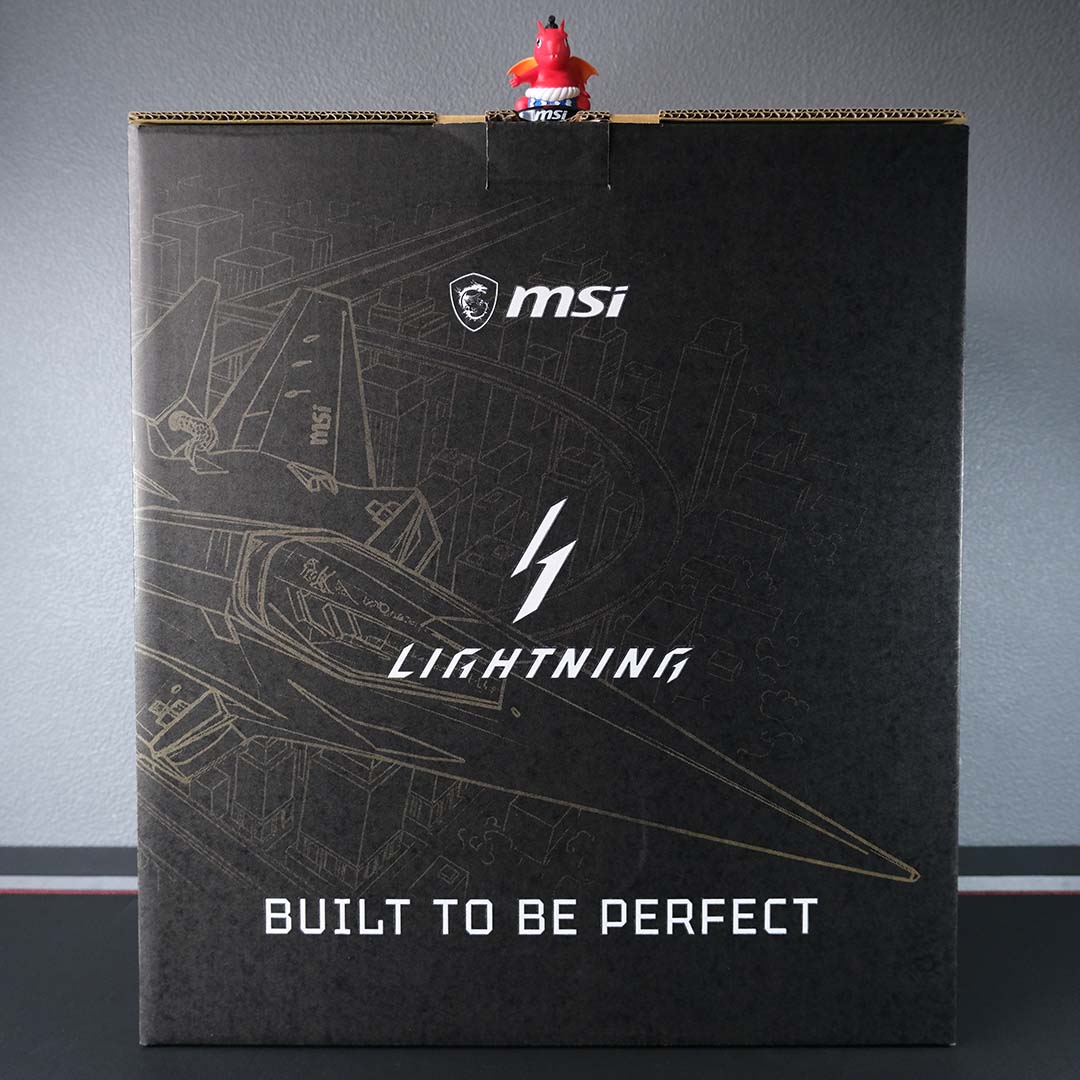
As one should expect from a £5,000 graphics card, unboxing the Lightning Z is an event in itself. I still can’t believe the enormity of the retail packaging, nor how much it weighs. These are both aspects that I keenly felt when lugging the box up my staircase and on to my desk, careful not to squish my toes or my dog with it.
The Lucky figurine atop the gargantuan cardboard, smaller than a Funko Pop, will provide you some sense of scale. MSI isn’t shipping its card in a box this big without purpose, of course, as there’s more than just a graphics card lurking inside the master packaging.
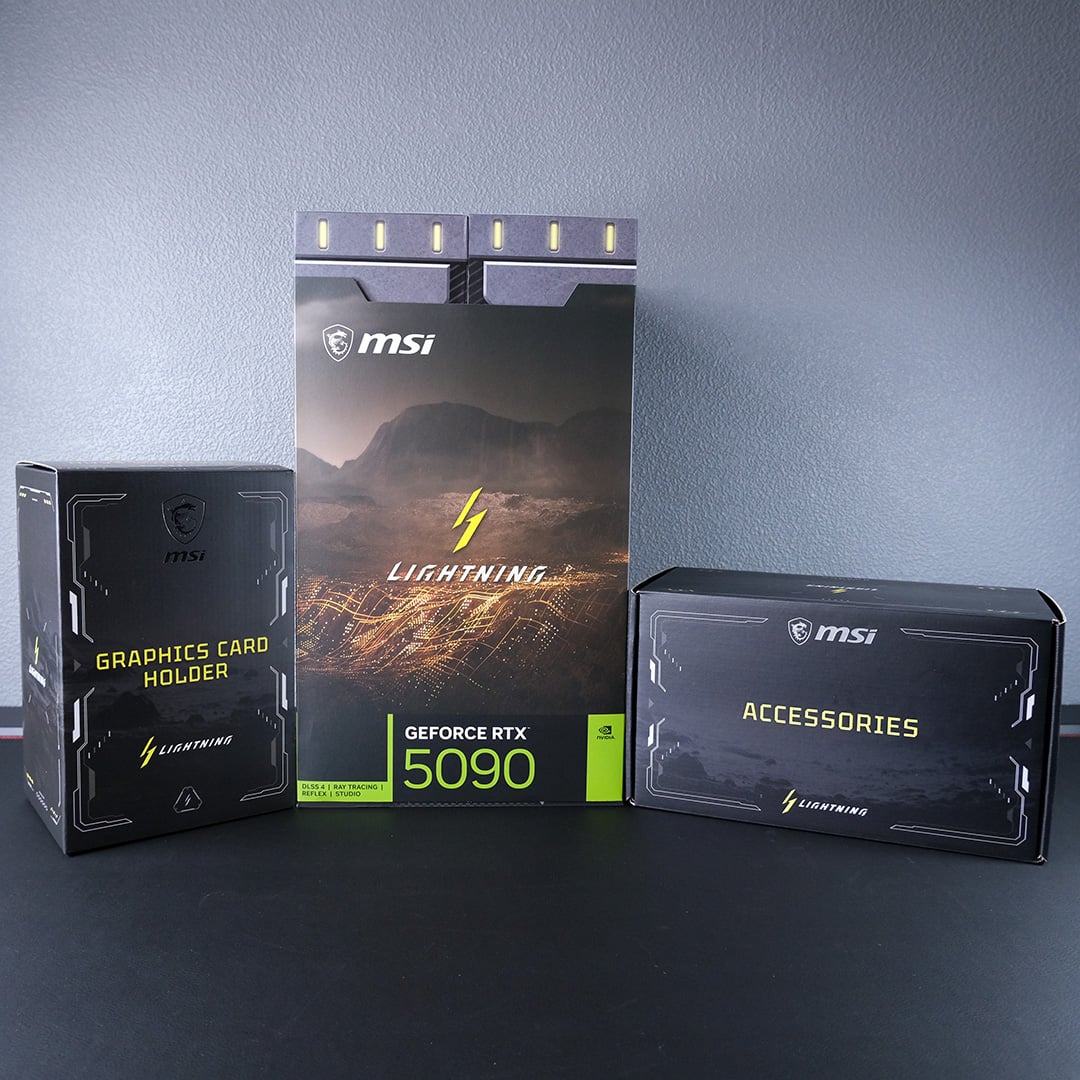
That big box actually contains three smaller boxes. In addition to the graphics card, MSI has packed a few additional knick-knacks with the Lightning Z.
While there is some fluff here that you’ll likely never think twice about again, there is some genuinely useful stuff to unpack. In fact, I’d go as far to say that the Lightning Z isn’t complete without some of this paraphernalia.
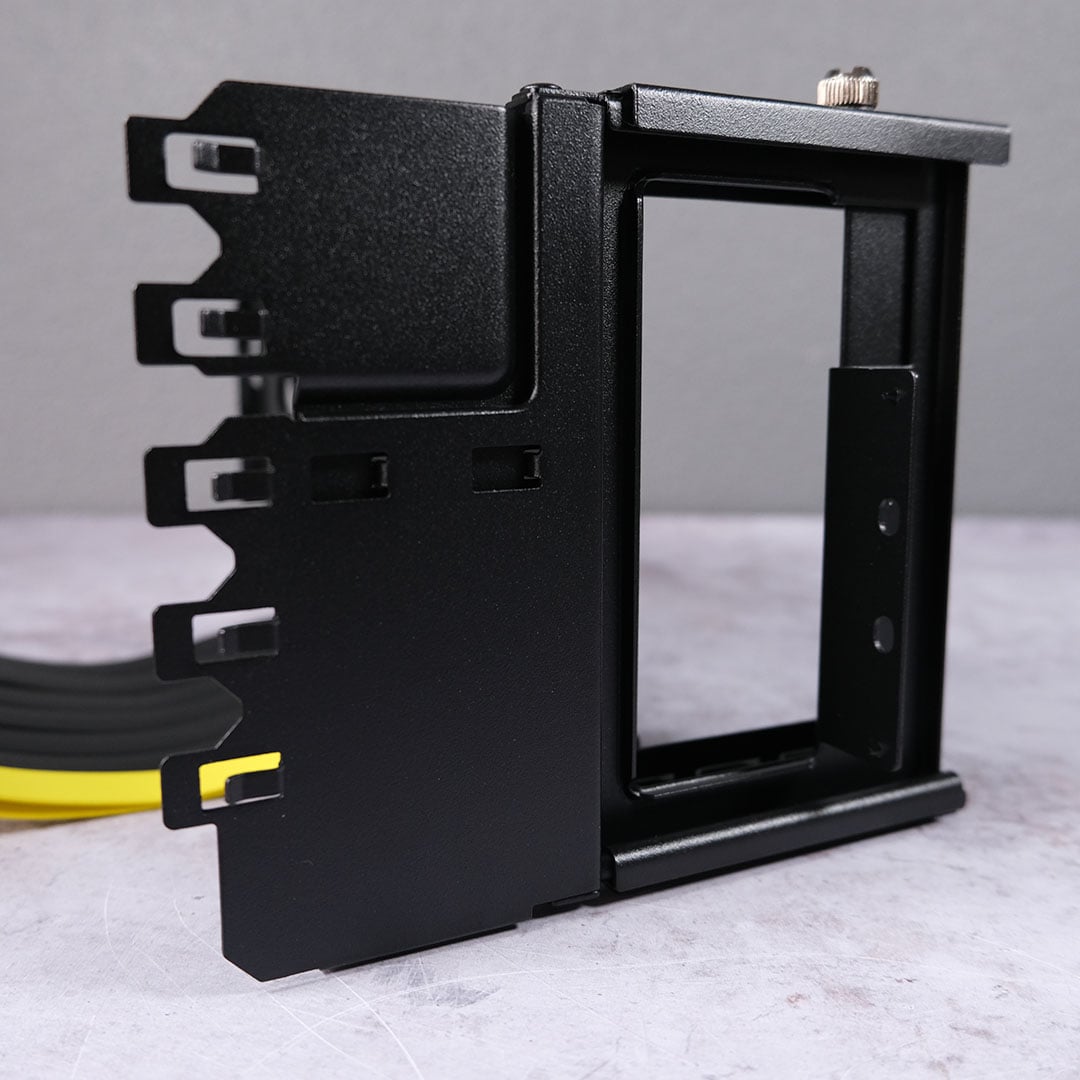
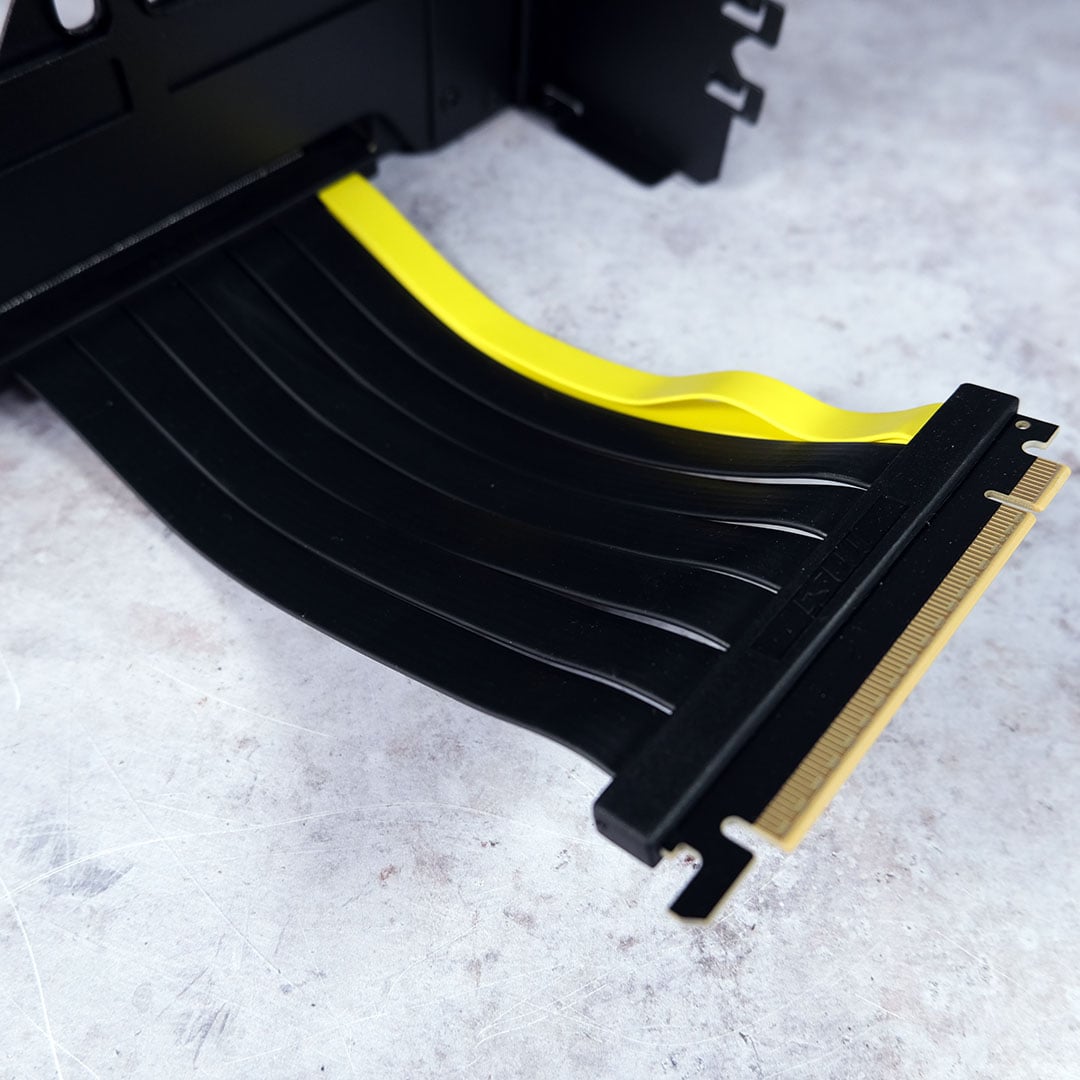
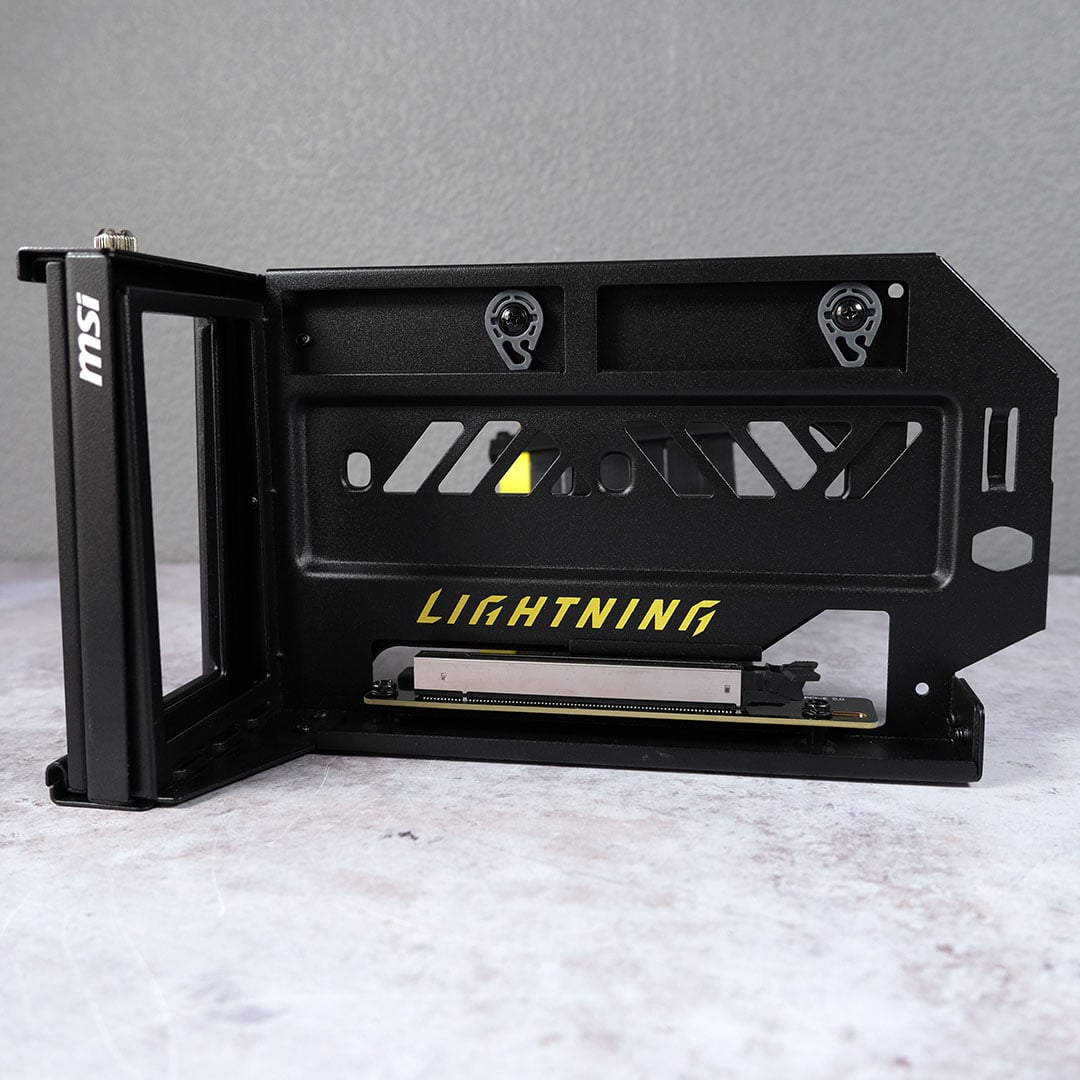
Meet the Graphics Card Holder, more accurately described as a vertical mount. It’s one of the few PCIe Gen 5 risers out there, meaning it won’t leave any performance that the Lightning Z has to offer on the table, unlike Gen 4 alternatives.
This mount will take up a fair chunk of your chassis, though, gobbling up four expansion slots and necessitating a maximum CPU cooler height of 70mm. Despite its size, measuring 305 x 178 x 142mm, you can still fit it into Micro ATX cases, if you’re planning on building a small but mighty build with the Lightning Z.
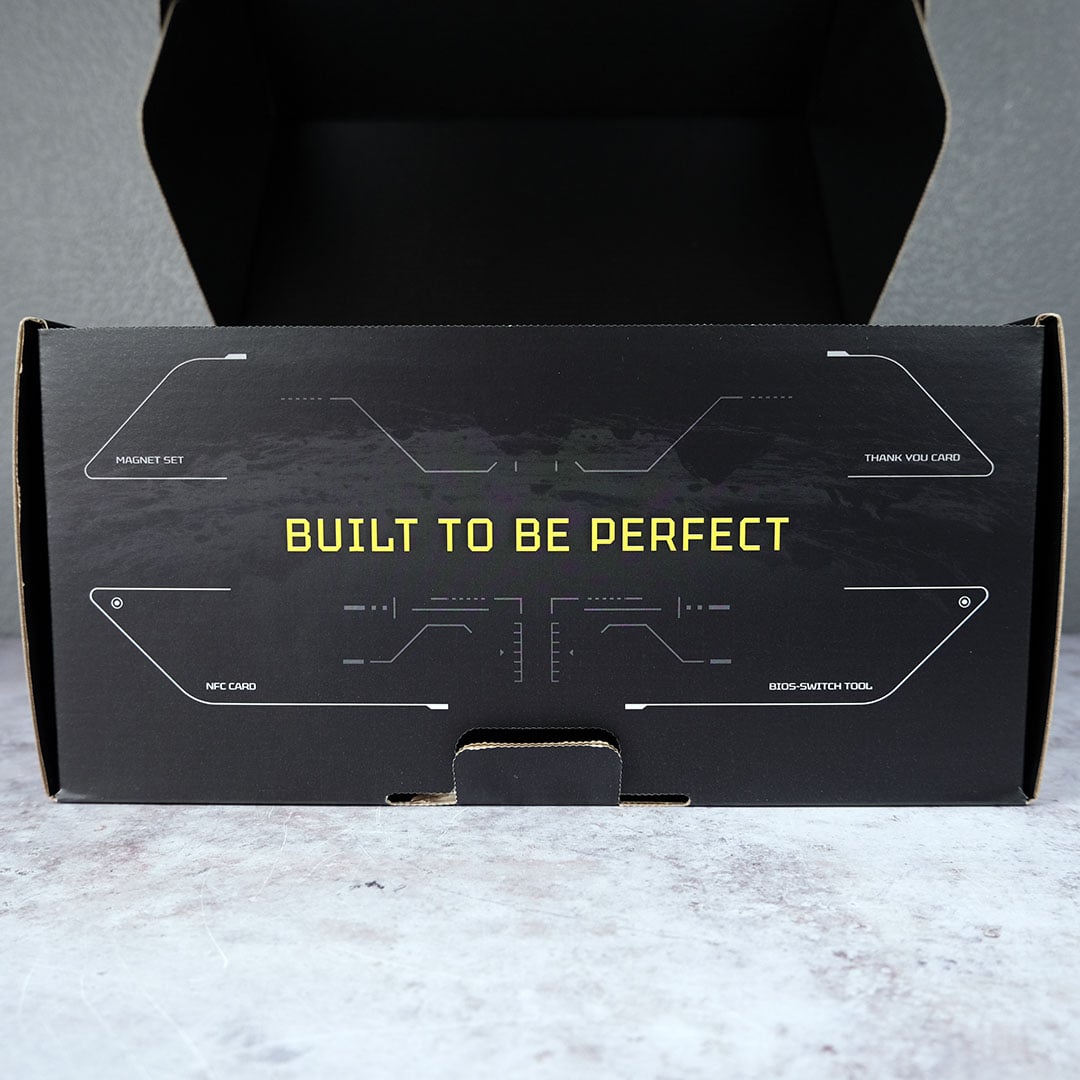
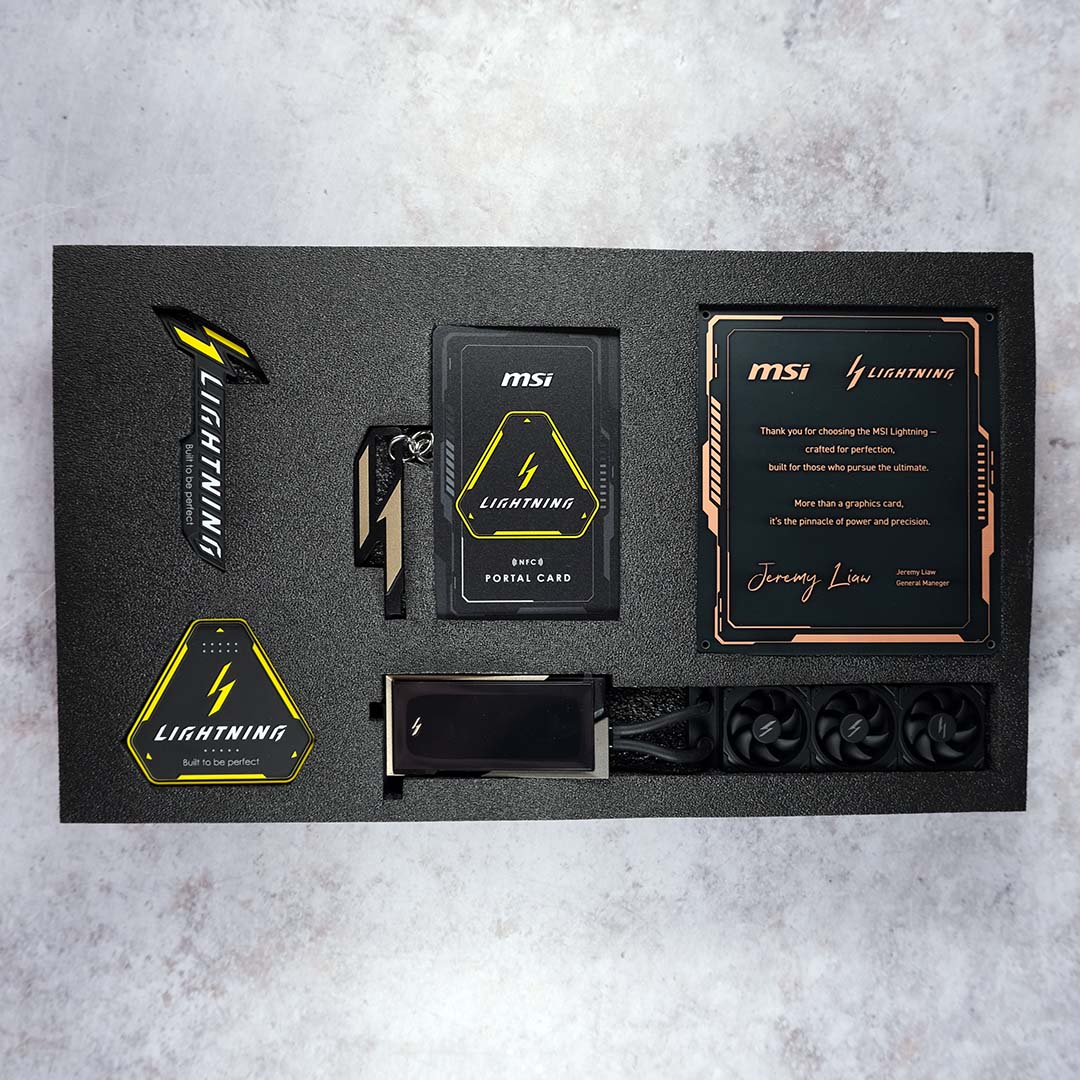
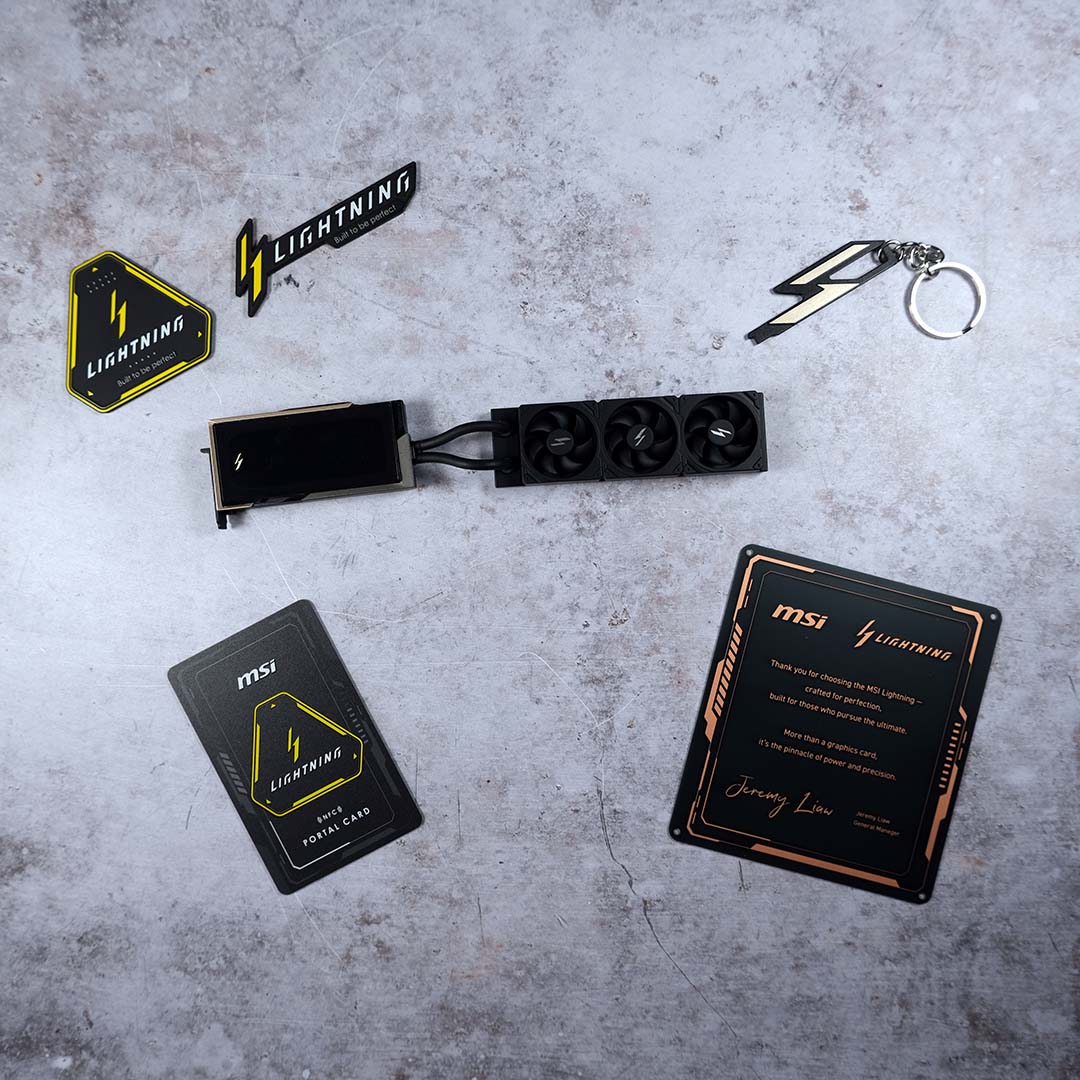
Next, here are the main knick-knacks you’ll find in the accessories box. There’s a couple of magnets, a thank you note from MSI general manager Jeremy Liaw, as well as a quaint mini version of the Lightning Z complete with radiator. I’ve never been one for decorative additions such as stickers and the like, but I must admit that graphics card model is undeniably cute.
The most important parts of this collection are the NFC Portal Card and keyring. The former provides quick access to the Lightning Z’s software companion, while you’ll need the other to switch between the card’s BIOS modes. More on that design decision later.
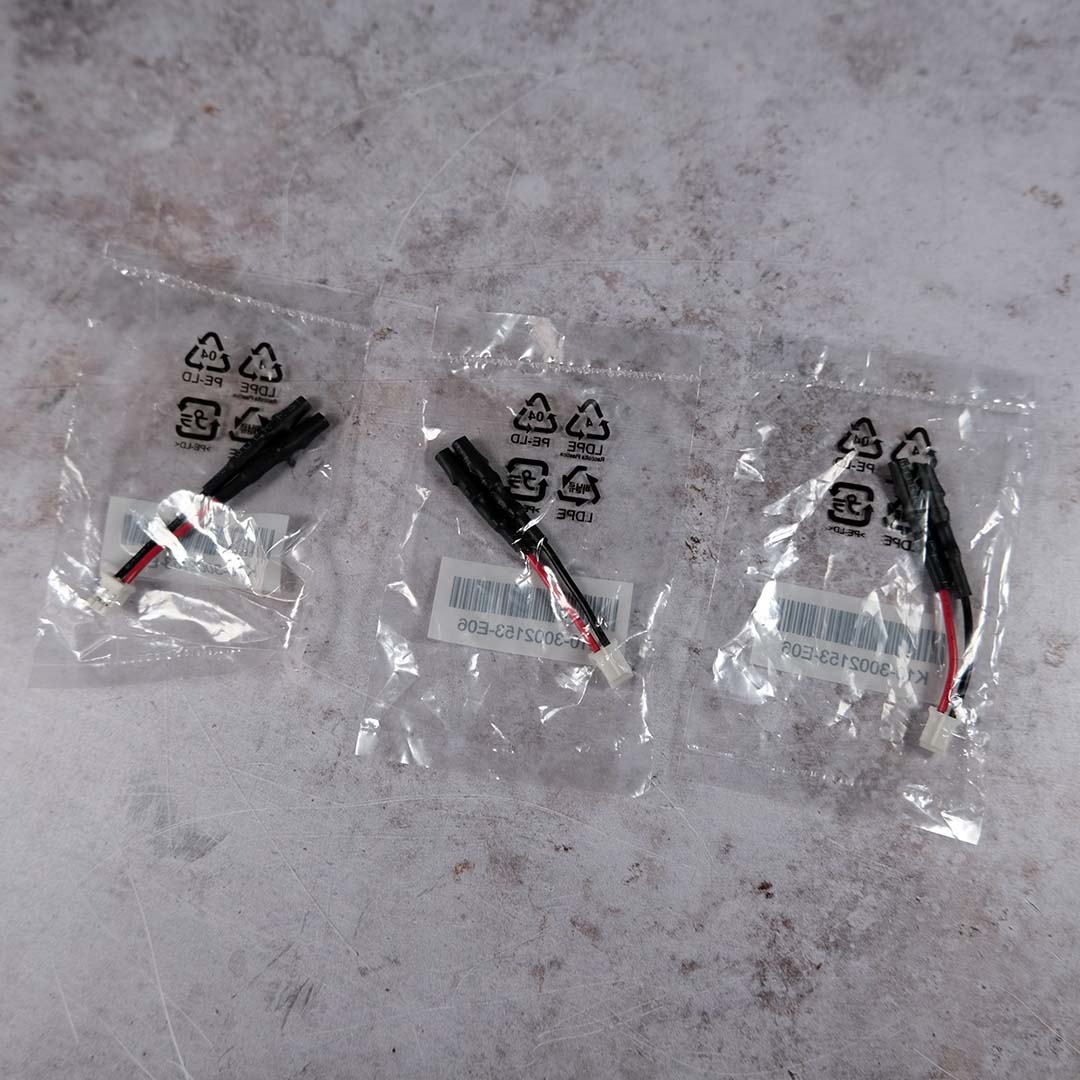
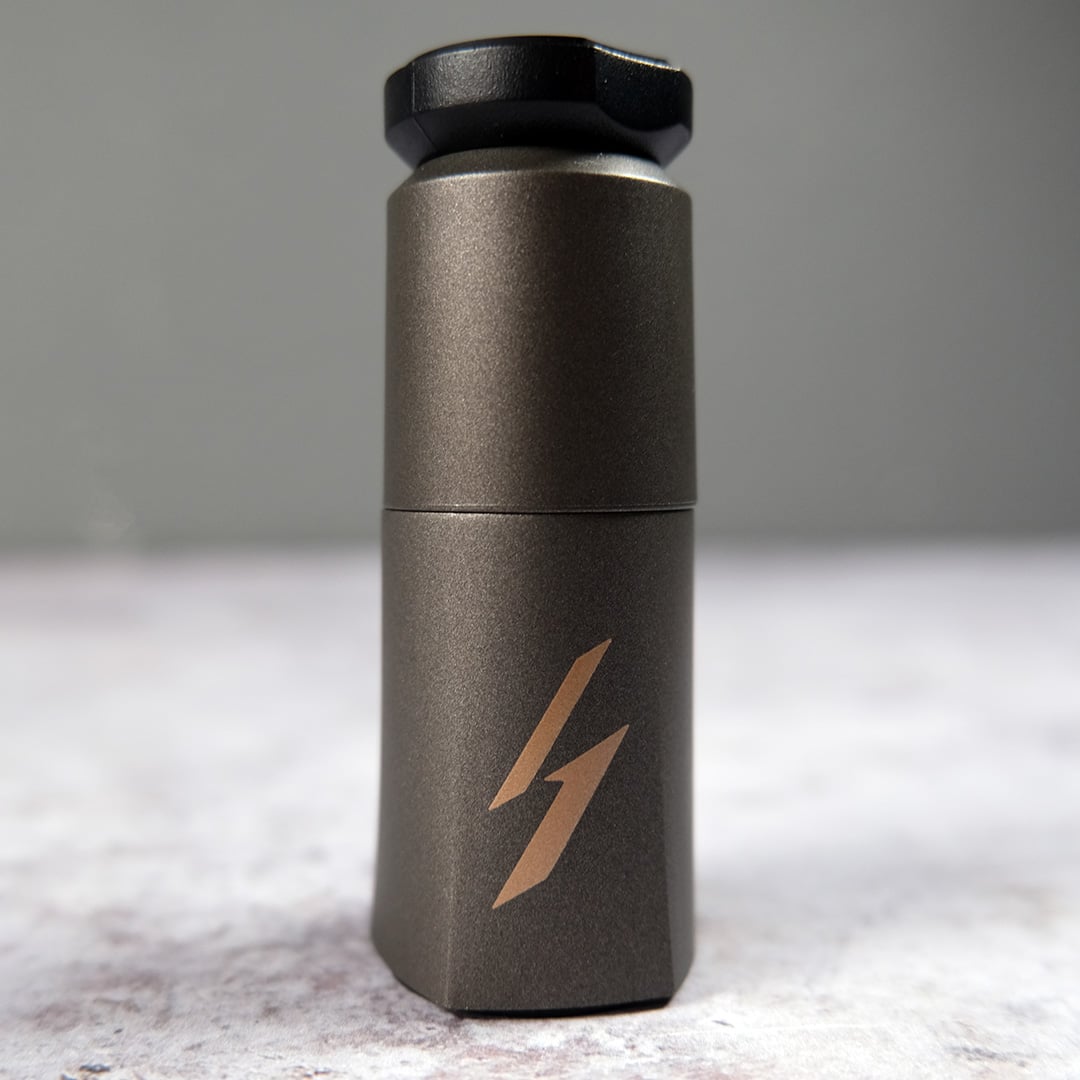
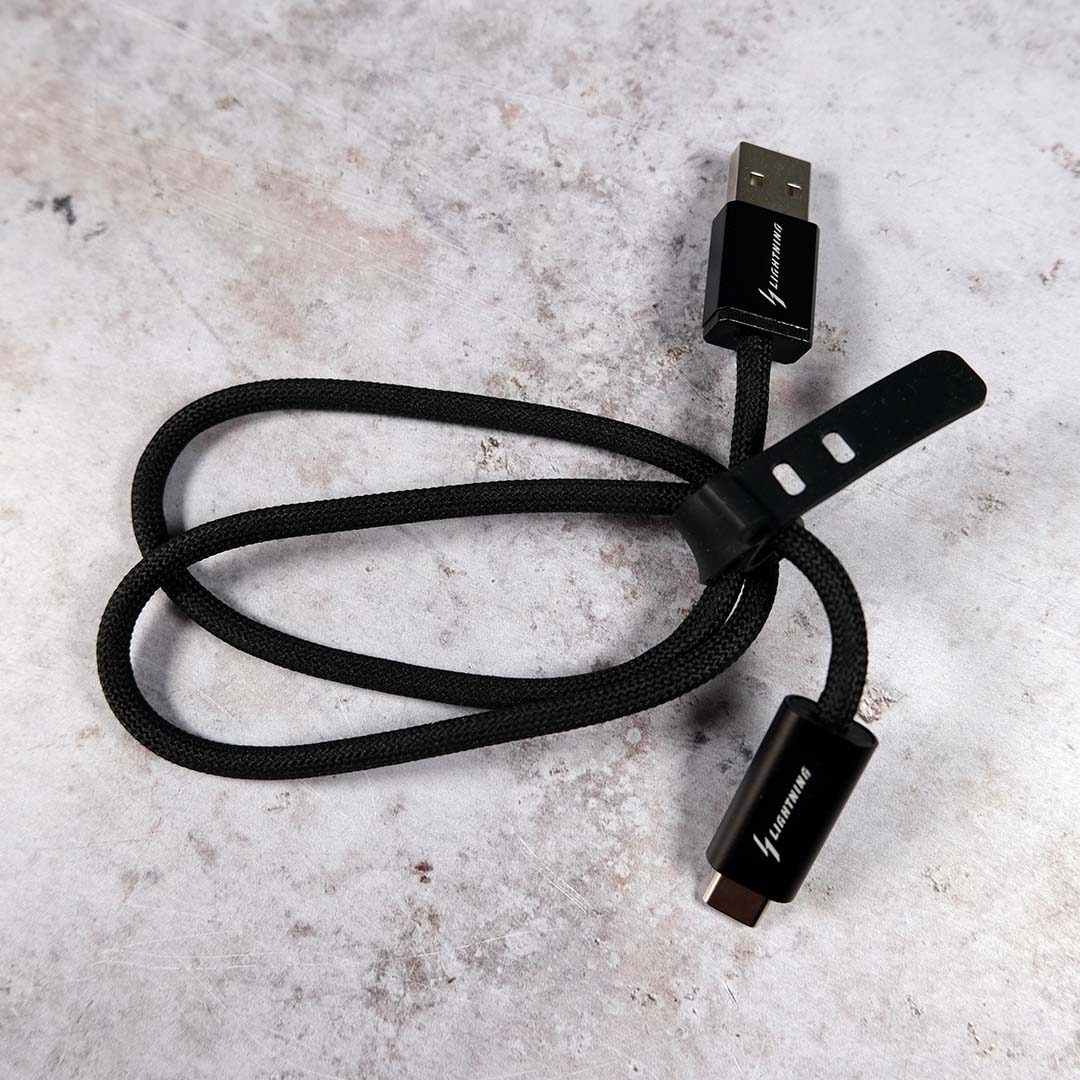
Lurking beneath the initial barrage of accessories, you’ll find a bunch more. There’s a collection of thermal probes, screws for installing the radiator and mount into a case, as well as a GPU support stand if you’re intending to install the Lightning Z horizontally. MSI also curiously includes a 16-pin to 8-pin dongle, but I don’t imagine anyone buying this graphics card will be using anything other native 12V-2×6 cables.
Most importantly, it’s here that you’ll find a USB-A to Type-C cable, complete with Lightning branding. This seemingly inconsequential wire is the key to powering up the Lightning Z’s screen. MSI explicitly discourages using anything but the supplied cable, so be sure not to misplace it.
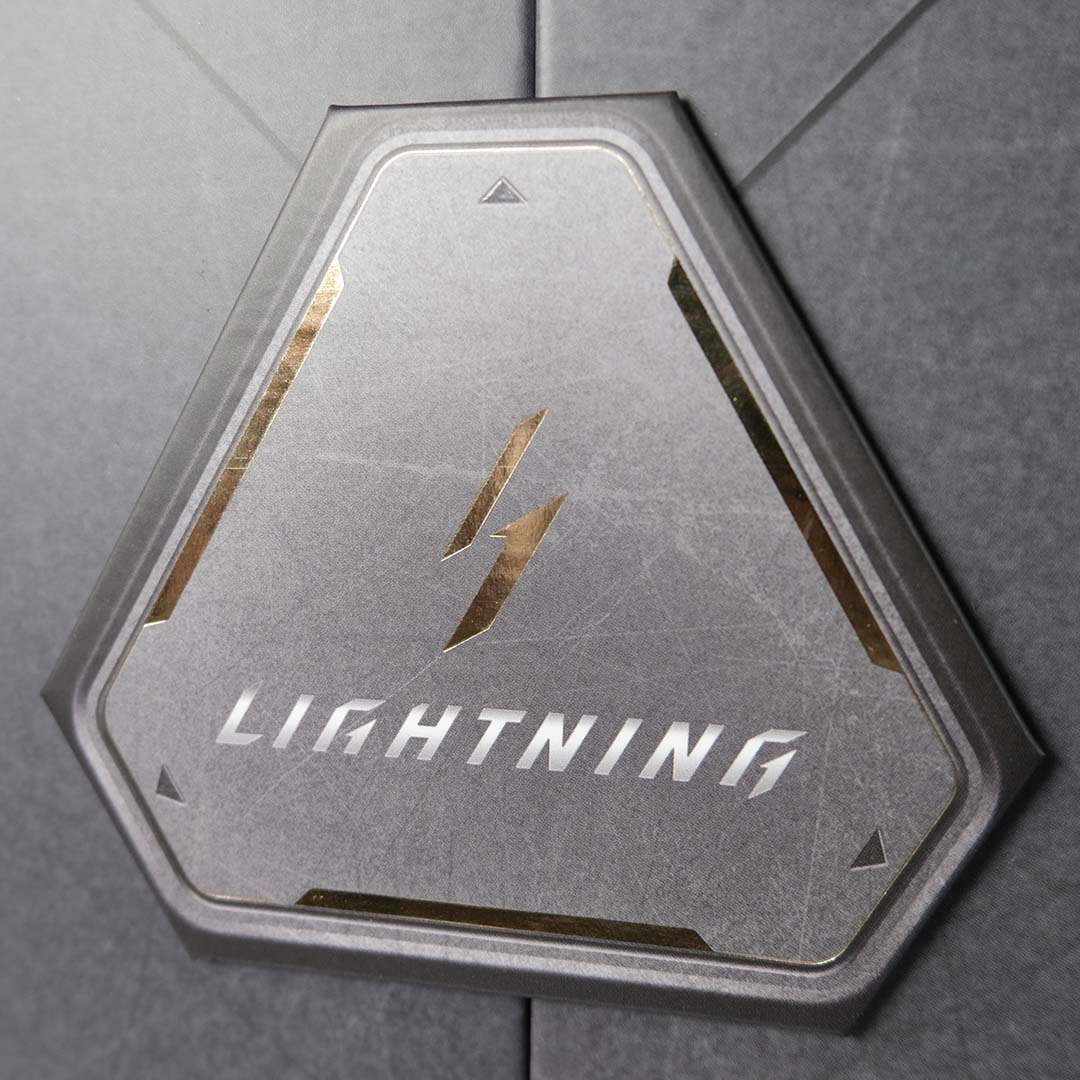
Alright, you’ve waited long enough. Let’s get the Lightning Z out of its packaging and take a closer look at what could be the finest GeForce RTX 5090 example yet.
Design
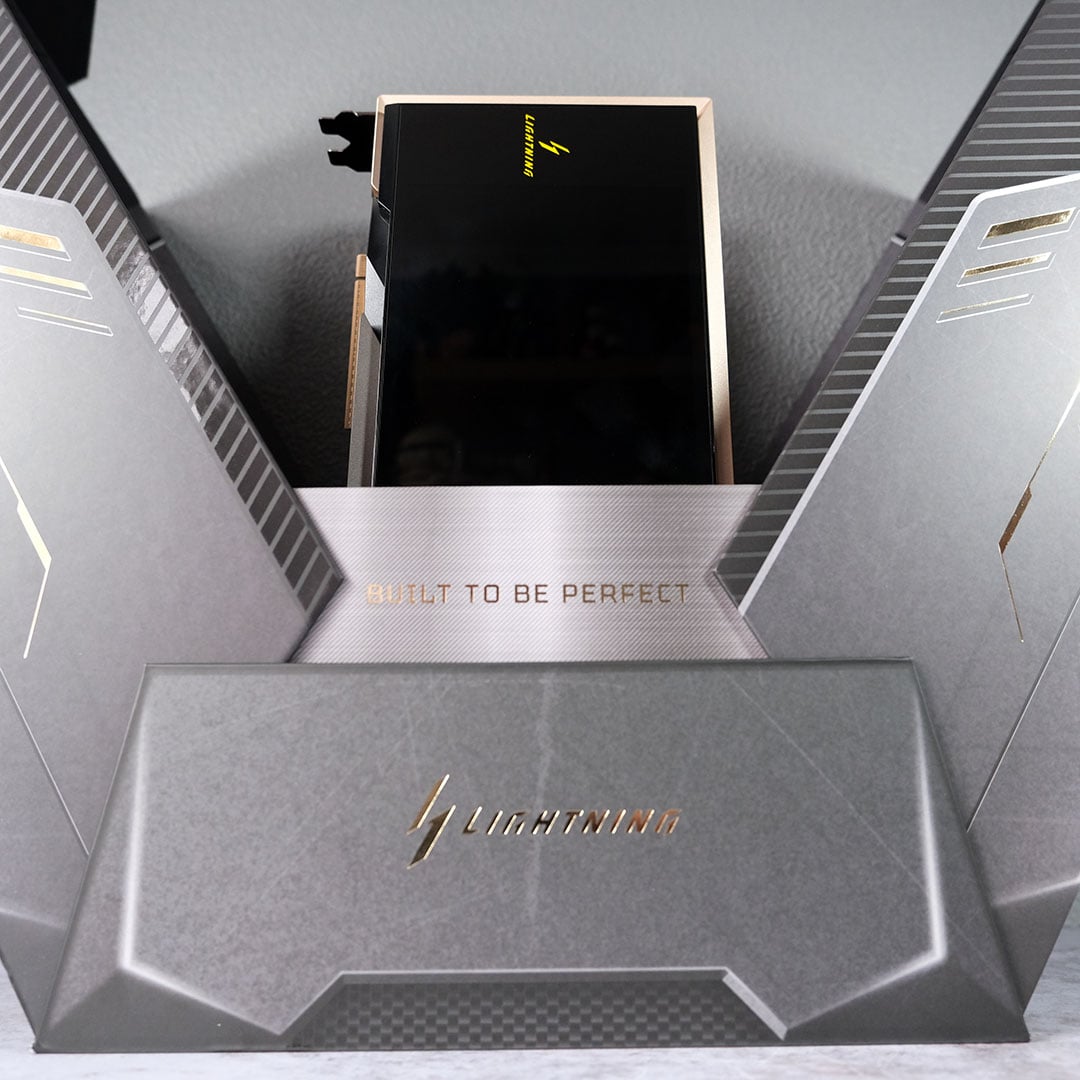
Et voilà. Here is the MSI GeForce RTX 5090 Lightning Z, bursting out of its packaging like a sacred, mystical object just begging for someone to pluck it from its cradle. Lifting the card from this enclosure, it’s difficult not to feel like this is sort of Excalibur-level moment.
The Lightning Z is certainly heavy enough, with the card alone weighing just shy of 3kg. That heft isn’t without purpose, though, and speaks to the excellent build quality present across is design. Much as my senses appreciate the look and feel of the carbon fibre backplate, it’s difficult not to cover the front of this card in fingerprints. I almost wish MSI had included some gloves in all that packaging.
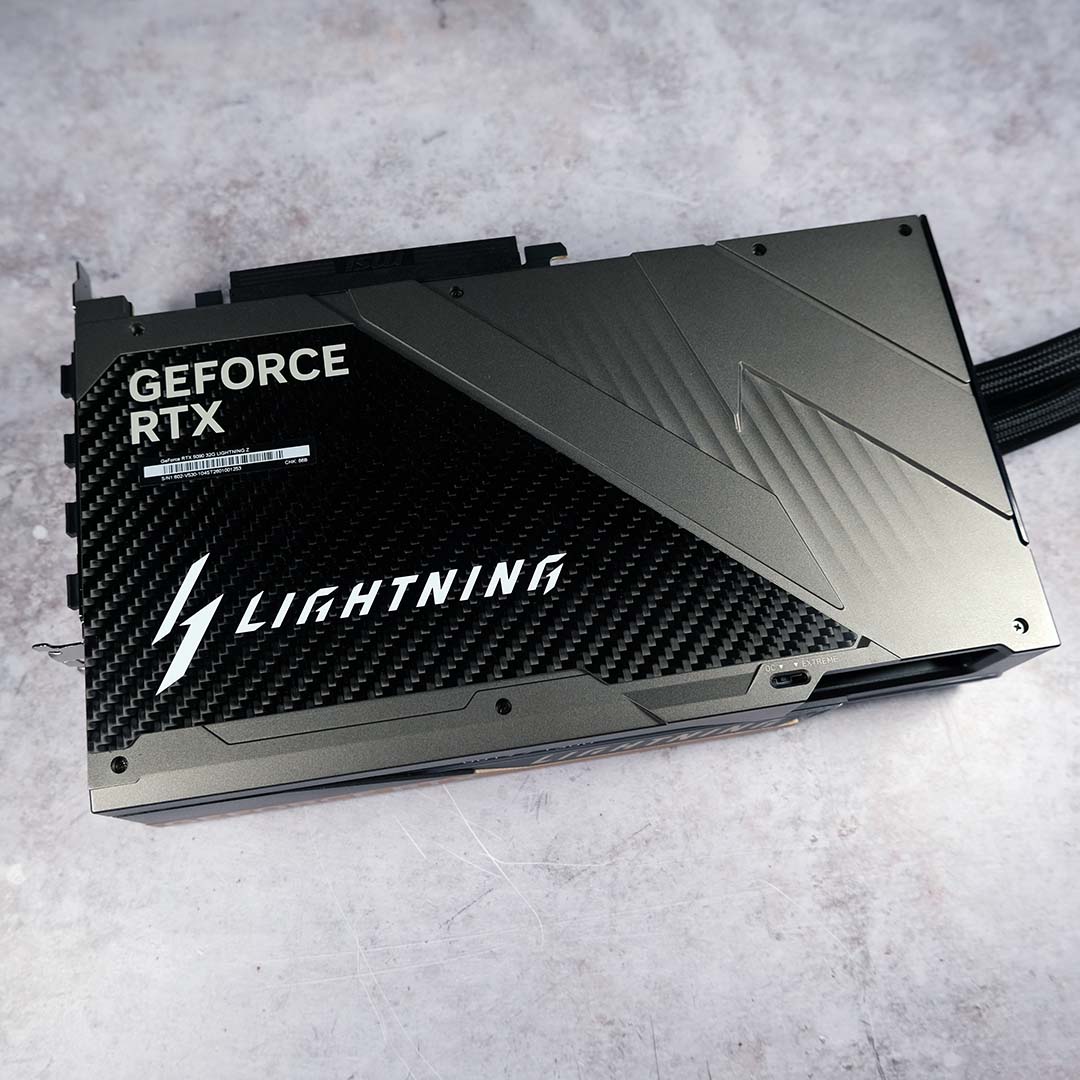
Now the card’s out of the box, let’s talk specs. While the Lightning Z features the same GB202-300-A1 GPU as every other GeForce RTX 5090 on the market, it’s a cut above Nvidia’s reference design in several ways. Most obviously, the model carries a sizeable 323MHz (+13%) overclock, bringing its boost frequency up to 2,730MHz. That’s a match for other flagship graphics cards, like the Asus ROG Matrix Platinum, but GPU Boost will see this value rise even higher when thermal headroom and power limits allow.
Boasting an 800W TDP out of the box, MSI’s flagship RTX 5090 can play with an additional 225W relative to a standard model. However, the brand takes this specification one step further, with an additional 1,000W BIOS. This makes the Lightning Z the first-ever graphics card capable of running with so much ‘leccy behind it. As I mentioned earlier, you’ll need that lightning keyring to swap between modes, as the switch is strangely only accessible via a small cut-out in the chassis that’s far too thin to probe with fingers.
| Lightning Z | Founders Edition | |
|---|---|---|
| Boost clock | 2,730MHz 2,775MHz (MSI Center) | 2,407MHz |
| Power connector(s) | 12V-2×6 (x2) | 12V-2×6 |
| TDP | 800W (OC Mode) 1,000W (Extreme Mode) | 575W |
| Recommended PSU | 1,500W | 950W |
| Dimensions | 260 x 151 x 61mm (card) 394 x 120 x 56mm (radiator) | 304 x 137 x 40mm |
| MSRP | £4,999 | £1,939 |
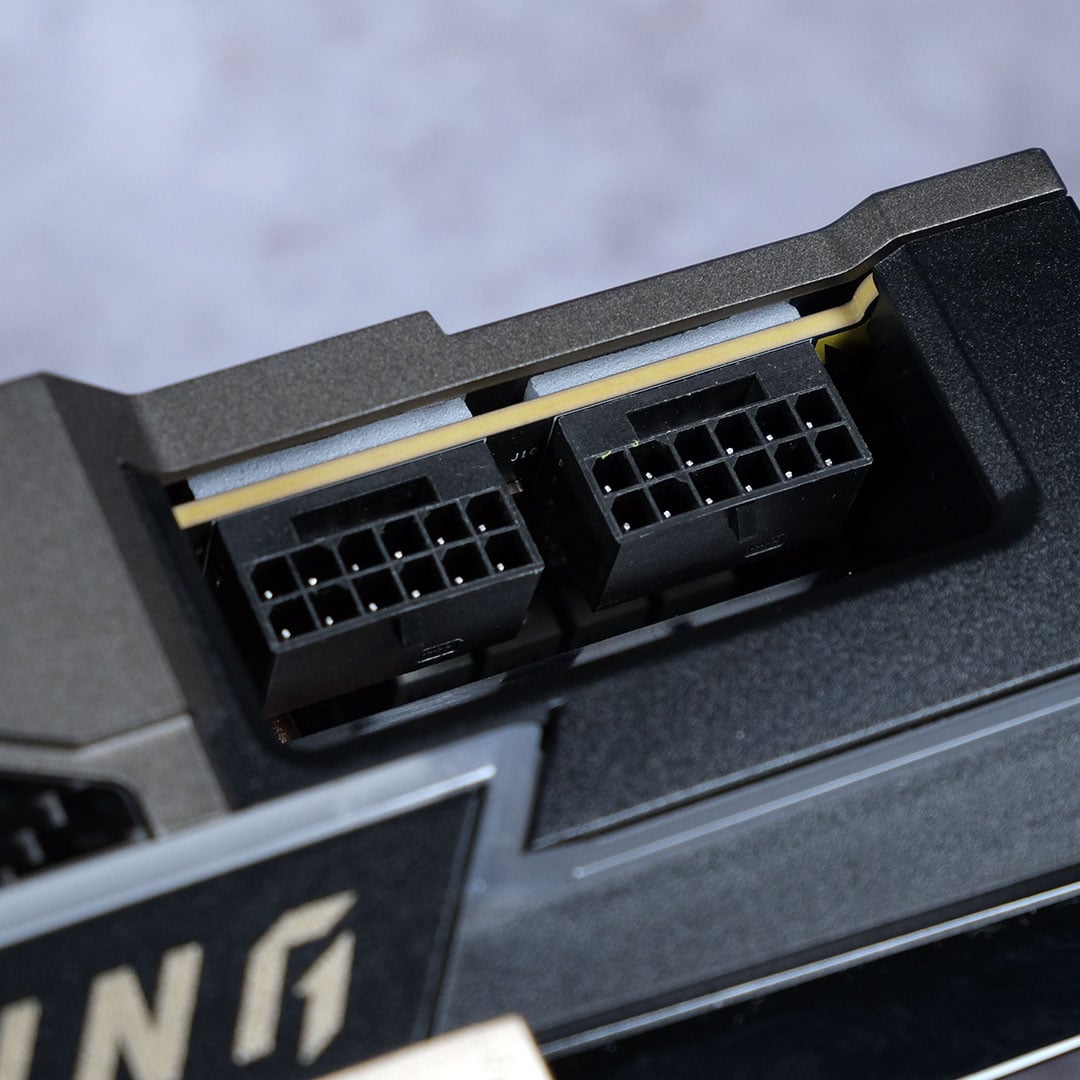
Of course, satiating such power limits requires unique engineering. One 12V-2×6 cable is only capable of carrying 600W of power at a time, so the Lightning Z naturally doubles up on the connector. This means you’ll need a high-end power supply capable of supporting two 16-pin cables to get this RTX 5090 running at full pelt. MSI explicitly recommends pairing the graphics card with a 1,500W power supply and I wouldn’t dare try anything with fewer watts.
MSI has put together another world-first to tame the enormous power budget of the Lightning Z, namely a full-cover copper cold plate. This material choice provides excellent thermal conductivity, allowing the built-in pump and waterways that run across the GPU, VRAM, and MOSFETs to easily keep temperatures in check.
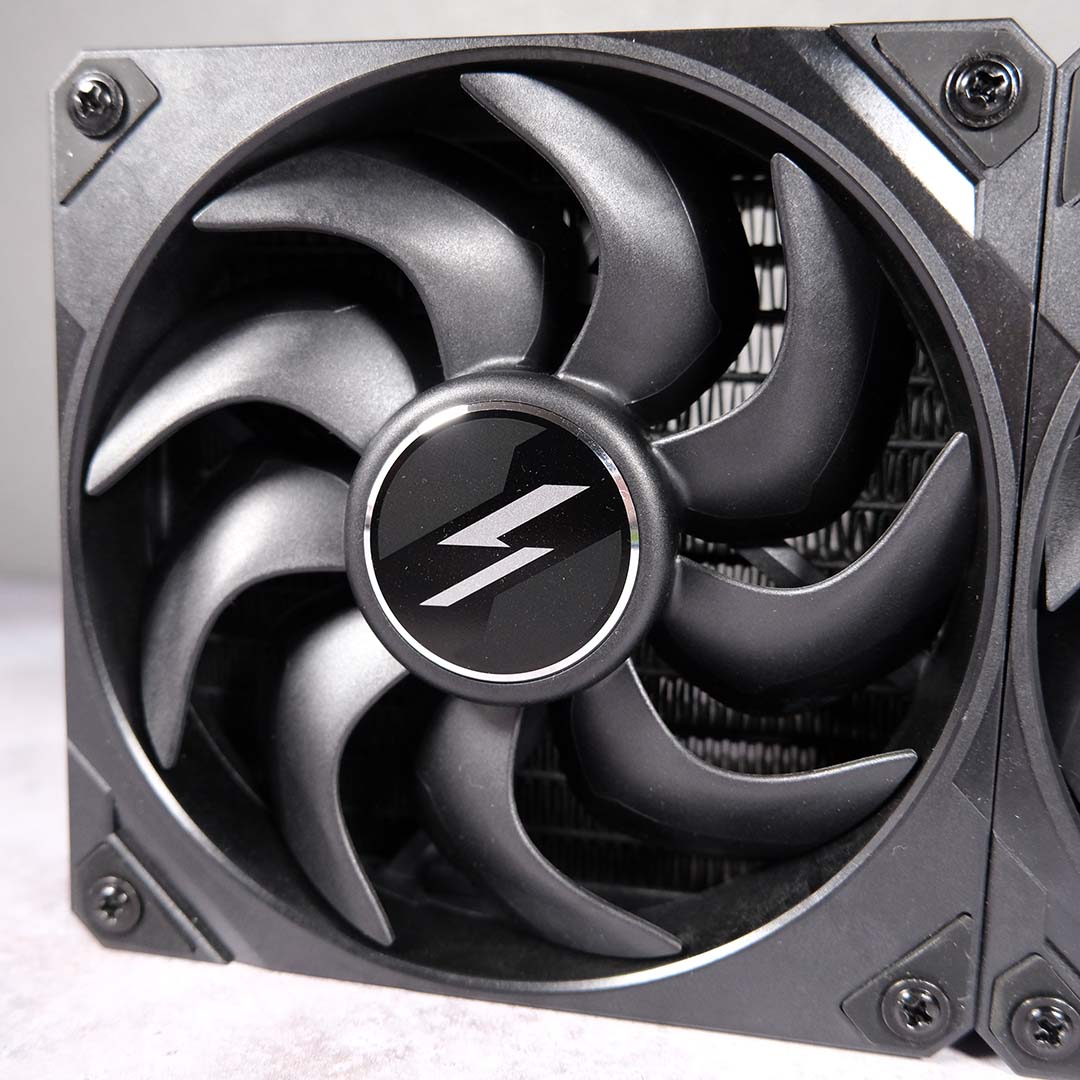
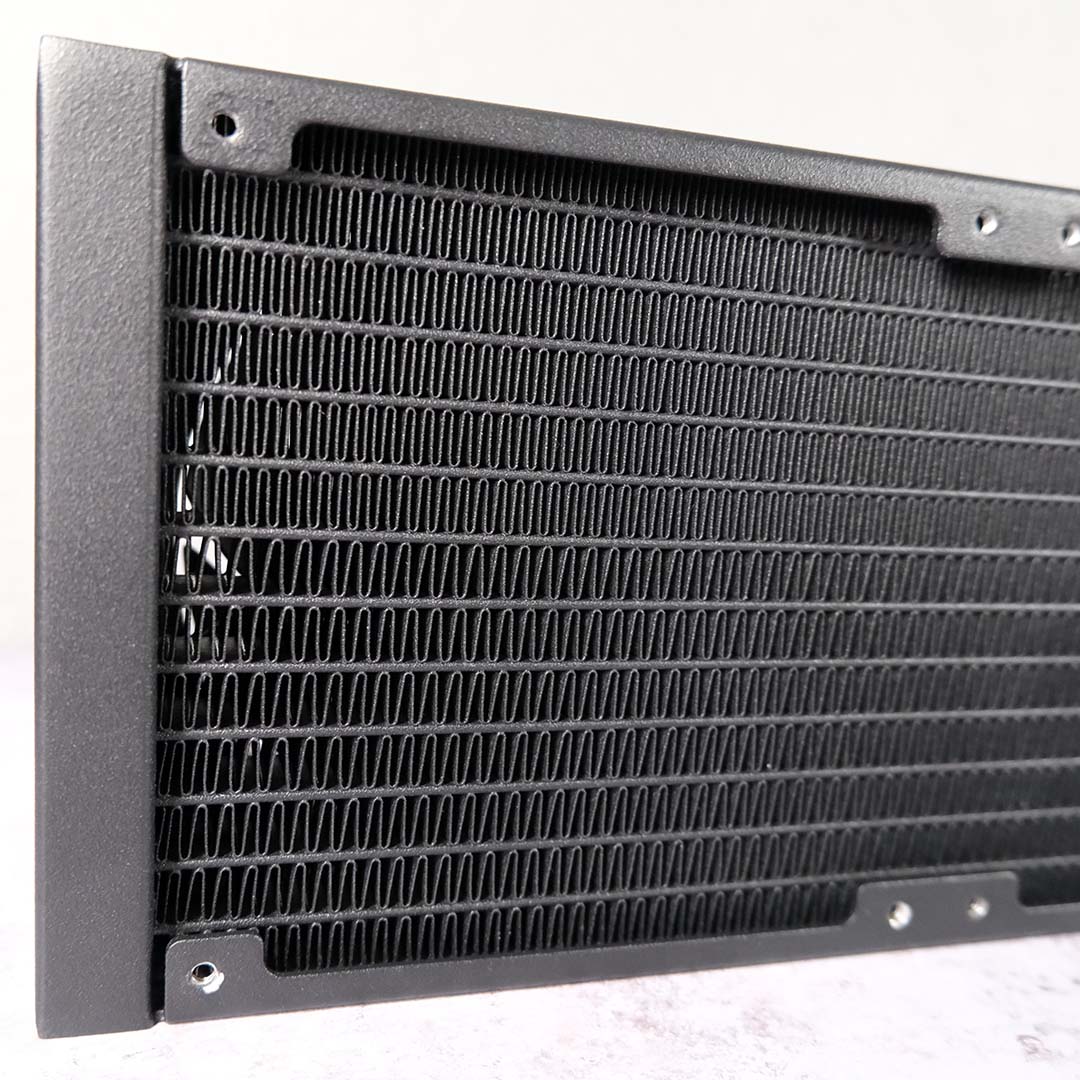
There’s no water cooling without a radiator and MSI hasn’t spared any expense here. The 394mm rad features a patented hybrid fin design, using alternating widths to create hot and cold spots, which the brand says improves heat exchange.
A trio of fans completes this water cooling setup. The three 120mm Lightning fans are, as their name and logo suggest, unique to this graphics card. Made from Liquid Crystal Polymer (LCP), the material of choice for many high-end blowers, these fans promise an excellent balance of acoustics, airflow, and pressure.
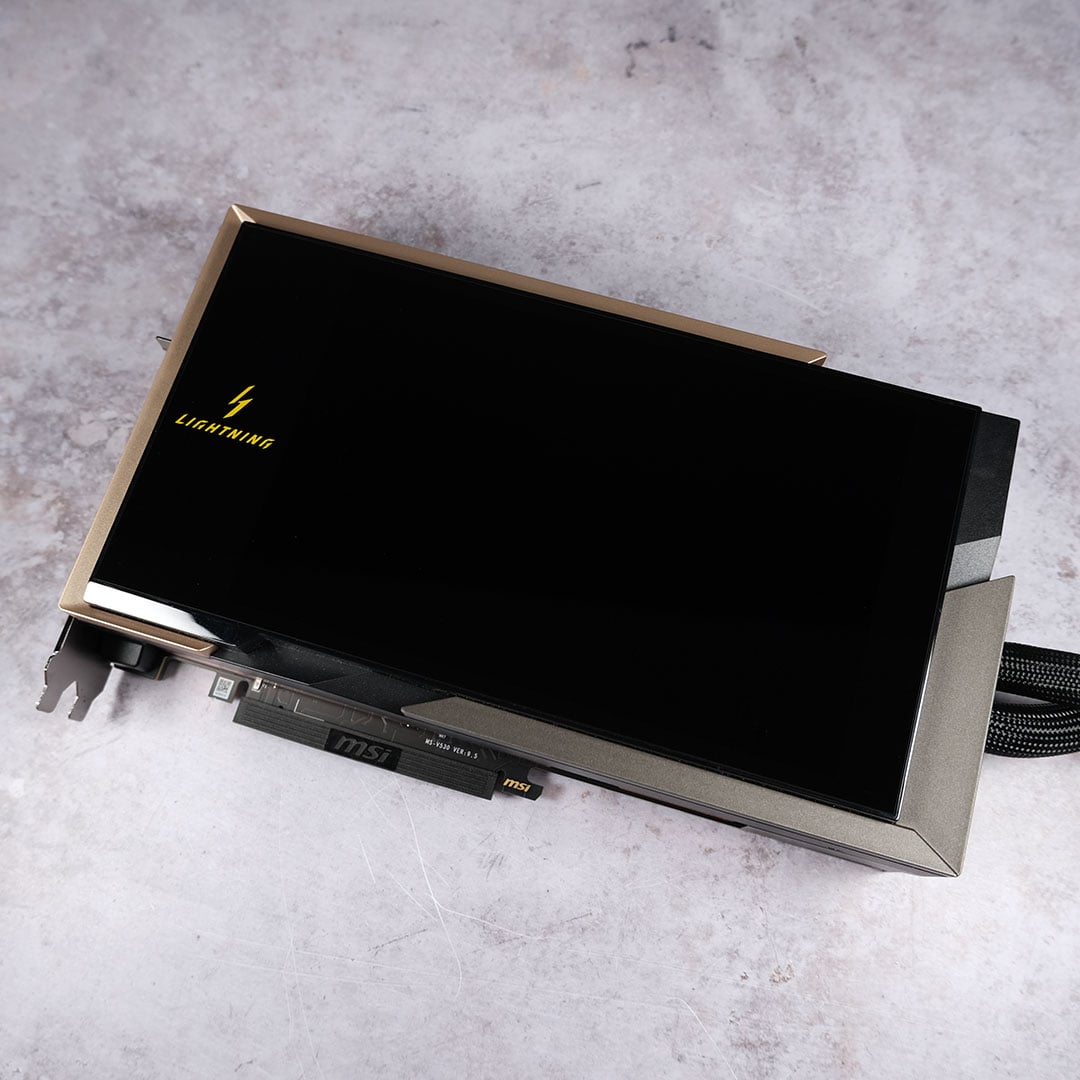
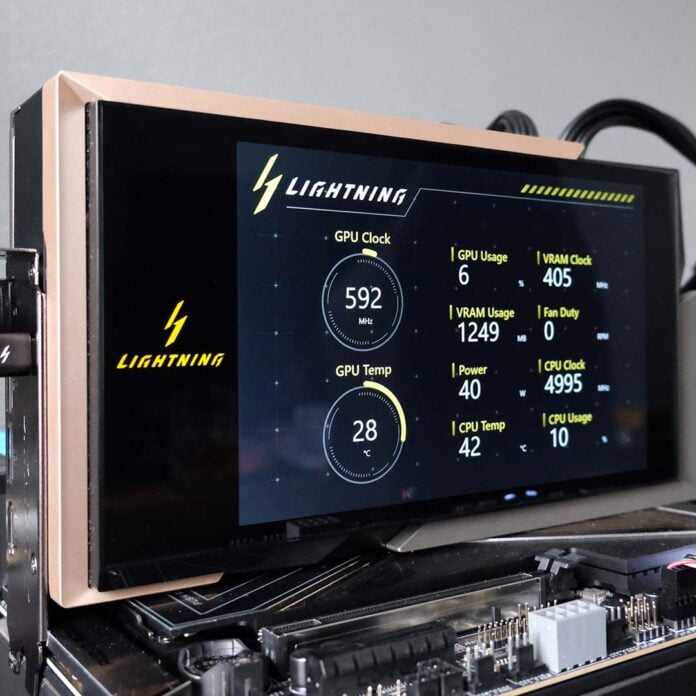
Keeping the world-firsts coming, MSI outfits the Lightning Z with a striking 8in screen. The HD+ (800p) panel connects to your PC via the supplied USB-C to USB-A cable, meaning you’ll need to sacrifice one of your motherboard’s ports to get it up and running. Thankfully, MSI includes a suitably lengthy wire for this task in the accessories box I highlighted earlier.
You’ll need to use a bespoke application, namely the Lightning Hub, to control the display. Through the app, you can control the power status, brightness, and content that show on the screen, and tweak the RGB lighting to your liking. Curiously, though, MSI has opted for a web-only approach for this app, presumably to stifle cries of bloatware. Personally, I’d rather have a local program at my disposal, as relying on internet connections to control my £5,000 GPU just doesn’t sit comfortably.
Conclusion
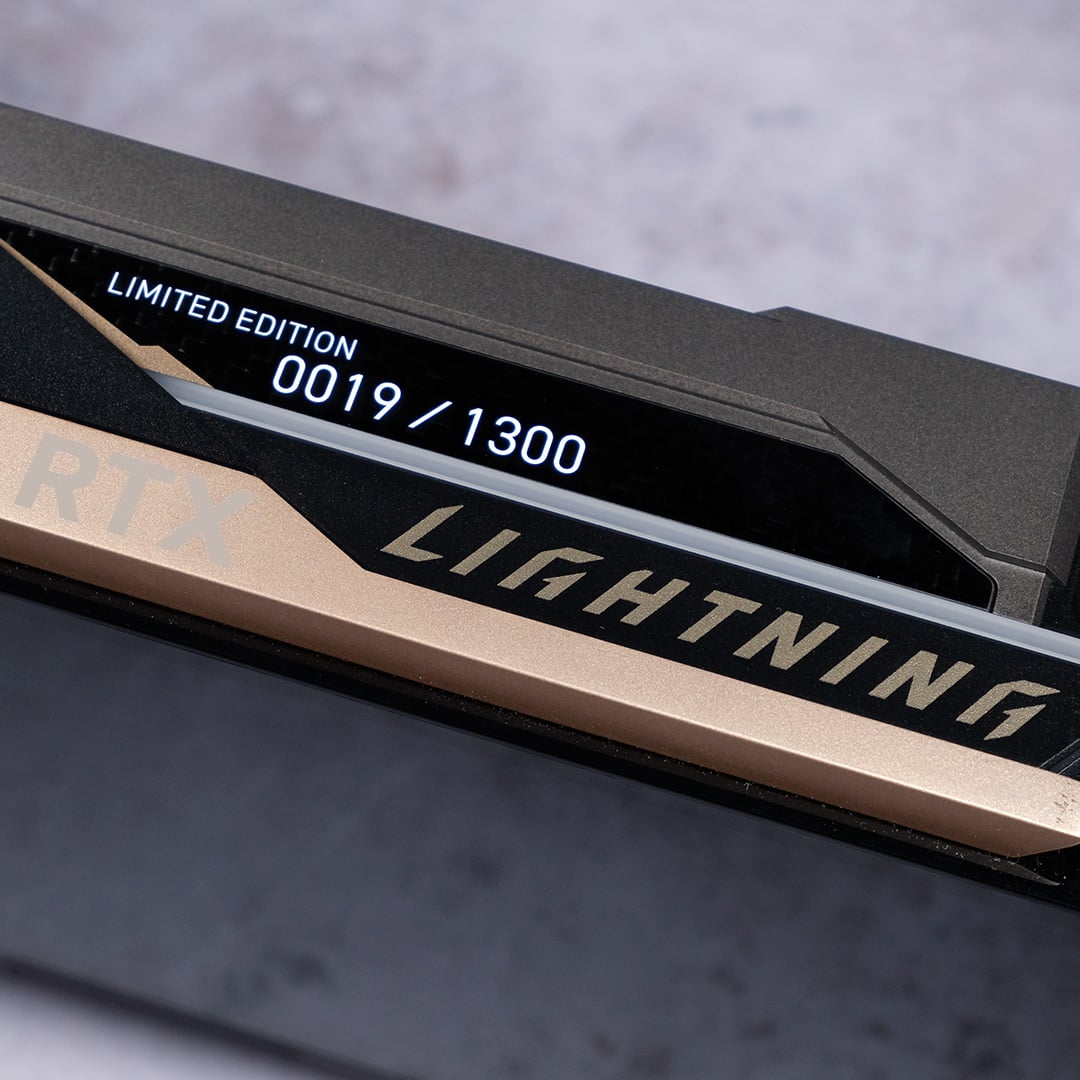
The MSI Lightning Z launches today, for £4,999. That’s a lot of cash for any component, graphics card or otherwise, but the limited quantity of this model naturally drives up its value. If you’re keen on grabbing one for your own system, you can do so by using the widget below.
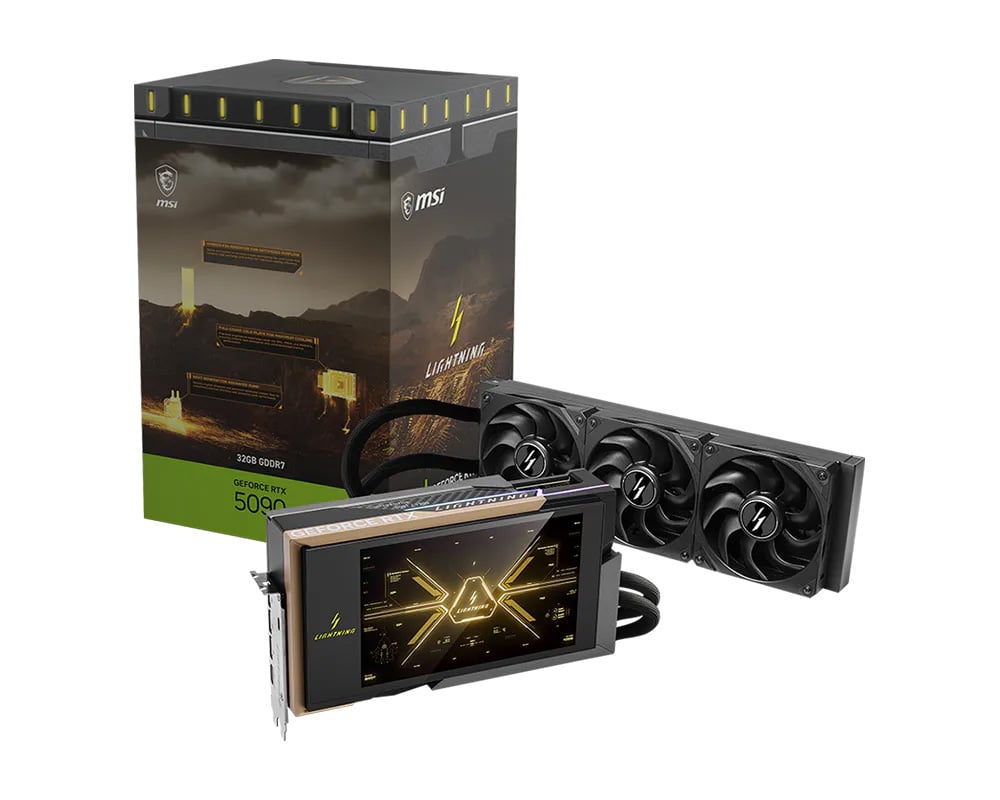
MSI GeForce RTX 5090 Lightning Z
“The future ignites. The legend returns.” – MSI
In the meantime, come back soon for our performance analysis of the Lightning Z. We’re sure it’ll kick up quite the storm.
