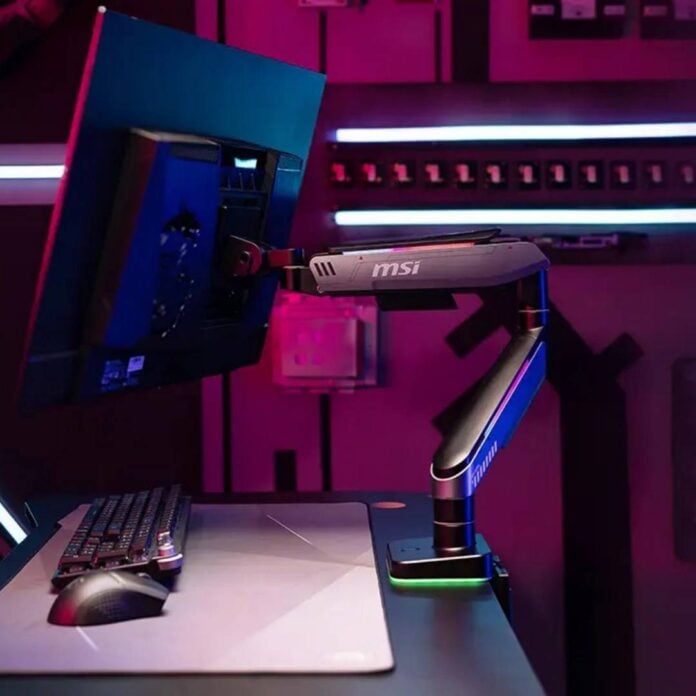
MSI has introduced two new monitor arms designed to enhance the aesthetics and ergonomics of your gaming setup. The new MPG MT201RG and MPG MT201DRG offer full movement flexibility, alongside cable management and even RGB lighting.
Both arms share very similar specs, mainly differing in their monitor support capacity. The MPG MT201RG is designed for single-monitor users, offering up to 49in screen support. Meanwhile, the MPG MT201DRG targets multi-monitor setups with its dual-arm design supporting up to two 35in displays side by side.
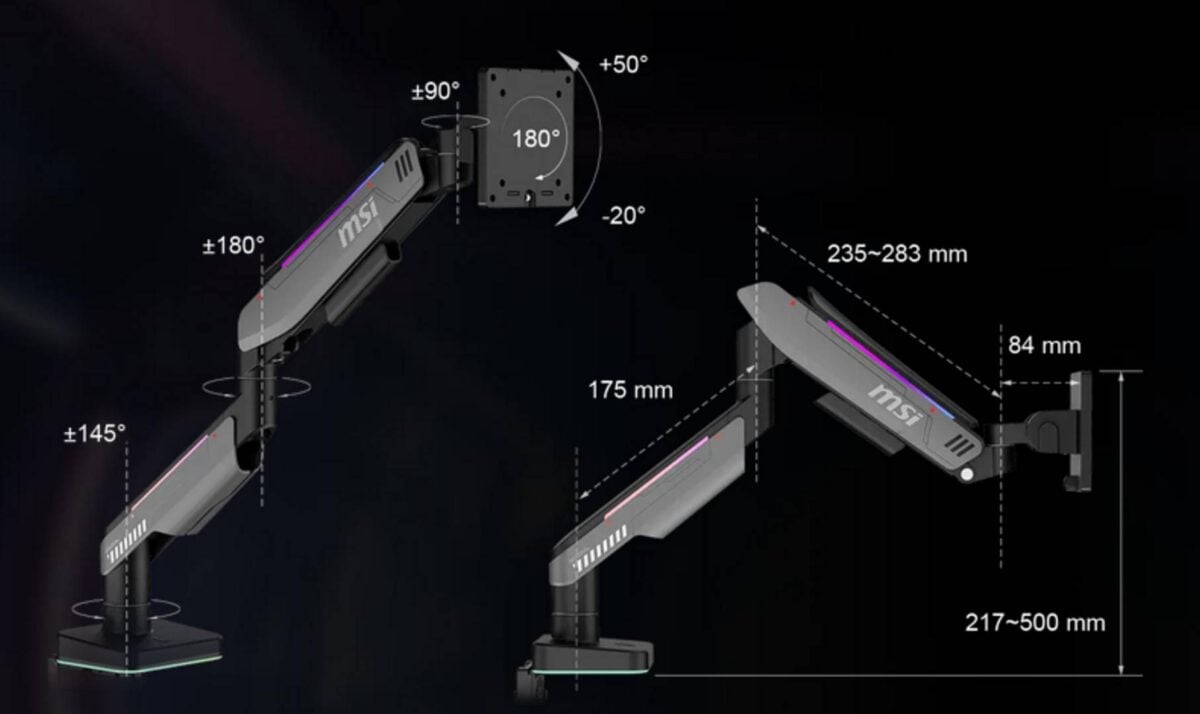
Equipped with gas springs, both arms are capable of handling 20kg monitors (per arm). They also support 75x75mm and 100x100mm VESA mounts, so you don’t have to worry about monitor compatibility.
Most importantly, they both provide full motion, so you can adjust your monitor to the exact viewing angle you like. This includes height, tilt, swivel, and pivot movements, as well as horizontal, and forward/backward adjustments. In other words, you get far more control here than even the best monitor stands. Note that both these arms are designed to be mounted to your desk, rather than a wall, with support for surfaces up to 85mm thick.
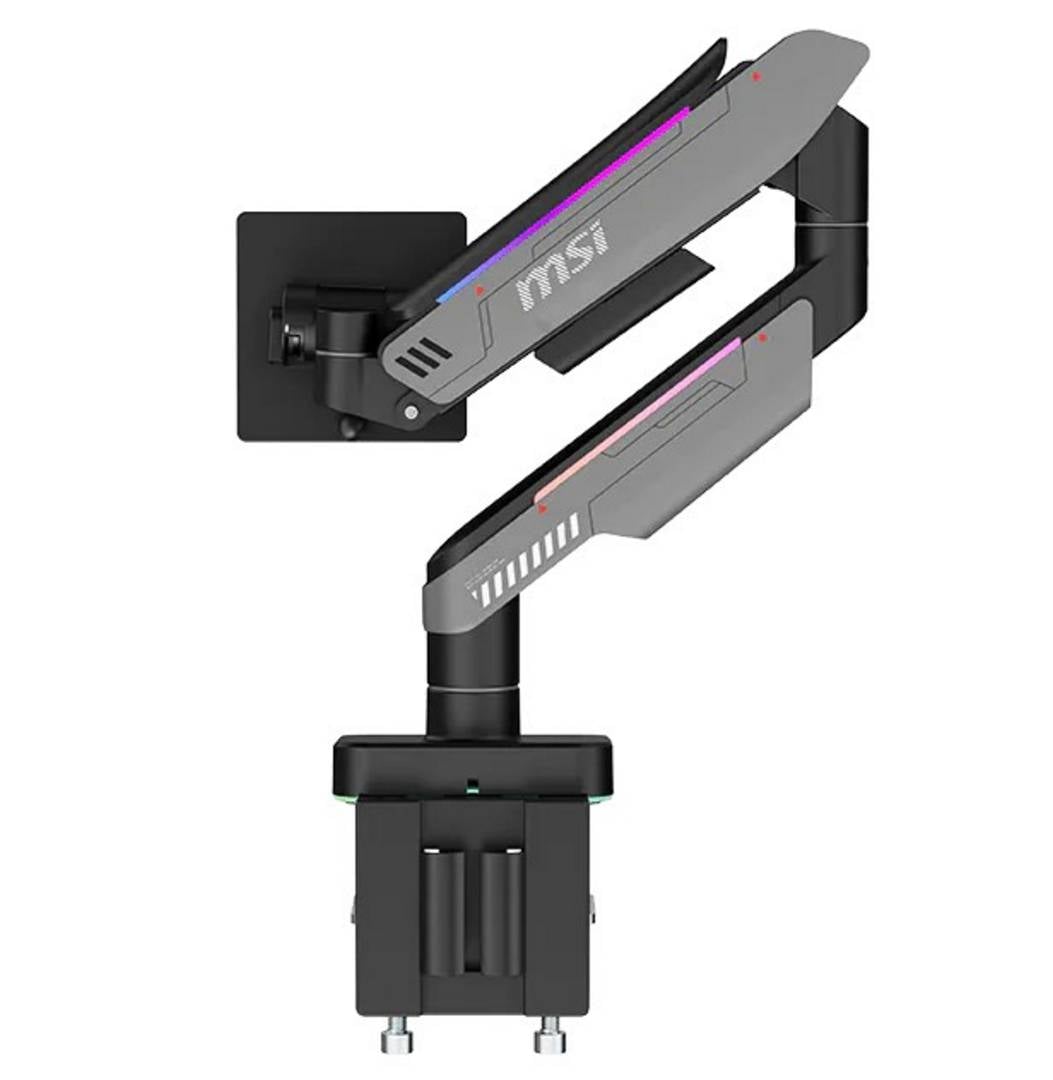
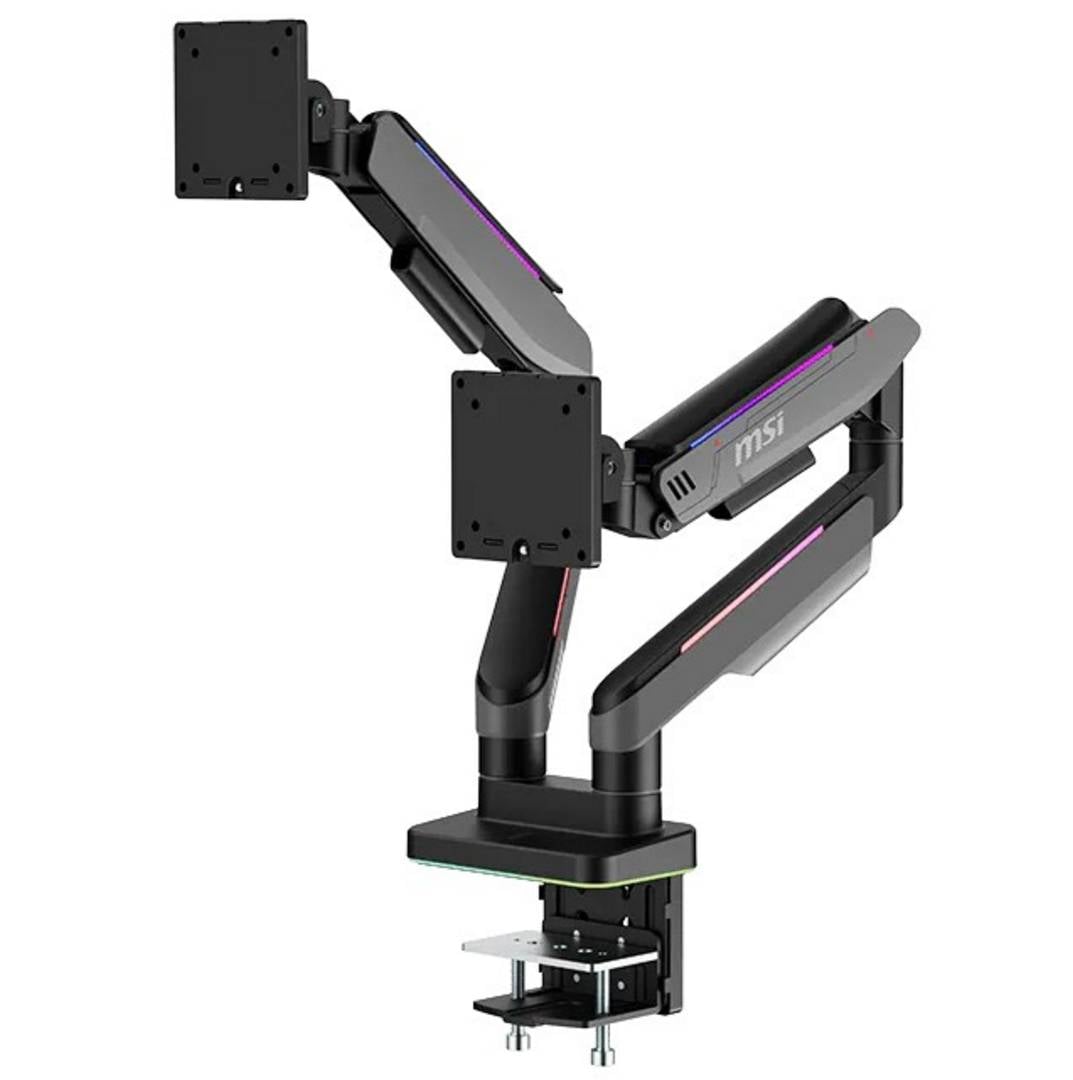
Unlike generic arms, these MSI models also come equipped with integrated RGB lighting on the bases and arms, allowing you to switch between 20 dynamic RGB LED modes. However, these effects are only be controllable via the dedicated button on the arm base, so there’s no software control or sync system with the rest of your setup.
To ensure cables don’t block these fancy lights, the entire arm length includes cable management channels that keep your setup tight and clean. MSI also advertises tool-free installation, but this mainly refers to maintenance (monitor mounting and demounting); the initial arm installation still requires a screwdriver.
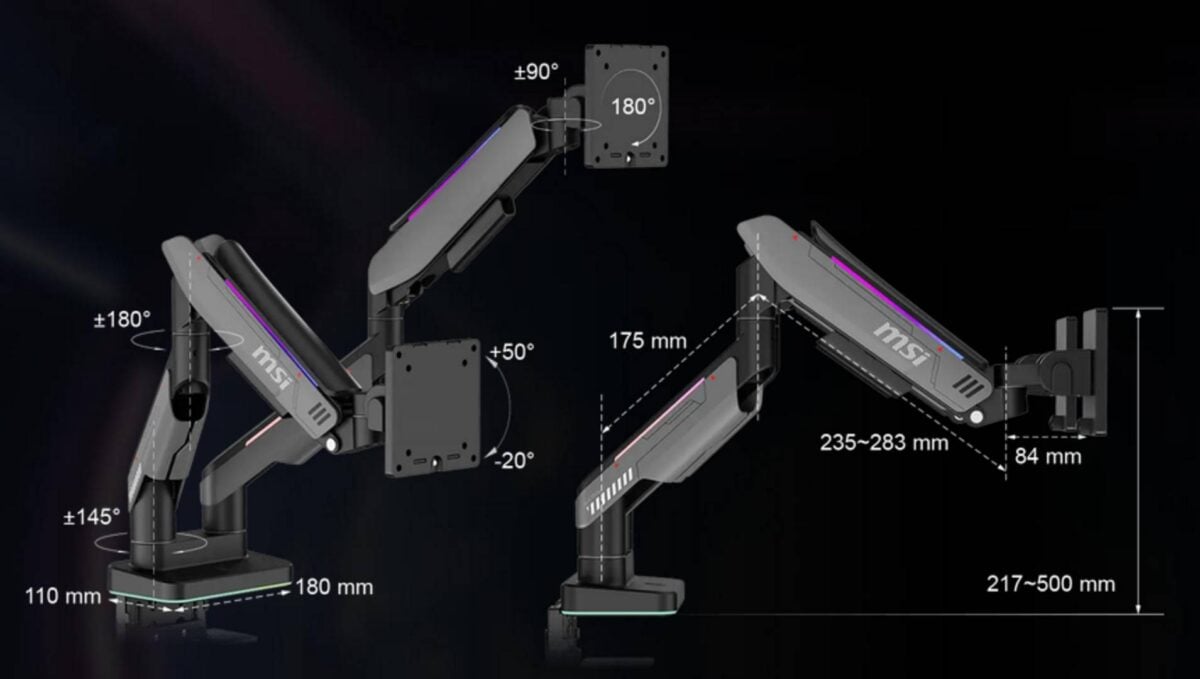
Why would you want a monitor arm? I’m a recent convert, and I can’t say enough good things about them. One great aspect of using an arm mount, instead of a stand, is the extra desk space you gain, especially if you have a multi-monitor setup.
This gives you more freedom to position your keyboard and other equipment, so there’s more room for controllers and chargers, as well as loads of room to set up a large mouse mat. That means you can lower your mouse sensitivity (DPI), and swing it wide – a setup that’s preferred by many competitive players. Cleaning your desk also becomes hassle-free, especially if you own wireless peripherals.
The MSI MPG MT201RG and MPG MT201DRG are available now for £89 and £149, respectively.