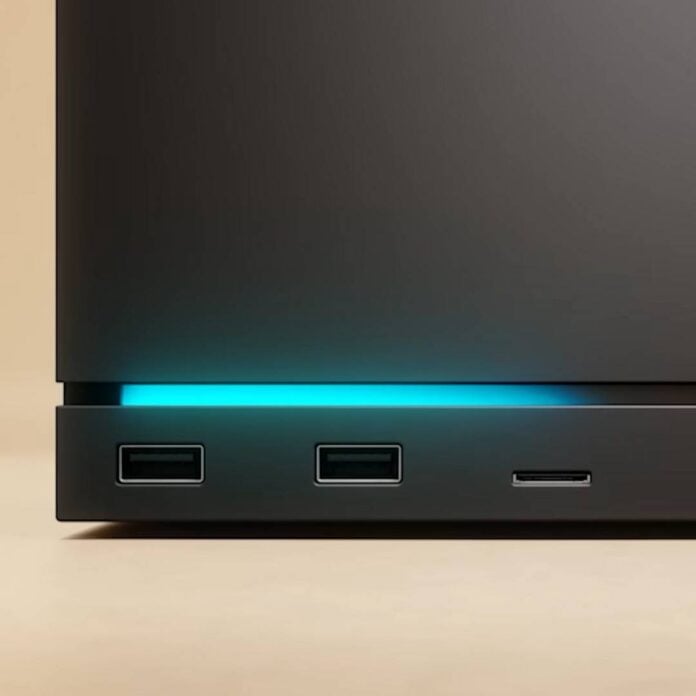
After much speculation regarding the recent report of an early Steam Machine death on Reddit, it turns out that its GPU hadn’t failed after all. Instead, the machine was performing memory training after a failed BIOS update, it’s just that Valve’s original messaging about the red LED bar was “flipped” the wrong way round.
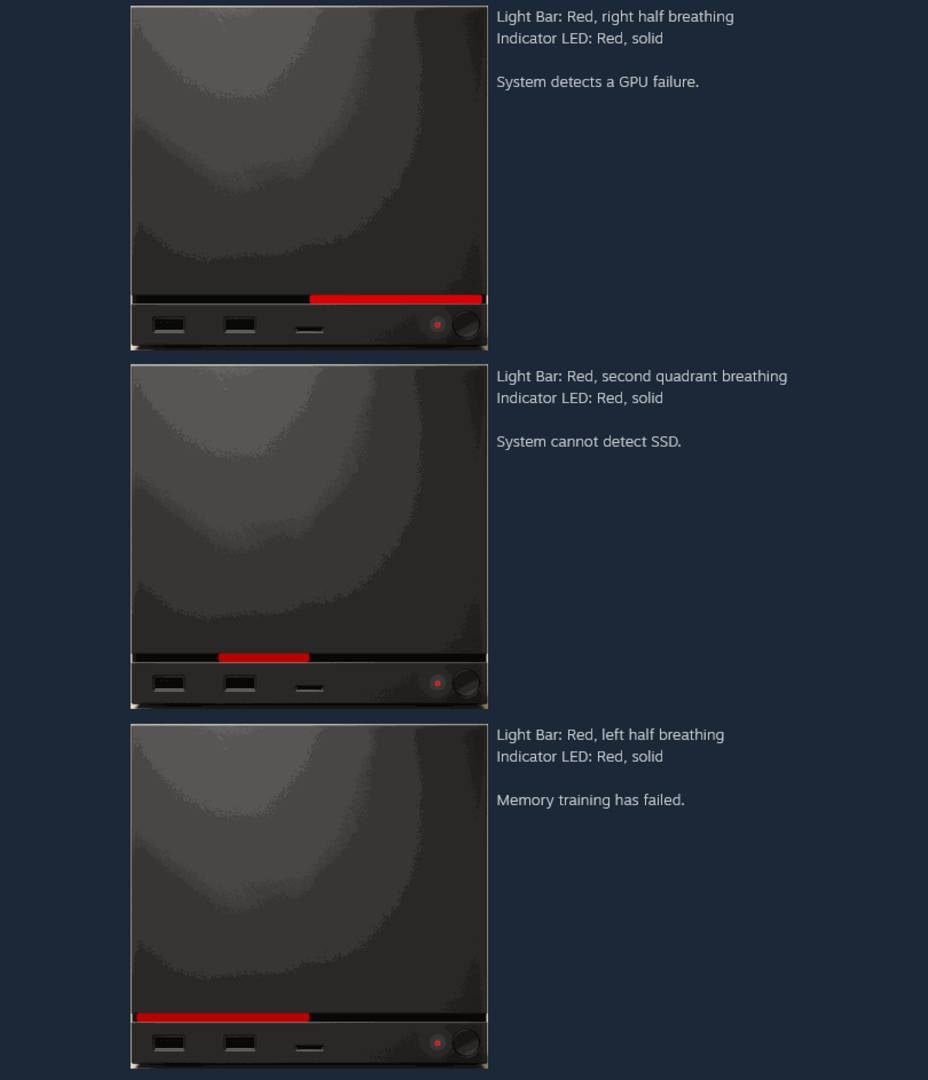
Valve’s original guidelines stated that a red light at the right end of the front LED bar meant a GPU failure, while a light on the left side indicated memory training. However, according to official Steam account SteamHWFeedback on Reddit, “the front panel code is actually flipped horizontally out of the box,” apparently because of a “miscommunication” at Valve.
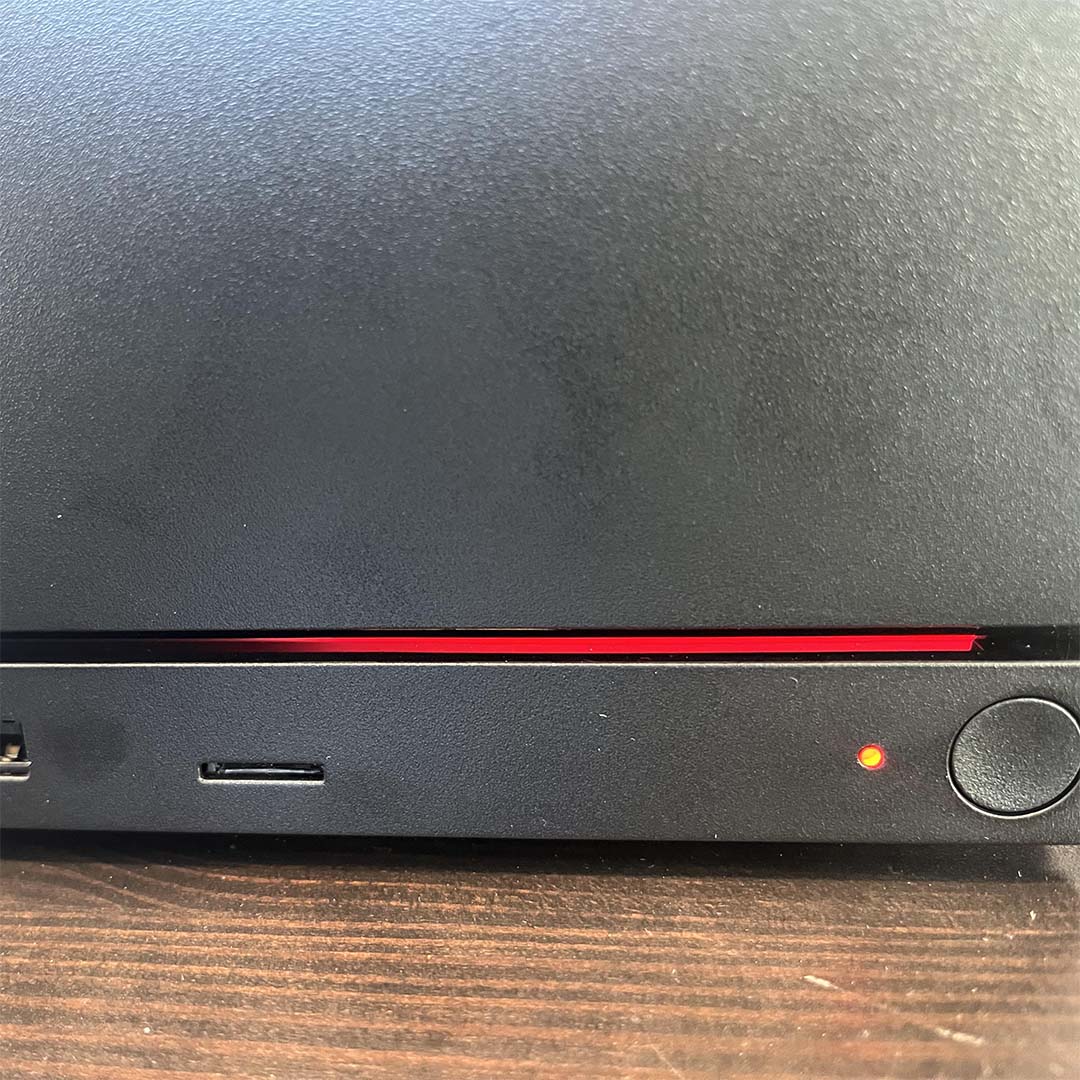
This all harks back to a recent Reddit post showed an apparently dead Steam Machine sporting what’s been dubbed the red line of death, via its LED bar. According to Valve’s Steam Machine error code manual, this specific pattern indicates a faulty GPU, which was surprising for a brand-new machine. In fact, the owner, going by the name me_hill on Reddit, claimed it was only used for 20 minutes before the failure occurred. Apparently, the machine stopped working after applying an update, which hinted at a potentially bricked installation.
After attempting numerous community recommendations without success, the user tried the good old power-off cycle and left it unplugged overnight. Lo and behold, the next day the machine turned on as if nothing had happened. “I left it unplugged for about half an hour last night and then tried plugging it back in… and it didn’t work,” said me_hill. “So I left it unplugged for a couple of hours and then tried it again before bed… and it didn’t work. Same error light despite multiple power-cycling attempts. So I left it unplugged overnight and plugged it back in today to try some of the BIOS stuff that other people suggested… and it booted up immediately without issue.”
In case you’re unfamiliar with memory training, AMD’s Zen 4 and Zen 5 CPUs can take a while to get going when they first start, and sometimes when you make BIOS changes. Basically, your motherboard is establishing stable electrical signals, timings, and voltages with your memory modules, and it can take a while.
We’ve often had to wait for AMD rigs to go through memory training after making tweaks in the BIOS, and it does take its sweet time. If that’s the only issue, though, you just need to wait it out and your machine will boot up again. The Valve representative on Reddit suggested that this particular machine’s red light appeared “right after (or during) a BIOS update,” and was then going through memory training.
If you encounter any boot issues on your Steam Machine, the same Valve representative has shared some troubleshooting steps, as follows:
- Unplug the Machine, then press the power button a few times. This ensures any stored energy in the PSU gets discharged. You may see the power indicator LED blip a moment.
- Plug the Machine back in. Note if your power LED glows (breathing pattern) white or not. If yes, please submit a Steam Support ticket and tag me, or send me a chat request with the ID.
- Hold the power button down for ~6s. You should see the power indicator LED (dot) flash momentarily. Release the power button when you do.
- The power indicator LED will start to cycle some colour codes. These are designed to allow you to select various options for recovery/troubleshooting purposes. When the LED turns green, short-press the power button. This should perform a full “CMOS reset.”
- On the next boot, you should see the RGB bar as blue – it may take a bit longer to boot due to a memory re-training.
Thankfully for both the Steam Machine owner and Valve, the machine wasn’t dead due to some manufacturing problem; it was just the finicky nature of DDR5 memory on current AMD platforms.