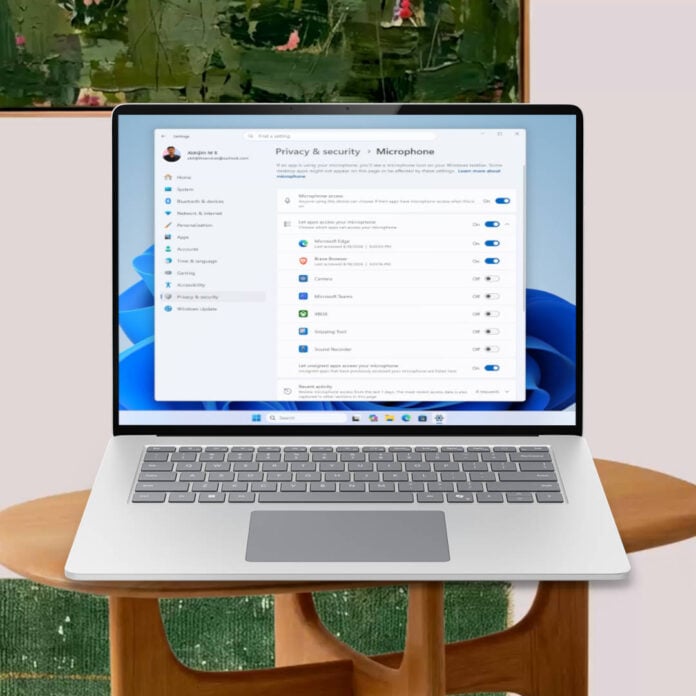
Microsoft is experimenting with a new Windows 11 feature that allows individual control over app access to the camera, microphone, and location. This is possible for any app, regardless of whether it was installed using an executable or through the Microsoft Store.
This feature was spotted by X user jakub25050 and confirmed by Windows Latest, allowing you to authorise or deny apps like Discord or Steam access to your camera, microphone, and location. While something similar was previously possible, the new change, which is currently part of Insider Build v26340.9212, pushes the granularity up a notch and allows you to manage these authorisations on a per-app basis. To do so, you only need to open Settings and head to the ‘Privacy & security’ tab.
Note that, until now, this level of granularity was exclusive to apps installed through the Microsoft Store; the rest were all packed under a global setting. For example, if you allowed the microphone to be used by Steam to talk with friends, your browser would also gain that access.
Whenever this feature reaches the stable branch of Windows, users will be able to manage any Win32 application. While it’s not yet clear what the final version will look like, it would be great if we could select a preferred default state, such as ‘deny all access,’ to stop any potentially misbehaving apps from spying on you. You could then only authorise apps you care about. In other words, opt-in instead of opt-out.
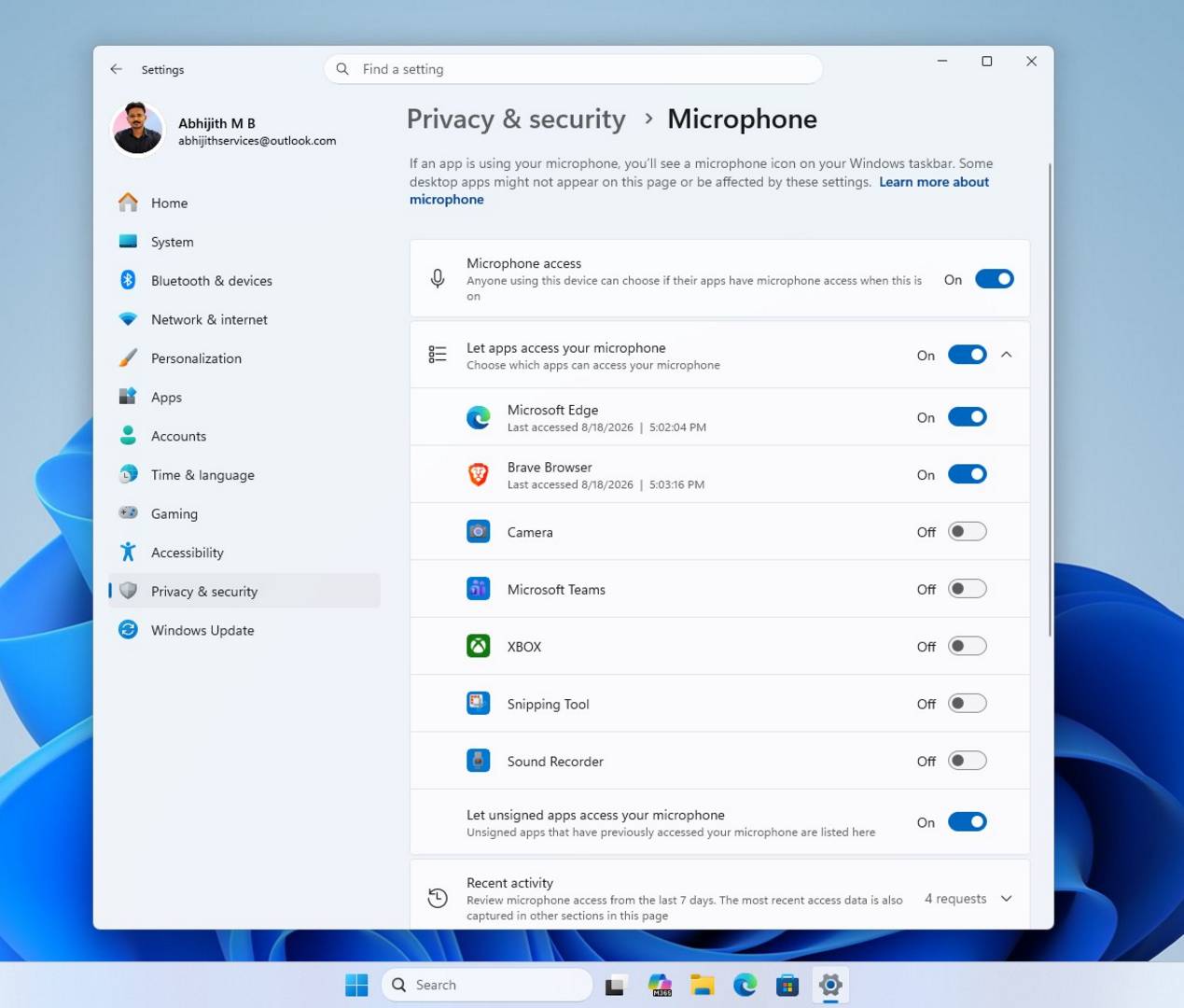
This is potentially great news for anyone valuing their privacy, as it simplifies control and removes the need for constant configuring. With this type of setup, you can leave localisation data accessible to your weather app to get accurate local predictions, while stopping others from tracking you.
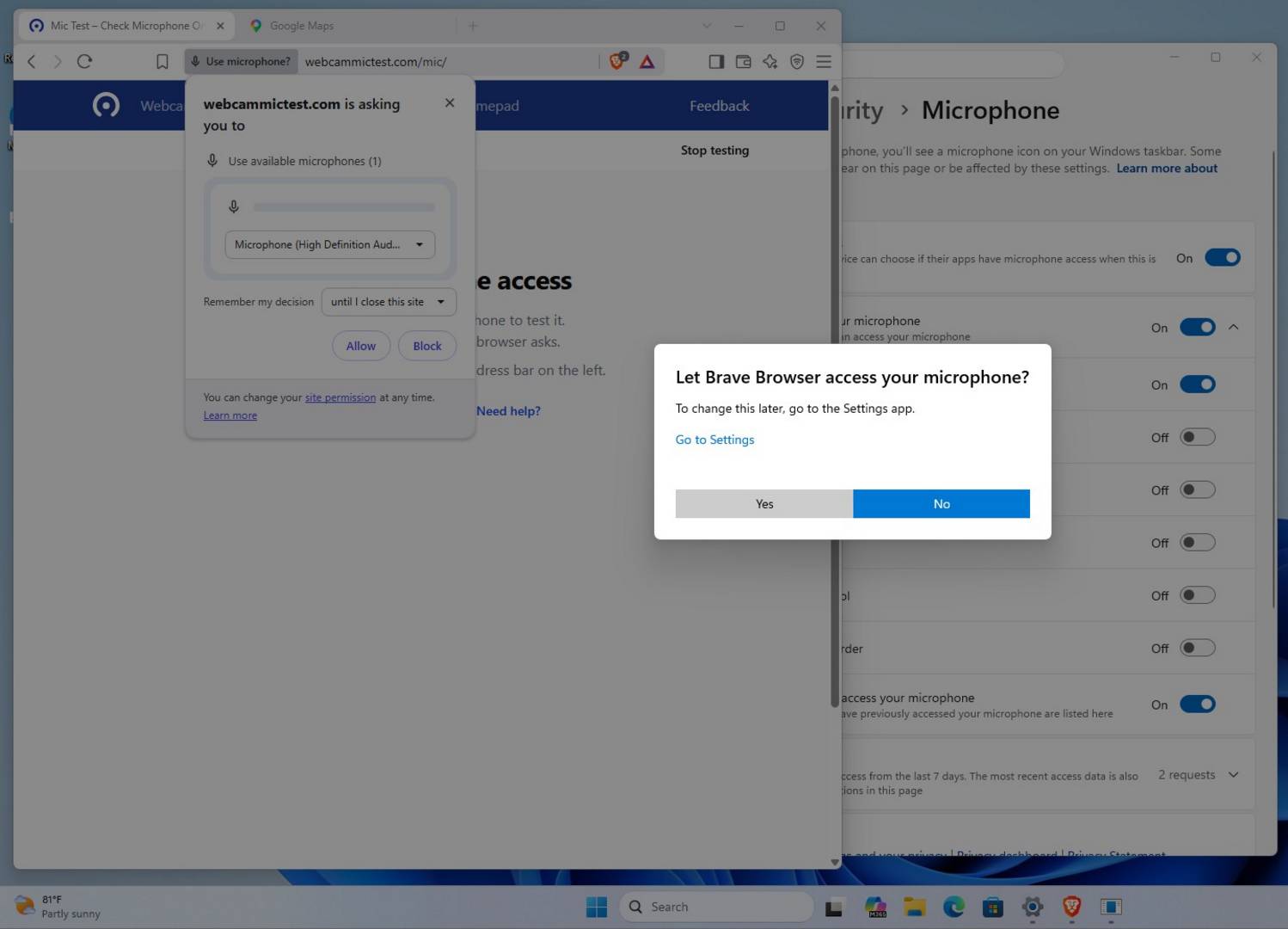
But that’s not all; this update has also added permission prompts that notify you when a new app wants to access your webcam or microphone. Again, this is an area where Win32 apps that weren’t bought via the Microsoft Store didn’t trigger on their own before. For those wondering, all these permissions can later be adjusted in Settings, including revoking them if need be.
While Microsoft has yet to confirm when these features are set to reach regular Windows 11 users, their availability on the Insider branch indicates that they’re in an advanced stage of development.
Note, however, that none of these changes impact Windows 11’s built-in telemetry. If you’re concerned about this aspect too, you may want to follow our guide on how to debloat Windows, where we take you through the removal of tracking services from your OS.