

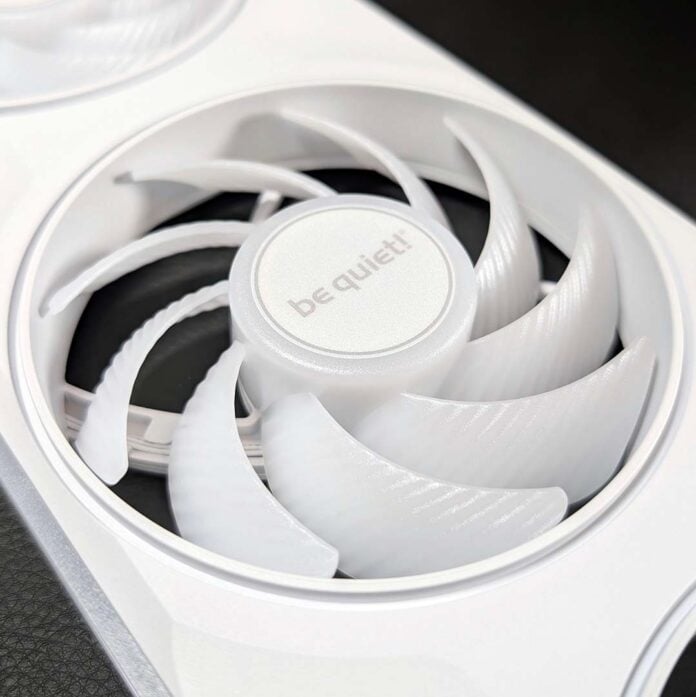
Managing multiple PWM and A-RGB cables is a pain I always dread when building a PC, making unibody alternatives such as the be quiet! Light Wings Pro IO a tempting option. The German firm’s new blowers combine cabling convenience with eye-catching aesthetics and solid cooling performance to great effect, although that package comes at a relatively high price.

be quiet! Light Wings Pro IO
£89.99
Pros
- Pleasingly quiet operation
- Solid cooling performance
- Vibrant A-RGB LED effects
- Convenient cable management
- Lots of software customisation
Cons
- High price
- Needs a proprietary controller
- No 240/280mm model
Club386 may earn an affiliate commission when you purchase products through links on our site.
How we test and review products.
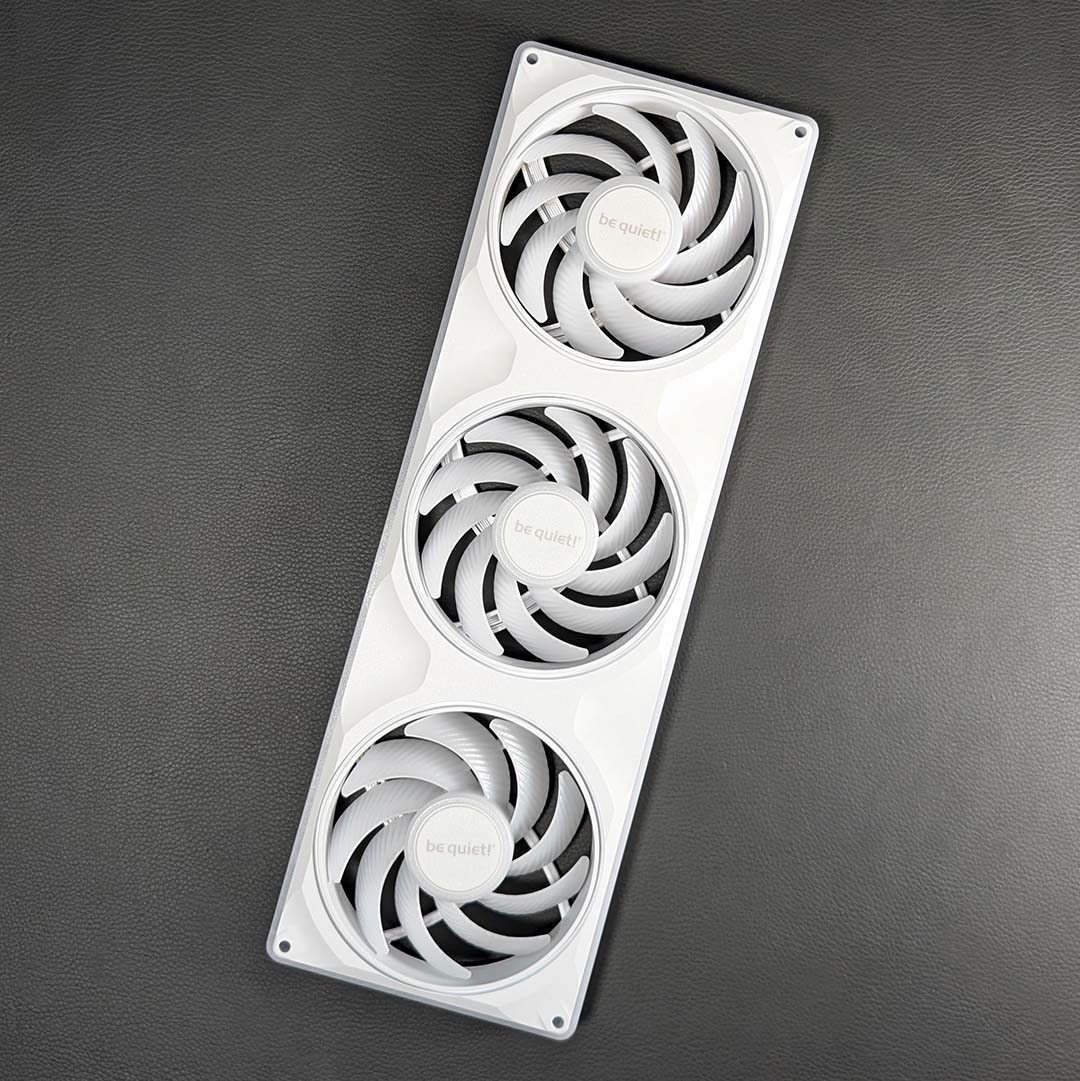
We’re looking at the 360mm model for this review, which retails for £89.99 in either black or white, with neither colour carrying a premium over the other. However, be quiet! is also offering this unibody design in a 420mm form factor for £99.98, with reverse blade options available to buy too at no extra cost. However, there are sadly no 240mm or 280mm models in the lineup.
You can purchase individual 140mm (£36.98) and 120mm (£33.98) expansion fans, but, unlike their unibody siblings, these spinners don’t come with an IO Controller. However, you can daisy chain them into their 360mm and 420mm counterparts.
Design
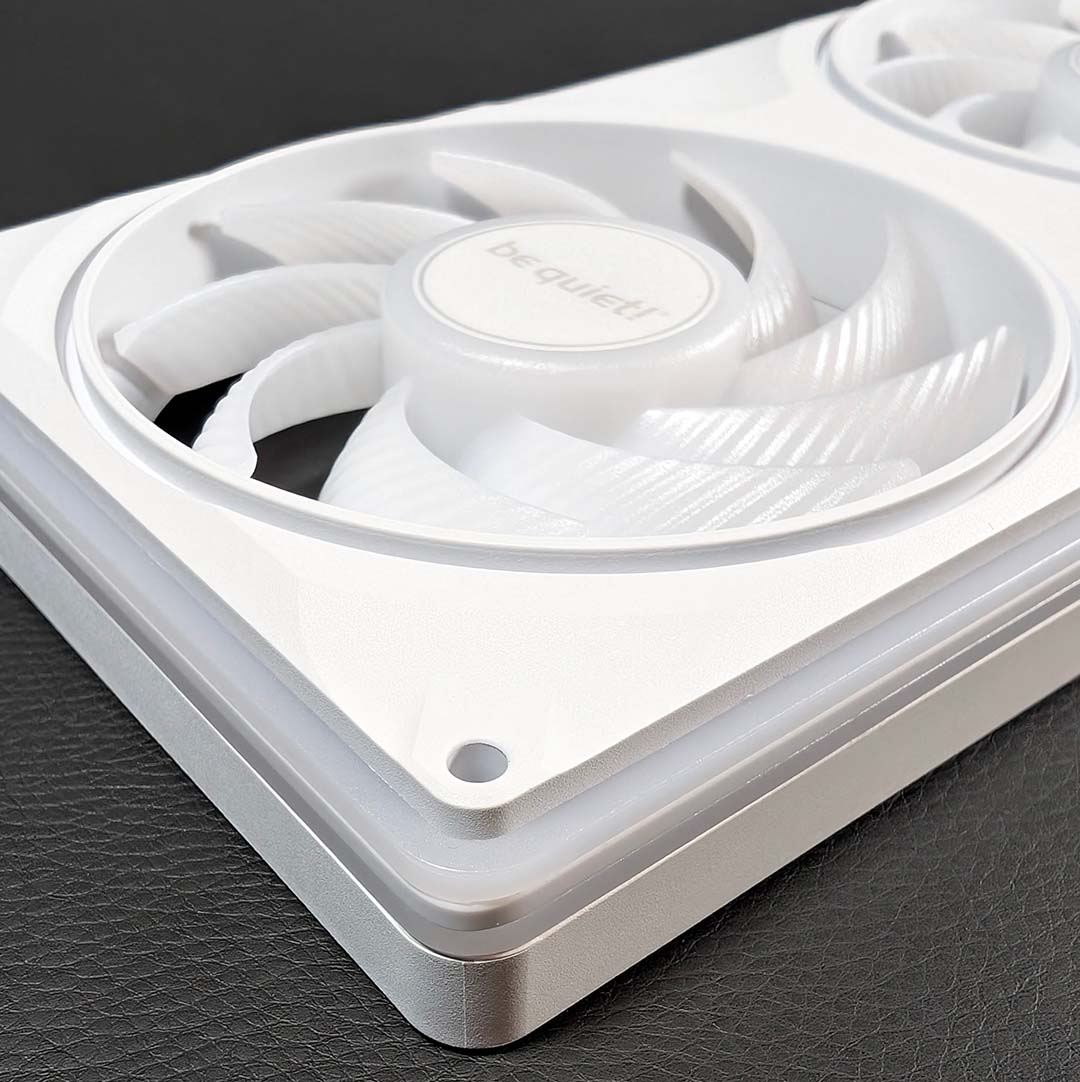
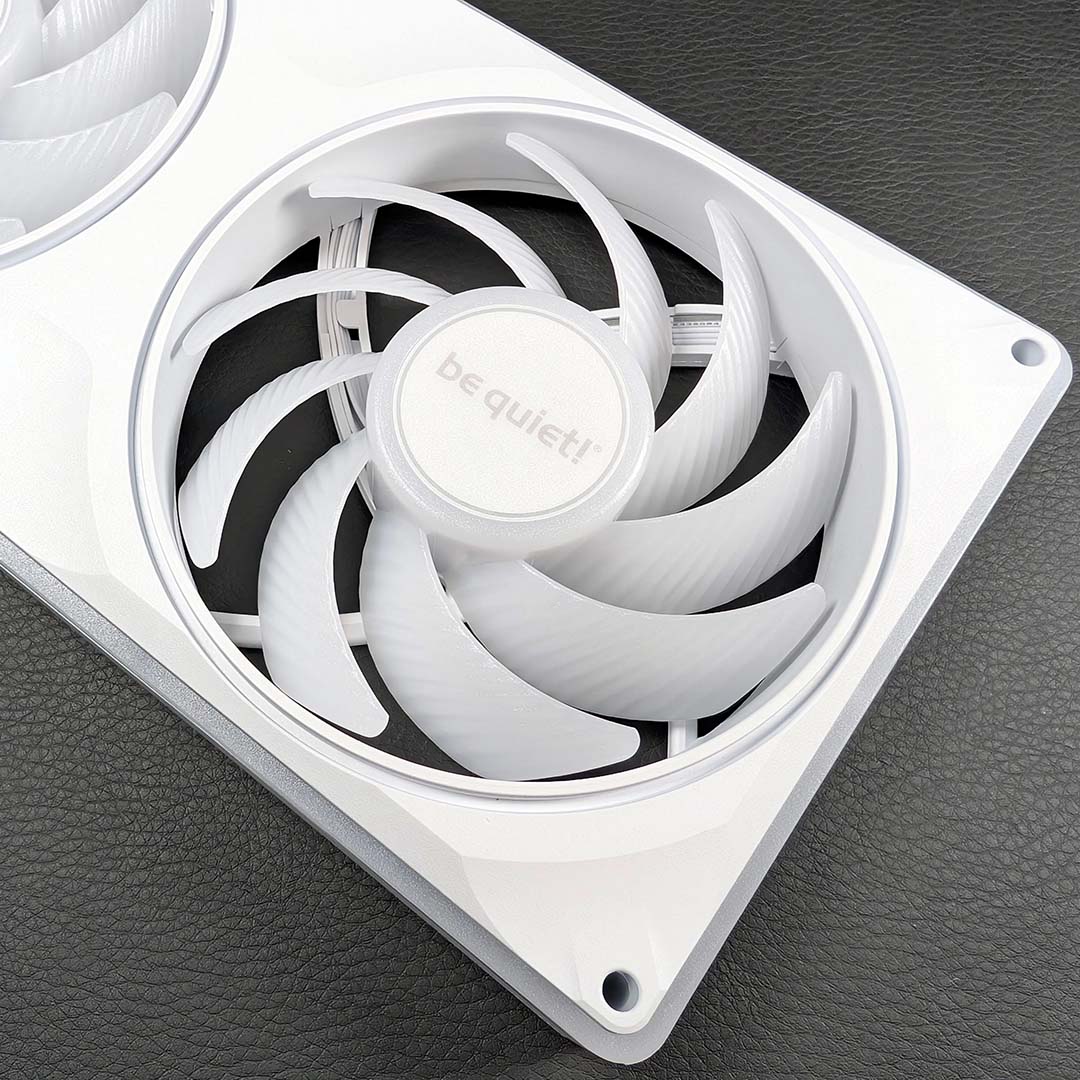
All Light Wings Pro IO models arrive in a 28mm tall frame, making them a few millimetres thicker than standard Light Wings LX (25mm) fans. However, given the USB circuitry and A-RGB LEDs that be quiet! has baked into the brushed plastic chassis, some additional height is entirely reasonable and admittedly difficult to notice unless you’re conducting a side-by-side comparison.
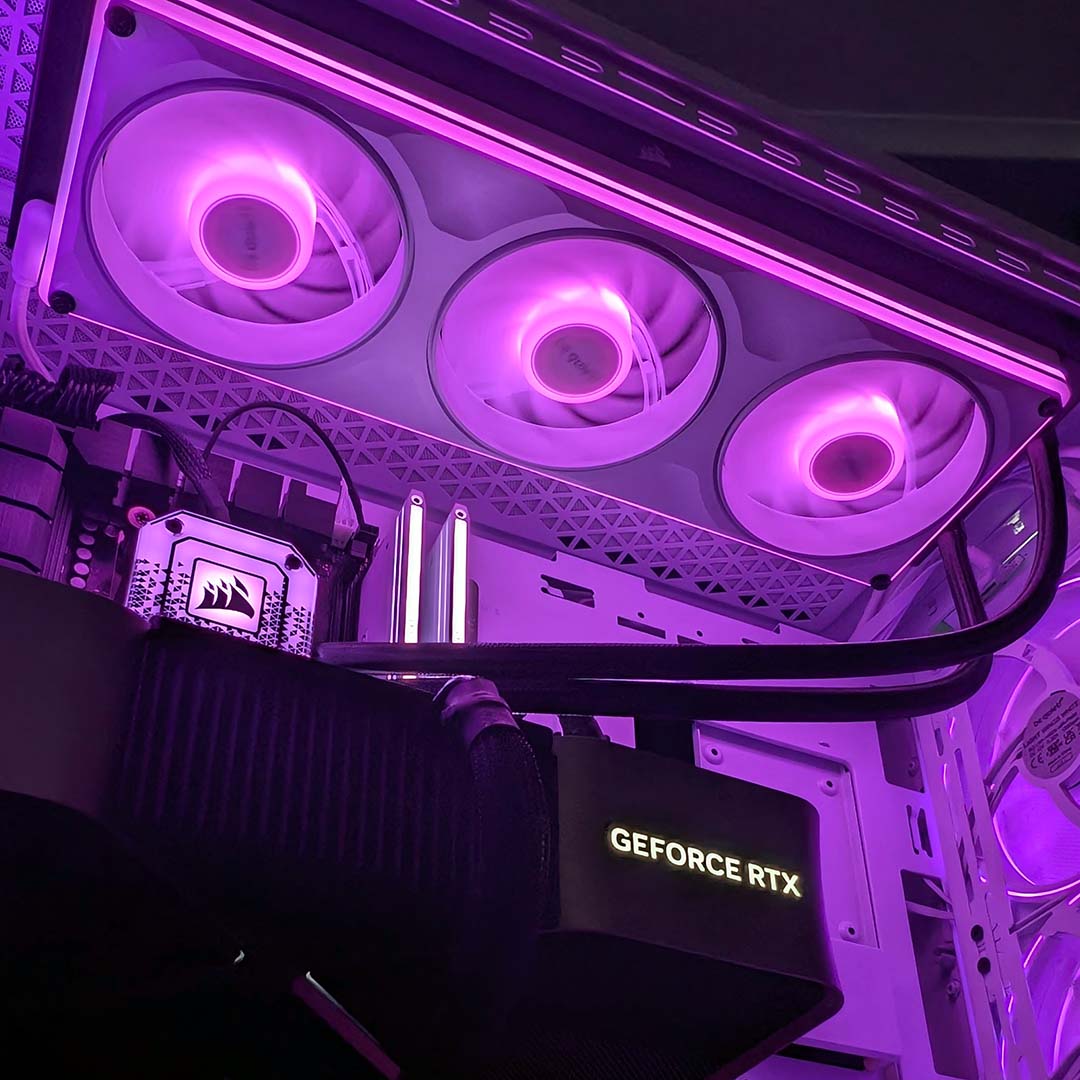
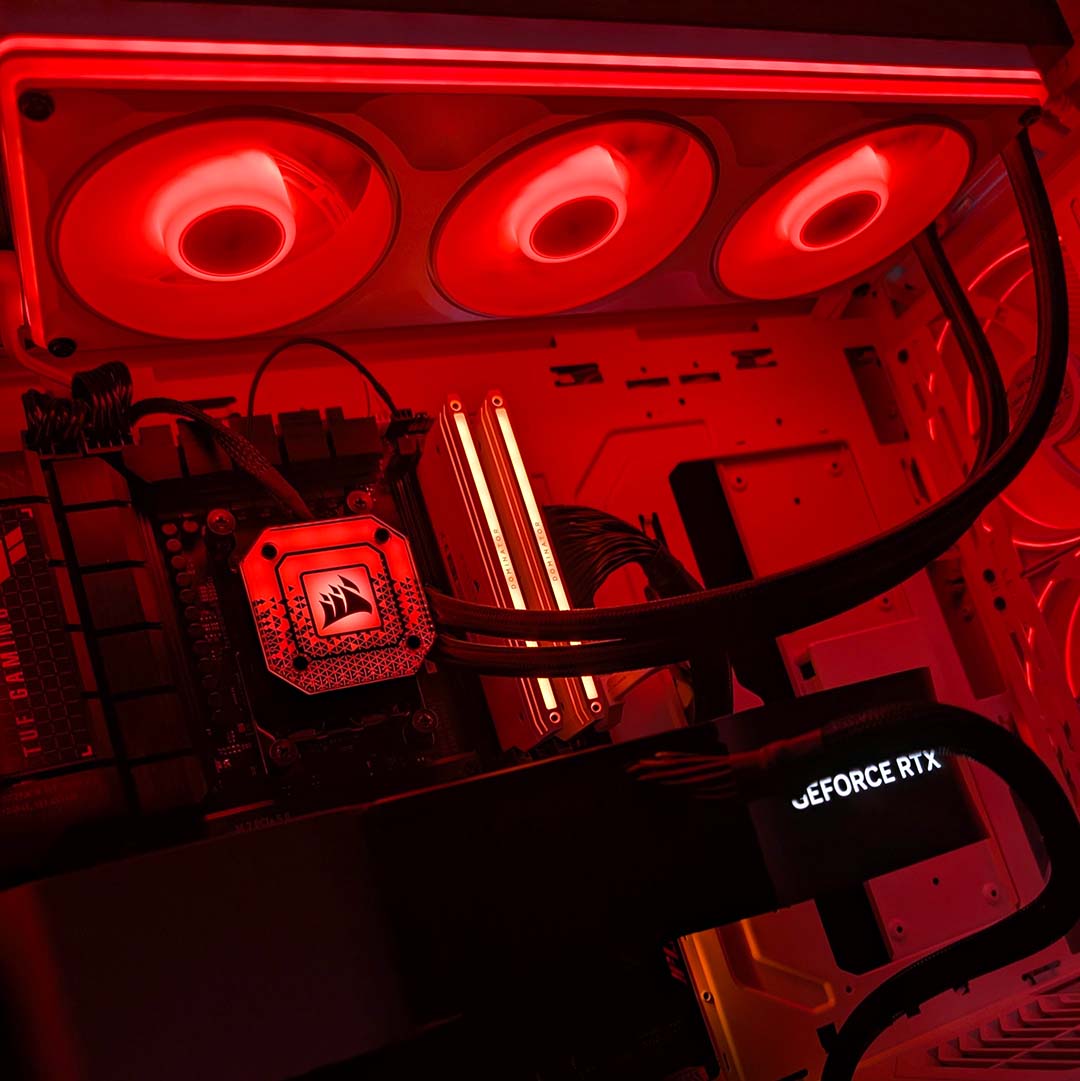
Regardless, initial impressions regarding build quality are resoundingly positive. The lack of cables dangling from the unibody frame gives it an air of sleekness that carries over into the installation, while construction feels suitably weighty in the hand for a premium product. The wraparound A-RGB strip also looks fantastic once it’s up and running, as do the LEDs inside the fans.
Flipping over the frame, colour-matched rubber runs along the outer edges. The function of this continuous trail of material is twofold, both reducing vibration transfer between your fans and case/radiator while also creating a tight seal. While the former helps to keep noise levels in check, the other reduces air leakage to improve cooling efficiency, particularly on a radiator.
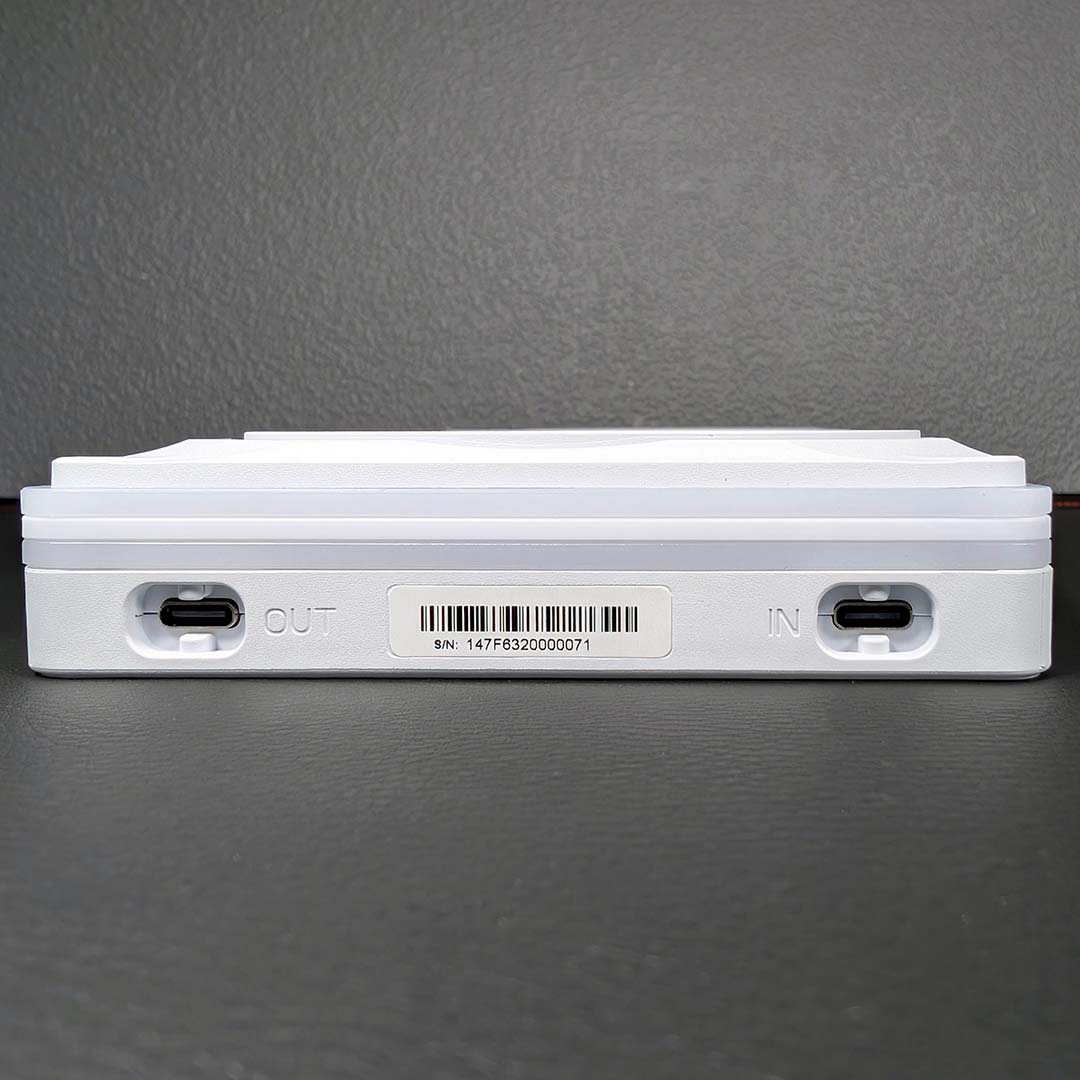
Round the back, you’ll find two USB-C ports labelled ‘in’ and ‘out’. These are the connections you’ll use to wire up the Light Wings Pro IO to the IO Controller or to other fans. There are no other means of marrying the unibody frame with your motherboard, so you’ll need to keep that bundled proprietary connector handy.
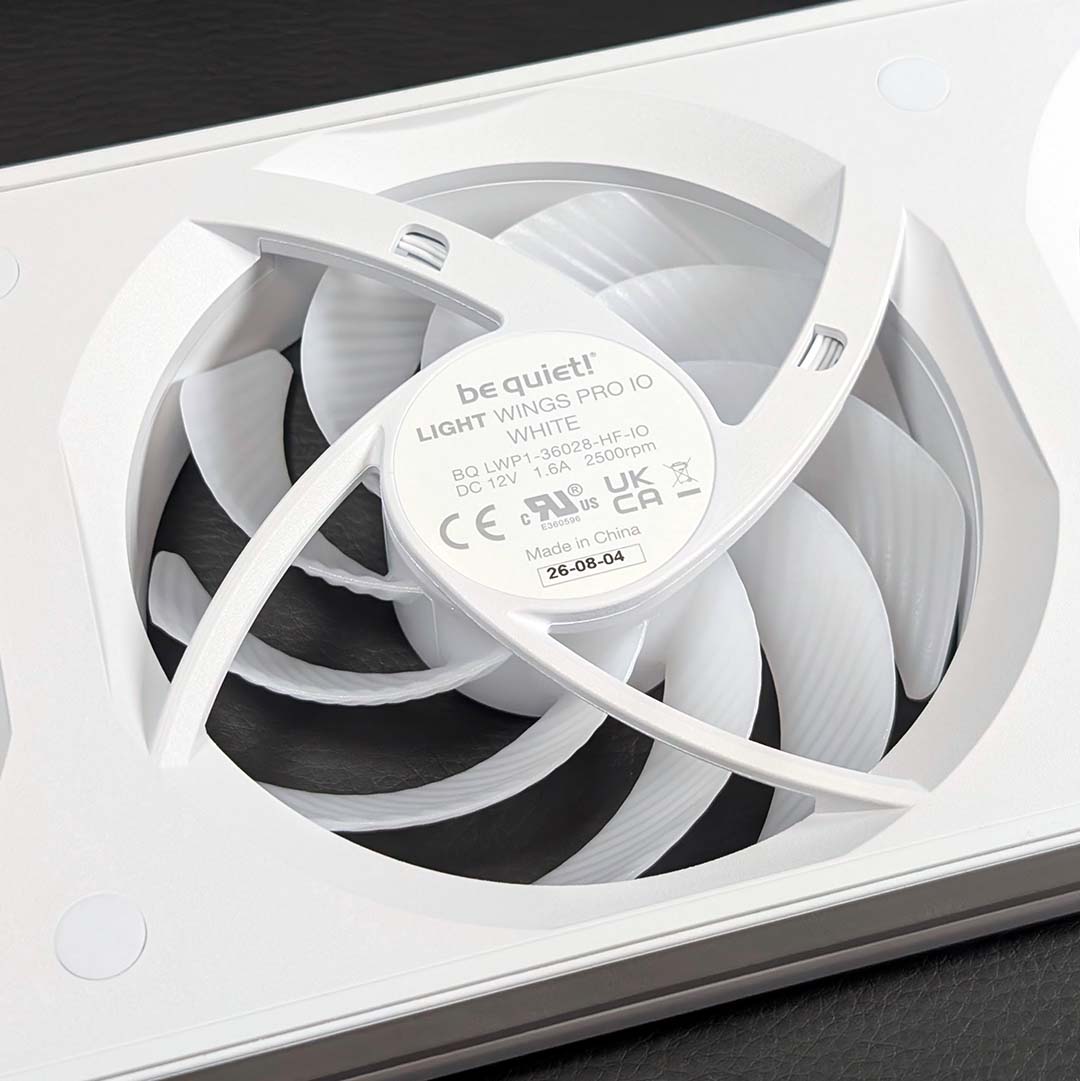
The fans themselves can push 62.03 cubic feet of air per minute (104.22m³/h), alongside 2.47mm-H₂O of static pressure. Both values are relatively low if we compare them to the likes of the NZXT F360X, and they also fall behind the Noctua NF-A12x25 G2. However, without getting too ahead of myself, cooling performance remains solid beyond what on-paper specifications might suggest.
be quiet! is using fluid dynamic bearings (FDBs) at the heart of each of its spinners. These are the best you can hope for in the world of fan bearings, as pressurised fluid keeps the bearing and shaft from coming into contact with one another. This not only reduces wear and tear, improving lifespan, but also benefits noise levels.

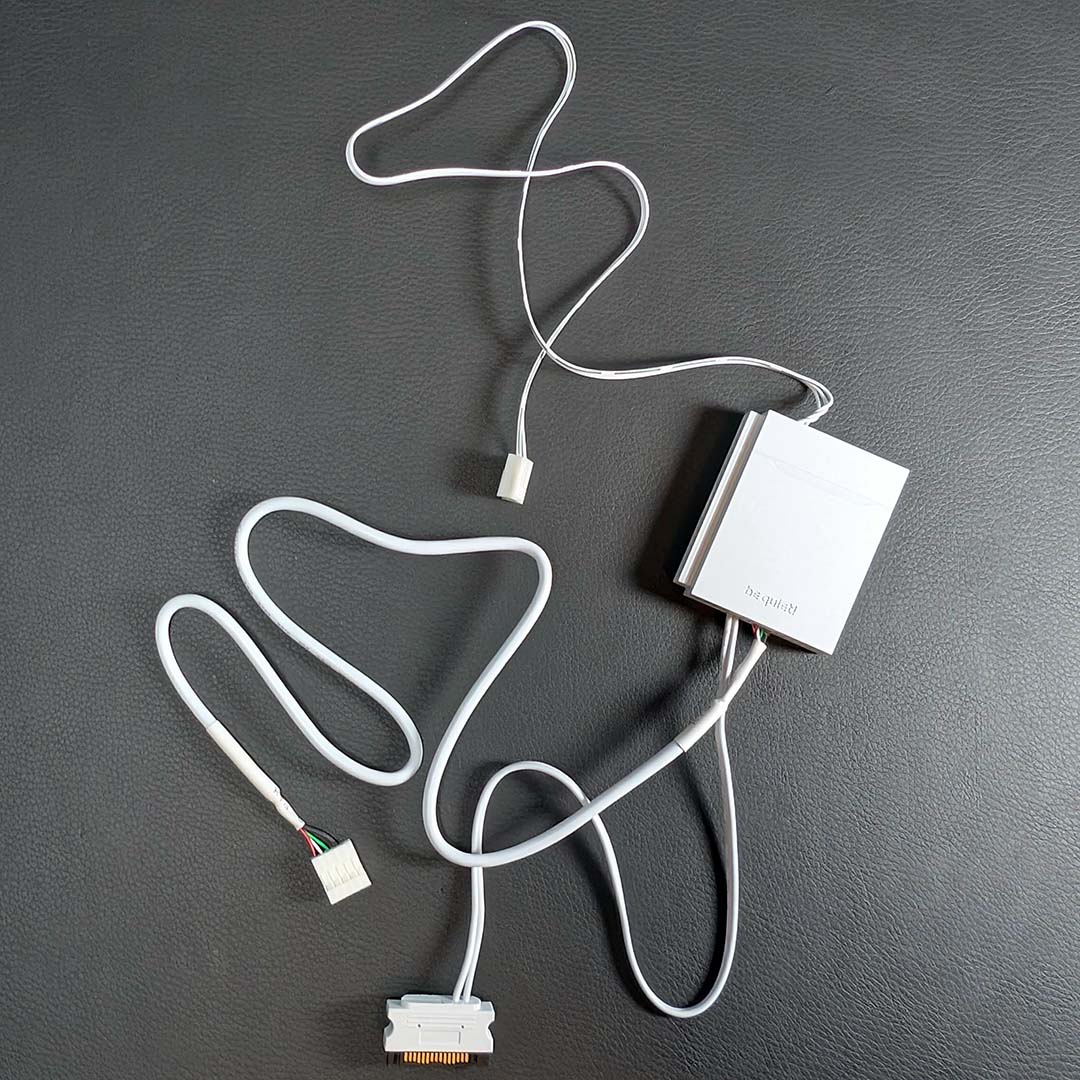
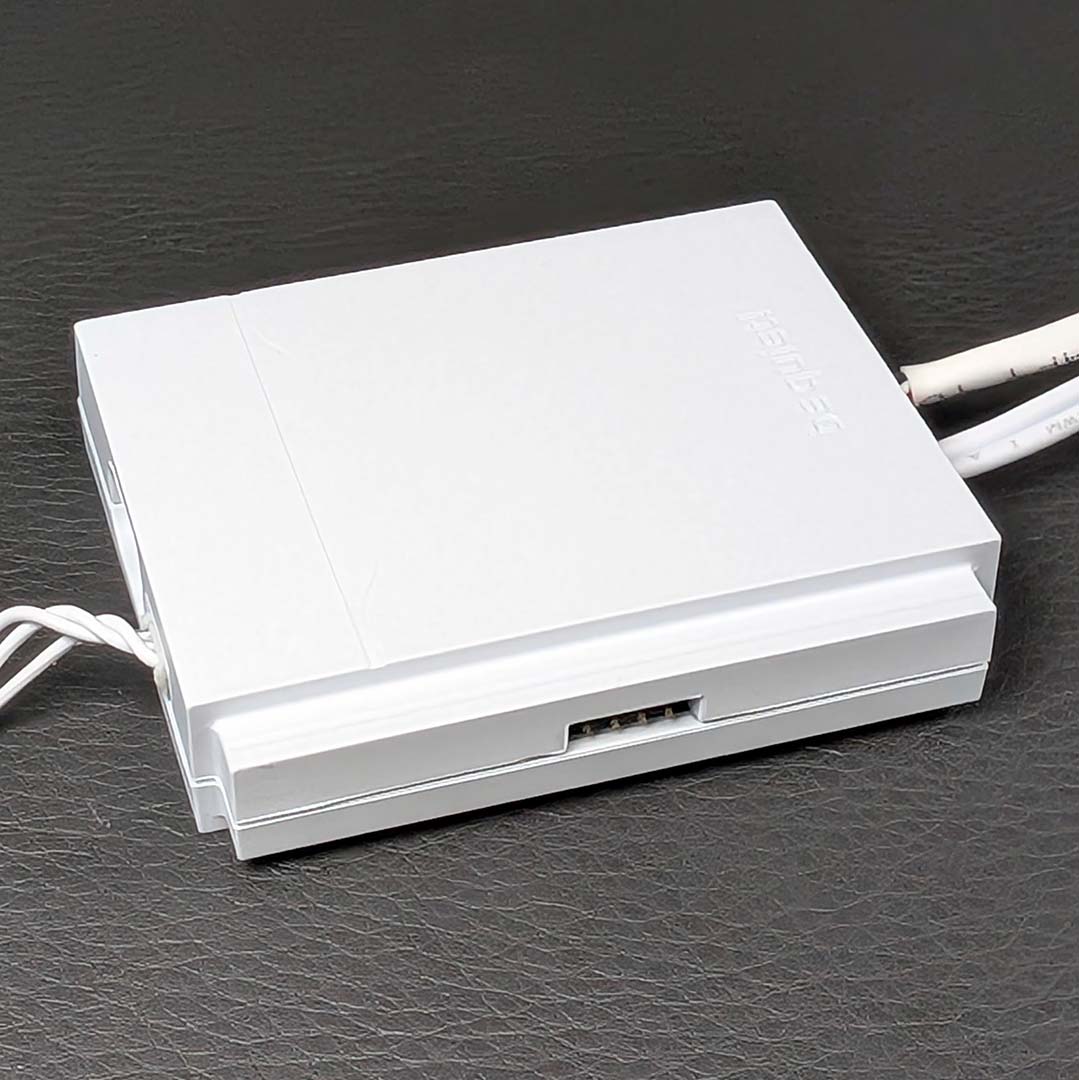
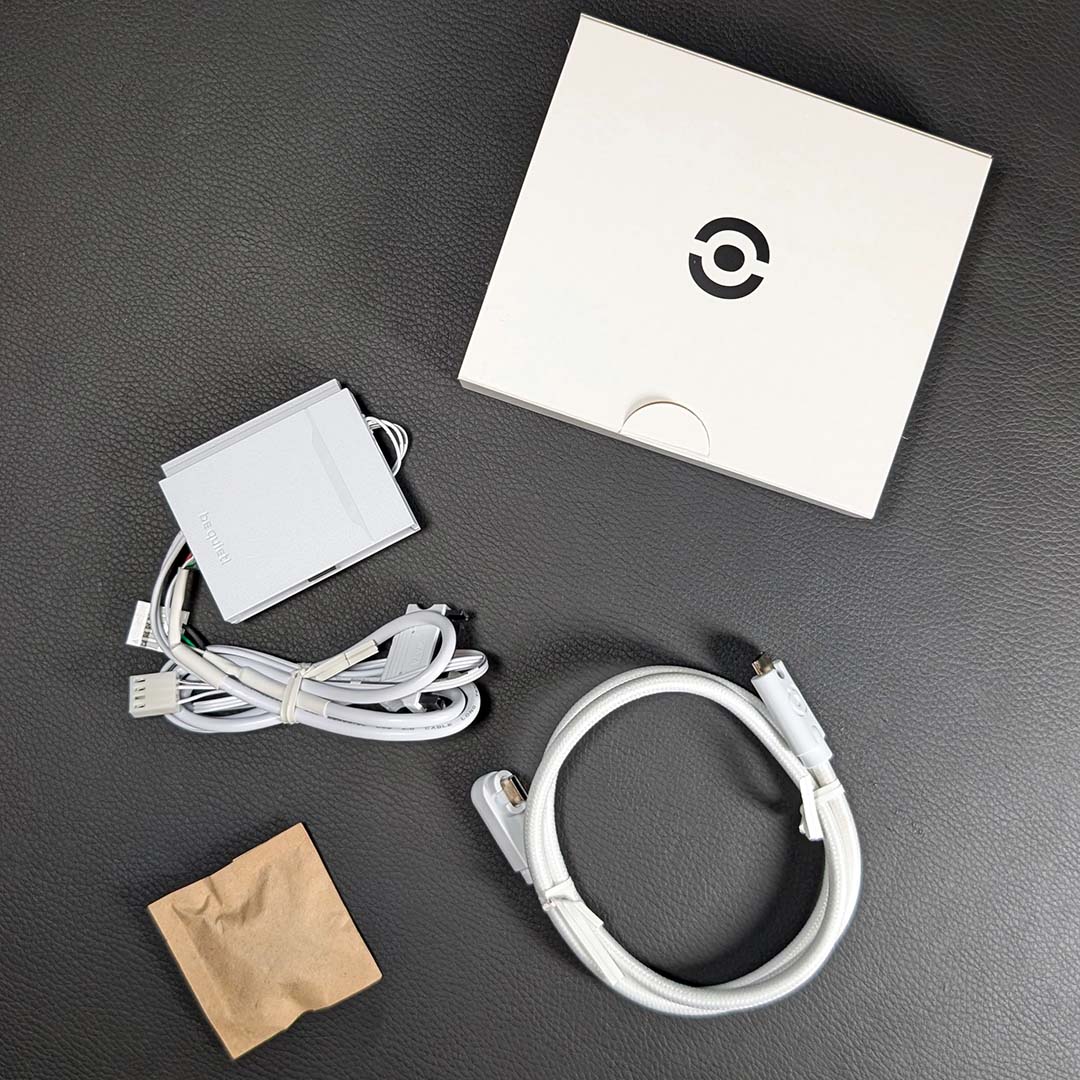
Alongside the Light Wings Pro IO 360mm, we have a small accessories box containing screws, a USB-C-to-USB-C cable, and the IO Controller. You’ll find this same assortment in the 420mm model, but as I mentioned earlier, the 120mm and 140mm expansion fans lack the controller.
The USB-C cable features a flat connector on one end as well as a 90° plug on the other. The latter is the side you’ll want to connect to the fans, keeping the wiring flush and tidy against the chassis. It’s curious to me that be quiet! didn’t just use angled connectors on either side, as it does in the expansion fans, as this would make pairing multiple unibody units together a touch cleaner.
Finally, each IO Controller can service up to six fans (or two unibody frames), connecting via USB-C. The accessory then requires SATA power and marries to your motherboard via PWM and USB 2.0, with no need to manage an A-RGB connection. It’s possible to daisy chain up to four controllers if necessary, each requiring its own SATA power, but all can communicate via a lone USB and PWM motherboard header arrangement. Managing the SATA cables requires some forethought, but the finish is otherwise clean and easy to set up.
Test methodology
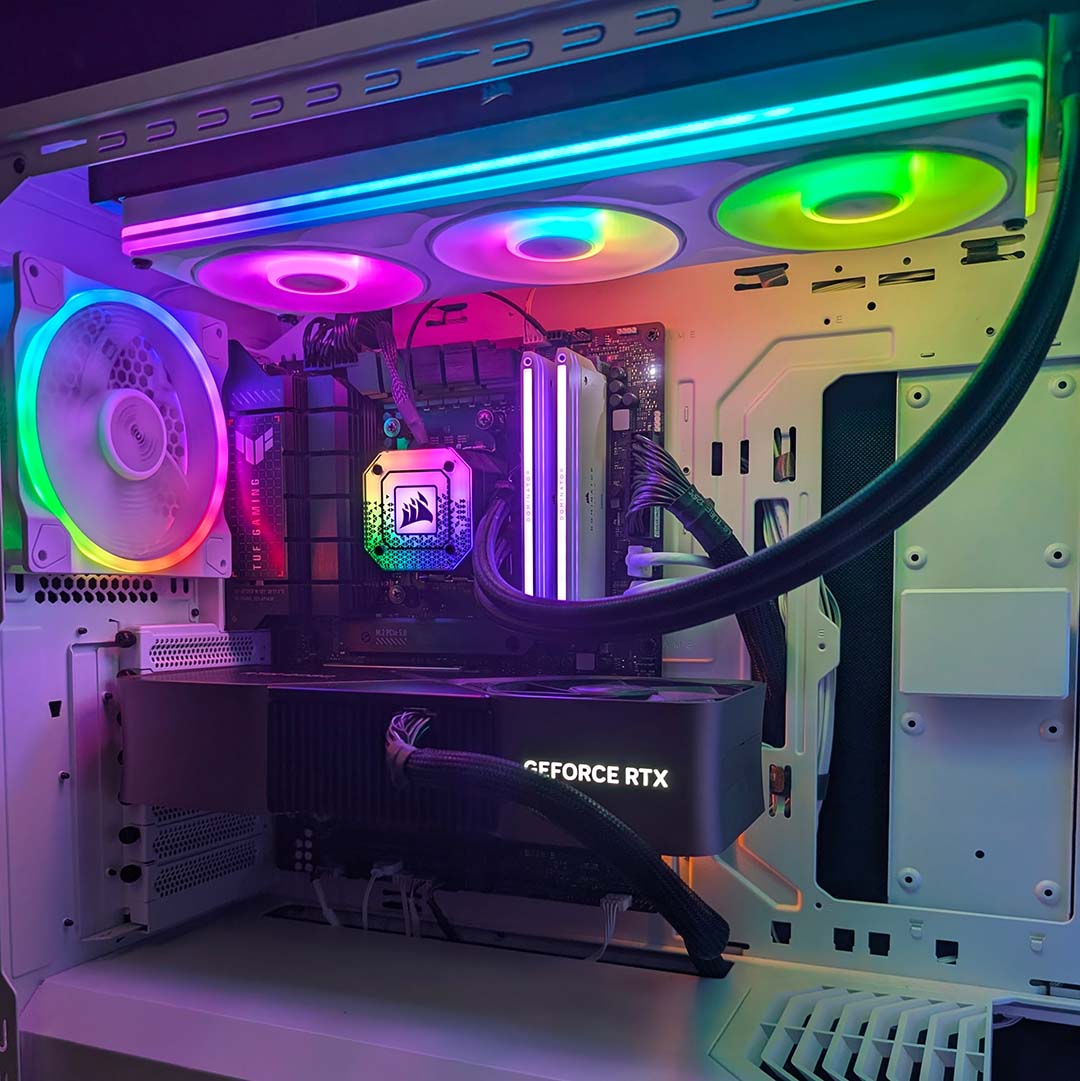
As with prior reviews, I’m installing the Light Wings Pro IO 360mm in my personal system. The fans replace the Corsair AF120 RGB Elite trio that I use in tandem with my Corsair iCUE H150i Elite Capellix XT AIO liquid cooler. Together they’ll be keeping my Ryzen 7 7800X3D processor cool to the best of their ability.
The four be quiet! Light Wings fans that came part and parcel with my Shadow Base 800 FX case are running at 30% (550rpm) speeds across all tests. This setting provides decent airflow into the main chamber while running quietly enough to not affect my noise meter. Meanwhile, I’ve set the liquid cooler pump to its Quiet profile.
| Light Wings Pro IO 360mm | AF120 RGB Elite | |
|---|---|---|
| Bearing | Fluid dynamic | Fluid dynamic |
| Max. airflow | 62.03CFM (104.22m³/h) | 65.57CFM (111.4m³/h) |
| Max. static pressure | 2.47mm-H₂O | 2.68mm-H₂O |
| Speed | 350-2,500rpm | 550-2,100rpm |
| Warranty | Five years | Five years |
I’ve captured noise values for both fans across their speed range in 300rpm increments (or as close as possible), measuring 30cm from the top of the case. For thermals, I’ve noted the peak CPU core temperatures during a 10-minute Cinebench 2026 multiple-thread benchmark.
I’ve subtracted ambient temperatures for each test from HWiNFO’s absolute values in the tables below. These final Delta T results level the playing field by accounting for any small variances. I also allowed the liquid cooler’s coolant to return to 26°C between each run to further maintain parity.
Acoustics
As you would expect from be quiet!, noise levels from the Light Wings Pro IO 360mm are impressively low relative to how fast the fans are spinning. Speeds can vary from 350 to 2,500rpm depending on your settings, but acoustics remain pleasingly quiet across most of the range.
Running full pelt, it’s impossible not to hear the Light Wings Prio IO 360mm, with my noise meter measuring at 55.6dBA. However, it’s possible to quickly fall below the 50dBA threshold at which I’d feel comfortable using by dropping down to 2,100rpm, with each 300rpm drop netting dramatic decreases in noise levels.
| Speed | Light Wings Pro IO 360mm (Max.) | AF120 RGB Elite (Max.) |
|---|---|---|
| 2,500rpm | 55.6dBA | – |
| 2,400rpm | 54.3dBA | – |
| 2,100rpm | 49.6dBA | 53.9dBA |
| 1,800rpm | 44.2dBA | 49.0dBA |
| 1,500rpm | 37.7dBA | 43.7dBA |
| 1,200rpm | <30dBA | 35.5dBA |
| 900rpm | <30dBA | <30dBA |
| 600rpm | <30dBA | <30dBA |
| 350rpm | <30dBA | – |
Comparing results between the be quiet! and Corsair fans, the former measure up to 6dBA quieter at 1,500rpm, an easily appreciable difference to the ear. It’s worth remembering the decibel scale works on a logarithmic scale, meaning the AF120 RGB Elites can sound much louder than these figures suggest at the same speed.
Based on noise levels alone, I’d choose the Light Wings Pro IO 360mm without question. I can even run these be quiet! blowers at 1,500rpm or below and still net values of 37.7dbA and under. But how does thermal performance hold up?
Temperatures
Office temperatures across our testing ranged between 20.3-21.6°C, making for perfectly reasonable ambient conditions. As a reminder, I’ve subtracted the relevant room values from our test results to produce the final Delta T values you’ll see in the table below.
At the same speed, the AF120 RGB Elite fans expectedly keep my Ryzen 7 7800X3D cooler than the Light Wings Pro IO 360mm, on account of their superior airflow and pressure. However, differences of up to 1.7°C translate to a small lead, which is far less consequential than the noise values we observed.
| Speed | Light Wings Pro IO (Max.) | AF120 RGB Elite (Max.) |
|---|---|---|
| 2,500rpm | 53.8°C | – |
| 2,400rpm | 53.7°C | – |
| 2,100rpm | 53.7°C | 53.2°C |
| 1,800rpm | 54.7°C | 53.7°C |
| 1,500rpm | 55.7°C | 54.7°C |
| 1,200rpm | 56.8°C | 55.1°C |
| 900rpm | 59.3°C | 57.7°C |
| 600rpm | 62.7°C | 61.4°C |
| 350rpm | 66.3°C | – |
Impressively, the be quiet! fans were able to keep my 7800X3D from thermal throttling even while operating at 350rpm. However, coolant temperature continued to steadily rise under this multi-core load, making prolonged heavy usage unadvisable.
I would have liked to see a tighter race between these fans, considering the AF120 RGB Elites I own have been in service for about three years now. Still, the results are close enough that I’d happily run the Light Wings Pro IO considering their much lower noise levels.
Software
You can run the Light Loop Pro IO 360mm sans any software, as the fans will adhere to whatever RPM values you set via your motherboard, and you can change all the A-RGB LEDs via Windows Dynamic Lighting. While this approach works, though, I strongly recommend using the be quiet! IO Center software instead for more granular controls.
IO Center is available either as a downloadable executable or web application. The latter features fewer controls, owing to its lack of access to your wider system, forgoing hardware monitoring, temperature-based lighting, and other features dependent on variables beyond the unit itself. Call me old-school but I personally prefer to use a local program, particularly if it gives me access to more proverbial levers.
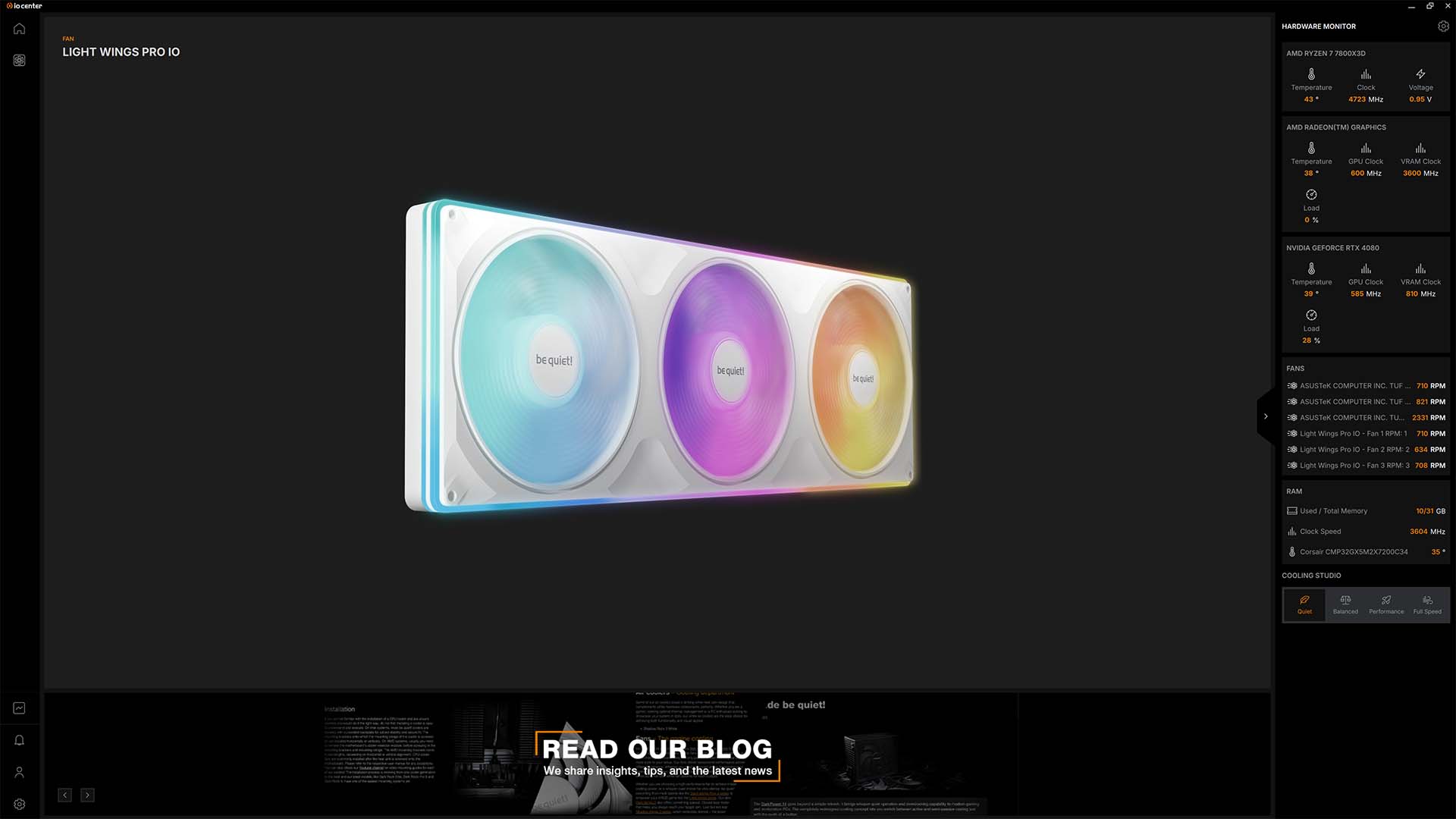
IO Center features three distinct categories: illumination, cooling, and product settings. The latter of the three allows you to manually check for firmware updates, but I automatically received a prompt to update the fans’ firmware which took about a minute to complete.
What’s more useful here is the LED Colour Calibration tool, which allows you to tune the red and blue channels of the A-RGB lighting to better match the rest of your setup. This is handy if you’re using components with LEDs that have worn down over time.
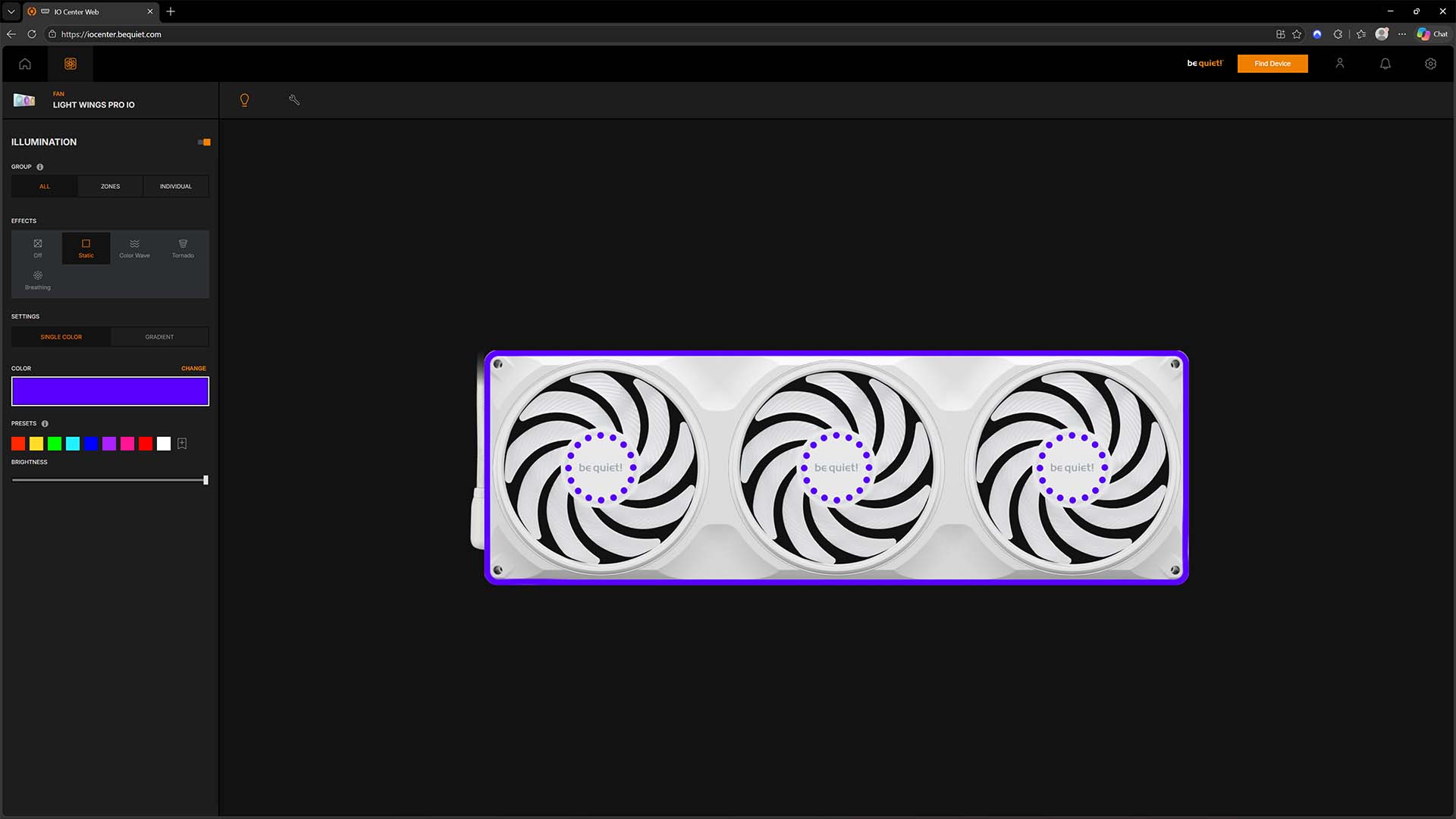
In the Illumination tab, you have access to several effects across the fans and chassis, including colour wave, breathing, tornado, static, and temperature indication. You can choose colours in gradients, which you can customise to your liking, or in single hues that you can change via hex codes, or using three bars that control the colour’s light and dark balance. It’s an intuitive setup that I had fun playing around in, even if I ultimately settled on a relatively staid but undeniably stylish universal static purple hue.
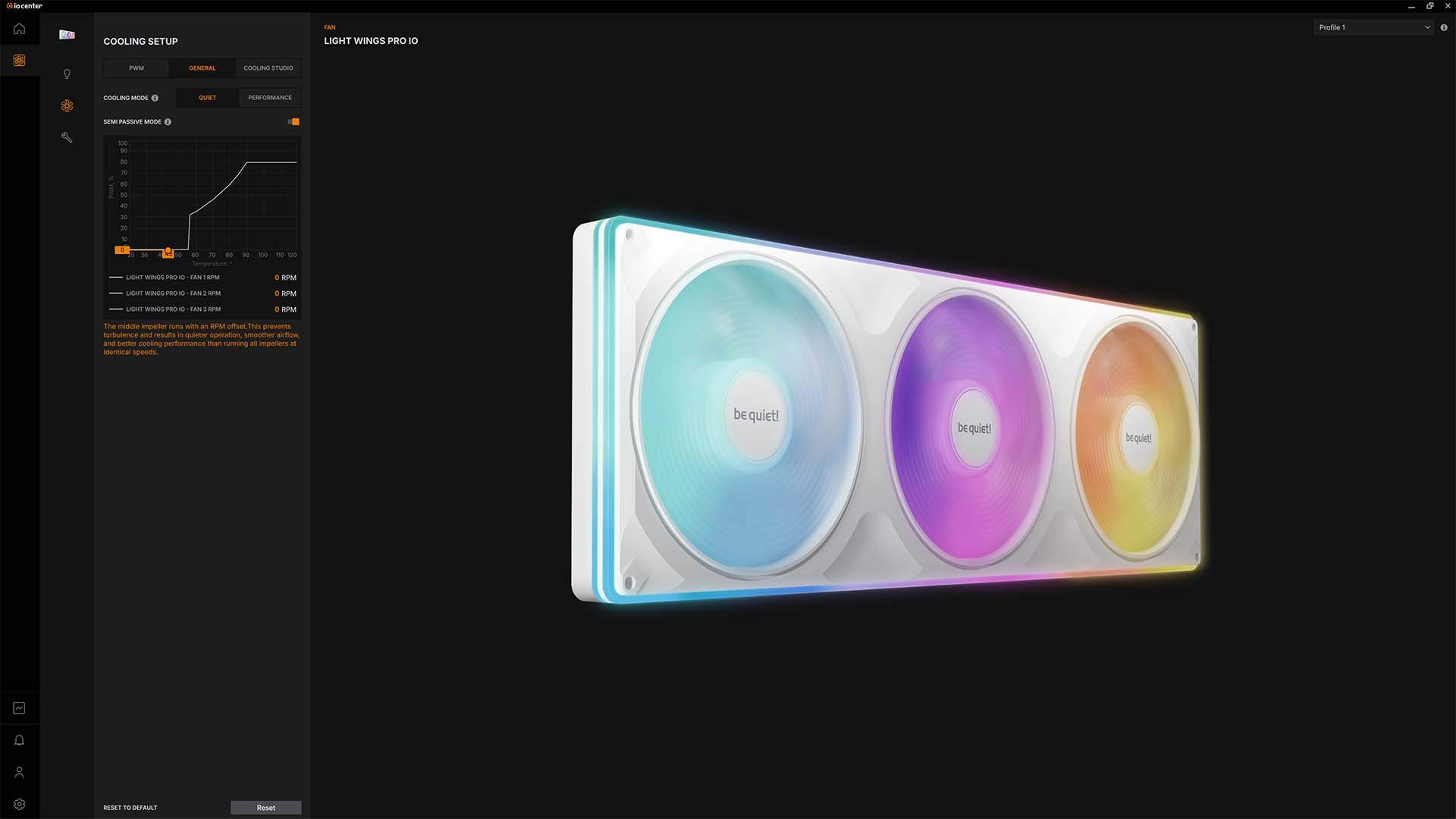
You can exercise your creativity in the Cooling menu too. The PWM tab is self-explanatory, while the General tab offers two preset curves (Quiet and Performance) from which to choose, with the ability to engage a semi-passive mode, which keeps the fans off until your CPU hits 55°C.
Meanwhile, Cooling Studio is for tinkerers who want complete control over their fan curves, giving you room to create multiple presets and groupings of fans to your desires. Again, I found the interface easy to navigate, allowing me to set up my PC within a few minutes.
Conclusion
Like all good fans, the be quiet! Light Wings Pro IO 360mm and its siblings demand to be seen and not heard. This unibody frame offers quiet cooling for your case or radiator, alongside solid thermal handling too. You’ll find these qualities in competitors too, but these spinners differentiate themselves through unique and tidy cable management, as well as gorgeous wraparound A-RGB lighting.
Some will understandably feel uncomfortable at the lack of repairability from this design, although their five-year warranty coverage helps soften concerns regarding longevity. There’s no avoiding the need for the IO Controller, but it’s this bespoke accessory that makes the tidy USB connection possible in the first place.
In terms of alternatives, the NZXT F360X is worth a look if your fan priorities lean more towards outright cooling performance rather than noise levels. You’ll still need to deal with proprietary connectors, but that 360mm model is significantly cheaper right now, with Black Friday discounts bringing it down to as little as £44.90. Those fans are also available in 240mm and 280mm sizes, unlike these be quiet! offerings.
If be quiet! can shave that £89.99 price tag closer to £70 in the near future, then the Light Wings Pro IO would be a much easier recommendation. If you’re happy to the premium, though, these spinners are really quiet, tidy, and good looking.