

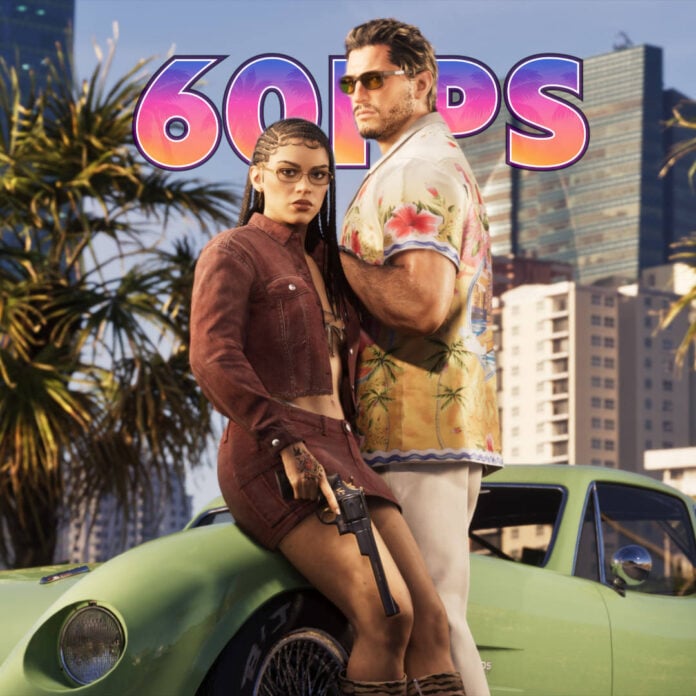
GTA VI has been out for less than a week, but players are already finding ways to make it run above its 30fps cap. This time, it’s performed entirely on the console side and enables true 60fps rendering, but at the cost of faster-paced gameplay animations.
Unlike the previous PC GTA VI trick, which required you to stream the game to a PC before passing the feed through frame generation to boost its smoothness, this time the unlock happens directly on an Xbox console. It takes advantage of a bug in Xbox’s Quick Resume feature, removing the 30fps limit.
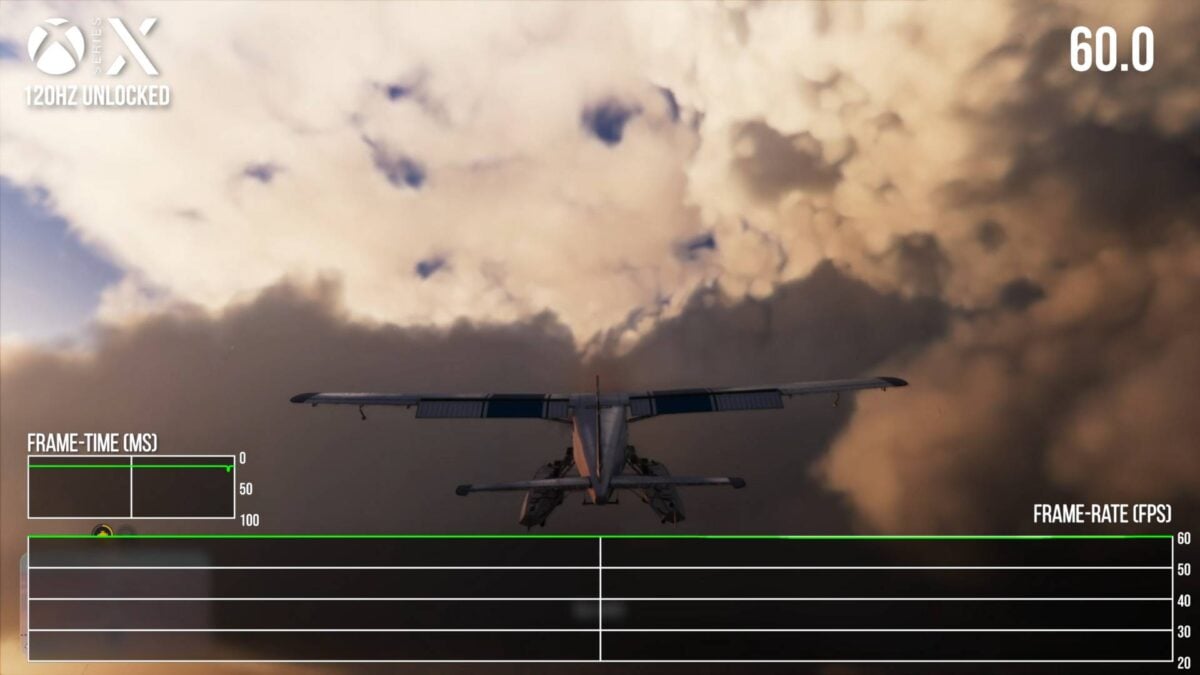
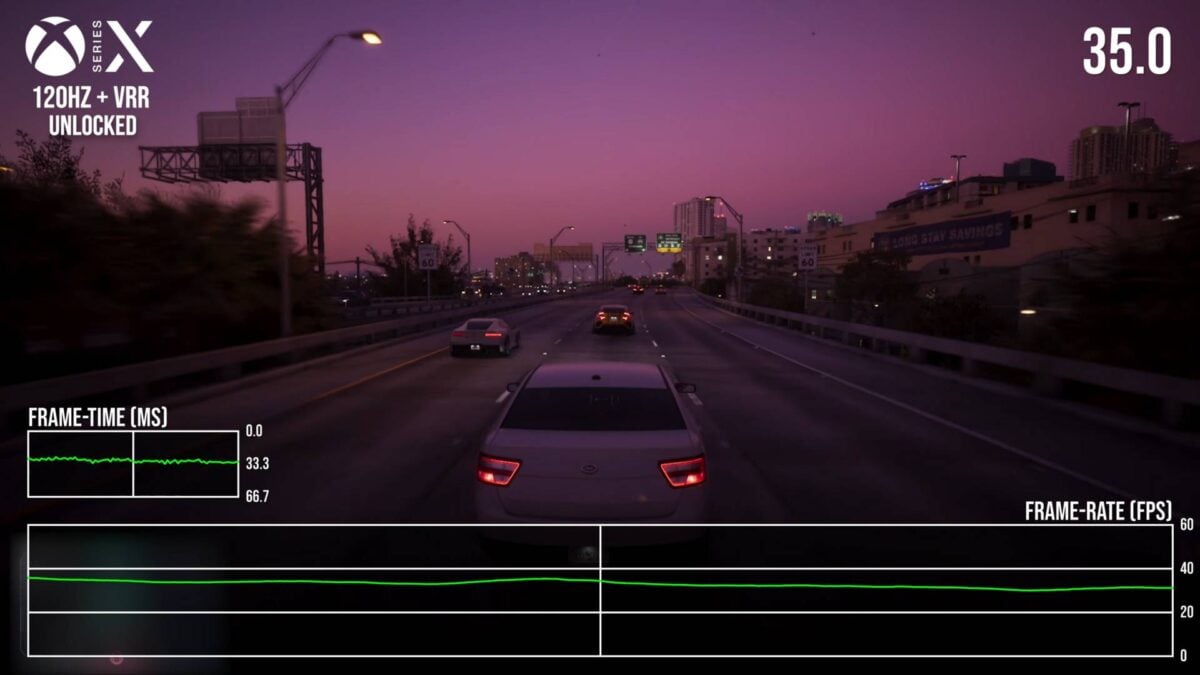
Digital Foundry on YouTube tested this fps-unlock glitch on both Xbox Series X and S consoles and found that, in simple scenes, such as flying up and looking at the clouds, the Series X was able to deliver a stable 60fps, with the Series S reaching around 50fps. That said, when traversing dense areas with a lot of AI characters or cars, the frame rate hovered around 35-40fps on the Series X, with the Series S seeing negligible gains.
Engaging in gunfights, especially near AI NPCs, brings the frame rate down to the 30s or below, exactly how the game behaves without this unlock, indicating that GTA VI is CPU-bottlenecked.
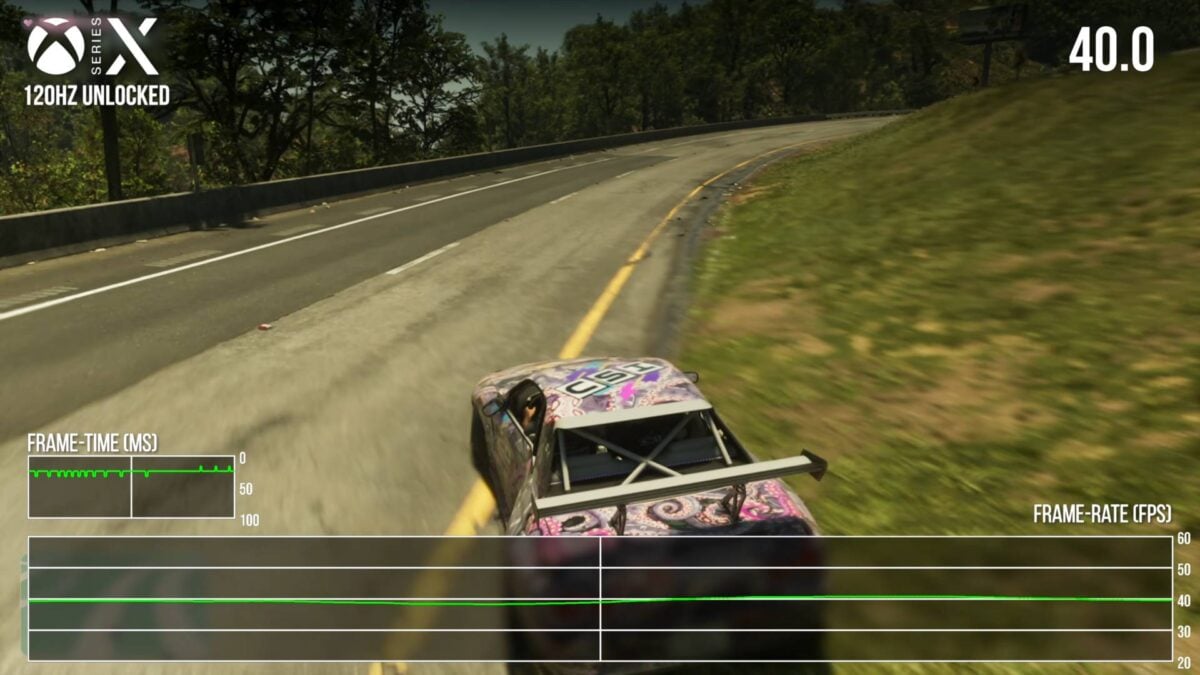
While going above 40fps, even if it’s only from time to time, is welcome, it comes with substantial gameplay caveats. Firstly, the game appears to be limited by the consoles’ Zen 2-based CPU, meaning the frame rate tends to vary a lot, making the experience a bit jarring. Despite being lower, the official capped 30fps is more consistent/stable, which feels more pleasant to play. Put simply, dropping from 30fps to 24fps is less perceivable than falling from 40fps to 24fps.
The second caveat is potentially a deal breaker for many players, as it causes gameplay and character animation to run at a faster pace, based on the frame rate at any given moment. In other words, the game is accelerated, making car driving a bit more complicated, while the overall experience feel less natural.
That said, if you don’t mind these quirks, the extra frame rate comes with another positive – input lag. Using this unlock, Digital Foundry measured a click-to-photon latency of around 120ms at 40fps, which is much lower than the 170-180ms measured at the original 30fps cap.
If you want to give it a try and decide for yourself, you can trigger the unlocked frame rate by following these steps. Start by changing the console’s video settings to 60Hz, then launch GTA VI and exit to the Xbox home page the moment you see the six GTA loading stars.
After that, go back and switch the console output to 120Hz, launch another game that isn’t already in Quick Resume, and close it after it passes the splash screen. You can then switch back to GTA VI, and you should have an unlocked frame rate.