
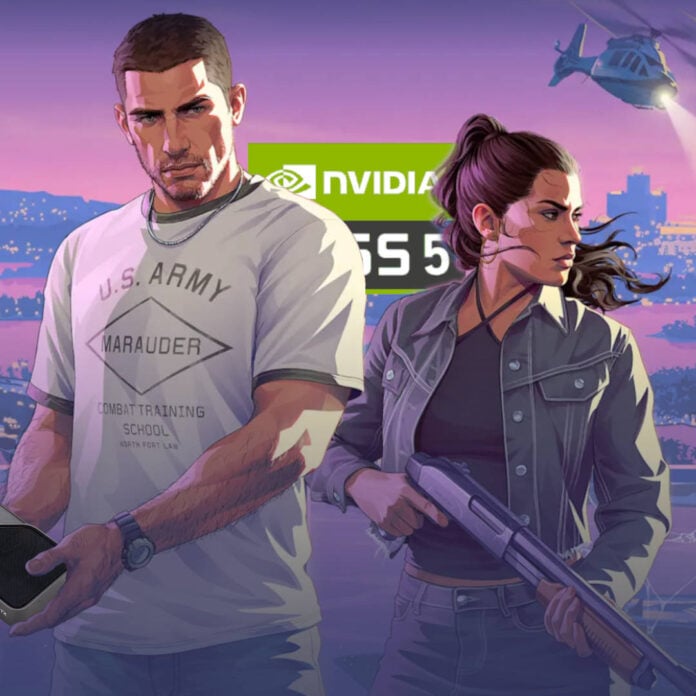
PC users have found a way to enjoy smoother GTA VI gameplay with enhanced visuals, by combining game streaming with some handy video tweaking tools. The game still requires an Xbox or PlayStation to run, but the output is enhanced using Nvidia’s DLSS 5 neural rendering tech, as well as frame generation.
With many PC gamers wanting to play games at high refresh rates, GTA VI’s 30fps cap on Xbox Series X/S and PlayStation 5/5 Pro consoles has made it a no-go for some players. This prompted modders to create a tool that boosts motion smoothness using frame gen. Called Veyra-NRVideo, this tool allows PC users to intercept video feeds from console remote play or HDMI capture cards, before enhancing it with frame generation, DLSS 5 neural rendering, upscaling, or HDR.
X user phosphenq demonstrated this tool on GTA VI using a system powered by an Nvidia GeForce RTX 5080. Since the software supports PlayStation 5’s remote play feature, phosphenq captured the feed without needing any additional hardware, before applying DLSS 5 and frame generation. The result is a visually-enhanced GTA VI that also feels smoother, running at 60fps instead of the 30fps.
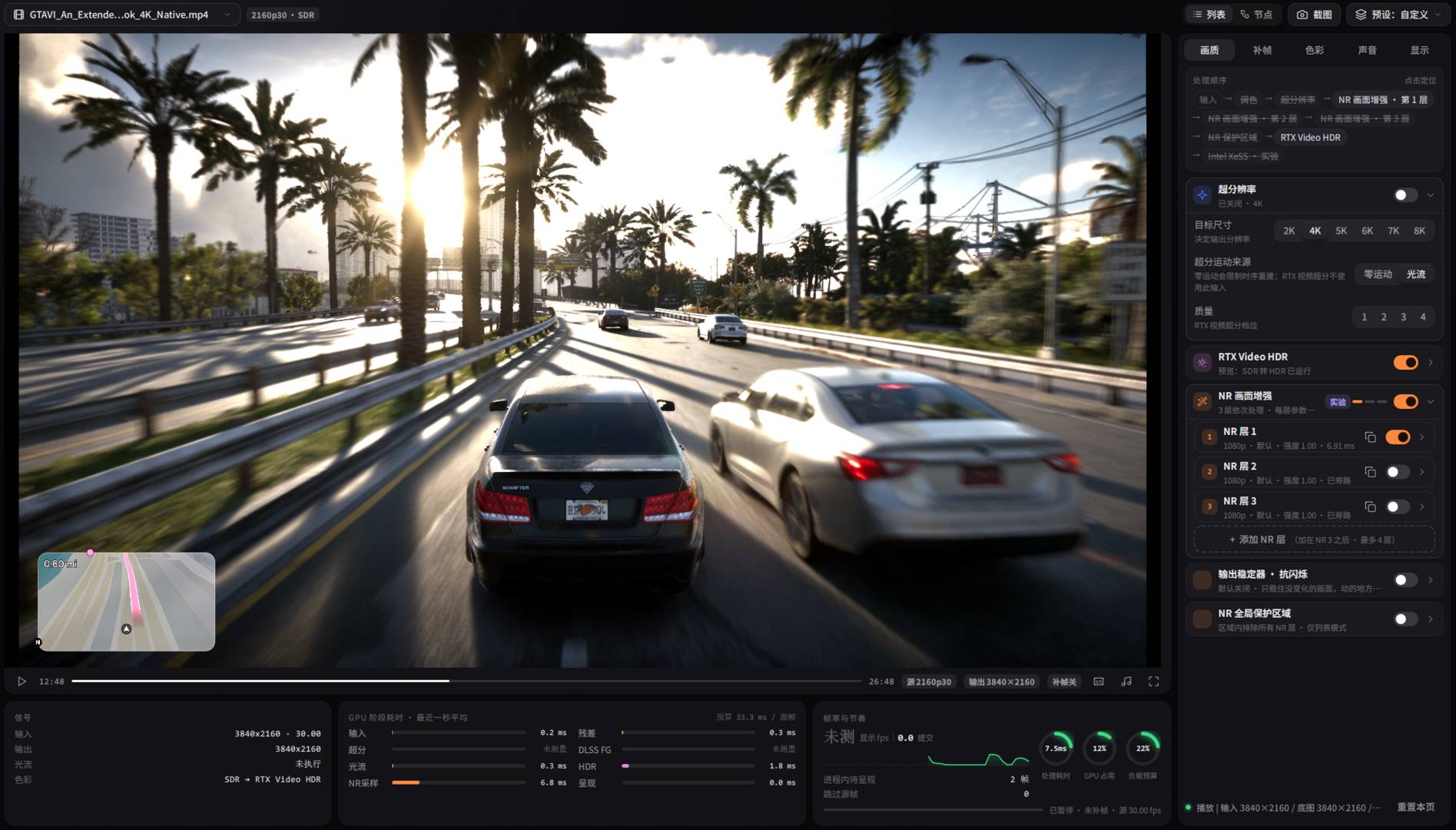
Understandably, stacking all these steps on top of game streaming comes at an important latency cost, not to mention visuals. The DLSS 5 pass costs 4.1ms, according to phosphenq, with frame generation adding another 1.5ms. The complete enhancement pipeline ends up adding 12ms of latency, on top of the 33ms inherent to the console’s 30fps rendering.
And that’s without accounting for streaming latency when going from console to PC, which can add another 10-20ms. Put it all together, and the input latency from using this method could end up at around 70ms or more. For comparison, this is similar to playing through cloud game streaming apps. To put it simply, you trade latency for enhanced visuals and smoothness.
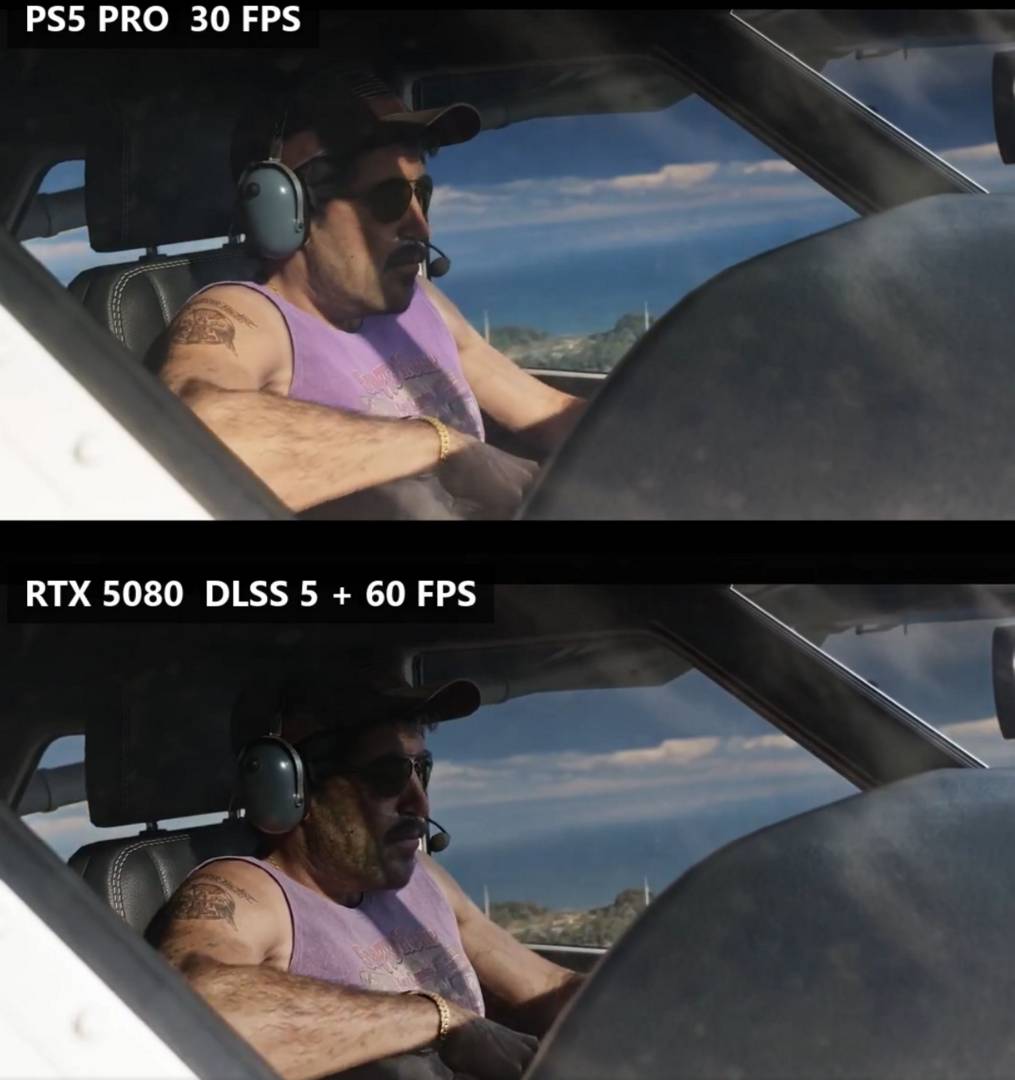
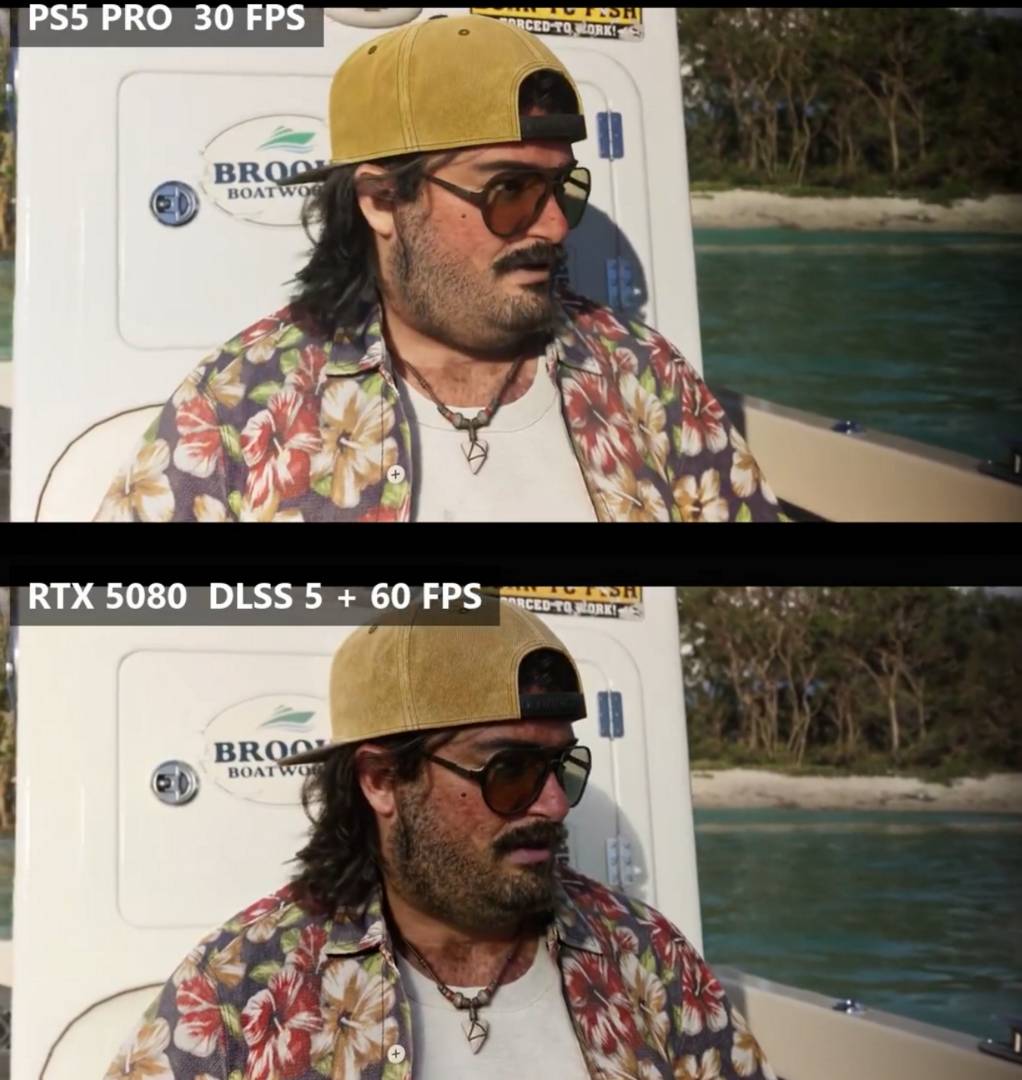
That said, note that this is not an official DLSS 5 integration. The official Nvidia implementation requires access to game-engine data, such as motion vectors and rendering buffers, to apply its visual enhancement accurately, which can’t be extracted from a simple video feed. Furthermore, those opting for the PlayStation Remote Play option will be hard-capped at a 1080p video resolution, limiting the amount of data with which DLSS 5 can work to enhance the image, which could cause visual artifacts.
However, if smoothness is your priority, it be worth the trade, especially if you opt for 4x or 6x multi-frame generation. Regardless, whenever you’re streaming a game to PC, it’s best to use a wired connection instead of Wi-Fi to avoid dropping frames. We have a guide on how to make a network cable if you want to do so. Until Rockstar decides it’s time for PC gamers to have GTA VI, this is as close as it gets.