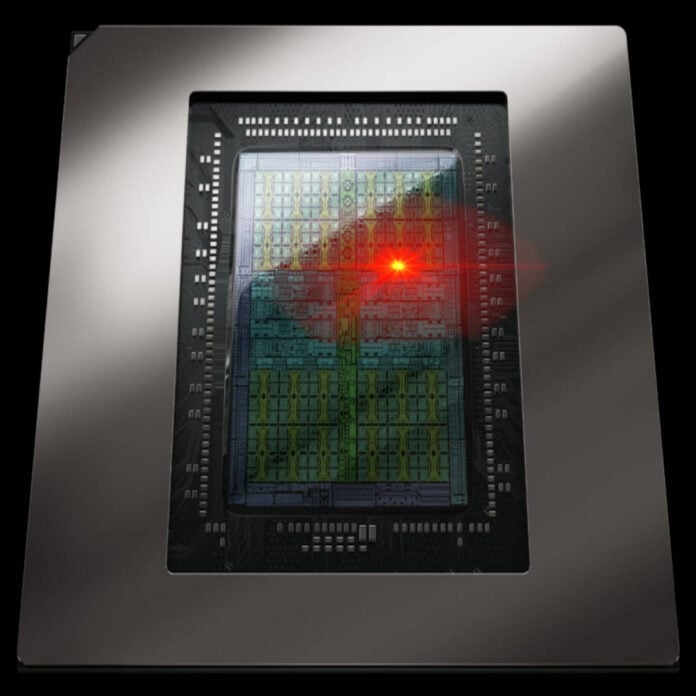
Owners of Nvidia GeForce RTX 50-series graphics cards are now able to monitor their GPU’s hotspot temperature themselves, as a new version of software utility HWMonitor can now access the sensor. Windows users can now access this valuable metric without needing to have access to Nvidia’s internal diagnostic tool, called MODS, helping them identify potential issues with their cards.
With the launch of its Blackwell series of gaming GPUs, starting with the RTX 5090, Nvidia removed the ability for users to monitor the chip’s hotspot temperature, which represents the single hottest location on the silicon die. As a result, popular monitoring software such as HWMonitor and GPU-Z removed it from display, showing it only on supported hardware such as the RTX 40 Series and Radeon GPUs.
This meant that the only way to access this data was through Nvidia’s internal MODS software, which is exclusive to its technicians. Well, in theory at least, since some resourceful repair shops got their hands on it, and exposed the hotspot temperature to reveal a problem with the thermal paste on an RTX 5070 Ti card. and used it to detect malfunctioning cards.
The hotspot sensor’s return to HWMonitor was noticed by X user madness727, who didn’t waste time testing it with a custom-liquid-cooled RTX 5090 iChill Frostbite card. The latter showed a 17°C difference between the normal and hotspot measurements, which isn’t bad, especially considering that this particular card was modded to run at 900W. Another user also tested it on an RTX 5070 Ti and found a maximum difference of 20°C, with the hotspot sitting at a comfortable 90°C.
While a 17°C difference may sound like a lot, it’s not a big deal. As long as the hotspot temperature remains under the chip’s thermal limit, you’re fine. Below that threshold, the hotspot measurement is mainly useful to detect problems with a card’s thermal paste or cooler, such as poor cooler contact with one of the GPU’s edges, which can be caused by paste pump-out.
For comparison, the faulty RTX 5070 Ti we referenced earlier had a 39°C difference between the normal and hotspot temperature, resulting in the latter reaching its 107°C thermal limit, triggering frequency and power throttling to protect the GPU. In this instance, the hotspot delta revealed a problem with the thermal paste, which was later fixed by the technician.
HWMonitor developer CPUID hasn’t explained how it managed to implement hotspot monitoring in the software. Perhaps the app mimics the way Nvidia’s MODS tool accesses this sensor? Regardless, it seems that other hardware monitoring apps are also bringing back this feature, with CapFrameX revealing that v1.9.0 will also feature it.