

When it comes to gaming monitors, there’s no panel type I recommend more than OLED. These self-emissive screens easily offer the most transformative and affordable ways to upgrade your setup, particularly in a world where so many components continue to rise in price. As a self-confessed display boffin, I’m here to explain three key reasons why they’re a prime choice for gamers.
Below you’ll find detailed explanations of how OLED panels inherently improve your gaming experience relative to traditional LCD alternatives. I’ve tested more monitors that I can count, and will be drawing on my years of experience and testing to guide you through everything you need to know about these screens.
Response times
The biggest advantage that OLED gaming monitors offer is their lightning-fast pixel response times, which are considerably faster and more consistent than those you’ll find on any LCD. As a result, they can deliver exceptionally sharp and clear images in motion, regardless of your frame rate, without risk of any unsightly artefacts.
For those unfamiliar with the term, pixel response times describe how long it takes for a pixel to transition from one colour to another. Monitor specifications sheets typically list LCD response times as low as 1ms, while OLEDs more commonly sit at 0.03ms. These values are best-case scenarios for each technology, but you won’t find any noticeable deviation in the latter’s performance, unlike the former.
Ideally, response times should exceed or at least match your frame rate, so that colours from multiple frames don’t blur together and create smearing or ghosting artefacts. This isn’t as important at lower refresh rates of ~60Hz, where frame times can be as high as 16.67ms, but it quickly grows in importance and becomes more noticeable once you hit 120Hz (8.33ms) and beyond.
LCDs produce varying shades of colour by modulating the amount of electricity that passes through their liquid crystal layer and subpixels, which can take several milliseconds. Using overdrive features can make these transitions occur more quickly through higher voltages, but the process isn’t perfect, and often results in inverse ghosting, which manifests as distracting halo-like artefacts.
Comparatively, OLED pixels don’t have to contend with a liquid crystal component, and are able to transition almost instantly without needing to increase voltages via overdrive. As such, whatever your frame rate target or refresh rate, you can expect consistently fast response times from these screens, with excellent resulting motion clarity.
You’ll feel this advantage the most at higher frame and refresh rates, but speedy response times universally benefit your entire library. As someone who spends just as much time playing fast-paced matches in League of Legends and Counter-Strike 2 as wandering around Queen’s Domain or Big Walk, I always appreciate how smooth games look and feel on my OLED monitor.
Contrast
You’ve likely come across the phrase “inky blacks” while researching OLED monitors or televisions, and its meaning highlights another core advantage of this panel technology: perfect black levels. This quality provides vastly superior contrast relative to LCDs, with pinpoint precision that even expensive MiniLED screens with loads of dimming zones can’t quite match.
OLED panels emit light on a per-pixel basis, meaning they can shift between hues or brightness individually. This is in stark contrast (pun intended) with LCD monitors, which rely on a backlight instead. Think of the former like lots of tiny torches on a canvas, while the other uses one massive bulb with filters. Greater control of light output nets superior control of shadows, allowing for larger differences in bright highlights and dark shadows.
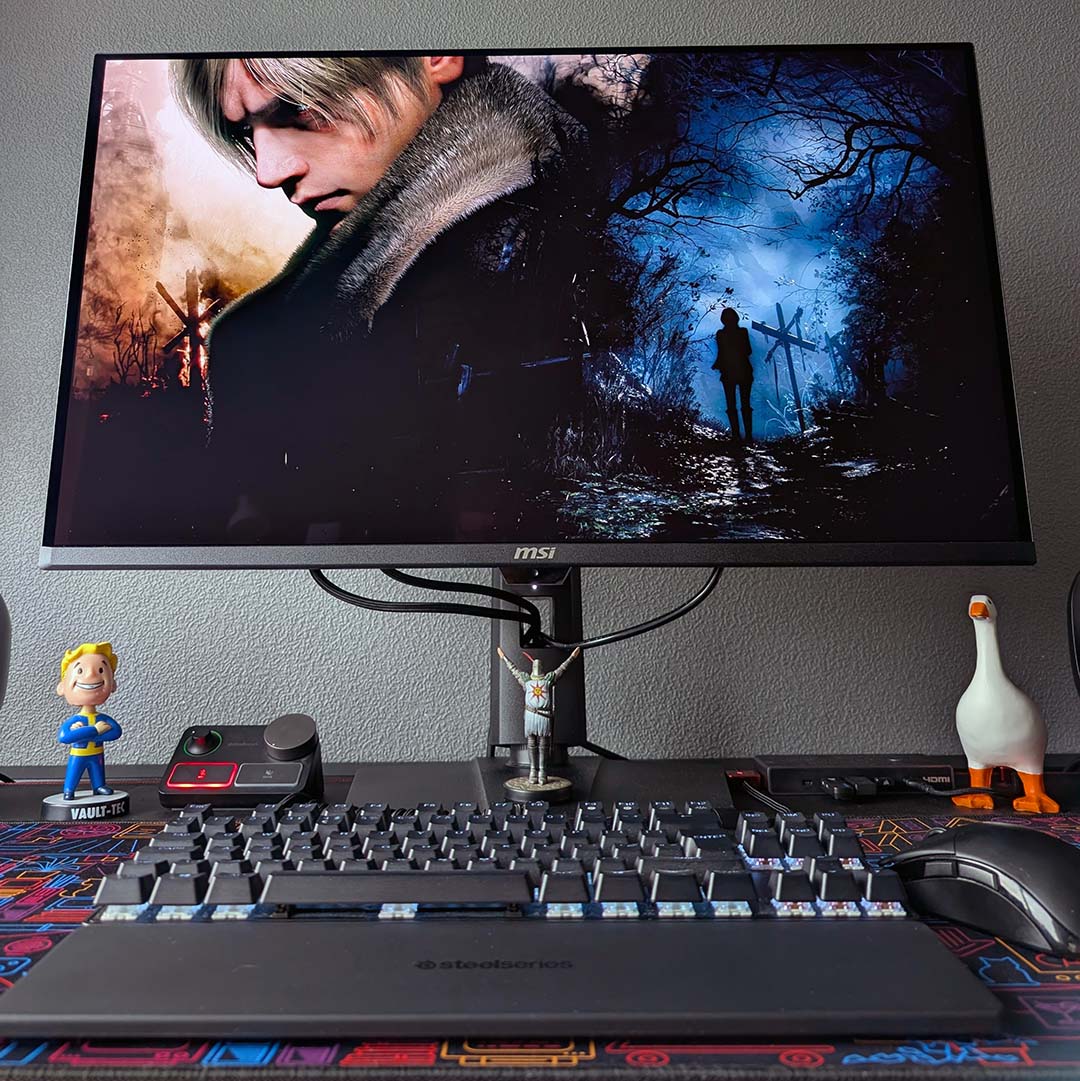
If you’ve walked through a dimly lit crypt in The Witcher III, a dark hallway in Resident Evil, or simply thought that a game’s shadows looked more grey than black, you’ve noticed the limitations of LCD contrast. VA panels cope better in this category, alongside IPS Black models, but none come close to OLED. Swapping to a self-emissive screen with a glossy finish genuinely feels like removing a hazy filter from your games, as every hue, including black, looks far more distinct and clear.
Perfect black levels and per-pixel dimming benefit SDR content, but also make OLED a prime choice of panel for HDR experiences. The quality of high dynamic range imagery is entirely dependent on the difference between a monitor’s highest and lowest light output, meaning you ideally want the highest contrast possible.
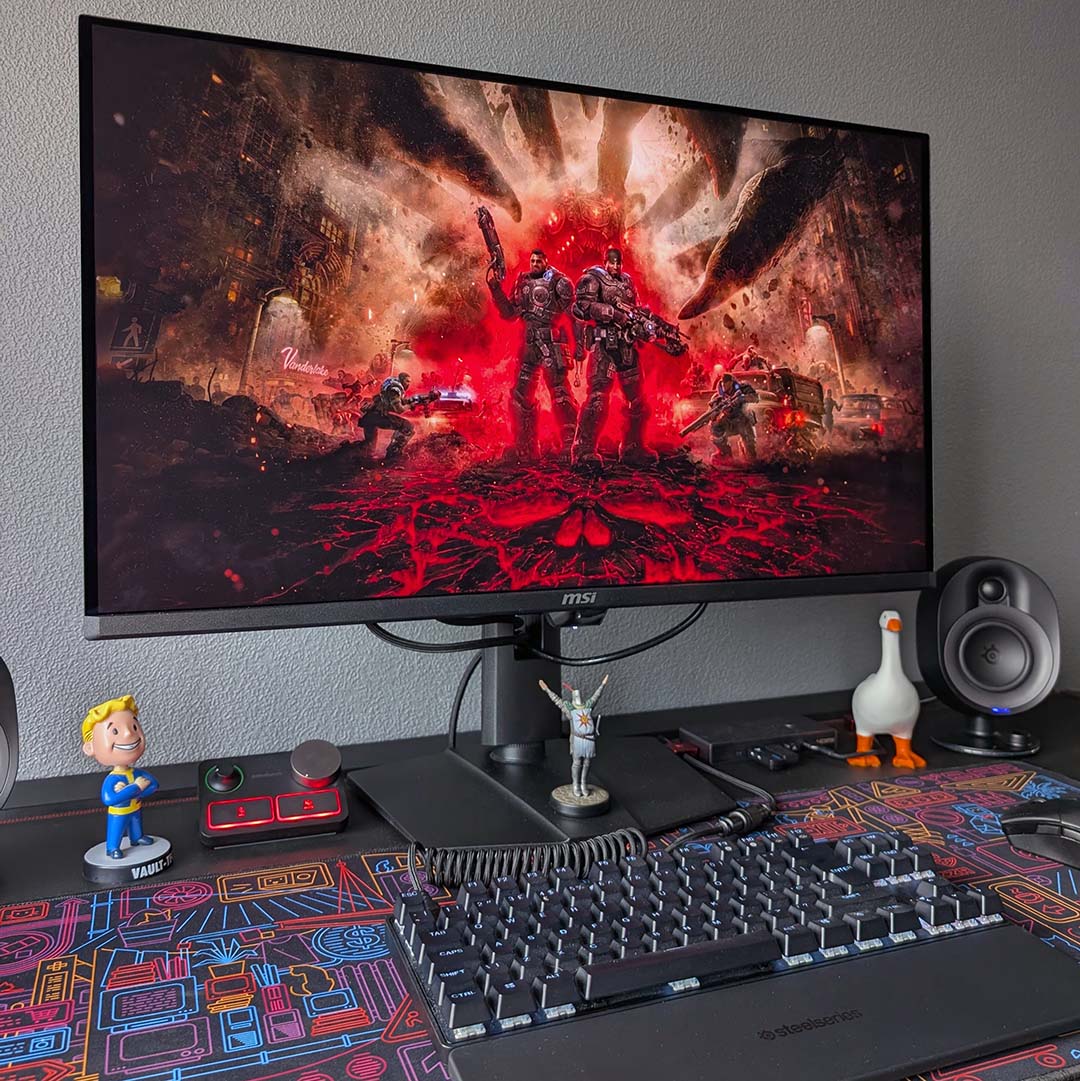
Older and more budget-friendly options typically boast dimmer screens, as much as their inky-black contrast will still impress, requiring some degree of ambient light control to get the most out of them. However, modern OLED panels have come a long way in terms of brightness, bolstering the technology’s already excellent baseline contrast. You can often identify these models by their VESA DisplayHDR True Black 500 certification.
Having seen the light (or lack thereof) of perfect black levels, it’s honestly difficult for me to play a game or watch content on an LCD without the greyness of it all proving a big distraction. OLED contrast really is that transformative in terms of picture quality, but it’s something you can’t truly appreciate until you see it in action for yourself.
Colours
You can’t talk about the positives of OLED screens without talking about their colours. These panels always arrive with a wide gamut that benefits both SDR and HDR content, providing a rich and vibrant viewing experience. They’re frequently some of the most accurate monitors on the market too, ensuring you’re seeing as close to what artists intended as possible.
The reason for OLED monitors’ inherently high-quality colour reproduction comes down to their self-emissive pixels. There’s no backlight or colour filter at work in these screens, unlike an LCD, avoiding the dilution that can occur from those subcomponents. Instead, the organic material inside each pixel can produce distinct red, blue, and green hues, on their own terms, leading to greater colour purity.
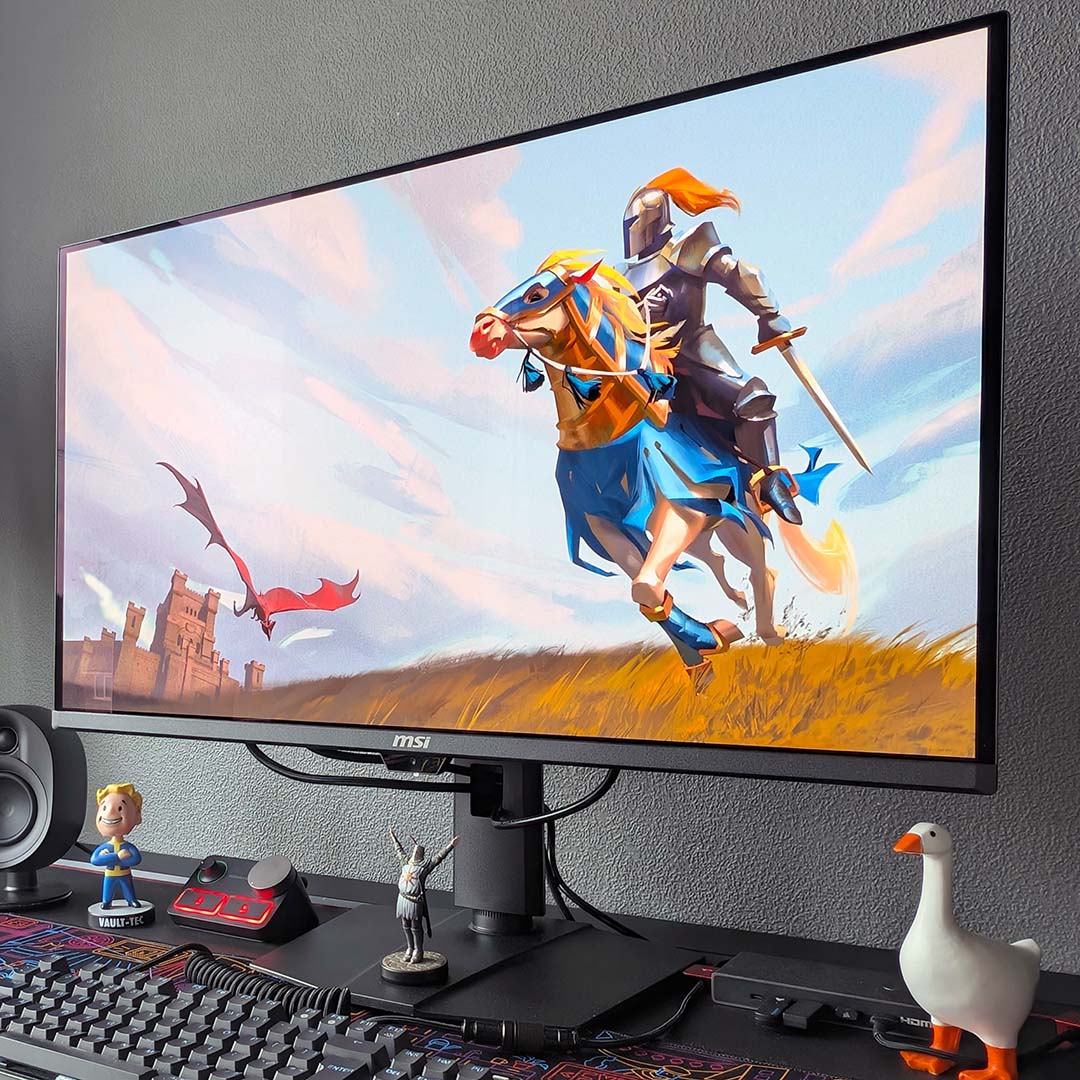
This approach to light emission affords OLED screens a naturally wide gamut, typically covering the entirety of sRGB and ~99% of the DCI-P3 colour spaces according to our testing. In real terms, this means a monitor can display practically all the colours that artists are using in games, whether you’re hoping to play in SDR or HDR.
These monitors are typically very accurate out of the box too. While the odd monitor with subpar colour accuracy has crossed my desk over the past several years, these models are the exception rather than the rule. I generally expect average inaccuracies to measure around or just below the average imperceptible threshold of 2.0 Delta E.
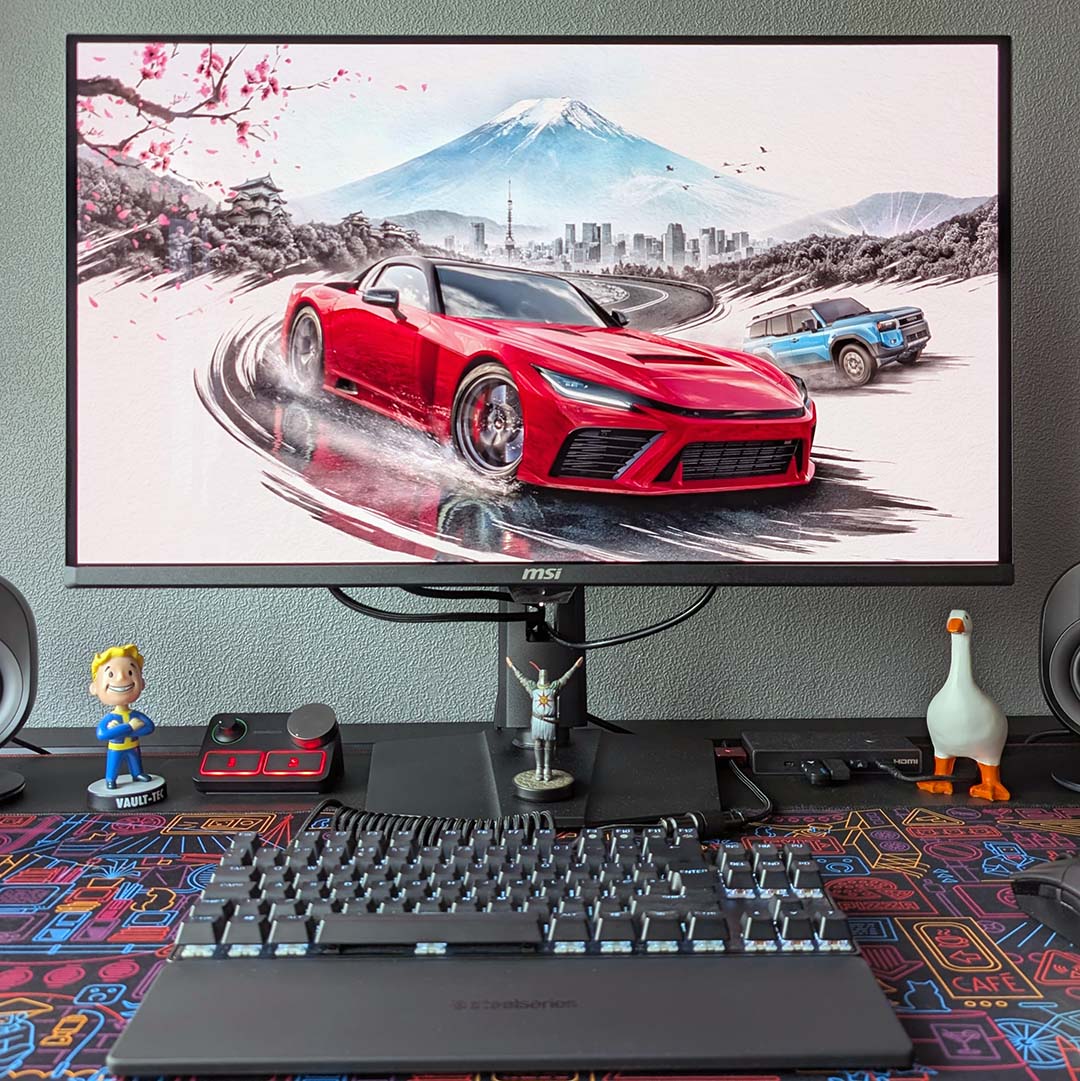
I mentioned earlier that the lack of a backlight on OLED screens feels like peeling back a hazy filter with regard to contrast, but this also applies to colours. Despite owning self-emissive screens across my PC and console gaming setups for several years now, I still can’t believe just how colourful games look on these displays. It also brings me great joy seeing folks experience the same feeling for the first time.
The watercolour world of Heroes of Might & Magic has proven a regular feast for my eyes in particular this year. However, this vibrancy has also helped elevate the realism in games like Forza Horizon 6, bringing out this title’s wonderful art direction as I cruise around the countryside and streets of Japan.
Recommendations
Now that you have a better understanding of why OLED monitors are that much better than LCDs for gaming, I’ve put together several recommendations for your consideration if you’re thinking of picking one up for your setup. I’ve reviewed each of these models personally, and have chosen them based on the value and qualities they offer at their respective prices.

MSI MAG 272QPW QD-OLED X28
“A welcome new flavour in the self-emissive space.” Read our review.
I thought the MAG 272QPW QD-OLED X28 was a great purchase at its original launch price, but Black Friday deals have seen this display fall to an extremely enticing price of £349 (or $299 for the black version in the US).
As a more affordable OLED monitor, this model isn’t quite as bright as more costly alternatives, but it still packs all the benefits we’ve discussed in detail. Sporting a QHD/280Hz screen, this display is a perfect partner for a mid-range gaming PC.
Read our MAG 272QPW QD-OLED X28 review for more details.
MSI MPG 271QR QD-OLED X50
“QHD gaming monitors don’t get any better than this.” Read our review.

Moving up the chain, MSI’s MPG 271QR QD-OLED X50 is one of the very best QHD gaming monitors you can buy today. Better still, this formerly £900 screen can now be yours for just £540.
This monitor’s brightness keeps pace with the latest OLED panels on the market, all while running with a native 500Hz refresh rate for simply breathtaking motion clarity. That’s not forgetting the monitor’s useful USB hub and KVM switch.
Read our MSI MPG 271QR QD-OLED X50 review for more details.
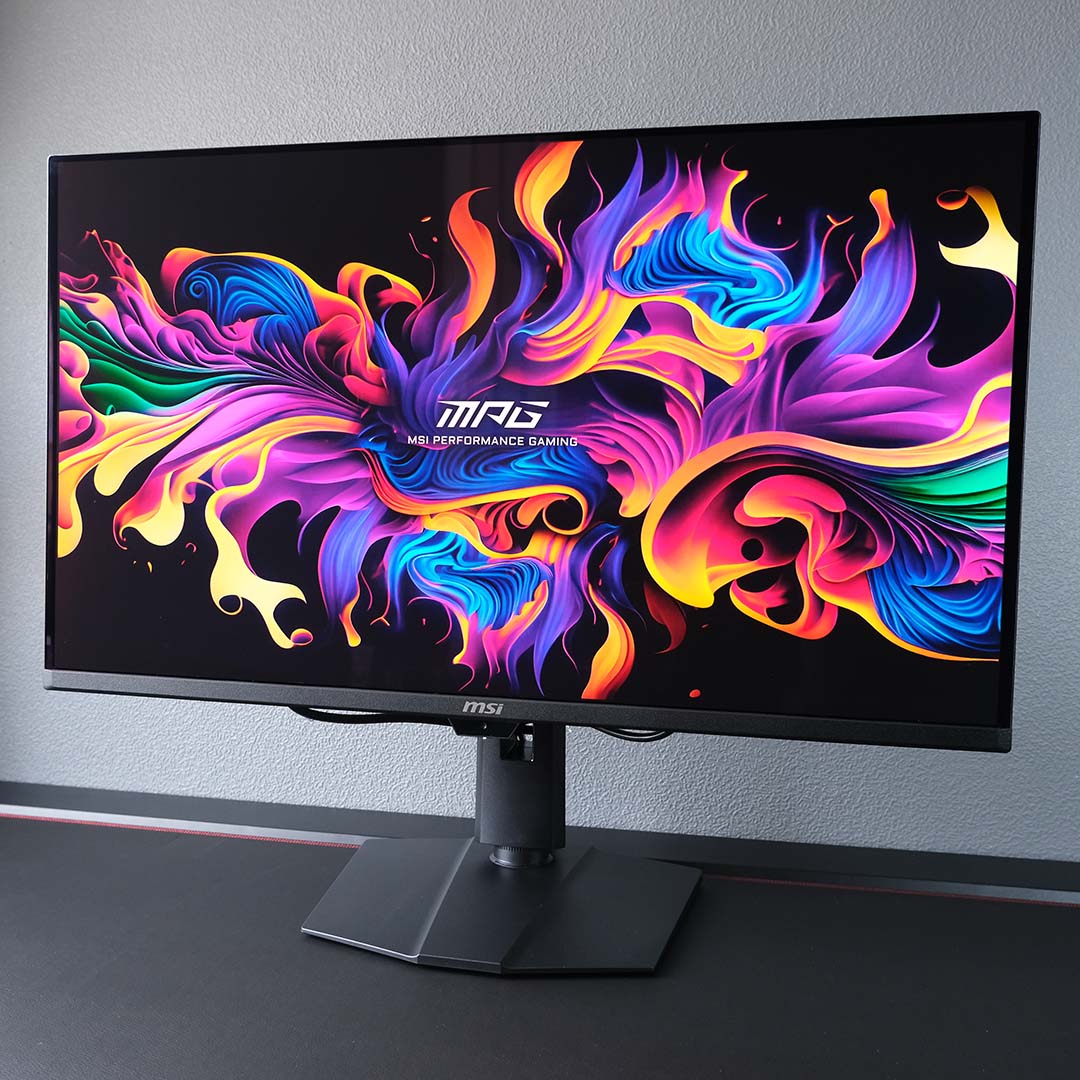
MSI MPG 322UR QD-OLED X24
“As close to an end-game screen as it gets on the market today.” Read our review.
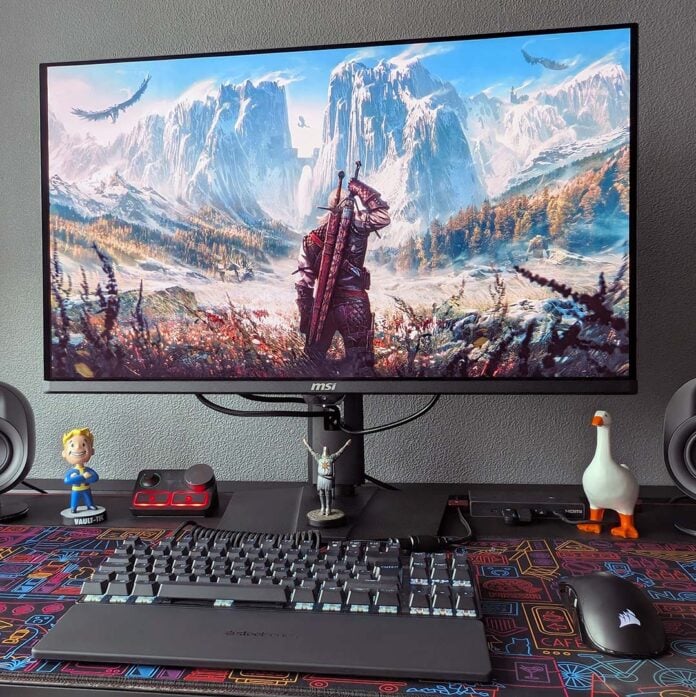
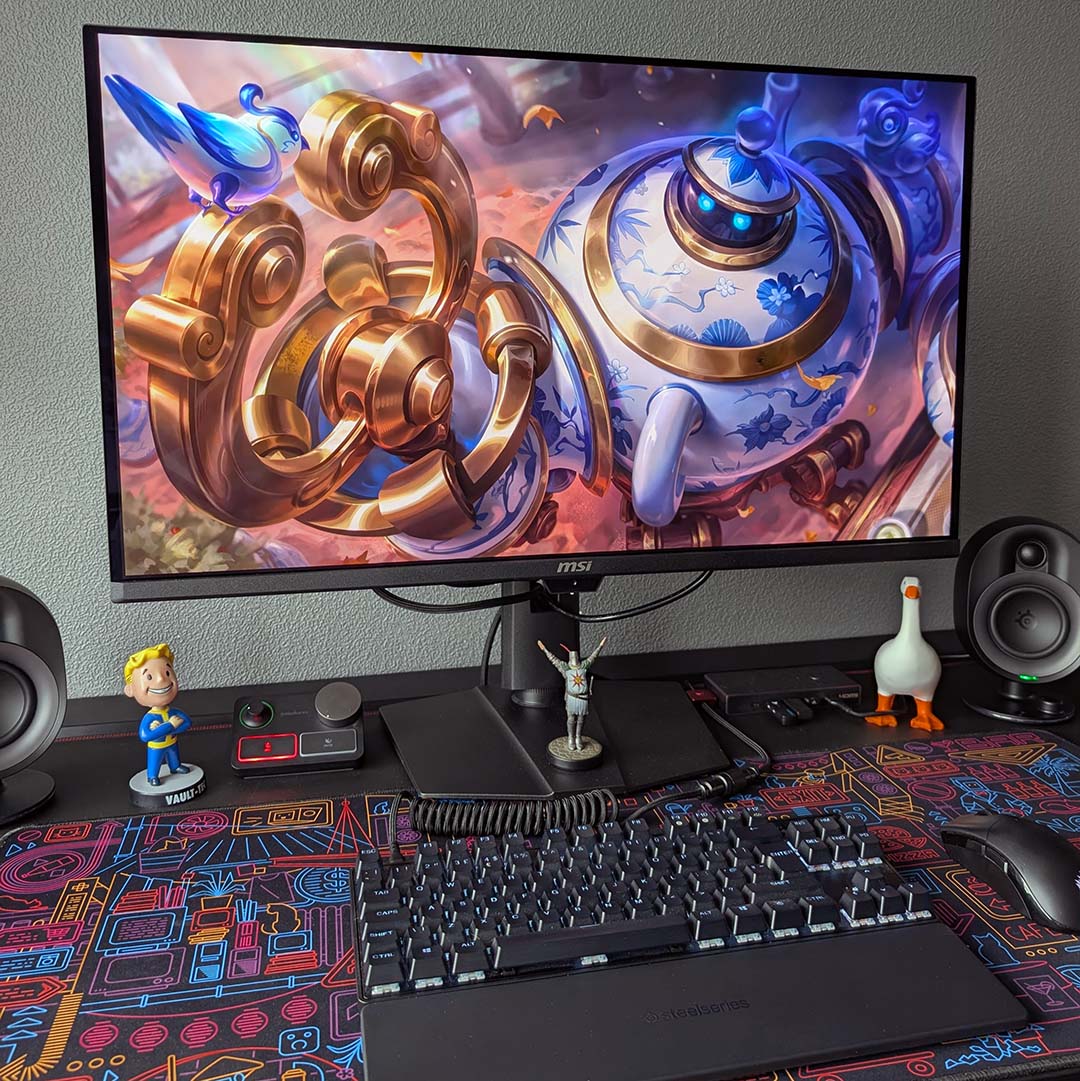
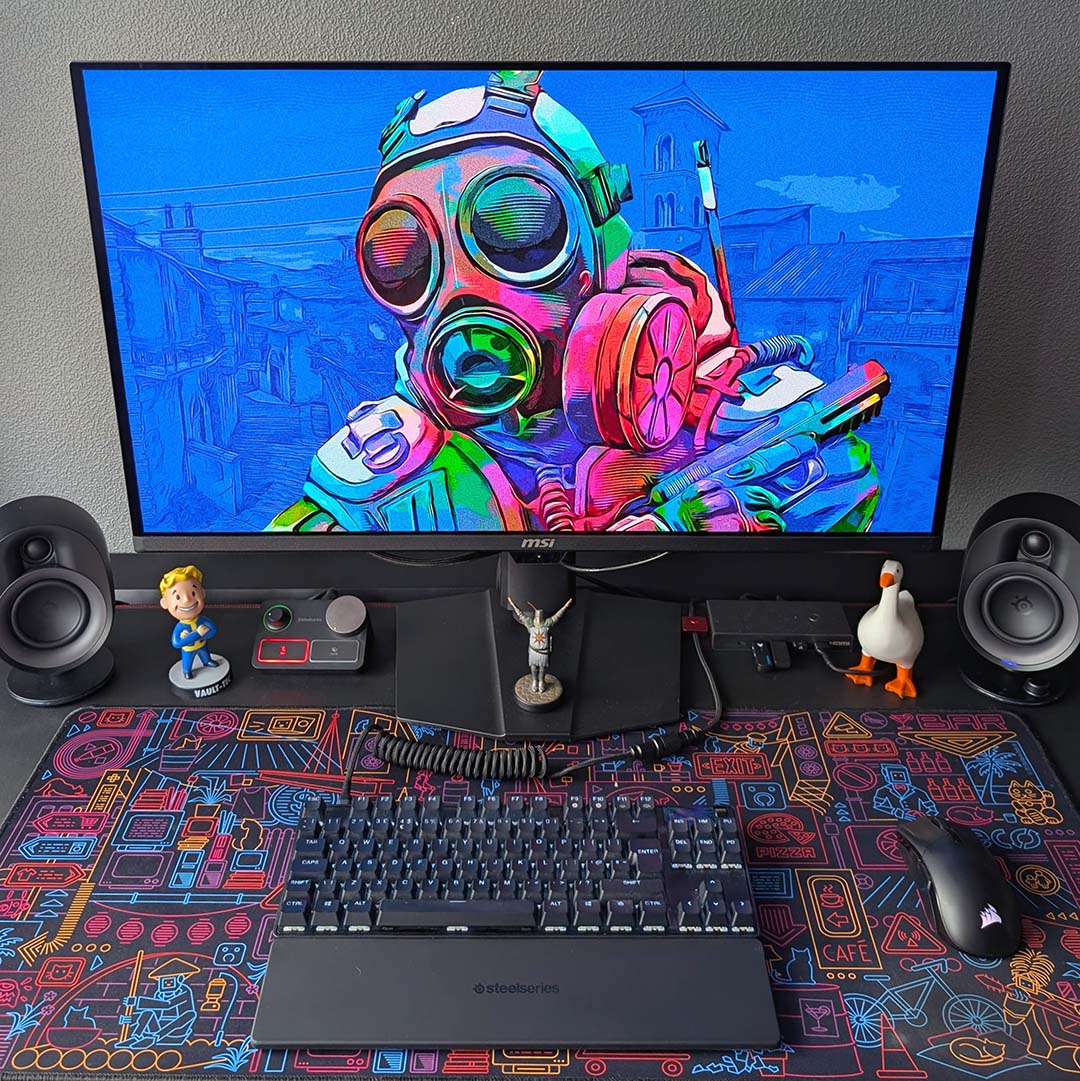
Last, but certainly not least, we come to my preferred pick which you’ve seen photographed throughout this piece: the MPG 322UR QD-OLED X24. This £698 monitor packs everything you could want from a high-end gaming display.
The 4K/240Hz Penta Tandem panel in this beauty delivers fantastic brightness, sharpness, and immersion through its large 32in screen, but it’s wonderfully smooth too. As you’d expect from a premium display, there’s also a built-in USB hub and KVM switch here too.
Read our MSI MPG 271QR QD-OLED X50 review for more details.
For those who would prefer a smaller screen size, it’s worth noting that we’re expecting 24in OLED panels that run at FHD (1920×1080) resolution to hit the market in 2027. You can expect us to provide more details on those displays as they emerge, but for now check out our best gaming monitor guide for more recommendations.