
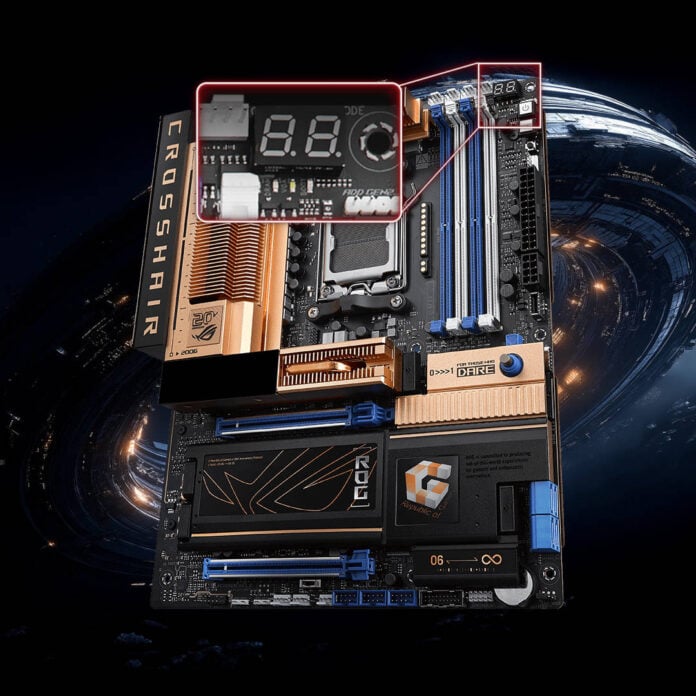
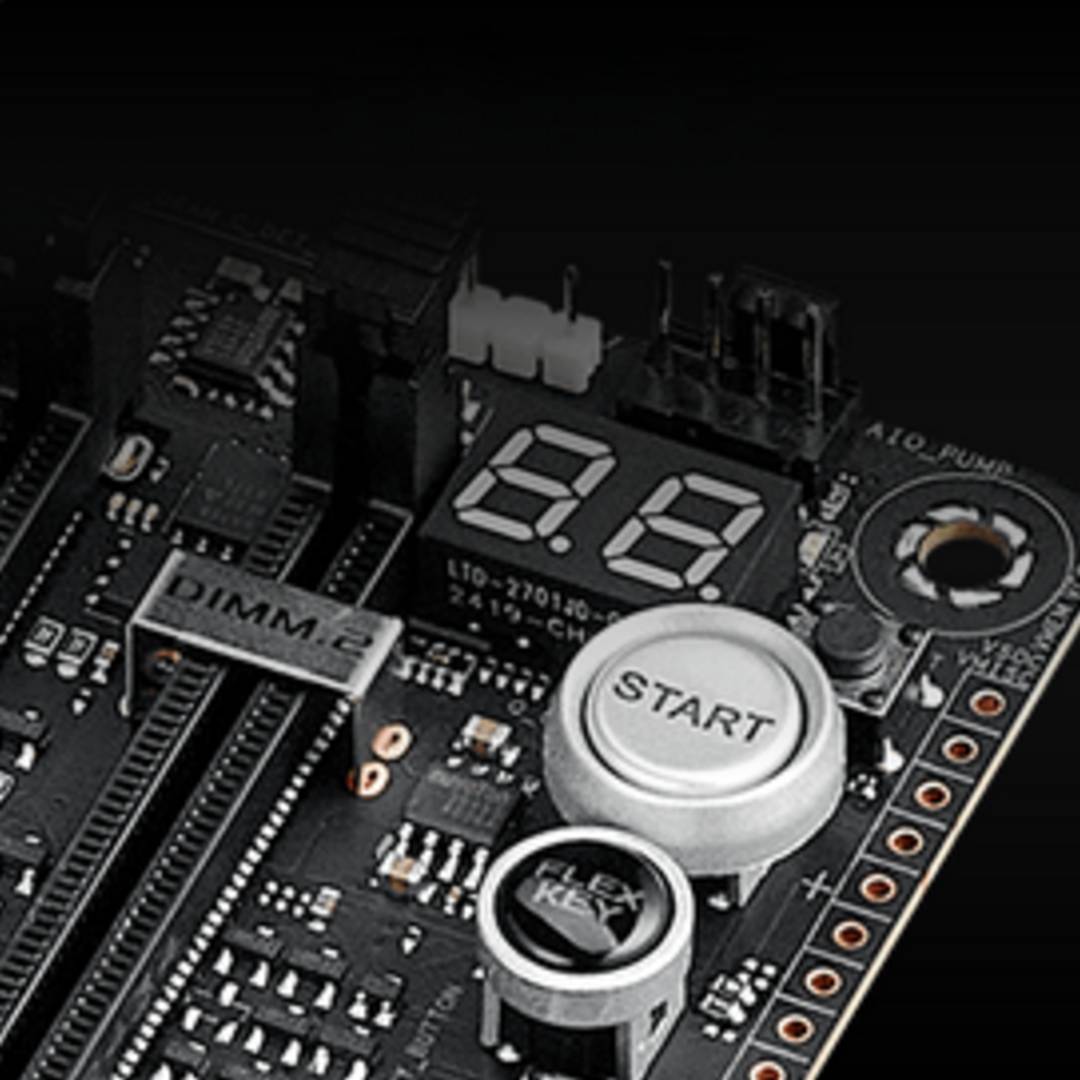
Asus and AMD have revealed a much-needed addition to AM5 motherboards, giving users more information about the advancement of their system’s memory training status. Now, users owning motherboards with POST code debug displays will see a counter going from 00 to 09, helping them identify whether the system has hung or is still processing.
Owners of AM5 systems will know that DDR5 training can take a bizarrely long time, especially after a cold startup, and more so on high-capacity machines. During this process, systems often appear to be stuck, prompting users to reboot their PCs when, in reality, everything is going as intended.
With AMD’s AGESA ComboAM5 PI 1.3.0.1f Patch A, Asus now offers its customers a way to clear this confusion with a BIOS update, specifically on motherboards equipped with a segmented debug display. Unfortunately, this means the majority of motherboards, especially budget ones, which only carry basic debug LEDs, are out of luck.
Still, following this update, many users will have a better idea of the state of DDR5 memory training, starting with owners of Asus X870 and X870E motherboards from the ROG Crosshair, Strix, Pro Art, and TUF series. Note, however, that saved BIOS profiles are not compatible with this update, meaning that overclocking and other settings will need to be input again manually after the update.
Asus overclocker Safedisk has also indicated that importing saved configuration profiles from older AGESA versions will cause immediate instability or boot hangs.
While this announcement mainly references Asus motherboards, this feature should also appear on other brands’ boards at some point. If you want to try it for yourself ahead of the wider release, you can download the beta BIOS files from Asus’ forums here.
Interestingly enough, this is not the only way AMD has developed to inform users about the status of DDR5 training. Responding to a Redditor’s comment, an AMD employee previously said that the company is implementing an on-screen warning during memory training. Once the memory is stable enough at a slower speed, for example 2,000MT/s, the monitor briefly displays a text warning informing users about the next step in training to reach the maximum rated speed, for example, 6,000MT/s.
However, because this message only stays visible for five or so seconds, it can easily be missed, especially if the monitor is slow at waking up from sleep. Furthermore, whenever overclocking modes such as EXPO are enabled, the motherboard often turns on a setting called SOC OC Mode, which locks the memory to its highest performance tier and completely disables the two slower power-saving P-states. As a result, this useful warning is often missed, which potentially makes this new debug display implementation much more useful.