

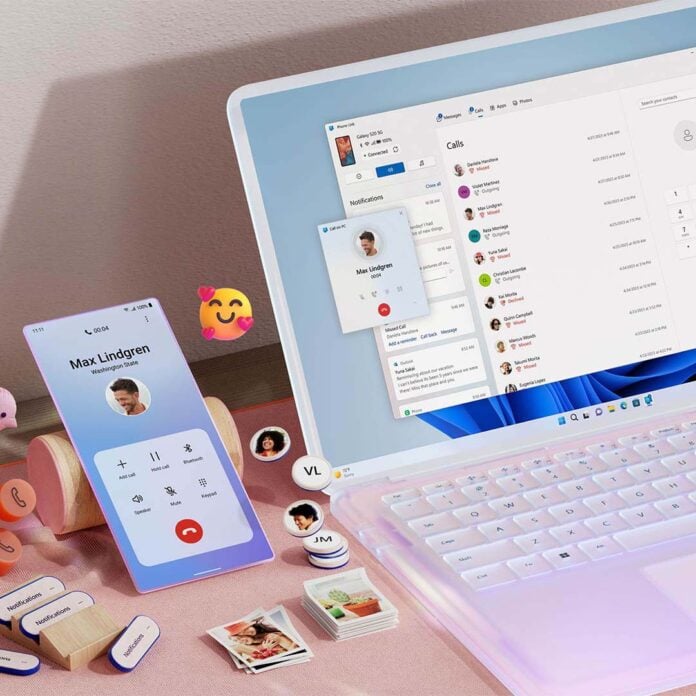
We’ve all been guilty of forgetting to turn off our PC, but the Link to Windows smartphone app could soon offer a way to remedy such forgetfulness. Newly uncovered code and text strings within the Android APK contain references to remote shut down controls and other functions.
We have tech outlet Windows Latest to thank for this discovery, following their data mining of debug log for the latest Link to Windows build. In the log, they found a component described as ‘RemoteControlManager’ which contains the flags ‘isRemotePcControlsV2Enabled’ and ‘experimentEnabled’, both set to false.
Further digging uncovers that these new remote controls include restart, sleep, and shut down functions. There’s also evidence that Link to Windows will be aware of whether there are impending updates on your system, allowing you to apply them at the same time. This is all in addition to the app’s Lock PC feature, which has been part of Link to Windows since late last year.
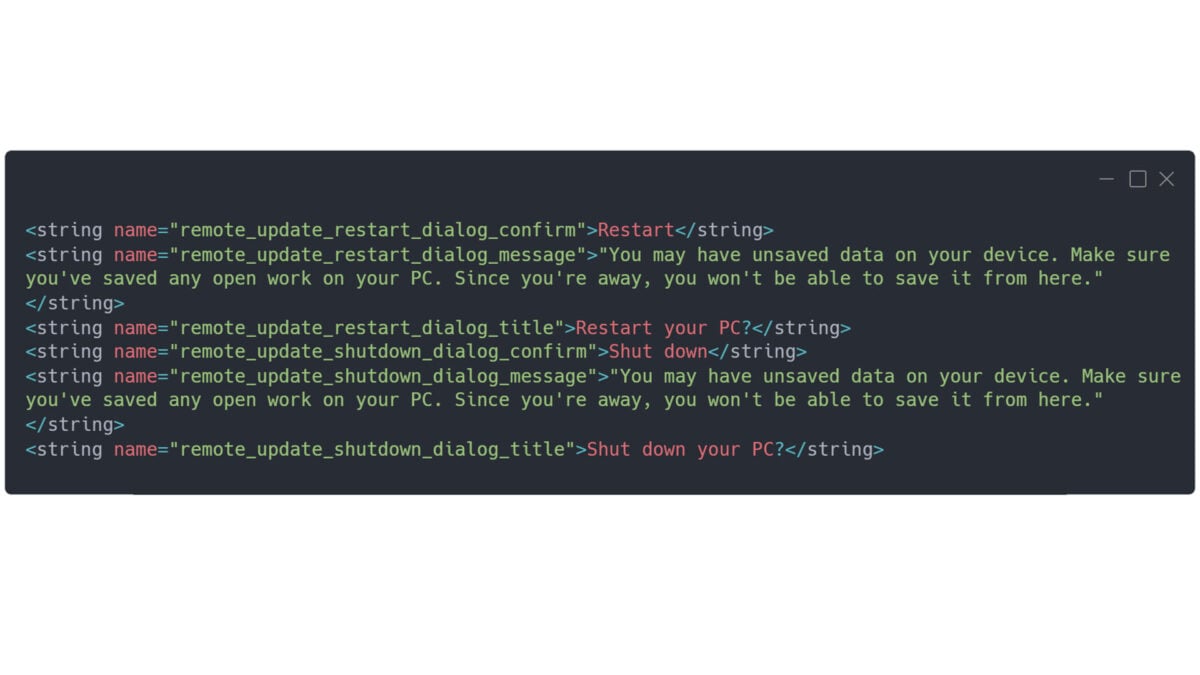
The debug log also contains the familiar warnings about potential data loss while shutting down or restarting. While a list of affected applications accompanies such prompts on desktop, there’s no sign of detail within this build of Link to Windows. Of course, you could put the system to sleep if you needed to exercise caution, but you wouldn’t be able to interact with the PC via smartphone again until waking it up in person.
I personally don’t have my smartphone connected to my Windows PC, but these features would certainly convince me to at least try the app. However, there’s sadly no sign of when Microsoft plans to make these options active.
It’s good to see Microsoft work to make Windows more convenient, alongside recent improvements to privacy controls. However, issues such as RGB causing system crashes and the Weather app taking up 1.2GB of RAM, just to name a few, show there’s plenty more areas that the company can improve the operating system.
