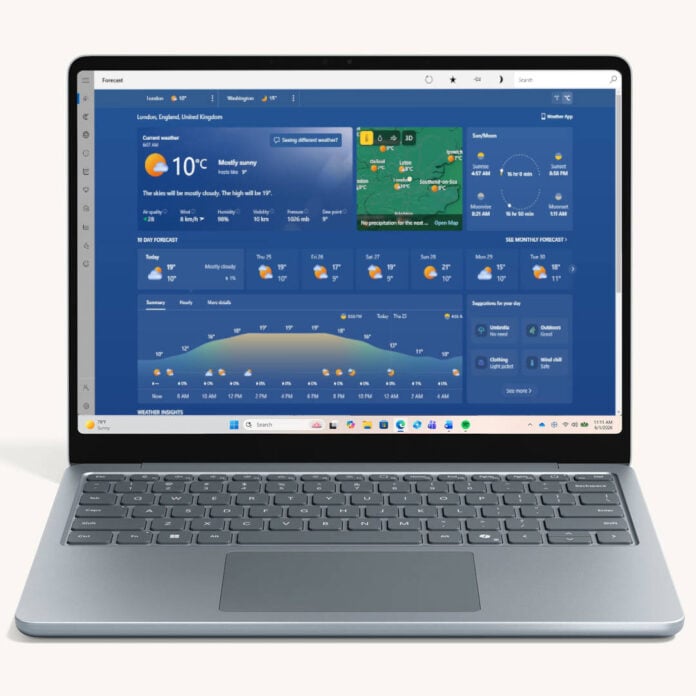
Windows 11 is once again in the spotlight for high memory consumption, this time due to its weather app’s excessive thirst. Tech site Windows Latest has noticed that the operating system’s built-in weather app gobbles about 1.2GB of system RAM.
According to the site, Windows 11’s default weather app can consume more than 1GB of RAM just by displaying the forecast, before any scrolling or clicking. On top of this, it comes with embedded ad tiles slotted between meteorological data. The latter is especially annoying, considering that Windows 11 isn’t a free OS, despite what the free upgrade path from Windows 10 may lead you to believe. If you buy a new Windows PC, the price includes a Windows license.
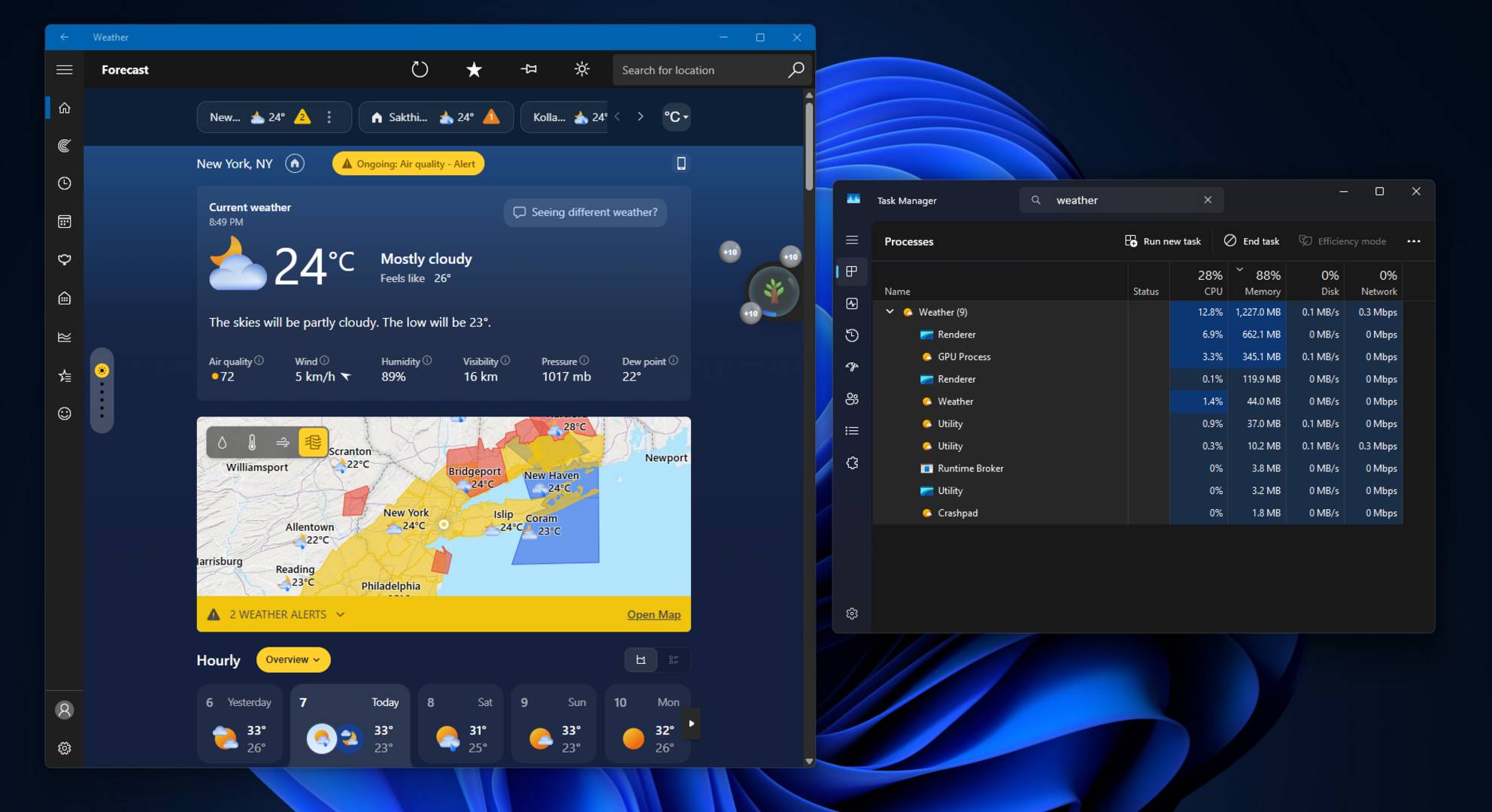
In reality, Windows 11’s built-in app is simply MSN Weather, which provides 10-day and hourly forecasts, alongside air quality indexes, alerts, and more. Unfortunately, this isn’t a native app, but rather a WebView2 web wrapper – a webpage that looks like a piece of software.
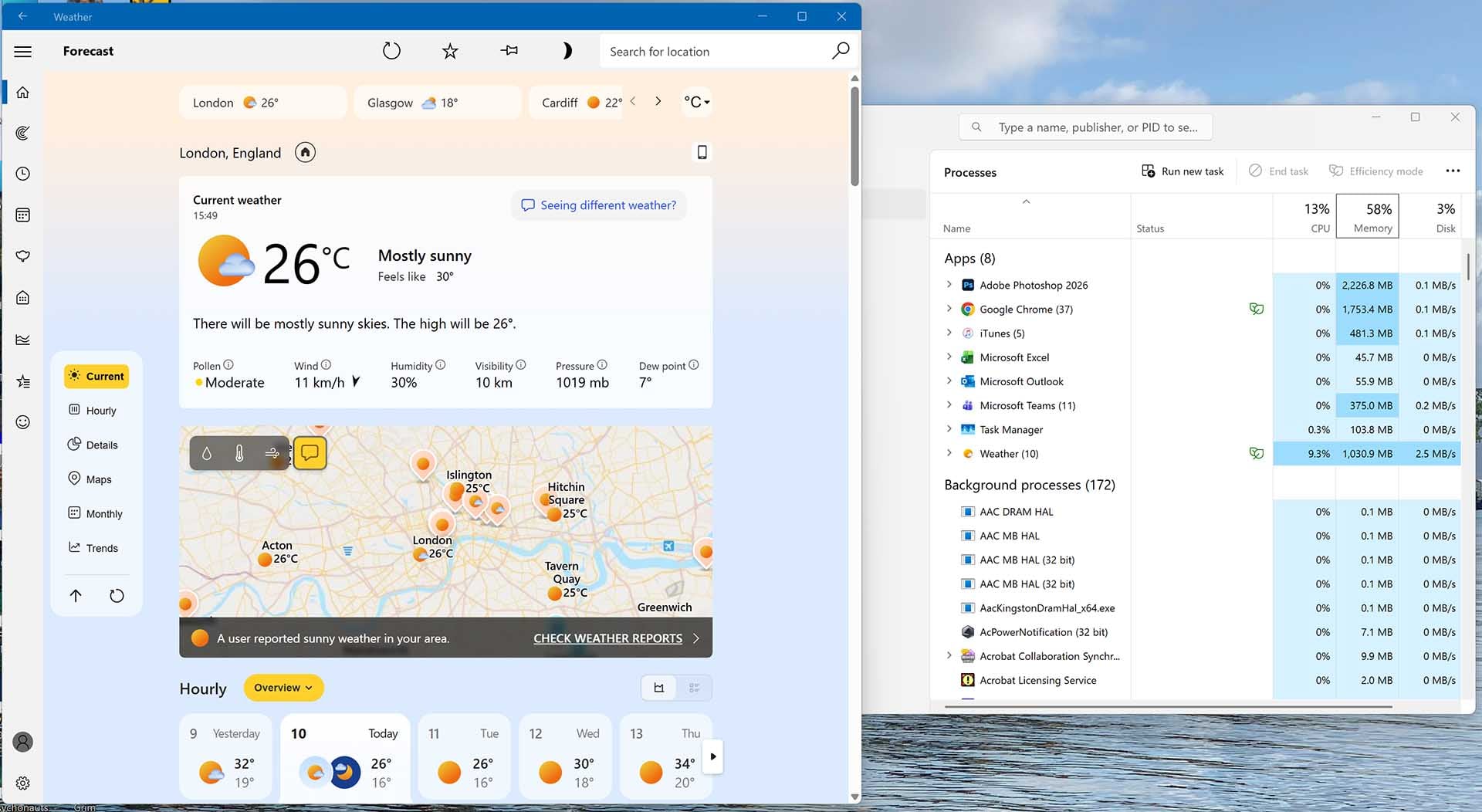
This explains its high memory consumption, which we found varied between 600MB and over 1GB in our own testing (it’s shown at 1,039MB in the screenshot below). Expanding the app process in Task Manager reveals nine separate sub-processes, some of which seem to be Chromium-based.
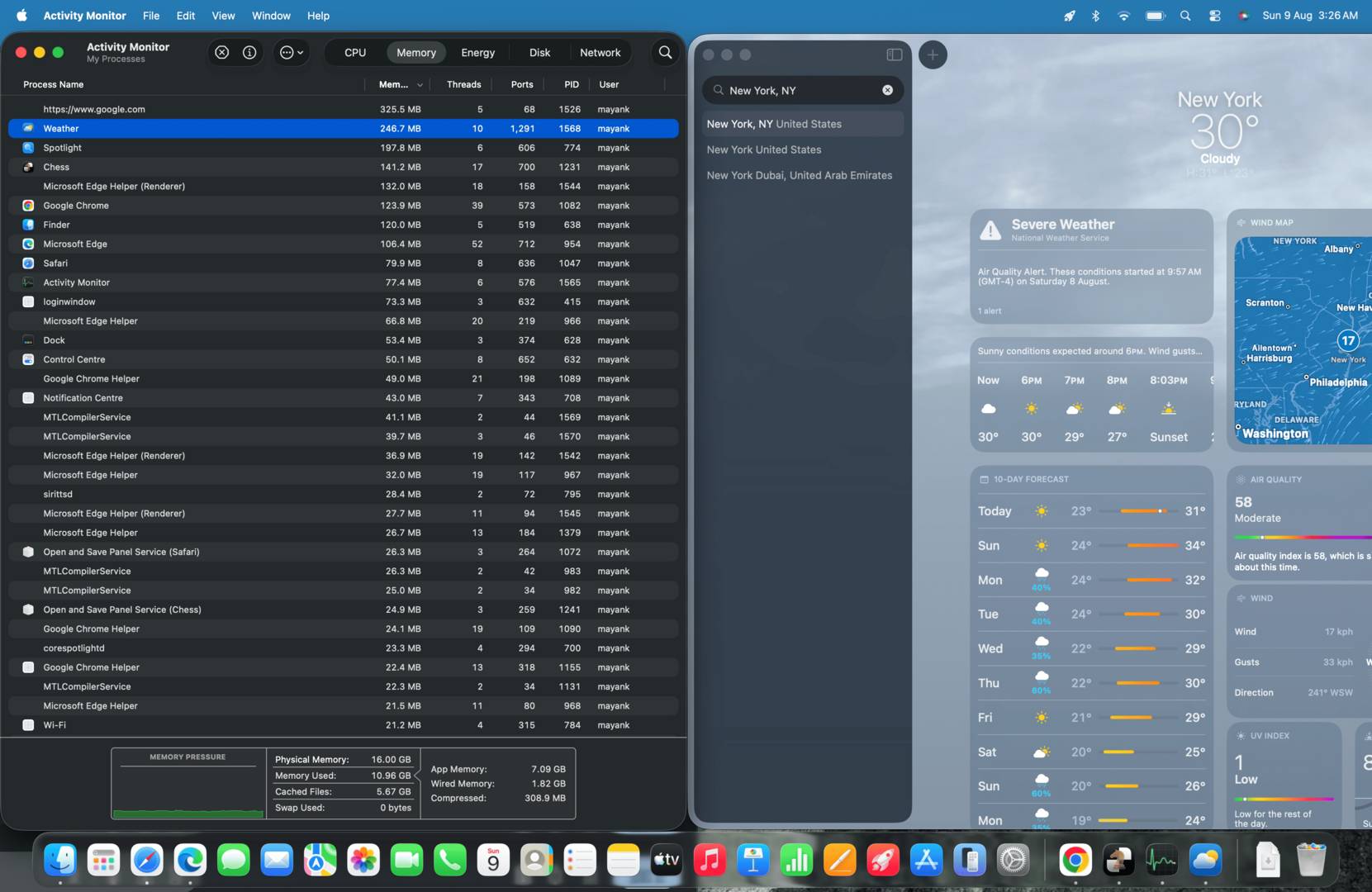
For comparison, Apple’s macOS default weather app is much more efficient, consuming around 240MB, according to Windows Latest. This is about five times less than Windows Latest’s test. Let’s not forget that you don’t get the ads on macOS either, unlike Windows 11. Yes, Microsoft must pay for this forecasting data, but if Apple can provide it ad-free, Microsoft should be able to do the same.
While this wouldn’t be a concern for mid- to high-end machines, 1.2GB of RAM represents 15% of the total memory capacity on 8GB laptops, which are becoming more and more prevalent due to ongoing memory shortages. These PCs are already struggling with basic multitasking, so wasting 15% on such a basic task is simply unacceptable. The good news is that most users would only need to check the weather once before closing it to regain their valuable memory pool.
Microsoft has also committed to optimising its Windows 11 experience, with the company’s Rudy Huyn announcing the creation of a team dedicated to consumer-focused Windows apps that are 100% native. However, if you can’t wait for Microsoft to do its job, you can always follow our guide on how to debloat Windows 11 manually.