

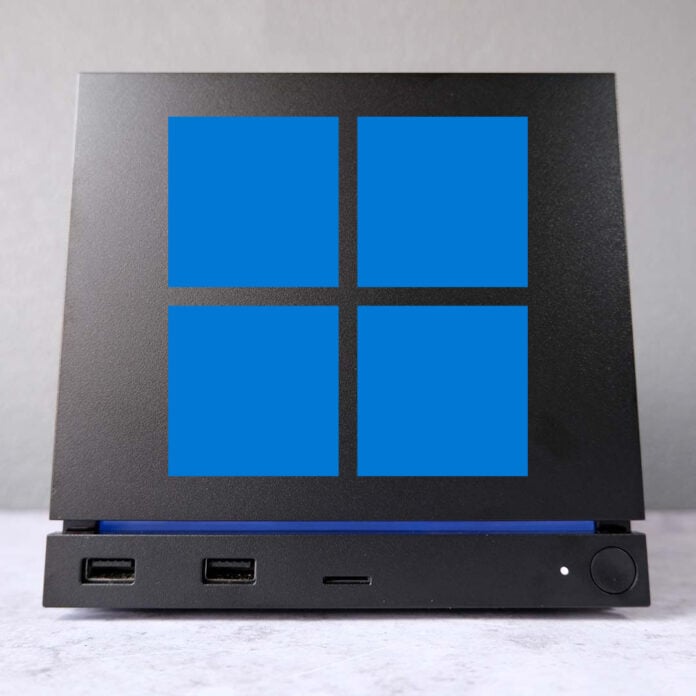
Valve has just released the handful of drivers you’ll need to get Windows up and running on the Steam Machine. However, those dreaming of creating a dual-boot machine complete with SteamOS will need to wait a while longer.
On the dedicated Steam support page, there are four Windows drivers available to download for the Steam Machine that sit alongside Valve’s Steam Deck firmware. These drivers cover the system’s Bluetooth adaptor, GPU, SD card reader, and Wi-Fi functions.
While this is a welcome move from Valve, the Steam Machine doesn’t support dual-boot. More accurately, this is a limitation of SteamOS, and a shortcoming shared by the Steam Deck. The company states that a wizard for this feature will ship once its operating system is “complete.”
There are workarounds to running both operating systems simultaneously on the Steam Machine, as pioneering Steam Deck users discovered a while back. In short, you’ll need external storage, sacrificing one of your USB ports.
While the desire to install Windows on a Steam Machine may seem strange, there are clear benefits to doing so. Core among them is game compatibility, as SteamOS sadly still doesn’t play nice with some forms of anti-cheat tech.
Additionally, there doesn’t seem to be any intent from Valve to bring over support for the system’s built-in Steam Controller antennae. By installing Windows, you’ll also forgo HDMI CEC support. Suffice to say, abandoning SteamOS isn’t without cost.
It’s also worth noting that Valve explicitly doesn’t provide support for Windows on any Steam hardware, be it Deck or Machine. However, the return route to SteamOS is always open, with the company providing recovery instructions for those in need.
It’s unclear whether the Steam Frame will support Windows, but this VR headset is likely to face the same limitations when it eventually hits stores shelves. Until then, check out our Steam Machine review to learn more about Valve’s latest hardware, including our thoughts on SteamOS.
