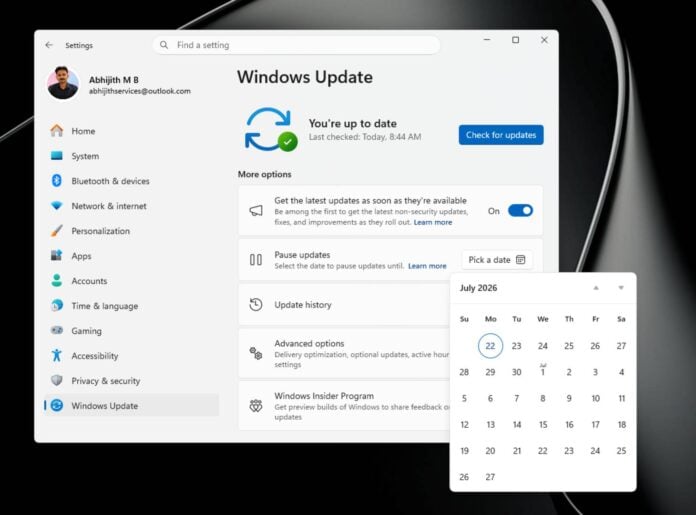
Microsoft has released a big Windows 11 update, featuring enhancements to the user experience, system recovery features, and Bluetooth reliability. The July 2026 update gives you more control over your machine, including the ability to select the exact duration for which you wish to block automatic updates.
In addition to addressing 570 bug fixes, the July update packs some nifty, long-awaited changes. For starters, one that I especially appreciate is that Windows now lets you pause updates for the exact duration you specify. Instead of the limited option to delay updates by one-to-five weeks, now you can select the exact period you want the system to remain unchanged, be it one day or 35 days.
When this feature is enabled, updates won’t download or install, and update-related restarts won’t happen. Even if an update is mid-install, it will be cancelled until the pause period ends.
While the 35-day ceiling unfortunately hasn’t been removed or extended, this change allows you to target dates when you need the system to remain as it is. Whether you want to avoid unexpected bugs, or save cellular data during a trip, this granularity is very welcome.
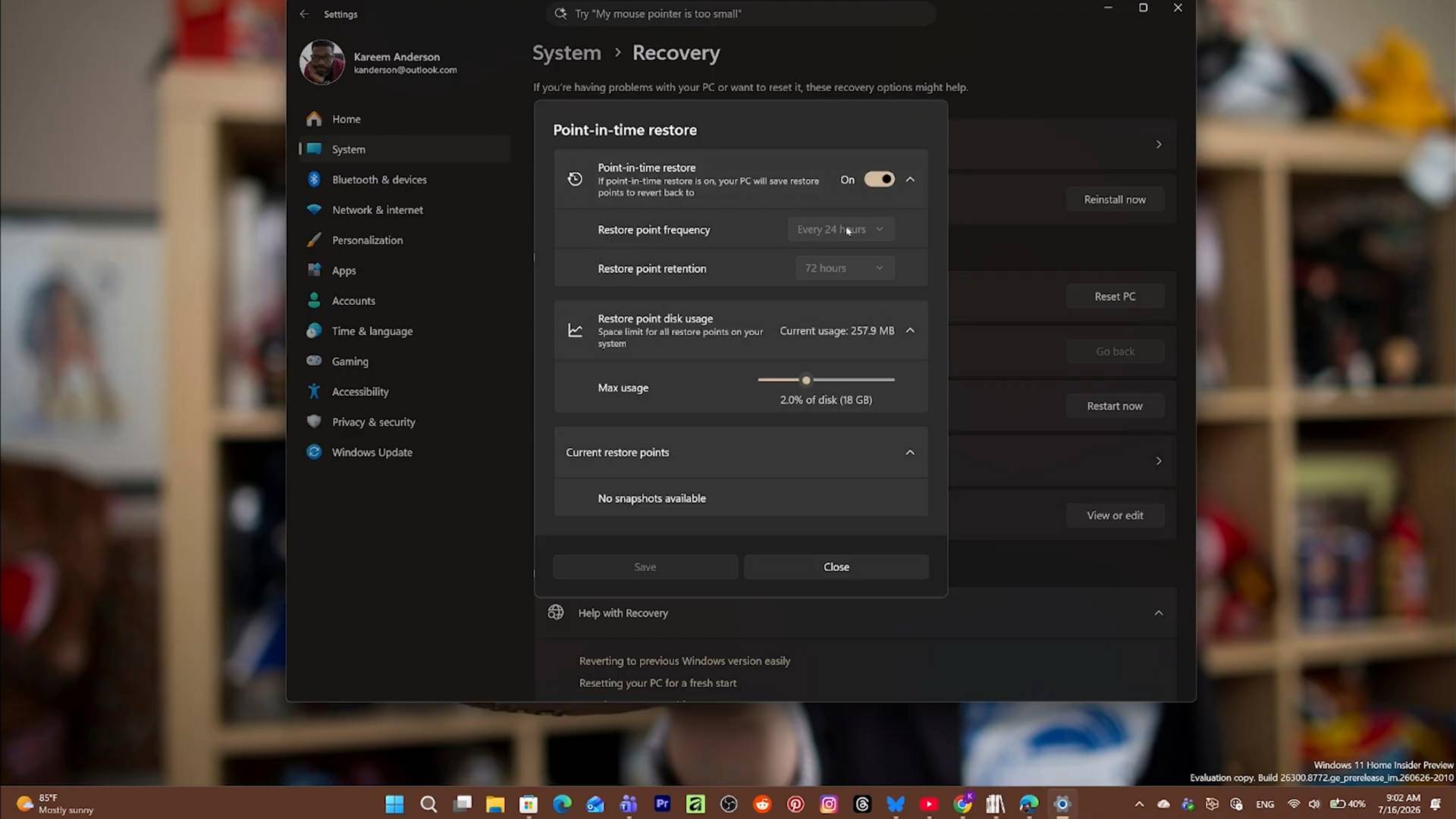
The next big change regards system recovery, which can now automatically take snapshots of your entire system, apps, settings, and personal files, and keep them for up to 72 hours. If anything bad happens, for example, after an update or driver installation, you can roll back the whole system to a previous state.
Understandably, any changes made after the restoration point’s creation don’t carry over once you go back to a previous state. The only caveat with this new implementation is that it requires up to 50GB of storage, and is only available on machines with 200GB of disk space.
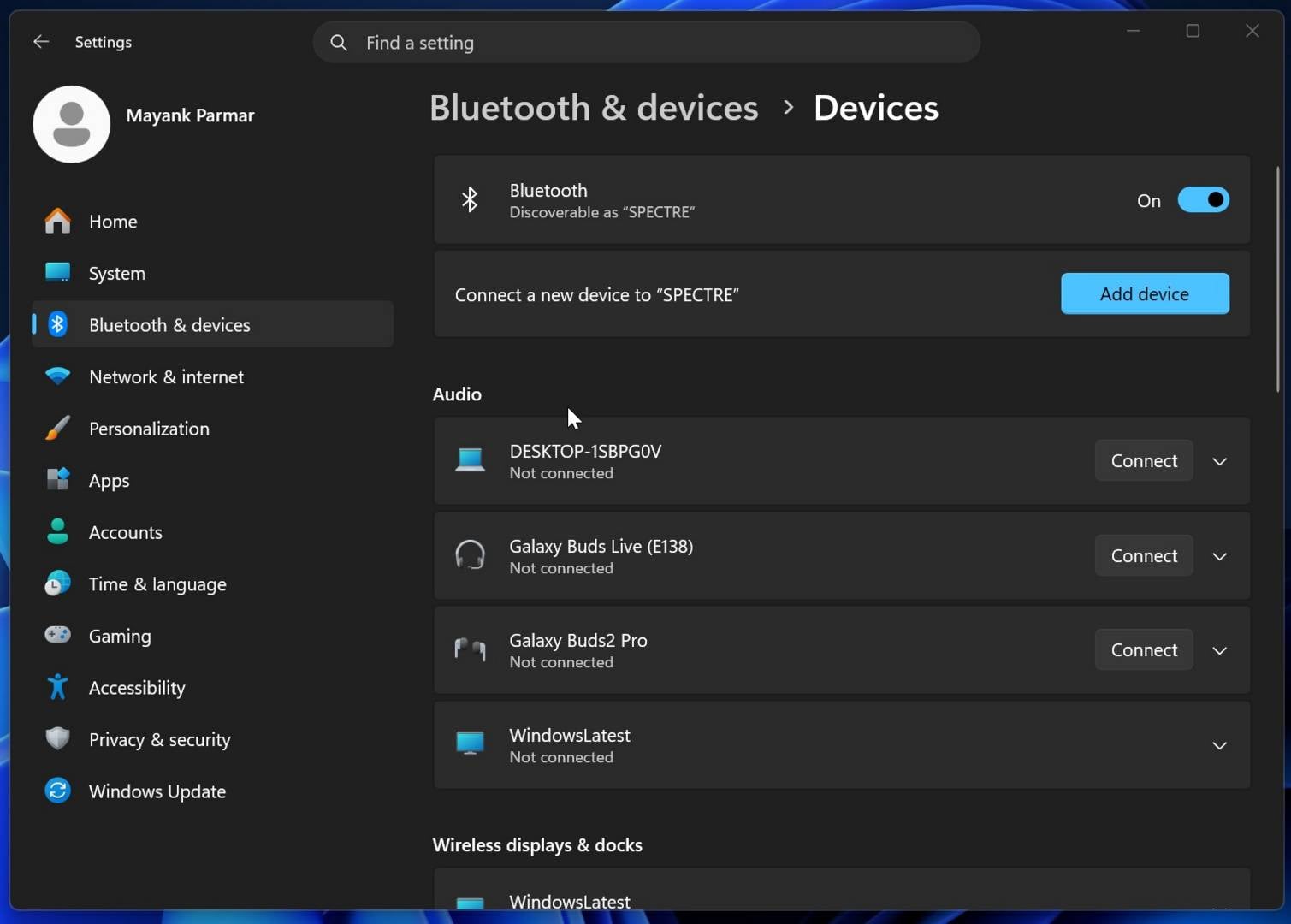
Bluetooth reliability has also been improved, specifically when it comes to audio. This update includes multiple fixes to microphone sync, device compatibility, audio stability, and connection reliability. For example, if you mute a Bluetooth headset from its built-in button, Windows now keeps that mute state synced between the audio mixer and the hands-free profile (two-way audio communication).
Lastly, there’s a more granular screen tint feature, which allows you to select any custom colour and intensity you like for night viewing. This is much more flexible than the current option, which only lets you choose between a warm and cool colour temperature.
If one of these changes interests you, you should be able to download the update right away. Note, however, that some features may not be available as Microsoft tend to gradually roll out changes. Also note that if you own a Dell PC, you won’t see this update as Microsoft has discovered a bug related to USB that needs to be fixed first.
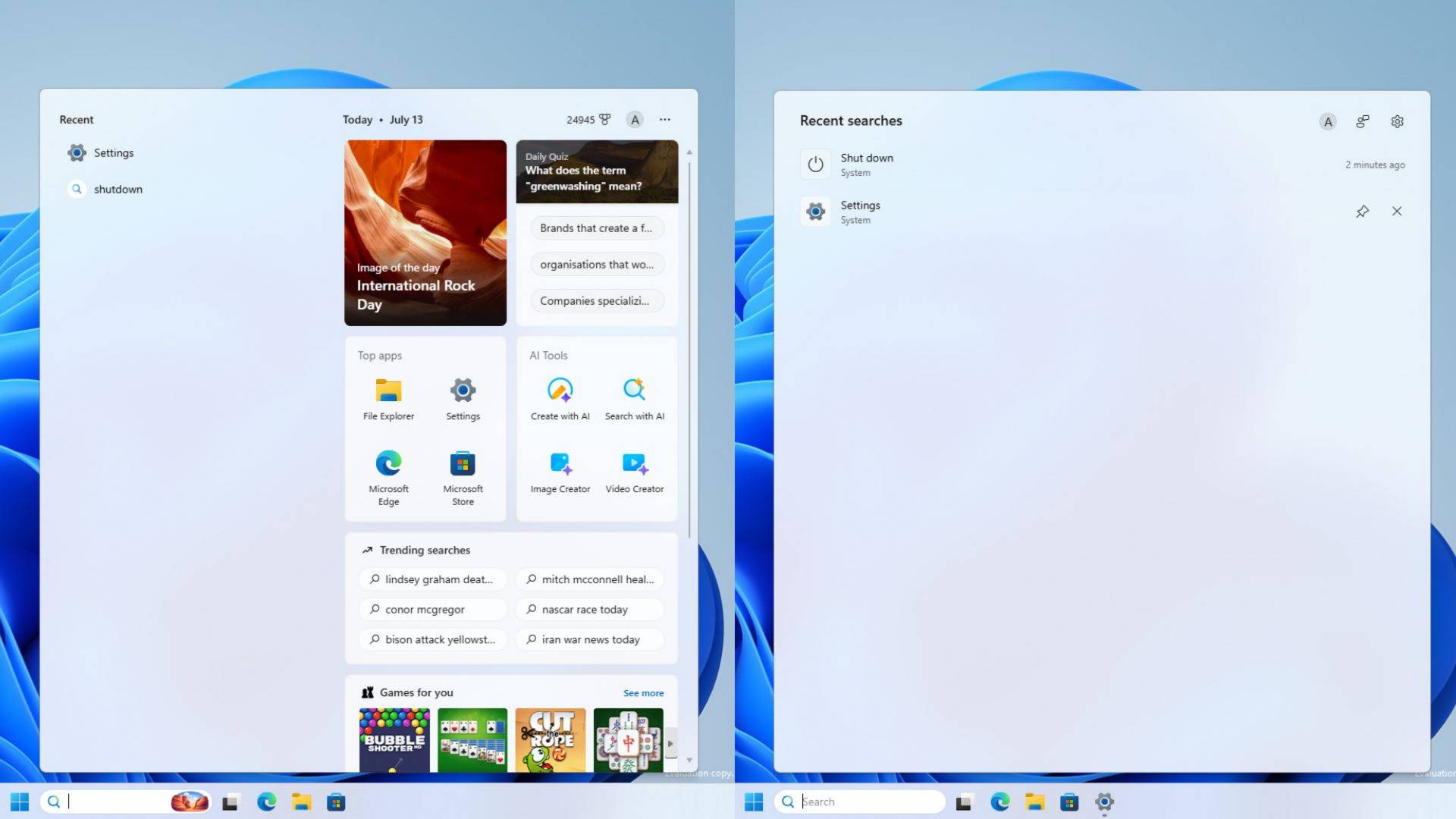
July update aside, Windows Latest also points out that Microsoft is working on decluttering Windows Search, as well as removing the controversial sponsored shopping cards, MSN tiles, and trending searches. All of this adds to Microsoft’s earlier attempts at making Windows 11 faster, showing a shift in the right direction.