

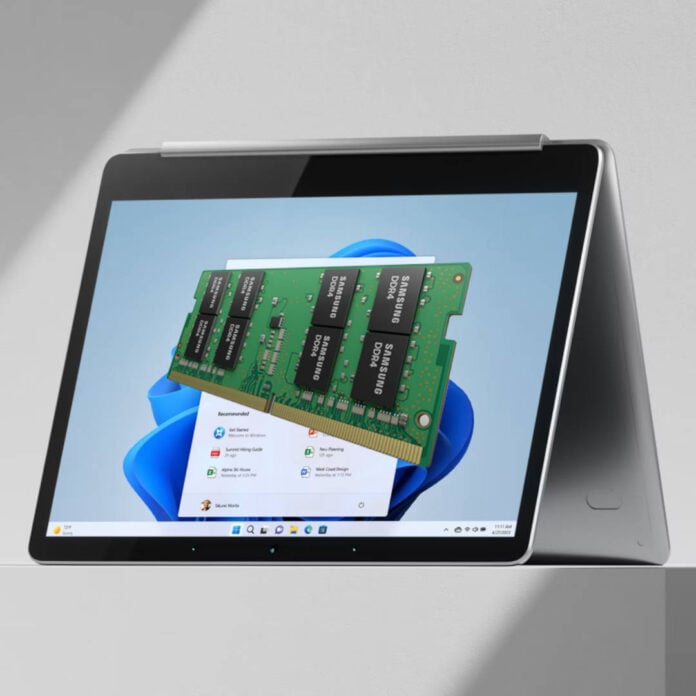
Microsoft claims it’s reduced the amount of memory gobbled by Windows 11 apps by up to 900MB, giving 8GB devices more headroom to run the OS smoothly. The company says these optimisations concern apps and background services, including Microsoft 365, OneDrive, and Defender.
Back in July, Microsoft listed memory optimisation as a focus area in its efforts to make Windows 11 faster and more efficient. The plan consisted of making better use of available system RAM, reducing key app memory requirements, and delivering smoother, snappier interactions.
It looks as though it’s paying off, as the company now claims to have reduced committed-memory growth by up to 900MB. This means the implicated apps and background tasks will reserve less RAM over time, thus reducing reliance on slower page files.
Microsoft says that a significant portion of these savings comes from its365 apps, thanks in part to more efficient ways of organising and allocating memory that reduce the overhead required to manage it. Microsoft indicates that Word, PowerPoint, Excel, and Outlook accounted for 360MB of the reclaimed memory, with another 500MB coming from Defender, Purview, and OneDrive optimisations.
The company also says that Widgets now only loads when you open it, reducing memory commitment by another 200MB or so while it’s closed. At the same time, Edge’s inactive tabs now go to sleep sooner, after 15 minutes by default, instead of two hours previously.
Most notably, these changes do not appear to come at the cost of user experience, as Microsoft says Windows 11 is now up to 20% more responsive, while claiming that multi-tasking is now up to 40% faster. While these figures are to be taken with caution, any improvement is welcome, especially when memory prices are sky high.
“Memory prices have gone up through the roof,” explained Ian LeGrow during Microsoft’s Ignite 2026 presentation, “so having more memory in devices materially impacts the cost of those devices.” LeGrow added that Microsoft had “spent a lot of work over the last several months since last January improving memory across a spectrum of devices, with a special focus on 16GB and 8GB devices.”
To take advantage of these gains, you will need to update your Windows 11 system to 26H2 build 26300.9818 or later, all while bringing Edge, Microsoft 365, and Teams up to date. Still, the best option, if you don’t mind tinkering a bit with your machine, is to start afresh with a debloated Windows 11 installation.