

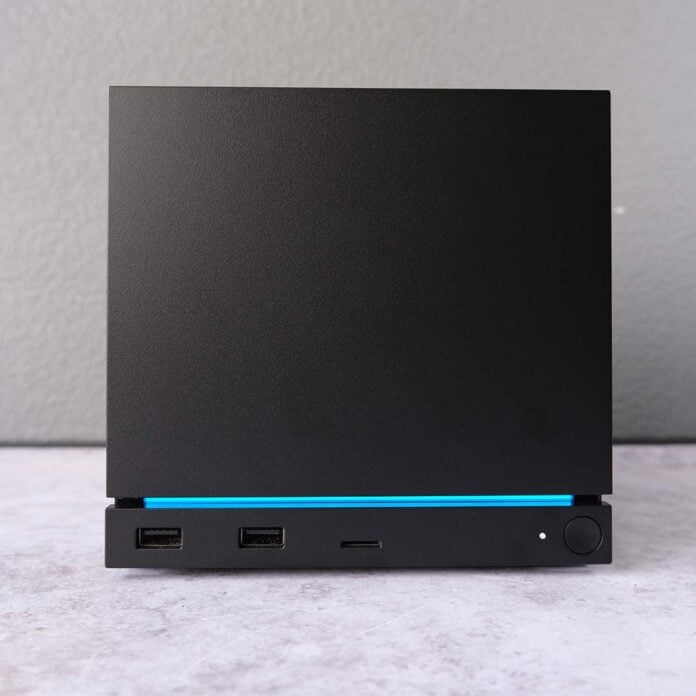
You don’t have to worry about losing performance on your Steam Machine while running Windows 11. In fact, you might find yourself with more computing horsepower at your disposal in some cases. That’s according to PC hardware YouTuber ETA Prime, who has installed Microsoft’s operating system on Valve’s hardware and compared test results against the system running SteamOS.
For those out of the loop, Valve released Steam Machine Windows 11 drivers earlier this month. This handful of firmware is all you need to replace SteamOS on the system, as dual-boot support is sadly still in the works (unless you’re willing to run external storage).
With these drivers in hand, ETA Prime provided us with some insight into the performance differences between the two operating systems. Note, however, that the YouTuber has upgraded their Steam Machine’s RAM to 64GB of 5,600MT/s DDR5 memory running in dual-channel mode.
While this memory capacity and speed was present across both Windows 11 and SteamOS in testing, the results below aren’t reflective of stock hardware. As we know, running the Steam Machine with dual-channel RAM can have a large effect on performance in some cases, but typically produces a small boost.
| SteamOS | Windows 11 | Change | |
|---|---|---|---|
| Shadow of the Tomb Raider (Very High) | FHD: 118fps QHD: 86fps 4K: 44fps | FHD: 120fps QHD: 84fps 4K: 46fps | FHD: +2% QHD: -2% 4K: +5% |
| Cyberpunk 2077 (Ultra) | FHD: 74fps QHD: 45fps 4K: 18fps | FHD: 68fps QHD: 43fps 4K: 20fps | FHD: -8% QHD: -4% 4K: +11% |
| Horizon Zero Dawn Remastered (Very High) | FHD: 58fps QHD: 48fps 4K: 26fps | FHD: 59fps QHD: 47fps 4K: 28fps | FHD: +2% QHD: +2% 4K: +8% |
Beginning with gaming results, ETA Prime captured frame rates across FHD, QHD, and 4K without FSR, using the stock benchmarks in three games. In doing so, the YouTuber highlights that performance between SteamOS and Windows 11 is broadly comparable, with just 6fps separating the two operating systems at most in Cyberpunk 2077.
While Windows 11 enjoys seemingly large advantages over SteamOS at 4K, in the region of 5-11%, we’re only talking about 2fps in real terms. As much as I typically don’t recommend using ray tracing on the Steam Machine, these wholly rasterised results above do make me wonder if switching on the feature would produce a larger gap.
| SteamOS | Windows 11 | Change | |
|---|---|---|---|
| Geekbench 6 single-core | 2,424 | 2,503 | +3% |
| Geekbench 6 multi-core | 7,986 | 9,750 | +22% |
Switching to desktop mode and running Geekbench 6 highlights the largest performance delta thus far. While the operating systems offer similar single-core performance, Windows 11 enjoys a 22% lead over SteamOS when switching to multi-core (9,750 vs. 7,986).
ETA Prime posits that the reason for this difference stems from SteamOS’ hardware handling in desktop mode, suggesting the operating system typically doesn’t push hardware into its highest performance mode. Whatever the case may be, there’s clear room for Valve to improve multi-core performance on the Steam Machine outside of games.
Digesting the numbers above, I’m in agreement with ETA Prime that installing Windows 11 on the Steam Machine isn’t particularly worthwhile. The only exception to that assessment would be if you’re in need of software that remains incompatible with SteamOS, or a game with problematic anti-cheat, such as League of Legends.
For our deeper thoughts on Valve’s hardware offerings, check out our Steam Machine review. I recommend reading our Steam Controller review too for the big picture (pun intended).
