
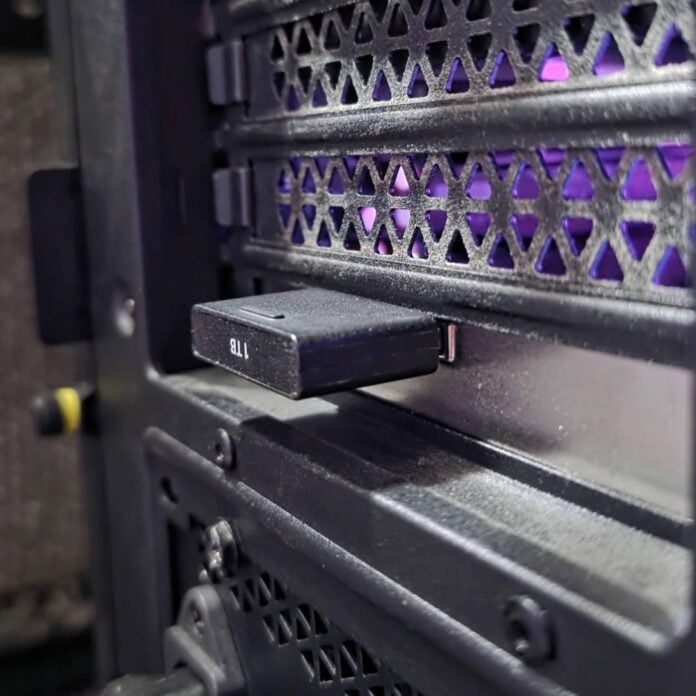
A Reddit user has shared a cheap way to increase your PC storage if you have an Xbox Series Expansion Card lying around. With the help of a $16 PCIe adapter, you can connect unused cards to expand your PC’s storage, though speed may not be as high as M.2 NVMe SSDs.
The Redditor said that after cancelling their Game Pass subscription due to price hikes, they were left with an unused 1TB Xbox Expansion Card. In order not to waste such an expensive piece of hardware, Dramatic-Shape5574 decided to buy a $16 Sintech Low Profile PCI-e 4X CFexpress Memory Card Reader from Amazon to see if it could detect the Xbox storage card. Turns out, it worked just fine, offering 920GB of extra SSD storage at speeds reaching up to 1,117MB/s read and a whopping 1,570MB/s write.
While this is far lower than most M.2 SSDs, it’s about twice as fast as a SATA SSD, and most importantly, it’s fast enough to run games and apps directly. Furthermore, this speed is actually surprising, considering that reviews of such cards report just up to 738MB/s read and a lowly 308MB/s write.
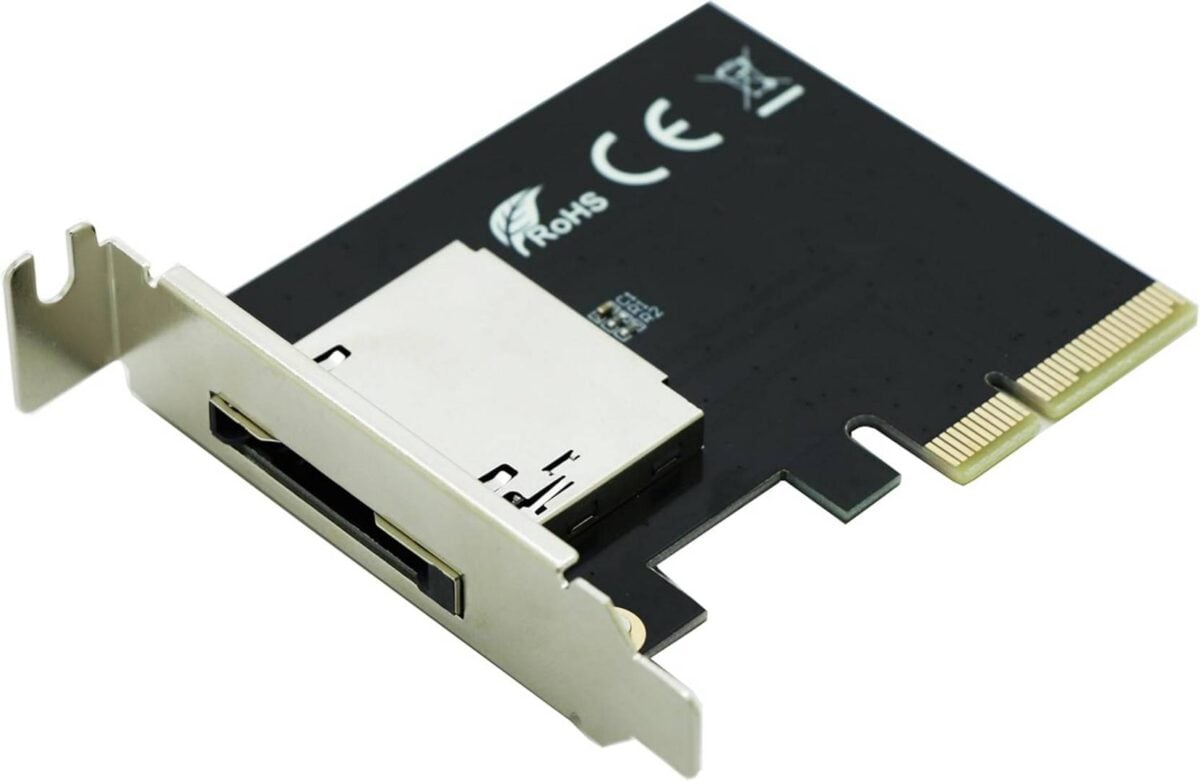
Speed aside, you may wonder how this is possible. Isn’t the Xbox Expansion Card a proprietary design, you may ask? Well, yes and no. The Xbox Series expansion cards do include a proprietary firmware that allows them to work with Xbox consoles, but the CFexpress Type B form factor is used by other devices like professional cameras. And since Windows doesn’t require specific compatibility code, it can detect and operate the Xbox card using this cheap adapter. Note, however, that you will need to format the card before use, which may break its compatibility with Xbox.
Also note that there are external versions of this adapter if you want something to connect to a laptop, using USB3.2 10Gb/s. This should be fast enough to take advantage of the Xbox Expansion Card.
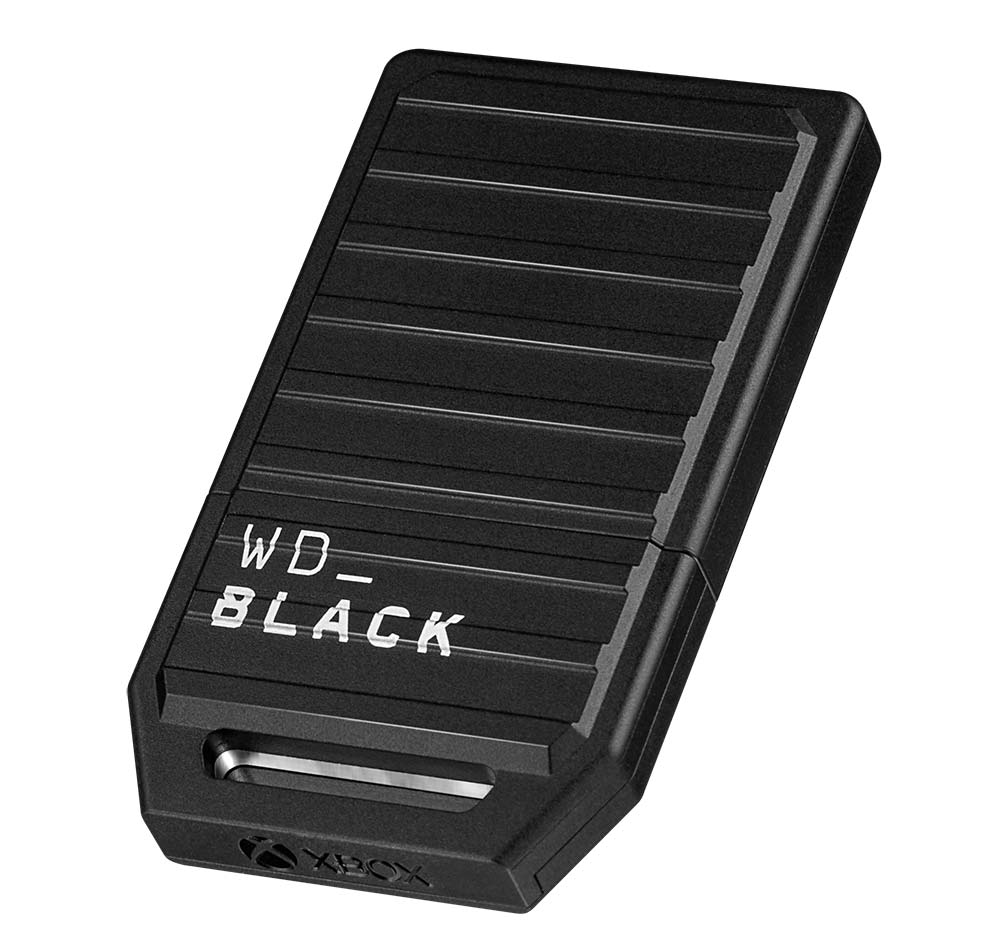
Understandably, all the above only applies if you have an Xbox storage card lying around. Buying one just for this would be counterproductive; these cards cost far more than regular M.2 SSDs, which are faster to top it all. For reference, an Xbox Expansion Card sets you back $99.99 for 512GB, $149.99 for 1TB, and $249.99 for 2TB. And I am talking about the cheaper ones from the WD_Black C50 series – those sold by Microsoft demand $50 extra, though they offer up to 4TB of capacity for $549.99.
Considering that this adapter can also be used to read other CFexpress cards, it won’t be rendered useless the moment you sell your storage card. What is sure is that this is a clever way to take advantage of available hardware without breaking the bank.