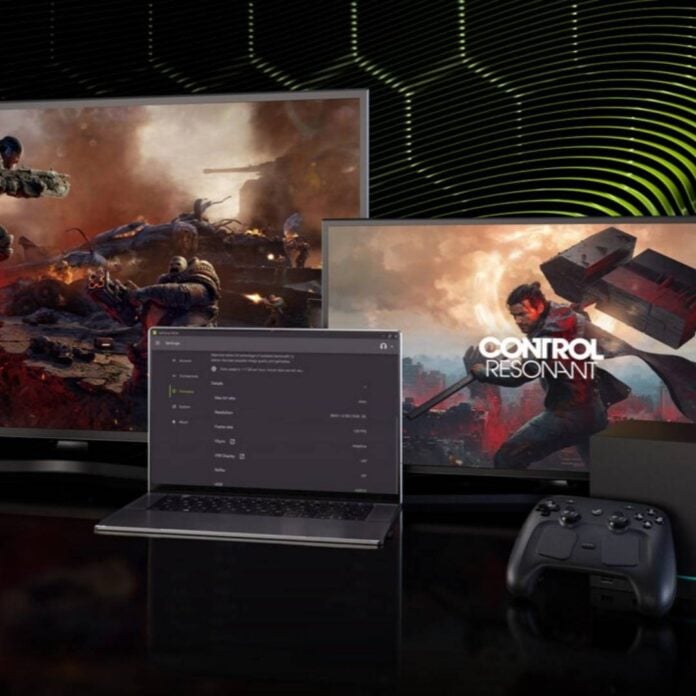
Nvidia has added DLSS 4.5 override controls to all GeForce Now users, with more options available to paid members. These offer more granular adjustments to image quality and performance than before, including ray reconstruction and multi frame generation up to 4x.
As with a local RTX machine, these new controls allow you to select your preferred DLSS algorithm on GeForce Now, be it for Super Resolution (upscaling), ray reconstruction, or frame generation. As before, ray reconstruction and frame gen remain exclusive to Nvidia’s Performance and Ultimate (RTX 4080 and RTX 5080) paid members, with the Ultimate tier getting multi frame generation on top. Those paying for the highest RTX 5080 tier also get access to 4x dynamic multi frame generation, allowing them to target a frame rate.
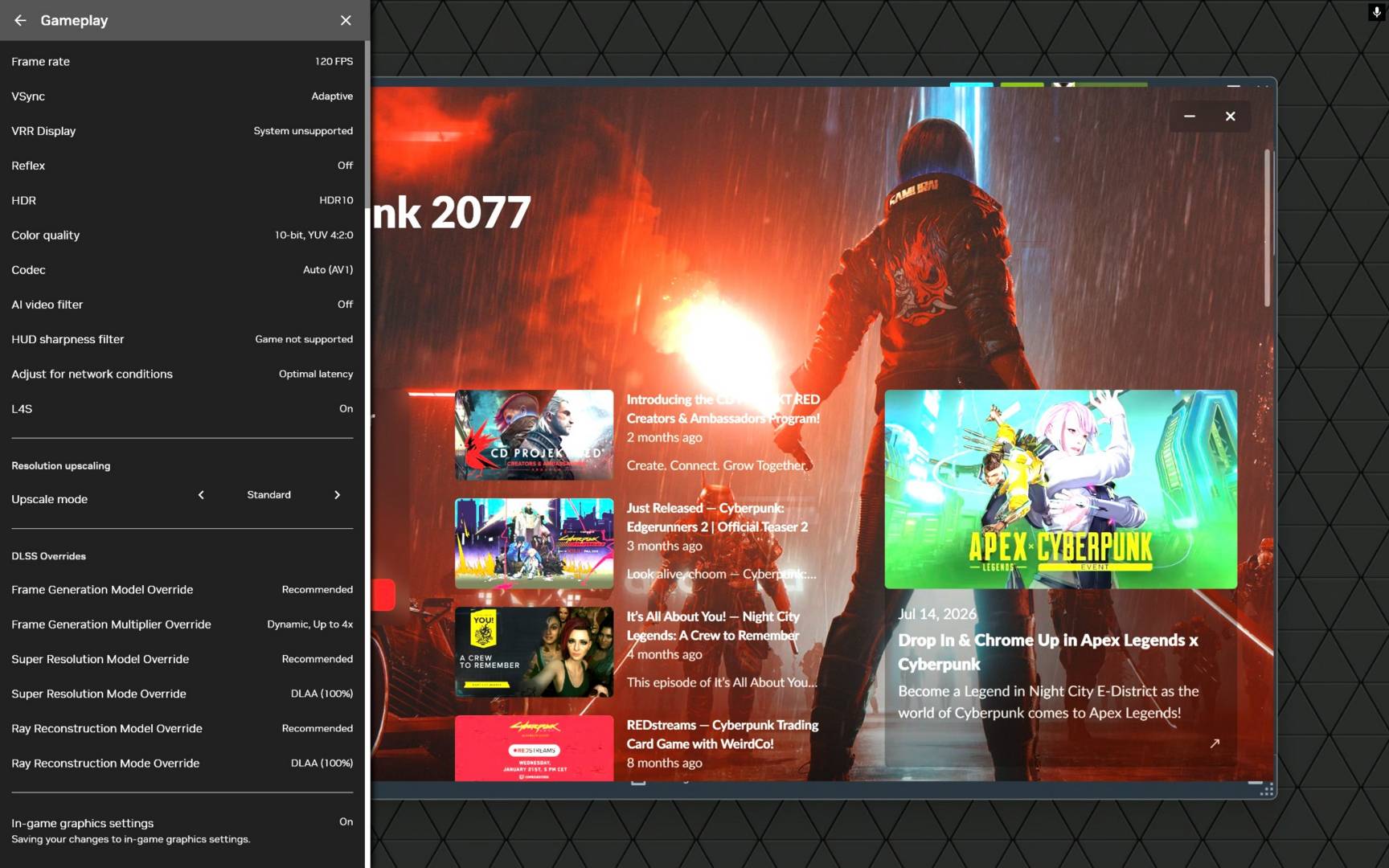
Note, however, that no GeForce Now tier supports 5x and 6x dynamic multi frame generation, as Nvidia says its internal testing showed no benefit to streaming players. Keep in mind that DLSS override status will only show as active during gameplay, and will be indicated as Off in game menus, cutscenes, and parts of games that aren’t using DLSS.
Furthermore, frame generation can show as inactive if GeForce Now decides the current framerate is high enough. As for DLSS Super Resolution and ray reconstruction presets, you won’t be able to activate overrides for both these features at the same time.
Among the games supporting DLSS override features, we have 007 First Light – with path tracing support, Control Resonant, and Resident Evil Requiem.
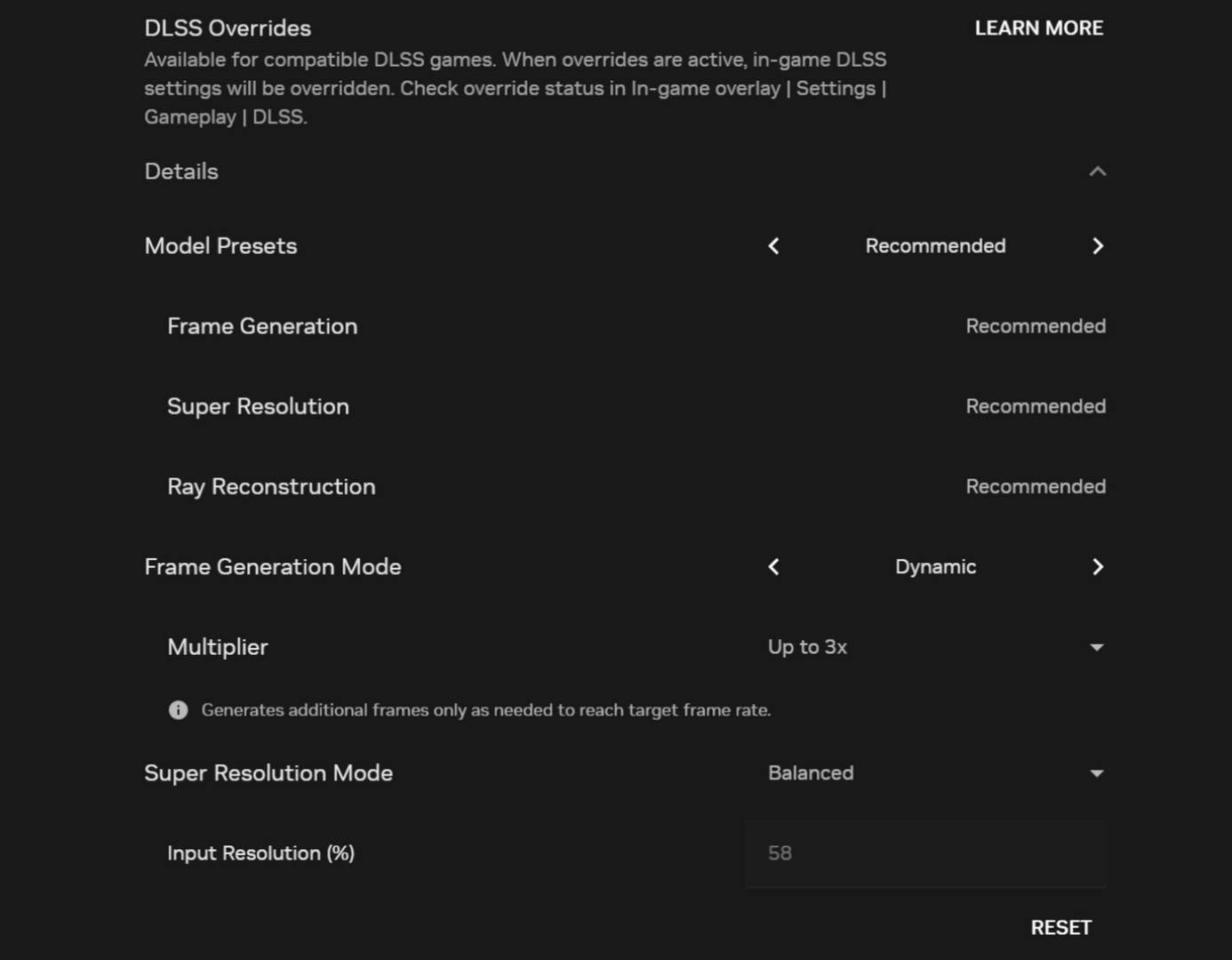
For the smoothest cloud gaming experience with DLSS 4.5 override controls, Nvidia recommends the following:
- Use a GPU that supports Nvidia G-Sync or VRR alongside a G-Sync or VRR monitor.
- In the GeForce Now settings, create a Custom Streaming mode and enable these specific settings: Frame Rate: 90fps or higher; VSync: Adaptive; Reflex: On.
- VRR Display: On.
- Select a game that supports Reflex by filtering for the Reflex feature, and a game that supports DLSS frame generation.
If you’d prefer to game locally on your machine, rather than using GeForce Now, check out our full guide to buying the best GPU for your needs.