
Many owners of gaming PC have become accustomed to refreshing or outright swapping their rigs for new ones every three or four years, generally upgrading every other hardware generation to take advantage of larger performance uplifts. However, since AI and its insatiable thirst for memory became a thing, every component using DRAM, whether it’s a RAM stick or a graphics card, saw its price reach the moon, and the same goes for storage.
As a result, building a new computer, especially for gaming using current-gen hardware, has become extremely onerous. In fact, a high-end graphics card alone now costs more than a full high-end system from a year ago.
But do not despair; there are still some affordable parts that can make a huge difference to your experience. Even something as simple as a mouse pad upgrade can make your gaming sessions more pleasant, and a new monitor can make a huge difference to visuals. In this article, I’ll guide you through the best upgrades you can make in these tumultuous times.
Upgrade the CPU while keeping your RAM
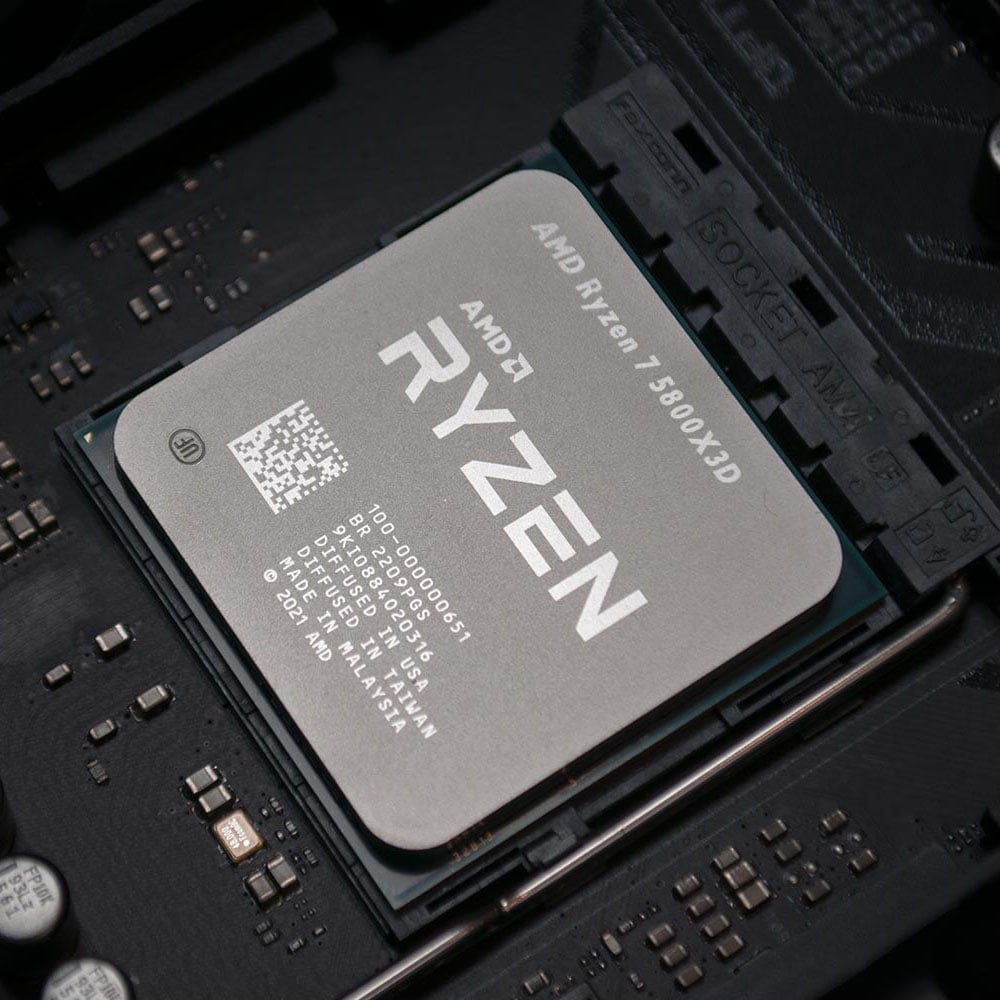
You don’t need a full system upgrade rebuild to enjoy better performance, be it in games or day-to-day tasks. You can start by upgrading the CPU, especially if you have an old one in a system that uses DDR4 memory. For example, if you’re still rocking a Ryzen 1000 or 2000 series chip, you can easily swap it for any variant of the 6-core Ryzen 5 5600 for around $159 / £120 or an 8-core Ryzen 7 5800XT for around $229 / £195.
With six and eight Zen 3 cores, respectively, these CPUs will help you extract much more performance than a first-gen Zen or Zen+ chip. Better yet, the newly rereleased Ryzen 7 5800X3D is as good as it gets on AM4 motherboards, if you can afford it. Despite its comparative lack of clock speed, the 5800X3D’s huge 64MB slab of extra cache does a fine job of bolstering frame rates in games, and without needing high-speed memory to do it.
Owners of Intel LGA1700 motherboards also have some options here, as 14th-gen Raptor lake chips support both DDR4 and DDR5 RAM. If you already own a 12th-gen Intel system, then your board will also happily support one of these chips with a BIOS upgrade. The 14-core Core i5-14600K is a great all-purpose option for both gaming and multi-threaded work, and the 20-core 14700K is even better.
If you have a solid stash of DDR4 memory, but can’t afford the currently prohibitive prices for DDR5, then check out our guide to buying the best DDR4 CPU for more detail here.
Going second-hand to save on cost is also an option here, as CPUs tend to remain quite reliable even after years of use by the original owner. However, I would take this route only if the price is very attractive and the sale platform offers good buyer protection, just in case.
Upgrade your cooling
Cooling is one area that hasn’t seen huge price rises, and upgrading it can make a big difference to your PC’s performance and noise levels. Modern hardware, including your CPU and GPU, boost higher when cooled properly, and more cooling headroom enables you to overclock them as well. An overheating chip not only reduces its speed to stay within safe parameters, but it also consumes more power due to current leakage.
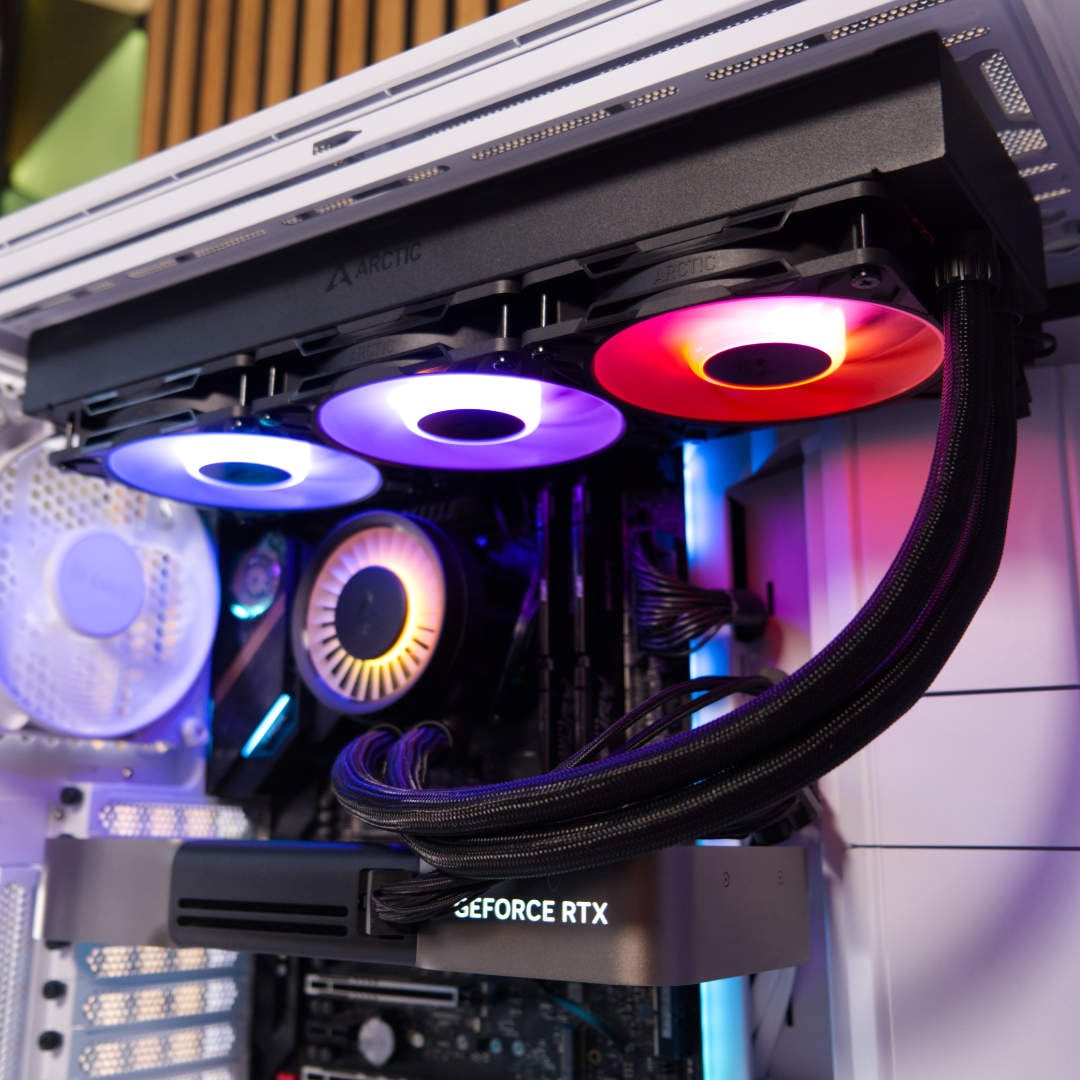
If you have enough room in your case, a 360mm AIO cooler makes for a great upgrade if you don’t have one already. All that extra room in the radiator, plus three fans, shifts an enormous amount of heat from your CPU quietly and efficiently. You can even pick up a budget model such as the Gamdias Aura GL360 V2 360mm RGB for just $44.99 / £49.99, and even a fantastic cooler such as the Arctic Freezer III Liquid Pro 360 costs only $76.99 / £74.99, or even less for the non-RGB version.
Even a decent budget air cooler is all you need to maintain comfortable temperatures on a decent 6-core CPU, while keeping the noise down. For example, the Arctic Freezer 36-S costs just £17.89 / $18.89, and will happily cool a Ryzen 5 9600X quietly and efficiently. Moving up a notch, the I’ve been using a Thermalright Peerless Assassin 120 SE to cool my Ryzen 7 7800X3D, and it does the job fine for just £29.
Another really easy way to improve your PC’s cooling is to replace your case fans, or add more of them. A set of Arctic Bionix spinners, for example, makes for a clean modular system that’s cool and quiet, with a very wallet-friendly price.
It’s also well worth taking a look at our guide on how to clean your PC here – clearing all the dust out of your filters and graphics card can have a big impact on your PC’s temperatures and performance. For more detail on upgrading your processor’s thermal setup, check out our full guide to buying the best CPU cooler for your needs.
Upgrade your monitor
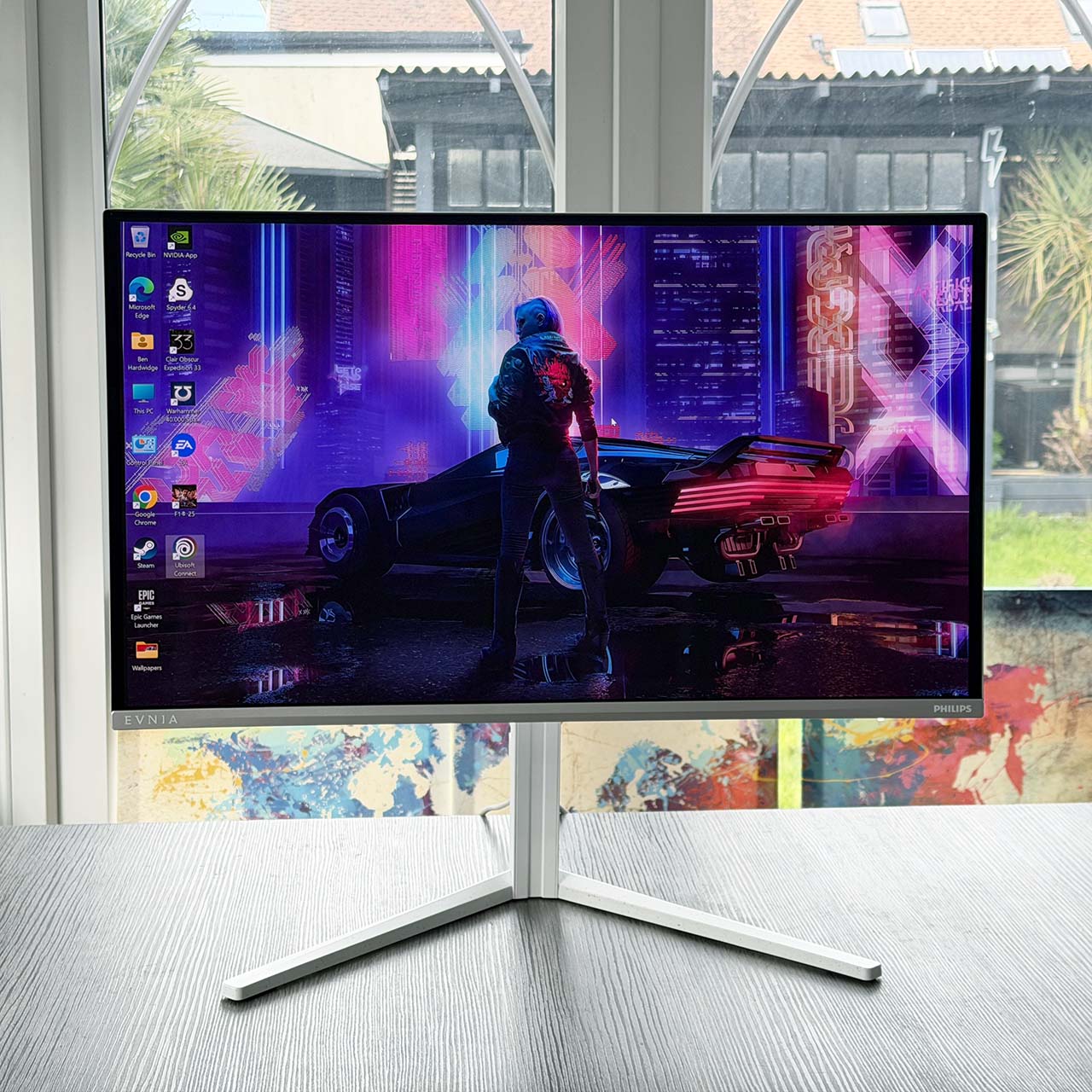
Monitor prices are travelling in the opposite direction from RAM and SSDs, becoming cheaper with each passing week, and we love to see it. Even a screen with a fast IPS panel and 240Hz refresh rate can be had for a very low price. A decent MSI MAG 245F X24 offering a 240Hz refresh rate and 1080p resolution is a great starting point, for example, costing just £108 in the UK. You only have to pay an extra £36 to pick up a Philips Evnia 27M2N3501PA, which upgrades you to a 27in panel with a 2560×1440 resolution.
If you have a bit more money to spend, making the jump to a QD-OLED screen is the holy grail here. With near-instant response times, high contrast, and deep blacks, they represent a whole new level, particular when it comes to gaming. Until recently, these monitors demanded a huge premium, but you can now pick up an AOC AGON Pro AG276QZD2AM QD-OLED screen for just £299, giving you a 2560×1440 resolution, 240Hz refresh rate, and amazing image quality.
While monitors can’t magically boost the performance of your PC, the high refresh rates on the latest models can make a world of difference to gaming, with motion looking smooth, while retaining a sharp image. You may need to lower some of your game graphics settings or enable frame generation to hit these frame rates, but it’s often worth sacrificing some visual fidelity for that extra smoothness, especially in competitive games.
If you’re still holding onto a 60Hz or 75Hz monitor, upgrading to anything above 120Hz will be a revelation, and not just in games – you even notice it when dragging windows around your desktop. Once you get a taste of a high refresh rate, you won’t go back to slow monitors, even if they have much higher resolutions.
Upgrade your peripherals
Peripherals are often the last though on a PC builder’s specs list, yet they’re the main point of interaction with your PC. Opting for a good-quality mouse, keyboard, and headset, will improve your experience when it comes to gaming, typing, and interacting with your PC in general. The thing with peripherals is that you only notice them when they become a problem, be it drifting controller sticks or double-clicking keyboard keys, but they act as an extension of you when using your computer.
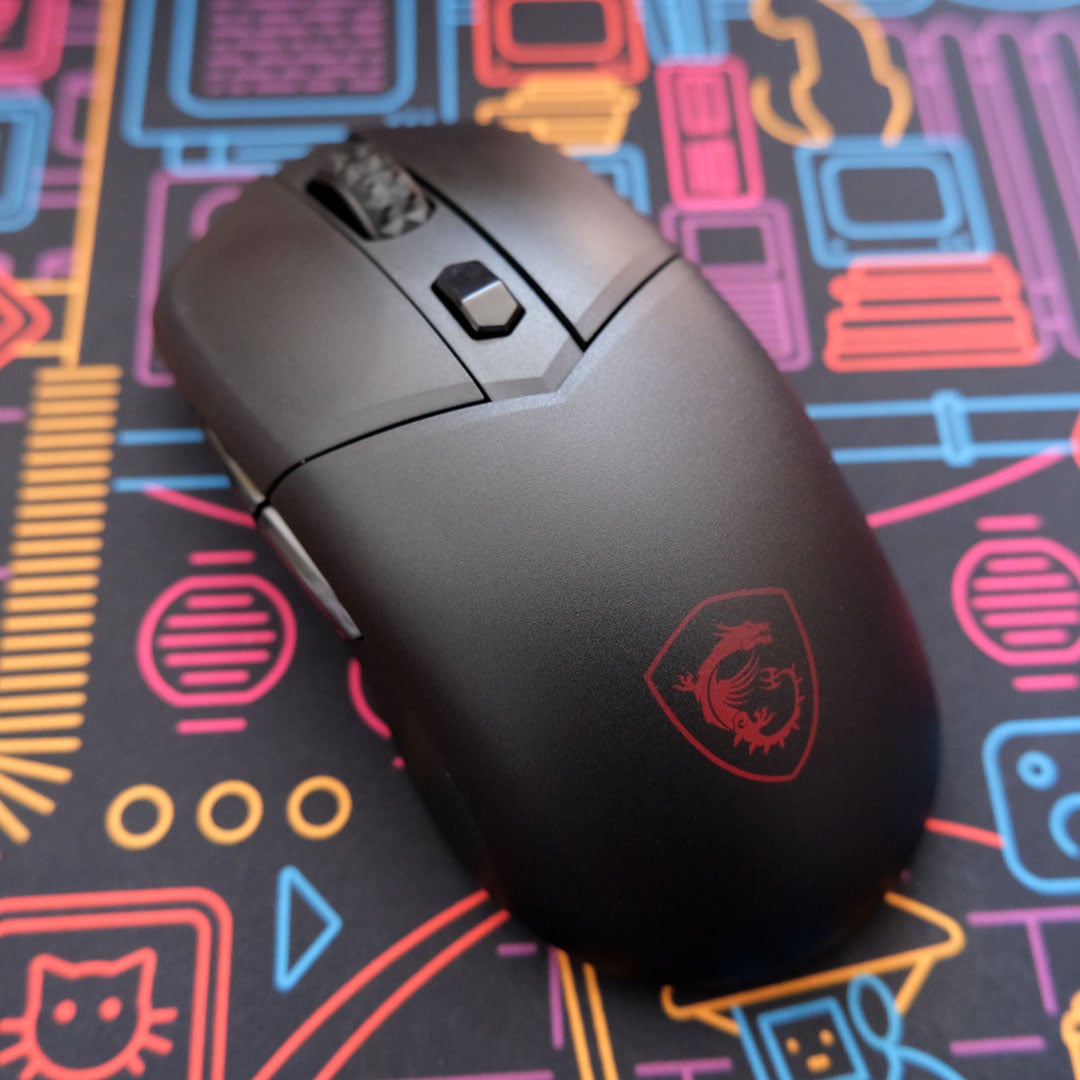
You don’t have to pay a silly price for them either. You can grab a highly capable wireless mouse such as the Logitech G305 Lightspeed for just $29.99 / £27.99, for example, or a wired Razer DeathAdder Essential for $19.99 / £18. One of our favourite affordable picks if you want to cut the cord is the pictured MSI Versa 300 Wireless 8K, which costs just $59.99 / £59.99.
The same goes for keyboards. A mechanical Cooler Master CK720 keyboard with a 65% layout costs just £39.95, for example, and you can even pick up a Hall Effect option for £42. If you want a full set of keys, you can also get a Logitech G G413 SE for only £59.99.
A good headset is also a solid upgrade here, but remember that preferences are often personal, particularly when it comes to your head shape, so I recommend trying them on in a store if possible before purchasing. As a rule of thumb, I find that it’s best to set a minimum baseline of £50 for a new wireless headset – the HyperX Cloud III is a great example at £64 if you can afford it.
Upgrade your PC case
Like monitors, PC cases have become cheaper while gaining new features, such as support for back-side power motherboards and vertical GPU mounting. While you’re unlikely to get every desired feature on entry-level models, you can get a great new chassis for a very affordable price.
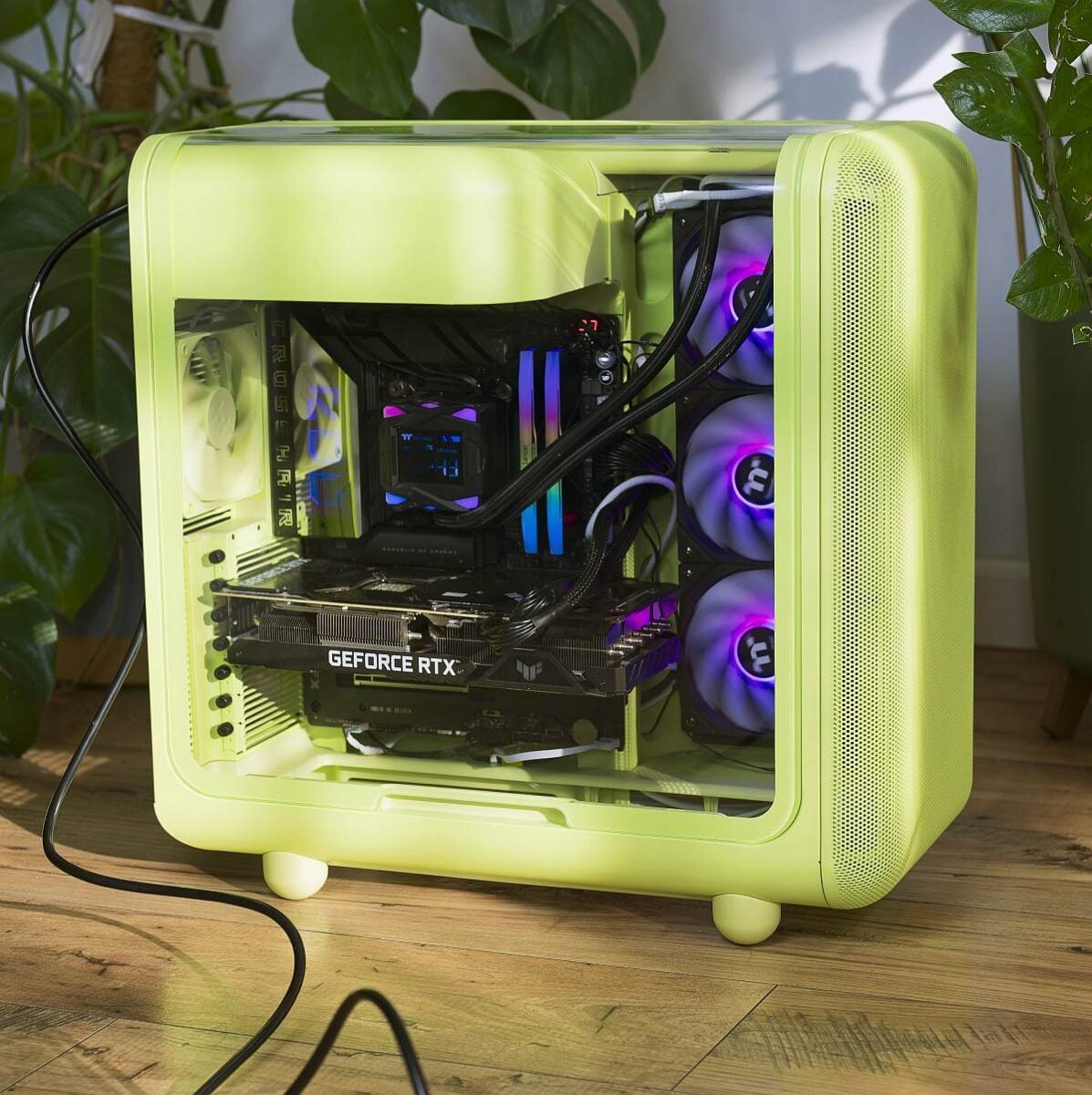
For just £48, for example, you can start finding interesting cases like the Antec Flux Wood White. If you want a unique, eye-catching case, look no further than the Hyte X50. At $130 / £99, this vividly coloured case lineup goes to war against square corners while maintaining great build quality and tool-less panel removal. If you can spare a bit more, the Fractal Design Epoch XL at £130 brings support for back-side power connector motherboards, such as like Asus BTF and MSI Project Zero designs, as well as a vertical GPU mount if you use an add-on bracket/riser cable.
There are many reasons to consider a case upgrade, even if it’s a bit of a faff rehousing your PC. One is, of course, that you can make your machine look better. You can also get access to new features, such as front-mounted USB-C ports – your hardware will thank you if your new chassis features dust filters as well.
A well-built, well-ventilated case can also enable you to install a larger CPU cooler, or more fans to boost the cooling potential of your machine. Meanwhile, the latest fishtank-style designs with multiple glass panels can provide a great view of your hardware.
That brings us to the end of our guide to affordable PC hardware upgrades. We can’t magically make graphics cards and memory more affordable, but we hope we’ve given you some food for thought when it comes to improving your setup without spending silly money.